 United States
Fortinet FortiAnalyzer VM Solutions
Enhance your network’s security resilience with industry-leading FortiAnalyzer Virtual Machines. Leverage real-time analytics, comprehensive log management, and seamless scalability to achieve unmatched compliance and operational efficiency.
Talk to an expert
7 Matching results
- BEST SELLING
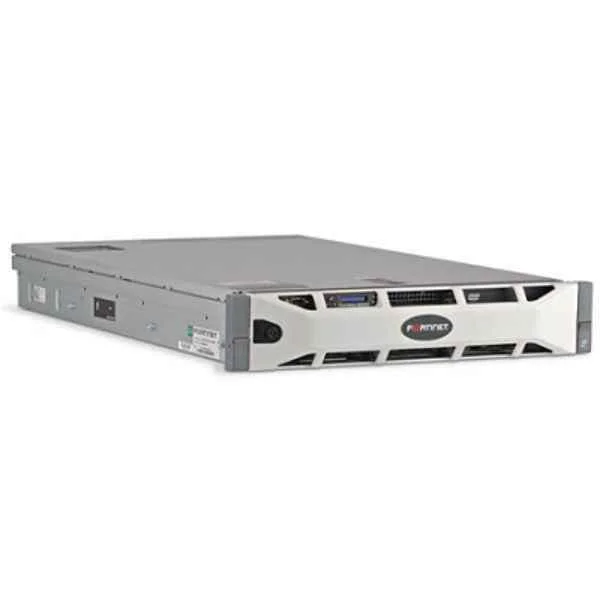
FAZ-VM-GB1 (UPG LICS FOR 1GB/DAY OF LOGS)
4.6 (5)Est Value $935.37
$738.22
21.1% offIn stockNewRefurbishedFirst-Time Buyer Discount – Get up to 2% additional off on your first order
ORM Rewards Earn $50 in Rewards + Free Expedited Delivery – Join Now!
Use eCoupon ORMSAVE10
eCoupon limited to 5 units
- BEST SELLING
FAZ-VM-GB5 (UPG LICS FOR 5GB/DAY OF LOGS)
4.8 (5)Est Value $2,806.11$2,641.95
5.9% offIn stockNewRefurbishedFirst-Time Buyer Discount – Get up to 2% additional off on your first order
ORM Rewards Earn $50 in Rewards + Free Expedited Delivery – Join Now!
Use eCoupon ORMSAVE10
eCoupon limited to 5 units
- BEST SELLING
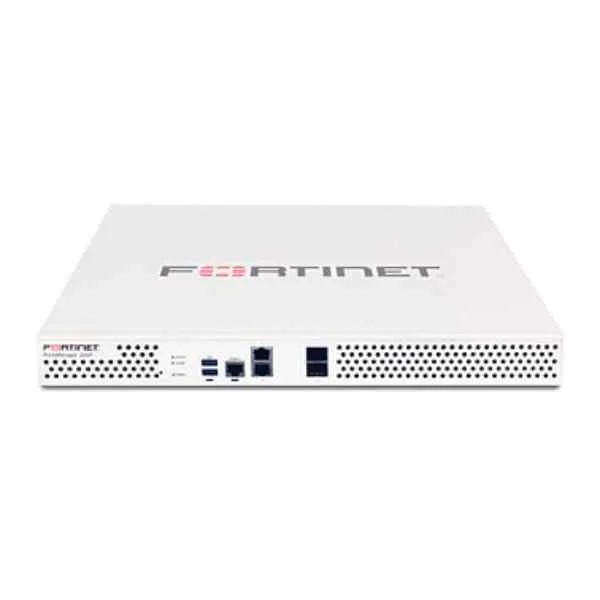
FAZ-VM-GB25 (UPG LICS FOR 25GB/DAY OF LOGS)
4.6 (5)Est Value $10,133.18$6,703.11
33.8% offIn stockNewFirst-Time Buyer Discount – Get up to 2% additional off on your first order
ORM Rewards Earn $50 in Rewards + Free Expedited Delivery – Join Now!
Use eCoupon ORMSAVE10
eCoupon limited to 5 units
- BEST SELLING
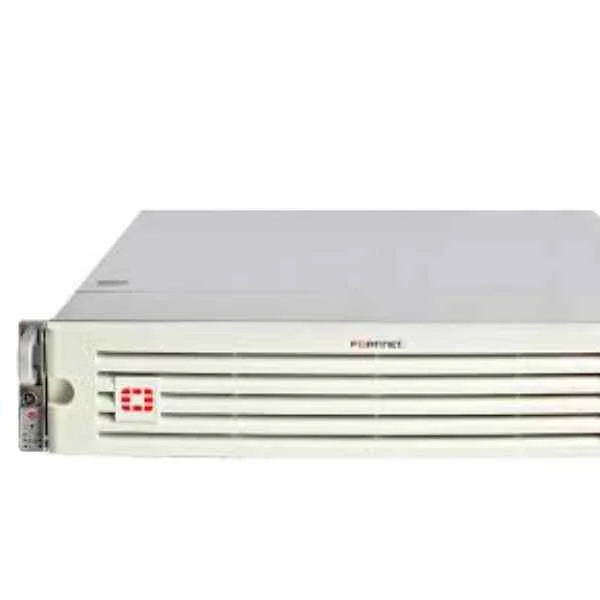
FAZ-VM-GB500 (UPG LICS FOR 500GB/DAY OF LOGS)
4.4 (5)Est Value $38,973.77$25,371.93
34.9% offIn stockNewFirst-Time Buyer Discount – Get up to 2% additional off on your first order
ORM Rewards Earn $50 in Rewards + Free Expedited Delivery – Join Now!
Use eCoupon ORMSAVE10
eCoupon limited to 5 units
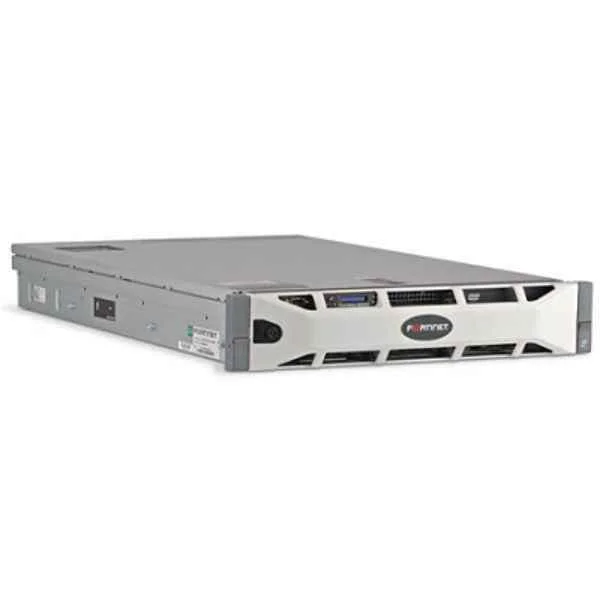
FAZ-VM-BASE (Base license for stackable FortiAnalyzer-VM; 1 GB/Day of Logs and 200 GB storage capacity. Unlimited GB/Day when used in collector mode only. Designed for AWS, VMware vSphere, Xen, KVM and Hyper-V platforms.)
4.2 (5)Est Value $3,013.50$1,506.75
50% offIn stockRefurbishedFirst-Time Buyer Discount – Get up to 2% additional off on your first order
ORM Rewards Earn $50 in Rewards + Free Expedited Delivery – Join Now!
Use eCoupon ORMSAVE10
eCoupon limited to 5 units
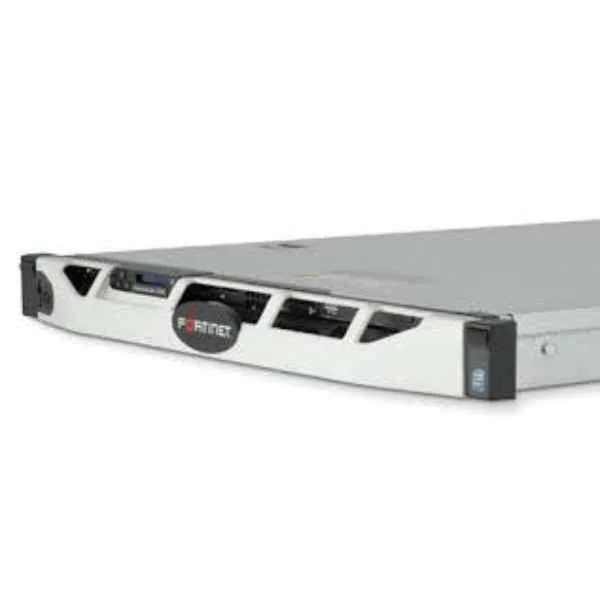
FAZ-VM-GB100 (UPG LICS FOR 100GB/DAY OF LOGS)
4.6 (5)Est Value $27,403.65$25,435.89
7.2% offIn stockNewRefurbishedFirst-Time Buyer Discount – Get up to 2% additional off on your first order
ORM Rewards Earn $50 in Rewards + Free Expedited Delivery – Join Now!
Use eCoupon ORMSAVE10
eCoupon limited to 5 units
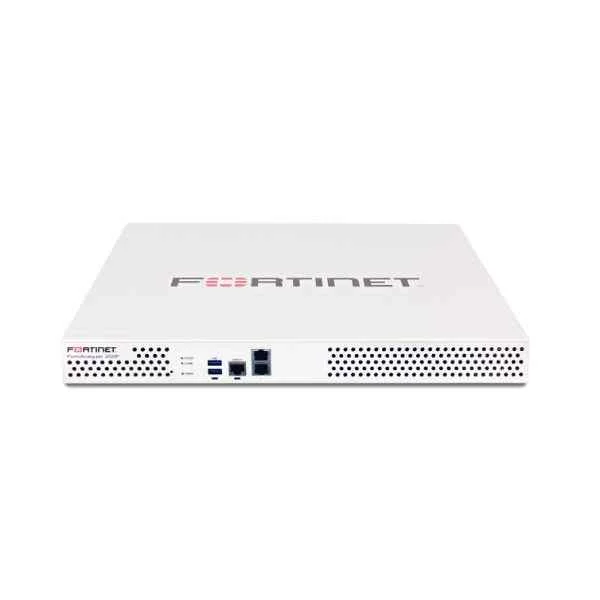
FAZ-VM-GB2000 (UPG LICS FOR 2TB/DAY OF LOGS)
4.2 (5)Est Value $124,716.08$91,193.45
26.9% offIn stockNewRefurbishedFirst-Time Buyer Discount – Get up to 2% additional off on your first order
ORM Rewards Earn $50 in Rewards + Free Expedited Delivery – Join Now!
Use eCoupon ORMSAVE10
eCoupon limited to 5 units

ORM Sales Advisors
Buying for your business? Get a personalised quote in under 2 hours. Talk to an expert
LEARNFilters (7) 
Questions & Answers
What is Fortinet FortiAnalyzer Virtual Machine?
FortiAnalyzer VM is a virtualized security reporting and log management solution that centralizes, analyzes, and correlates logs from Fortinet devices to enhance network visibility and threat detection.
Which hypervisors does FortiAnalyzer VM support?
FortiAnalyzer VM supports VMware ESXi, Microsoft Hyper-V, KVM, and Citrix XenServer, ensuring seamless deployment across most enterprise virtual environments.
How do I size FortiAnalyzer VM for my network?
Select the appropriate FortiAnalyzer VM license tier based on device count, daily log volume, and retention requirements; consult Fortinet’s sizing guide for CPU, memory, and storage recommendations.
Can FortiAnalyzer VM integrate with FortiGate firewalls?
Yes. FortiAnalyzer VM natively integrates with FortiGate devices via secure API, enabling automated log ingestion, policy compliance reporting, and real-time event correlation.
How does FortiAnalyzer VM enhance threat detection?
By aggregating logs from multiple sources and applying built-in analytics, FortiAnalyzer VM identifies anomalies, correlates events, and generates actionable alerts for faster incident response.
What are the licensing options for FortiAnalyzer VM?
FortiAnalyzer VM offers throughput-based and device-based licenses; choose between pay-as-you-grow or perpetual models to align cost with log volume and managed device count.
How is high availability configured in FortiAnalyzer VM?
Deploy FortiAnalyzer VM in active-active or active-passive clusters across your virtual infrastructure with synchronized configurations and real-time data replication for uninterrupted service.
What are the system requirements for FortiAnalyzer VM?
Minimum requirements include 4 vCPUs, 8 GB RAM, and 200 GB disk space; higher tiers require up to 16 vCPUs, 64 GB RAM, and 2 TB storage depending on log retention and throughput.
How do I deploy FortiAnalyzer VM in AWS or Azure?
Launch the FortiAnalyzer VM Marketplace image, configure VPC/subnet, allocate EBS or managed disks, and apply security group rules before completing initial setup through the web UI.
What log retention capabilities does FortiAnalyzer VM offer?
FortiAnalyzer VM supports policy-based retention with tiered storage, allowing you to archive or purge logs automatically based on age, severity, or compliance requirements.
How do I back up and restore FortiAnalyzer VM data?
Use the built-in backup utility to export configurations and logs to FTP, SFTP, or USB; restore via the web interface to recover both settings and historical log data.
Can FortiAnalyzer VM produce custom compliance reports?
Yes. FortiAnalyzer VM includes over 300 predefined templates and a graphical report builder to create customized compliance reports for standards like PCI DSS, GDPR, and HIPAA.
How does FortiAnalyzer VM scale with my growing infrastructure?
FortiAnalyzer VM scales horizontally by adding nodes to a cluster and vertically by allocating more CPU, memory, or storage, ensuring consistent performance as log volume increases.
What security features protect FortiAnalyzer VM?
FortiAnalyzer VM enforces role-based access control, secure communication via TLS, disk encryption, and mandatory two-factor authentication to safeguard sensitive log data.
How can I monitor FortiAnalyzer VM performance?
Use the built-in dashboard and real-time performance widgets to track CPU, memory, disk I/O, and session processing rates, with customizable alerts for threshold breaches.
What support and firmware updates are available for FortiAnalyzer VM?
Fortinet provides 24x7 technical support, regular firmware updates, and threat intelligence feeds to ensure your FortiAnalyzer VM remains secure and up to date.