 United States
NVR Hikvision Acusense Series
Engineered for precision and reliability, Hikvision Acusense Series NVR delivers advanced security management with intelligent image processing and seamless connectivity, ensuring uninterrupted surveillance for critical installations.
Talk to an expert
10 Matching results
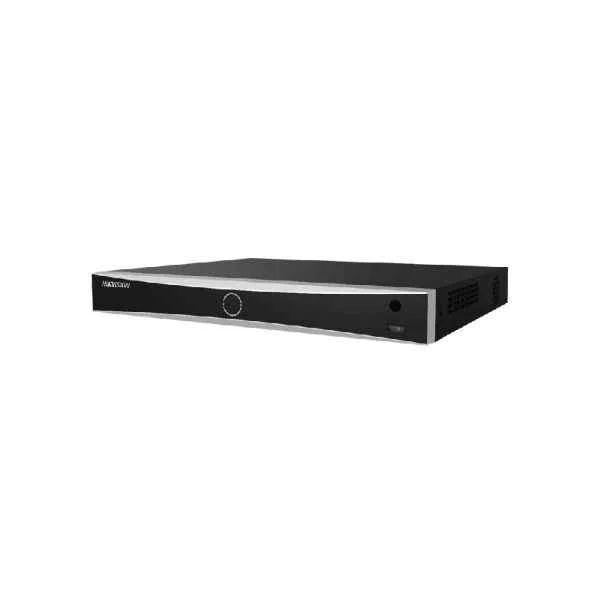
DS-7608NXI-I2/4S (8-ch 1U AcuSense 4K NVR)
4.6 (5)Est Value In stock
First-Time Buyer Discount – Get up to 2% additional off on your first order
ORM Rewards Earn $50 in Rewards + Free Expedited Delivery – Join Now!
Use eCoupon ORMSAVE10
eCoupon limited to 5 units
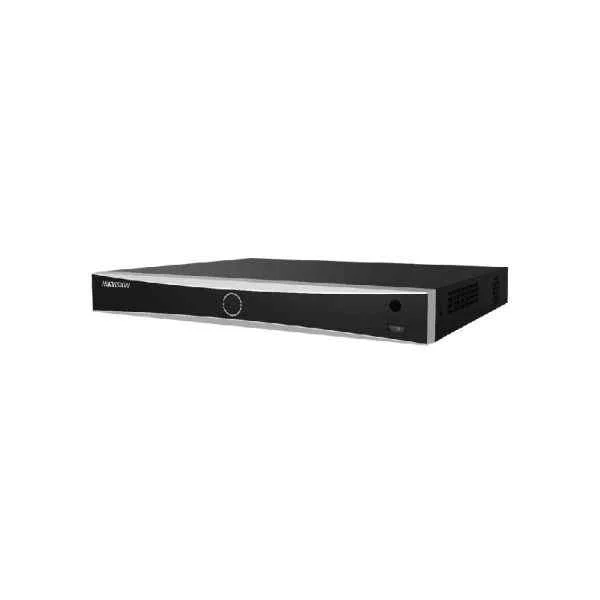
DS-7608NXI-I2/8P/4S (8-ch 1U 8 PoE AcuSense 4K NVR)
5 (5)Est Value In stockFirst-Time Buyer Discount – Get up to 2% additional off on your first order
ORM Rewards Earn $50 in Rewards + Free Expedited Delivery – Join Now!
Use eCoupon ORMSAVE10
eCoupon limited to 5 units
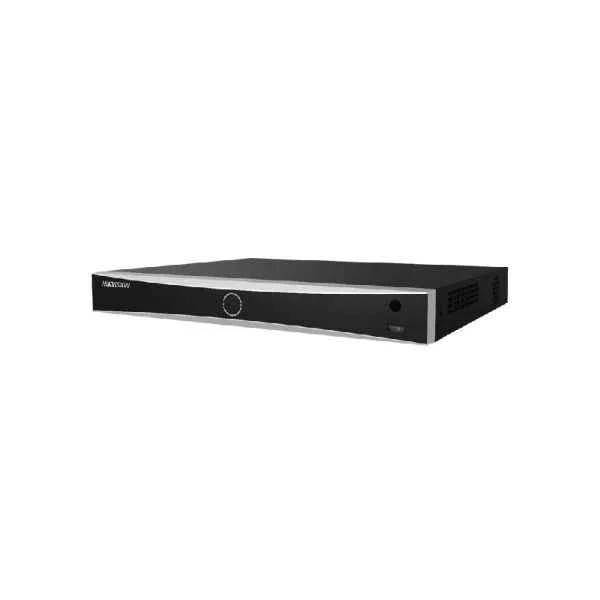
DS-7616NXI-I2/16P/4S (16-ch 1U 16 PoE AcuSense 4K NVR)
4.6 (5)Est Value In stockFirst-Time Buyer Discount – Get up to 2% additional off on your first order
ORM Rewards Earn $50 in Rewards + Free Expedited Delivery – Join Now!
Use eCoupon ORMSAVE10
eCoupon limited to 5 units
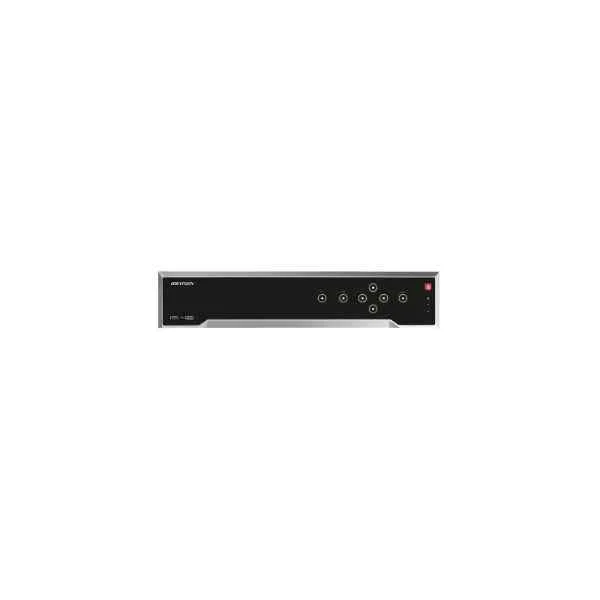
DS-7616NXI-I2/4S (16-ch 1U AcuSense 4K NVR)
4.6 (5)Est Value In stockFirst-Time Buyer Discount – Get up to 2% additional off on your first order
ORM Rewards Earn $50 in Rewards + Free Expedited Delivery – Join Now!
Use eCoupon ORMSAVE10
eCoupon limited to 5 units
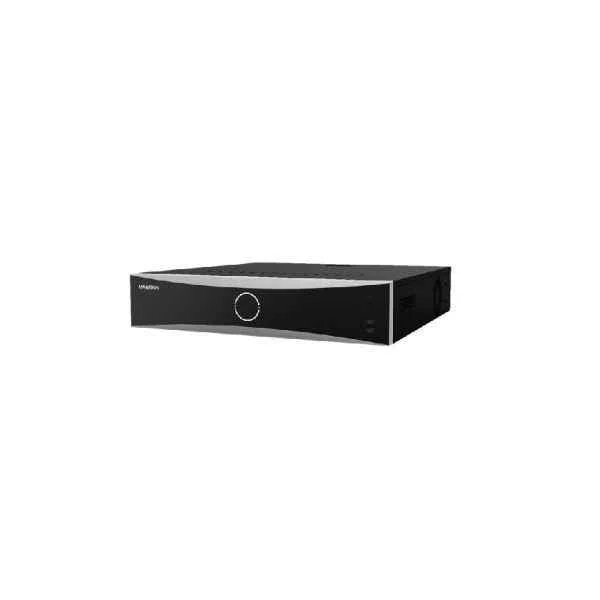
DS-7632NXI-I2/16P/4S (32-ch 1U 16 PoE AcuSense 4K NVR)
4.8 (5)Est Value In stockFirst-Time Buyer Discount – Get up to 2% additional off on your first order
ORM Rewards Earn $50 in Rewards + Free Expedited Delivery – Join Now!
Use eCoupon ORMSAVE10
eCoupon limited to 5 units
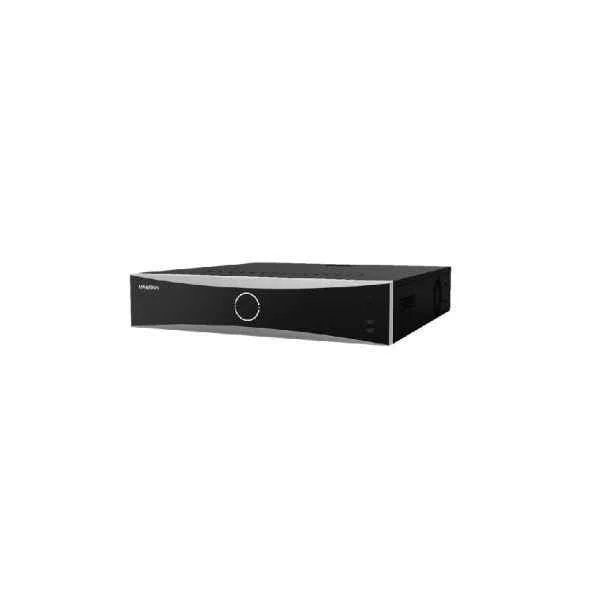
DS-7632NXI-I2/4S (32-ch 1U AcuSense 4K NVR)
4.4 (5)Est Value In stockFirst-Time Buyer Discount – Get up to 2% additional off on your first order
ORM Rewards Earn $50 in Rewards + Free Expedited Delivery – Join Now!
Use eCoupon ORMSAVE10
eCoupon limited to 5 units
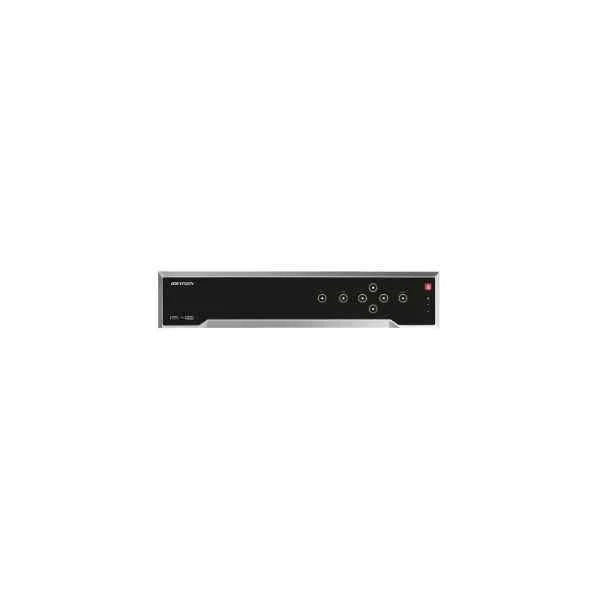
DS-7716NXI-I4/4S (16-ch 1.5U AcuSense 4K NVR)
4.6 (5)Est Value In stockFirst-Time Buyer Discount – Get up to 2% additional off on your first order
ORM Rewards Earn $50 in Rewards + Free Expedited Delivery – Join Now!
Use eCoupon ORMSAVE10
eCoupon limited to 5 units
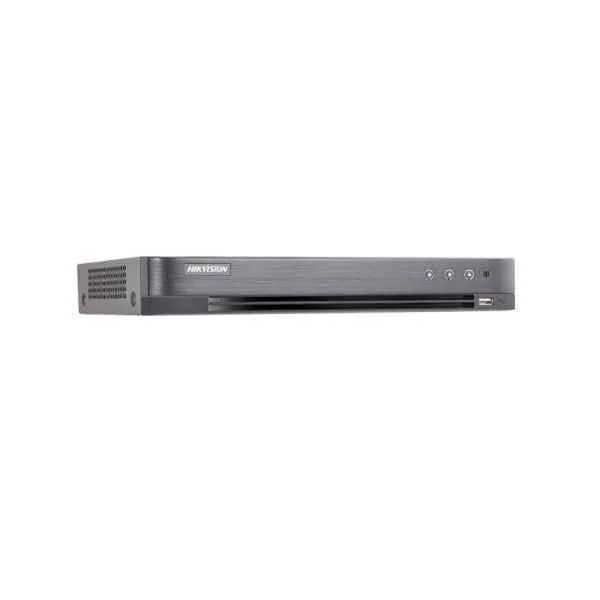
DS-7732NXI-I4/16P/4S (32-ch 1.5U 16 PoE AcuSense 4K NVR)
4.8 (5)Est Value In stockFirst-Time Buyer Discount – Get up to 2% additional off on your first order
ORM Rewards Earn $50 in Rewards + Free Expedited Delivery – Join Now!
Use eCoupon ORMSAVE10
eCoupon limited to 5 units
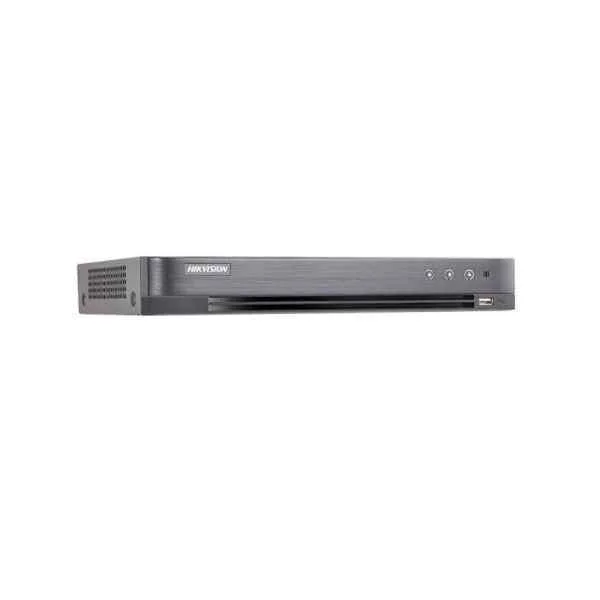
DS-7732NXI-I4/4S (32-ch 1.5U AcuSense 4K NVR)
4.2 (5)Est Value In stockFirst-Time Buyer Discount – Get up to 2% additional off on your first order
ORM Rewards Earn $50 in Rewards + Free Expedited Delivery – Join Now!
Use eCoupon ORMSAVE10
eCoupon limited to 5 units
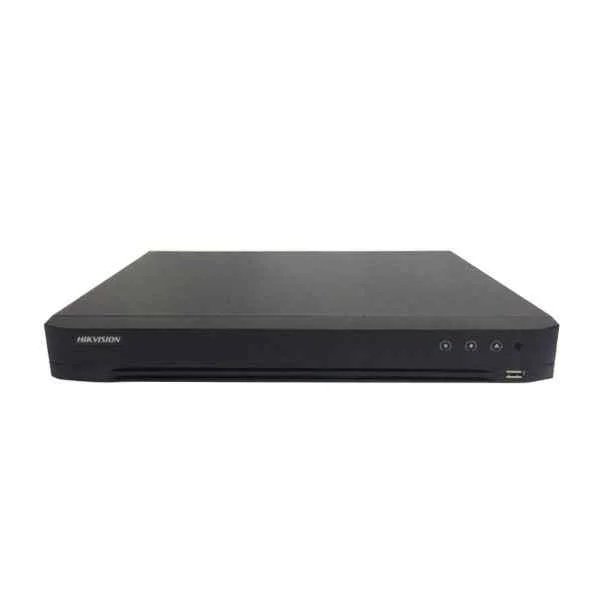
DS-7716NXI-I4/16P/4S (16-ch 1.5U 16 PoE AcuSense 4K NVR)
4.8 (5)Est Value In stockFirst-Time Buyer Discount – Get up to 2% additional off on your first order
ORM Rewards Earn $50 in Rewards + Free Expedited Delivery – Join Now!
Use eCoupon ORMSAVE10
eCoupon limited to 5 units

ORM Sales Advisors
Buying for your business? Get a personalised quote in under 2 hours. Talk to an expert
LEARNFilters (10) 
Questions & Answers
What is the Hikvision AcuSense Series NVR?
The Hikvision AcuSense Series NVR is a network video recorder that leverages deep-learning algorithms for precise human and vehicle detection, delivering enhanced intrusion prevention, reduced false alarms, and seamless integration with IP cameras for reliable surveillance.
How does AcuSense technology reduce false alarms?
AcuSense technology applies deep-learning filters to distinguish humans and vehicles from other moving objects, minimizing alerts caused by animals, foliage, or lighting changes and ensuring that only relevant events trigger notifications.
Which cameras are compatible with Hikvision AcuSense NVRs?
Hikvision AcuSense NVRs are compatible with Hikvision Turbo HD, Ultra HD, and IP cameras that support AcuSense firmware, ensuring full analytics functionality when paired with eligible AcuSense Series cameras.
How many channels does the AcuSense NVR support?
AcuSense NVRs are available in 4-, 8-, 16-, and 32-channel models, accommodating a range of surveillance deployments from small offices to large commercial facilities.
What video resolution can be recorded on an AcuSense Series NVR?
Hikvision AcuSense NVRs support recording resolutions up to 4K (8MP), ensuring high-definition video capture for detailed evidence and clear playback.
Can I access the AcuSense NVR remotely?
Yes, remote access is enabled via the Hik-Connect mobile app and web client, allowing you to view live streams, playback recordings, and manage settings securely from anywhere.
How do I configure smart event detection on AcuSense NVR?
Log in to the NVR’s web interface, navigate to Event > Smart Event > Motion Detection, enable AcuSense detection, select channels, and define human or vehicle thresholds for automatic alarm triggering.
What storage options are supported by AcuSense NVRs?
Hikvision AcuSense NVRs support multiple HDDs up to 10 TB each, RAID configurations for redundancy (RAID 0/1/5/6/10), and NAS or iSCSI storage for expanded capacity and secure archiving.
Does AcuSense NVR support PoE cameras?
AcuSense NVRs with built-in PoE switch offer up to 8 PoE ports (802.3at/af) for simplified installation, power delivery, and data transmission over a single Ethernet cable to compatible IP cameras.
How do I perform firmware updates on my AcuSense NVR?
Download the latest firmware from the Hikvision website, log in to the NVR’s web interface, navigate to Maintenance > Firmware Upgrade, upload the firmware file, and follow on-screen prompts to complete the update.
What analytics features are available on AcuSense Series NVR?
AcuSense NVRs offer human and vehicle classification, perimeter protection, line crossing, intrusion detection, and zone analytics, enabling proactive threat monitoring and intelligent event filtering.
How does AcuSense handle multiple simultaneous alarms?
The NVR prioritizes events based on user-defined rules, aggregating similar alarms and delivering consolidated notifications to reduce alert fatigue and ensure prompt response to critical incidents.
Can I integrate AcuSense NVR with third-party systems?
Yes, AcuSense NVRs support ONVIF Profile S/G integration and Hikvision SDKs, enabling seamless connectivity with VMS platforms, access control systems, and other security management solutions.
What are the power requirements for an AcuSense NVR?
Standard AcuSense NVRs require a 12 VDC/2 A power supply, while PoE models may need an AC 100–240 V input; always refer to the product datasheet for exact specifications.
How do I back up recordings from an AcuSense NVR?
Use the web interface or local GUI to navigate to Playback, select desired time segments or events, click Export, choose USB or network storage, and start the backup in MP4 or AVI format.
What warranty and support are offered for Hikvision AcuSense NVRs?
Hikvision provides a standard 3-year warranty on AcuSense NVRs, backed by global technical support, firmware updates, and access to online resources for installation and troubleshooting.