 United States
Network Video Recorders Advanced Security Solutions
Discover industry-leading network video recorders that deliver reliable, scalable, and cost-effective surveillance technology. Enhance your security infrastructure with seamless integration and robust performance for superior protection.
Talk to an expert
Uniview Nvr
(33)Uniview NVR fits retail surveillance closets needing ONVIF camera recording, HDMI monitoring, and Gigabit Ethernet uplinks across multi-site branches
Hikvision Nvr
(88)Hikvision NVR supports municipal security rooms needing H.265 video retention, ONVIF camera onboarding, and Gigabit Ethernet switching paths
Dahua Nvr
(9)Dahua NVR fits multi-building command rooms needing ONVIF camera recording, H.265 compression, and Gigabit Ethernet paths for operators
130 Matching results
- BEST SELLING
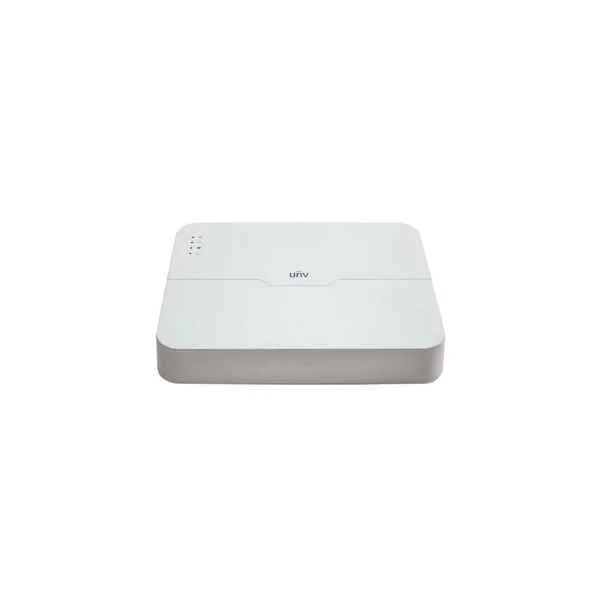
NVR301-16L-P8 (Uniview NVR301-16L-P8 16 channel Network Video Recorder - No HDD included)
4.2 (5)Est Value In stock
First-Time Buyer Discount – Get up to 2% additional off on your first order
ORM Rewards Earn $50 in Rewards + Free Expedited Delivery – Join Now!
Use eCoupon ORMSAVE10
eCoupon limited to 5 units
- BEST SELLING
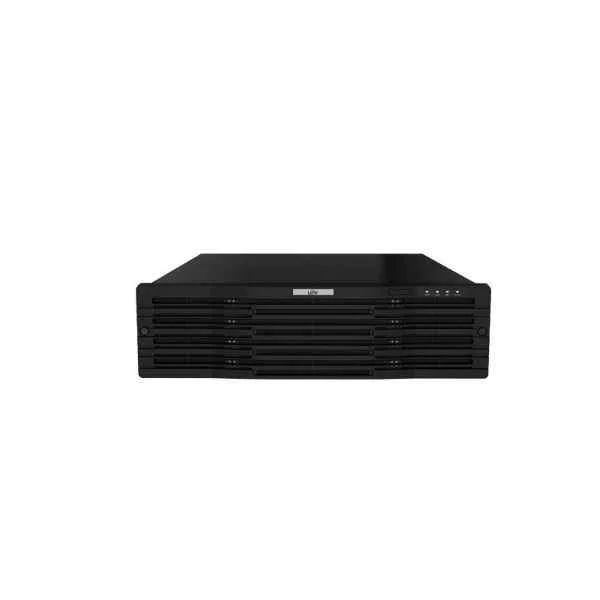
NVR316-32R-B (320Mbps, 16 x 1080P, 8 x 4MP, 4 x 4K)
4.6 (5)Est Value In stockFirst-Time Buyer Discount – Get up to 2% additional off on your first order
ORM Rewards Earn $50 in Rewards + Free Expedited Delivery – Join Now!
Use eCoupon ORMSAVE10
eCoupon limited to 5 units
- BEST SELLING
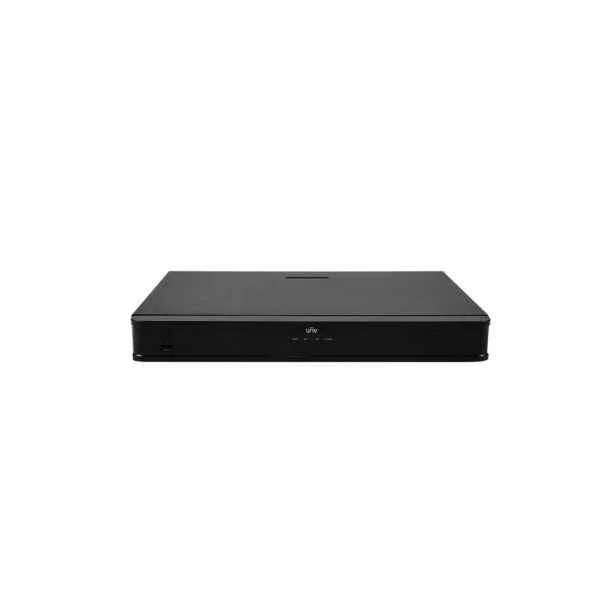
NVR302-08E-P8-B (16 x 1080P 8 x 4MP 4 x 4K)
5 (5)Est Value In stockFirst-Time Buyer Discount – Get up to 2% additional off on your first order
ORM Rewards Earn $50 in Rewards + Free Expedited Delivery – Join Now!
Use eCoupon ORMSAVE10
eCoupon limited to 5 units
- BEST SELLING
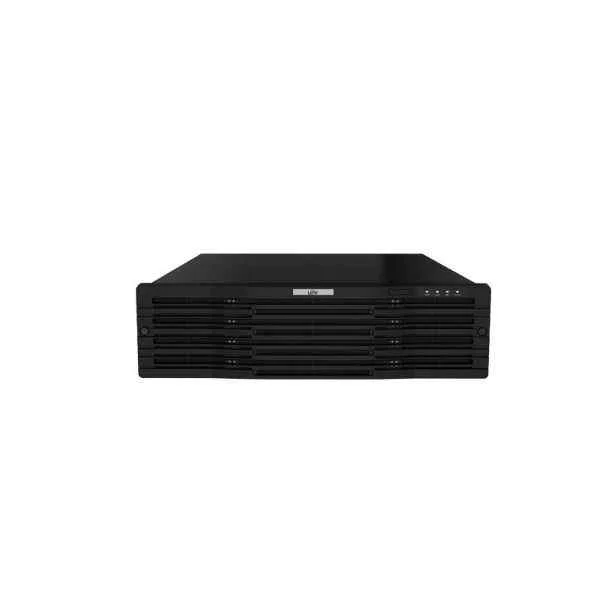
NVR316-64R-B (320Mbps 16 x 1080P 8 x 4MP 4 x 4K)
4.2 (5)Est Value In stockFirst-Time Buyer Discount – Get up to 2% additional off on your first order
ORM Rewards Earn $50 in Rewards + Free Expedited Delivery – Join Now!
Use eCoupon ORMSAVE10
eCoupon limited to 5 units
- BEST SELLING
DS-7732NI-I4/24P (32-ch 1.5U 24 PoE 4K NVR)
4.6 (5)Est Value In stockFirst-Time Buyer Discount – Get up to 2% additional off on your first order
ORM Rewards Earn $50 in Rewards + Free Expedited Delivery – Join Now!
Use eCoupon ORMSAVE10
eCoupon limited to 5 units
- BEST SELLING
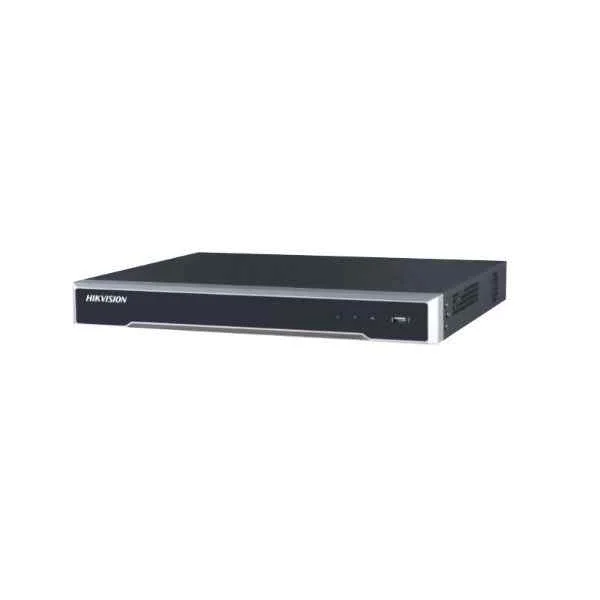
DS-7708NI-I4/8P (8-ch 1.5U 8 PoE 4K NVR)
4.4 (5)Est Value In stockFirst-Time Buyer Discount – Get up to 2% additional off on your first order
ORM Rewards Earn $50 in Rewards + Free Expedited Delivery – Join Now!
Use eCoupon ORMSAVE10
eCoupon limited to 5 units
- BEST SELLING
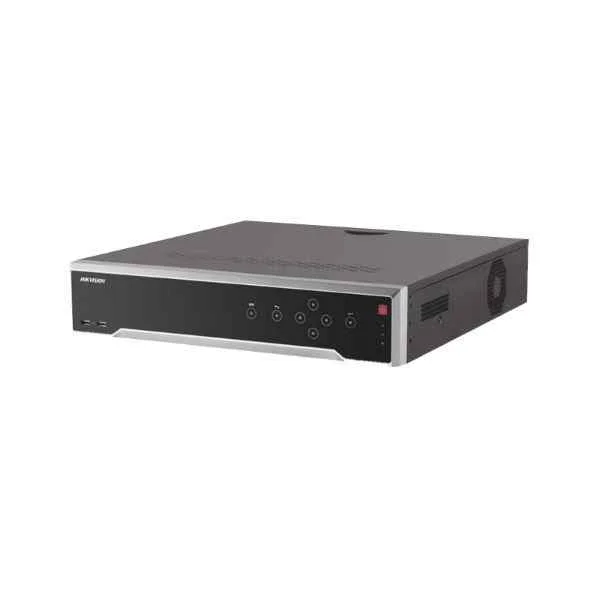
DS-7708NI-I4 (8-ch 1.5U 4K NVR)
5 (5)Est Value In stockFirst-Time Buyer Discount – Get up to 2% additional off on your first order
ORM Rewards Earn $50 in Rewards + Free Expedited Delivery – Join Now!
Use eCoupon ORMSAVE10
eCoupon limited to 5 units
- BEST SELLING
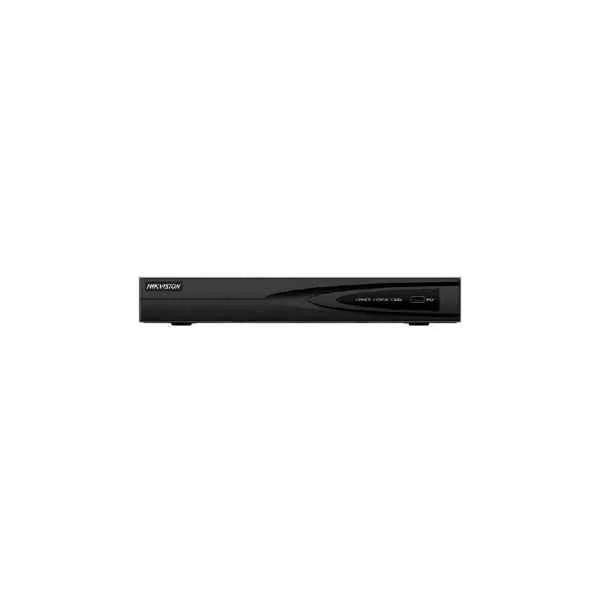
DS-7604NI-Q1 (4-ch 1U 4K NVR)
4.6 (5)Est Value In stockFirst-Time Buyer Discount – Get up to 2% additional off on your first order
ORM Rewards Earn $50 in Rewards + Free Expedited Delivery – Join Now!
Use eCoupon ORMSAVE10
eCoupon limited to 5 units
- BEST SELLING
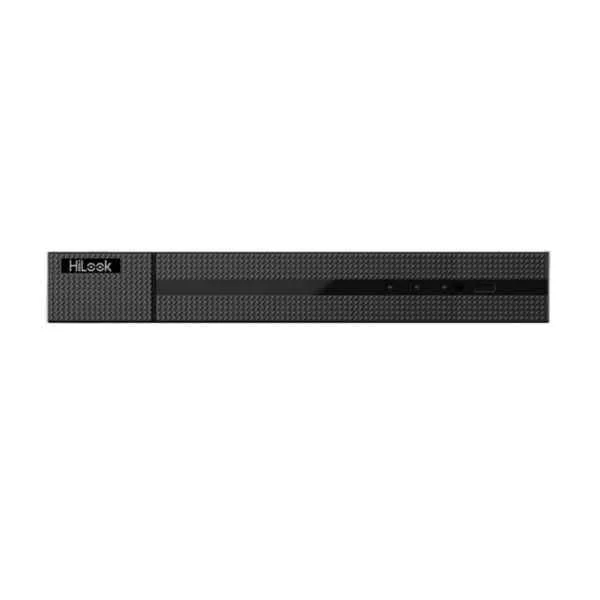
DS-7604NI-Q1/4P (4K Plug and Play Network Video Recorder with PoE)
5 (5)Est Value In stockFirst-Time Buyer Discount – Get up to 2% additional off on your first order
ORM Rewards Earn $50 in Rewards + Free Expedited Delivery – Join Now!
Use eCoupon ORMSAVE10
eCoupon limited to 5 units
- BEST SELLING
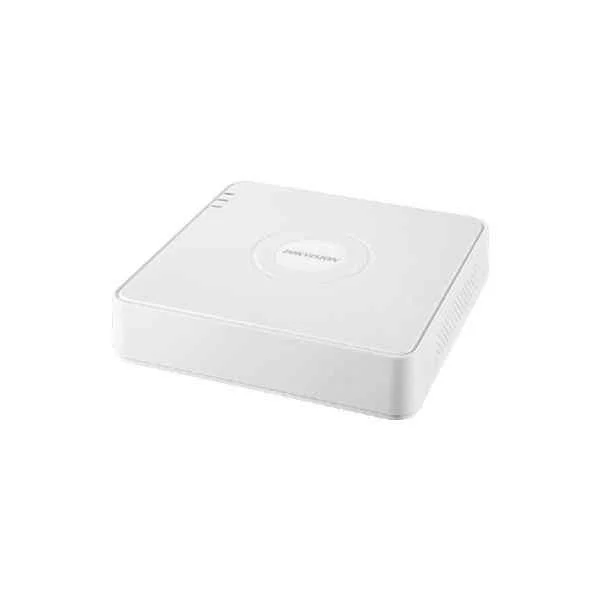
DS-7104NI-Q1 (4-ch Mini 1U NVR)
5 (5)Est Value In stockFirst-Time Buyer Discount – Get up to 2% additional off on your first order
ORM Rewards Earn $50 in Rewards + Free Expedited Delivery – Join Now!
Use eCoupon ORMSAVE10
eCoupon limited to 5 units
- BEST SELLING
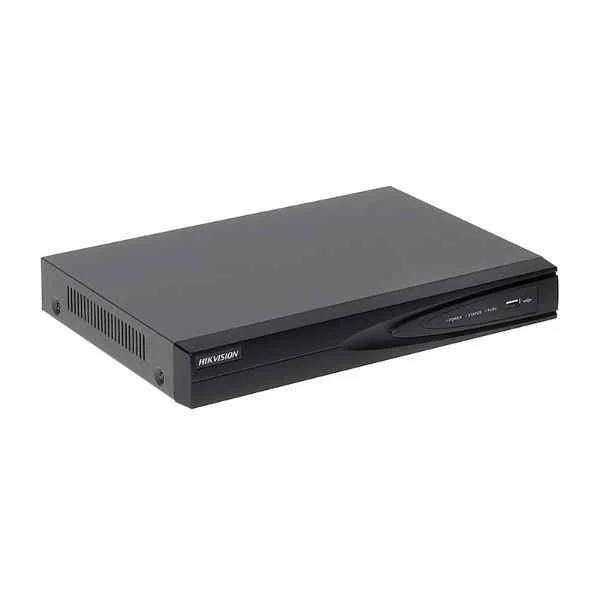
DS-7104NI-Q1/4P (4-ch Mini 4 PoE 1U NVR)
4.6 (5)Est Value In stockFirst-Time Buyer Discount – Get up to 2% additional off on your first order
ORM Rewards Earn $50 in Rewards + Free Expedited Delivery – Join Now!
Use eCoupon ORMSAVE10
eCoupon limited to 5 units
- BEST SELLING
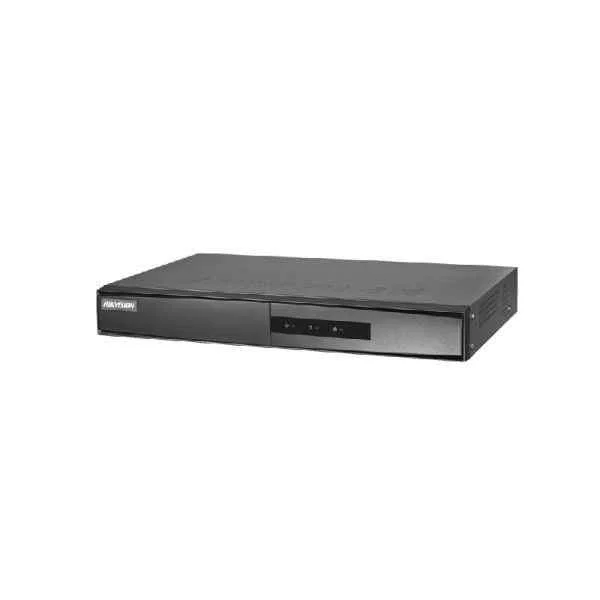
DS-7108NI-Q1/8P/M (8-ch Mini 1U 8 PoE NVR)
4.4 (5)Est Value In stockFirst-Time Buyer Discount – Get up to 2% additional off on your first order
ORM Rewards Earn $50 in Rewards + Free Expedited Delivery – Join Now!
Use eCoupon ORMSAVE10
eCoupon limited to 5 units
- BEST SELLING
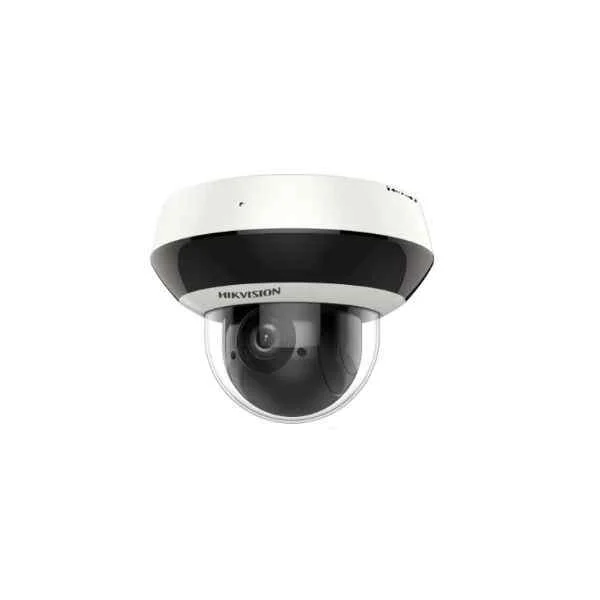
DS-7604NI-K1/W (4-ch 1U Wi-Fi 4K NVR)
4.6 (5)Est Value In stockFirst-Time Buyer Discount – Get up to 2% additional off on your first order
ORM Rewards Earn $50 in Rewards + Free Expedited Delivery – Join Now!
Use eCoupon ORMSAVE10
eCoupon limited to 5 units
- BEST SELLING
DS-9616NI-I8 (16-ch 2U 4K NVR)
4.8 (5)Est Value In stockFirst-Time Buyer Discount – Get up to 2% additional off on your first order
ORM Rewards Earn $50 in Rewards + Free Expedited Delivery – Join Now!
Use eCoupon ORMSAVE10
eCoupon limited to 5 units
- BEST SELLING
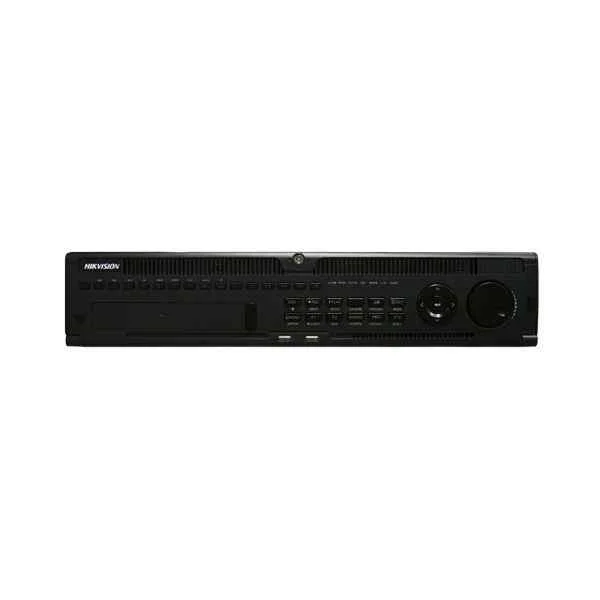
DS-9632NI-I8 (32-ch 2U 4K NVR)
4.6 (5)Est Value In stockFirst-Time Buyer Discount – Get up to 2% additional off on your first order
ORM Rewards Earn $50 in Rewards + Free Expedited Delivery – Join Now!
Use eCoupon ORMSAVE10
eCoupon limited to 5 units
- BEST SELLING
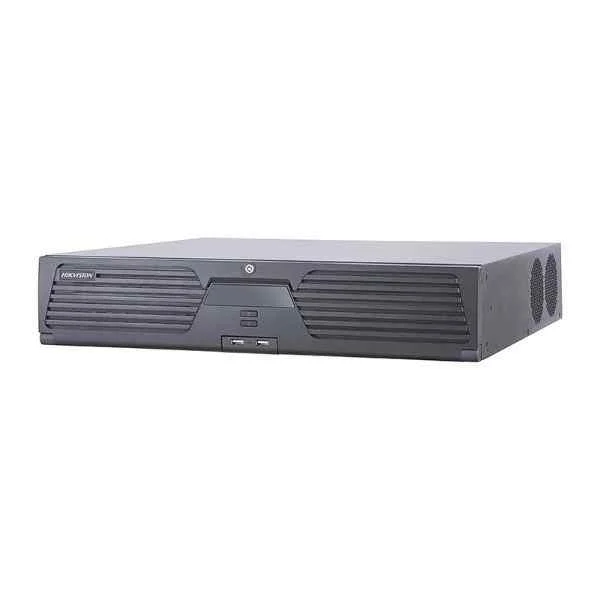
iDS-9632NXI-I816S (DeepinMind NVR)
4.2 (5)Est Value In stockFirst-Time Buyer Discount – Get up to 2% additional off on your first order
ORM Rewards Earn $50 in Rewards + Free Expedited Delivery – Join Now!
Use eCoupon ORMSAVE10
eCoupon limited to 5 units
- BEST SELLING
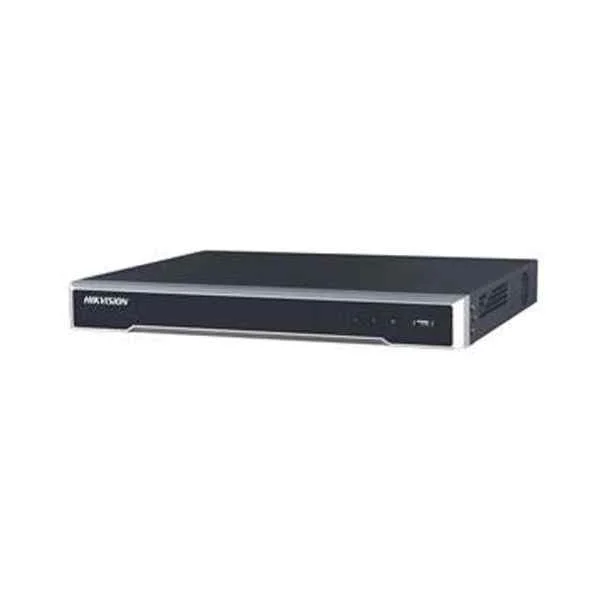
DS-7616NI-K2 (160/160 Mbps In/Out Bandwidth, 1080p@30fps/ 4-ch 4MP@30fps/ 2-ch 4K@25fps Max Resolution, Video output: VGA & HDMI + Audio I/O: 1 In/ 1 Out + Alarm I/O: 4 In/ 1 Out)
4.6 (5)Est Value In stockFirst-Time Buyer Discount – Get up to 2% additional off on your first order
ORM Rewards Earn $50 in Rewards + Free Expedited Delivery – Join Now!
Use eCoupon ORMSAVE10
eCoupon limited to 5 units
- BEST SELLING
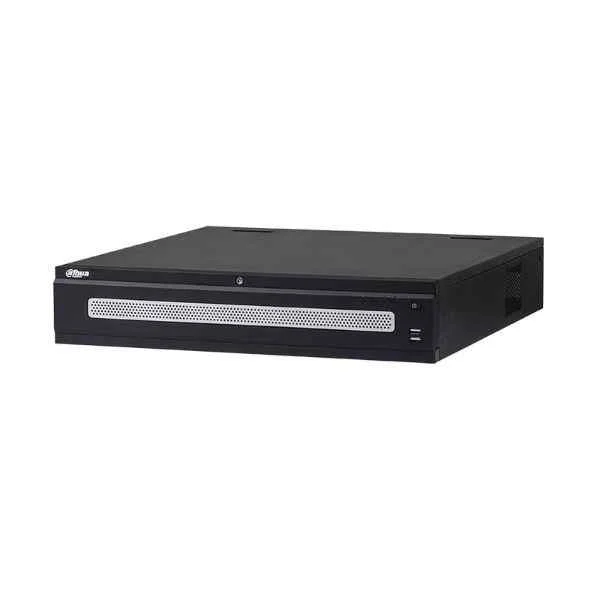
DHI-NVR6A08-128-4KS2 (Dahua 128 Channel NVR)
4.8 (6)Est Value In stockFirst-Time Buyer Discount – Get up to 2% additional off on your first order
ORM Rewards Earn $50 in Rewards + Free Expedited Delivery – Join Now!
Use eCoupon ORMSAVE10
eCoupon limited to 5 units
- BEST SELLING
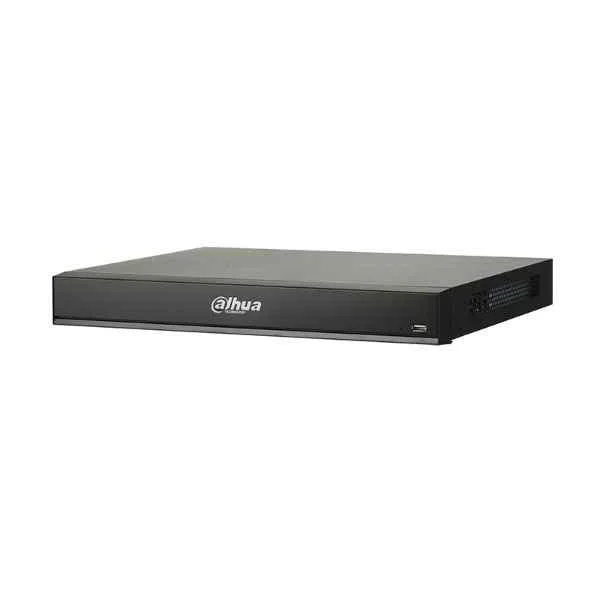
DHI-NVR4216-16P-I (Dahua 16 Channel NVR)
4.8 (6)Est Value In stockFirst-Time Buyer Discount – Get up to 2% additional off on your first order
ORM Rewards Earn $50 in Rewards + Free Expedited Delivery – Join Now!
Use eCoupon ORMSAVE10
eCoupon limited to 5 units
- BEST SELLING
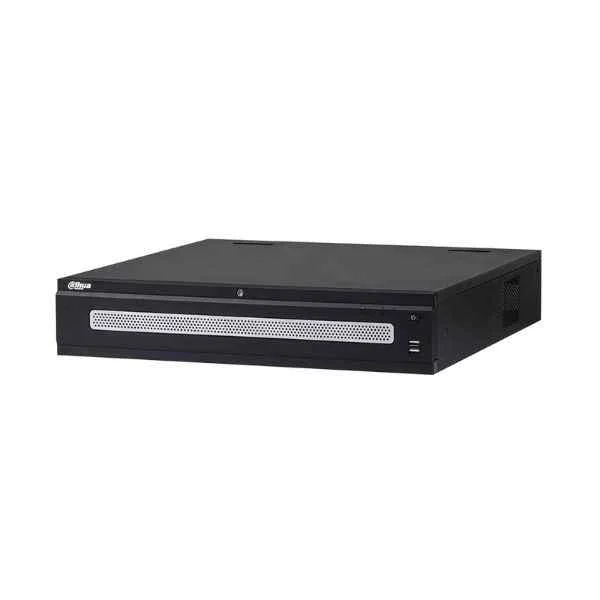
DHI-NVR6A08-64-4KS2 (Dahua 64 Channel NVR)
4.5 (6)Est Value In stockFirst-Time Buyer Discount – Get up to 2% additional off on your first order
ORM Rewards Earn $50 in Rewards + Free Expedited Delivery – Join Now!
Use eCoupon ORMSAVE10
eCoupon limited to 5 units

ORM Sales Advisors
Buying for your business? Get a personalised quote in under 2 hours. Talk to an expert
LEARNFilters (130) 
Questions & Answers
What is a Network Video Recorder (NVR)?
A Network Video Recorder (NVR) is a dedicated device that records, stores and manages video streams from IP cameras over a network, enabling centralized monitoring and archive retrieval.
How does an NVR differ from a DVR?
An NVR processes and records digital video streams from IP cameras over Ethernet, while a DVR captures analog signals from coaxial cameras and converts them to digital format for storage.
What are the key benefits of using an NVR?
NVRs offer high-resolution recording, flexible camera placement, remote access, scalable storage, PoE support, and advanced analytics for improved security management.
How many cameras can an NVR support?
Most NVRs support between 4 and 32 channels; enterprise models can handle 64 or more IP cameras, depending on channel licensing and available bandwidth.
What storage capacity do NVRs offer?
NVRs typically start at 1 TB and scale up to 32 TB or more using multiple HDD bays, hot-swappable drives, or external NAS integration for extensive video retention.
Does an NVR support remote monitoring?
Yes. Most NVRs offer secure remote access via web browsers, desktop clients, or mobile apps, allowing live view, playback, and system management from any location.
What network requirements are needed for an NVR?
Ensure a gigabit Ethernet network, PoE switches for camera power, adequate bandwidth per camera stream (typically 2–6 Mbps), and VLAN segmentation for security.
How do I choose the right NVR for my business?
Assess your camera count, resolution needs, retention period, PoE requirements, scalability plans, analytics features, and compliance standards to select an NVR that meets your security objectives.
Can I integrate an NVR with existing IP cameras?
Yes. Most NVRs support ONVIF and RTSP standards, enabling seamless integration with third-party IP cameras from various manufacturers.
What video compression formats do NVRs support?
Modern NVRs support H.264, H.265, and H.265+ codecs to optimize bandwidth and storage, while maintaining high video quality at lower bitrates.
Is PoE support necessary in an NVR?
PoE-enabled NVRs simplify installation by supplying both power and data over a single Ethernet cable, reducing wiring complexity and installation cost.
How do I back up data from an NVR?
You can back up by exporting video clips to USB drives, copying to an external NAS, or using scheduled FTP/SMB transfers for offsite storage redundancy.
What security features should an NVR have?
Look for user authentication, HTTPS encryption, firewall protection, secure firmware updates, and role-based access control to safeguard video data and system integrity.
Are NVRs scalable for future expansion?
Yes. Many NVRs support additional camera licenses, extra HDD bays, expansion modules, and cloud integration to grow your surveillance network over time.
How do software updates work for NVRs?
Manufacturers release firmware and client software updates via USB or web interface; updates often include security patches, feature enhancements, and performance optimizations.
Can an NVR integrate with cloud storage?
Many NVRs offer native cloud backup or hybrid cloud options, automatically syncing video footage to secure offsite servers for disaster recovery and remote access.
What maintenance is required for an NVR?
Regularly check disk health, apply firmware updates, verify recording schedules, inspect network connectivity, and clean ventilation to ensure reliable continuous operation.