 United States
CCTV Uniview NVR System
Engineered with cutting-edge technology, Uniview NVR delivers robust surveillance and seamless integration for superior video monitoring performance in demanding security environments. Maximize safety and operational efficiency.
Talk to an expert
Uniview Nvr301 Series
(18)Uniview NVR301 Series serves quick-service restaurant back rooms with H.265 recording, HDMI display output, and compact channel counts
Uniview Nvr316 Series
(2)Uniview NVR316 Series supports school security head-end rooms using 16-channel camera intake, SATA storage, and Gigabit Ethernet uplink connectivity
Uniview Nvr302 Series
(5)Uniview NVR302 Series suits distribution warehouse camera rooms requiring ONVIF interoperability, dual-stream recording, and HDMI local review workstations
Uniview Nvr308 Series
(1)Uniview NVR308 Series covers city block storefront clusters with 8-channel recording, RTSP streams, and VGA console access for operators
Uniview Nvr304 Series
(1)Uniview NVR304 Series matches campus building IDF cabinets needing 4-channel IP camera recording with Ethernet uplink connectivity per floor
Uniview Nvr516 Series
(6)Uniview NVR516 Series targets regional operations video rooms with high-channel intake, RAID-ready storage options, and HDMI wall monitoring
33 Matching results
- BEST SELLING
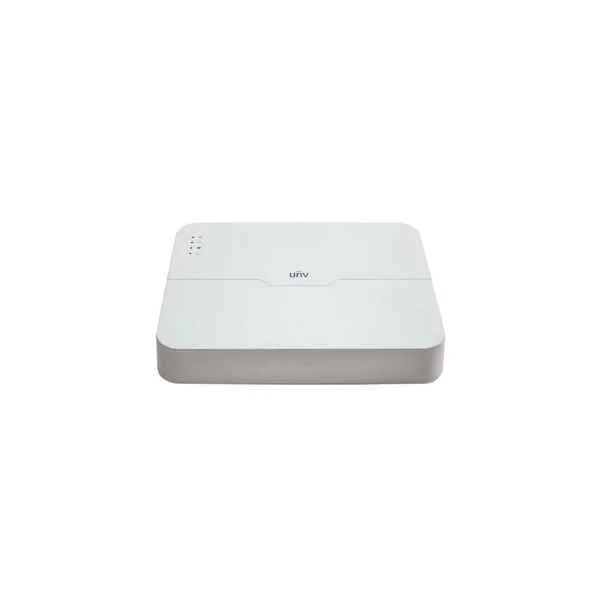
NVR301-16L-P8 (Uniview NVR301-16L-P8 16 channel Network Video Recorder - No HDD included)
4.2 (5)Est Value In stock
First-Time Buyer Discount – Get up to 2% additional off on your first order
ORM Rewards Earn $50 in Rewards + Free Expedited Delivery – Join Now!
Use eCoupon ORMSAVE10
eCoupon limited to 5 units
- BEST SELLING
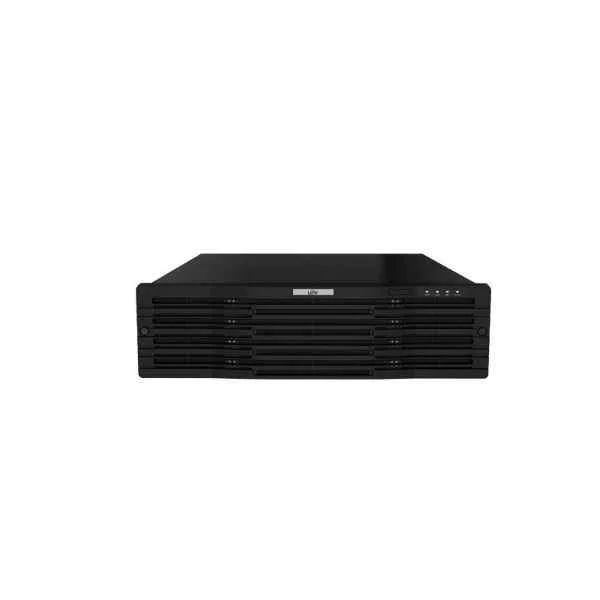
NVR316-32R-B (320Mbps, 16 x 1080P, 8 x 4MP, 4 x 4K)
4.6 (5)Est Value In stockFirst-Time Buyer Discount – Get up to 2% additional off on your first order
ORM Rewards Earn $50 in Rewards + Free Expedited Delivery – Join Now!
Use eCoupon ORMSAVE10
eCoupon limited to 5 units
- BEST SELLING
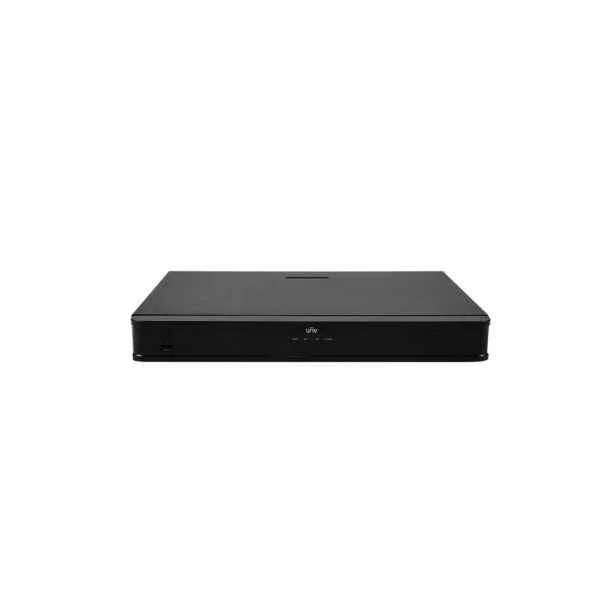
NVR302-08E-P8-B (16 x 1080P 8 x 4MP 4 x 4K)
5 (5)Est Value In stockFirst-Time Buyer Discount – Get up to 2% additional off on your first order
ORM Rewards Earn $50 in Rewards + Free Expedited Delivery – Join Now!
Use eCoupon ORMSAVE10
eCoupon limited to 5 units
- BEST SELLING
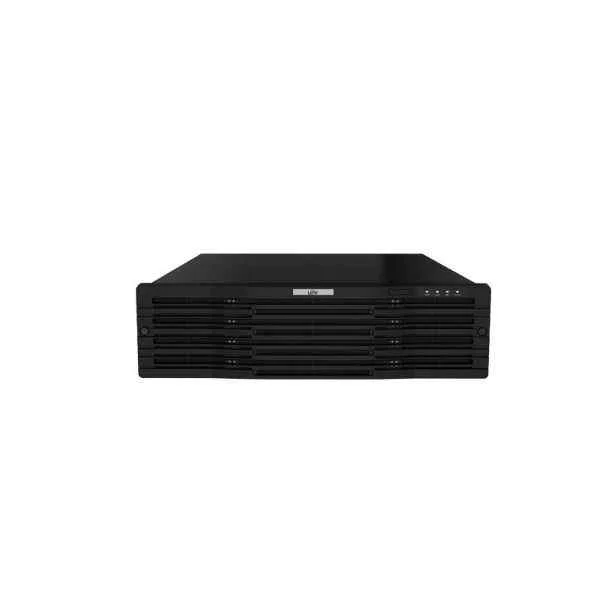
NVR316-64R-B (320Mbps 16 x 1080P 8 x 4MP 4 x 4K)
4.2 (5)Est Value In stockFirst-Time Buyer Discount – Get up to 2% additional off on your first order
ORM Rewards Earn $50 in Rewards + Free Expedited Delivery – Join Now!
Use eCoupon ORMSAVE10
eCoupon limited to 5 units
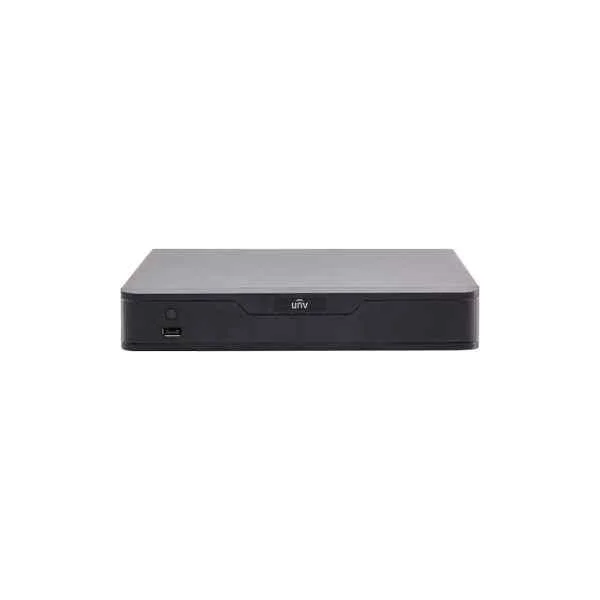
NVR301-08S (8 Channel 1 HDD NVR)
4.6 (5)Est Value In stockFirst-Time Buyer Discount – Get up to 2% additional off on your first order
ORM Rewards Earn $50 in Rewards + Free Expedited Delivery – Join Now!
Use eCoupon ORMSAVE10
eCoupon limited to 5 units
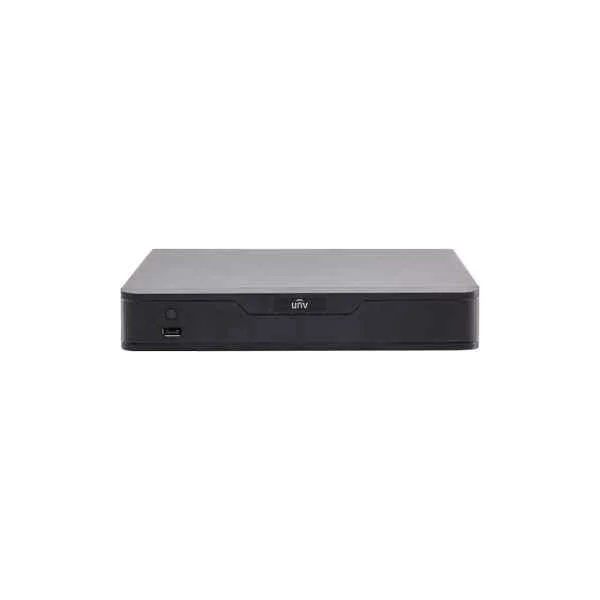
NVR301-08E (8-ch 1-SATA Ultra 265/H.265/H.264&4K NVR)
4.8 (5)Est Value In stockFirst-Time Buyer Discount – Get up to 2% additional off on your first order
ORM Rewards Earn $50 in Rewards + Free Expedited Delivery – Join Now!
Use eCoupon ORMSAVE10
eCoupon limited to 5 units
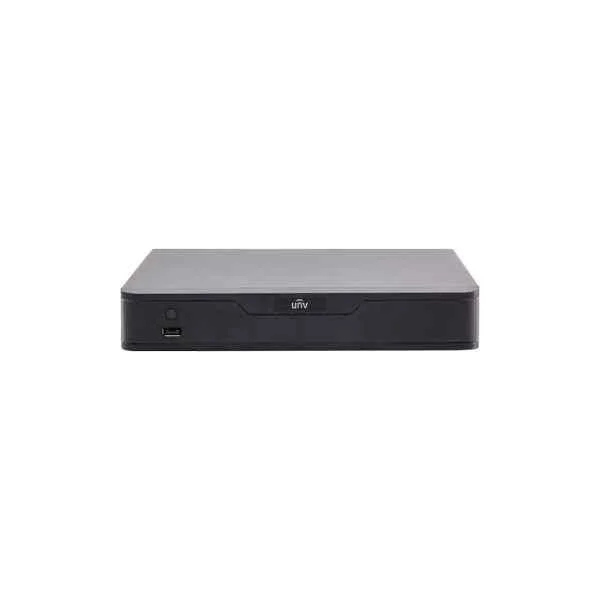
NVR301-16E (16-ch 1-SATA Ultra 265/H.265/H.264&4K NVR)
4.2 (5)Est Value In stockFirst-Time Buyer Discount – Get up to 2% additional off on your first order
ORM Rewards Earn $50 in Rewards + Free Expedited Delivery – Join Now!
Use eCoupon ORMSAVE10
eCoupon limited to 5 units
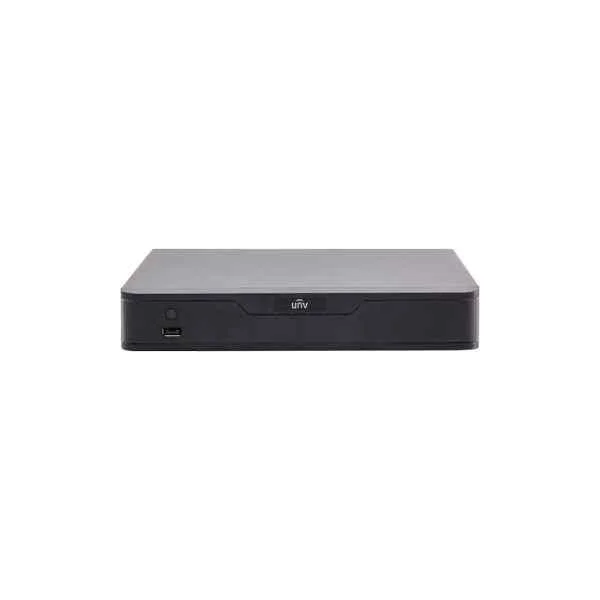
NVR301-04E (4-ch 1-SATA Ultra 265/H.265/H.264&4K NVR)
4.8 (5)Est Value In stockFirst-Time Buyer Discount – Get up to 2% additional off on your first order
ORM Rewards Earn $50 in Rewards + Free Expedited Delivery – Join Now!
Use eCoupon ORMSAVE10
eCoupon limited to 5 units
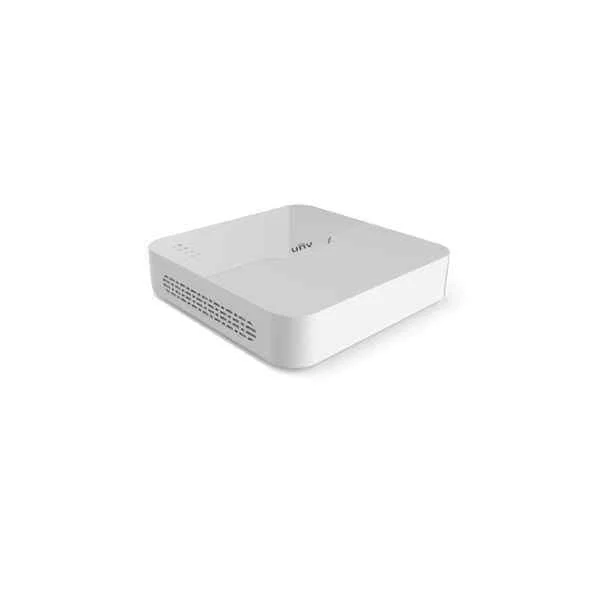
NVR301-04LB (Support Ultra 265/H.265/H.264 video formats, 4-channel input)
4.6 (5)Est Value In stockFirst-Time Buyer Discount – Get up to 2% additional off on your first order
ORM Rewards Earn $50 in Rewards + Free Expedited Delivery – Join Now!
Use eCoupon ORMSAVE10
eCoupon limited to 5 units
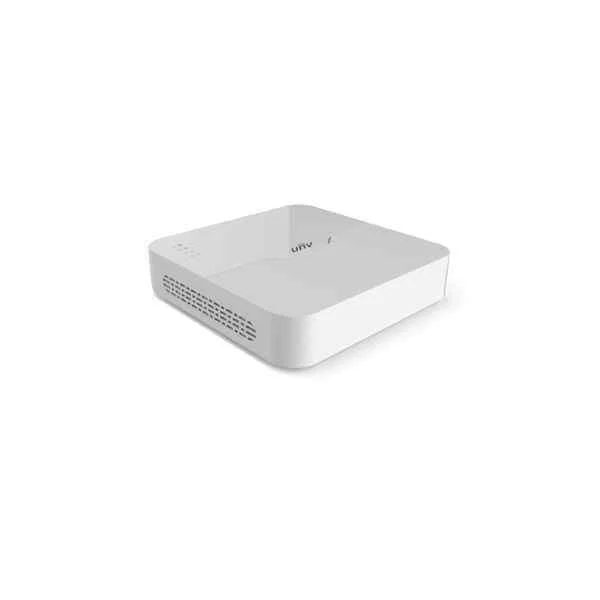
NVR301-08LB (Support Ultra 265/H.265/H.264 video formats, 8-channel input)
4.6 (5)Est Value In stockFirst-Time Buyer Discount – Get up to 2% additional off on your first order
ORM Rewards Earn $50 in Rewards + Free Expedited Delivery – Join Now!
Use eCoupon ORMSAVE10
eCoupon limited to 5 units
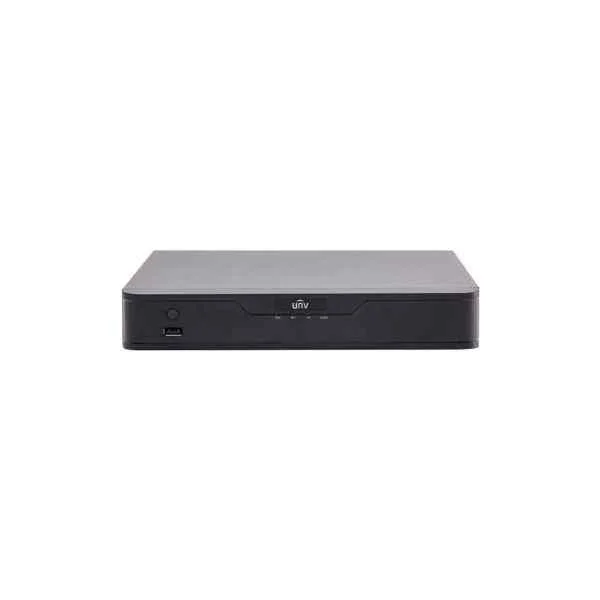
NVR301-04S (4 Channel 1 HDD NVR)
4.4 (5)Est Value In stockFirst-Time Buyer Discount – Get up to 2% additional off on your first order
ORM Rewards Earn $50 in Rewards + Free Expedited Delivery – Join Now!
Use eCoupon ORMSAVE10
eCoupon limited to 5 units
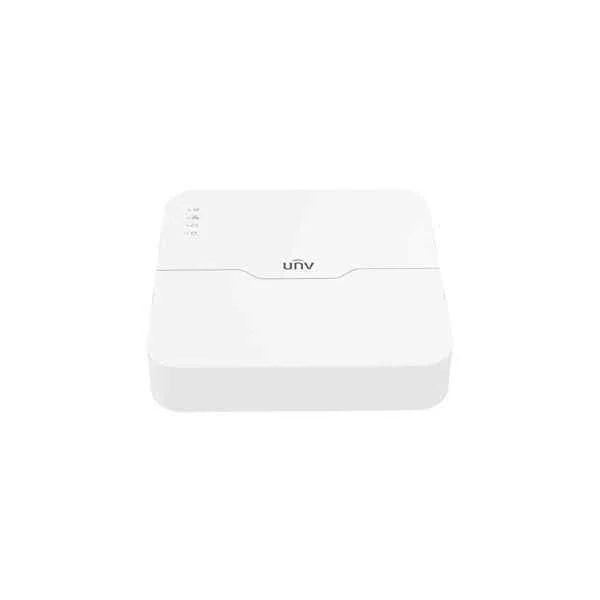
NVR301-04LS2-P4 (4-ch 1-SATA Ultra 265/H.265/H.264 NVR)
4.6 (5)Est Value In stockFirst-Time Buyer Discount – Get up to 2% additional off on your first order
ORM Rewards Earn $50 in Rewards + Free Expedited Delivery – Join Now!
Use eCoupon ORMSAVE10
eCoupon limited to 5 units
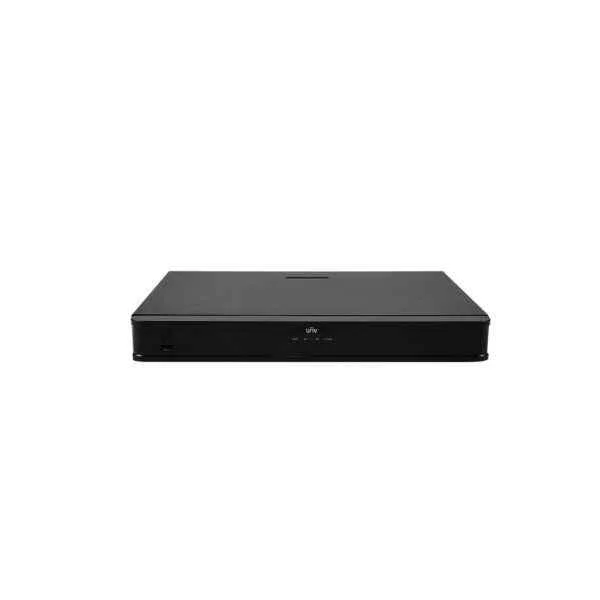
NVR302-09E-B (16 x 1080P, 8 x 4MP, 4 x 4K)
4.6 (5)Est Value In stockFirst-Time Buyer Discount – Get up to 2% additional off on your first order
ORM Rewards Earn $50 in Rewards + Free Expedited Delivery – Join Now!
Use eCoupon ORMSAVE10
eCoupon limited to 5 units
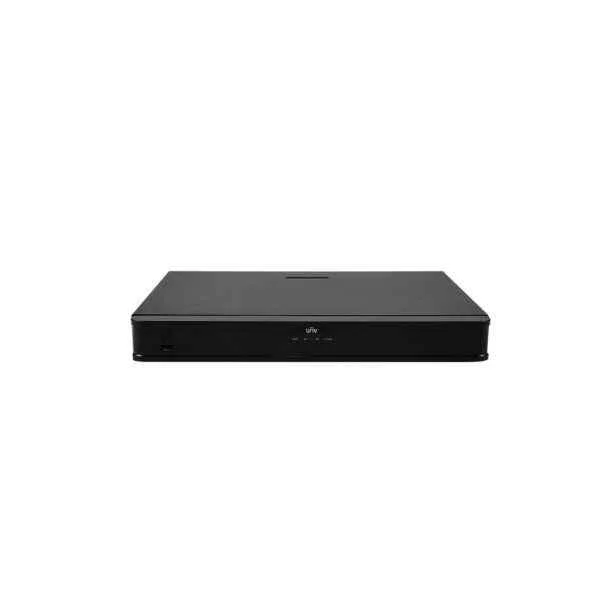
NVR302-16S-P16 (4 x 1080P 2 x 4MP 1 x 4K)
4.4 (5)Est Value In stockFirst-Time Buyer Discount – Get up to 2% additional off on your first order
ORM Rewards Earn $50 in Rewards + Free Expedited Delivery – Join Now!
Use eCoupon ORMSAVE10
eCoupon limited to 5 units
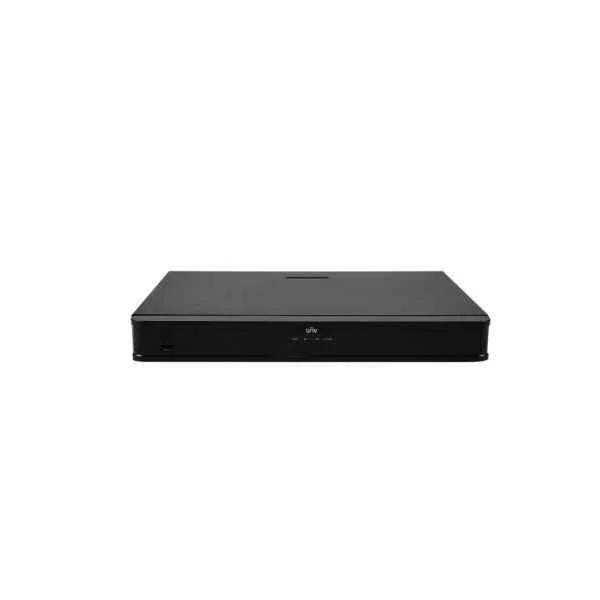
NVR302-16S-P8 (4 x 1080P, 2 x 4MP, 1 x 4K)
4.6 (5)Est Value In stockFirst-Time Buyer Discount – Get up to 2% additional off on your first order
ORM Rewards Earn $50 in Rewards + Free Expedited Delivery – Join Now!
Use eCoupon ORMSAVE10
eCoupon limited to 5 units
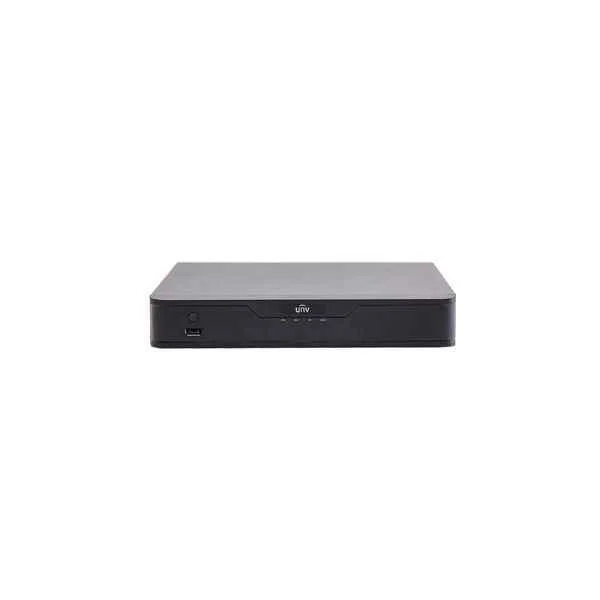
NVR301-16-P8 (16-ch, 1 SATA interface, 8 PoE, Mini 1U, H.265&4K)
4.2 (5)Est Value In stockFirst-Time Buyer Discount – Get up to 2% additional off on your first order
ORM Rewards Earn $50 in Rewards + Free Expedited Delivery – Join Now!
Use eCoupon ORMSAVE10
eCoupon limited to 5 units
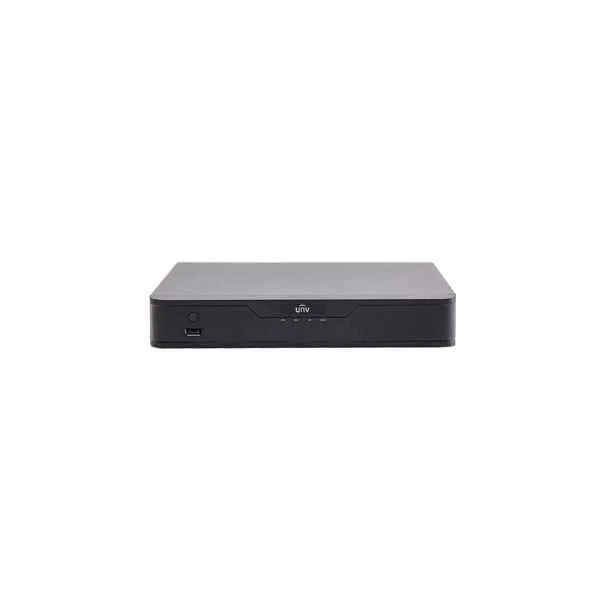
NVR301-08-P8 (8-ch, 1 SATA interface, 8 PoE, Mini 1U, H.265&4K)
4.2 (5)Est Value In stockFirst-Time Buyer Discount – Get up to 2% additional off on your first order
ORM Rewards Earn $50 in Rewards + Free Expedited Delivery – Join Now!
Use eCoupon ORMSAVE10
eCoupon limited to 5 units
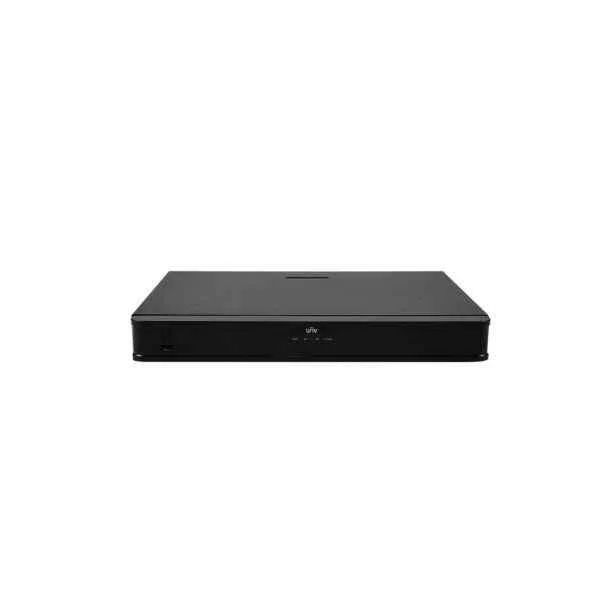
NVR302-32S (8 x 1080P, 4 x 4MP, 2 x 4K)
5 (5)Est Value In stockFirst-Time Buyer Discount – Get up to 2% additional off on your first order
ORM Rewards Earn $50 in Rewards + Free Expedited Delivery – Join Now!
Use eCoupon ORMSAVE10
eCoupon limited to 5 units
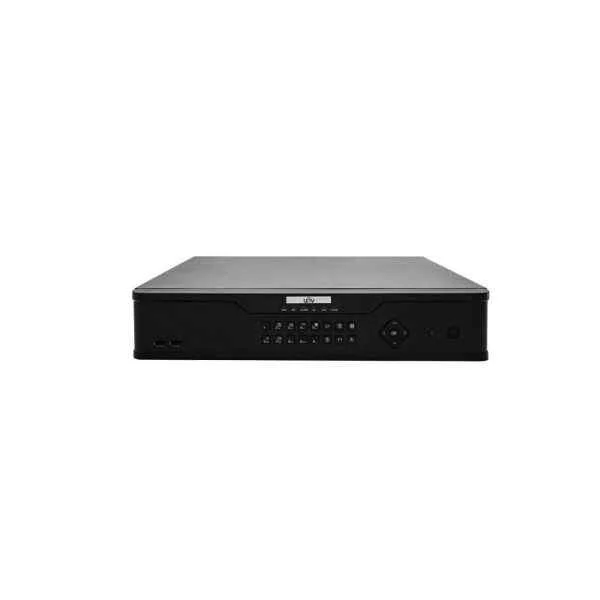
NVR308-16E-B (160Mbps, 16 x 1080P, 8 x 4MP, 4 x 4K)
4.2 (5)Est Value In stockFirst-Time Buyer Discount – Get up to 2% additional off on your first order
ORM Rewards Earn $50 in Rewards + Free Expedited Delivery – Join Now!
Use eCoupon ORMSAVE10
eCoupon limited to 5 units
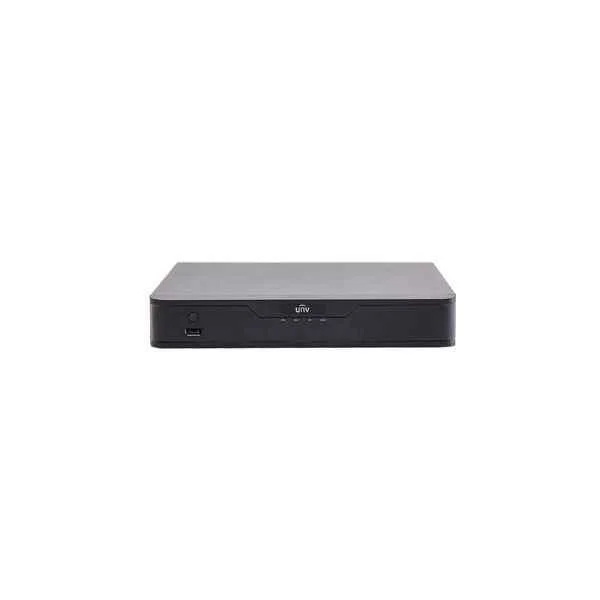
NVR301-04-P4 (4-ch, 1 SATA interface, 4 PoE, Mini 1U, H.265&4K)
4.4 (5)Est Value In stockFirst-Time Buyer Discount – Get up to 2% additional off on your first order
ORM Rewards Earn $50 in Rewards + Free Expedited Delivery – Join Now!
Use eCoupon ORMSAVE10
eCoupon limited to 5 units

ORM Sales Advisors
Buying for your business? Get a personalised quote in under 2 hours. Talk to an expert
LEARNFilters (33) 
Questions & Answers
What is a Uniview NVR?
A Uniview NVR (Network Video Recorder) is a surveillance recording device that captures, stores, and manages IP camera footage on a centralized platform for secure, high-quality video monitoring.
What are the key features of Uniview NVR?
Uniview NVRs offer high-definition recording, PoE ports, H.265/H.264 video compression, smart analytics (motion, line crossing, intrusion), RAID storage options, and remote viewing via Web, PC client, or mobile app.
How do I set up my Uniview NVR?
Connect IP cameras to PoE ports, link the NVR to your network router via Ethernet, power on the device, then use the on-screen setup wizard to configure date/time, network settings, recording schedule, and user credentials.
Which camera models are compatible with Uniview NVR?
Uniview NVRs support all Uniview IP cameras and any ONVIF-compliant cameras, ensuring seamless plug-and-play integration and unified management in the EZStation or Web interface.
How many channels does a Uniview NVR support?
Uniview NVR models range from 4- to 256-channel configurations, allowing you to choose a recorder that matches your surveillance scale and expansion requirements.
What is the maximum storage capacity of a Uniview NVR?
Most Uniview NVRs support up to 8 SATA hard drives with capacities up to 10 TB each, delivering a maximum of 80 TB for long-term video retention and backup.
How do I access my Uniview NVR remotely?
Configure DDNS or EZDDNS in the NVR network settings, then log in via the EZView mobile app, EZStation PC client, or a browser using the assigned domain name and secure credentials.
Does Uniview NVR support PoE cameras?
Yes. Uniview PoE NVR models include built-in Gigabit PoE ports that auto-detect and power compatible IP cameras, simplifying network cabling and device management.
What video formats and resolutions are supported by Uniview NVR?
Uniview NVRs support H.265, H.264, and MJPEG compression at resolutions up to 4K (8 MP), enabling bandwidth optimization and ultra-clear surveillance footage.
Can I integrate Uniview NVR with third-party security systems?
Yes. Through ONVIF and CGI protocols, Uniview NVRs integrate with VMS platforms, access control systems, and building management solutions for unified security operations.
How is data secured on a Uniview NVR?
Uniview NVRs use AES encryption for video streams, HTTPS/SSL for network transmission, multi-level user authentication, and optional RAID configurations to protect against data loss.
How do I update Uniview NVR firmware?
Download the latest firmware from Uniview’s official website, upload it via the NVR web interface under Maintenance → Upgrade, then allow the system to reboot and apply updates automatically.
What warranty and support options are available for Uniview NVR?
Uniview NVRs include a standard 2-year manufacturer’s warranty, with extended support plans available through certified partners for on-site service, replacement, and software assistance.
Does Uniview NVR offer mobile app access?
Yes. The EZView mobile app for iOS and Android provides live view, playback, alarm push notifications, PTZ control, and two-way audio directly from your smartphone or tablet.
How do I troubleshoot playback or recording issues on my Uniview NVR?
Verify camera connections, check recording schedules and hard drive status in the Storage menu, ensure firmware is up to date, and review system logs under Maintenance → Log to identify and resolve errors.
What video analytics are available on Uniview NVR?
Uniview NVRs include built-in smart analytics such as motion detection, tripwire, intrusion detection, abandoned object, missing object, and face detection for proactive security alerts.