 United States
Surveillance Systems Uniview Nvr308 Series
Engineered for optimal performance and reliability, the Uniview Nvr308 Series offers advanced surveillance capabilities including high-definition recording, seamless integration, and robust security for critical environments.
Talk to an expert
1 Matching results
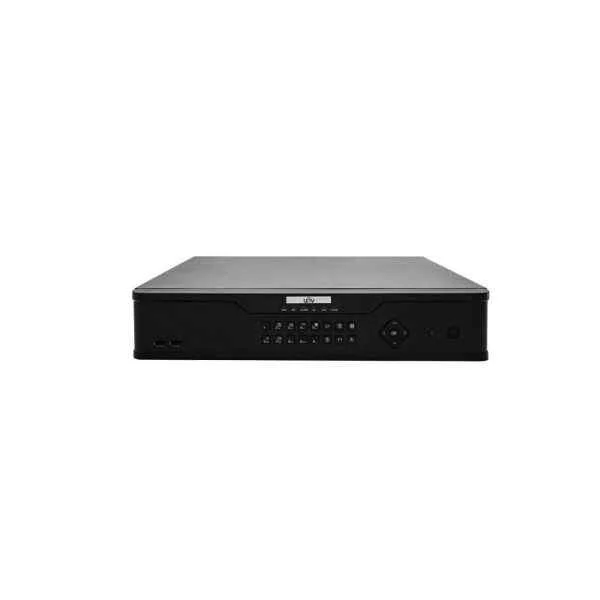
NVR308-16E-B (160Mbps, 16 x 1080P, 8 x 4MP, 4 x 4K)
4.2 (5)Est Value In stock
First-Time Buyer Discount – Get up to 2% additional off on your first order
ORM Rewards Earn $50 in Rewards + Free Expedited Delivery – Join Now!
Use eCoupon ORMSAVE10
eCoupon limited to 5 units

ORM Sales Advisors
Buying for your business? Get a personalised quote in under 2 hours. Talk to an expert
LEARNFilters (1) 
Questions & Answers
What is the Uniview NVR308 Series?
The Uniview NVR308 Series is a family of 8-channel standalone network video recorders designed for professional surveillance, offering high-efficiency H.265+/H.264+ compression, PoE ports, and intuitive remote management.
How many channels does the NVR308 Series support?
Each NVR308 unit supports up to 8 IP camera channels and can handle dual-stream encoding for simultaneous recording and live view.
Does the Uniview NVR308 Series include PoE ports?
Yes, the NVR308 Series features 8 built-in PoE ports for plug-and-play power and data transmission, simplifying camera installation and network wiring.
What video compression formats are supported?
The NVR308 Series supports H.265, H.264+, H.264, and H.265+ codecs, delivering up to 50%–70% bandwidth and storage savings compared to standard compression.
How much storage can I install in an NVR308 recorder?
Each NVR308 device accommodates up to two 8 TB SATA hard drives, providing a maximum raw capacity of 16 TB for extended video retention.
Does the NVR308 Series support RAID configurations?
Yes, the NVR308 Series supports RAID 0, RAID 1 and JBOD, ensuring data redundancy and optimized read/write performance for critical recordings.
Can I access the NVR308 remotely?
Absolutely. The NVR308 Series offers secure remote access via UniView’s EZView mobile app and EZStation client software for Windows and macOS.
Is the NVR308 Series ONVIF compliant?
Yes, NVR308 devices are ONVIF Profile S compatible, guaranteeing seamless integration with third-party IP cameras and surveillance software.
What smart search features are available?
The NVR308 Series includes smart search by motion, video metadata, face detection, and IVS events, speeding up the playback of target events.
How do I back up recordings from the NVR308?
You can back up video via USB export, network download (FTP), or scheduled automatic backup to a NAS device, ensuring secure off-site storage.
What network protocols does it support?
The NVR308 Series supports TCP/IP, DHCP, HTTP/HTTPS, ONVIF, RTSP, RTP, UPnP, PPPoE, NTP, DNS, and more for flexible system integration.
Can I expand system capacity beyond 8 channels?
Yes. By connecting additional PoE switches or using third-party PoE injectors, you can integrate more cameras through network segmentation.
What mobile apps work with the NVR308?
Use UniView’s free EZView app on Android and iOS for live view, playback, event notifications, and remote configuration of the NVR308 Series.
Does the NVR308 Series support two-way audio?
Yes, the NVR308 Series features one audio input and one audio output channel for two-way intercom and audio recording.
How do I configure PoE camera connections?
Simply plug each IP camera Ethernet cable into any of the 8 PoE ports on the NVR308; the recorder auto-detects and powers compatible cameras.
What user management features are included?
The NVR308 Series provides hierarchical user roles, multiple permission levels, and secure password policies to protect video data and system settings.
How does the NVR308 handle alarms and events?
It supports motion detection, video tampering, line crossing, intrusion alarms and can trigger email alerts, buzzer, recording or PTZ presets for fast response.