 United States
Network Video Recorders Uniview NVR301
Experience industry-leading surveillance with the Uniview NVR301 Series. This high-performance network video recorder delivers unmatched security, reliability, and seamless integration for comprehensive video management.
Talk to an expert
18 Matching results
- BEST SELLING
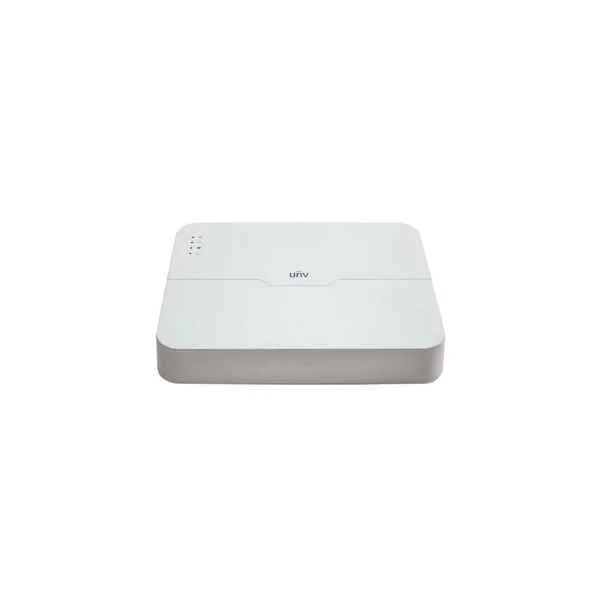
NVR301-16L-P8 (Uniview NVR301-16L-P8 16 channel Network Video Recorder - No HDD included)
4.2 (5)Est Value In stock
First-Time Buyer Discount – Get up to 2% additional off on your first order
ORM Rewards Earn $50 in Rewards + Free Expedited Delivery – Join Now!
Use eCoupon ORMSAVE10
eCoupon limited to 5 units
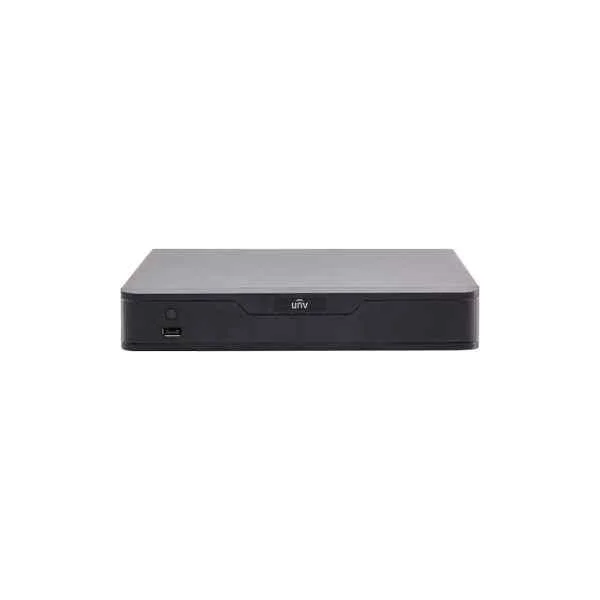
NVR301-08S (8 Channel 1 HDD NVR)
4.6 (5)Est Value In stockFirst-Time Buyer Discount – Get up to 2% additional off on your first order
ORM Rewards Earn $50 in Rewards + Free Expedited Delivery – Join Now!
Use eCoupon ORMSAVE10
eCoupon limited to 5 units
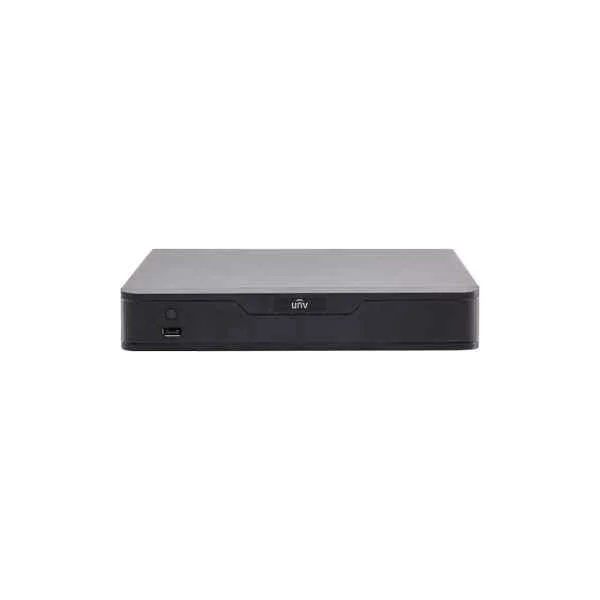
NVR301-08E (8-ch 1-SATA Ultra 265/H.265/H.264&4K NVR)
4.8 (5)Est Value In stockFirst-Time Buyer Discount – Get up to 2% additional off on your first order
ORM Rewards Earn $50 in Rewards + Free Expedited Delivery – Join Now!
Use eCoupon ORMSAVE10
eCoupon limited to 5 units
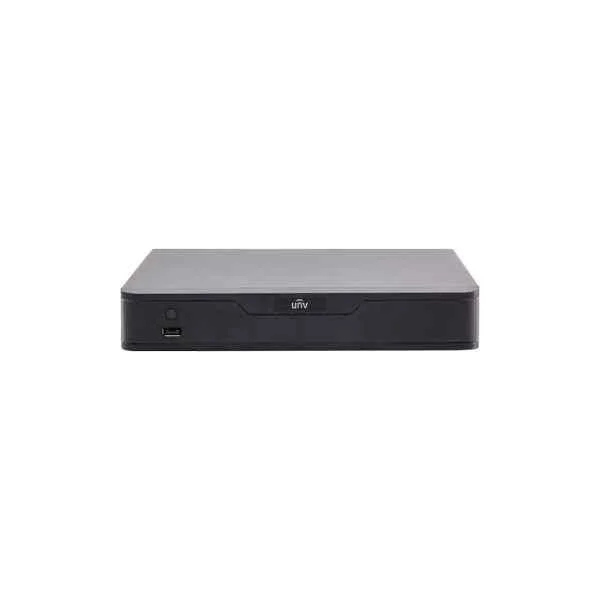
NVR301-16E (16-ch 1-SATA Ultra 265/H.265/H.264&4K NVR)
4.2 (5)Est Value In stockFirst-Time Buyer Discount – Get up to 2% additional off on your first order
ORM Rewards Earn $50 in Rewards + Free Expedited Delivery – Join Now!
Use eCoupon ORMSAVE10
eCoupon limited to 5 units
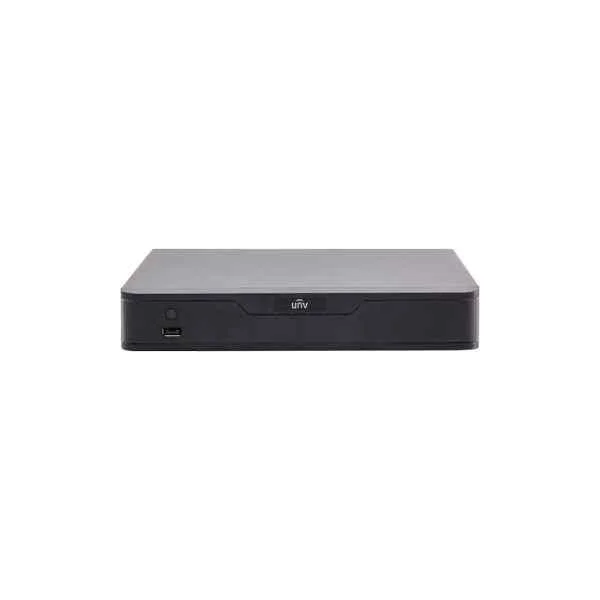
NVR301-04E (4-ch 1-SATA Ultra 265/H.265/H.264&4K NVR)
4.8 (5)Est Value In stockFirst-Time Buyer Discount – Get up to 2% additional off on your first order
ORM Rewards Earn $50 in Rewards + Free Expedited Delivery – Join Now!
Use eCoupon ORMSAVE10
eCoupon limited to 5 units
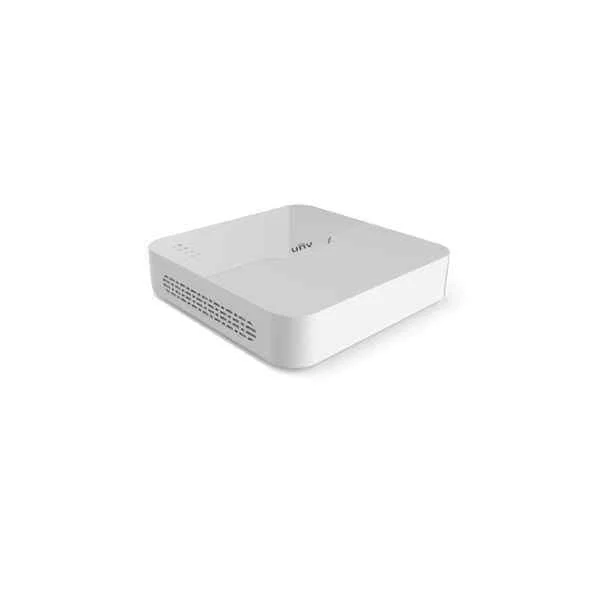
NVR301-04LB (Support Ultra 265/H.265/H.264 video formats, 4-channel input)
4.6 (5)Est Value In stockFirst-Time Buyer Discount – Get up to 2% additional off on your first order
ORM Rewards Earn $50 in Rewards + Free Expedited Delivery – Join Now!
Use eCoupon ORMSAVE10
eCoupon limited to 5 units
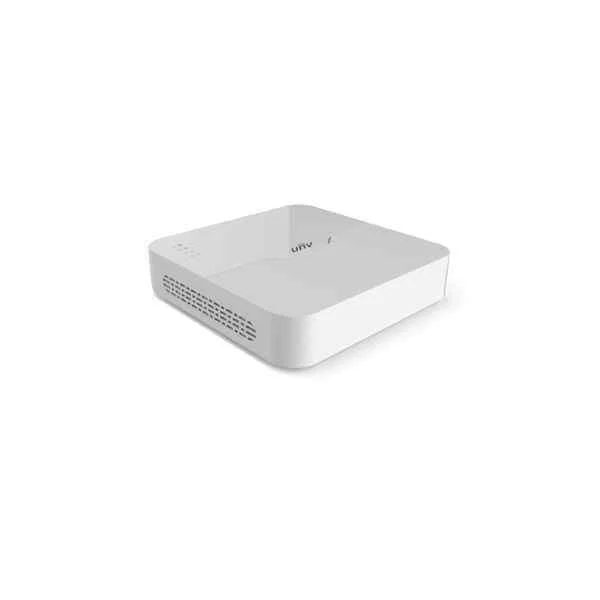
NVR301-08LB (Support Ultra 265/H.265/H.264 video formats, 8-channel input)
4.6 (5)Est Value In stockFirst-Time Buyer Discount – Get up to 2% additional off on your first order
ORM Rewards Earn $50 in Rewards + Free Expedited Delivery – Join Now!
Use eCoupon ORMSAVE10
eCoupon limited to 5 units
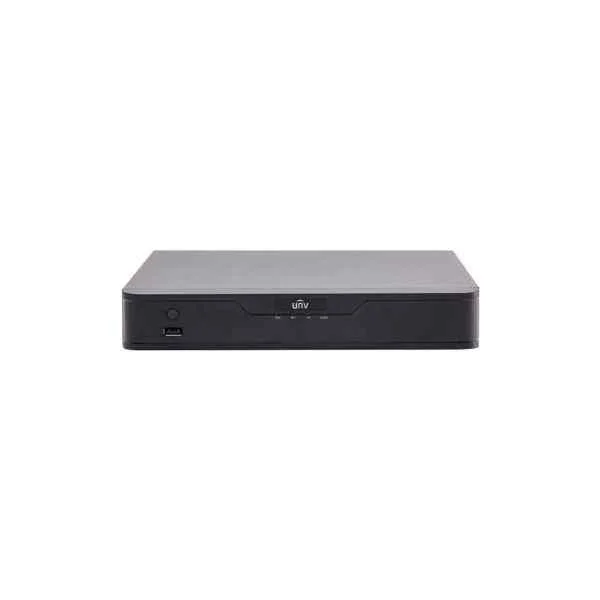
NVR301-04S (4 Channel 1 HDD NVR)
4.4 (5)Est Value In stockFirst-Time Buyer Discount – Get up to 2% additional off on your first order
ORM Rewards Earn $50 in Rewards + Free Expedited Delivery – Join Now!
Use eCoupon ORMSAVE10
eCoupon limited to 5 units
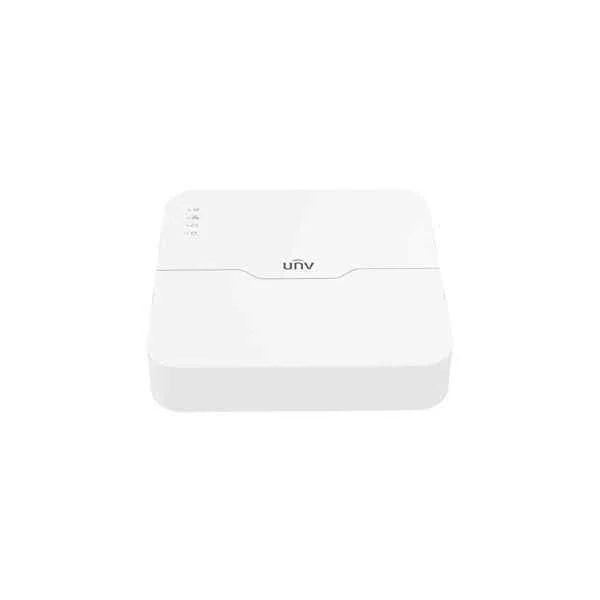
NVR301-04LS2-P4 (4-ch 1-SATA Ultra 265/H.265/H.264 NVR)
4.6 (5)Est Value In stockFirst-Time Buyer Discount – Get up to 2% additional off on your first order
ORM Rewards Earn $50 in Rewards + Free Expedited Delivery – Join Now!
Use eCoupon ORMSAVE10
eCoupon limited to 5 units
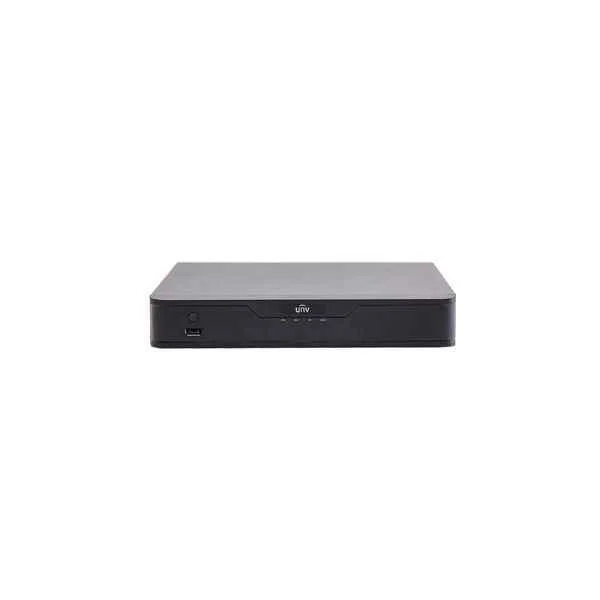
NVR301-16-P8 (16-ch, 1 SATA interface, 8 PoE, Mini 1U, H.265&4K)
4.2 (5)Est Value In stockFirst-Time Buyer Discount – Get up to 2% additional off on your first order
ORM Rewards Earn $50 in Rewards + Free Expedited Delivery – Join Now!
Use eCoupon ORMSAVE10
eCoupon limited to 5 units
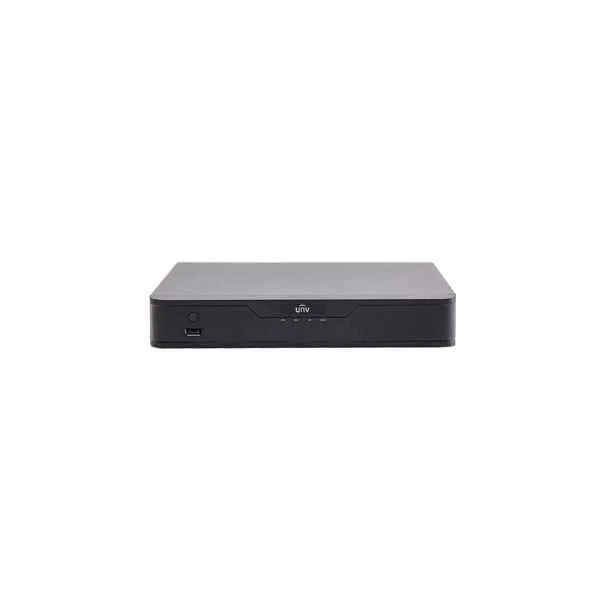
NVR301-08-P8 (8-ch, 1 SATA interface, 8 PoE, Mini 1U, H.265&4K)
4.2 (5)Est Value In stockFirst-Time Buyer Discount – Get up to 2% additional off on your first order
ORM Rewards Earn $50 in Rewards + Free Expedited Delivery – Join Now!
Use eCoupon ORMSAVE10
eCoupon limited to 5 units
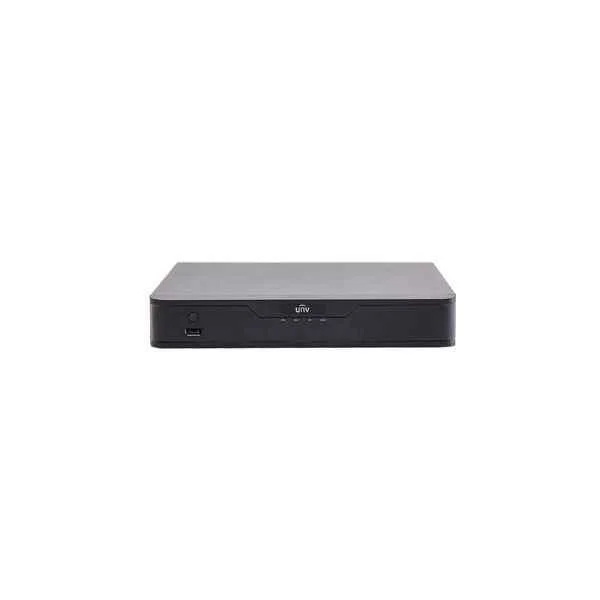
NVR301-04-P4 (4-ch, 1 SATA interface, 4 PoE, Mini 1U, H.265&4K)
4.4 (5)Est Value In stockFirst-Time Buyer Discount – Get up to 2% additional off on your first order
ORM Rewards Earn $50 in Rewards + Free Expedited Delivery – Join Now!
Use eCoupon ORMSAVE10
eCoupon limited to 5 units
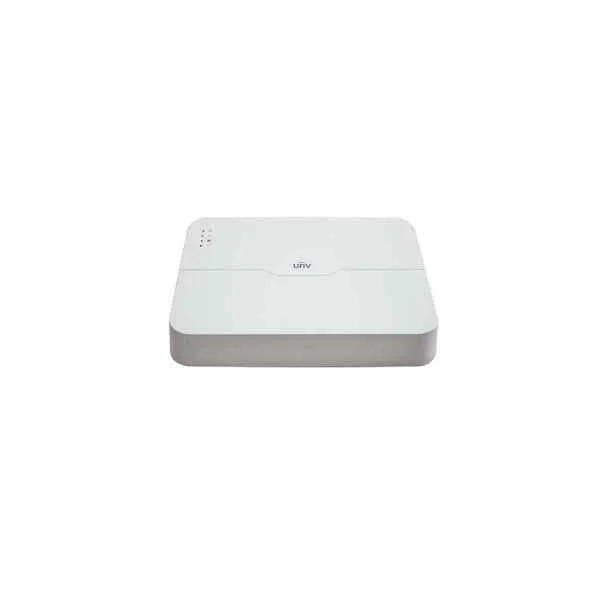
NVR301-08L-P8 (8-ch, 1 SATA interface, 8 PoE, Smart 1U, H.265&4K)
5 (5)Est Value In stockFirst-Time Buyer Discount – Get up to 2% additional off on your first order
ORM Rewards Earn $50 in Rewards + Free Expedited Delivery – Join Now!
Use eCoupon ORMSAVE10
eCoupon limited to 5 units
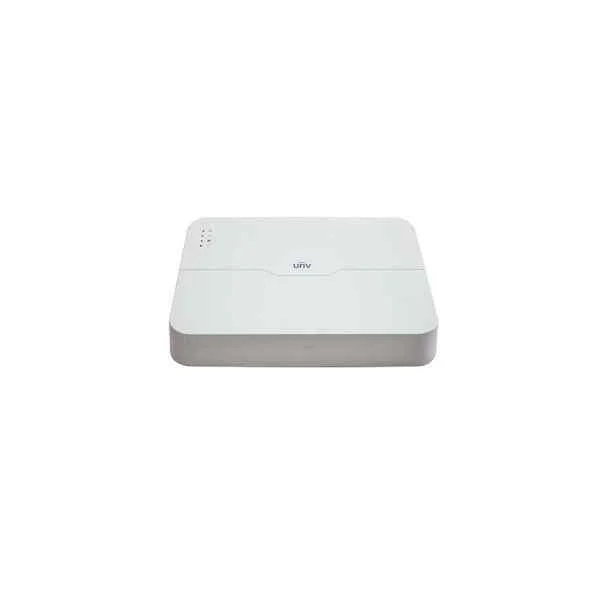
NVR301-04L-P4 (4-ch, 1 SATA interface, 4 PoE, Smart 1U, H.265&4K)
4.6 (5)Est Value In stockFirst-Time Buyer Discount – Get up to 2% additional off on your first order
ORM Rewards Earn $50 in Rewards + Free Expedited Delivery – Join Now!
Use eCoupon ORMSAVE10
eCoupon limited to 5 units
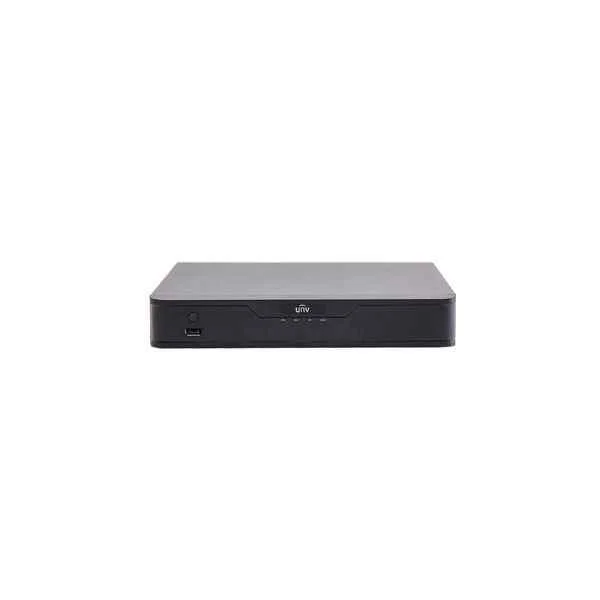
NVR301-08B-P8 (8-ch, 1 SATA interface, 8 PoE, Mini 1U, H.265)
5 (5)Est Value In stockFirst-Time Buyer Discount – Get up to 2% additional off on your first order
ORM Rewards Earn $50 in Rewards + Free Expedited Delivery – Join Now!
Use eCoupon ORMSAVE10
eCoupon limited to 5 units
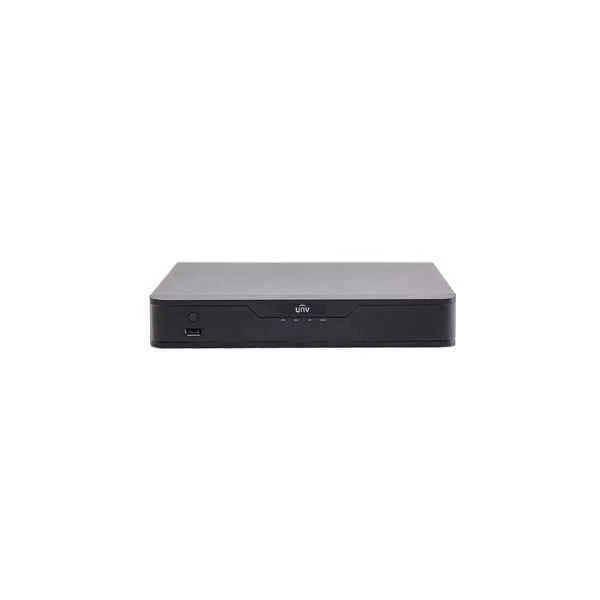
NVR301-04B-P4 (4-ch, 1 SATA interface, 4 PoE, Mini 1U, H.265)
4.8 (5)Est Value In stockFirst-Time Buyer Discount – Get up to 2% additional off on your first order
ORM Rewards Earn $50 in Rewards + Free Expedited Delivery – Join Now!
Use eCoupon ORMSAVE10
eCoupon limited to 5 units
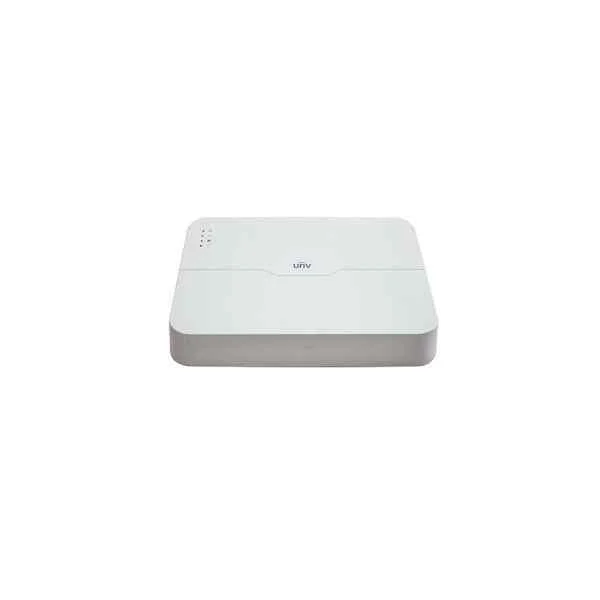
NVR301-08LB-P8 (8-ch, 1 SATA interface, 8 PoE, Smart 1U, H.265)
5 (5)Est Value In stockFirst-Time Buyer Discount – Get up to 2% additional off on your first order
ORM Rewards Earn $50 in Rewards + Free Expedited Delivery – Join Now!
Use eCoupon ORMSAVE10
eCoupon limited to 5 units
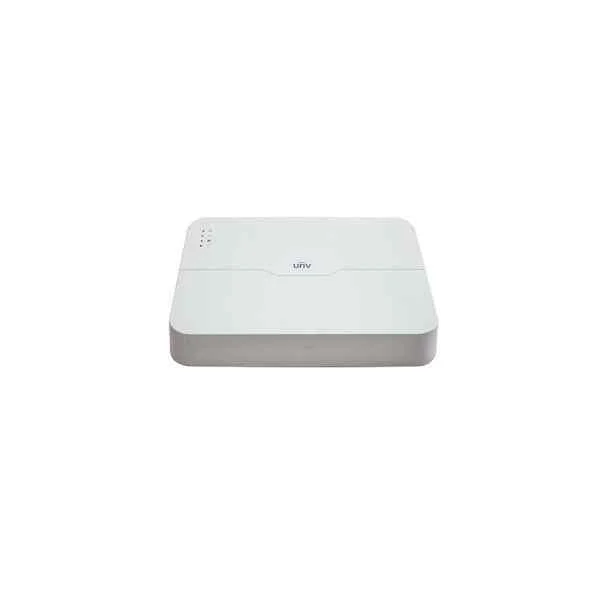
NVR301-04LB-P4 (4-ch, 1 SATA interface, 4 PoE, Smart 1U, H.265)
4.6 (5)Est Value In stockFirst-Time Buyer Discount – Get up to 2% additional off on your first order
ORM Rewards Earn $50 in Rewards + Free Expedited Delivery – Join Now!
Use eCoupon ORMSAVE10
eCoupon limited to 5 units

ORM Sales Advisors
Buying for your business? Get a personalised quote in under 2 hours. Talk to an expert
LEARNFilters (18) 
Questions & Answers
What is the Uniview NVR301 Series?
The Uniview NVR301 Series is a high-performance network video recorder line designed for small to medium surveillance systems, offering real-time recording, smart analytics and remote monitoring.
How many channels does the NVR301 Series support?
The NVR301 Series supports up to 32 IP camera channels, enabling flexible multi-camera surveillance deployments.
What maximum video resolution can the NVR301 Series record?
The NVR301 Series records up to 12MP resolution per channel, ensuring ultra-high-definition video capture and playback.
What storage options are available on the NVR301 Series?
The NVR301 Series features two 3.5\
Does the NVR301 Series support smart motion detection and analytics?
Yes, the NVR301 Series includes built-in smart motion detection, intrusion, line crossing and region entrance/exit analytics on all channels.
Can I view live streams remotely on the Uniview NVR301?
Yes, you can access live streams and playback remotely via Uniview EZView mobile app, EZStation client software or any ONVIF-compliant viewer.
Which network protocols does the NVR301 Series support?
The NVR301 Series supports ONVIF, RTSP, HTTP, HTTPS, TCP/IP, DHCP and other standard protocols for seamless integration.
Does the NVR301 Series support PoE for IP cameras?
The NVR301 Series does not include built-in PoE ports; it requires external PoE switches to power and connect IP cameras.
How do I perform a firmware upgrade on the Uniview NVR301?
Firmware upgrades are performed via the NVR web interface: upload the official .img file under System > Maintenance > Upgrade and reboot when prompted.
What is the maximum recording bitrate of the NVR301 Series?
The NVR301 Series supports a total recording bitrate up to 256 Mbps, ensuring smooth multi-channel high-resolution capture.
Can I use third-party cameras with the NVR301 Series?
Yes, the NVR301 Series is ONVIF Profile S compliant and supports most third-party IP cameras that adhere to the standard.
How do I set up the Uniview NVR301 for first-time use?
Connect cameras, storage drives and network; power on the NVR; follow the Quick Setup wizard in the local HDMI/VGA interface to configure IP, user and recording parameters.
What video compression formats does the NVR301 Series support?
The NVR301 Series supports H.264, H.265 and H.265+ codecs to optimize bandwidth and storage efficiency.
Which client software is compatible with Uniview NVR301?
The NVR301 Series is compatible with Uniview EZStation for Windows/macOS, EZView mobile app (iOS/Android) and standard web browsers via HTTP/HTTPS.
What power supply is required for the NVR301 Series?
The NVR301 Series requires a single 12 VDC power input at 2 A; a universal power adapter is included with the device.
What warranty and support options are available for the Uniview NVR301?
Uniview offers a two-year limited hardware warranty on the NVR301 Series, plus free firmware updates and global technical support.