 United States
Network Video Recorders Uniview Nvr302 Series
Engineered for high-performance surveillance, the Uniview Nvr302 Series delivers reliable monitoring, advanced analytics, and seamless integration within contemporary security systems for enhanced remote and real-time protection.
Talk to an expert
5 Matching results
- BEST SELLING
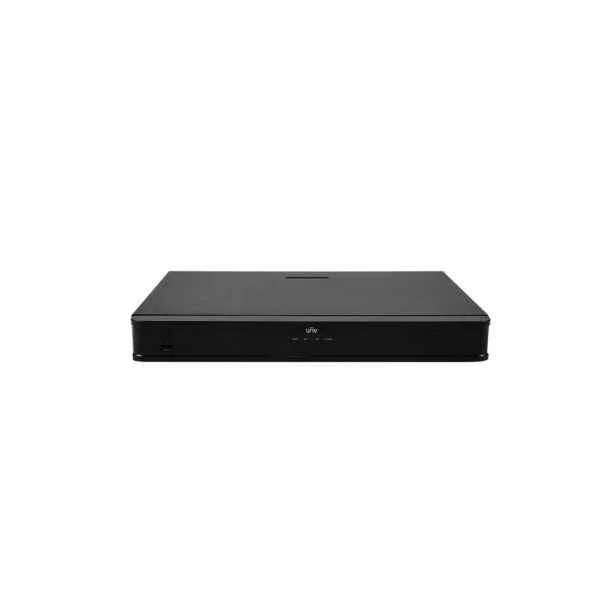
NVR302-08E-P8-B (16 x 1080P 8 x 4MP 4 x 4K)
5 (5)Est Value In stock
First-Time Buyer Discount – Get up to 2% additional off on your first order
ORM Rewards Earn $50 in Rewards + Free Expedited Delivery – Join Now!
Use eCoupon ORMSAVE10
eCoupon limited to 5 units
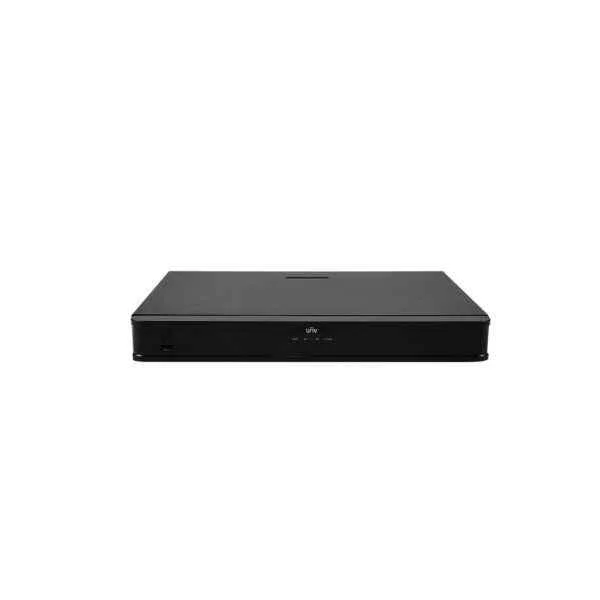
NVR302-09E-B (16 x 1080P, 8 x 4MP, 4 x 4K)
4.6 (5)Est Value In stockFirst-Time Buyer Discount – Get up to 2% additional off on your first order
ORM Rewards Earn $50 in Rewards + Free Expedited Delivery – Join Now!
Use eCoupon ORMSAVE10
eCoupon limited to 5 units
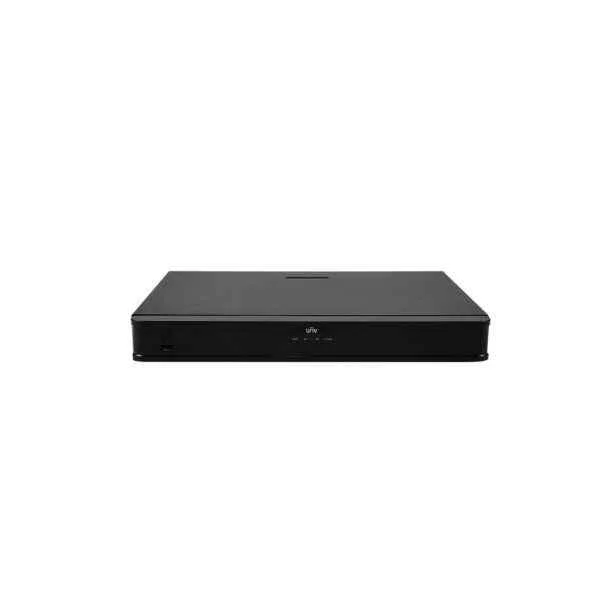
NVR302-16S-P16 (4 x 1080P 2 x 4MP 1 x 4K)
4.4 (5)Est Value In stockFirst-Time Buyer Discount – Get up to 2% additional off on your first order
ORM Rewards Earn $50 in Rewards + Free Expedited Delivery – Join Now!
Use eCoupon ORMSAVE10
eCoupon limited to 5 units
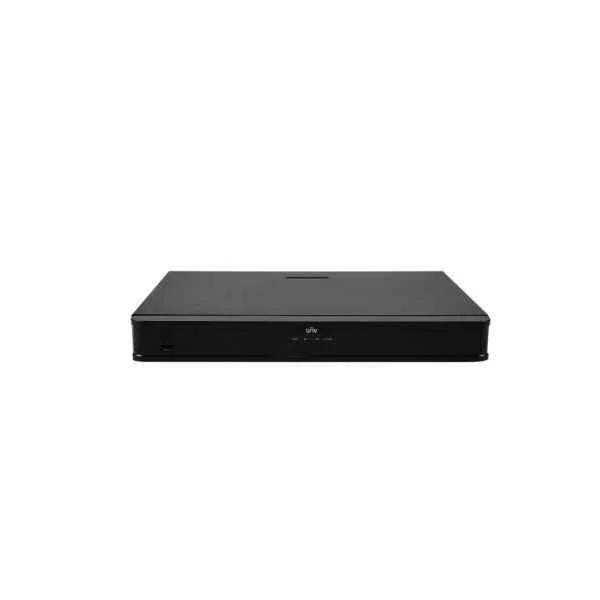
NVR302-16S-P8 (4 x 1080P, 2 x 4MP, 1 x 4K)
4.6 (5)Est Value In stockFirst-Time Buyer Discount – Get up to 2% additional off on your first order
ORM Rewards Earn $50 in Rewards + Free Expedited Delivery – Join Now!
Use eCoupon ORMSAVE10
eCoupon limited to 5 units
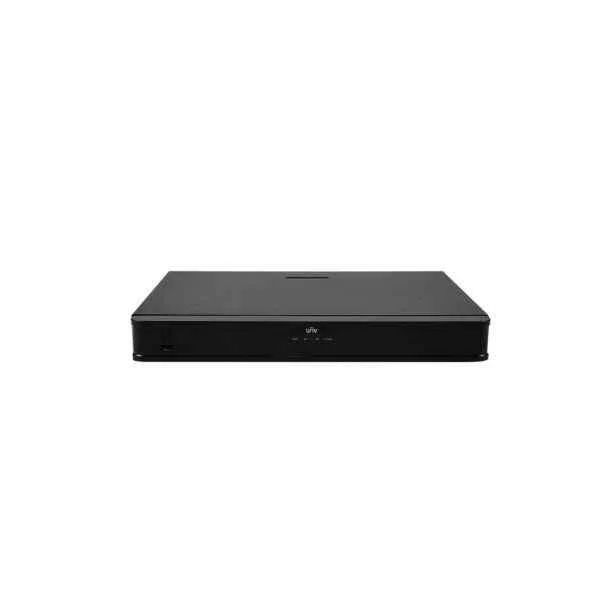
NVR302-32S (8 x 1080P, 4 x 4MP, 2 x 4K)
5 (5)Est Value In stockFirst-Time Buyer Discount – Get up to 2% additional off on your first order
ORM Rewards Earn $50 in Rewards + Free Expedited Delivery – Join Now!
Use eCoupon ORMSAVE10
eCoupon limited to 5 units

ORM Sales Advisors
Buying for your business? Get a personalised quote in under 2 hours. Talk to an expert
LEARNFilters (5) 
Questions & Answers
What is the Uniview NVR302 Series?
The Uniview NVR302 Series is a line of 2-, 4-, and 8-channel network video recorders designed for reliable HD surveillance, featuring built-in PoE ports and intuitive remote management.
How many channels does the Uniview NVR302 Series support?
Depending on the model, the Uniview NVR302 Series supports 2, 4, or 8 IP camera channels, offering scalable recording for small to medium installations.
What video resolutions are supported by the Uniview NVR302 Series?
The Uniview NVR302 Series supports up to 8MP (4K) resolution per channel, delivering crisp, high-definition video recording and playback.
Does the Uniview NVR302 Series include PoE ports?
Yes, each Uniview NVR302 model features built-in PoE ports, supplying power and data over a single Ethernet cable for simplified camera installation.
What storage options are available for the Uniview NVR302 Series?
The Uniview NVR302 Series accommodates one 3.5″ SATA hard drive up to 6 TB, providing ample local storage for continuous and event-triggered recording.
Can I access the Uniview NVR302 Series remotely?
Yes, the Uniview NVR302 Series supports remote access via the EZView mobile app and EZStation client, enabling live view, playback, and real-time alerts from anywhere.
Which video compression formats does the Uniview NVR302 Series support?
The Uniview NVR302 Series supports H.265 and H.264 video compression, optimizing bandwidth use and reducing storage requirements without sacrificing image quality.
Is the Uniview NVR302 Series compatible with third-party cameras?
Yes, the Uniview NVR302 Series is ONVIF Profile S compliant, ensuring interoperability with most third-party IP cameras for flexible system integration.
How do I perform the initial setup of the Uniview NVR302 Series?
Connect cameras, monitor, and network, then complete the on-screen Setup Wizard via the local UI or web interface to configure channels, storage, and network settings.
Does the Uniview NVR302 Series support RAID?
No; the Uniview NVR302 Series supports a single hard drive and does not offer RAID. Regular backups to external storage are recommended for data protection.
What is the maximum incoming bandwidth of the Uniview NVR302 Series?
The Uniview NVR302 Series provides up to 80 Mbps of total incoming bandwidth, ensuring smooth recording of multiple HD streams without frame loss.
Does the Uniview NVR302 Series support audio recording?
Yes; select Uniview NVR302 models include one audio input and one audio output for two-way audio communication and synchronized sound recording.
Which network protocols are supported by the Uniview NVR302 Series?
The Uniview NVR302 Series supports TCP/IP, DHCP, PPPoE, NTP, SMTP, UPnP, and ONVIF, facilitating seamless integration into diverse network environments.
How do I upgrade the firmware on a Uniview NVR302 Series recorder?
Download the latest firmware from Uniview’s official website, then upload it via the web interface under Maintenance > Firmware Upgrade to ensure optimal performance and security.
What warranty is offered with the Uniview NVR302 Series?
Uniview provides a standard two-year hardware warranty for the NVR302 Series, covering manufacturing defects and offering dependable technical support.