 United States
Hikvision NVR Advanced Security Solutions
Experience superior video management and robust security with Hikvision NVR, engineered for seamless integration, high-definition recording, and innovative surveillance solutions providing reliable, round-the-clock protection.
Talk to an expert
Hikvision Pro Series Nvr
(16)Hikvision Pro Series NVR fits healthcare reception security desks using multi-channel IP recording, HDMI evidence review, and SATA storage
Hikvision Special Series Nvr
(8)Hikvision Special Series NVR serves hotel security offices requiring purpose-built camera workflows, RTSP access, and local HDMI monitoring
Hikvision Deepinmind Series Nvr
(15)Hikvision DeepinMind Series NVR targets transport depot video rooms with analytics-assisted recording, ONVIF cameras, and Gigabit Ethernet uplinks
Hikvision Value Series Nvr
(8)Hikvision Value Series NVR matches franchise surveillance cabinets needing H.265 compression, 4K HDMI output, and practical channel density
Hikvision Ultra Series Nvr
(11)Hikvision Ultra Series NVR supports casino security head ends with high-throughput recording, RAID storage, and multi-screen HDMI output
Hikvision Acusense Series Nvr
(10)Hikvision AcuSense Series NVR fits perimeter camera substations using human-vehicle event filtering, IP camera streams, and H.265 retention
Hikvision Nvr 9600 Series
(2)Hikvision NVR 9600 Series targets city surveillance control rooms with 256-channel class recording, RAID arrays, and 10 Gigabit uplinks
Hikvision Nvr 7700 Series
(5)Hikvision NVR 7700 Series serves campus security closets requiring 32-channel class recording, HDMI review, and SATA drive bays
Hikvision Nvr 7600 Series
(9)Hikvision NVR 7600 Series matches mixed-use tower security rooms with 16-channel class recording, ONVIF cameras, and Gigabit Ethernet
Hikvision Nvr 8600 Series
(4)Hikvision NVR 8600 Series supports logistics yard monitoring rooms using 64-channel class intake, RAID storage, and high-bandwidth Ethernet
88 Matching results
- BEST SELLING
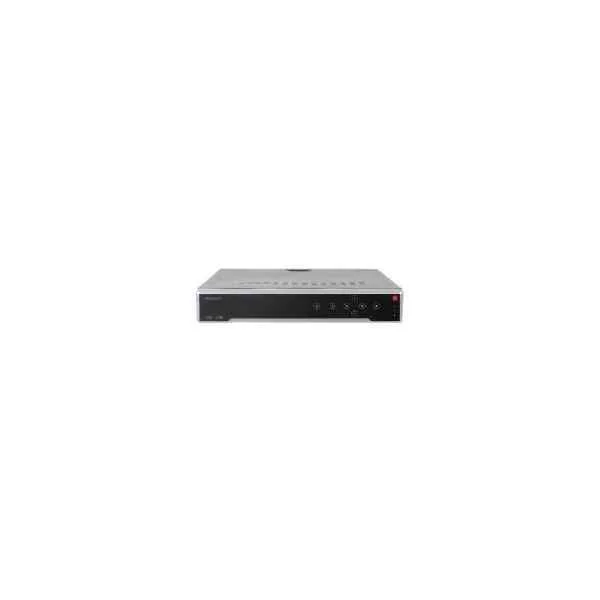
DS-7732NI-I4/24P (32-ch 1.5U 24 PoE 4K NVR)
4.6 (5)Est Value In stock
First-Time Buyer Discount – Get up to 2% additional off on your first order
ORM Rewards Earn $50 in Rewards + Free Expedited Delivery – Join Now!
Use eCoupon ORMSAVE10
eCoupon limited to 5 units
- BEST SELLING
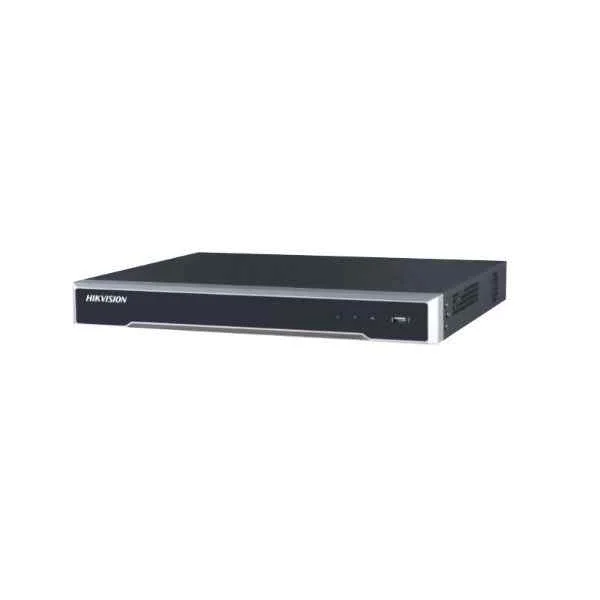
DS-7708NI-I4/8P (8-ch 1.5U 8 PoE 4K NVR)
4.4 (5)Est Value In stockFirst-Time Buyer Discount – Get up to 2% additional off on your first order
ORM Rewards Earn $50 in Rewards + Free Expedited Delivery – Join Now!
Use eCoupon ORMSAVE10
eCoupon limited to 5 units
- BEST SELLING
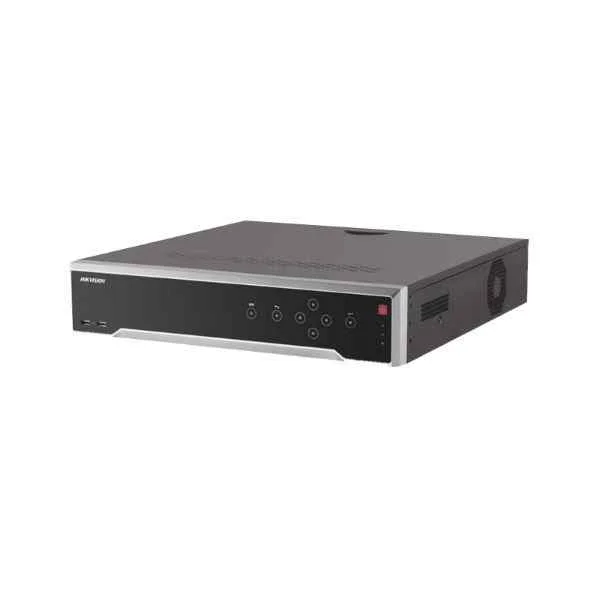
DS-7708NI-I4 (8-ch 1.5U 4K NVR)
5 (5)Est Value In stockFirst-Time Buyer Discount – Get up to 2% additional off on your first order
ORM Rewards Earn $50 in Rewards + Free Expedited Delivery – Join Now!
Use eCoupon ORMSAVE10
eCoupon limited to 5 units
- BEST SELLING
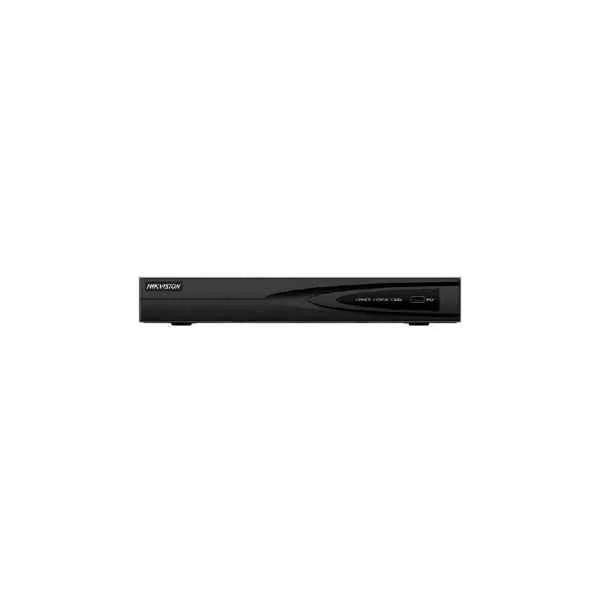
DS-7604NI-Q1 (4-ch 1U 4K NVR)
4.6 (5)Est Value In stockFirst-Time Buyer Discount – Get up to 2% additional off on your first order
ORM Rewards Earn $50 in Rewards + Free Expedited Delivery – Join Now!
Use eCoupon ORMSAVE10
eCoupon limited to 5 units
- BEST SELLING
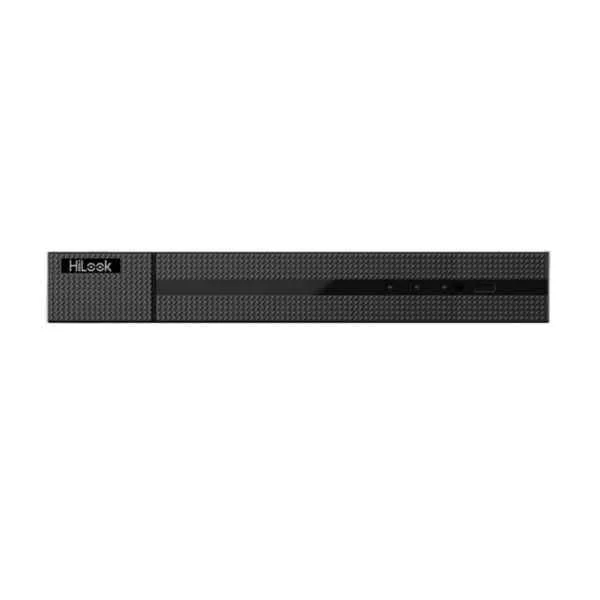
DS-7604NI-Q1/4P (4K Plug and Play Network Video Recorder with PoE)
5 (5)Est Value In stockFirst-Time Buyer Discount – Get up to 2% additional off on your first order
ORM Rewards Earn $50 in Rewards + Free Expedited Delivery – Join Now!
Use eCoupon ORMSAVE10
eCoupon limited to 5 units
- BEST SELLING
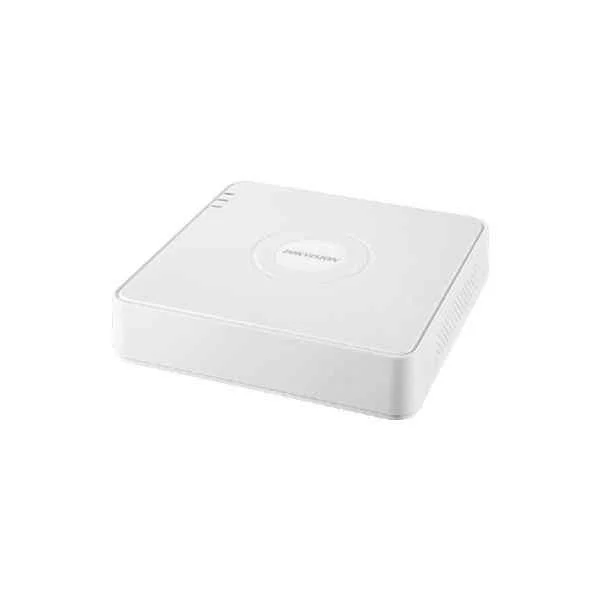
DS-7104NI-Q1 (4-ch Mini 1U NVR)
5 (5)Est Value In stockFirst-Time Buyer Discount – Get up to 2% additional off on your first order
ORM Rewards Earn $50 in Rewards + Free Expedited Delivery – Join Now!
Use eCoupon ORMSAVE10
eCoupon limited to 5 units
- BEST SELLING
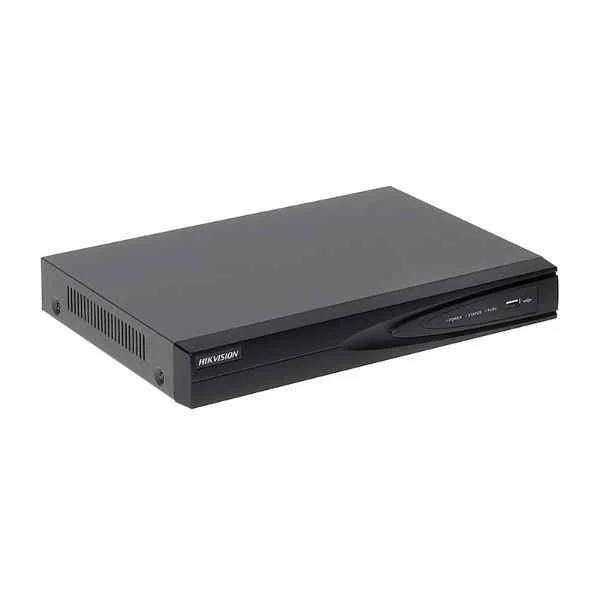
DS-7104NI-Q1/4P (4-ch Mini 4 PoE 1U NVR)
4.6 (5)Est Value In stockFirst-Time Buyer Discount – Get up to 2% additional off on your first order
ORM Rewards Earn $50 in Rewards + Free Expedited Delivery – Join Now!
Use eCoupon ORMSAVE10
eCoupon limited to 5 units
- BEST SELLING
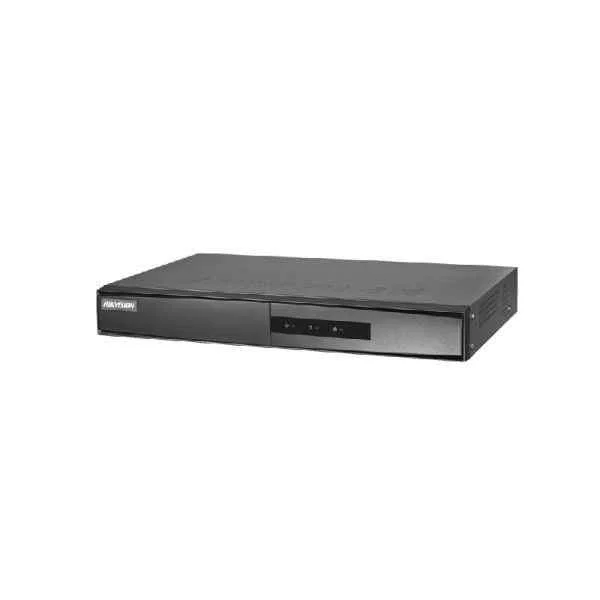
DS-7108NI-Q1/8P/M (8-ch Mini 1U 8 PoE NVR)
4.4 (5)Est Value In stockFirst-Time Buyer Discount – Get up to 2% additional off on your first order
ORM Rewards Earn $50 in Rewards + Free Expedited Delivery – Join Now!
Use eCoupon ORMSAVE10
eCoupon limited to 5 units
- BEST SELLING
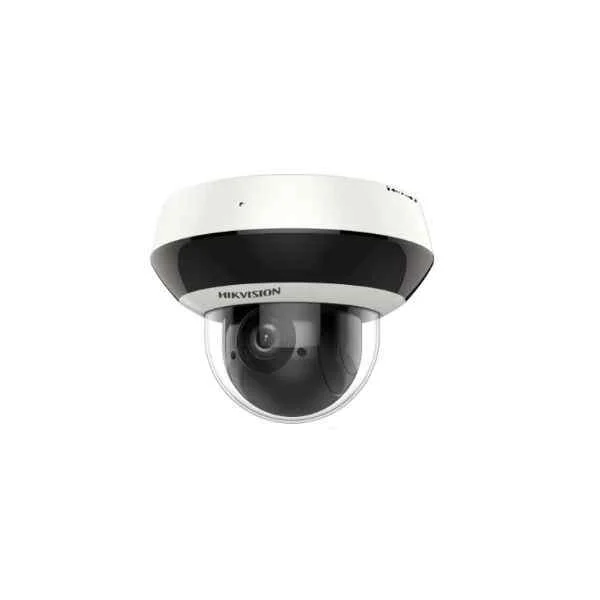
DS-7604NI-K1/W (4-ch 1U Wi-Fi 4K NVR)
4.6 (5)Est Value In stockFirst-Time Buyer Discount – Get up to 2% additional off on your first order
ORM Rewards Earn $50 in Rewards + Free Expedited Delivery – Join Now!
Use eCoupon ORMSAVE10
eCoupon limited to 5 units
- BEST SELLING
DS-9616NI-I8 (16-ch 2U 4K NVR)
4.8 (5)Est Value In stockFirst-Time Buyer Discount – Get up to 2% additional off on your first order
ORM Rewards Earn $50 in Rewards + Free Expedited Delivery – Join Now!
Use eCoupon ORMSAVE10
eCoupon limited to 5 units
- BEST SELLING
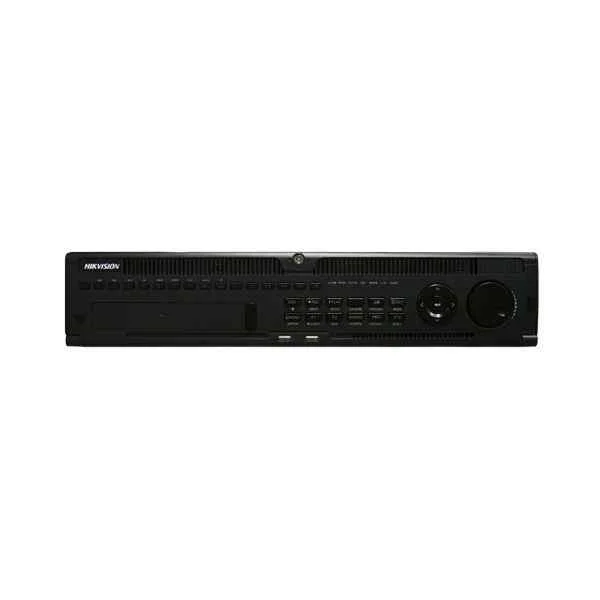
DS-9632NI-I8 (32-ch 2U 4K NVR)
4.6 (5)Est Value In stockFirst-Time Buyer Discount – Get up to 2% additional off on your first order
ORM Rewards Earn $50 in Rewards + Free Expedited Delivery – Join Now!
Use eCoupon ORMSAVE10
eCoupon limited to 5 units
- BEST SELLING
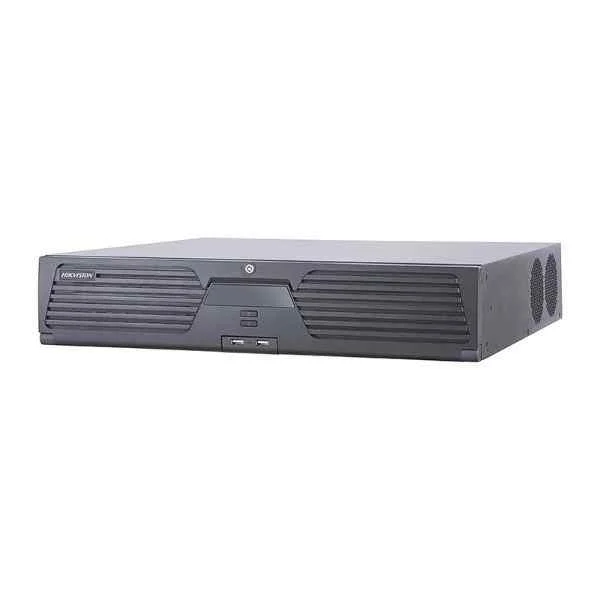
iDS-9632NXI-I816S (DeepinMind NVR)
4.2 (5)Est Value In stockFirst-Time Buyer Discount – Get up to 2% additional off on your first order
ORM Rewards Earn $50 in Rewards + Free Expedited Delivery – Join Now!
Use eCoupon ORMSAVE10
eCoupon limited to 5 units
- BEST SELLING
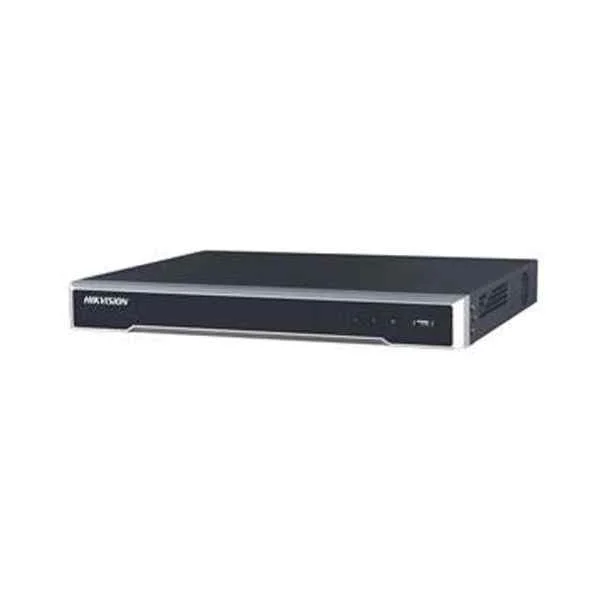
DS-7616NI-K2 (160/160 Mbps In/Out Bandwidth, 1080p@30fps/ 4-ch 4MP@30fps/ 2-ch 4K@25fps Max Resolution, Video output: VGA & HDMI + Audio I/O: 1 In/ 1 Out + Alarm I/O: 4 In/ 1 Out)
4.6 (5)Est Value In stockFirst-Time Buyer Discount – Get up to 2% additional off on your first order
ORM Rewards Earn $50 in Rewards + Free Expedited Delivery – Join Now!
Use eCoupon ORMSAVE10
eCoupon limited to 5 units
- FEARURED
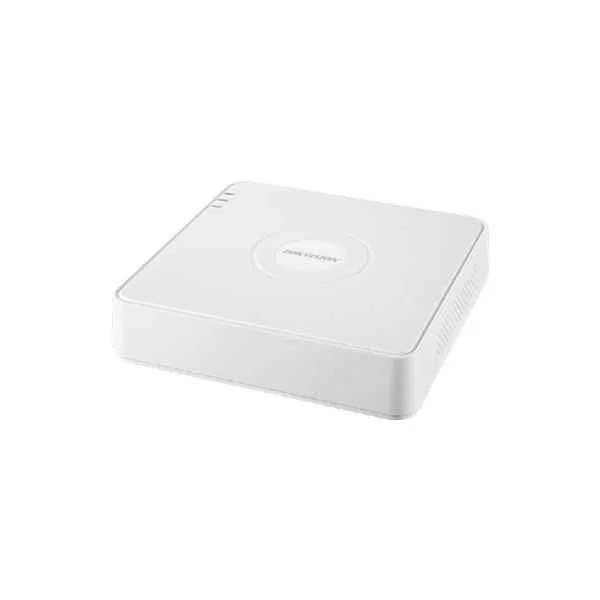
DS-7608NI-I2/8P (8-ch 1U 8 PoE 4K NVR)
4.4 (5)Est Value In stockFirst-Time Buyer Discount – Get up to 2% additional off on your first order
ORM Rewards Earn $50 in Rewards + Free Expedited Delivery – Join Now!
Use eCoupon ORMSAVE10
eCoupon limited to 5 units
- FEARURED
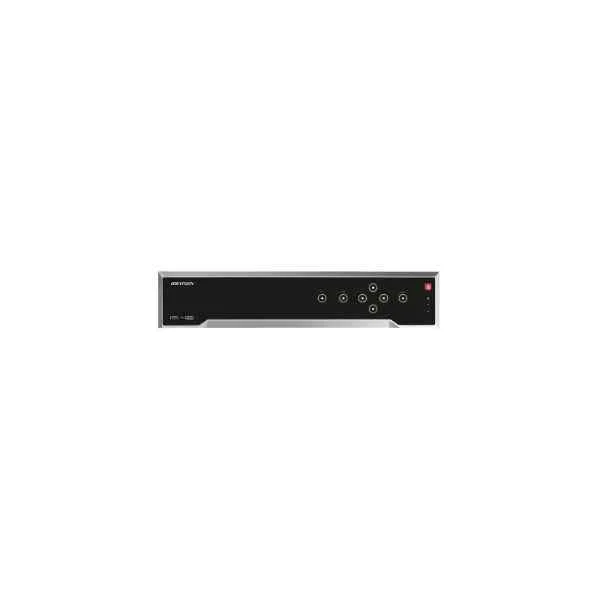
DS-7732NI-I4/16P(B) (32-ch 1.5U 16 PoE 4K NVR)
4.6 (5)Est Value In stockFirst-Time Buyer Discount – Get up to 2% additional off on your first order
ORM Rewards Earn $50 in Rewards + Free Expedited Delivery – Join Now!
Use eCoupon ORMSAVE10
eCoupon limited to 5 units
- FEARURED
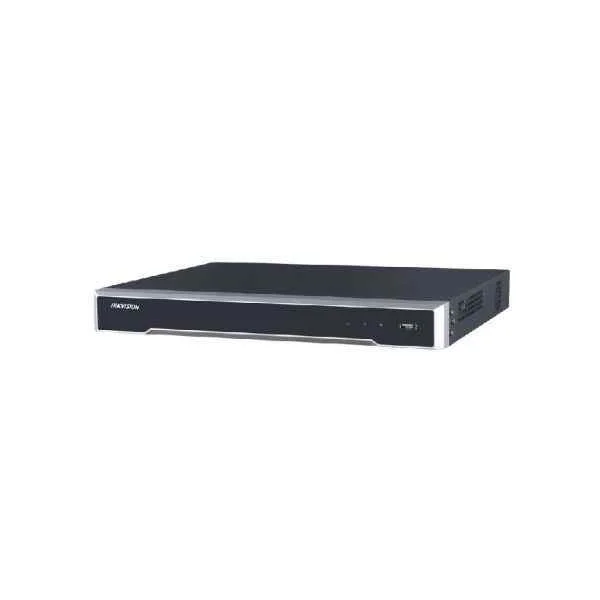
DS-7616NI-I2/16P (16-ch 1U 16 PoE 4K NVR)
4.6 (5)Est Value In stockFirst-Time Buyer Discount – Get up to 2% additional off on your first order
ORM Rewards Earn $50 in Rewards + Free Expedited Delivery – Join Now!
Use eCoupon ORMSAVE10
eCoupon limited to 5 units
- FEARURED
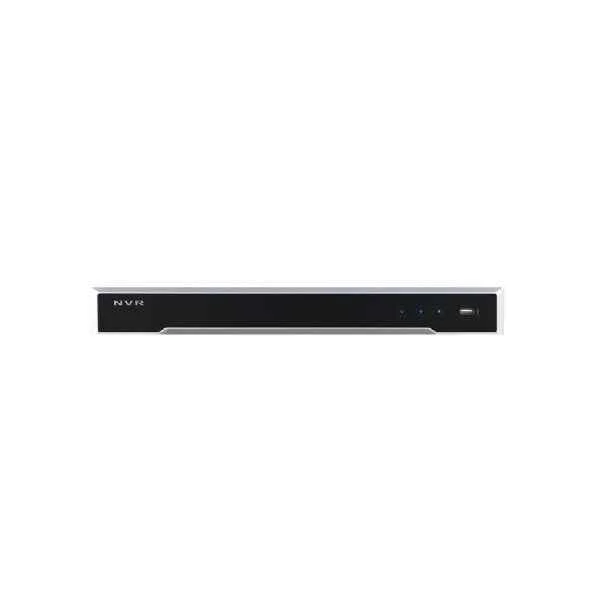
DS-7632NI-I2 (32-ch 1U 4K NVR)
4.4 (5)Est Value In stockFirst-Time Buyer Discount – Get up to 2% additional off on your first order
ORM Rewards Earn $50 in Rewards + Free Expedited Delivery – Join Now!
Use eCoupon ORMSAVE10
eCoupon limited to 5 units
- FEARURED
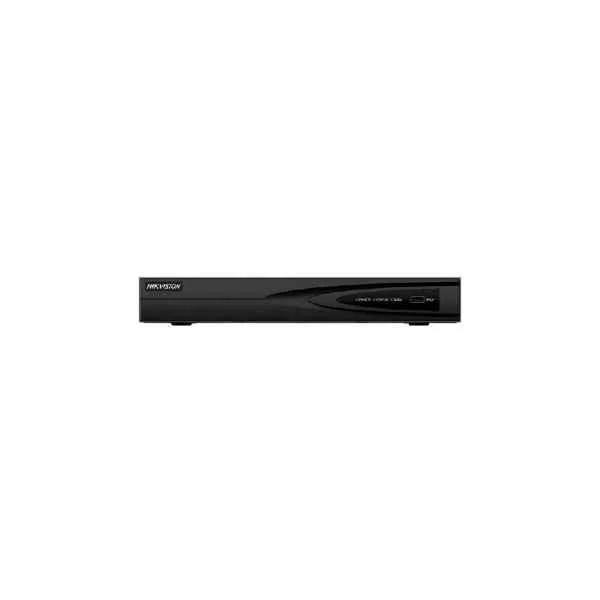
DS-7608NI-K1(B) (8-ch 1U 4K NVR)
4.6 (5)Est Value In stockFirst-Time Buyer Discount – Get up to 2% additional off on your first order
ORM Rewards Earn $50 in Rewards + Free Expedited Delivery – Join Now!
Use eCoupon ORMSAVE10
eCoupon limited to 5 units
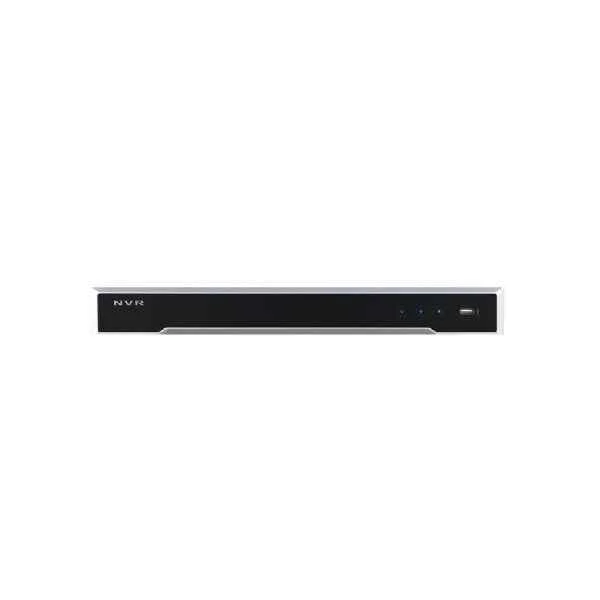
DS-7616NI-I2 (16-ch 1U 4K NVR)
4.6 (5)Est Value In stockFirst-Time Buyer Discount – Get up to 2% additional off on your first order
ORM Rewards Earn $50 in Rewards + Free Expedited Delivery – Join Now!
Use eCoupon ORMSAVE10
eCoupon limited to 5 units
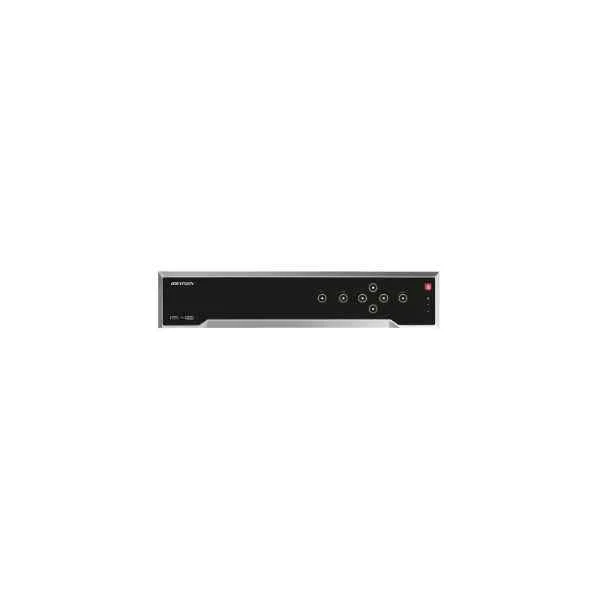
DS-7732NI-I4(B) (32-ch 1.5U 4K NVR)
4.6 (5)Est Value In stockFirst-Time Buyer Discount – Get up to 2% additional off on your first order
ORM Rewards Earn $50 in Rewards + Free Expedited Delivery – Join Now!
Use eCoupon ORMSAVE10
eCoupon limited to 5 units

ORM Sales Advisors
Buying for your business? Get a personalised quote in under 2 hours. Talk to an expert
LEARNFilters (88) 
Questions & Answers
What is a Hikvision NVR and how does it work?
A Hikvision NVR (Network Video Recorder) is a dedicated device that records and manages IP camera video streams over a network. It decodes, stores and plays back video footage, enabling centralized monitoring and secure recording.
Which Hikvision NVR model suits my small business needs?
For small businesses, the Hikvision DS-7608NI-I2/8P offers 8-channel full HD recording, built-in PoE ports and scalable storage up to 10 TB. It balances performance, affordability and easy plug-and-play installation.
How do I install and configure a Hikvision NVR?
To install a Hikvision NVR, connect IP cameras via Ethernet or PoE, power on the unit, and follow the Quick Start Wizard. Configure network settings, create user accounts and set recording schedules in the web interface or iVMS-4200 software.
Can I access my Hikvision NVR remotely on mobile devices?
Yes. Download the Hik-Connect or iVMS-4500 app, register your device QR code, and use P2P or IP address to access live view and playback from anywhere. Ensure proper port forwarding or a Hik-Connect account for seamless remote access.
What storage capacity do Hikvision NVRs support?
Most Hikvision NVRs support up to two internal SATA drives, each up to 10 TB, for a maximum of 20 TB. Some enterprise models allow up to 16 drives or network-attached storage (NAS) expansion.
How do I set up motion detection on my Hikvision NVR?
In the NVR web interface, navigate to Camera > Event > Basic Event > Motion Detection. Select the channel, adjust sensitivity and detection area, then configure linked actions like recording or notifications.
What is the difference between a Hikvision NVR and DVR?
A Hikvision NVR records digital IP camera streams over a network, while a DVR (Digital Video Recorder) processes analog camera signals via coaxial cables. NVRs offer higher resolution, PoE support and advanced analytics.
How can I update the firmware on my Hikvision NVR?
Download the latest firmware from the Hikvision official website, then in the NVR web interface go to Maintenance > Upgrade. Upload the firmware file and reboot the device to complete the update.
Are Hikvision NVRs compatible with third-party IP cameras?
Many Hikvision NVRs support ONVIF Profile S, enabling compatibility with most third-party IP cameras. Check the NVR’s ONVIF certification and camera firmware versions for full interoperability.
How do I configure user permissions on a Hikvision NVR?
In the web interface, go to Configuration > User > User Management. Create new accounts, assign roles (admin, operator, guest) and grant channel-specific or function-specific permissions to control access levels.
What video resolutions do Hikvision NVRs support?
Hikvision NVRs support resolutions from 720p up to 4K (8 MP) per channel, depending on the model. High-end models offer up to 32 MP and multi-stream support for live view and optimized playback.
How does PoE work on Hikvision NVRs?
Built-in Power over Ethernet (PoE) ports on Hikvision NVRs deliver power and data over a single Ethernet cable. This simplifies cabling, reduces installation costs and ensures automatic detection of PoE-enabled IP cameras.
Can Hikvision NVRs send email alerts for events?
Yes. Under Configuration > Event > Email, enter SMTP server settings, sender/recipient addresses and attach snapshots. The NVR will automatically send email alerts on motion, tampering or other configured events.
How do I playback recorded video on a Hikvision NVR?
Access Playback in the NVR’s local GUI, web interface or mobile app. Select the channel, date and time range, then use timeline controls to search, play, pause and export video clips.
What backup options are available on Hikvision NVRs?
Hikvision NVRs support USB export, network download via SMB/FTP, and cloud backup with Hik-Connect Cloud Storage. Choose the method that fits your retention and recovery requirements.
How reliable are Hikvision NVRs in harsh environments?
Hikvision NVRs are designed for 24/7 operation with industrial-grade components, wide temperature ranges (–10 °C to 55 °C) and surge protection. They maintain stable performance in demanding security applications.