 United States
NVR Hikvision Deepinmind Series
Discover advanced security and robust performance with the Hikvision Deepinmind Series NVR, engineered for precision surveillance, seamless integration, and enhanced reliability to safeguard diverse environments.
Talk to an expert
15 Matching results
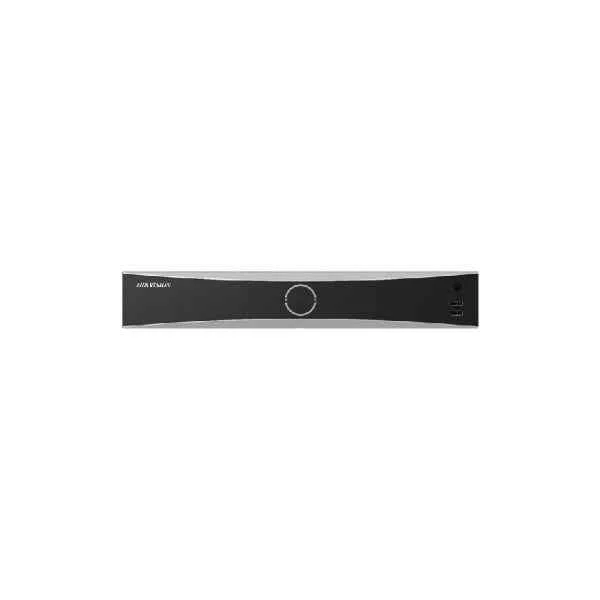
iDS-7616NXI-I2/8F (16-ch 1U 4K DeepinMind NVR)
4.6 (5)Est Value In stock
First-Time Buyer Discount – Get up to 2% additional off on your first order
ORM Rewards Earn $50 in Rewards + Free Expedited Delivery – Join Now!
Use eCoupon ORMSAVE10
eCoupon limited to 5 units
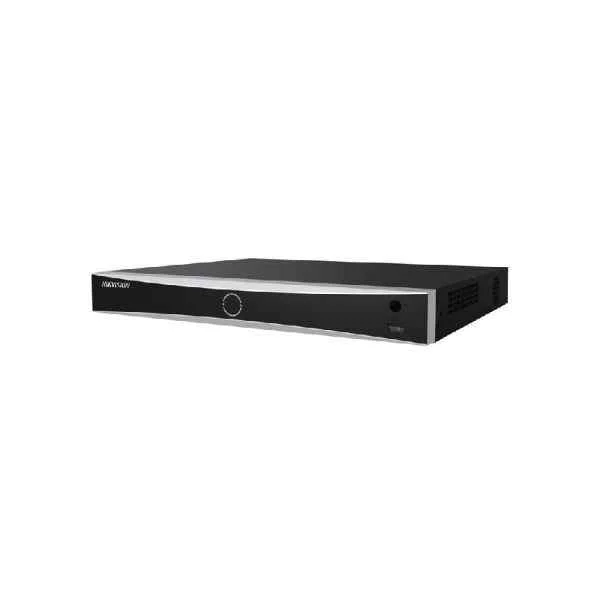
iDS-7616NXI-I2/16P/8F (16-ch 1U 16 PoE 4K DeepinMind NVR)
4.6 (5)Est Value In stockFirst-Time Buyer Discount – Get up to 2% additional off on your first order
ORM Rewards Earn $50 in Rewards + Free Expedited Delivery – Join Now!
Use eCoupon ORMSAVE10
eCoupon limited to 5 units
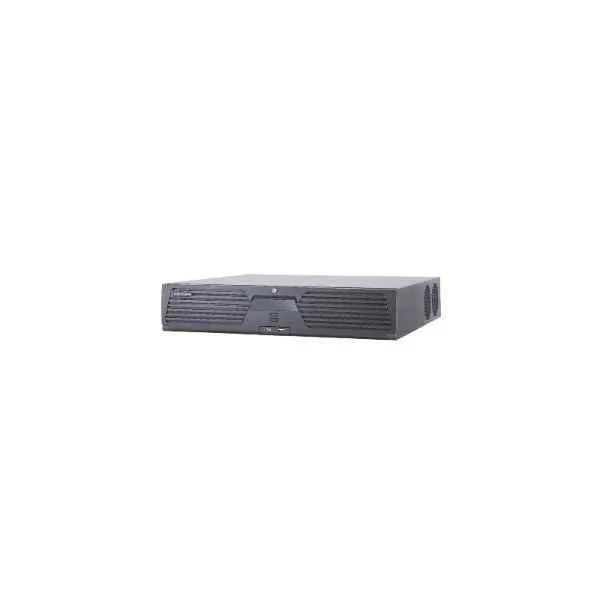
iDS-9664NXI-I8/16S(B) (64-ch 2U 4K DeepinMind NVR)
4.8 (5)Est Value In stockFirst-Time Buyer Discount – Get up to 2% additional off on your first order
ORM Rewards Earn $50 in Rewards + Free Expedited Delivery – Join Now!
Use eCoupon ORMSAVE10
eCoupon limited to 5 units
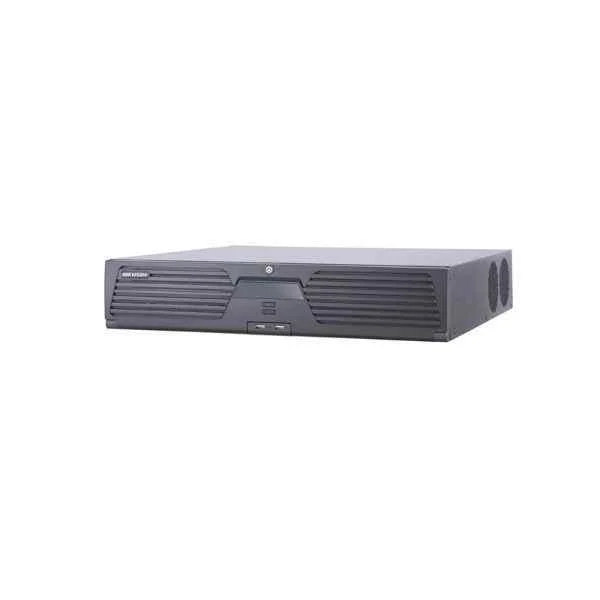
iDS-9632NXI-I8/16S(B) (32-ch 2U 4K DeepinMind NVR)
4.2 (5)Est Value In stockFirst-Time Buyer Discount – Get up to 2% additional off on your first order
ORM Rewards Earn $50 in Rewards + Free Expedited Delivery – Join Now!
Use eCoupon ORMSAVE10
eCoupon limited to 5 units
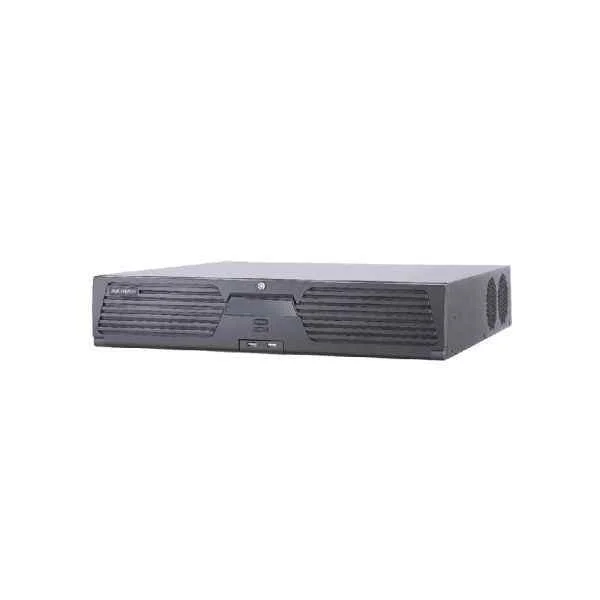
iDS-9616NXI-I8/16S(B) (16-ch 2U 4K DeepinMind NVR)
4.4 (5)Est Value In stockFirst-Time Buyer Discount – Get up to 2% additional off on your first order
ORM Rewards Earn $50 in Rewards + Free Expedited Delivery – Join Now!
Use eCoupon ORMSAVE10
eCoupon limited to 5 units
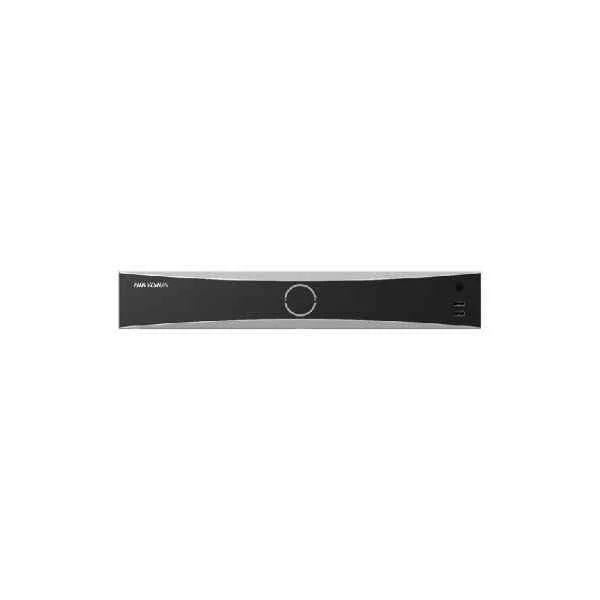
iDS-7716NXI-I4/16S(B) (16-ch 1.5U 4K DeepinMind NVR)
4.6 (5)Est Value In stockFirst-Time Buyer Discount – Get up to 2% additional off on your first order
ORM Rewards Earn $50 in Rewards + Free Expedited Delivery – Join Now!
Use eCoupon ORMSAVE10
eCoupon limited to 5 units
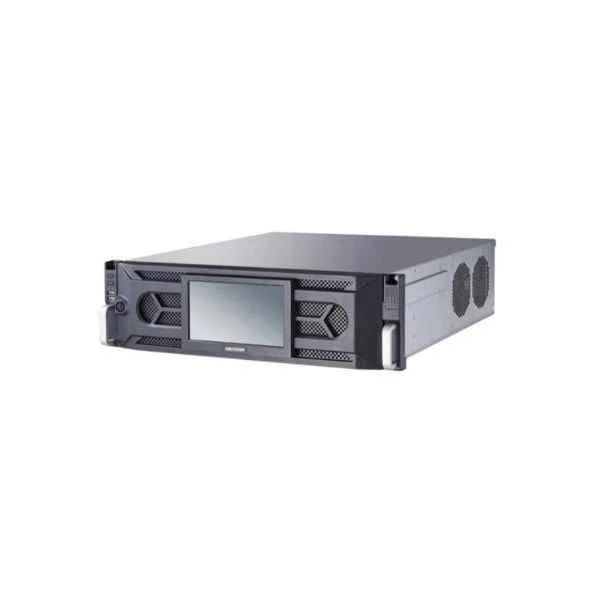
iDS-96128NXI-I16(B) (128-ch 3U 4K DeepinMind Super NVR)
5 (5)Est Value In stockFirst-Time Buyer Discount – Get up to 2% additional off on your first order
ORM Rewards Earn $50 in Rewards + Free Expedited Delivery – Join Now!
Use eCoupon ORMSAVE10
eCoupon limited to 5 units
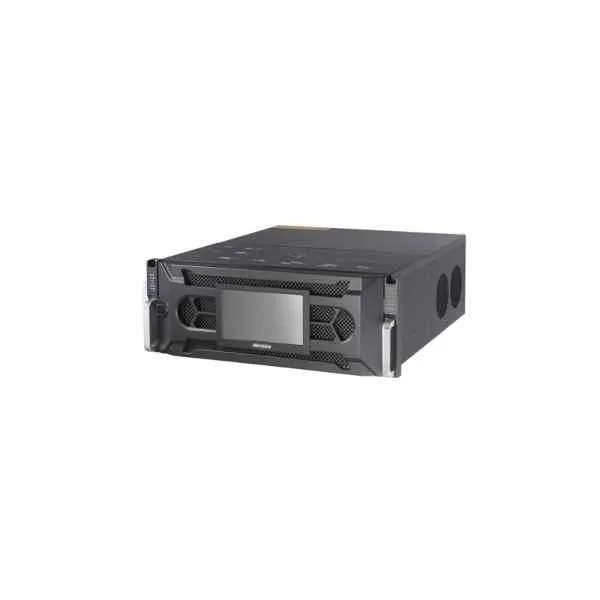
iDS-96128NXI-I24(B) (128-ch 4U 4K DeepinMind Super NVR)
4.2 (5)Est Value In stockFirst-Time Buyer Discount – Get up to 2% additional off on your first order
ORM Rewards Earn $50 in Rewards + Free Expedited Delivery – Join Now!
Use eCoupon ORMSAVE10
eCoupon limited to 5 units
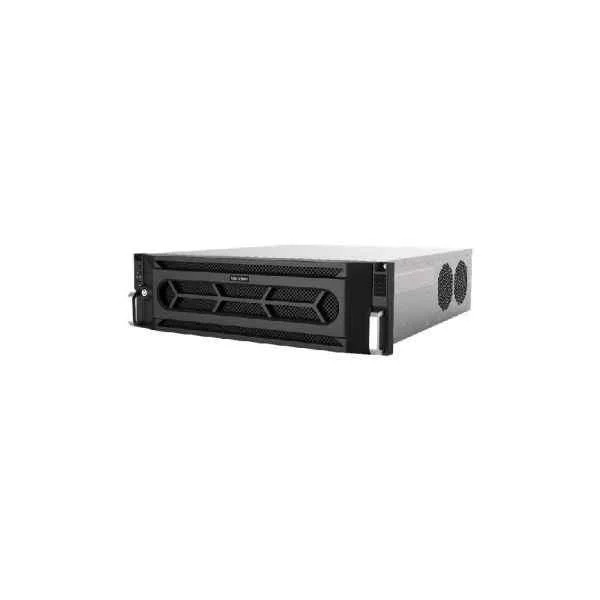
iDS-96064NXI-I16(B) (64-ch 3U 4K DeepinMind Super NVR)
4.8 (5)Est Value In stockFirst-Time Buyer Discount – Get up to 2% additional off on your first order
ORM Rewards Earn $50 in Rewards + Free Expedited Delivery – Join Now!
Use eCoupon ORMSAVE10
eCoupon limited to 5 units
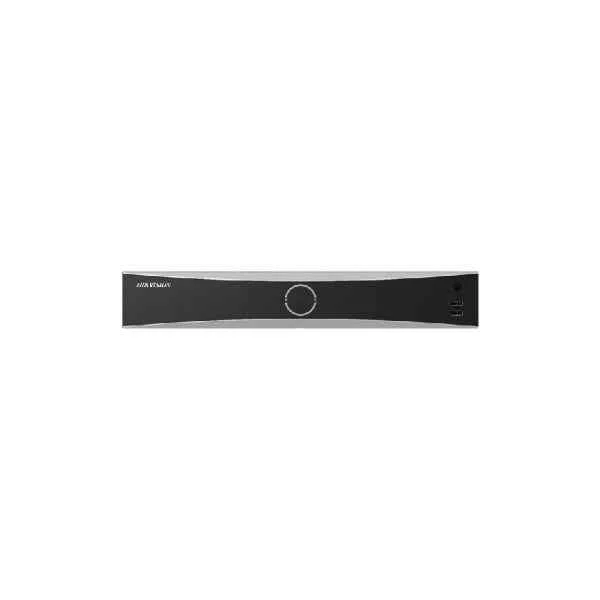
iDS-7716NXI-I4/16P/16S(B) (16-ch 1.5U 16 PoE 4K DeepinMind NVR)
4.6 (5)Est Value In stockFirst-Time Buyer Discount – Get up to 2% additional off on your first order
ORM Rewards Earn $50 in Rewards + Free Expedited Delivery – Join Now!
Use eCoupon ORMSAVE10
eCoupon limited to 5 units
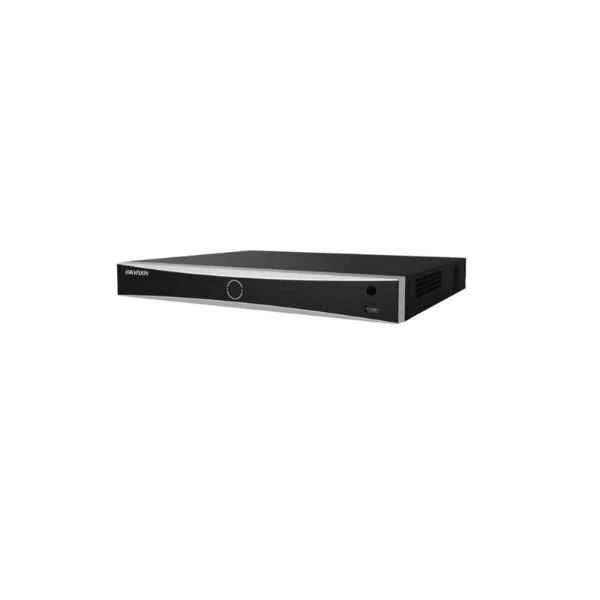
iDS-7608NXI-I2/8F (8-ch 1U 4K DeepinMind NVR)
4.4 (5)Est Value In stockFirst-Time Buyer Discount – Get up to 2% additional off on your first order
ORM Rewards Earn $50 in Rewards + Free Expedited Delivery – Join Now!
Use eCoupon ORMSAVE10
eCoupon limited to 5 units
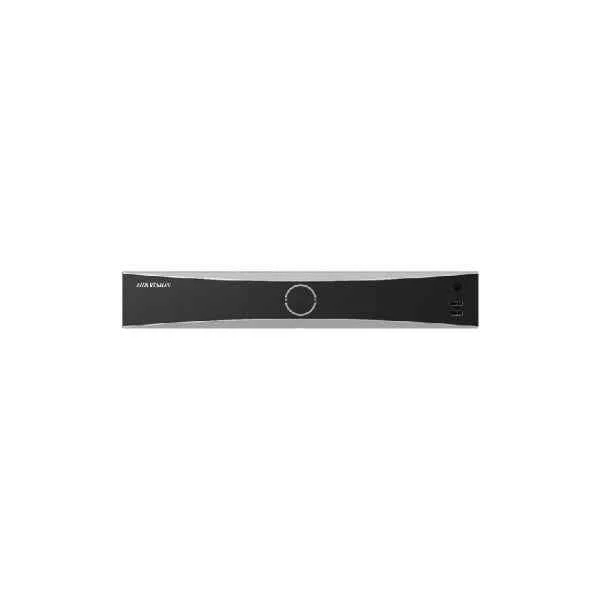
iDS-7608NXI-I2/8P/8F (8-ch 1U 8 PoE 4K DeepinMind NVR)
4.6 (5)Est Value In stockFirst-Time Buyer Discount – Get up to 2% additional off on your first order
ORM Rewards Earn $50 in Rewards + Free Expedited Delivery – Join Now!
Use eCoupon ORMSAVE10
eCoupon limited to 5 units
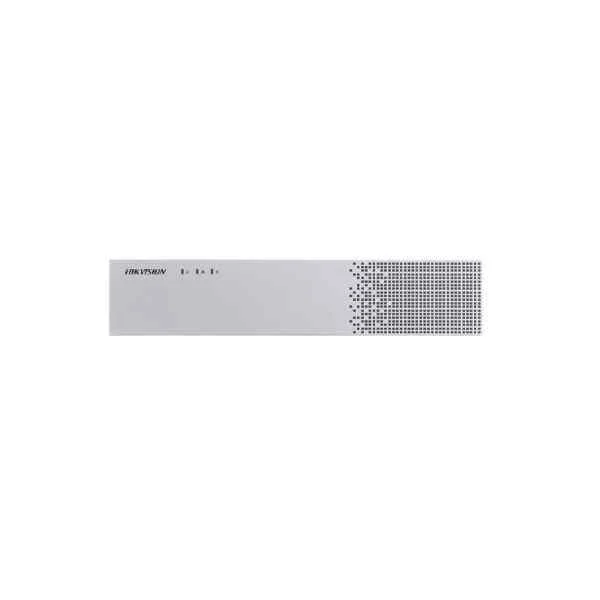
iDS-6716NXI-I/16S(B) (DeepinMind NVS)
4.4 (5)Est Value In stockFirst-Time Buyer Discount – Get up to 2% additional off on your first order
ORM Rewards Earn $50 in Rewards + Free Expedited Delivery – Join Now!
Use eCoupon ORMSAVE10
eCoupon limited to 5 units
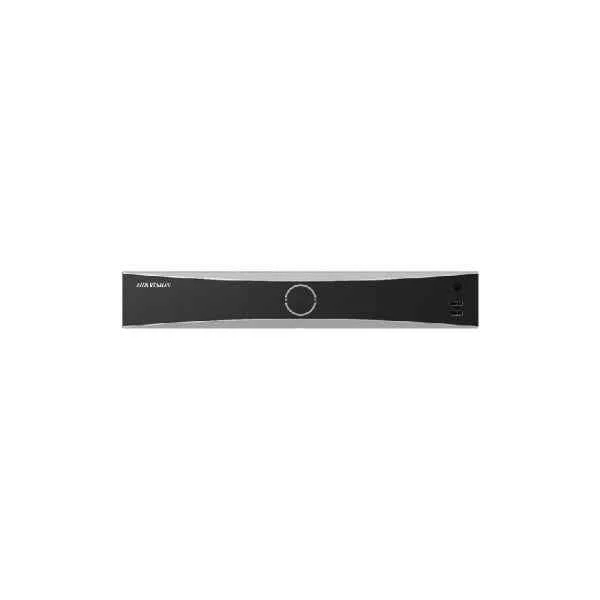
iDS-7732NXI-I4/X(B) (32-ch 1.5U 4K DeepinMind NVR)
4.6 (5)Est Value In stockFirst-Time Buyer Discount – Get up to 2% additional off on your first order
ORM Rewards Earn $50 in Rewards + Free Expedited Delivery – Join Now!
Use eCoupon ORMSAVE10
eCoupon limited to 5 units
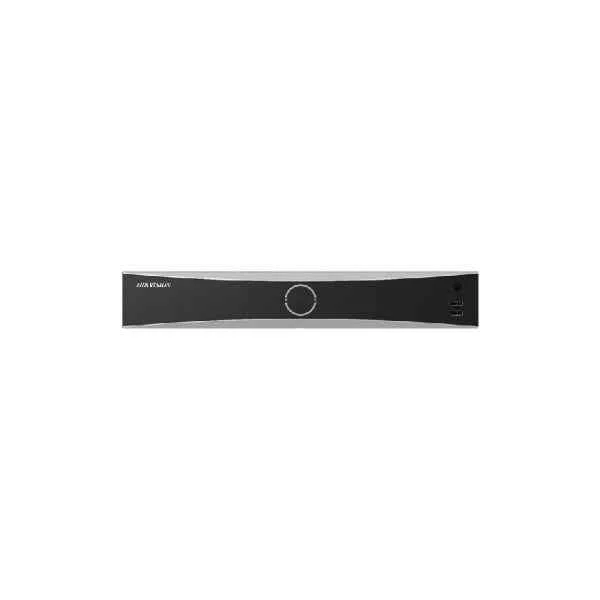
iDS-7732NXI-I4/16P/X(B) (32-ch 1.5U 16 PoE 4K DeepinMind NVR)
4.8 (5)Est Value In stockFirst-Time Buyer Discount – Get up to 2% additional off on your first order
ORM Rewards Earn $50 in Rewards + Free Expedited Delivery – Join Now!
Use eCoupon ORMSAVE10
eCoupon limited to 5 units

ORM Sales Advisors
Buying for your business? Get a personalised quote in under 2 hours. Talk to an expert
LEARNFilters (15) 
Questions & Answers
What is Hikvision DeepinMind Series NVR?
Hikvision DeepinMind Series NVR is a network video recorder with embedded deep learning algorithms for advanced video analytics, including human and vehicle classification.
How does deep learning enhance Hikvision DeepinMind NVR performance?
By leveraging neural networks, DeepinMind NVR reduces false alarms, accurately distinguishes humans and vehicles, and improves detection reliability in real time.
Which AI features are integrated into the DeepinMind Series NVR?
It supports perimeter protection, face detection, human/vehicle classification, people counting, intelligent playback and alarm-triggered smart search.
How many channels and what maximum resolution does the DeepinMind Series NVR support?
Depending on the model, it supports up to 32 IP channels with recording resolutions up to 12 MP for high-definition surveillance.
Which cameras are compatible with Hikvision DeepinMind Series NVR?
DeepinMind NVRs are fully compatible with Hikvision Deep Learning cameras and third-party H.265/H.264 cameras via ONVIF Profile S/G.
What storage options are available on DeepinMind Series NVR?
It offers up to eight SATA HDD bays, each supporting 10 TB, plus RAID 0/1/5/6 and JBOD configurations for redundancy and flexibility.
Can I integrate third-party cameras with DeepinMind Series NVR?
Yes. Third-party integration is supported through ONVIF Profile S/G and Hikvision SDK-onvif for seamless multi-vendor compatibility.
How do I configure AI-based human and vehicle detection on DeepinMind NVR?
Go to the AI Analysis menu, enable classification, select human/vehicle filters, define detection zones and set alarm linkage actions.
How can I remotely access my DeepinMind Series NVR?
Use Hik-Connect, iVMS-4200 or a web browser with P2P or direct IP access and secure authentication for live view and playback.
Does the DeepinMind Series NVR support RAID configurations?
Yes. It supports RAID 0, 1, 5, 6 and JBOD to optimize write performance, storage capacity and data protection.
How does DeepinMind NVR improve search and playback efficiency?
It uses AI-based indexing for target-driven search, supports event filtering and offers smart playback with timeline highlights.
Are firmware updates available for DeepinMind Series NVR?
Yes. Regular firmware updates are released on Hikvision’s website and can be applied via the NVR’s web interface for new features and security patches.
How do I set up motion detection on Hikvision DeepinMind NVR?
Navigate to Alarm > Motion Detection, draw sensitivity zones, adjust thresholds and assign actions such as email alerts or recording.
Which network protocols are supported by DeepinMind Series NVR?
It supports TCP/IP, DHCP, PPPoE, NTP, HTTP(S), ONVIF, RTSP, SNMP and other standard protocols for flexible network integration.
What cybersecurity measures are integrated into DeepinMind Series NVR?
It features encrypted firmware, HTTPS access, password complexity enforcement, user permission controls and IP black/white listing.