 United States
Security Hikvision NVR 7600 Series
The Hikvision NVR 7600 Series delivers cutting-edge performance, robust video analytics, and exceptional recording capabilities. Experience seamlessly integrated, scalable surveillance for unmatched security and operational excellence.
Talk to an expert
9 Matching results
- BEST SELLING
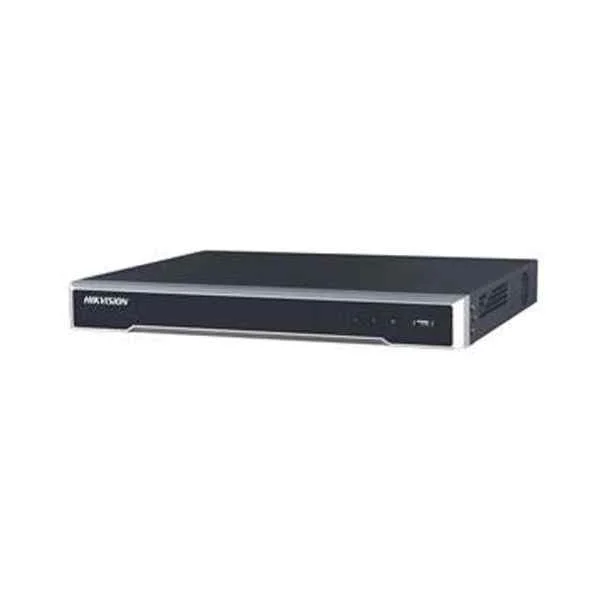
DS-7616NI-K2 (160/160 Mbps In/Out Bandwidth, 1080p@30fps/ 4-ch 4MP@30fps/ 2-ch 4K@25fps Max Resolution, Video output: VGA & HDMI + Audio I/O: 1 In/ 1 Out + Alarm I/O: 4 In/ 1 Out)
4.6 (5)Est Value In stock
First-Time Buyer Discount – Get up to 2% additional off on your first order
ORM Rewards Earn $50 in Rewards + Free Expedited Delivery – Join Now!
Use eCoupon ORMSAVE10
eCoupon limited to 5 units
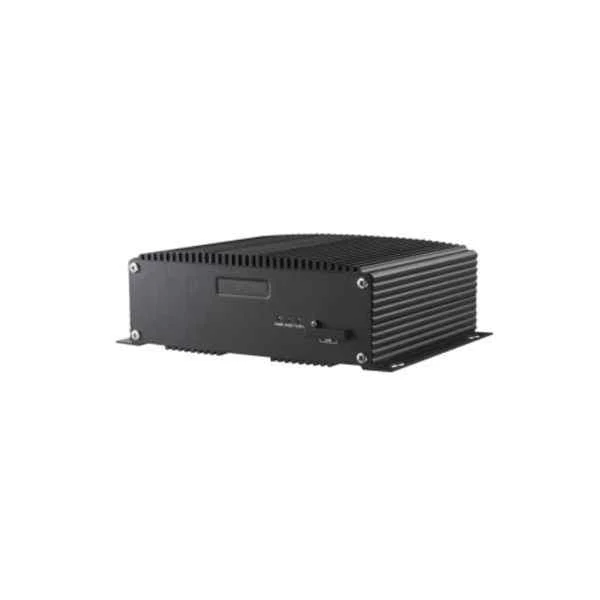
DS-7608NI-G24P (Embedded NVR)
4.6 (5)Est Value In stockFirst-Time Buyer Discount – Get up to 2% additional off on your first order
ORM Rewards Earn $50 in Rewards + Free Expedited Delivery – Join Now!
Use eCoupon ORMSAVE10
eCoupon limited to 5 units
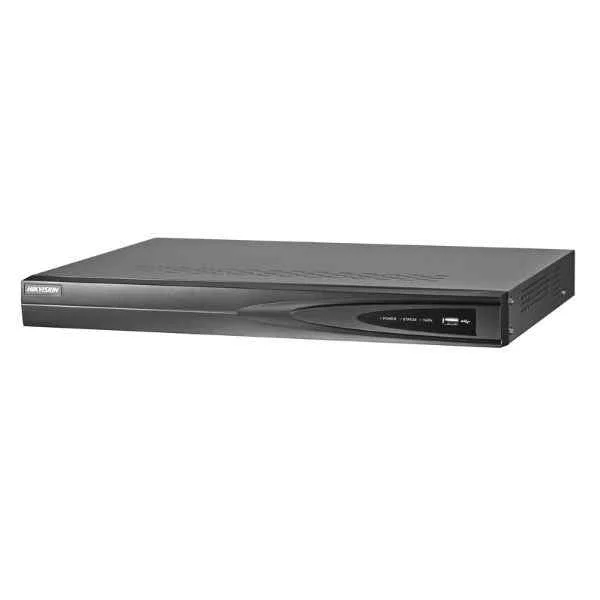
DS-7604NI-K14P (Embedded Plug & Play 4K NVR)
4.8 (5)Est Value In stockFirst-Time Buyer Discount – Get up to 2% additional off on your first order
ORM Rewards Earn $50 in Rewards + Free Expedited Delivery – Join Now!
Use eCoupon ORMSAVE10
eCoupon limited to 5 units
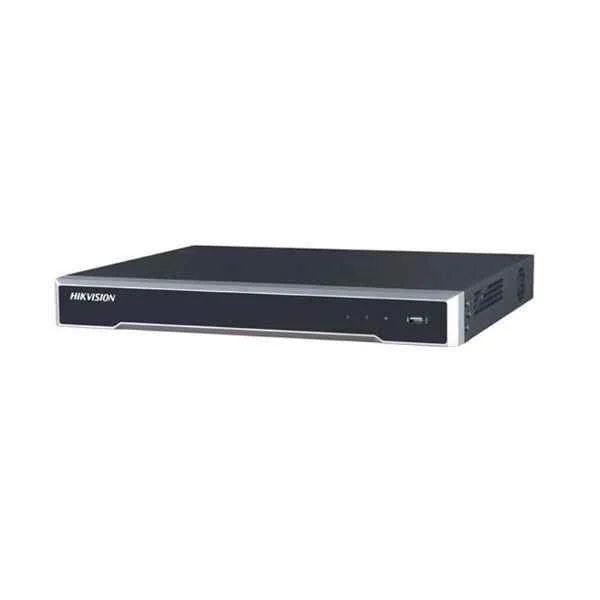
DS-76087616NI-K2 (Embedded 4K NVR)
4.4 (5)Est Value In stockFirst-Time Buyer Discount – Get up to 2% additional off on your first order
ORM Rewards Earn $50 in Rewards + Free Expedited Delivery – Join Now!
Use eCoupon ORMSAVE10
eCoupon limited to 5 units
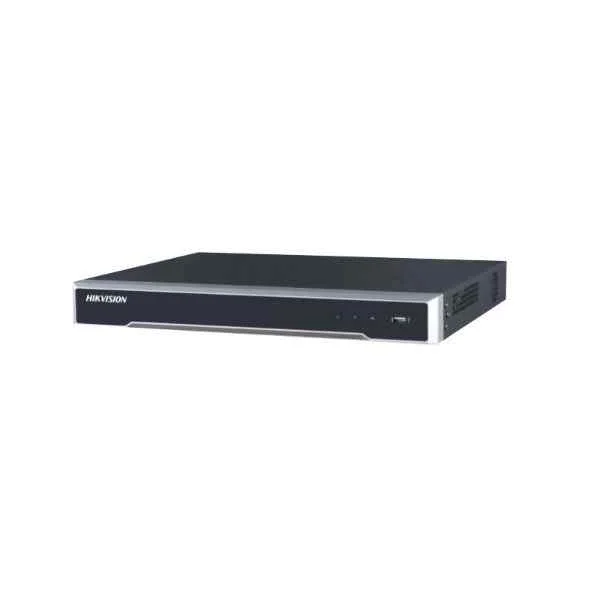
DS-7608NI-K2/8P (Hikvision 8-ch 1U 8 PoE 4K NVR)
4.6 (5)Est Value In stockFirst-Time Buyer Discount – Get up to 2% additional off on your first order
ORM Rewards Earn $50 in Rewards + Free Expedited Delivery – Join Now!
Use eCoupon ORMSAVE10
eCoupon limited to 5 units
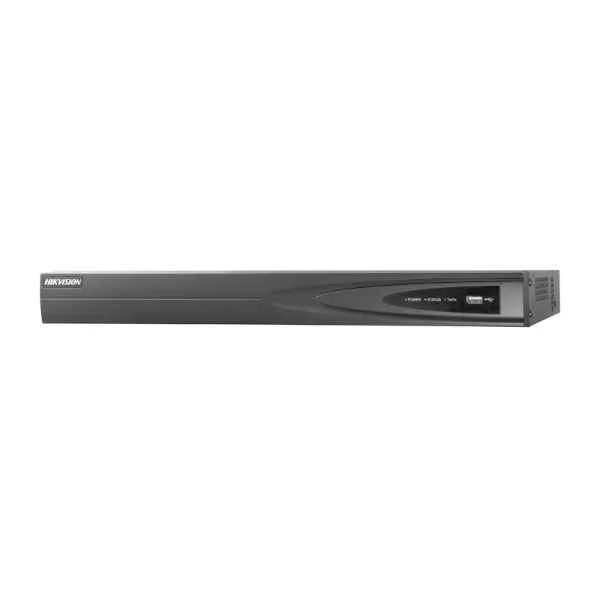
DS-7604NI-K1 (40/80 Mbps In/Out Bandwidth, 1080p@30fps/ 1-ch 4K@25fps Max Resolution, Video output: VGA & HDMI + Audio I/O: 1 In/ 1 Out + Alarm I/O: N/A, 1 x 6TB SATA)
4.8 (5)Est Value In stockFirst-Time Buyer Discount – Get up to 2% additional off on your first order
ORM Rewards Earn $50 in Rewards + Free Expedited Delivery – Join Now!
Use eCoupon ORMSAVE10
eCoupon limited to 5 units
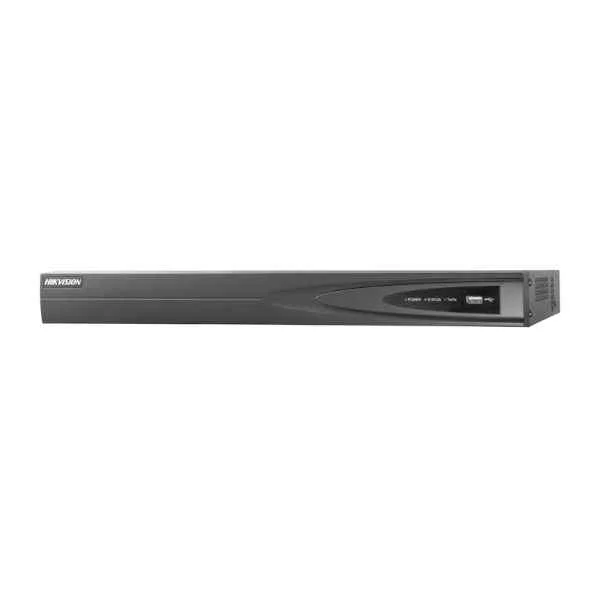
DS-7608NI-I2 (80/256 Mbps In/Out Bandwidth, 1080p/ 4MP@30fps/ 4-ch 8MP@25fps/ 2-ch 12MP@20fps Max Resolution, Video output: VGA & HDMI + Audio I/O: 1 In/ 1 Out + Alarm I/O: 4 In/ 1 Out, 2 x 8TB SATA)
4.6 (5)Est Value In stockFirst-Time Buyer Discount – Get up to 2% additional off on your first order
ORM Rewards Earn $50 in Rewards + Free Expedited Delivery – Join Now!
Use eCoupon ORMSAVE10
eCoupon limited to 5 units
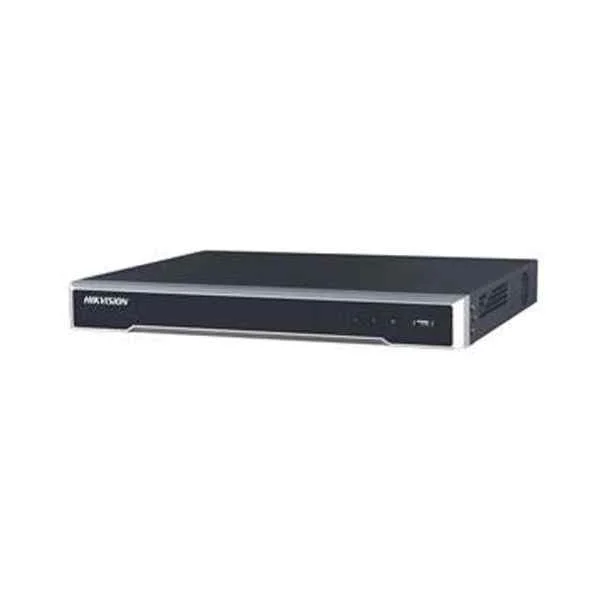
DS-7608NI-K2 (80/160 Mbps In/Out Bandwidth, 1080p@30fps/ 4-ch 4MP@30fps/ 2-ch 4K@25fps Max Resolution, Video output: VGA & HDMI + Audio I/O: 1 In/ 1 Out + Alarm I/O: 4 In/ 1 Out, 2 x 6TB SATA)
4.6 (5)Est Value In stockFirst-Time Buyer Discount – Get up to 2% additional off on your first order
ORM Rewards Earn $50 in Rewards + Free Expedited Delivery – Join Now!
Use eCoupon ORMSAVE10
eCoupon limited to 5 units
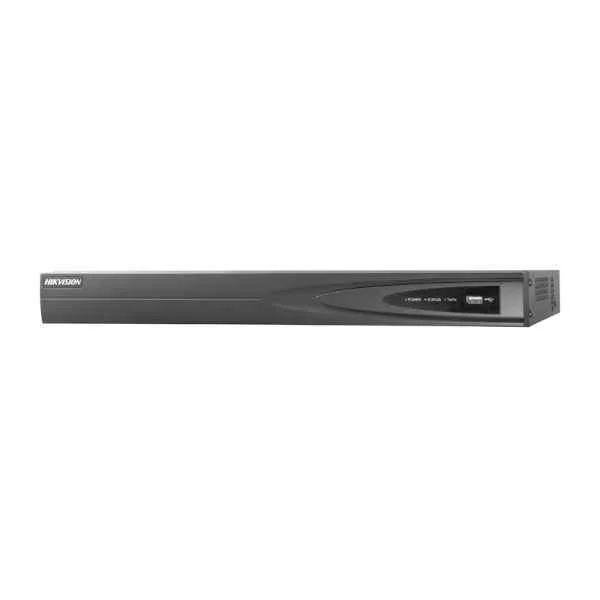
DS-7608NI-E2 (80/80 Mbps In/Out Bandwidth, 720/1080p@30fps/ 3MP/ 5MP/ 6MP Max Resolution, Video output: VGA & HDMI + Audio I/O: 1 In/ 1 Out + Alarm I/O: 4 In/ 1 Out, 2 x 4TB SATA)
4.6 (5)Est Value In stockFirst-Time Buyer Discount – Get up to 2% additional off on your first order
ORM Rewards Earn $50 in Rewards + Free Expedited Delivery – Join Now!
Use eCoupon ORMSAVE10
eCoupon limited to 5 units

ORM Sales Advisors
Buying for your business? Get a personalised quote in under 2 hours. Talk to an expert
LEARNFilters (9) 
Questions & Answers
What is the Hikvision NVR 7600 Series?
The Hikvision NVR 7600 Series is a high-performance network video recorder designed for large-scale surveillance deployments. It supports multi-channel HD recording, intelligent analytics and advanced compression for efficient storage.
How many camera channels does the NVR 7600 Series support?
Depending on the model, the NVR 7600 Series supports 8, 16 or up to 64 IP camera channels with simultaneous recording and up to 16-channel 1080p decoding.
What video resolutions are supported by the NVR 7600 Series?
The NVR 7600 Series records up to 12 MP per channel and supports live display and local output at resolutions up to 4K (3840 × 2160).
Which video compression formats does it use?
It supports H.265+, H.265, H.264+ and H.264 compression algorithms to reduce bandwidth and storage requirements while maintaining image quality.
Does the NVR 7600 Series support PoE for cameras?
Certain models include built-in PoE ports (8- or 16-port) delivering up to 30 W per channel for direct IP camera connection and simplified installation.
Can I configure RAID storage on the NVR 7600 Series?
Yes. The NVR 7600 Series supports RAID levels 0, 1, 5 and 10 across multiple HDD bays to ensure data redundancy and continuous recording.
What is the maximum storage capacity?
The system supports up to 8 SATA HDDs, each up to 10 TB, providing a maximum raw capacity of 80 TB for long-term archiving.
How do I set up remote viewing?
Remote access is enabled via the Hik-Connect mobile app or web client. Configure P2P or port forwarding in the network settings to view live and recorded footage from anywhere.
Is the NVR 7600 Series compatible with Hik-Connect cloud service?
Yes. It integrates seamlessly with Hik-Connect for cloud-based device management, push notifications and secure remote access without complex network configuration.
What intelligent video analytics are available?
Built-in analytics include intrusion detection, line crossing, region entrance/exit, face detection and metadata search to accelerate event identification.
How do I update the firmware?
Firmware can be updated via the local web interface or batch upgrade tool. Download the latest firmware from the Hikvision download portal, upload it to the NVR and follow on-screen prompts.
What backup options are supported?
Backup can be performed via USB export, FTP upload or network share (NAS). You can schedule automatic backups or perform manual export of selected time segments.
Which network protocols does it support?
The NVR 7600 Series supports TCP/IP, DHCP, PPPoE, NTP, SMTP, SNMP, RTSP and ONVIF, ensuring interoperability with third-party IP cameras and management systems.
How do I use the Smart Search feature?
Smart Search enables quick retrieval by motion, IVS events or face metadata. Select a camera, define the search type and time range, and the NVR will highlight matching video segments.
What warranty and support are provided?
Hikvision offers a standard two-year warranty on the NVR 7600 Series, including free technical support, firmware updates and access to online resources and documentation.