 United States
NVR Solutions Hikvision Ultra Series
Elevate your enterprise security using the Hikvision Ultra Series NVR, engineered for robust surveillance and seamless integration with advanced monitoring capabilities. Experience superior performance and reliability today.
Talk to an expert
11 Matching results
- BEST SELLING
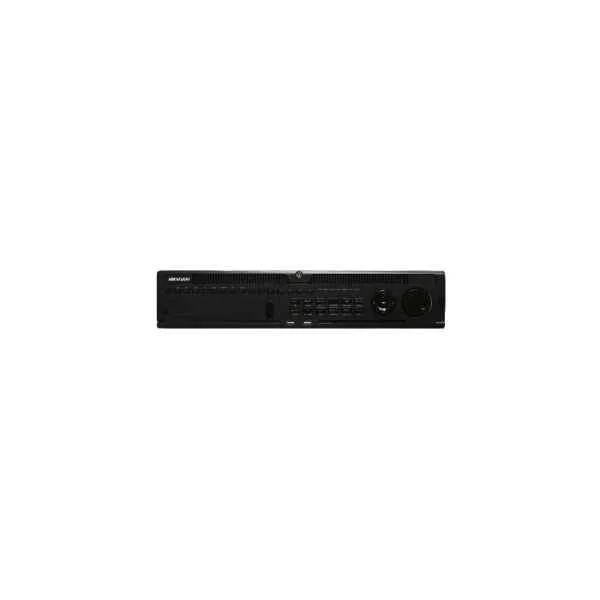
DS-9616NI-I8 (16-ch 2U 4K NVR)
4.8 (5)Est Value In stock
First-Time Buyer Discount – Get up to 2% additional off on your first order
ORM Rewards Earn $50 in Rewards + Free Expedited Delivery – Join Now!
Use eCoupon ORMSAVE10
eCoupon limited to 5 units
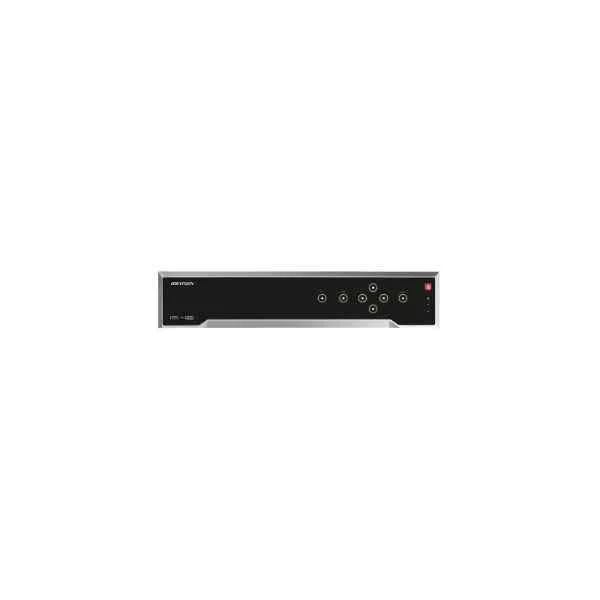
DS-8608NI-K8 (8-ch 2U 4K NVR)
5 (5)Est Value In stockFirst-Time Buyer Discount – Get up to 2% additional off on your first order
ORM Rewards Earn $50 in Rewards + Free Expedited Delivery – Join Now!
Use eCoupon ORMSAVE10
eCoupon limited to 5 units
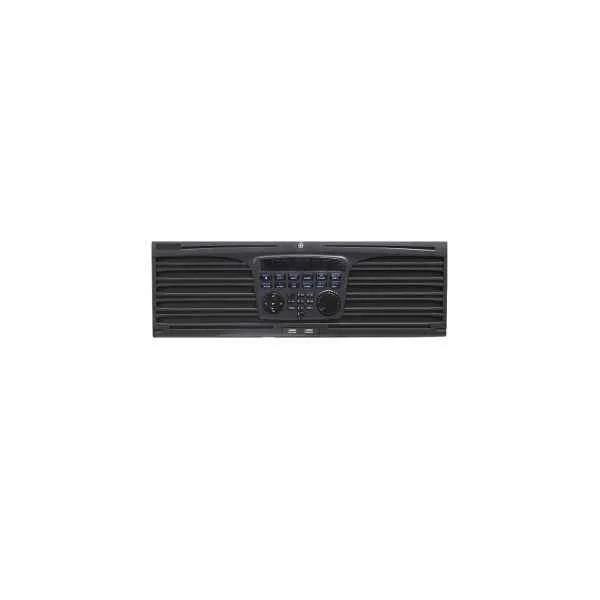
DS-9664NI-I16 (64-ch 3U 4K NVR)
4.8 (5)Est Value In stockFirst-Time Buyer Discount – Get up to 2% additional off on your first order
ORM Rewards Earn $50 in Rewards + Free Expedited Delivery – Join Now!
Use eCoupon ORMSAVE10
eCoupon limited to 5 units
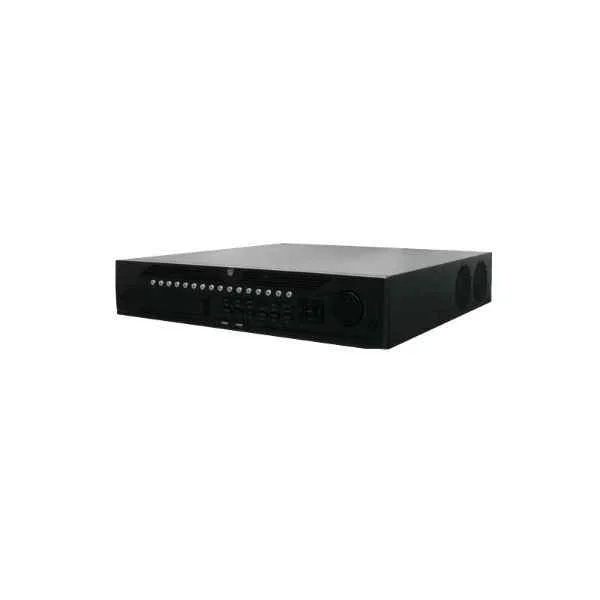
DS-9664NI-I8 (64-ch 2U 4K NVR)
4.4 (5)Est Value In stockFirst-Time Buyer Discount – Get up to 2% additional off on your first order
ORM Rewards Earn $50 in Rewards + Free Expedited Delivery – Join Now!
Use eCoupon ORMSAVE10
eCoupon limited to 5 units
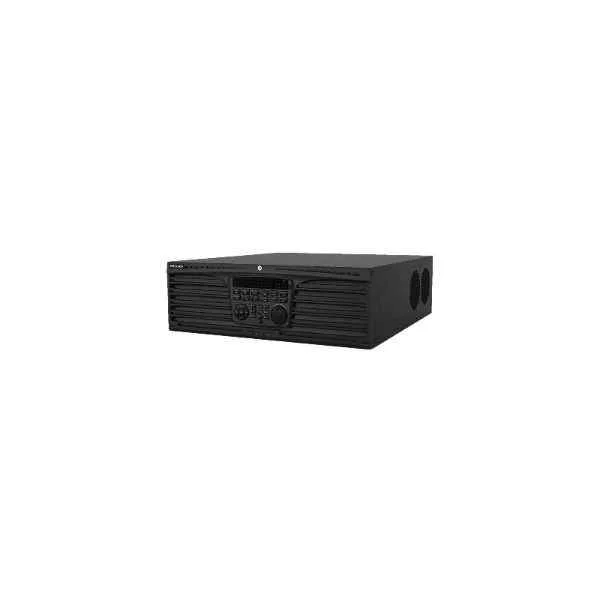
DS-9616NI-I16 (16-ch 3U 4K NVR)
4.6 (5)Est Value In stockFirst-Time Buyer Discount – Get up to 2% additional off on your first order
ORM Rewards Earn $50 in Rewards + Free Expedited Delivery – Join Now!
Use eCoupon ORMSAVE10
eCoupon limited to 5 units
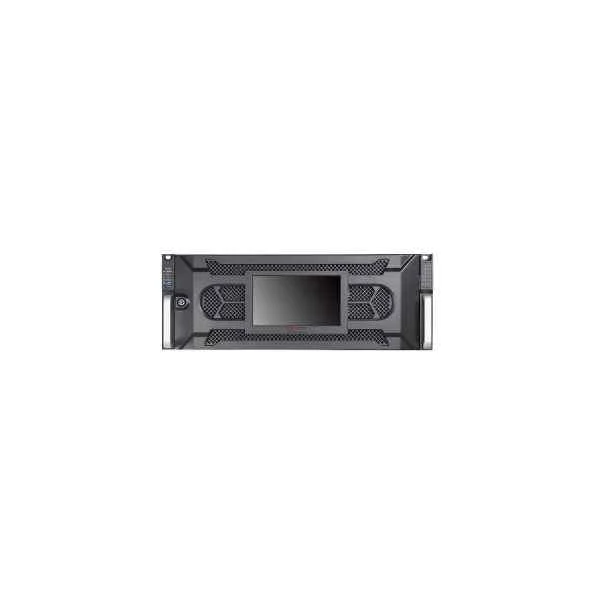
DS-96256NI-I24 (256-ch 4U 4K Super NVR)
4.6 (5)Est Value In stockFirst-Time Buyer Discount – Get up to 2% additional off on your first order
ORM Rewards Earn $50 in Rewards + Free Expedited Delivery – Join Now!
Use eCoupon ORMSAVE10
eCoupon limited to 5 units
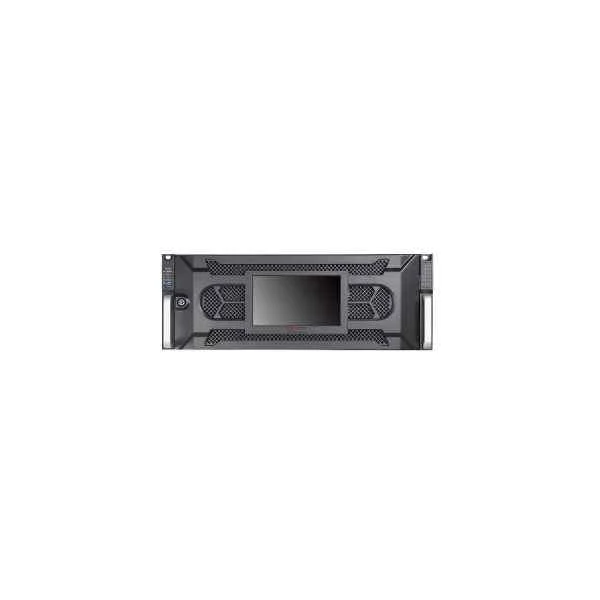
DS-96128NI-I24 (128-ch 4U 4K Super NVR)
4.4 (5)Est Value In stockFirst-Time Buyer Discount – Get up to 2% additional off on your first order
ORM Rewards Earn $50 in Rewards + Free Expedited Delivery – Join Now!
Use eCoupon ORMSAVE10
eCoupon limited to 5 units
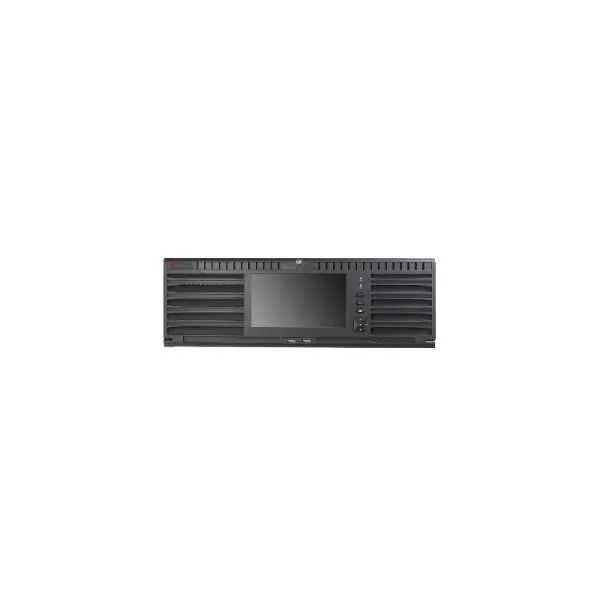
DS-96064NI-I16 (64-ch 3U 4K Super NVR)
4.6 (5)Est Value In stockFirst-Time Buyer Discount – Get up to 2% additional off on your first order
ORM Rewards Earn $50 in Rewards + Free Expedited Delivery – Join Now!
Use eCoupon ORMSAVE10
eCoupon limited to 5 units
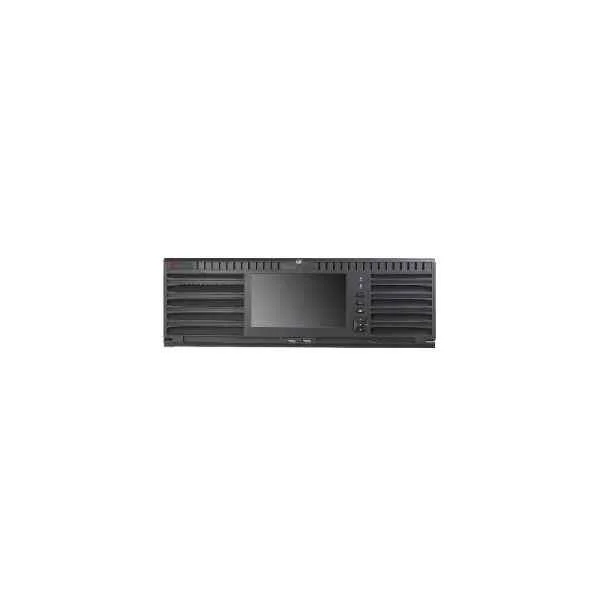
DS-96256NI-I16 (256-ch 3U 4K Super NVR)
4.4 (5)Est Value In stockFirst-Time Buyer Discount – Get up to 2% additional off on your first order
ORM Rewards Earn $50 in Rewards + Free Expedited Delivery – Join Now!
Use eCoupon ORMSAVE10
eCoupon limited to 5 units
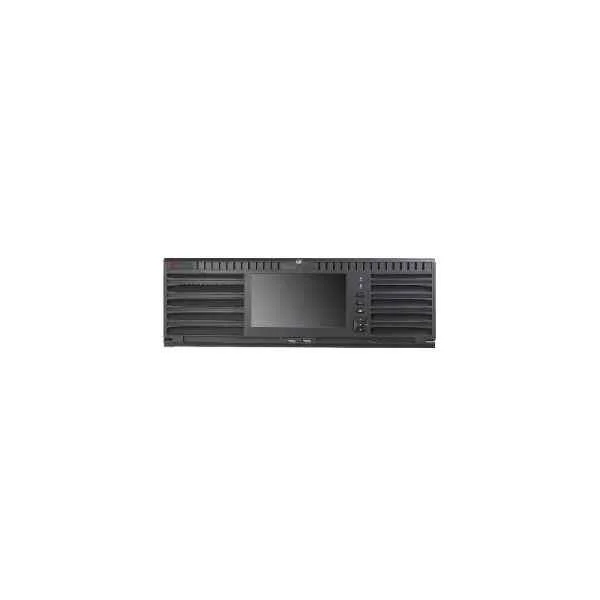
DS-96128NI-I16 (128-ch 3U 4K Super NVR)
4.6 (5)Est Value In stockFirst-Time Buyer Discount – Get up to 2% additional off on your first order
ORM Rewards Earn $50 in Rewards + Free Expedited Delivery – Join Now!
Use eCoupon ORMSAVE10
eCoupon limited to 5 units
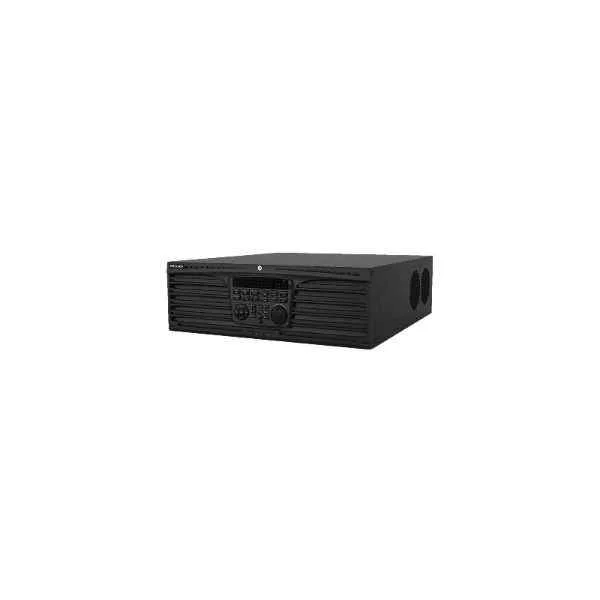
DS-9632NI-I16 (32-ch 3U 4K NVR)
4.6 (5)Est Value In stockFirst-Time Buyer Discount – Get up to 2% additional off on your first order
ORM Rewards Earn $50 in Rewards + Free Expedited Delivery – Join Now!
Use eCoupon ORMSAVE10
eCoupon limited to 5 units

ORM Sales Advisors
Buying for your business? Get a personalised quote in under 2 hours. Talk to an expert
LEARNFilters (11) 
Questions & Answers
What is the Hikvision Ultra Series NVR?
The Hikvision Ultra Series NVR is a high-performance network video recorder designed for professional surveillance, delivering up to 12-megapixel recording, AI analytics, and robust data security.
What video resolution does the Ultra Series NVR support?
It supports recording and live viewing of up to 12 MP resolution, ensuring ultra-clear images for critical security applications.
How many channels can the Hikvision Ultra Series NVR record?
Depending on the model, the Ultra Series supports 8, 16, 32, or 64 channels of IP camera input, scalable to large deployments.
Does the Ultra Series NVR support Power over Ethernet (PoE)?
Yes, select Ultra Series models feature integrated PoE+ ports that deliver data and power over a single cable, simplifying installation.
What internal storage capacity options are available?
Ultra Series NVRs accommodate up to eight 10-TB hard drives for a maximum of 80 TB; additional external NAS or eSATA expansion is supported.
Can I configure RAID on the Ultra Series NVR?
Yes, the Ultra Series supports RAID 0, 1, 5, and 6, providing flexible data redundancy and optimized storage performance.
How do I install the Hikvision Ultra Series NVR?
Mount the unit in a standard 19\
Is remote viewing available on the Ultra Series NVR?
Yes, remote access via the Hik-Connect app or web client allows live view, playback, and configuration from any Internet-connected device.
Which cameras are compatible with the Ultra Series NVR?
It is fully compatible with all Hikvision IP cameras and ONVIF-compliant devices, ensuring broad system integration.
What AI features does the Ultra Series NVR include?
Built-in AI analytics include facial recognition, perimeter protection, and people counting to enhance security and operational efficiency.
Does the Ultra Series NVR support H.265+ compression?
Yes, it supports H.264, H.265, and H.265+ codecs to optimize bandwidth and storage usage without sacrificing video quality.
How do I configure email or push alerts on the NVR?
Navigate to the Event > Basic Event menu, enable motion or AI alarms, enter SMTP or Hik-Connect credentials, and define notification recipients.
Can I integrate the Ultra Series NVR with third-party systems?
Yes, the NVR supports ONVIF, CGI, ISAPI, and other open protocols for seamless integration with access control, alarm panels, and VMS platforms.
Which mobile apps work with the Ultra Series NVR?
Hik-Connect (iOS/Android) and iVMS-4500 are fully compatible, offering live view, playback, and event notifications on smartphones and tablets.
How do I update the firmware on the Ultra Series NVR?
Download the latest firmware from the Hikvision website, upload it via the Maintenance > Firmware Upgrade interface, and reboot the NVR to apply changes.
What warranty does Hikvision offer on the Ultra Series NVR?
Hikvision provides a standard 3-year warranty covering hardware defects and firmware updates, extendable through authorized partners.