 United States
NVR Hikvision Pro Series
Elevate your security operations with the Hikvision Pro Series NVR, engineered for high-resolution monitoring and seamless integration, ensuring reliable, scalable, and proactive surveillance across diverse professional environments.
Talk to an expert
16 Matching results
- BEST SELLING
DS-7732NI-I4/24P (32-ch 1.5U 24 PoE 4K NVR)
4.6 (5)Est Value In stock
First-Time Buyer Discount – Get up to 2% additional off on your first order
ORM Rewards Earn $50 in Rewards + Free Expedited Delivery – Join Now!
Use eCoupon ORMSAVE10
eCoupon limited to 5 units
- BEST SELLING
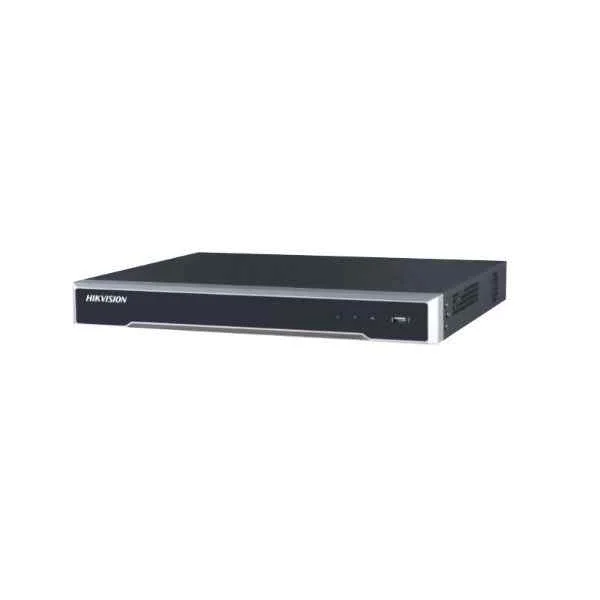
DS-7708NI-I4/8P (8-ch 1.5U 8 PoE 4K NVR)
4.4 (5)Est Value In stockFirst-Time Buyer Discount – Get up to 2% additional off on your first order
ORM Rewards Earn $50 in Rewards + Free Expedited Delivery – Join Now!
Use eCoupon ORMSAVE10
eCoupon limited to 5 units
- BEST SELLING
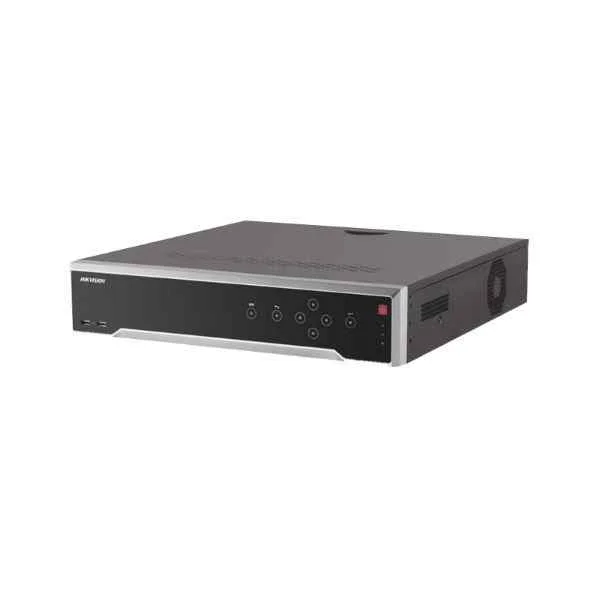
DS-7708NI-I4 (8-ch 1.5U 4K NVR)
5 (5)Est Value In stockFirst-Time Buyer Discount – Get up to 2% additional off on your first order
ORM Rewards Earn $50 in Rewards + Free Expedited Delivery – Join Now!
Use eCoupon ORMSAVE10
eCoupon limited to 5 units
- BEST SELLING
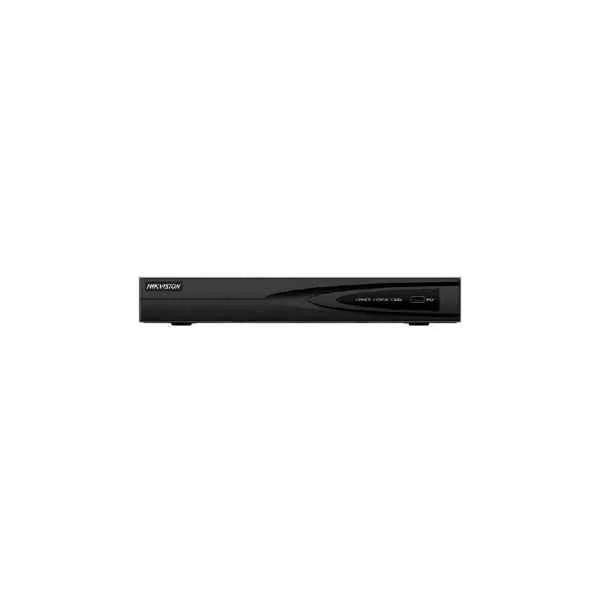
DS-7604NI-Q1 (4-ch 1U 4K NVR)
4.6 (5)Est Value In stockFirst-Time Buyer Discount – Get up to 2% additional off on your first order
ORM Rewards Earn $50 in Rewards + Free Expedited Delivery – Join Now!
Use eCoupon ORMSAVE10
eCoupon limited to 5 units
- BEST SELLING
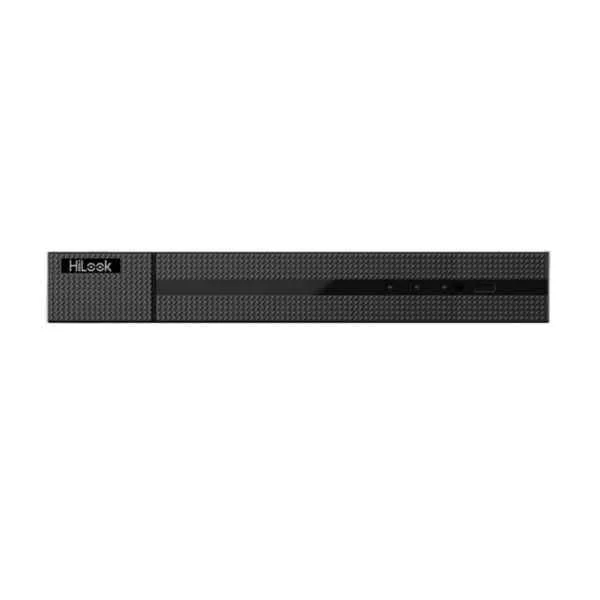
DS-7604NI-Q1/4P (4K Plug and Play Network Video Recorder with PoE)
5 (5)Est Value In stockFirst-Time Buyer Discount – Get up to 2% additional off on your first order
ORM Rewards Earn $50 in Rewards + Free Expedited Delivery – Join Now!
Use eCoupon ORMSAVE10
eCoupon limited to 5 units
- FEARURED
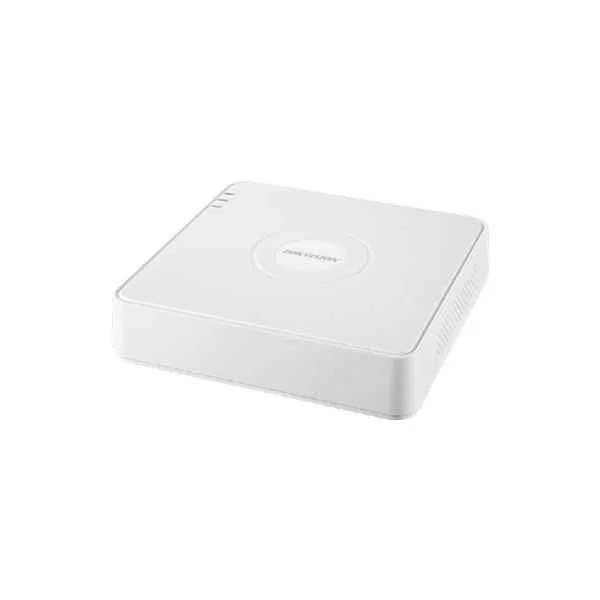
DS-7608NI-I2/8P (8-ch 1U 8 PoE 4K NVR)
4.4 (5)Est Value In stockFirst-Time Buyer Discount – Get up to 2% additional off on your first order
ORM Rewards Earn $50 in Rewards + Free Expedited Delivery – Join Now!
Use eCoupon ORMSAVE10
eCoupon limited to 5 units
- FEARURED
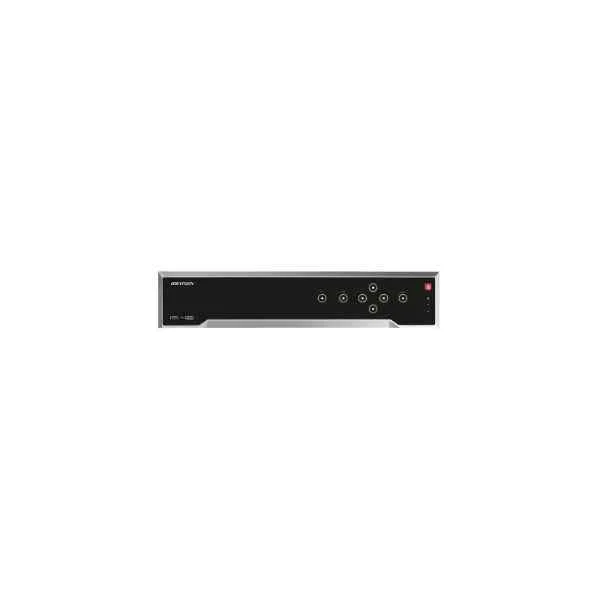
DS-7732NI-I4/16P(B) (32-ch 1.5U 16 PoE 4K NVR)
4.6 (5)Est Value In stockFirst-Time Buyer Discount – Get up to 2% additional off on your first order
ORM Rewards Earn $50 in Rewards + Free Expedited Delivery – Join Now!
Use eCoupon ORMSAVE10
eCoupon limited to 5 units
- FEARURED
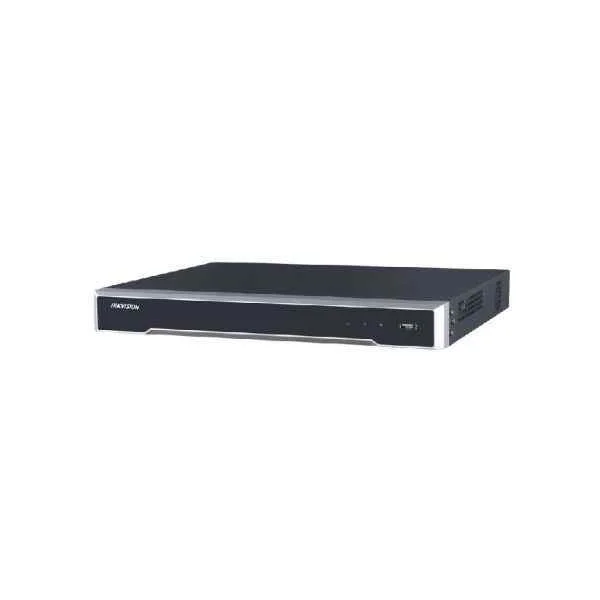
DS-7616NI-I2/16P (16-ch 1U 16 PoE 4K NVR)
4.6 (5)Est Value In stockFirst-Time Buyer Discount – Get up to 2% additional off on your first order
ORM Rewards Earn $50 in Rewards + Free Expedited Delivery – Join Now!
Use eCoupon ORMSAVE10
eCoupon limited to 5 units
- FEARURED
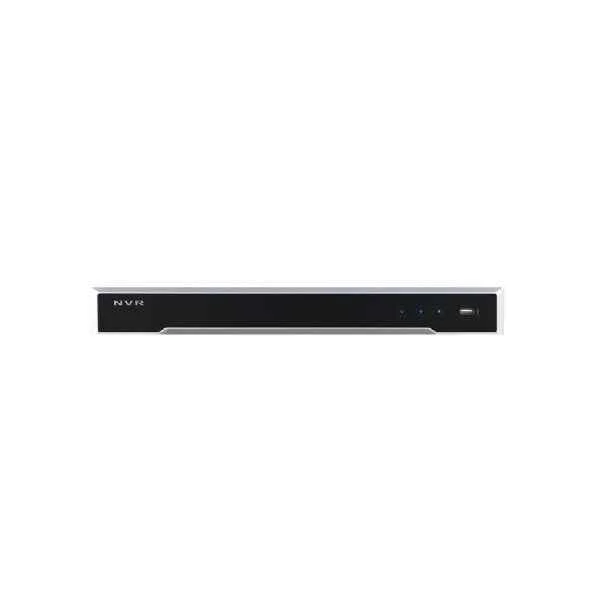
DS-7632NI-I2 (32-ch 1U 4K NVR)
4.4 (5)Est Value In stockFirst-Time Buyer Discount – Get up to 2% additional off on your first order
ORM Rewards Earn $50 in Rewards + Free Expedited Delivery – Join Now!
Use eCoupon ORMSAVE10
eCoupon limited to 5 units
- FEARURED
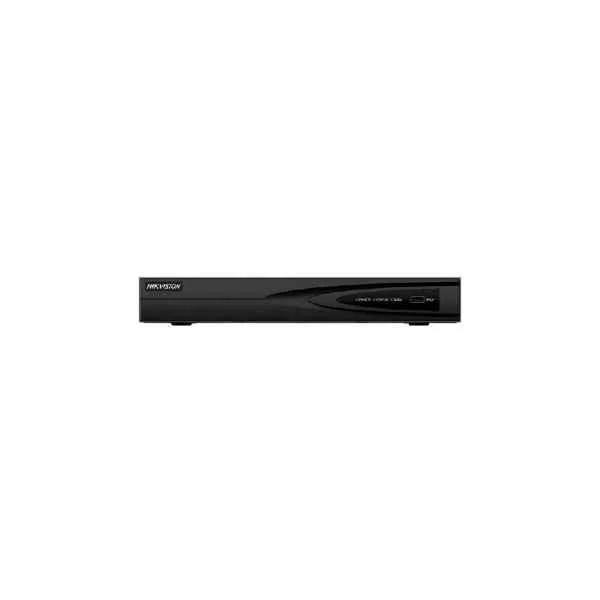
DS-7608NI-K1(B) (8-ch 1U 4K NVR)
4.6 (5)Est Value In stockFirst-Time Buyer Discount – Get up to 2% additional off on your first order
ORM Rewards Earn $50 in Rewards + Free Expedited Delivery – Join Now!
Use eCoupon ORMSAVE10
eCoupon limited to 5 units
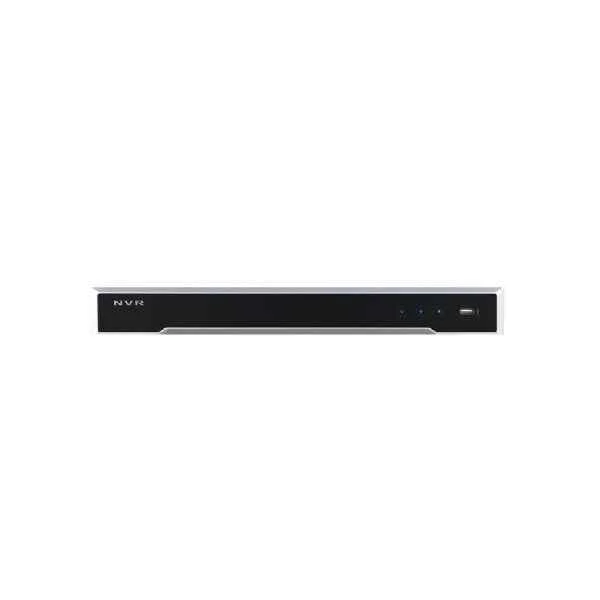
DS-7616NI-I2 (16-ch 1U 4K NVR)
4.6 (5)Est Value In stockFirst-Time Buyer Discount – Get up to 2% additional off on your first order
ORM Rewards Earn $50 in Rewards + Free Expedited Delivery – Join Now!
Use eCoupon ORMSAVE10
eCoupon limited to 5 units
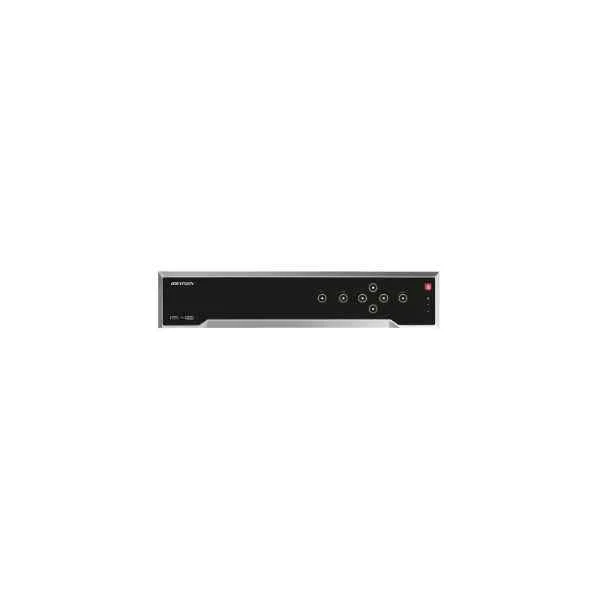
DS-7732NI-I4(B) (32-ch 1.5U 4K NVR)
4.6 (5)Est Value In stockFirst-Time Buyer Discount – Get up to 2% additional off on your first order
ORM Rewards Earn $50 in Rewards + Free Expedited Delivery – Join Now!
Use eCoupon ORMSAVE10
eCoupon limited to 5 units
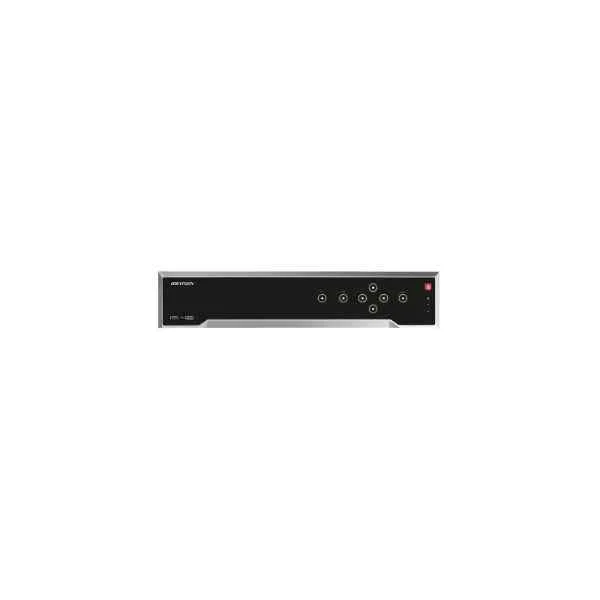
DS-7716NI-I4/16P(B) (16-ch 1.5U 16 PoE 4K NVR)
4.8 (5)Est Value In stockFirst-Time Buyer Discount – Get up to 2% additional off on your first order
ORM Rewards Earn $50 in Rewards + Free Expedited Delivery – Join Now!
Use eCoupon ORMSAVE10
eCoupon limited to 5 units
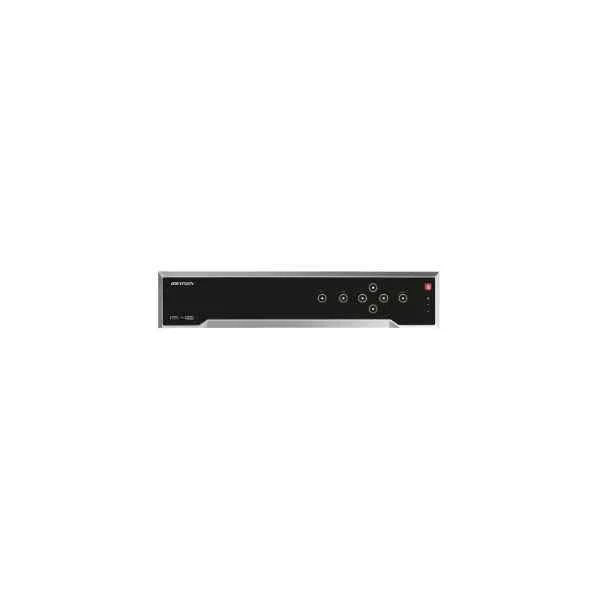
DS-7716NI-I4(B) (16-ch 1.5U 4K NVR)
4.4 (5)Est Value In stockFirst-Time Buyer Discount – Get up to 2% additional off on your first order
ORM Rewards Earn $50 in Rewards + Free Expedited Delivery – Join Now!
Use eCoupon ORMSAVE10
eCoupon limited to 5 units
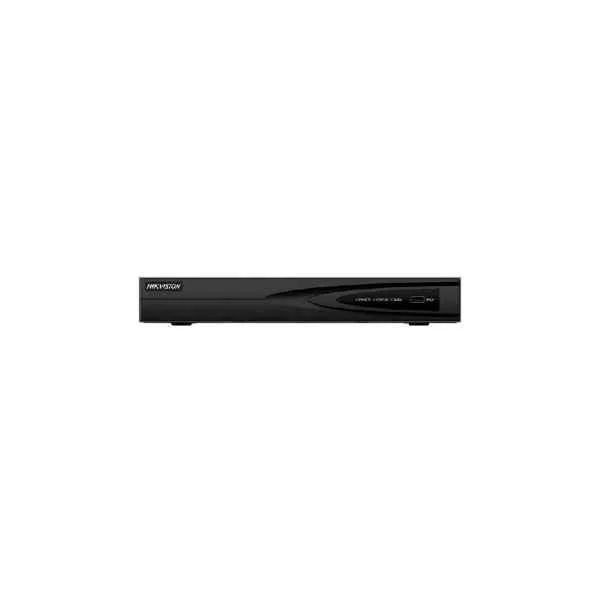
DS-7604NI-K1/4P(B) (4-ch 1U 4 PoE 4K NVR)
4.4 (5)Est Value In stockFirst-Time Buyer Discount – Get up to 2% additional off on your first order
ORM Rewards Earn $50 in Rewards + Free Expedited Delivery – Join Now!
Use eCoupon ORMSAVE10
eCoupon limited to 5 units
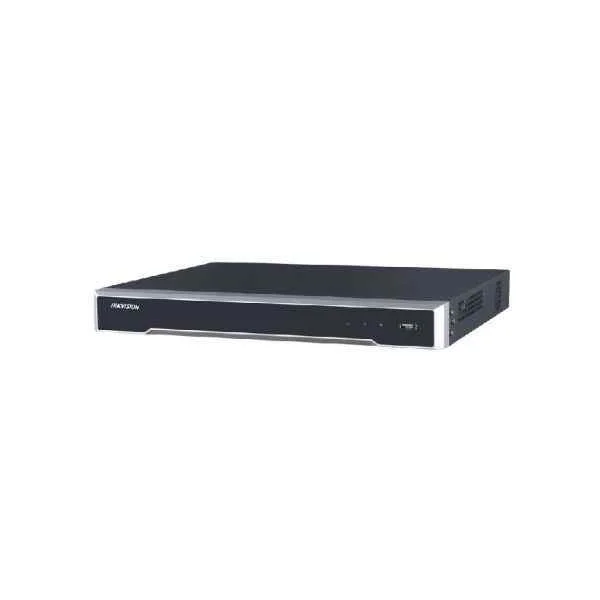
DS-7632NI-I2/16P (32-ch 1U 16 PoE 4K NVR)
4.2 (5)Est Value In stockFirst-Time Buyer Discount – Get up to 2% additional off on your first order
ORM Rewards Earn $50 in Rewards + Free Expedited Delivery – Join Now!
Use eCoupon ORMSAVE10
eCoupon limited to 5 units

ORM Sales Advisors
Buying for your business? Get a personalised quote in under 2 hours. Talk to an expert
LEARNFilters (16) 
Questions & Answers
What is Hikvision Pro Series NVR?
Hikvision Pro Series NVR is a high-performance network video recorder designed for professional surveillance, offering multi-channel recording, advanced compression, and seamless integration with Hikvision IP cameras.
What are the key features of Hikvision Pro Series NVR?
Key features include 4K-capable recording, H.265+ compression, PoE ports, AI analytics, RAID storage support, and remote viewing via Hik-Connect or iVMS-4200.
How many channels does Hikvision Pro Series NVR support?
Models support 4, 8, 16, 32, or 64 channels, enabling flexible deployments for small businesses up to large surveillance networks.
What maximum resolution can Hikvision Pro Series NVR record?
Hikvision Pro Series NVR supports up to 4K (3840×2160) resolution per channel, ensuring sharp, high-definition footage.
What hard drive capacity does Hikvision Pro Series NVR support?
Each unit accommodates up to 8 SATA drives, with a maximum of 10 TB per bay (total 80 TB), plus optional NAS and RAID 0/1/5/6/10 configurations.
Does Hikvision Pro Series NVR support PoE?
Yes, many Pro Series NVRs include built-in PoE (Power over Ethernet) ports for direct camera power and data transmission, simplifying installation.
Which video compression formats are supported?
Hikvision Pro Series NVR supports H.265+, H.265, H.264+, and H.264, optimizing bandwidth and storage without sacrificing image quality.
How do I configure remote access on Hikvision Pro Series NVR?
Use the built-in Hik-Connect service: register an account, scan the NVR’s QR code, and enable P2P cloud connectivity for seamless remote viewing.
Is Hikvision Pro Series NVR compatible with third-party cameras?
Hikvision Pro Series NVR is ONVIF-compliant, supporting most third-party IP cameras for flexible integration and multi-brand environments.
Which mobile app supports Hikvision Pro Series NVR?
Use Hik-Connect (iOS/Android) or iVMS-4500 (iOS/Android) for live view, playback, push notifications, and configuration on smartphones and tablets.
How do I perform a firmware upgrade on Hikvision Pro Series NVR?
Download the latest firmware from Hikvision’s official site, upload via the NVR’s web interface under System > Maintenance, then reboot to apply.
What warranty does Hikvision Pro Series NVR include?
Hikvision Pro Series NVRs come with a standard 2-year limited warranty covering defects in materials and workmanship, extendable with optional service plans.
How do I set up motion detection on Hikvision Pro Series NVR?
In the NVR menu, navigate to Event > Basic Event > Motion Detection, enable detection on selected channels, adjust sensitivity, and assign recording schedules.
Does Hikvision Pro Series NVR support AI analytics?
Yes, Pro Series NVRs offer AI-powered features like face detection, perimeter protection, and line crossing on selected models for enhanced security.
Which network protocols does Hikvision Pro Series NVR support?
Supported protocols include TCP/IP, DHCP, HTTPS, SMTP, NTP, UDP, UPnP, SNMP, and ONVIF, ensuring robust connectivity and interoperability.
How do I back up recordings from Hikvision Pro Series NVR?
Use USB export in the Playback menu, configure FTP server settings under Network > FTP, or schedule NAS backups via Storage > Network > NAS.