 United States
Trusted by the Highest-Stakes Buyers
Federal agencies and Fortune 500 operations source through ORM Systems.
US Government & Defense
Enterprise Clients

Featured Deal
Hand-picked by our procurement team for standout value. This unit is offered at our sharpest price on current stock, verified against live market rates.
Name:

Added to cart 28 times recently
Ready to Ship
Certified Refurbished
Professionally inspected, bench-tested, and firmware-verified, with configurations wiped. Restored to full working order and backed by our warranty.


3 Year Extended Warranty


Same-day Shipping

30-Day Money Back Guarantee
Shipping:
Payment:
3 Year Extended Warranty
Same-day Shipping
30-Day Money Back Guarantee
Need Additional Discount on Product?
Request a quote below - Get Exclusive Pricing and Support.
Shipping:
Payment:
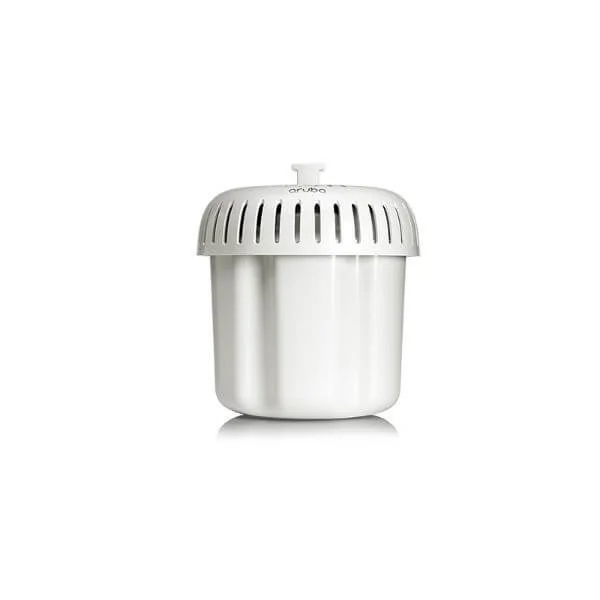
R4W36A
Aruba AP-577EX (IL) Otdr 11ax Hazloc AP
Trusted by the Highest-Stakes Buyers
Federal agencies and Fortune 500 operations source through ORM Systems.
US Government & Defense




Enterprise Clients



Built Global. Stocked Local.
Regional teams and 25+ distribution partners keep stock near you and accountability in your time zone.
Buyer Protection on Every Order
Pay by PayPal or Revolut with full chargeback rights. Order on PO terms, Net-30 for government.
Verified By Federal Bodies
Every registration we claim is public record — check our federal contractor status yourself before you spend a dollar.



Since 2016, Enterprise-Trusted
Ten years serving buyers who audit their vendors. From federal agencies to 20,000+ enterprise clients worldwide.
R4W36A is a dual-band wireless access point engineered to support both 2.4GHz and 5GHz frequency bands while utilizing the Wi‑Fi 6 (802.11ax) standard for enhanced performance and efficiency. It delivers data rates up to 2.5Gbps and features advanced connectivity options such as MU‑MIMO and beamforming, ensuring robust and reliable wireless communications.
Designed with versatile installation in mind, R4W36A offers both ceiling and wall mounting options, making it ideal for large offices, home networks, and enterprise environments. The device includes an RJ‑45 gigabit Ethernet port for wired connectivity, supports mesh networking for expanded coverage, and deploys internal omnidirectional antennas with a 5dBi gain to cover areas up to 1500 square feet.
R4W36A price is is available on request. Get immediate quote.
Request bulk order quote for R4W36A for additional pricing. Browse the full Hpe Aruba 570Ex Outdoor Wifi-6 Access Points series or explore all Hpe products.
Mon–Fri: [09:00-16:00]
Avg. response under 30 mins

| R4W36A | 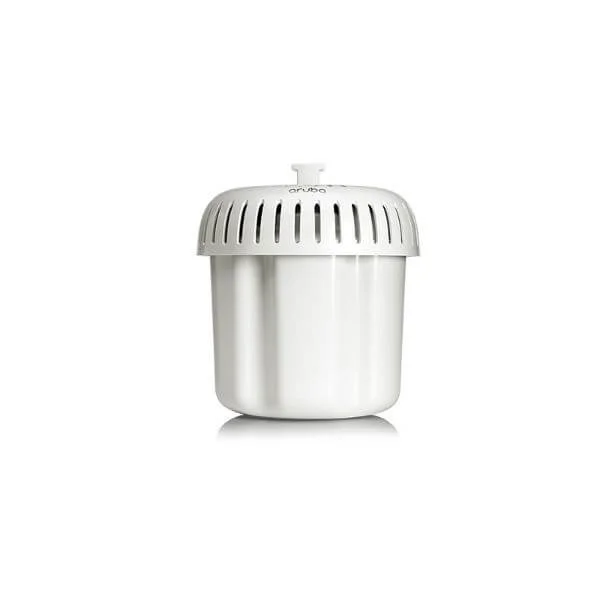 R4W35A R4W35A | 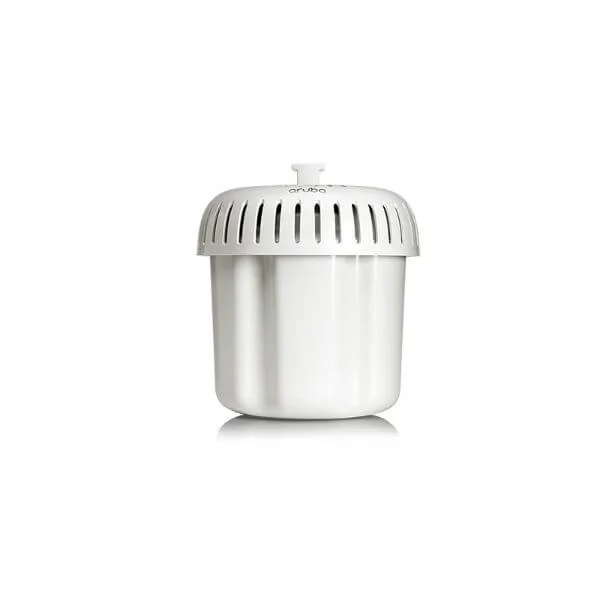 R4W34A R4W34A | 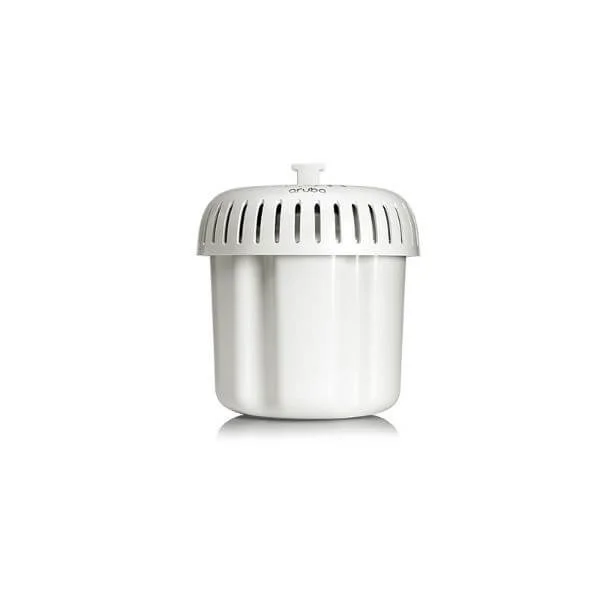 R4W39A R4W39A | 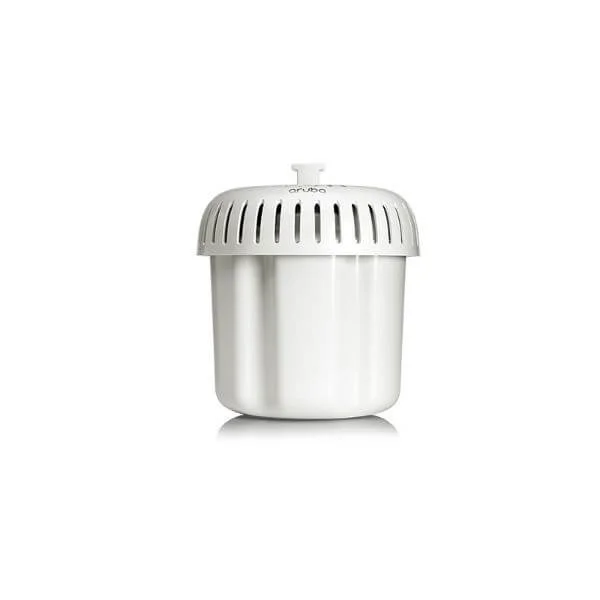 R4W30A R4W30A | |
|---|---|---|---|---|---|
| Product Type | Wireless Product | Wireless Access Point | Wireless Product | Wireless Access Point | Access Point |
| Wireless Type | Access Point | Access Point | Access Point | Access Point | Access Point |
| Wi-Fi Standard | Wi-Fi 6 | Wi-Fi 6 | Wi-Fi 6 | Wi-Fi 6 | Wi-Fi 6 |
| Frequency Bands | 2.4GHz / 5GHz | 2.4GHz/5GHz Dual-Band | 2.4GHz / 5GHz | Dual-Band (2.4GHz & 5GHz) | 2.4GHz, 5GHz |
| Data Rate | 2.5Gbps | 1Gbps | 2.5Gbps | 2.5Gbps | 2.5Gbps |
| Coverage Area | 1500 square feet | 1000 square feet | 2000 square feet | 2000 square feet | 2000 square feet |
| Connector Type | RJ-45 | RJ-45 | RJ-45 | RJ-45 | RJ-45 |
| Antenna Type | Omnidirectional | Omnidirectional | Omnidirectional | Omnidirectional | Omnidirectional |
| Antenna Gain | 5dBi | 5dBi | 5dBi | 5dBi | 5dBi |
| MIMO Technology | MU-MIMO | MU-MIMO | MU-MIMO | MU-MIMO | MU-MIMO |
| Beamforming | Yes | Yes | Yes | Yes | Yes |
| Mounting Options | Ceiling Mount / Wall Mount | Ceiling Mount / Wall Mount | Outdoor Mount / Pole Mount | Ceiling Mount, Wall Mount | Ceiling Mount, Wall Mount |
| Power Supply | PoE | PoE | PoE | PoE | PoE |
| Mesh Networking | Yes | No | Yes | No | No |
| Ethernet Port | 1x Gigabit | 1x Gigabit | 1x Gigabit | 1x Gigabit | 1x Gigabit |
| Protocols Supported | 802.11a/b/g/n/ac/ax | 802.11a/b/g/n/ac/ax | 802.11a/b/g/n/ac/ax | 802.11ax/ac/a/b/g/n | 802.11ax, Ethernet |
| Management Features | Cloud Management / On-Premises | Cloud Management | Cloud Management / SNMP | On-Premises, SNMP | Cloud Management, On-Premises |
| Security Features | WPA2 / WPA3 | WPA2/WPA3 | WPA2 / WPA3 / 802.1X | WPA3, WPA2, 802.1X | WPA2, WPA3, 802.1X |
| Compliance | FCC / CE / RoHS | FCC/CE/RoHS | FCC / CE / RoHS | FCC, CE, RoHS | FCC, CE, RoHS |
| Outdoor Use | No | No | Yes | No | No |
| Product Name | R4W36A Wireless Access Point | R4W35A Wireless Access Point | R4W34A Outdoor Wireless Access Point | R4W39A Wireless Access Point | R4W30A Wireless Access Point |


Every unit is authentic, sourced through trusted and authorised channels, and serial-verified on request. Genuine networking and IT hardware, guaranteed, or your money back.

New products are backed by up to 3 years of extended warranty, and certified refurbished units by up to 3 months, for dependable protection on every order. Coverage is clear, honoured in full, and confirmed on each product page.

If a unit ever falls short, our streamlined RMA process gets a replacement to you fast, with advance replacement available to keep your network running. No jargon, no runaround.

Every device is inspected, bench-tested, and firmware-verified, with configurations wiped before dispatch. Additional testing can be arranged to confirm full working condition on request.

Our specialists assist with compatibility, configuration, licensing, and installation, before and after you buy. Real hardware expertise, whenever you need it.

dispatched quickly and shipped worldwide from regional hubs, fully tracked and insured.
Reviewed on the 26 December 2021

AP-577EX IL provides stable Wi-Fi in hazardous outdoor areas.
Reviewed on the 10 March 2022
Good throughput and reliability.
Reviewed on the 16 July 2026
Built for tough environments.
Reviewed on the 5 May 2026
No downtime so far.
Reviewed on the 17 July 2017
Strong industrial AP.
The Aruba AP-577EX (IL) OTDR 11ax HazLoc AP (SKU: R4W36A) is a ruggedized, Wi-Fi 6 (802.11ax) access point with built-in OTDR fiber testing, designed for hazardous industrial environments.
The AP-577EX is certified for Class I, II, III Division 2 and Zone 2 hazardous locations, ensuring safe operation in gas, dust and fiber-optic environments.
It supports 802.11ax (Wi-Fi 6) with dual-radio MU-MIMO, offering combined aggregate throughput up to 5.3 Gbps for high-density industrial deployments.
Integrated OTDR enables on-site fiber link verification and fault location, reducing deployment time and maintenance costs while ensuring optimal fiber performance.
The device supports 802.3bt PoE++ delivering up to 60W, or optional 56V industrial PoE injectors for reliable power in remote and hazardous areas.
It operates from –40°C to 65°C, with IP66/IP67 ingress protection, salt-fog resistance and UV stability for extreme outdoor and industrial conditions.
It includes WPA3 encryption, WPA2 Enterprise, secure boot, role-based access, deep packet inspection and Aruba Policy Enforcement Firewall for end-to-end security.
Use the included stainless-steel mounting kit and follow Class I, II, III Division 2 installation guidelines, ensuring proper grounding and conduit seals.
Yes. The AP-577EX supports cloud-based management with Aruba Central, offering zero-touch provisioning, analytics, AI-powered optimization and remote firmware upgrades.
With dual 4x4 radios and OFDMA/MU-MIMO, it supports up to 512 associated clients, ideal for high-density manufacturing, oil & gas and mining sites.
Yes. It fully supports IPv6 addressing and secure Layer 3 roaming with seamless client handoff across subnets for uninterrupted connectivity.
Typical industrial coverage ranges from 100 to 200 meters indoors and up to 300 meters outdoors, depending on environment and antenna configuration.
It uses Aruba’s Adaptive Radio Management (ARM) to automatically detect and avoid interference, optimize channel selection and balance client load.
The AP-577EX includes a one-year limited warranty, with optional ArubaCare Maintenance and Support for extended coverage, 24x7 support and next-business-day hardware replacement.
Power the unit via PoE++, connect to Aruba Central or Mobility Controller, run the zero-touch onboarding wizard, configure SSIDs/security policies and validate OTDR fiber results.







