 United States
Routers HP Msr2000 Series
The HP Msr2000 Router Series offers unparalleled high-speed connectivity, integrated security, and advanced network management features, empowering enterprises with reliable, scalable performance for optimized, future-proof networking solutions.
Talk to an expert
3 Matching results
- BEST SELLING
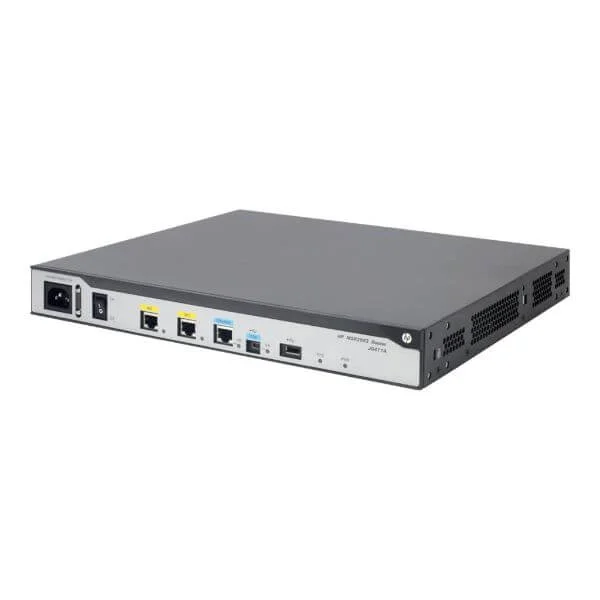
JG411A (HP MSR2003 AC Router)
4.6 (5)- Enterprise Router
- Hpe
- IPSec / SSL VPN
- AC Power Supply / Redundant
- OSPF / BGP / Static Routing
- Fiber Optic
- Modular
Est Value $174.00
$131.04
24.7% offIn stockRefurbishedFirst-Time Buyer Discount – Get up to 2% additional off on your first order
ORM Rewards Earn $50 in Rewards + Free Expedited Delivery – Join Now!
Use eCoupon ORMSAVE10
eCoupon limited to 5 units
- BEST SELLING
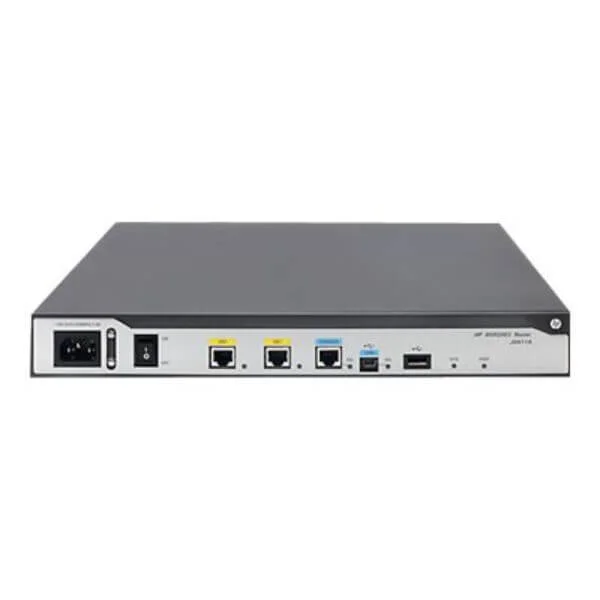
JG734A (HP MSR2004-24 AC Router)
4.6 (5)- Enterprise Router
- Hpe
- IPSec / SSL VPN
- AC / DC / Redundant
- OSPF / BGP / Static Routing
- Fiber Optic / DSL
- Modular
Est Value $3,018.76$1,509.38
50% offIn stockRefurbishedFirst-Time Buyer Discount – Get up to 2% additional off on your first order
ORM Rewards Earn $50 in Rewards + Free Expedited Delivery – Join Now!
Use eCoupon ORMSAVE10
eCoupon limited to 5 units
- BEST SELLING
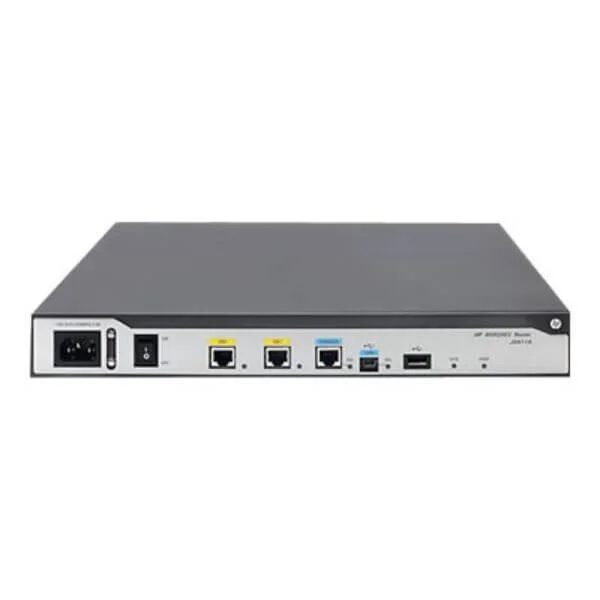
JG735A (HP MSR2004-48 Router)
4.6 (5)- Enterprise Router
- Hpe
- IPSec / SSL VPN
- Redundant AC/DC Power Supply
- OSPF / BGP / EIGRP / Static Routing
- Fiber Optic / DSL
- Modular
Est Value $8,427.00$3,979.50
52.8% offIn stockRefurbishedFirst-Time Buyer Discount – Get up to 2% additional off on your first order
ORM Rewards Earn $50 in Rewards + Free Expedited Delivery – Join Now!
Use eCoupon ORMSAVE10
eCoupon limited to 5 units

ORM Sales Advisors
Buying for your business? Get a personalised quote in under 2 hours. Talk to an expert
LEARNFilters (3) 
Questions & Answers
What is the HP MSR2000 Router Series?
The HP MSR2000 Router Series is a family of high-performance branch routers designed for enterprise networks, offering scalable throughput, modular interfaces and advanced security features in a compact form factor.
Which models are available in the HP MSR2000 Series?
The series includes four models—MSR2024-AC, MSR2024-DC, MSR2048-AC and MSR2048-DC—differentiated by port density, power type (AC or DC) and maximum forwarding capacity up to 2 Gbps.
What key features define the HP MSR2000 Series?
Key features include concurrent Layer 2/Layer 3 forwarding, up to 48 Gigabit Ethernet ports, WAN interface modules, integrated firewall, SSL/IPSec VPN and hardware-based QoS for deterministic traffic management.
How much throughput does the HP MSR2000 Series support?
Depending on the model, throughput scales from 500 Mbps to 2 Gbps, ensuring wire-speed forwarding for concurrent VPN, routing and security services across all interfaces.
Which interface modules are supported by the HP MSR2000 Routers?
Supported modules include Gigabit Ethernet SFP, 10/100/1000Base-T, E1/T1, ADSL2+, VDSL2, 3G/4G cellular and synchronous serial interfaces for versatile WAN connectivity.
What security features are integrated into the HP MSR2000 Series?
Integrated security includes stateful firewall, IPSec and SSL VPN, DoS protection, URL filtering, MAC/IP binding and TACACS+/RADIUS authentication for comprehensive threat defense.
Does the HP MSR2000 Series support VPN services?
Yes; it supports up to 500 IPSec VPN tunnels, SSL VPN client-to-site and site-to-site connections, with hardware encryption acceleration for low-latency secure transport.
How does the HP MSR2000 Series handle Quality of Service (QoS)?
It offers hardware-based QoS with 8 priority queues, traffic shaping, policing and DiffServ classification to guarantee bandwidth for mission-critical applications.
Can the HP MSR2000 Routers be deployed in high-availability configurations?
Yes; they support VRRP and BFD for rapid failover, redundant power supplies and in-service software upgrades to minimize network downtime.
What management options are available for the HP MSR2000 Series?
Management options include a web-based GUI, CLI via console or SSH, SNMP v1/v2c/v3, Netconf/YANG and HP IMC integration for centralized monitoring and configuration.
What power supply and environmental requirements does the HP MSR2000 Series have?
Models offer AC (100–240 VAC) or DC (–36 to –72 VDC) input, operate at 0–45 °C, and comply with ETSI, NEBS Level 3 and RoHS environmental standards for diverse deployment scenarios.
How is firmware updated on the HP MSR2000 Routers?
Firmware upgrades are performed through the web GUI, CLI (using FTP/TFTP/SFTP) or HP IMC, enabling scheduled or in-service updates without disrupting live traffic.
What is the licensing model for the HP MSR2000 Series?
Licenses are capacity-based, unlocking features like advanced security, WAN optimization and enhanced QoS; all licenses are perpetual with optional support contracts.
How do I reset the HP MSR2000 Router to factory defaults?
Execute the 'reset saved-configuration all' command on the CLI or press the front-panel reset button for 10 seconds to restore the original factory configuration.
Where can I purchase the HP MSR2000 Router Series?
The HP MSR2000 Series is available through HP authorized resellers, channel partners and the official HP online store with options for bundled support and deployment services.