 United States
Office Printers HP Msr30 Series
Designed for optimal efficiency and superior print quality, the HP Msr30 Series delivers reliable performance, enhanced productivity and seamless operation in fast-paced professional environments.
Talk to an expert
15 Matching results
- BEST SELLING
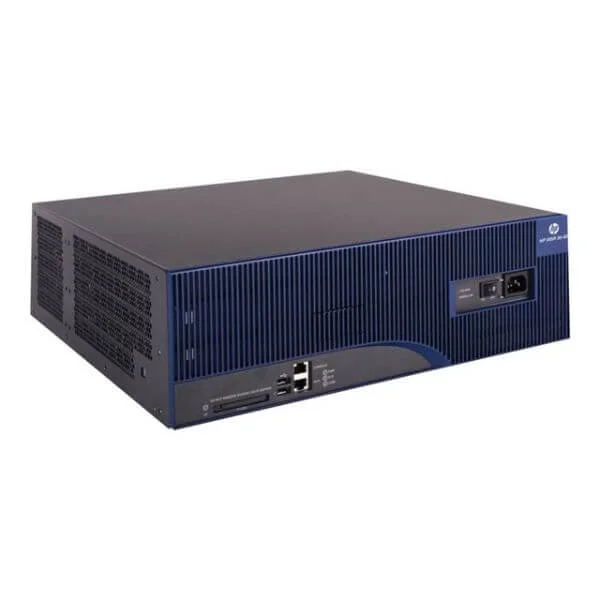
JF230A (HP MSR30-60 Router)
4.4 (5)- Enterprise Router
- Hpe
- IPSec / SSL VPN
- Redundant
- OSPF / BGP / Static Routing
- Fiber Optic
- Modular
Est Value $267.12
$219.12
18% offIn stockRefurbishedFirst-Time Buyer Discount – Get up to 2% additional off on your first order
ORM Rewards Earn $50 in Rewards + Free Expedited Delivery – Join Now!
Use eCoupon ORMSAVE10
eCoupon limited to 5 units
- BEST SELLING
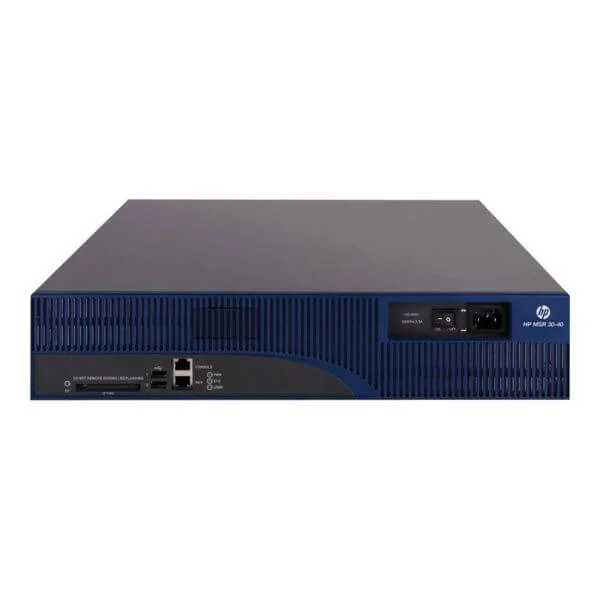
JF229A (HP MSR30-40 Router)
4.6 (5)- Enterprise Router
- Hpe
- IPSec / SSL VPN / GRE / DMVPN / FlexVPN
- AC Power Supply / Redundant
- OSPF / BGP / EIGRP / MPLS / Static Routing
- Fiber Optic / DSL
- Modular
Est Value $379.00$266.00
29.8% offIn stockNewRefurbishedFirst-Time Buyer Discount – Get up to 2% additional off on your first order
ORM Rewards Earn $50 in Rewards + Free Expedited Delivery – Join Now!
Use eCoupon ORMSAVE10
eCoupon limited to 5 units
- BEST SELLING
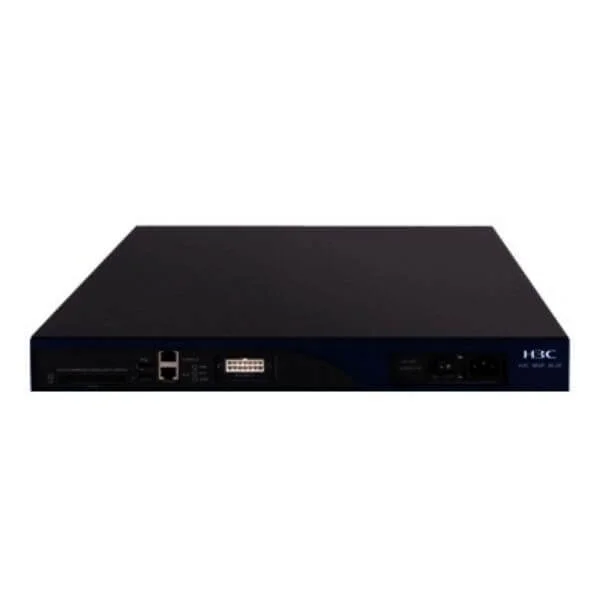
JF284A (HP MSR30-20 Router)
5 (5)- Enterprise Router
- Hpe
- IPSec / SSL VPN
- AC Power Supply / Redundant
- OSPF / BGP / EIGRP / RIP / Static Routing
- Fiber Optic
- Modular
Est Value $435.15$377.98
13.1% offIn stockRefurbishedFirst-Time Buyer Discount – Get up to 2% additional off on your first order
ORM Rewards Earn $50 in Rewards + Free Expedited Delivery – Join Now!
Use eCoupon ORMSAVE10
eCoupon limited to 5 units
- BEST SELLING
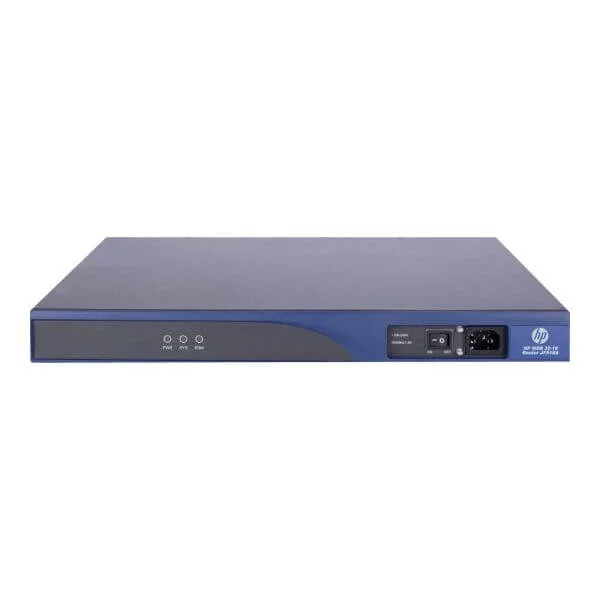
JF816A (HP MSR30-10 Router)
4.8 (5)- Enterprise Router
- Hpe
- IPSec / SSL VPN / GRE / DMVPN / FlexVPN
- AC Power Supply / Redundant
- OSPF / BGP / EIGRP / Static Routing
- Fiber Optic / DSL
- Modular
Est Value $918.00$504.00
45.1% offIn stockRefurbishedFirst-Time Buyer Discount – Get up to 2% additional off on your first order
ORM Rewards Earn $50 in Rewards + Free Expedited Delivery – Join Now!
Use eCoupon ORMSAVE10
eCoupon limited to 5 units
- BEST SELLING
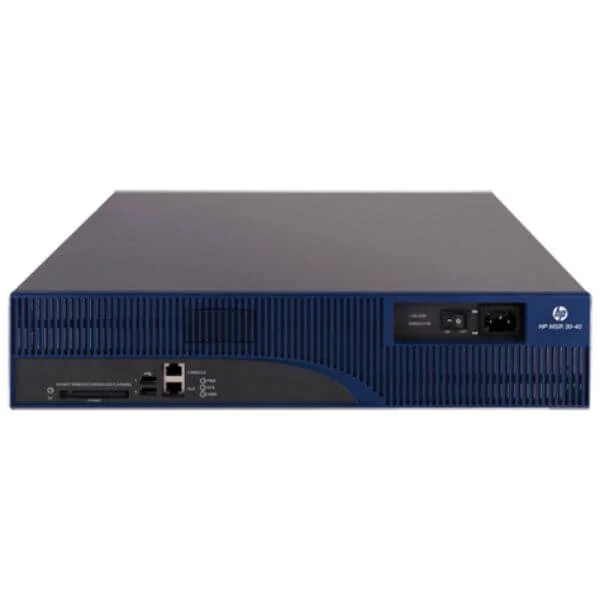
JF287A (HP MSR30-40 DC Router)
4.6 (5)- Enterprise Router
- Hpe
- IPSec / SSL VPN
- AC Power Supply / DC Power Supply / Redundant
- OSPF / BGP / EIGRP / Static Routing
- Fiber Optic / DSL
- Modular
Est Value $1,496.00$1,411.13
5.7% offIn stockRefurbishedFirst-Time Buyer Discount – Get up to 2% additional off on your first order
ORM Rewards Earn $50 in Rewards + Free Expedited Delivery – Join Now!
Use eCoupon ORMSAVE10
eCoupon limited to 5 units
- FEARURED
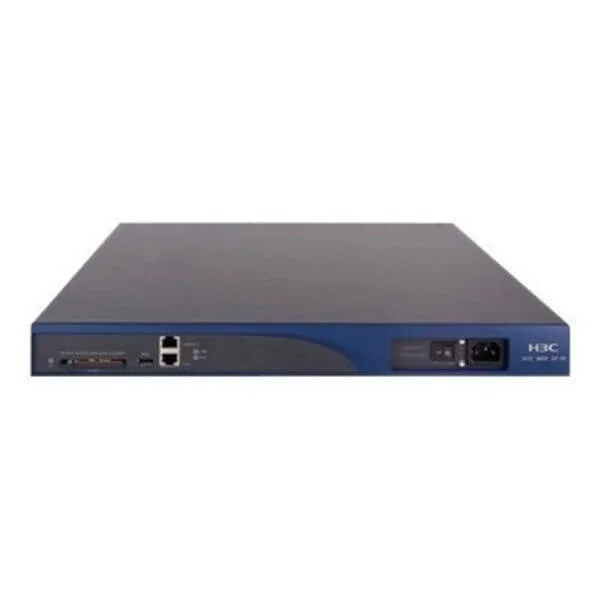
JF233A (HP MSR30-16 Router)
4.6 (5)- Enterprise Router
- Hpe
- IPSec / SSL VPN
- AC Power Supply with Redundant Option
- OSPF / BGP / EIGRP / Static Routing
- Fiber Optic / DSL
- Modular
Est Value $553.50$309.75
44% offIn stockNewRefurbishedFirst-Time Buyer Discount – Get up to 2% additional off on your first order
ORM Rewards Earn $50 in Rewards + Free Expedited Delivery – Join Now!
Use eCoupon ORMSAVE10
eCoupon limited to 5 units
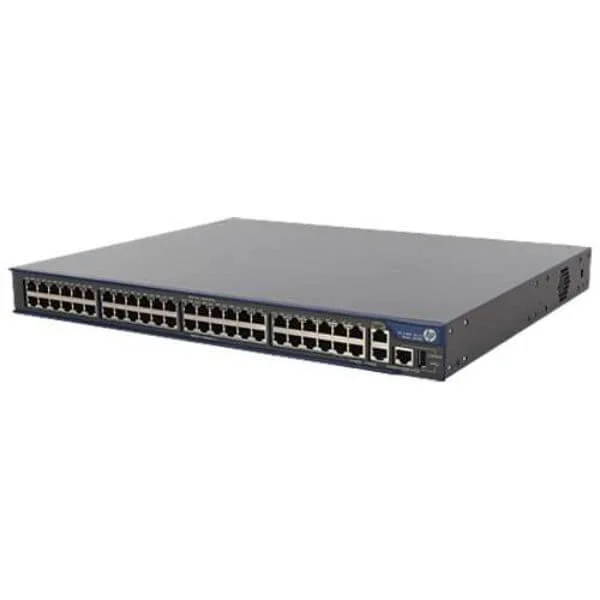
JG183A (HP MSR30-11F Router)
5 (5)- Enterprise Router
- Hpe
- IPSec / SSL VPN
- AC Power Supply / Redundant
- OSPF / BGP / RIP / Static Routing
- Fiber Optic
- Modular
Est Value $428.00$200.55
53.1% offIn stockRefurbishedFirst-Time Buyer Discount – Get up to 2% additional off on your first order
ORM Rewards Earn $50 in Rewards + Free Expedited Delivery – Join Now!
Use eCoupon ORMSAVE10
eCoupon limited to 5 units
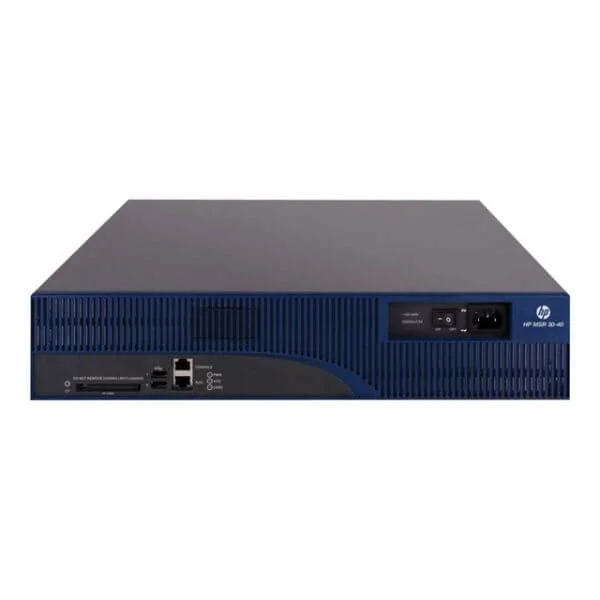
JF803A (HP MSR30-40 PoE Router)
4.6 (5)- Enterprise Router
- Hpe
- IPSec / SSL VPN
- AC Power Supply / DC Power Supply / Redundant
- OSPF / BGP / EIGRP / Static Routing
- Modular
Est Value $638.00$226.85
64.4% offIn stockRefurbishedFirst-Time Buyer Discount – Get up to 2% additional off on your first order
ORM Rewards Earn $50 in Rewards + Free Expedited Delivery – Join Now!
Use eCoupon ORMSAVE10
eCoupon limited to 5 units
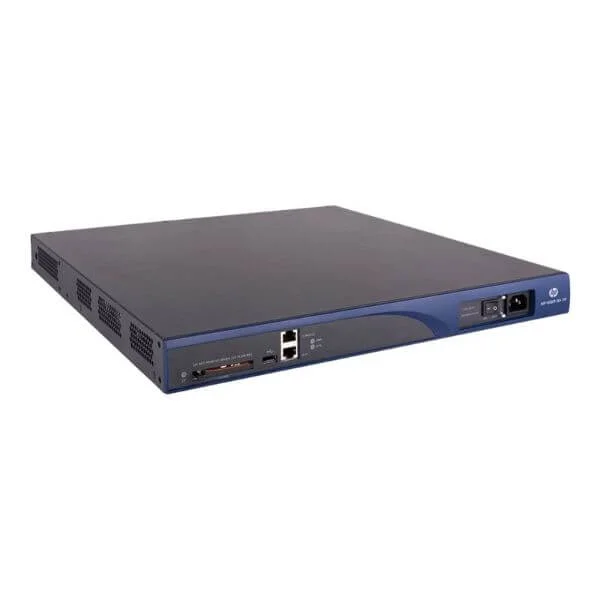
JF802A (HP MSR30-20 PoE Router)
4.2 (5)- Enterprise Router
- Hpe
- IPSec / SSL VPN / GRE / DMVPN / FlexVPN
- AC/DC Power Supply, Redundant
- OSPF / BGP / EIGRP / Static Routing
- Fiber Optic
- Fixed
Est Value $1,387.00$653.10
52.9% offIn stockRefurbishedFirst-Time Buyer Discount – Get up to 2% additional off on your first order
ORM Rewards Earn $50 in Rewards + Free Expedited Delivery – Join Now!
Use eCoupon ORMSAVE10
eCoupon limited to 5 units
JF235A (HP MSR30-20 DC Router)
4.6 (5)- Enterprise Router
- Hpe
- IPSec / SSL VPN / N/A
- AC Power Supply / DC Power Supply / Redundant
- OSPF / BGP / Static Routing
- Modular
Est Value $988.55$885.94
10.4% offIn stockRefurbishedFirst-Time Buyer Discount – Get up to 2% additional off on your first order
ORM Rewards Earn $50 in Rewards + Free Expedited Delivery – Join Now!
Use eCoupon ORMSAVE10
eCoupon limited to 5 units

JG184A (HP MSR30-10 DC Router)
4.4 (5)- Enterprise Router
- Hpe
- IPSec / SSL VPN
- AC Power Supply (Redundant)
- OSPF / BGP / EIGRP / Static Routing
- Fiber Optic / DSL
- Modular
Est Value $2,086.00$983.85
52.8% offIn stockRefurbishedFirst-Time Buyer Discount – Get up to 2% additional off on your first order
ORM Rewards Earn $50 in Rewards + Free Expedited Delivery – Join Now!
Use eCoupon ORMSAVE10
eCoupon limited to 5 units
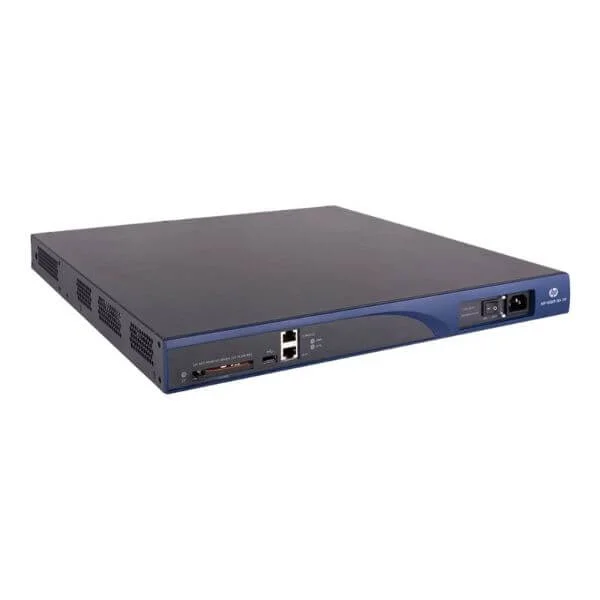
JF234A (HP MSR30-16 PoE Router)
4.6 (5)- Enterprise Router
- Hpe
- IPSec / SSL VPN / GRE
- AC Power Supply / Redundant
- OSPF / BGP / EIGRP / Static Routing
- Fiber Optic
- Modular
Est Value $1,129.00$1,036.88
8.2% offIn stockRefurbishedFirst-Time Buyer Discount – Get up to 2% additional off on your first order
ORM Rewards Earn $50 in Rewards + Free Expedited Delivery – Join Now!
Use eCoupon ORMSAVE10
eCoupon limited to 5 units
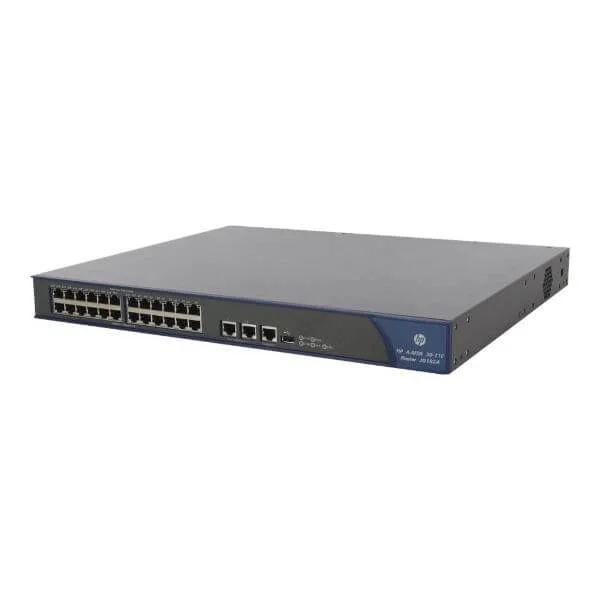
JG182A (HP MSR30-11E Router)
4.6 (5)- Enterprise Router
- Hpe
- IPSec / SSL VPN / GRE / DMVPN / FlexVPN
- AC Power Supply / DC Power Supply / Redundant
- OSPF / BGP / EIGRP / MPLS / IS-IS / RIP / Static Routing
- Fiber Optic
- Modular
Est Value $1,404.00$1,092.00
22.2% offIn stockRefurbishedFirst-Time Buyer Discount – Get up to 2% additional off on your first order
ORM Rewards Earn $50 in Rewards + Free Expedited Delivery – Join Now!
Use eCoupon ORMSAVE10
eCoupon limited to 5 units
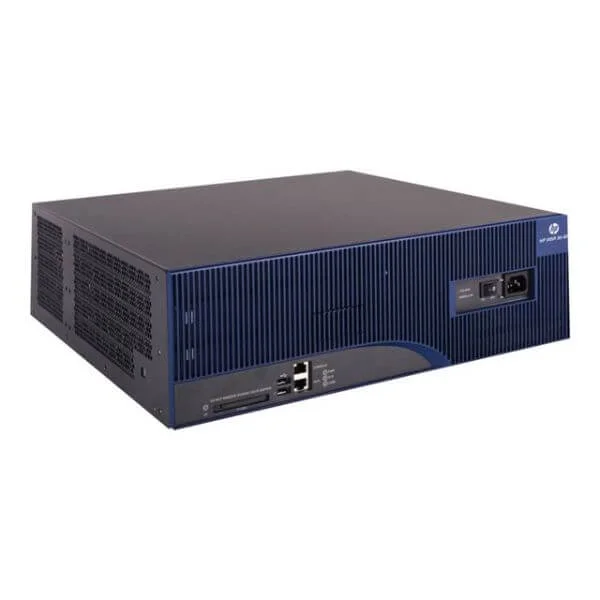
JF804A (HP MSR30-60 PoE Router)
4.8 (5)- Enterprise Router
- Hpe
- IPSec / SSL VPN
- AC Power Supply / DC Power Supply / Redundant
- OSPF / BGP / EIGRP / Static Routing
- Fiber Optic / DSL / 4G
- Modular
Est Value $3,093.00$1,459.50
52.8% offIn stockRefurbishedFirst-Time Buyer Discount – Get up to 2% additional off on your first order
ORM Rewards Earn $50 in Rewards + Free Expedited Delivery – Join Now!
Use eCoupon ORMSAVE10
eCoupon limited to 5 units
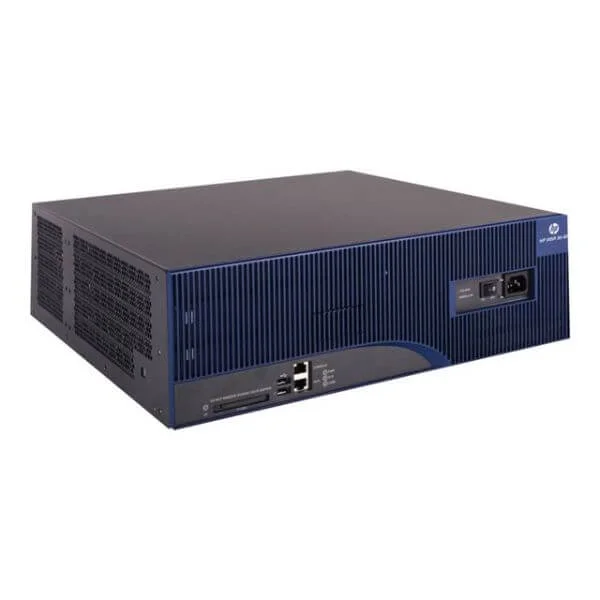
JF801A (HP MSR30-60 DC Router)
4.6 (5)- Enterprise Router
- Hpe
- IPSec / SSL VPN
- AC Power Supply / Redundant
- OSPF / BGP / Static Routing
- Fiber Optic / DSL
- Modular
Est Value $3,323.00$1,567.65
52.8% offIn stockRefurbishedFirst-Time Buyer Discount – Get up to 2% additional off on your first order
ORM Rewards Earn $50 in Rewards + Free Expedited Delivery – Join Now!
Use eCoupon ORMSAVE10
eCoupon limited to 5 units

ORM Sales Advisors
Buying for your business? Get a personalised quote in under 2 hours. Talk to an expert
LEARNFilters (15) 
Questions & Answers
What is the HP MSR30 Series router?
The HP MSR30 Series is a compact, high-performance branch router offering Gigabit Ethernet interfaces, advanced security, and flexible WAN connectivity for small to medium networks.
Which key features define the HP MSR30 Series?
Key features include dual-core CPU, up to 4 Gigabit Ethernet ports, optional LTE/4G, hardware-accelerated VPN, QoS, and support for IPv4/IPv6 routing protocols.
What throughput can I expect from the MSR30 Series?
The MSR30 Series delivers up to 300 Mbps of forwarding performance with hardware-based encryption, ensuring low-latency packet processing.
How many VPN tunnels does the HP MSR30 support?
It supports up to 200 IPsec VPN tunnels and 50 SSL VPN tunnels for secure site-to-site and remote-access connectivity.
Can I use LTE with the MSR30 Series?
Yes, the MSR30 Series offers an optional LTE/4G module that provides reliable cellular backup or primary WAN links for uninterrupted connectivity.
What management options are available?
Manage the MSR30 via web GUI, CLI (SSH/Telnet), SNMP, or HP’s centralized network management system for simplified configuration and monitoring.
Is the HP MSR30 Series suitable for branch offices?
Absolutely. Its compact design, secure WAN connectivity, and QoS controls make it ideal for branch office deployments and remote locations.
Which security features are built into the MSR30?
Built-in security includes stateful firewall, DoS protection, DPI-based intrusion prevention, URL filtering, and hardware-accelerated IPsec VPN.
What are the power requirements?
The MSR30 Series operates on 12–48 VDC or optional AC power supplies, with a maximum power consumption of 25 W.
How do I upgrade the firmware?
Download the latest firmware from the HP support site and use the device’s web GUI or CLI to apply the upgrade with minimal downtime.
What warranty does HP offer for the MSR30?
HP provides a one-year limited hardware warranty, with options to extend coverage through HP Care Packs for up to five years.
Can I stack multiple MSR30 routers?
No, the MSR30 Series does not support hardware stacking; use dynamic routing protocols like OSPF or BGP for redundancy and failover.
Which routing protocols are supported?
The router supports OSPF, BGP, RIP, IS-IS, and static routing, as well as policy-based routing for granular traffic control.
Does the MSR30 support VLAN segmentation?
Yes, it supports up to 4,094 VLANs, VLAN trunking (802.1Q), and QinQ for complete network segmentation and secure traffic isolation.
What is the price range of the HP MSR30 Series?
MSR30 Series routers start at approximately $250 USD, varying by configuration, optional LTE module, and warranty level.
How do I reset the HP MSR30 to factory defaults?
Press and hold the reset button for 10 seconds or use the CLI command 'reset saved-configuration' followed by a reboot to restore factory settings.
Where can I find the official HP MSR30 Series documentation?
Official manuals and configuration guides are available on the HP Enterprise Support website under the MSR30 Series product page.