 United States
Server Expansion Cards Fujitsu Excellence
Experience advanced scalability and reliability with Fujitsu’s state-of-the-art server expansion cards. Engineered for high-performance computing, seamless network integration, and optimized critical workload support that drives operational excellence.
Talk to an expert
14 Matching results
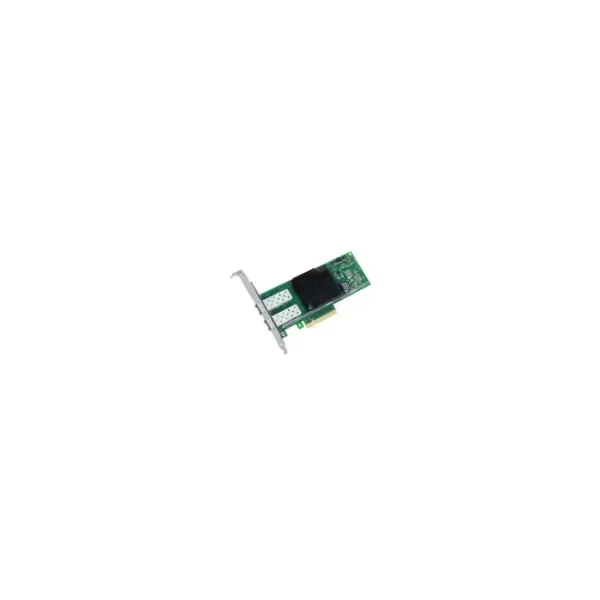
S26361-F3948-L502 (X550-T2 - Internal - Wired - PCI - Ethernet - 40000 Mbit/s)
4.7 (12)- Expansion Card
- Fujitsu
- Network Interface Card
- PCI
- QSFP+
Est Value $394.64
$197.32
50% offIn stockRefurbishedFirst-Time Buyer Discount – Get up to 2% additional off on your first order
ORM Rewards Earn $50 in Rewards + Free Expedited Delivery – Join Now!
Use eCoupon ORMSAVE10
eCoupon limited to 5 units
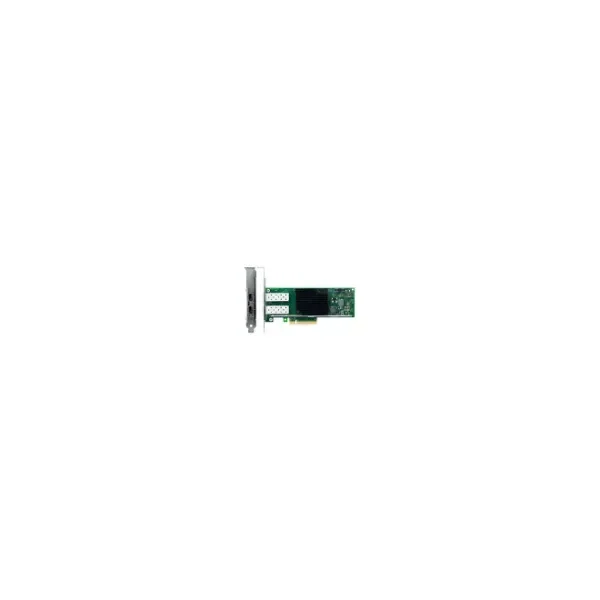
S26361-F3640-L502 (PLAN EP Intel X710-DA2 2x10GbE SFP+ - Internal - Wired - PCI Express - Fiber - 10000 Mbit/s)
4.8 (12)- Expansion Card
- Fujitsu
- Network Interface Card
- PCIe x8
- PCIe 3.0
- Intel X710
- SFP+
Est Value $895.98$447.99
50% offIn stockNewRefurbishedFirst-Time Buyer Discount – Get up to 2% additional off on your first order
ORM Rewards Earn $50 in Rewards + Free Expedited Delivery – Join Now!
Use eCoupon ORMSAVE10
eCoupon limited to 5 units
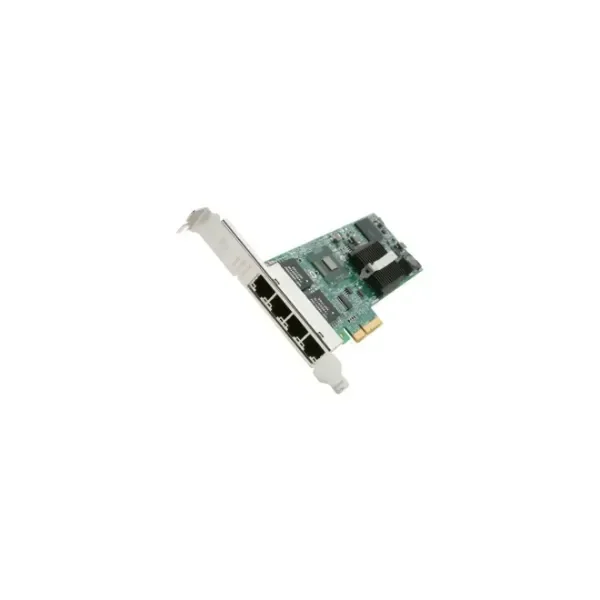
S26361-F4610-L504 (S26361-F4610-L504 - Internal - Wired - PCI Express - Ethernet - 1000 Mbit/s)
4.5 (12)- Expansion Card
- Fujitsu
- Network Interface Card
- PCIe x1
- RJ-45
Est Value $363.64$310.42
14.6% offIn stockRefurbishedFirst-Time Buyer Discount – Get up to 2% additional off on your first order
ORM Rewards Earn $50 in Rewards + Free Expedited Delivery – Join Now!
Use eCoupon ORMSAVE10
eCoupon limited to 5 units
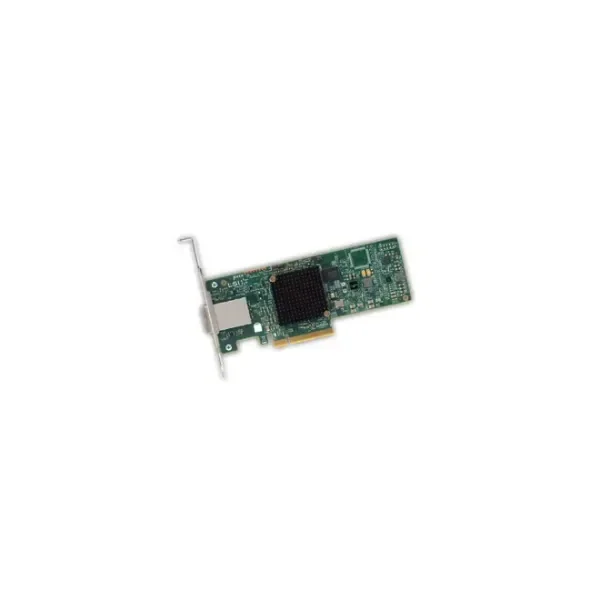
S26361-F3845-L501 (PSAS CP400e - SAS - Serial ATA - PCI Express x8 - 12 Gbit/s - 0 - 55 °C - -45 - 105 °C - Full-height (low-profile))
4.4 (5)- Expansion Card
- Fujitsu
- Storage Controller
- PCIe x8
Est Value $789.28$394.64
50% offIn stockRefurbishedFirst-Time Buyer Discount – Get up to 2% additional off on your first order
ORM Rewards Earn $50 in Rewards + Free Expedited Delivery – Join Now!
Use eCoupon ORMSAVE10
eCoupon limited to 5 units
S26361-F3842-L501 (CP400I - SAS - Serial ATA - PCI Express x8 - 12 Gbit/s - 0 - 55 °C - -45 - 105 °C - Full-height (low-profile))
4.4 (5)- Expansion Card
- Fujitsu
- Storage Controller
- PCIe x8
Est Value $805.36$402.68
50% offIn stockNewFirst-Time Buyer Discount – Get up to 2% additional off on your first order
ORM Rewards Earn $50 in Rewards + Free Expedited Delivery – Join Now!
Use eCoupon ORMSAVE10
eCoupon limited to 5 units
S26361-F4610-L502 (2x1Gbit Cu Intel I350-T2 - Internal - Wired - PCI Express - Ethernet - 1000 Mbit/s)
4.7 (12)- Expansion Card
- Fujitsu
- Network Interface Card
- PCIe x1
- Intel I350
- RJ-45
Est Value $539.66$460.69
14.6% offIn stockRefurbishedFirst-Time Buyer Discount – Get up to 2% additional off on your first order
ORM Rewards Earn $50 in Rewards + Free Expedited Delivery – Join Now!
Use eCoupon ORMSAVE10
eCoupon limited to 5 units
S26361-F2495-L445 (Upgr 16x SFF - Carrier panel - 2.5")
4.7 (12)- Expansion Card
- Fujitsu
- Other
- PCIe x16
- PCIe 3.0
Est Value $839.55$716.69
14.6% offIn stockRefurbishedFirst-Time Buyer Discount – Get up to 2% additional off on your first order
ORM Rewards Earn $50 in Rewards + Free Expedited Delivery – Join Now!
Use eCoupon ORMSAVE10
eCoupon limited to 5 units
S26361-F4042-L502 (PRAID EP520i - Speichercontroller Raid)
4.8 (8)- Expansion Card
- Fujitsu
- Storage Controller
- PCIe x8
- PCIe 3.0
- EP520i
Est Value $1,973.20$986.60
50% offIn stockRefurbishedFirst-Time Buyer Discount – Get up to 2% additional off on your first order
ORM Rewards Earn $50 in Rewards + Free Expedited Delivery – Join Now!
Use eCoupon ORMSAVE10
eCoupon limited to 5 units
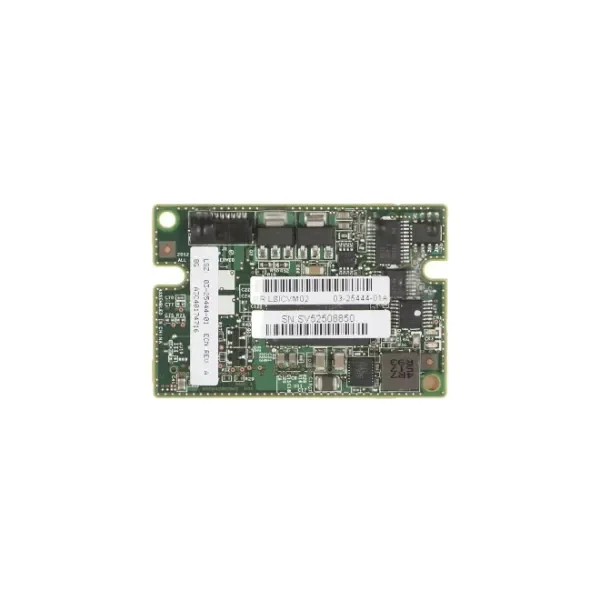
S26361-F5243-L200 (S26361-F5243-L200 - SAS - PCI Express x8 - 12 Gbit/s - 1024 MB - LSI SAS3108 - PRAID EP420i/e)
4.4 (5)- Expansion Card
- Fujitsu
- Storage Controller
- PCIe x8
- LSI SAS3108
Est Value $115.10$57.55
50% offIn stockRefurbishedFirst-Time Buyer Discount – Get up to 2% additional off on your first order
ORM Rewards Earn $50 in Rewards + Free Expedited Delivery – Join Now!
Use eCoupon ORMSAVE10
eCoupon limited to 5 units
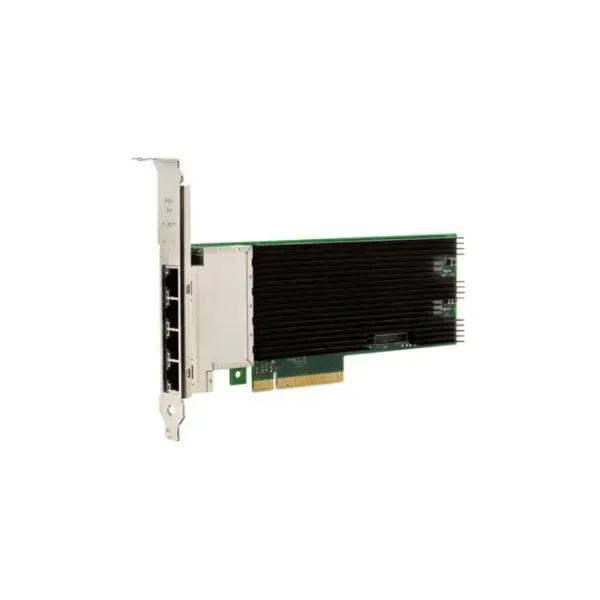
S26361-F3948-L504 (S26361-F3948-L504 - Internal - Wired - PCI Express - Ethernet - 10000 Mbit/s)
4.9 (12)- Expansion Card
- Fujitsu
- Network Interface Card
- PCIe x4
- PCIe 3.0
- Intel X520
- RJ-45
Est Value In stockFirst-Time Buyer Discount – Get up to 2% additional off on your first order
ORM Rewards Earn $50 in Rewards + Free Expedited Delivery – Join Now!
Use eCoupon ORMSAVE10
eCoupon limited to 5 units
S26361-F4042-L110 (Fujitsu Flash Backup Unit Option (S26361-F4042-L110))
4.8 (12)- Expansion Card
- Fujitsu
- Storage Controller
- PCIe x4
- PCIe 3.0
- Fujitsu Flash Backup Controller
Est Value In stockFirst-Time Buyer Discount – Get up to 2% additional off on your first order
ORM Rewards Earn $50 in Rewards + Free Expedited Delivery – Join Now!
Use eCoupon ORMSAVE10
eCoupon limited to 5 units
S26361-F5243-L12 (EP420i - SAS - PCI Express - 12 Gbit/s - LSI SAS3108)
4.8 (12)- Expansion Card
- Fujitsu
- Storage Controller
- PCIe x8
- PCIe 3.0
- LSI SAS3108
Est Value In stockFirst-Time Buyer Discount – Get up to 2% additional off on your first order
ORM Rewards Earn $50 in Rewards + Free Expedited Delivery – Join Now!
Use eCoupon ORMSAVE10
eCoupon limited to 5 units
S26361-F3669-L100 (TFM Module f/FBU option - Serial ATA - PCI Express - 6 Gbit/s - 1000 MB - 1333 MHz - D3116)
4.5 (12)- Expansion Card
- Fujitsu
- Storage Controller
- PCIe x4
- PCIe 3.0
Est Value In stockFirst-Time Buyer Discount – Get up to 2% additional off on your first order
ORM Rewards Earn $50 in Rewards + Free Expedited Delivery – Join Now!
Use eCoupon ORMSAVE10
eCoupon limited to 5 units
S26361-F4068-L502 (S26361-F4068-L502 - Internal - Wired - PCI Express - Ethernet - 10000 Mbit/s)
4.8 (12)- Expansion Card
- Fujitsu
- Network Interface Card
- PCIe x4
- PCIe 3.0
- Intel X550
- RJ-45
Est Value In stockFirst-Time Buyer Discount – Get up to 2% additional off on your first order
ORM Rewards Earn $50 in Rewards + Free Expedited Delivery – Join Now!
Use eCoupon ORMSAVE10
eCoupon limited to 5 units

ORM Sales Advisors
Buying for your business? Get a personalised quote in under 2 hours. Talk to an expert
LEARNFilters (14) 
Questions & Answers
What are Fujitsu Server Expansion Cards?
Fujitsu Server Expansion Cards are modular adapters that enhance server capabilities by adding network, storage, GPU or I/O functions without replacing the base system.
Which types of expansion cards does Fujitsu offer?
Fujitsu offers RAID, NVMe, InfiniBand, Fibre Channel, Ethernet, GPU and custom I/O expansion cards designed for PRIMERGY, PRIMEQUEST and SYSMAGIC server families.
How do I select the right Fujitsu expansion card for my server?
Review your performance requirements, interface standards and server model number, then match them against Fujitsu’s compatibility matrix available in the server documentation.
Which Fujitsu servers support expansion cards?
All current PRIMERGY, PRIMEQUEST and SYSMAGIC servers support Fujitsu expansion cards; check the specific server data sheet for slot count and type.
How do I install a Fujitsu Server Expansion Card?
Power down the server, open the chassis, insert the card into the appropriate PCIe-compatible slot, secure it with the bracket screw and power up.
Can Fujitsu expansion cards be hot-swapped?
Most Fujitsu expansion cards require server shutdown; only certain Fibre Channel and NVMe drive modules support hot-swap—refer to your server manual.
What performance gains can I expect from Fujitsu expansion cards?
Typical gains include up to 200% higher throughput for network cards, sub-100µs latency for InfiniBand and improved IOPS for NVMe storage adapters.
Do Fujitsu expansion cards support virtualization?
Yes, Fujitsu network and storage cards are optimized for VMware, Hyper-V and KVM, providing SR-IOV and VMDq for improved VM performance.
Are drivers and firmware included with Fujitsu expansion cards?
Yes, every Fujitsu expansion card ships with preloaded firmware and drivers; you can also download the latest versions from the MyFujitsu support portal.
How do I update Fujitsu expansion card firmware?
Use the Fujitsu ServerView Suite or command-line tools to upload the firmware package, validate integrity and perform in-place or offline updates.
What warranty coverage applies to Fujitsu expansion cards?
Fujitsu expansion cards come with a one-year limited hardware warranty, extendable up to five years through service contracts purchased at the time of order.
How can I troubleshoot a malfunctioning expansion card?
Use ServerView diagnostics to run I/O tests, check system event logs for errors and reseat the card; if the issue persists, contact Fujitsu Support with log files.
What power and thermal requirements do Fujitsu expansion cards have?
Each card specifies power consumption and thermal design power (TDP) in its data sheet; ensure your server’s PSU and cooling capacity meet or exceed these values.
How do I order replacement Fujitsu expansion cards?
Locate the card’s Spare Parts Number in the Fujitsu Parts Catalog, then contact your authorized reseller or place an order via the MyFujitsu eShop.
What management and monitoring tools support Fujitsu expansion cards?
Fujitsu ServerView Suite, iRMC management controller and third-party SNMP tools provide real-time monitoring, alerts and firmware management for expansion cards.
Are Fujitsu Server Expansion Cards compliant with environmental regulations?
Yes, Fujitsu expansion cards comply with RoHS, REACH and WEEE directives and are built using lead-free solder and halogen-free components.