 United States
HP Server Expansion Cards
Enhance organizational infrastructure with genuine HP server expansion cards, engineered for optimal performance, advanced scalability, and reliable connectivity to seamlessly support mission-critical enterprise applications.
Talk to an expert
5 Matching results
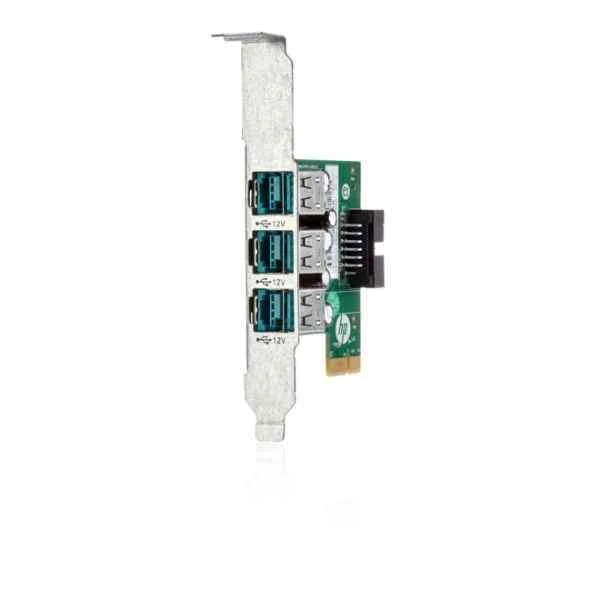
QP905AA (rp5800 3-port 12 Volt Powered USB Card - 12 V - USB - 3-port - HP RP 5800)
4.6 (5)- Expansion Card
- Hp
- Other
- PCIe x1
- PCIe 3.0
Est Value $234.36
$117.18
50% offIn stockRefurbishedFirst-Time Buyer Discount – Get up to 2% additional off on your first order
ORM Rewards Earn $50 in Rewards + Free Expedited Delivery – Join Now!
Use eCoupon ORMSAVE10
eCoupon limited to 5 units
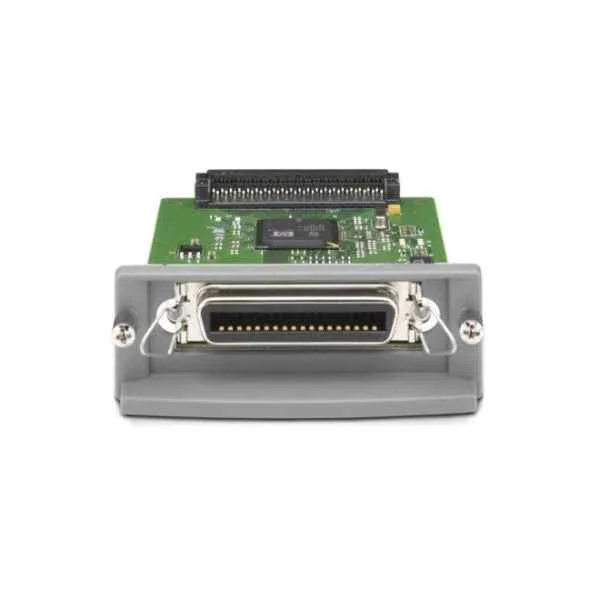
J7972G (1284B Parallel Card - Parallel - 89 mm - 136 mm - 31 mm - 200 g - Wired)
4.2 (5)- Expansion Card
- Hp
- Other
Est Value $73.80$63.00
14.6% offIn stockRefurbishedFirst-Time Buyer Discount – Get up to 2% additional off on your first order
ORM Rewards Earn $50 in Rewards + Free Expedited Delivery – Join Now!
Use eCoupon ORMSAVE10
eCoupon limited to 5 units
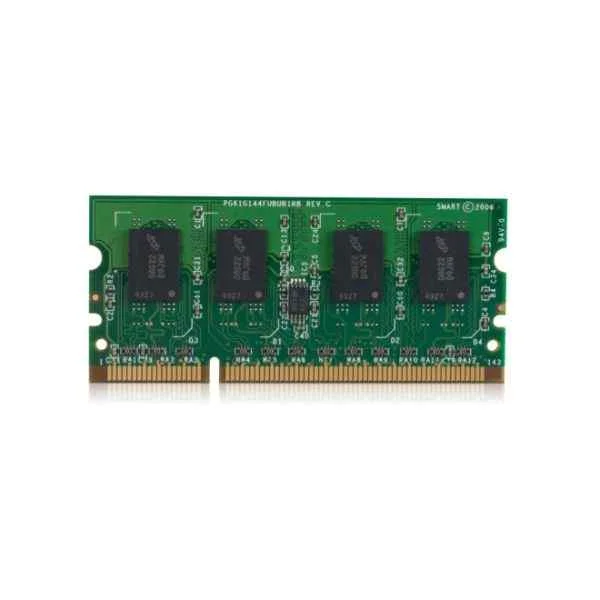
B5L53A (LASERJET MFP ANALOG FAX 600 ACCESSORY)
4.8 (5)- Expansion Card
- Hp
- Other
Est Value In stockFirst-Time Buyer Discount – Get up to 2% additional off on your first order
ORM Rewards Earn $50 in Rewards + Free Expedited Delivery – Join Now!
Use eCoupon ORMSAVE10
eCoupon limited to 5 units
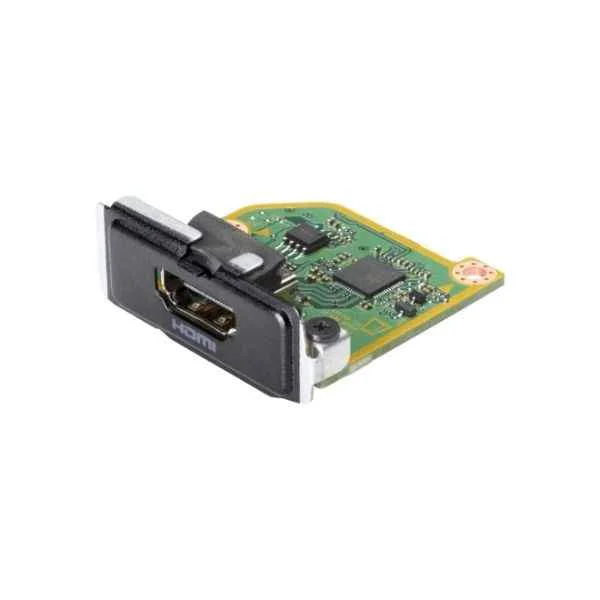
13L55AA (HP HDMI PORT FLEX IO V2)
4.2 (5)- Expansion Card
- Hp
- Other
- PCIe x1
- PCIe 3.0
- HDMI
Est Value In stockFirst-Time Buyer Discount – Get up to 2% additional off on your first order
ORM Rewards Earn $50 in Rewards + Free Expedited Delivery – Join Now!
Use eCoupon ORMSAVE10
eCoupon limited to 5 units

QP906AA (rp5800 2-port Powered Serial Card - Serial - 2-port - HP RP 5800)
4.6 (5)- Expansion Card
- Hp
- Other
- PCIe x1
- PCIe 3.0
Est Value In stockFirst-Time Buyer Discount – Get up to 2% additional off on your first order
ORM Rewards Earn $50 in Rewards + Free Expedited Delivery – Join Now!
Use eCoupon ORMSAVE10
eCoupon limited to 5 units

ORM Sales Advisors
Buying for your business? Get a personalised quote in under 2 hours. Talk to an expert
LEARNFilters (5) 
Questions & Answers
What is an HP Server Expansion Card?
An HP Server Expansion Card is a PCIe add-in module that enhances a server’s I/O capabilities by providing additional network, storage or Fibre Channel ports.
How do I choose the right HP Server Expansion Card for my server?
Select an HP Server Expansion Card based on your server model’s supported PCIe generation, required bandwidth, port count and workload type.
Are HP Server Expansion Cards compatible with all ProLiant models?
HP Server Expansion Cards are compatible with most ProLiant Gen8, Gen9, Gen10 and Gen11 servers; verify compatibility in the server QuickSpecs.
How do I install an HP Server Expansion Card?
Power down the server, remove the slot cover, insert the card into the PCIe slot until it latches, secure the bracket and reboot.
Can I hot-swap an HP Server Expansion Card?
No, HP Server Expansion Cards require a full server shutdown before installation or removal to protect data integrity and hardware.
What interfaces do HP Server Expansion Cards support?
HP Server Expansion Cards support PCIe Gen3/Gen4, SAS, iSCSI, Fibre Channel, 10/25/40/100 GbE and NVMe over Fabrics interfaces.
How do I update the firmware on an HP Server Expansion Card?
Use HPE Smart Update Manager or iLO to download and apply the latest firmware package from the HPE Support Center.
What performance benefits do HP Server Expansion Cards provide?
They deliver higher throughput, lower latency and offload capabilities that optimize storage and networking performance for demanding applications.
How many ports can HP Server Expansion Cards support?
Depending on the model, HP Server Expansion Cards support between one and four ports per card for Fibre Channel, SAS or Ethernet.
Do HP Server Expansion Cards require special drivers?
Yes, install the latest HPE-certified drivers and firmware to ensure full functionality and compatibility with your OS.
How do I troubleshoot connectivity issues with HP Server Expansion Cards?
Verify card seating, update drivers and firmware, inspect cables and check server logs via iLO or OS diagnostics.
Can I use HP Server Expansion Cards in non-HP servers?
While some cards may function in generic PCIe slots, HPE only tests and supports them in HP ProLiant and Apollo servers.
What is the warranty on HP Server Expansion Cards?
HP Server Expansion Cards come with a standard three-year limited warranty backed by global HPE support.
How do I order replacement HP Server Expansion Cards?
Locate the card’s SKU or spare part number in the QuickSpecs and order through an authorized HPE reseller or the HPE eStore.
What power requirements do HP Server Expansion Cards have?
Most HP Server Expansion Cards draw up to 25W from a single PCIe slot; higher-performance models may use additional auxiliary power.
Do HP Server Expansion Cards support virtualization features?
Yes, select models offer SR-IOV, NPIV and virtual switch offloads to maximize VM density and performance.
What is the difference between low-profile and full-height HP Server Expansion Cards?
Low-profile cards fit half-height server chassis with a shorter bracket, while full-height cards require a standard PCIe bracket and more slot space.