 United States
Trusted by the Highest-Stakes Buyers
Federal agencies and Fortune 500 operations source through ORM Systems.
US Government & Defense
Enterprise Clients

Featured Deal
Hand-picked by our procurement team for standout value. This unit is offered at our sharpest price on current stock, verified against live market rates.
Name:

Added to cart 28 times recently
Ready to Ship
Certified Refurbished
Professionally inspected, bench-tested, and firmware-verified, with configurations wiped. Restored to full working order and backed by our warranty.


3 Year Extended Warranty


Same-day Shipping

30-Day Money Back Guarantee
Shipping:
Payment:

3 Year Extended Warranty
Same-day Shipping
30-Day Money Back Guarantee
Need Additional Discount on Product?
Request a quote below - Get Exclusive Pricing and Support.
Shipping:
Payment:
QP906AA
rp5800 2-port Powered Serial Card - Serial - 2-port - HP RP...
Trusted by the Highest-Stakes Buyers
Federal agencies and Fortune 500 operations source through ORM Systems.
US Government & Defense




Enterprise Clients



Built Global. Stocked Local.
Regional teams and 25+ distribution partners keep stock near you and accountability in your time zone.
Buyer Protection on Every Order
Pay by PayPal or Revolut with full chargeback rights. Order on PO terms, Net-30 for government.
Verified By Federal Bodies
Every registration we claim is public record — check our federal contractor status yourself before you spend a dollar.



Since 2016, Enterprise-Trusted
Ten years serving buyers who audit their vendors. From federal agencies to 20,000+ enterprise clients worldwide.
QP906AA-rp5800 2-port Powered Serial Card - Serial - 2-port - HP RP 5800 is an expansion card designed to deliver two fully powered serial ports for seamless legacy connectivity in modern server environments. Built as a PCIe x1 card with PCIe 3.0 support, it incorporates robust design elements and precise engineering to ensure reliable serial communications across Windows and Linux platforms while fitting both low-profile and full-height configurations.
This specialized serial expansion card features integrated power management for simplified system integration and enhanced performance in server enhancement and industrial control applications. Its compact form factor, passive cooling design, and dedicated 2-port serial configuration make it an ideal choice for storage expansion, network upgrade, and remote management use cases in HP RP 5800 systems.
QP906AA price is is available on request. Get immediate quote.
Request bulk order quote for QP906AA for additional pricing. Browse the full Hp Server Expansion Cards series or explore all Hp products.
Mon–Fri: [09:00-16:00]
Avg. response under 30 mins

| QP906AA | 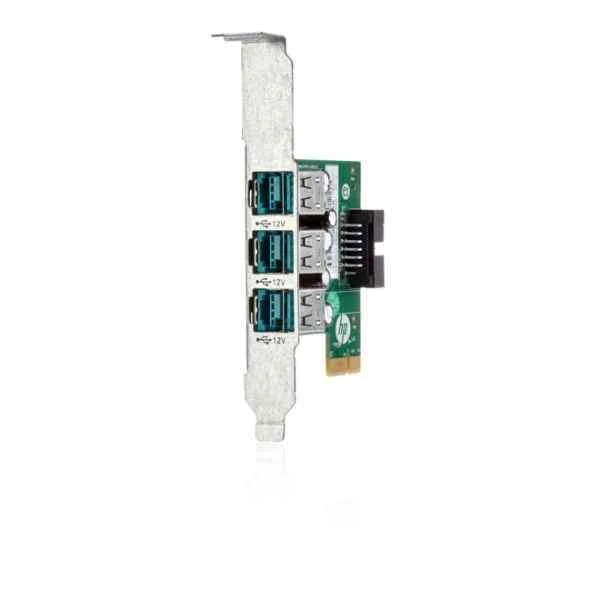 QP905AA QP905AA | 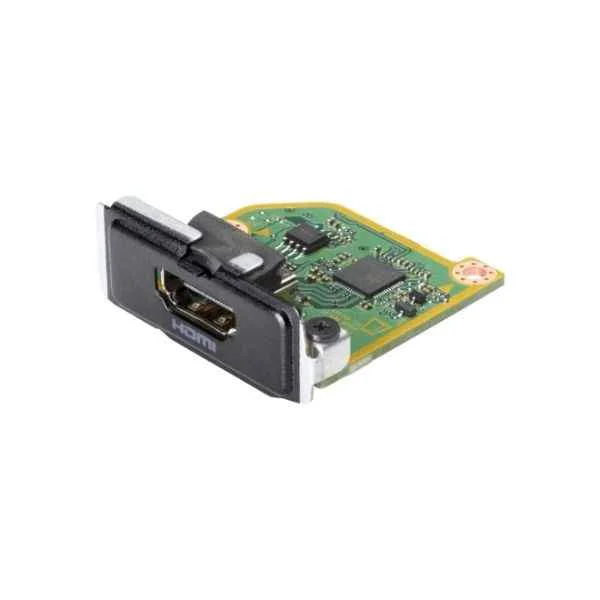 13L55AA 13L55AA | 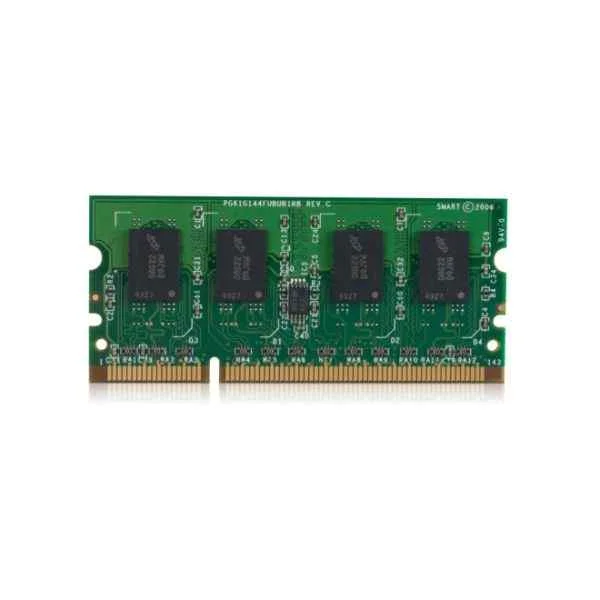 B5L53A B5L53A | 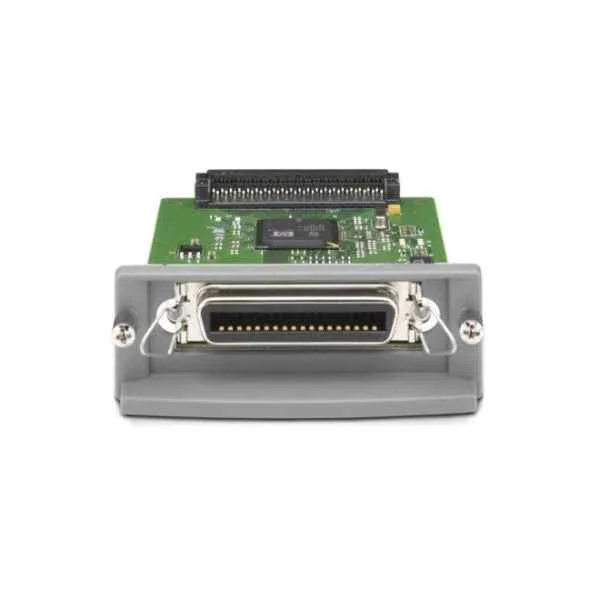 J7972G J7972G | |
|---|---|---|---|---|---|
| Product Type | Expansion Card | Expansion Card | Expansion Card | Expansion Card | Expansion Card |
| Card Type | Other | Other | Other | Other | Other |
| Product Name | QP906AA-rp5800 2-port Powered Serial Card - Serial - 2-port - HP RP 5800 | QP905AA-rp5800 3-port 12 Volt Powered USB Card - 12 V - USB - 3-port - HP RP 5800 | 13L55AA-HP HDMI PORT FLEX IO V2 | B5L53A-LASERJET MFP ANALOG FAX 600 ACCESSORY | J7972G-1284B Parallel Card - Parallel - 89 mm - 136 mm - 31 mm - 200 g - Wired |


Every unit is authentic, sourced through trusted and authorised channels, and serial-verified on request. Genuine networking and IT hardware, guaranteed, or your money back.

New products are backed by up to 3 years of extended warranty, and certified refurbished units by up to 3 months, for dependable protection on every order. Coverage is clear, honoured in full, and confirmed on each product page.

If a unit ever falls short, our streamlined RMA process gets a replacement to you fast, with advance replacement available to keep your network running. No jargon, no runaround.

Every device is inspected, bench-tested, and firmware-verified, with configurations wiped before dispatch. Additional testing can be arranged to confirm full working condition on request.

Our specialists assist with compatibility, configuration, licensing, and installation, before and after you buy. Real hardware expertise, whenever you need it.

dispatched quickly and shipped worldwide from regional hubs, fully tracked and insured.
Reviewed on the 29 August 2018

2-port serial card delivers stable legacy device connectivity.
Reviewed on the 4 February 2018
Reliable serial communication for POS hardware.
Reviewed on the 28 December 2020
Professional add-on with seamless integration.
Reviewed on the 26 March 2018
Consistent serial port performance in retail setups.
Reviewed on the 23 August 2021
Solid expansion card ensuring dependable operations.
The HP QP906AA RP5800 2-port Powered Serial Card is a PCIe expansion module that adds two powered serial interfaces to HP RP5800 servers for reliable RS-232/422/485 communication.
The RP5800 2-port Powered Serial Card supports RS-232, RS-422, and RS-485 standards for versatile industrial and IT connectivity.
The HP RP5800 serial card supports baud rates from 50 bps up to 921.6 kbps, enabling high-speed data exchange with serial devices.
The RP5800 card is certified for Windows Server 2016/2019, Red Hat Enterprise Linux, SUSE Linux Enterprise Server, and HP-UX environments with available drivers from HP.
The QP906AA card is designed specifically for HP RP5800 rack platforms and requires an available PCIe slot in those systems.
Power down the server, insert the RP5800 card into an available PCIe slot, secure the bracket, reconnect power, and then boot to configure in BIOS or install drivers.
No. The RP5800 2-port Powered Serial Card draws necessary power directly from the server’s PCIe slot, eliminating the need for external adapters.
The QP906AA uses standard DB9 connectors and supports straight-through or null-modem cables, depending on the serial device requirements.
Yes. After installation, you can access COM port assignments and IRQ settings for the RP5800 card within the HP BIOS configuration utility.
The QP906AA 2-port Powered Serial Card supports two independent serial devices concurrently, each with its own dedicated channel.
The QP906AA operates in ambient temperatures from 10 °C to 35 °C, with relative humidity between 10% and 90% non-condensing.
Visit the HP support website, download the driver package for your OS, and run the installer or update manually via Device Manager.
No. The QP906AA card must be installed or removed only when the host server is powered off to prevent hardware damage.
The QP906AA 2-port Powered Serial Card is covered by HP’s standard one-year limited hardware warranty, with optional extensions available.
Genuine HP QP906AA cards are available through HP authorized resellers, the official HP online store, and certified enterprise distributors.
Verify BIOS port assignments, confirm correct cable wiring and baud settings, update drivers, and check Windows Event Viewer or syslog for errors.







