 United States
HPE Blade Server Expansion Cards
Enhance your HPE blade server performance with our premium expansion cards offering unmatched scalability, robust connectivity, superior reliability, and exceptional data throughput for enterprise-class environments.
Talk to an expert
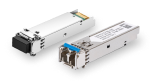
Hpe Blade Server Mezzanine Card/Network
(6)HPE blade server mezzanine network cards provide 10GbE or Fibre Channel links for virtualized blade chassis network fabrics
6 Matching results
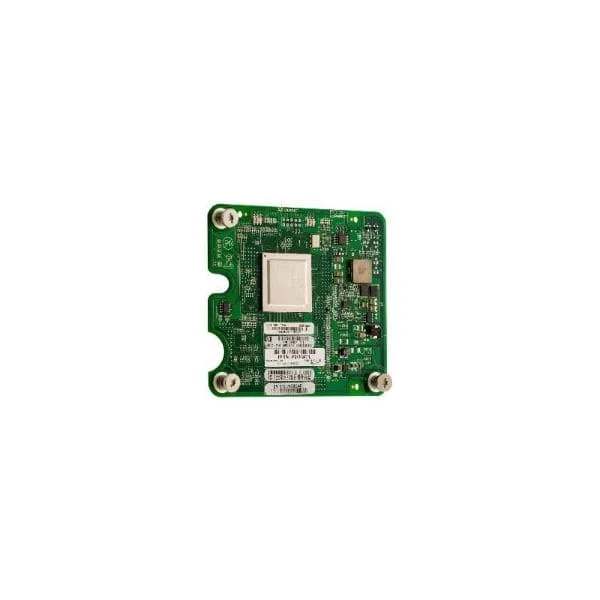
451871-B21 (HP BLc QLogic QMH2562 8Gb FC HBA Opt)
5 (5)- Expansion Card
- Hpe
- Other
- PCIe x8
- PCIe 3.0
- QLogic QMH2562
Est Value
$37.44
In stockNewRefurbishedFirst-Time Buyer Discount – Get up to 2% additional off on your first order
ORM Rewards Earn $50 in Rewards + Free Expedited Delivery – Join Now!
Use eCoupon ORMSAVE10
eCoupon limited to 5 units
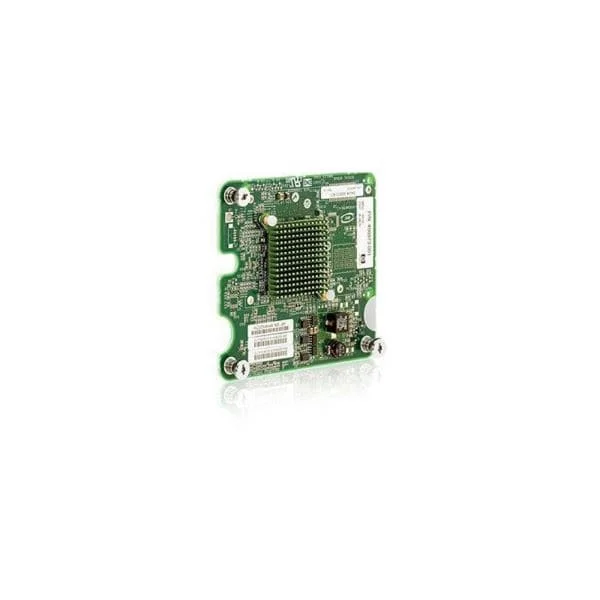
456972-B21 (HP BLc Emulex LPe1205 8Gb FC HBA Opt)
4.4 (5)- Expansion Card
- Hpe
- Storage Controller
- PCIe x8
- PCIe 3.0
- Emulex
Est Value $35.67$30.45
14.6% offIn stockRefurbishedFirst-Time Buyer Discount – Get up to 2% additional off on your first order
ORM Rewards Earn $50 in Rewards + Free Expedited Delivery – Join Now!
Use eCoupon ORMSAVE10
eCoupon limited to 5 units
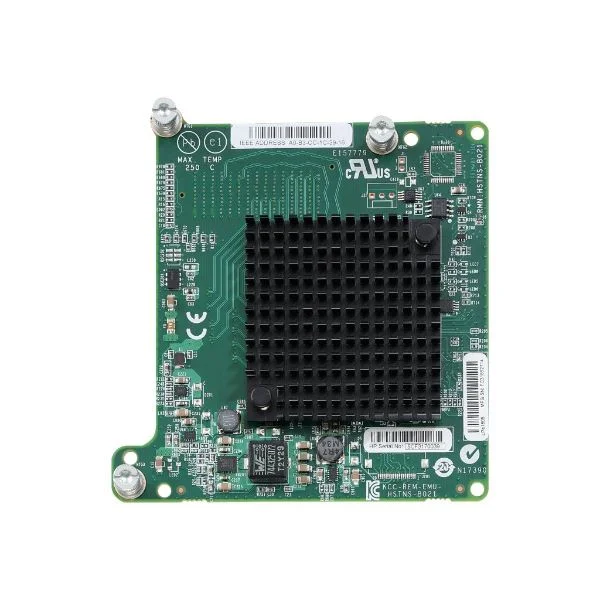
718203-B21 (HPE LPe1605 16Gb Fibre Channel Host Bus Adapter for BladeSystem c-Class)
4.8 (5)Est Value $76.95$34.13
55.6% offIn stockRefurbishedFirst-Time Buyer Discount – Get up to 2% additional off on your first order
ORM Rewards Earn $50 in Rewards + Free Expedited Delivery – Join Now!
Use eCoupon ORMSAVE10
eCoupon limited to 5 units
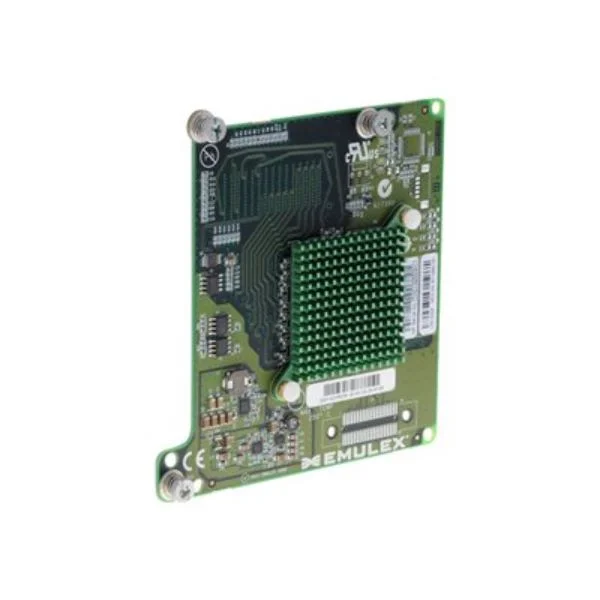
659818-B21 (HPE LPe1205A 8Gb Fibre Channel Host Bus Adapter for BladeSystem c-Class)
4.6 (5)Est Value $59.04$50.40
14.6% offIn stockRefurbishedFirst-Time Buyer Discount – Get up to 2% additional off on your first order
ORM Rewards Earn $50 in Rewards + Free Expedited Delivery – Join Now!
Use eCoupon ORMSAVE10
eCoupon limited to 5 units
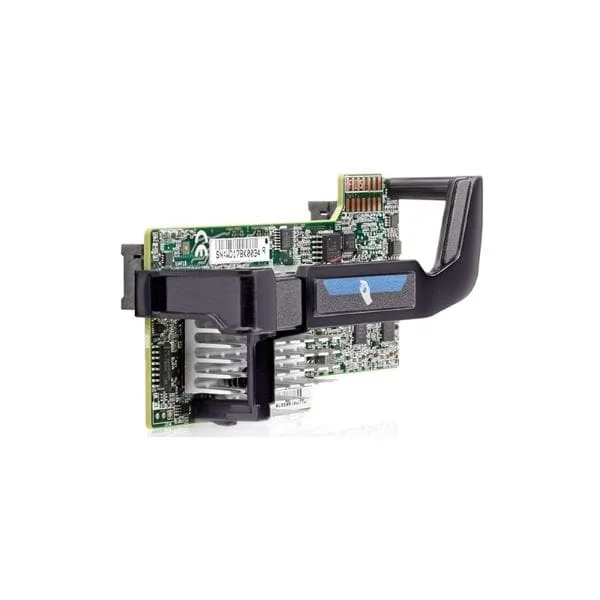
700066-B21 (KIT HP FLEXFABRIC 20GB 2-PORT 630FLB ADAPTER FLEXIBLELOM)
5 (5)Est Value $102.24$71.40
30.2% offIn stockRefurbishedFirst-Time Buyer Discount – Get up to 2% additional off on your first order
ORM Rewards Earn $50 in Rewards + Free Expedited Delivery – Join Now!
Use eCoupon ORMSAVE10
eCoupon limited to 5 units
684214-B21 (HP ETHERNET 10GB 2PORT 560FLB FIO ADAPTER)
4.2 (5)Est Value $124.54$106.31
14.6% offIn stockRefurbishedFirst-Time Buyer Discount – Get up to 2% additional off on your first order
ORM Rewards Earn $50 in Rewards + Free Expedited Delivery – Join Now!
Use eCoupon ORMSAVE10
eCoupon limited to 5 units

ORM Sales Advisors
Buying for your business? Get a personalised quote in under 2 hours. Talk to an expert
LEARNFilters (6) 
Questions & Answers
What are HPE Blade Server Expansion Cards?
HPE Blade Server Expansion Cards are modular interface cards that deliver additional network, storage or I/O connectivity for HPE blade servers. They plug into mezzanine slots for scalable performance and streamlined data center operations.
Which types of expansion cards are compatible with HPE BladeSystem?
HPE BladeSystem supports Ethernet, Fibre Channel, SAS, FlexFabric and converged network adapter expansion cards. Each type provides specific I/O capabilities to meet diverse workload demands.
How do I install an HPE Blade Server Expansion Card?
To install an HPE Blade Server Expansion Card, power down the blade, remove it from the enclosure, align the card with the mezzanine slot, seat it firmly, then reinsert and power on the blade.
What are the benefits of using HPE Blade Server Expansion Cards?
HPE Blade Server Expansion Cards deliver flexible I/O options, high-density connectivity and simplified management. They enhance performance, optimize resource utilization and support evolving network requirements.
Can I hot-swap HPE Blade Expansion Cards?
No, HPE Blade Expansion Cards cannot be hot-swapped. To ensure safe installation, you must power down the blade server before installing or removing expansion cards.
How do I update firmware on HPE Blade Expansion Cards?
Use the HPE Smart Update Manager or iLO interface to upload and deploy the latest firmware package. Follow guided prompts to complete the update without disrupting adjacent blades.
Are HPE Blade Expansion Cards compatible with third-party servers?
HPE Blade Expansion Cards are designed specifically for HPE BladeSystem enclosures and blades. They are not validated for use with third-party server hardware.
How do I troubleshoot a non-recognized expansion card?
Verify proper seating, check firmware compatibility, update device drivers, and ensure the blade enclosure supports the card's generation. Refer to HPE documentation for error codes and diagnostic procedures.
What is the difference between mezzanine and stand-up expansion cards?
Mezzanine cards connect directly to blade server mezzanine slots, offering internal I/O expansion. Stand-up cards mount vertically in the server bay, delivering external ports and higher port density.
How many expansion cards can each blade server support?
The number of supported cards varies by blade server model and enclosure. Typically, HPE blades support up to three mezzanine cards, subject to chassis slot availability and port mapping.
Do HPE Blade Expansion Cards require additional power?
Expansion cards draw power directly from the blade server's integrated power bus. No external power cables are necessary, but ensure your enclosure's power supply can handle peak card loads.
How do I verify the compatibility of an expansion card?
Consult the HPE QuickSpecs for your blade server and BladeSystem chassis. Cross-reference part numbers and supported firmware versions to confirm full compatibility.
What network speeds do HPE Blade Ethernet cards support?
HPE Blade Ethernet cards support speeds from 1GbE to 100GbE, depending on the model and generation. Check the card's QuickSpecs for exact data rate capabilities.
What warranty covers HPE Blade Server Expansion Cards?
HPE Blade Server Expansion Cards carry a one-year standard limited warranty, with optional extensions available through HPE Care Pack services. Coverage details vary by region and service level.
Can I mix different generations of HPE expansion cards?
Mixing different generations is possible but not recommended. Ensure firmware and driver support align with both cards and the blade enclosure to prevent compatibility issues.
Where can I purchase genuine HPE Blade Server Expansion Cards?
Purchase from authorized HPE resellers, the HPE online store or certified partners. Verify authenticity by checking HPE part numbers and warranty registration upon delivery.