 United States
Hpe Blade Server Mezzanine Card
Enhance your data center networking efficiency with our refined HPE Blade Server Mezzanine Card solution. Achieve superior performance, seamless integration, and scalable network capabilities for modern enterprise systems.
Talk to an expert
6 Matching results
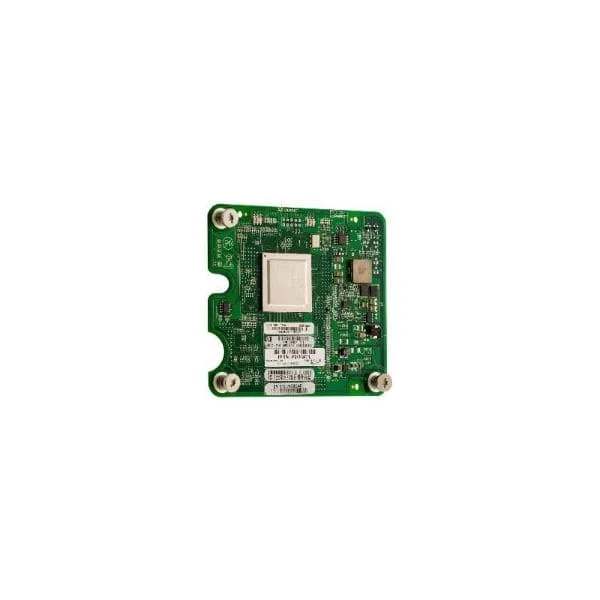
451871-B21 (HP BLc QLogic QMH2562 8Gb FC HBA Opt)
5 (5)- Expansion Card
- Hpe
- Other
- PCIe x8
- PCIe 3.0
- QLogic QMH2562
Est Value
$37.44
In stockNewRefurbishedFirst-Time Buyer Discount – Get up to 2% additional off on your first order
ORM Rewards Earn $50 in Rewards + Free Expedited Delivery – Join Now!
Use eCoupon ORMSAVE10
eCoupon limited to 5 units
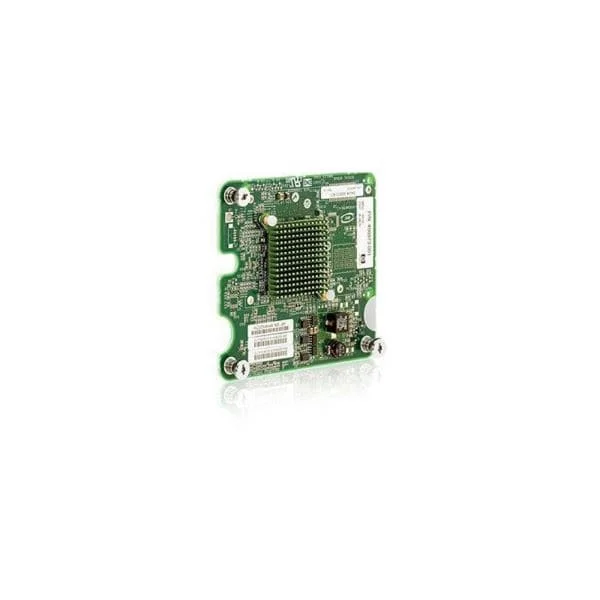
456972-B21 (HP BLc Emulex LPe1205 8Gb FC HBA Opt)
4.4 (5)- Expansion Card
- Hpe
- Storage Controller
- PCIe x8
- PCIe 3.0
- Emulex
Est Value $35.67$30.45
14.6% offIn stockRefurbishedFirst-Time Buyer Discount – Get up to 2% additional off on your first order
ORM Rewards Earn $50 in Rewards + Free Expedited Delivery – Join Now!
Use eCoupon ORMSAVE10
eCoupon limited to 5 units
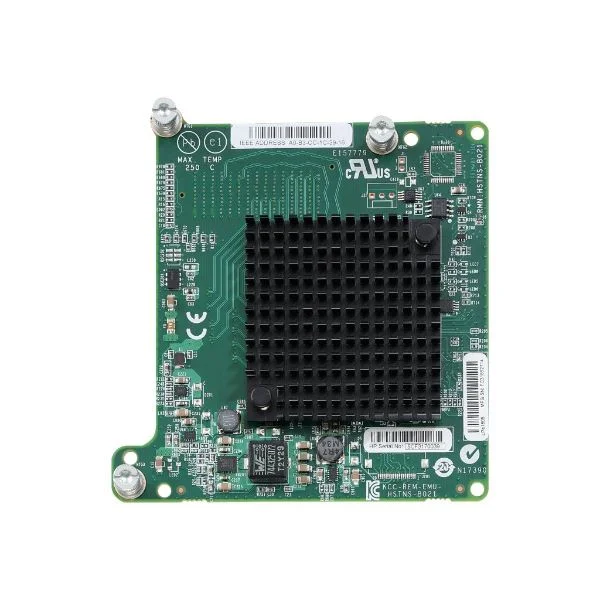
718203-B21 (HPE LPe1605 16Gb Fibre Channel Host Bus Adapter for BladeSystem c-Class)
4.8 (5)Est Value $76.95$34.13
55.6% offIn stockRefurbishedFirst-Time Buyer Discount – Get up to 2% additional off on your first order
ORM Rewards Earn $50 in Rewards + Free Expedited Delivery – Join Now!
Use eCoupon ORMSAVE10
eCoupon limited to 5 units
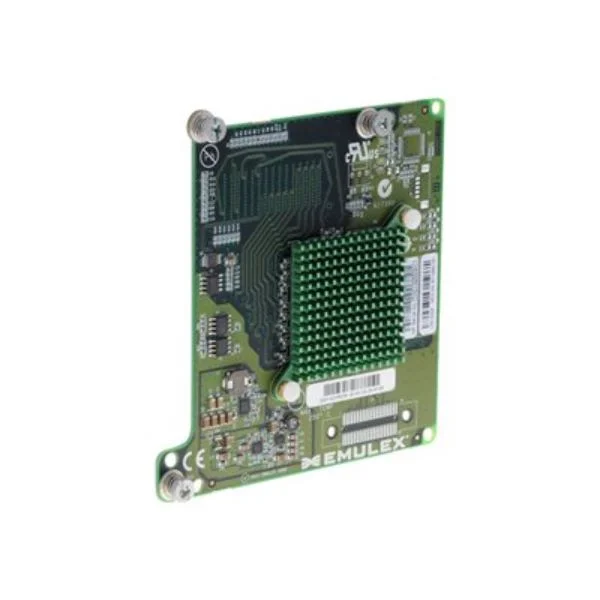
659818-B21 (HPE LPe1205A 8Gb Fibre Channel Host Bus Adapter for BladeSystem c-Class)
4.6 (5)Est Value $59.04$50.40
14.6% offIn stockRefurbishedFirst-Time Buyer Discount – Get up to 2% additional off on your first order
ORM Rewards Earn $50 in Rewards + Free Expedited Delivery – Join Now!
Use eCoupon ORMSAVE10
eCoupon limited to 5 units
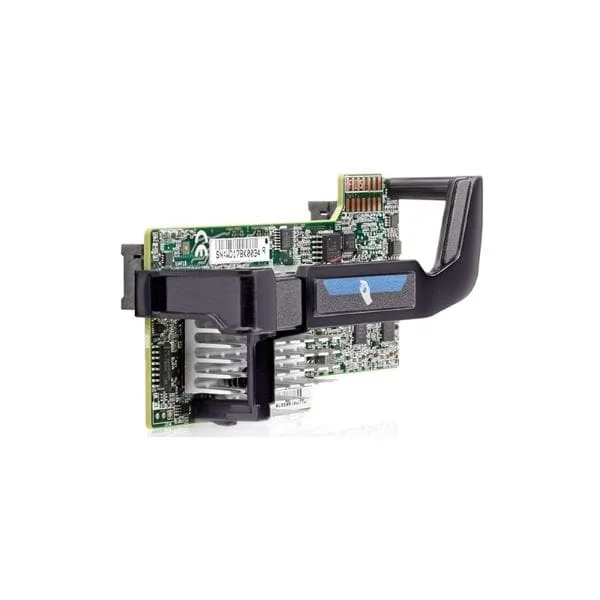
700066-B21 (KIT HP FLEXFABRIC 20GB 2-PORT 630FLB ADAPTER FLEXIBLELOM)
5 (5)Est Value $102.24$71.40
30.2% offIn stockRefurbishedFirst-Time Buyer Discount – Get up to 2% additional off on your first order
ORM Rewards Earn $50 in Rewards + Free Expedited Delivery – Join Now!
Use eCoupon ORMSAVE10
eCoupon limited to 5 units
684214-B21 (HP ETHERNET 10GB 2PORT 560FLB FIO ADAPTER)
4.2 (5)Est Value $124.54$106.31
14.6% offIn stockRefurbishedFirst-Time Buyer Discount – Get up to 2% additional off on your first order
ORM Rewards Earn $50 in Rewards + Free Expedited Delivery – Join Now!
Use eCoupon ORMSAVE10
eCoupon limited to 5 units

ORM Sales Advisors
Buying for your business? Get a personalised quote in under 2 hours. Talk to an expert
LEARNFilters (6) 
Questions & Answers
What is an HPE Blade Server Mezzanine Card?
An HPE Blade Server Mezzanine Card is a modular I/O expansion adapter that installs in the mezzanine slots of HPE c-Class blade servers to add Ethernet, Fibre Channel, InfiniBand or converged network connectivity.
Which Mezzanine Card types are compatible with HPE BladeSystem c-Class?
HPE c-Class supports Type I and Type II mezzanine cards, including FlexFabric, 10/25/40/56Gb Ethernet, Fibre Channel, InfiniBand and converged network adapters—verify compatibility via HPE QuickSpecs.
How do I install a Mezzanine Card in an HPE Blade Server?
Power down the blade, remove the mezzanine slot cover, align the card’s edge connector with the slot, seat firmly, secure the retention screws and power the server back on.
What network speeds are supported by HPE FlexFabric Mezzanine Cards?
HPE FlexFabric mezzanine cards support 10GbE, 20GbE, 25GbE, 40GbE and 50/56GbE depending on model, enabling scalable bandwidth for virtualized or converged workloads.
How can I verify Mezzanine Card compatibility with my server model?
Use the HPE QuickSpecs or the online HPE Server Compatibility Matrix to match your blade enclosure, server generation and mezzanine slot type to supported card part numbers.
Do HPE Mezzanine Cards support server virtualization features?
Yes. HPE FlexFabric and virtual connect mezzanine cards include SR-IOV and NPAR support, offloading network tasks to improve VM density and reduce CPU overhead.
How do I update firmware on an HPE Blade Server Mezzanine Card?
Update firmware via HPE iLO using the Service Pack for ProLiant (SPP) or offline firmware bundles; select the correct mezzanine card firmware ISO and follow guided prompts.
What is the difference between LOM and FlexibleLOM?
LOM (LAN on Motherboard) is factory-integrated, whereas FlexibleLOM is a hot-plug network adapter that installs in a dedicated FlexibleLOM slot for easy upgrades without motherboard replacement.
How do I troubleshoot connectivity issues on a Mezzanine Card?
Verify cable and switch port status, check link LEDs, ensure the OS driver and card firmware match HPE recommendations, and review iLO system logs for error events.
Can I use multiple Mezzanine Cards in a single HPE blade?
Yes. Most HPE c-Class blades support two mezzanine cards (Type I/II) or one FlexibleLOM plus one mezzanine, depending on the server generation and slot configuration.
What are the benefits of using an HPE 10Gb Ethernet Mezzanine Card?
HPE 10Gb Ethernet mezzanine cards deliver high throughput, low latency, energy efficiency and support network virtualization offloads that enhance VM performance and server consolidation.
How do I select the right Mezzanine Card for high-availability networks?
Choose dual-port FlexFabric or Fibre Channel cards with redundant uplinks, link aggregation, QoS and path failover features to ensure continuous connectivity and load balancing.
Do HPE Mezzanine Cards support Fibre Channel over Ethernet (FCoE)?
Yes. HPE FlexFabric mezzanine cards integrate FCoE capabilities, consolidating LAN and SAN traffic over a single network fabric to simplify cabling and reduce hardware count.
What is the maximum port density for HPE BladeServer Mezzanine Cards?
Each c-Class blade supports up to two mezzanine cards, and an enclosure can host up to 16 blades—delivering a potential port density of 32 ports per chassis for dual-port adapters.
How do I order replacement Mezzanine Cards for HPE blade servers?
Locate the exact HPE part number in the server’s QuickSpecs, then purchase through HPE sales or an authorized reseller, verifying warranty and support entitlement.
Are HPE Blade Server Mezzanine Cards hot-swappable?
No. Mezzanine cards require a server shutdown for installation or removal to ensure proper seating and prevent electrical damage to the blade hardware.