 United States
Server Expansion Cards by Lenovo
Enhance your data center performance with genuine Lenovo server expansion cards engineered for reliability, scalability, and efficiency. Unlock advanced system connectivity to empower robust, enterprise-grade computing solutions.
Talk to an expert
Lenovo Internal Expansion Cards & Controllers
(15)Lenovo internal expansion cards and controllers support storage-dense ThinkSystem nodes with PCIe adapters for RAID, HBA, networking, or boot media
15 Matching results
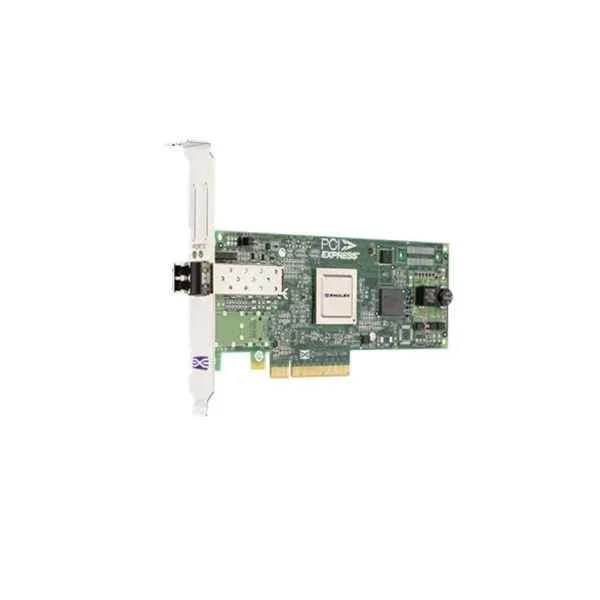
Lenovo 42D0485 Fibre Channel Card (Lenovo Emulex 8GB FC Single-Port PCI-E HBA)
4.6 (5)- Expansion Card
- Lenovo
- Storage Controller
- PCIe x8
- PCIe 3.0
- Emulex HBA Controller
- SFP+
Est Value In stock
First-Time Buyer Discount – Get up to 2% additional off on your first order
ORM Rewards Earn $50 in Rewards + Free Expedited Delivery – Join Now!
Use eCoupon ORMSAVE10
eCoupon limited to 5 units
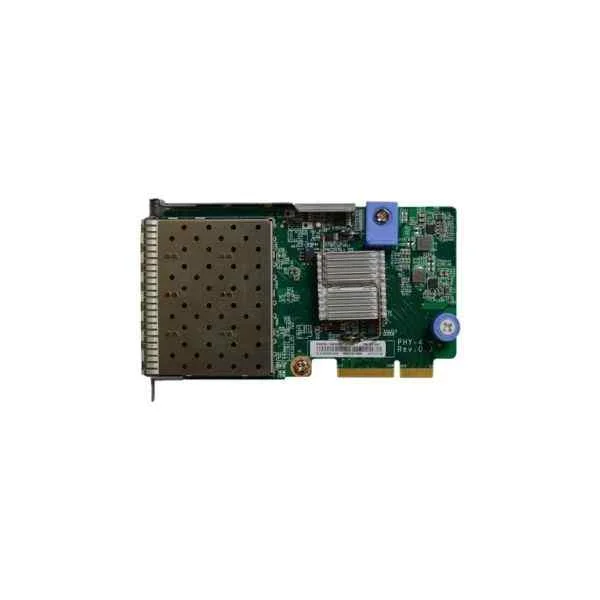
Lenovo 7ZT7A00547 Four Optical Ports 10G Array Card (Lenovo ThinkSystem 10Gb 4-port SFP+ LOM, including modules)
5 (5)- Expansion Card
- Lenovo
- Network Interface Card
- PCIe x8
- PCIe 3.0
- SFP+
Est Value In stockFirst-Time Buyer Discount – Get up to 2% additional off on your first order
ORM Rewards Earn $50 in Rewards + Free Expedited Delivery – Join Now!
Use eCoupon ORMSAVE10
eCoupon limited to 5 units
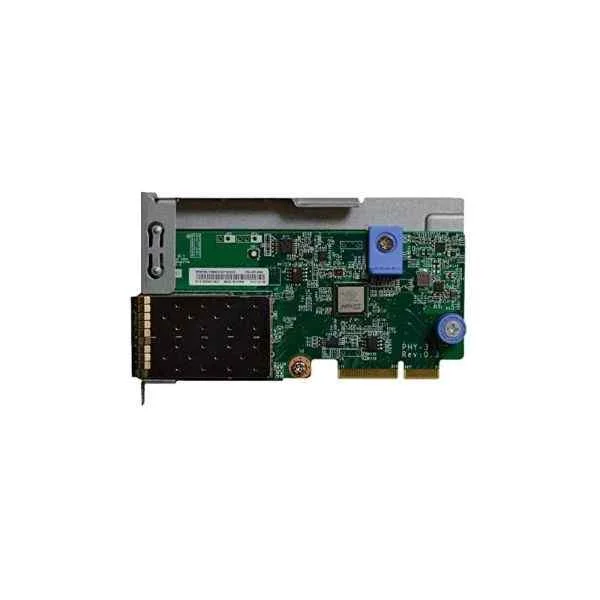
Lenovo 7ZT7A00546 Dual Optical Ports 10G Array Card (Lenovo ThinkSystem 10Gb 2-port SFP+ LOM, including modules)
4.8 (5)- Expansion Card
- Lenovo
- Network Interface Card
- PCIe x8
- PCIe 3.0
- SFP+
Est Value In stockFirst-Time Buyer Discount – Get up to 2% additional off on your first order
ORM Rewards Earn $50 in Rewards + Free Expedited Delivery – Join Now!
Use eCoupon ORMSAVE10
eCoupon limited to 5 units
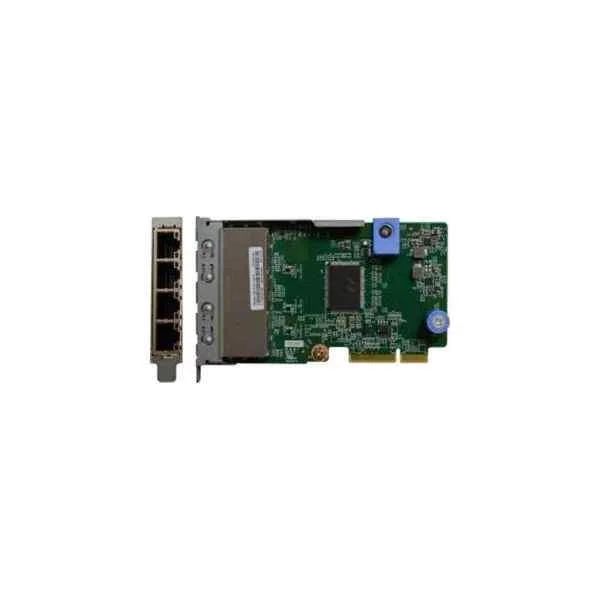
Lenovo 7ZT7A00545 Four Electric Ports Gigabit Array Card (Lenovo ThinkSystem 1Gb 4-port RJ45 LOM)
4.4 (5)- Expansion Card
- Lenovo
- Network Interface Card
- PCIe x4
- PCIe 3.0
- Intel I350
- RJ-45
Est Value In stockFirst-Time Buyer Discount – Get up to 2% additional off on your first order
ORM Rewards Earn $50 in Rewards + Free Expedited Delivery – Join Now!
Use eCoupon ORMSAVE10
eCoupon limited to 5 units
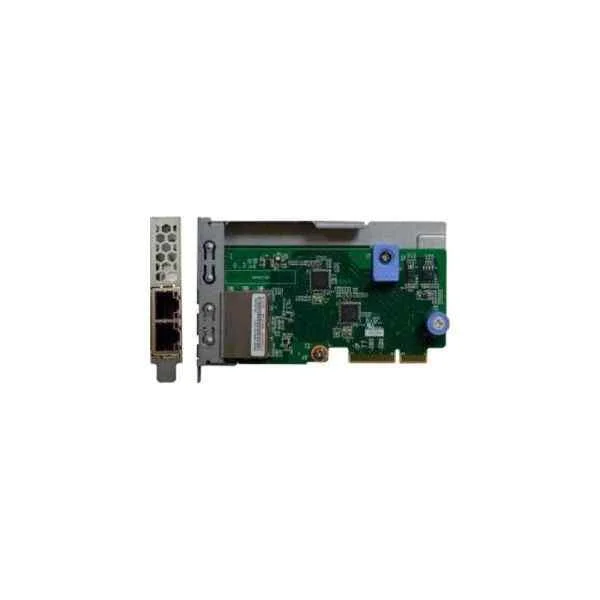
Lenovo 7ZT7A00544 Dual Electric Ports Gigabit Array Card (Lenovo ThinkSystem 1Gb 2-port RJ45 LOM)
4.6 (5)- Expansion Card
- Lenovo
- Network Interface Card
- PCIe x1
- PCIe 3.0
- RJ-45
Est Value In stockFirst-Time Buyer Discount – Get up to 2% additional off on your first order
ORM Rewards Earn $50 in Rewards + Free Expedited Delivery – Join Now!
Use eCoupon ORMSAVE10
eCoupon limited to 5 units
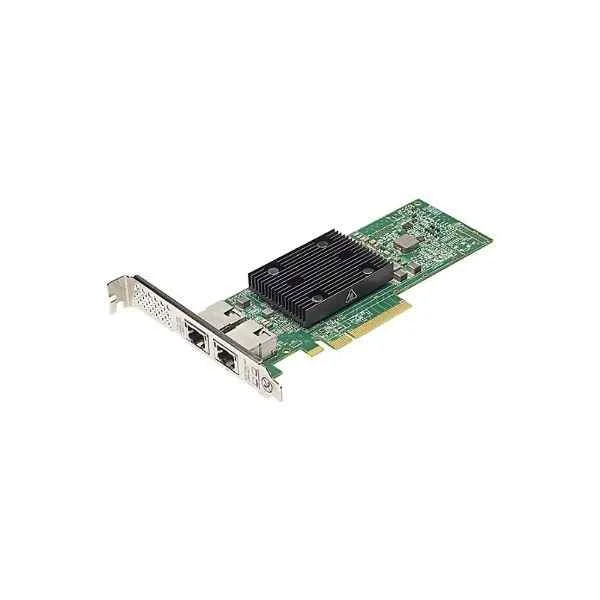
Lenovo 7ZT7A00496 PCI-E Dual Electric Ports 10G Array Card (Lenovo Broadcom NX-E PCIe 10Gb 2-Port Base-T Ethernet Adapter)
0 (0)Est Value In stockFirst-Time Buyer Discount – Get up to 2% additional off on your first order
ORM Rewards Earn $50 in Rewards + Free Expedited Delivery – Join Now!
Use eCoupon ORMSAVE10
eCoupon limited to 5 units
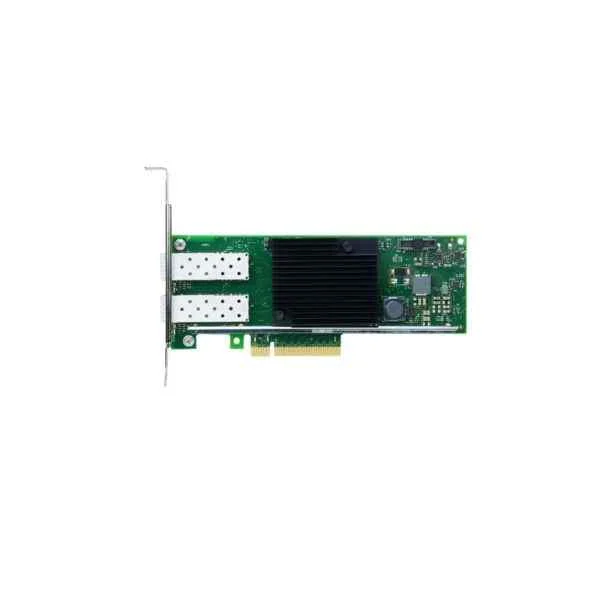
Lenovo 7ZT7A00537 PCI-E Dual Optical Ports 10G Array Card (Lenovo ThinkSystem Intel X710-DA2 PCIe 10Gb 2-port SFP+ Ethernet Adapter, including modules)
0 (0)Est Value In stockFirst-Time Buyer Discount – Get up to 2% additional off on your first order
ORM Rewards Earn $50 in Rewards + Free Expedited Delivery – Join Now!
Use eCoupon ORMSAVE10
eCoupon limited to 5 units
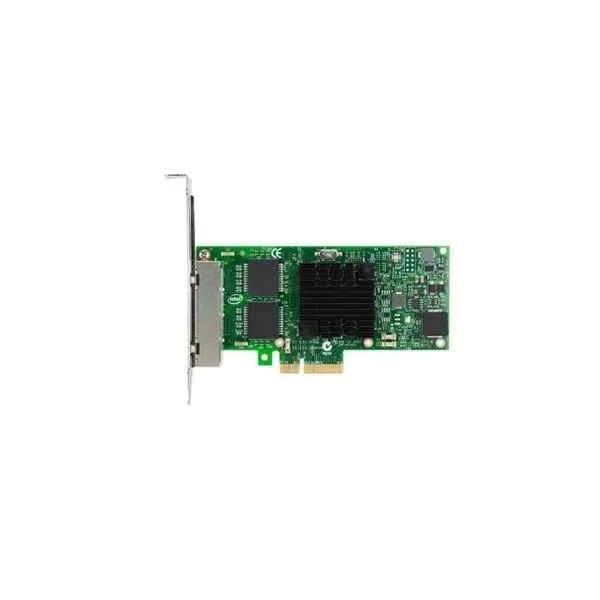
Lenovo 7ZT7A00535 PCI-E Four Electric Ports Gigabit Array Card (Lenovo ThinkSystem Intel I350-T4 PCIe 1Gb 4-Port RJ45 Ethernet Adapter)
0 (0)Est Value In stockFirst-Time Buyer Discount – Get up to 2% additional off on your first order
ORM Rewards Earn $50 in Rewards + Free Expedited Delivery – Join Now!
Use eCoupon ORMSAVE10
eCoupon limited to 5 units
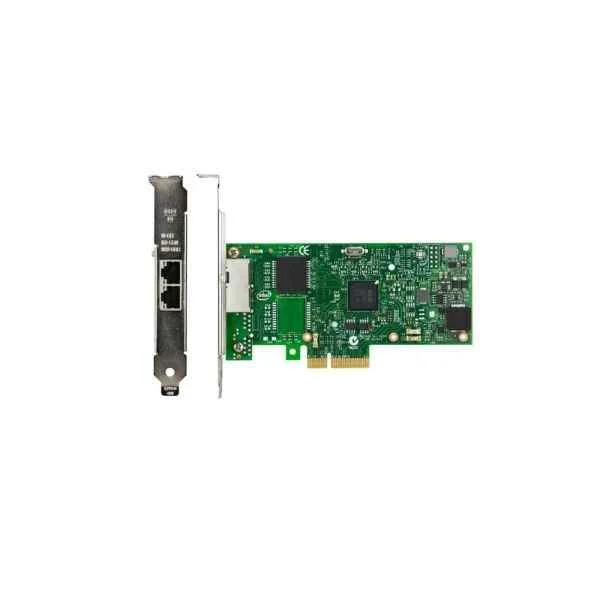
Lenovo 7ZT7A00534 PCI-E Dual Electric Ports Gigabit Array Card (Lenovo ThinkSystem Intel I350-T2 PCIe 1Gb 2-Port RJ45 Ethernet Adapter)
0 (0)Est Value In stockFirst-Time Buyer Discount – Get up to 2% additional off on your first order
ORM Rewards Earn $50 in Rewards + Free Expedited Delivery – Join Now!
Use eCoupon ORMSAVE10
eCoupon limited to 5 units
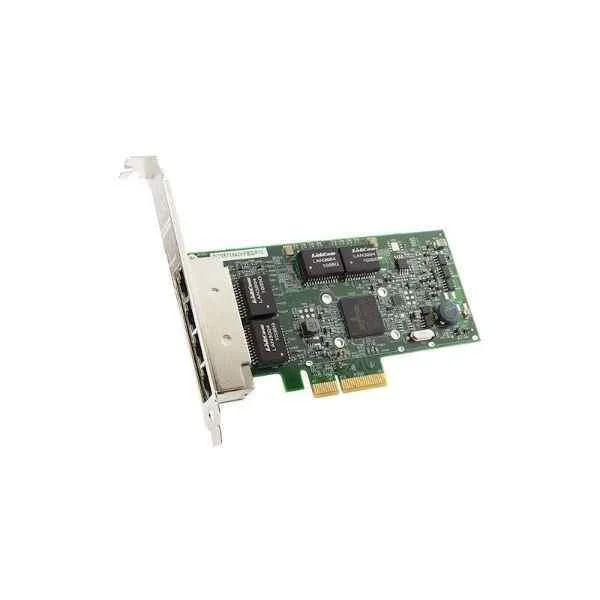
Lenovo 7ZT7A00484 PCI-E Four Electric Ports Gigabit Array Card (Lenovo ThinkSystem Broadcom NetXtreme PCIe 1Gb 4-port RJ45 Ethernet Adapter)
0 (0)Est Value In stockFirst-Time Buyer Discount – Get up to 2% additional off on your first order
ORM Rewards Earn $50 in Rewards + Free Expedited Delivery – Join Now!
Use eCoupon ORMSAVE10
eCoupon limited to 5 units
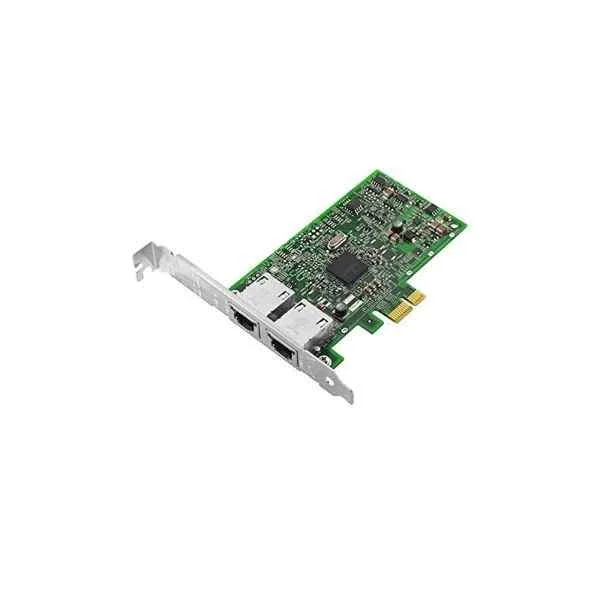
Lenovo 7ZT7A00482 PCI-E Dual Electric Ports Gigabit Array Card (Lenovo ThinkSystem Broadcom NetXtreme PCIe 1Gb 2-port RJ45 Ethernet Adapter)
0 (0)Est Value In stockFirst-Time Buyer Discount – Get up to 2% additional off on your first order
ORM Rewards Earn $50 in Rewards + Free Expedited Delivery – Join Now!
Use eCoupon ORMSAVE10
eCoupon limited to 5 units
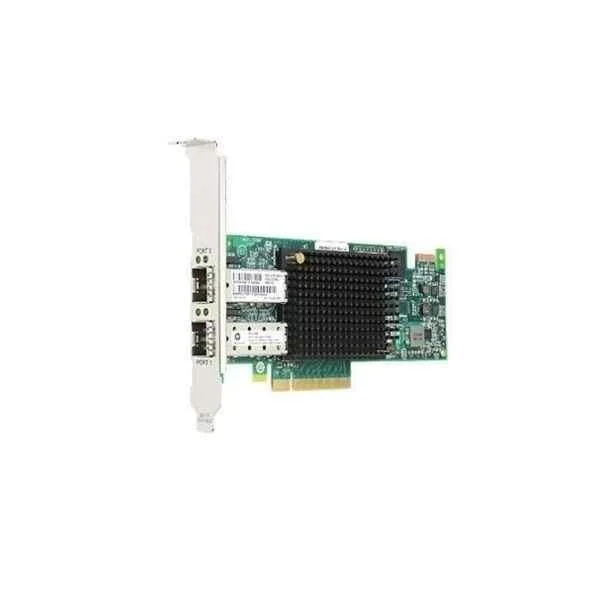
Lenovo 01CV840 Fibre Channel Card (Lenovo Emulex 16Gb FC Dual-port PCI-E HBA)
0 (0)- Expansion Card
- Lenovo
- Storage Controller
- PCIe x8
- PCIe 3.0
- Emulex 16Gb FC HBA
- SFP+
Est Value In stockFirst-Time Buyer Discount – Get up to 2% additional off on your first order
ORM Rewards Earn $50 in Rewards + Free Expedited Delivery – Join Now!
Use eCoupon ORMSAVE10
eCoupon limited to 5 units
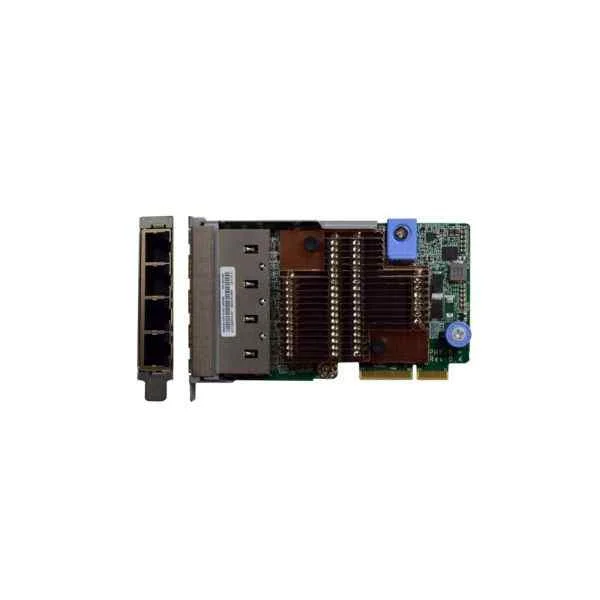
Lenovo 7ZT7A00549 Four Electric Ports 10G Array Card (Lenovo ThinkSystem 10Gb 4-port Base-T LOM)
0 (0)- Expansion Card
- Lenovo
- Network Interface Card
- PCIe x8
- PCIe 3.0
- Intel X710
- RJ-45
Est Value In stockFirst-Time Buyer Discount – Get up to 2% additional off on your first order
ORM Rewards Earn $50 in Rewards + Free Expedited Delivery – Join Now!
Use eCoupon ORMSAVE10
eCoupon limited to 5 units
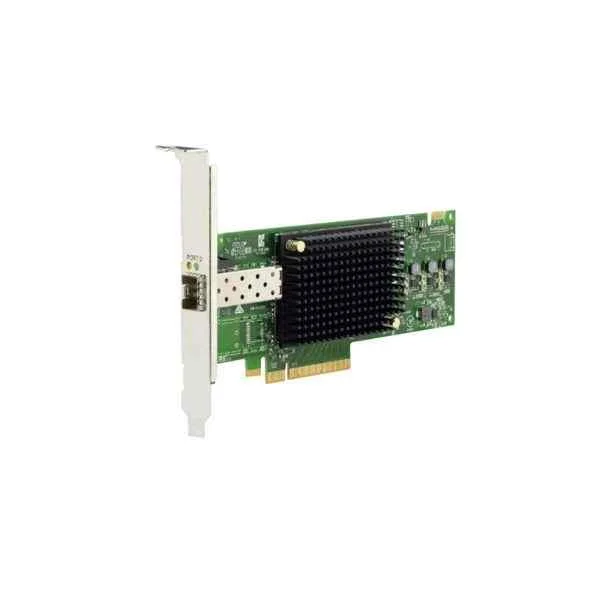
Lenovo 01CV830 Fibre Channel Card (Lenovo Emulex 16GB FC Single-Port PCI-E HBA)
0 (0)- Expansion Card
- Lenovo
- Storage Controller
- PCIe x8
- PCIe 3.0
- Emulex
Est Value In stockFirst-Time Buyer Discount – Get up to 2% additional off on your first order
ORM Rewards Earn $50 in Rewards + Free Expedited Delivery – Join Now!
Use eCoupon ORMSAVE10
eCoupon limited to 5 units
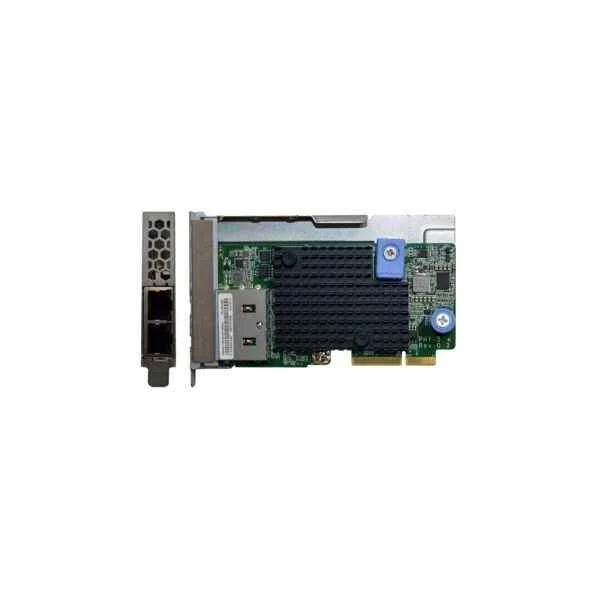
Lenovo 7ZT7A00548 Dual Electric Ports 10G Array Card (Lenovo ThinkSystem 10Gb 2-port Base-T LOM)
0 (0)- Expansion Card
- Lenovo
- Network Interface Card
- PCIe x8
- PCIe 3.0
- Intel X550
- RJ-45
Est Value In stockFirst-Time Buyer Discount – Get up to 2% additional off on your first order
ORM Rewards Earn $50 in Rewards + Free Expedited Delivery – Join Now!
Use eCoupon ORMSAVE10
eCoupon limited to 5 units

ORM Sales Advisors
Buying for your business? Get a personalised quote in under 2 hours. Talk to an expert
LEARNFilters (15) 
Questions & Answers
What types of Lenovo Server Expansion Cards are available?
Lenovo Server Expansion Cards include RAID controllers, Host Bus Adapters (HBAs), network interface cards (NICs), Fibre Channel cards, and GPU accelerators to enhance storage, connectivity, and compute performance.
How do I choose the right expansion card for my Lenovo server?
Select a Lenovo Server Expansion Card based on your workload requirements—storage acceleration needs RAID or HBA cards, high-throughput networking uses 10/25/40/100 GbE NICs, and compute-intensive tasks require GPU accelerators—and verify slot and firmware compatibility.
How do I install a Lenovo Server Expansion Card?
Power down the server, open the chassis, insert the Lenovo Server Expansion Card into the appropriate PCIe slot, secure the bracket, close the chassis, power on, and install drivers via Lenovo XClarity or operating system tools.
Are Lenovo Server Expansion Cards hot-swappable?
Most Lenovo Server Expansion Cards are not hot-swappable; always power off the server before adding or removing cards to prevent hardware damage and data corruption.
How can I verify compatibility of an expansion card with my Lenovo server?
Use Lenovo’s Hardware Compatibility List (HCL) or the Lenovo Data Center Support site to confirm that your server model supports the specific Lenovo Server Expansion Card firmware, slot form factor, and power requirements.
Can I use third-party expansion cards in Lenovo servers?
While Lenovo servers may accept third-party PCIe cards, Lenovo Server Expansion Cards are engineered, tested, and supported for optimal performance, reliability, and warranty coverage.
How do I update firmware on a Lenovo Server Expansion Card?
Download the latest firmware package from Lenovo Support, then apply updates via XClarity Controller, IMM2/3 web interface, or Lenovo’s Service Update Utility for streamlined deployment.
What performance gains can I expect from Lenovo Server Expansion Cards?
Lenovo Server Expansion Cards deliver up to 2× higher I/O throughput for storage, 100 GbE networking bandwidth, or up to 50× faster compute acceleration with GPUs, depending on the card type and workload.
How do I troubleshoot a non-recognized Lenovo Server Expansion Card?
Check that the card is properly seated, verify PCIe slot is enabled in BIOS/UEFI, update system and card firmware, and review system event logs to identify hardware or driver conflicts.
Do Lenovo Server Expansion Cards support virtualization features?
Yes, many Lenovo Server Expansion Cards offer SR-IOV, RDMA, and GPU partitioning to optimize virtualized workloads and reduce CPU overhead in Hyper-V, VMware, and KVM environments.
How many expansion card slots do Lenovo rack servers typically support?
Lenovo rack servers generally offer 2 to 8 PCIe Gen3/Gen4 slots per chassis, depending on model and form factor; consult the server’s specifications for exact slot counts and lane configurations.
What power considerations apply to Lenovo Server Expansion Cards?
Each Lenovo Server Expansion Card lists its maximum power draw in specifications; ensure your server’s power supply and thermal design meet the combined requirements of all installed cards.
How can I remotely manage Lenovo Server Expansion Cards?
Use Lenovo XClarity Administrator or the integrated IMM2/IMM3 management interface to remotely monitor card health, update firmware, and configure settings via a secure web portal or RESTful API.
Are Lenovo Server Expansion Cards covered under warranty?
Yes, Lenovo Server Expansion Cards are covered by Lenovo’s 1- to 5-year warranty depending on the card series and service contract, with options for on-site repair and 24×7 support.
What interfaces do Lenovo Server Expansion Cards support?
Lenovo Server Expansion Cards support PCIe 3.0/4.0/5.0 lanes, Ethernet (1–100 GbE), SAS/SATA, Fibre Channel (16–32 Gb/s), and NVIDIA NVLink depending on the card’s intended application.
Where can I purchase genuine Lenovo Server Expansion Cards?
Purchase genuine Lenovo Server Expansion Cards through authorized Lenovo resellers, the Lenovo online store, or certified partners to ensure full warranty, support, and compatibility.