 United States
Internal Expansion Cards & Controllers
Discover Lenovo’s advanced internal expansion cards and controllers delivering reliable performance and seamless integration across systems, engineered to optimize hardware efficiency, power critical computing operations, and enhance productivity.
Talk to an expert
Lenovo Server Hba Cards
(3)Lenovo server HBA cards connect disk shelves and SAN storage through SAS or Fibre Channel for database storage tiers
Lenovo Server Array Cards
(12)Lenovo server RAID array cards handle mirrored or striped volumes over SAS/SATA drives for transaction-heavy application storage pools
15 Matching results
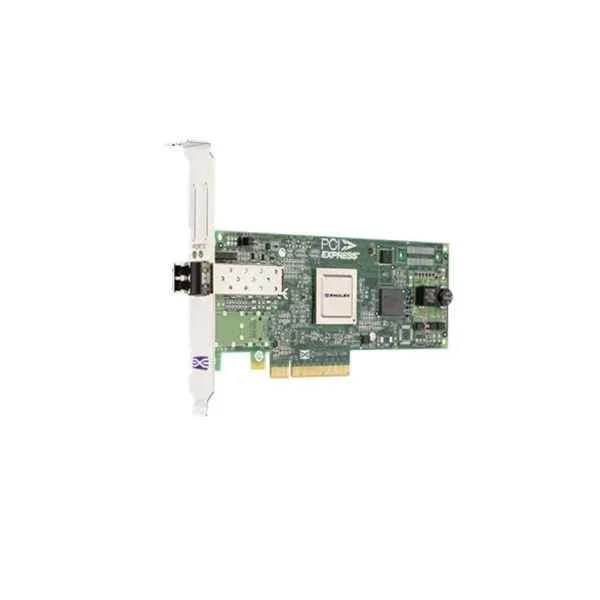
Lenovo 42D0485 Fibre Channel Card (Lenovo Emulex 8GB FC Single-Port PCI-E HBA)
4.6 (5)- Expansion Card
- Lenovo
- Storage Controller
- PCIe x8
- PCIe 3.0
- Emulex HBA Controller
- SFP+
Est Value In stock
First-Time Buyer Discount – Get up to 2% additional off on your first order
ORM Rewards Earn $50 in Rewards + Free Expedited Delivery – Join Now!
Use eCoupon ORMSAVE10
eCoupon limited to 5 units
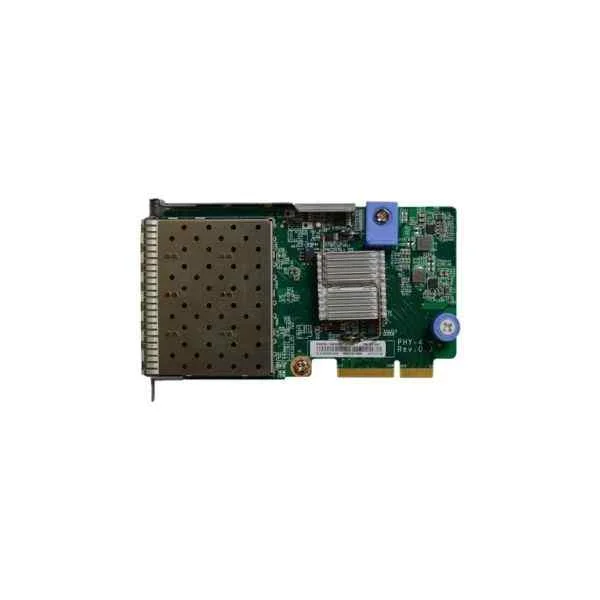
Lenovo 7ZT7A00547 Four Optical Ports 10G Array Card (Lenovo ThinkSystem 10Gb 4-port SFP+ LOM, including modules)
5 (5)- Expansion Card
- Lenovo
- Network Interface Card
- PCIe x8
- PCIe 3.0
- SFP+
Est Value In stockFirst-Time Buyer Discount – Get up to 2% additional off on your first order
ORM Rewards Earn $50 in Rewards + Free Expedited Delivery – Join Now!
Use eCoupon ORMSAVE10
eCoupon limited to 5 units
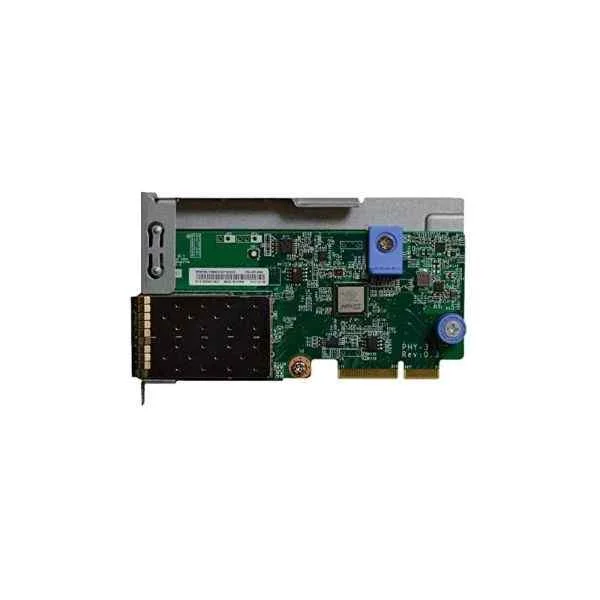
Lenovo 7ZT7A00546 Dual Optical Ports 10G Array Card (Lenovo ThinkSystem 10Gb 2-port SFP+ LOM, including modules)
4.8 (5)- Expansion Card
- Lenovo
- Network Interface Card
- PCIe x8
- PCIe 3.0
- SFP+
Est Value In stockFirst-Time Buyer Discount – Get up to 2% additional off on your first order
ORM Rewards Earn $50 in Rewards + Free Expedited Delivery – Join Now!
Use eCoupon ORMSAVE10
eCoupon limited to 5 units
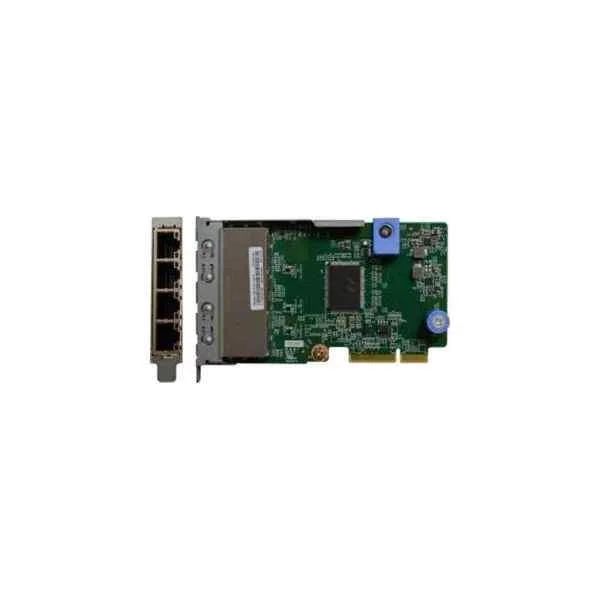
Lenovo 7ZT7A00545 Four Electric Ports Gigabit Array Card (Lenovo ThinkSystem 1Gb 4-port RJ45 LOM)
4.4 (5)- Expansion Card
- Lenovo
- Network Interface Card
- PCIe x4
- PCIe 3.0
- Intel I350
- RJ-45
Est Value In stockFirst-Time Buyer Discount – Get up to 2% additional off on your first order
ORM Rewards Earn $50 in Rewards + Free Expedited Delivery – Join Now!
Use eCoupon ORMSAVE10
eCoupon limited to 5 units
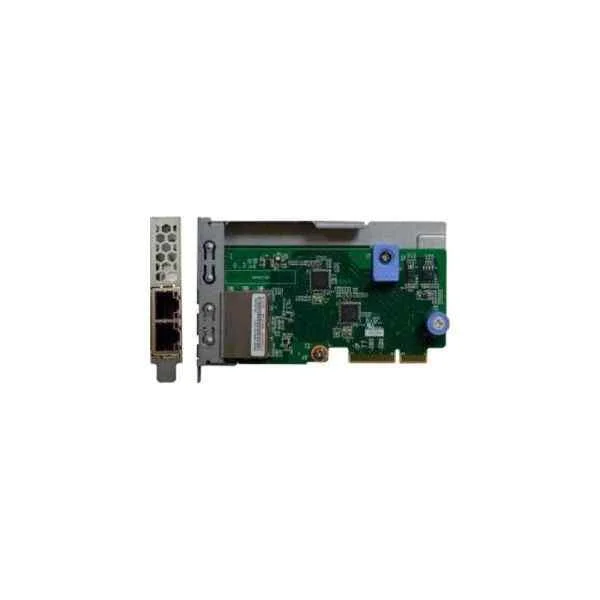
Lenovo 7ZT7A00544 Dual Electric Ports Gigabit Array Card (Lenovo ThinkSystem 1Gb 2-port RJ45 LOM)
4.6 (5)- Expansion Card
- Lenovo
- Network Interface Card
- PCIe x1
- PCIe 3.0
- RJ-45
Est Value In stockFirst-Time Buyer Discount – Get up to 2% additional off on your first order
ORM Rewards Earn $50 in Rewards + Free Expedited Delivery – Join Now!
Use eCoupon ORMSAVE10
eCoupon limited to 5 units
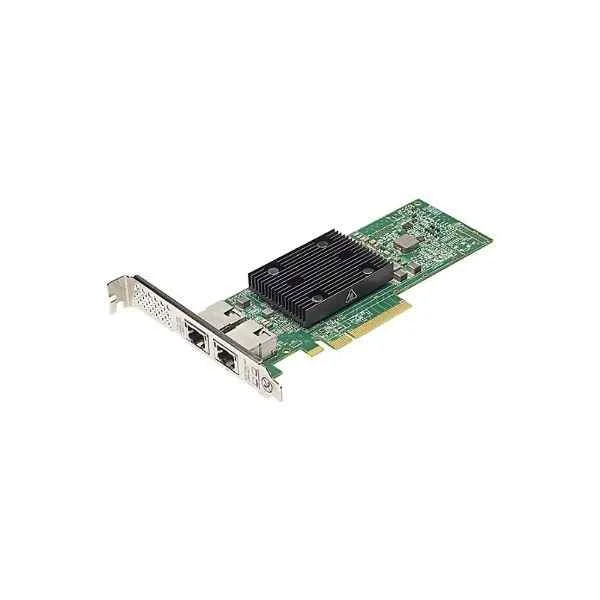
Lenovo 7ZT7A00496 PCI-E Dual Electric Ports 10G Array Card (Lenovo Broadcom NX-E PCIe 10Gb 2-Port Base-T Ethernet Adapter)
0 (0)Est Value In stockFirst-Time Buyer Discount – Get up to 2% additional off on your first order
ORM Rewards Earn $50 in Rewards + Free Expedited Delivery – Join Now!
Use eCoupon ORMSAVE10
eCoupon limited to 5 units
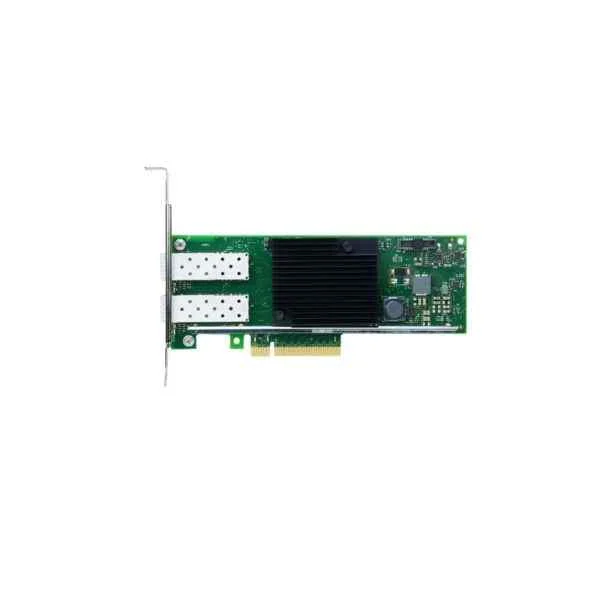
Lenovo 7ZT7A00537 PCI-E Dual Optical Ports 10G Array Card (Lenovo ThinkSystem Intel X710-DA2 PCIe 10Gb 2-port SFP+ Ethernet Adapter, including modules)
0 (0)Est Value In stockFirst-Time Buyer Discount – Get up to 2% additional off on your first order
ORM Rewards Earn $50 in Rewards + Free Expedited Delivery – Join Now!
Use eCoupon ORMSAVE10
eCoupon limited to 5 units
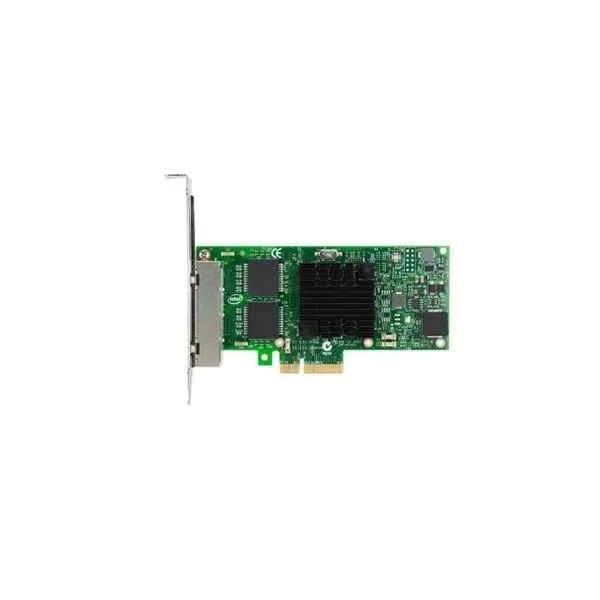
Lenovo 7ZT7A00535 PCI-E Four Electric Ports Gigabit Array Card (Lenovo ThinkSystem Intel I350-T4 PCIe 1Gb 4-Port RJ45 Ethernet Adapter)
0 (0)Est Value In stockFirst-Time Buyer Discount – Get up to 2% additional off on your first order
ORM Rewards Earn $50 in Rewards + Free Expedited Delivery – Join Now!
Use eCoupon ORMSAVE10
eCoupon limited to 5 units
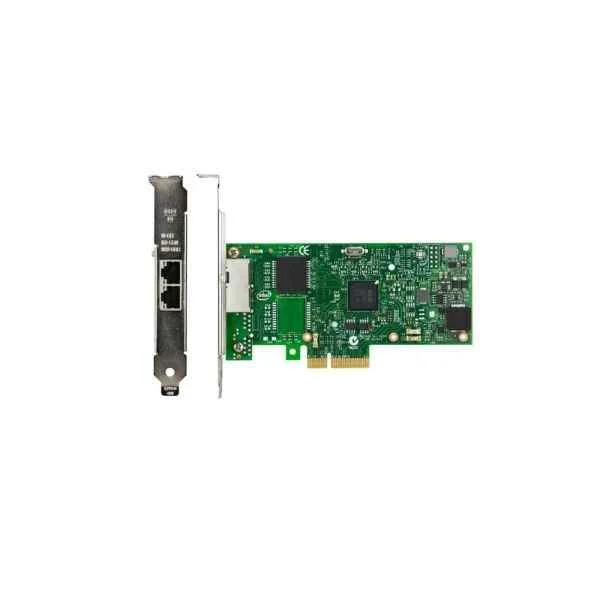
Lenovo 7ZT7A00534 PCI-E Dual Electric Ports Gigabit Array Card (Lenovo ThinkSystem Intel I350-T2 PCIe 1Gb 2-Port RJ45 Ethernet Adapter)
0 (0)Est Value In stockFirst-Time Buyer Discount – Get up to 2% additional off on your first order
ORM Rewards Earn $50 in Rewards + Free Expedited Delivery – Join Now!
Use eCoupon ORMSAVE10
eCoupon limited to 5 units
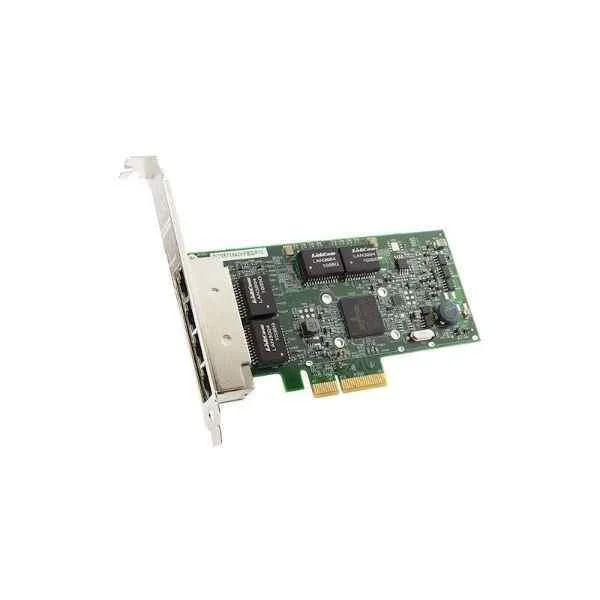
Lenovo 7ZT7A00484 PCI-E Four Electric Ports Gigabit Array Card (Lenovo ThinkSystem Broadcom NetXtreme PCIe 1Gb 4-port RJ45 Ethernet Adapter)
0 (0)Est Value In stockFirst-Time Buyer Discount – Get up to 2% additional off on your first order
ORM Rewards Earn $50 in Rewards + Free Expedited Delivery – Join Now!
Use eCoupon ORMSAVE10
eCoupon limited to 5 units
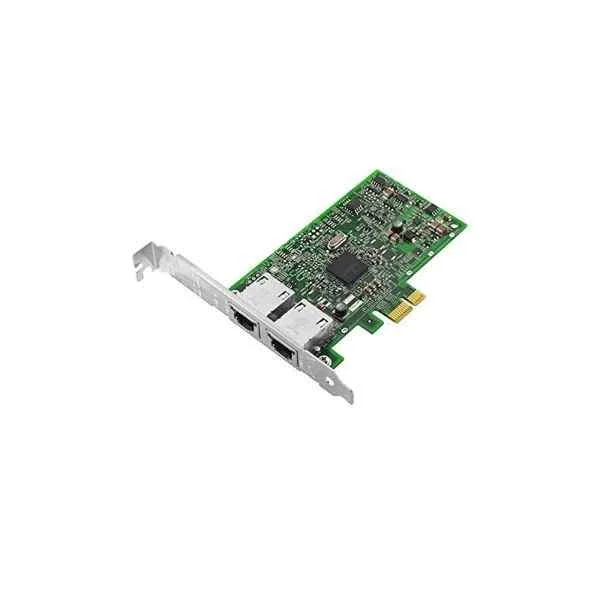
Lenovo 7ZT7A00482 PCI-E Dual Electric Ports Gigabit Array Card (Lenovo ThinkSystem Broadcom NetXtreme PCIe 1Gb 2-port RJ45 Ethernet Adapter)
0 (0)Est Value In stockFirst-Time Buyer Discount – Get up to 2% additional off on your first order
ORM Rewards Earn $50 in Rewards + Free Expedited Delivery – Join Now!
Use eCoupon ORMSAVE10
eCoupon limited to 5 units
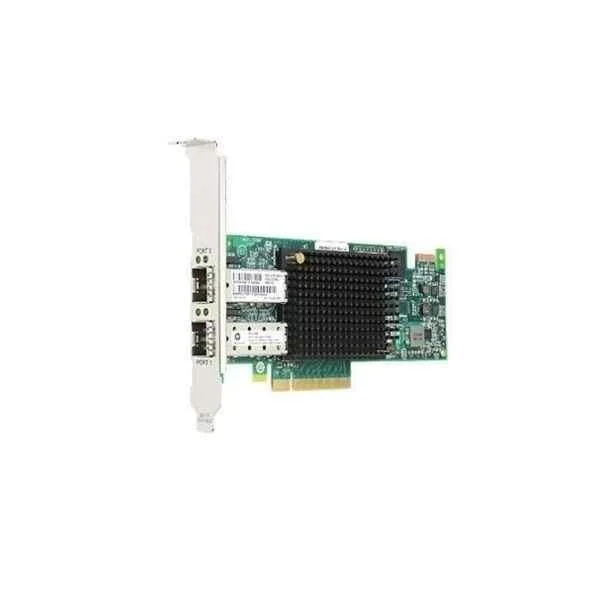
Lenovo 01CV840 Fibre Channel Card (Lenovo Emulex 16Gb FC Dual-port PCI-E HBA)
0 (0)- Expansion Card
- Lenovo
- Storage Controller
- PCIe x8
- PCIe 3.0
- Emulex 16Gb FC HBA
- SFP+
Est Value In stockFirst-Time Buyer Discount – Get up to 2% additional off on your first order
ORM Rewards Earn $50 in Rewards + Free Expedited Delivery – Join Now!
Use eCoupon ORMSAVE10
eCoupon limited to 5 units
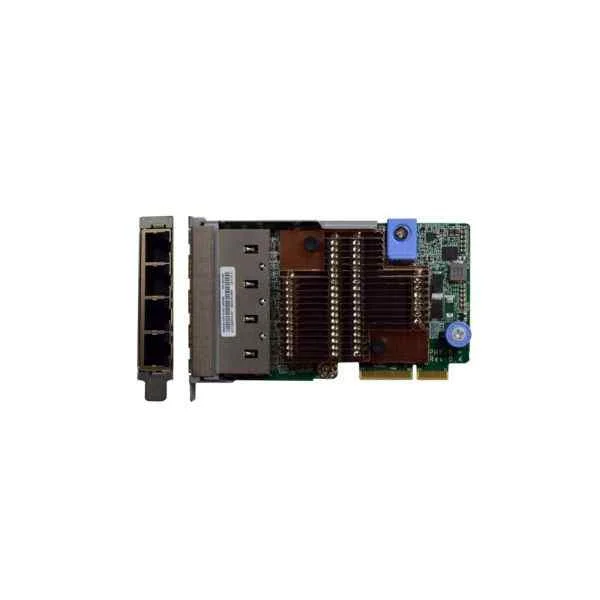
Lenovo 7ZT7A00549 Four Electric Ports 10G Array Card (Lenovo ThinkSystem 10Gb 4-port Base-T LOM)
0 (0)- Expansion Card
- Lenovo
- Network Interface Card
- PCIe x8
- PCIe 3.0
- Intel X710
- RJ-45
Est Value In stockFirst-Time Buyer Discount – Get up to 2% additional off on your first order
ORM Rewards Earn $50 in Rewards + Free Expedited Delivery – Join Now!
Use eCoupon ORMSAVE10
eCoupon limited to 5 units
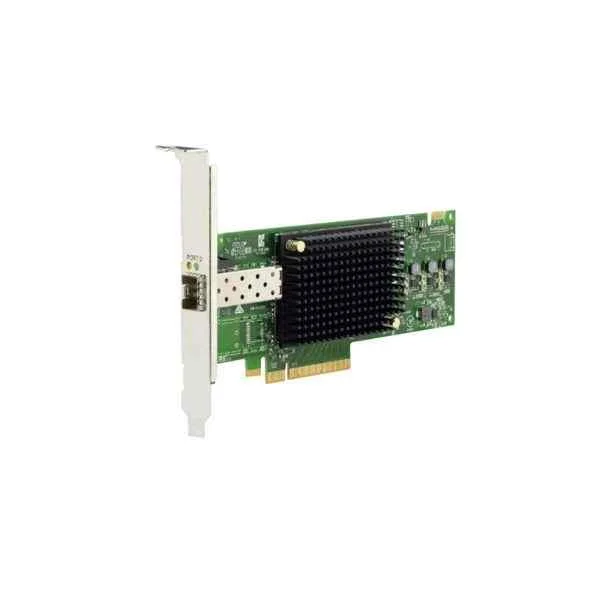
Lenovo 01CV830 Fibre Channel Card (Lenovo Emulex 16GB FC Single-Port PCI-E HBA)
0 (0)- Expansion Card
- Lenovo
- Storage Controller
- PCIe x8
- PCIe 3.0
- Emulex
Est Value In stockFirst-Time Buyer Discount – Get up to 2% additional off on your first order
ORM Rewards Earn $50 in Rewards + Free Expedited Delivery – Join Now!
Use eCoupon ORMSAVE10
eCoupon limited to 5 units
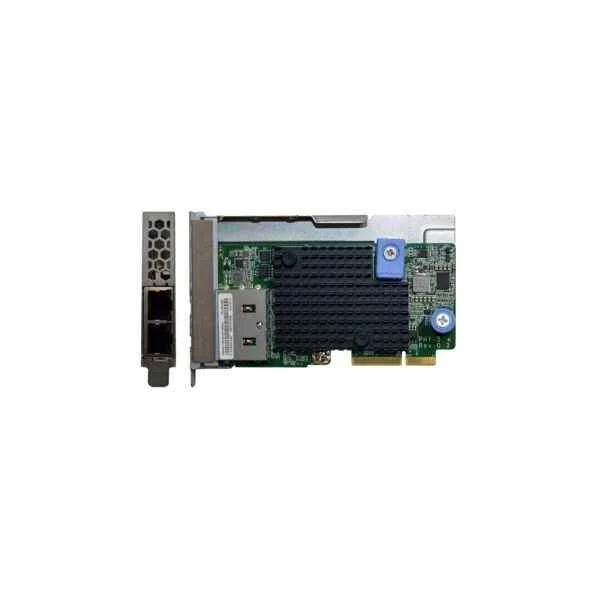
Lenovo 7ZT7A00548 Dual Electric Ports 10G Array Card (Lenovo ThinkSystem 10Gb 2-port Base-T LOM)
0 (0)- Expansion Card
- Lenovo
- Network Interface Card
- PCIe x8
- PCIe 3.0
- Intel X550
- RJ-45
Est Value In stockFirst-Time Buyer Discount – Get up to 2% additional off on your first order
ORM Rewards Earn $50 in Rewards + Free Expedited Delivery – Join Now!
Use eCoupon ORMSAVE10
eCoupon limited to 5 units

ORM Sales Advisors
Buying for your business? Get a personalised quote in under 2 hours. Talk to an expert
LEARNFilters (15) 
Questions & Answers
What are Lenovo internal expansion cards & controllers?
Lenovo internal expansion cards & controllers are modular hardware components—such as RAID adapters, Host Bus Adapters (HBAs) and network interface cards—designed to enhance server and workstation performance by adding storage, networking or compute capabilities.
Which form factors do Lenovo expansion cards support?
Lenovo expansion cards support standard PCIe full-height, half-height and low-profile form factors to ensure compatibility with ThinkSystem servers, ThinkCentre workstations and selected desktop chassis.
How do I verify compatibility with my Lenovo system?
Use the Lenovo Parts Lookup tool or ServerProven compatibility list to confirm your model’s supported expansion card slot type, power requirements and firmware version before purchasing.
What performance benefits do Lenovo RAID controllers provide?
Lenovo RAID controllers improve data throughput and fault tolerance by offloading parity calculations and enabling hardware accelerated RAID levels (0, 1, 5, 6, 10, 50, 60) for faster read/write performance and disk resilience.
How do I physically install a Lenovo internal expansion card?
Power off the system, open the chassis per the hardware maintenance manual, seat the card firmly in the matching PCIe slot, secure it with a bracket screw and reconnect any auxiliary power cables before rebooting.
Where can I download Lenovo expansion card drivers and firmware?
Visit the Lenovo Support site, enter your serial number or system model, navigate to the Drivers & Software section and download the latest card-specific driver and firmware packages.
How do I update firmware on a Lenovo controller?
Use Lenovo XClarity Controller or Bootable Firmware DVD to locate the controller, upload the firmware image, and initiate the update process following on-screen prompts to ensure system stability.
What warranty coverage applies to Lenovo internal expansion cards?
Lenovo expansion cards carry a one- or three-year limited warranty, depending on your system’s warranty term, covering defects in materials and workmanship with onsite service or parts replacement options.
How do I choose the right Lenovo expansion card for my workload?
Identify your performance needs—network bandwidth, storage IOPS or compute acceleration—then match to Lenovo’s product specifications for port count, PCIe generation and throughput to ensure optimal fit.
Can I mix Lenovo OEM cards with third-party controllers?
While technically possible, Lenovo recommends using Lenovo-qualified cards only, as they are validated for firmware compatibility, performance stability and full support under Lenovo service agreements.
How do I configure Lenovo RAID controllers in BIOS or UEFI?
During POST, press Ctrl+H (MegaRAID) or Ctrl+M (ServeRAID) to enter the RAID BIOS Utility, where you can create, initialize and manage virtual disks and set cache policies before booting the operating system.
What cooling and power requirements do expansion cards have?
Consult the card’s Technical Product Specification for power draw and thermal design power (TDP); ensure your chassis provides adequate airflow and that any auxiliary PCIe power connectors are used as specified.
How can I troubleshoot a non-detected expansion card?
Reseat the card, verify slot compatibility, update BIOS/UEFI to the latest version, install correct drivers, and check System Event Logs for error codes to isolate hardware or firmware issues.
How do I verify my Lenovo expansion card is recognized by the OS?
In Windows, open Device Manager and check under 'Storage controllers' or 'Network adapters'; on Linux, run 'lspci' or 'lsblk' to confirm the card’s presence and driver association.
What types of network controllers does Lenovo offer?
Lenovo provides Ethernet adapters from 1GbE to 100GbE, converged network adapters (CNA) for Fibre Channel over Ethernet and proprietary Intelligent Fabric Adapters for enhanced data center integration.
Where can I purchase genuine Lenovo internal expansion cards?
Buy directly from the Lenovo Store or authorized Lenovo channel partners to ensure genuine parts, eligibility for warranty service and access to Lenovo technical support and firmware updates.