 United States
Server Array Cards Lenovo Innovation
Experience unmatched performance and reliability with Lenovo Server Array Cards, designed to deliver robust connectivity and advanced storage solutions for enterprise-scale data centers and mission-critical applications.
Talk to an expert
12 Matching results
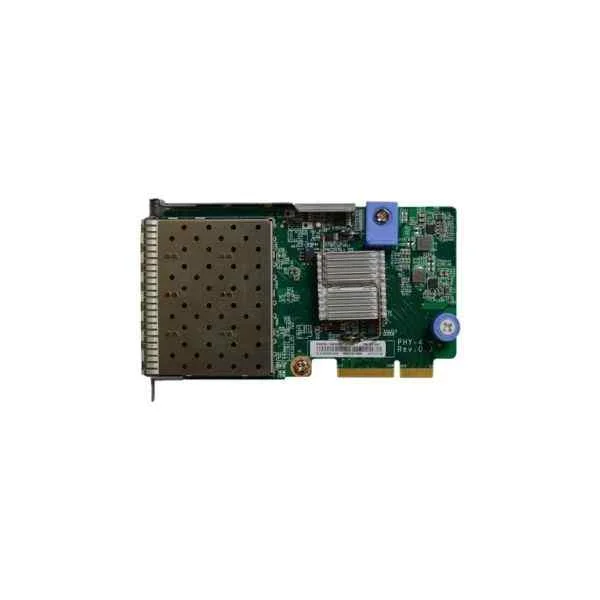
Lenovo 7ZT7A00547 Four Optical Ports 10G Array Card (Lenovo ThinkSystem 10Gb 4-port SFP+ LOM, including modules)
5 (5)- Expansion Card
- Lenovo
- Network Interface Card
- PCIe x8
- PCIe 3.0
- SFP+
Est Value In stock
First-Time Buyer Discount – Get up to 2% additional off on your first order
ORM Rewards Earn $50 in Rewards + Free Expedited Delivery – Join Now!
Use eCoupon ORMSAVE10
eCoupon limited to 5 units
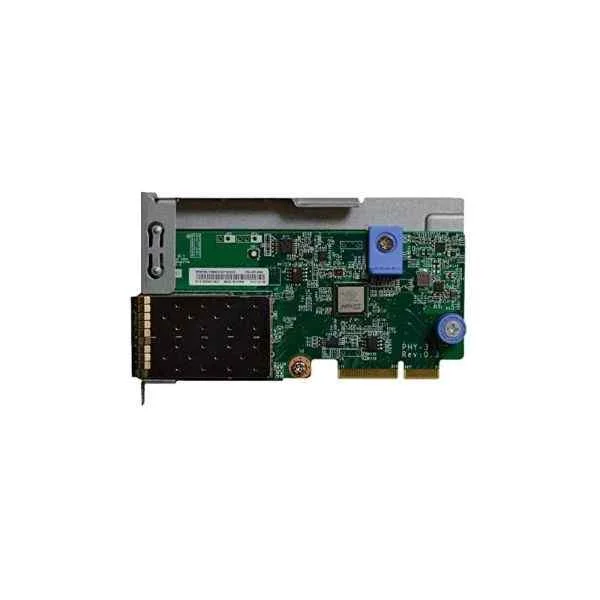
Lenovo 7ZT7A00546 Dual Optical Ports 10G Array Card (Lenovo ThinkSystem 10Gb 2-port SFP+ LOM, including modules)
4.8 (5)- Expansion Card
- Lenovo
- Network Interface Card
- PCIe x8
- PCIe 3.0
- SFP+
Est Value In stockFirst-Time Buyer Discount – Get up to 2% additional off on your first order
ORM Rewards Earn $50 in Rewards + Free Expedited Delivery – Join Now!
Use eCoupon ORMSAVE10
eCoupon limited to 5 units
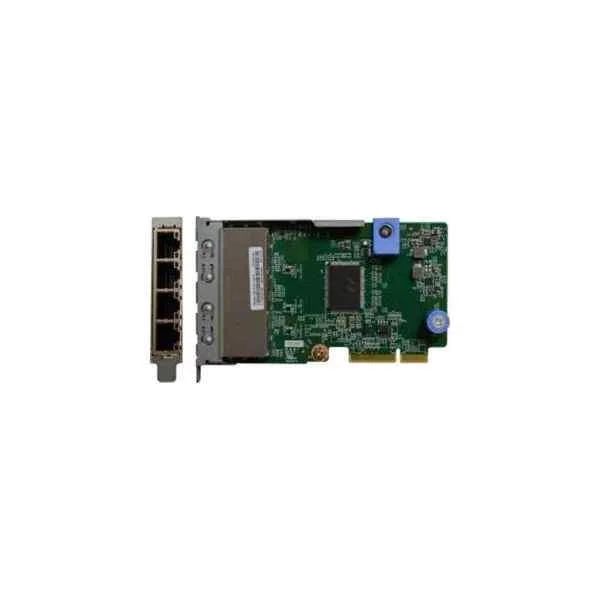
Lenovo 7ZT7A00545 Four Electric Ports Gigabit Array Card (Lenovo ThinkSystem 1Gb 4-port RJ45 LOM)
4.4 (5)- Expansion Card
- Lenovo
- Network Interface Card
- PCIe x4
- PCIe 3.0
- Intel I350
- RJ-45
Est Value In stockFirst-Time Buyer Discount – Get up to 2% additional off on your first order
ORM Rewards Earn $50 in Rewards + Free Expedited Delivery – Join Now!
Use eCoupon ORMSAVE10
eCoupon limited to 5 units
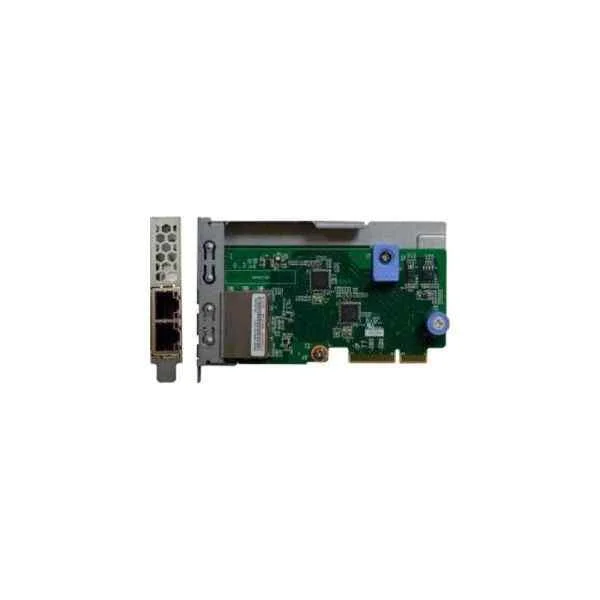
Lenovo 7ZT7A00544 Dual Electric Ports Gigabit Array Card (Lenovo ThinkSystem 1Gb 2-port RJ45 LOM)
4.6 (5)- Expansion Card
- Lenovo
- Network Interface Card
- PCIe x1
- PCIe 3.0
- RJ-45
Est Value In stockFirst-Time Buyer Discount – Get up to 2% additional off on your first order
ORM Rewards Earn $50 in Rewards + Free Expedited Delivery – Join Now!
Use eCoupon ORMSAVE10
eCoupon limited to 5 units
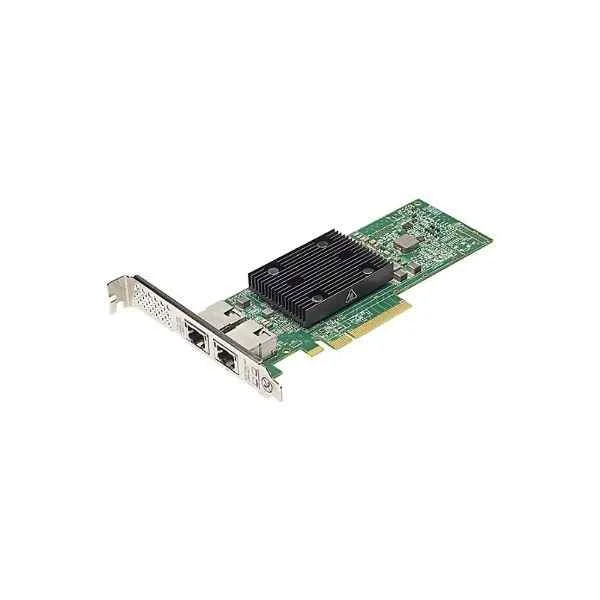
Lenovo 7ZT7A00496 PCI-E Dual Electric Ports 10G Array Card (Lenovo Broadcom NX-E PCIe 10Gb 2-Port Base-T Ethernet Adapter)
0 (0)Est Value In stockFirst-Time Buyer Discount – Get up to 2% additional off on your first order
ORM Rewards Earn $50 in Rewards + Free Expedited Delivery – Join Now!
Use eCoupon ORMSAVE10
eCoupon limited to 5 units
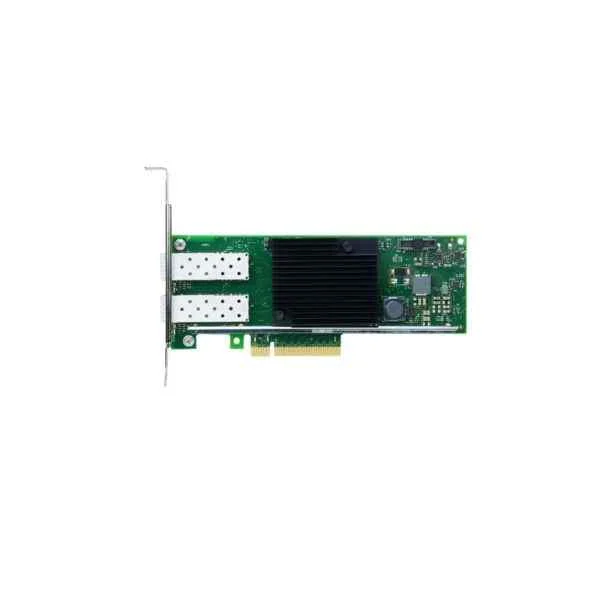
Lenovo 7ZT7A00537 PCI-E Dual Optical Ports 10G Array Card (Lenovo ThinkSystem Intel X710-DA2 PCIe 10Gb 2-port SFP+ Ethernet Adapter, including modules)
0 (0)Est Value In stockFirst-Time Buyer Discount – Get up to 2% additional off on your first order
ORM Rewards Earn $50 in Rewards + Free Expedited Delivery – Join Now!
Use eCoupon ORMSAVE10
eCoupon limited to 5 units
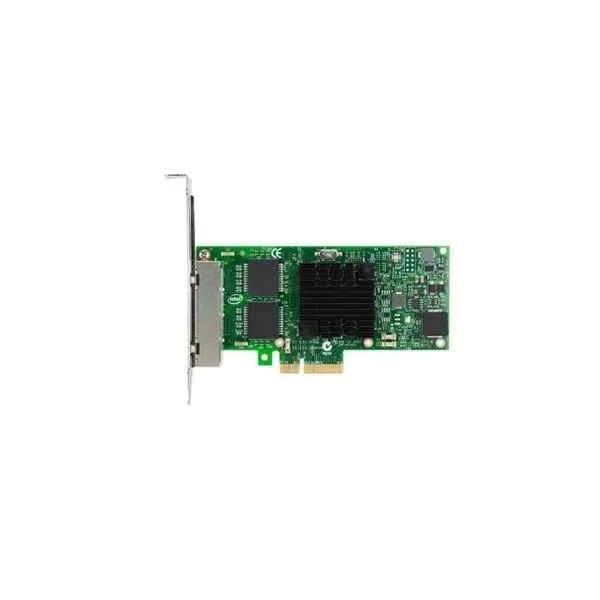
Lenovo 7ZT7A00535 PCI-E Four Electric Ports Gigabit Array Card (Lenovo ThinkSystem Intel I350-T4 PCIe 1Gb 4-Port RJ45 Ethernet Adapter)
0 (0)Est Value In stockFirst-Time Buyer Discount – Get up to 2% additional off on your first order
ORM Rewards Earn $50 in Rewards + Free Expedited Delivery – Join Now!
Use eCoupon ORMSAVE10
eCoupon limited to 5 units
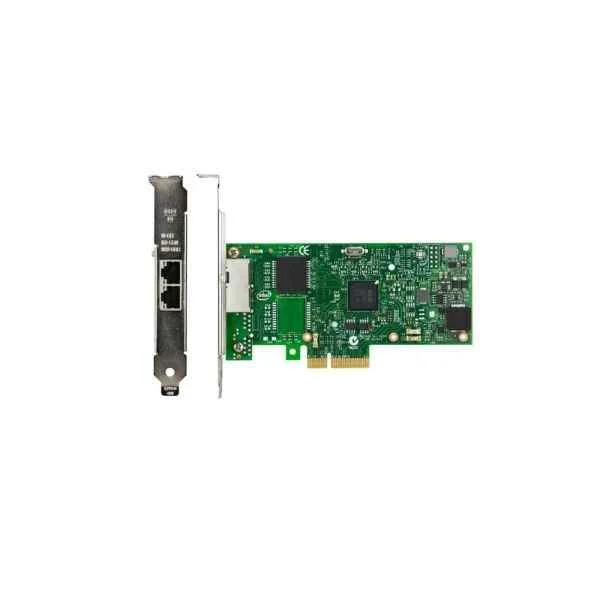
Lenovo 7ZT7A00534 PCI-E Dual Electric Ports Gigabit Array Card (Lenovo ThinkSystem Intel I350-T2 PCIe 1Gb 2-Port RJ45 Ethernet Adapter)
0 (0)Est Value In stockFirst-Time Buyer Discount – Get up to 2% additional off on your first order
ORM Rewards Earn $50 in Rewards + Free Expedited Delivery – Join Now!
Use eCoupon ORMSAVE10
eCoupon limited to 5 units
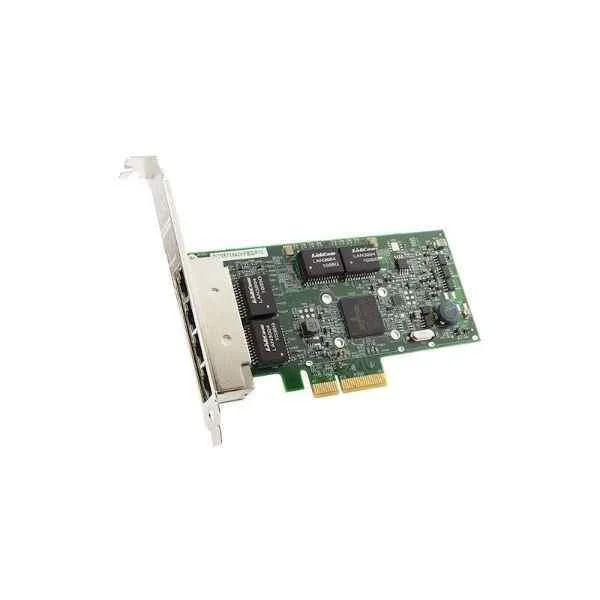
Lenovo 7ZT7A00484 PCI-E Four Electric Ports Gigabit Array Card (Lenovo ThinkSystem Broadcom NetXtreme PCIe 1Gb 4-port RJ45 Ethernet Adapter)
0 (0)Est Value In stockFirst-Time Buyer Discount – Get up to 2% additional off on your first order
ORM Rewards Earn $50 in Rewards + Free Expedited Delivery – Join Now!
Use eCoupon ORMSAVE10
eCoupon limited to 5 units
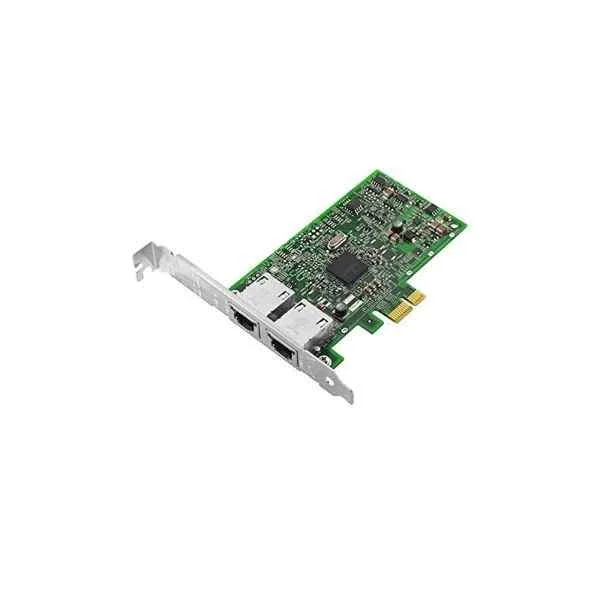
Lenovo 7ZT7A00482 PCI-E Dual Electric Ports Gigabit Array Card (Lenovo ThinkSystem Broadcom NetXtreme PCIe 1Gb 2-port RJ45 Ethernet Adapter)
0 (0)Est Value In stockFirst-Time Buyer Discount – Get up to 2% additional off on your first order
ORM Rewards Earn $50 in Rewards + Free Expedited Delivery – Join Now!
Use eCoupon ORMSAVE10
eCoupon limited to 5 units
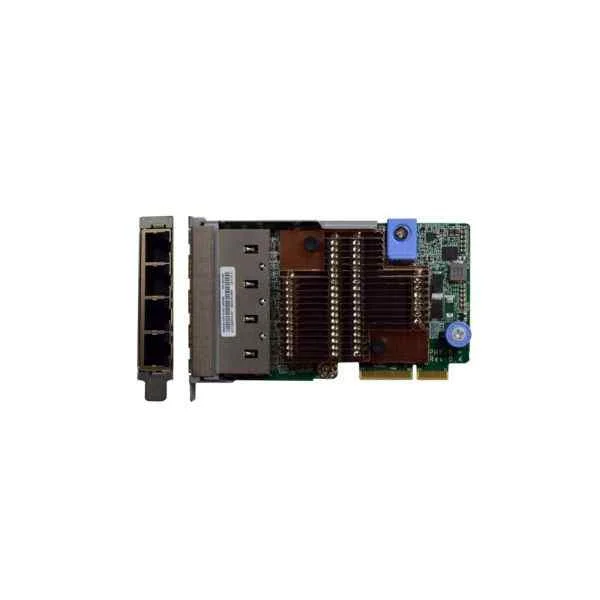
Lenovo 7ZT7A00549 Four Electric Ports 10G Array Card (Lenovo ThinkSystem 10Gb 4-port Base-T LOM)
0 (0)- Expansion Card
- Lenovo
- Network Interface Card
- PCIe x8
- PCIe 3.0
- Intel X710
- RJ-45
Est Value In stockFirst-Time Buyer Discount – Get up to 2% additional off on your first order
ORM Rewards Earn $50 in Rewards + Free Expedited Delivery – Join Now!
Use eCoupon ORMSAVE10
eCoupon limited to 5 units
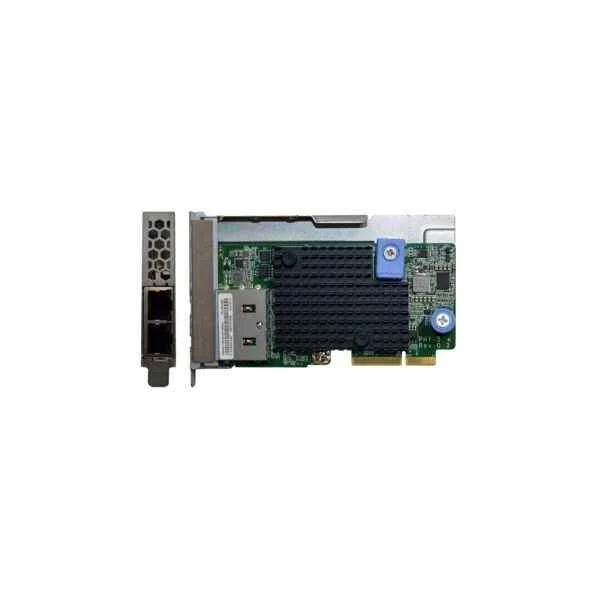
Lenovo 7ZT7A00548 Dual Electric Ports 10G Array Card (Lenovo ThinkSystem 10Gb 2-port Base-T LOM)
0 (0)- Expansion Card
- Lenovo
- Network Interface Card
- PCIe x8
- PCIe 3.0
- Intel X550
- RJ-45
Est Value In stockFirst-Time Buyer Discount – Get up to 2% additional off on your first order
ORM Rewards Earn $50 in Rewards + Free Expedited Delivery – Join Now!
Use eCoupon ORMSAVE10
eCoupon limited to 5 units

ORM Sales Advisors
Buying for your business? Get a personalised quote in under 2 hours. Talk to an expert
LEARNFilters (12) 
Questions & Answers
What is a Lenovo Server Array Card?
A Lenovo Server Array Card is a high-performance RAID controller designed to manage and protect storage arrays in Lenovo servers, delivering enterprise-grade data redundancy and performance optimization.
Which RAID levels are supported by Lenovo Server Array Cards?
Lenovo Server Array Cards support RAID levels 0, 1, 5, 6, 10, 50, and 60, allowing you to balance performance and redundancy according to your workload requirements.
Which Lenovo servers are compatible with Lenovo Server Array Cards?
Lenovo Server Array Cards are compatible with ThinkSystem and ThinkAgile rack and tower servers, including SR, ST, RD, SE, and SN series models; see the Lenovo Solutions Guide for a detailed compatibility matrix.
How do I install a Lenovo Server Array Card?
To install a Lenovo Server Array Card, power down the server, insert the card into an available PCIe slot, secure the bracket, reconnect cables, and power on to allow the system to detect the new hardware.
How can I configure RAID on a Lenovo Server Array Card?
Configure RAID by entering the RAID setup utility during POST, selecting your desired RAID level, adding drives to the array, and saving the configuration before booting into your operating system.
How do I update firmware on a Lenovo Server Array Card?
Update firmware using Lenovo XClarity Controller or by booting the Service Processor BIOS Update Utility (SPBUU) ISO with the latest firmware package downloaded from Lenovo Support.
Can I mix HDDs and SSDs in a single RAID on a Lenovo Server Array Card?
Yes, you can mix HDDs and SSDs in one RAID array, but performance defaults to the slowest drive type; for optimal results, group similar drives into separate arrays.
How do I monitor disk health with Lenovo Server Array Cards?
Monitor disk health using Lenovo XClarity Administrator or the ServeRAID Web GUI, which provide real-time alerts, SMART status, and predictive failure analysis for your storage arrays.
What tools are available for managing Lenovo Server Array Cards?
Manage Lenovo Server Array Cards with Lenovo XClarity Controller, XClarity Administrator, and ServeRAID CLI for centralized configuration, monitoring, and firmware updates.
How do I replace a failed drive in a RAID array managed by a Lenovo Server Array Card?
Hot-swap the failed drive with an identical capacity disk; the Lenovo Server Array Card will automatically rebuild the RAID using the replacement drive once it’s inserted.
How can I recover data from a degraded RAID array on a Lenovo Server Array Card?
Recover data by ensuring the replacement drive is compatible, initiating a rebuild in the ServeRAID utility, or restoring from backups if the rebuild is unsuccessful.
Are Lenovo Server Array Cards hot-swappable?
Yes, when used in compatible Lenovo servers with hot-swap drive bays, Lenovo Server Array Cards support hot-swap operations for uninterrupted service.
How does a Lenovo Server Array Card impact server I/O performance?
A Lenovo Server Array Card accelerates I/O by offloading RAID calculations to onboard processors, leveraging cache memory, and optimizing data paths for sustained throughput and low latency.
How can I secure data on drives managed by a Lenovo Server Array Card?
Secure data with built-in self-encrypting drives (SEDs), RAID-level redundancy, and integration with Lenovo ThinkShield security features to protect against unauthorized access.
Where can I download drivers and software for Lenovo Server Array Cards?
Download the latest drivers and management software from the Lenovo Support site by entering your card’s part number or navigating to the Server & Storage section.