 United States
Lenovo Server HBA Cards Performance
Experience unrivaled connectivity and reliability with Lenovo Server HBA Cards engineered for high-performance enterprise environments. Our solutions deliver optimized data access, enhanced scalability, and robust security compliance.
Talk to an expert
3 Matching results
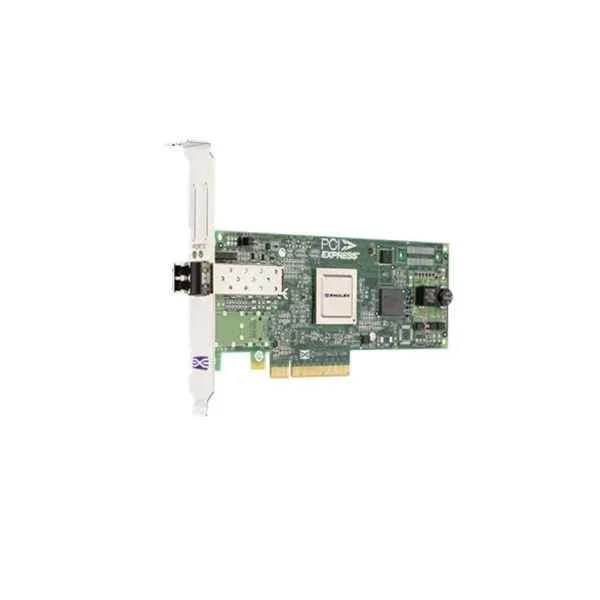
Lenovo 42D0485 Fibre Channel Card (Lenovo Emulex 8GB FC Single-Port PCI-E HBA)
4.6 (5)- Expansion Card
- Lenovo
- Storage Controller
- PCIe x8
- PCIe 3.0
- Emulex HBA Controller
- SFP+
Est Value In stock
First-Time Buyer Discount – Get up to 2% additional off on your first order
ORM Rewards Earn $50 in Rewards + Free Expedited Delivery – Join Now!
Use eCoupon ORMSAVE10
eCoupon limited to 5 units
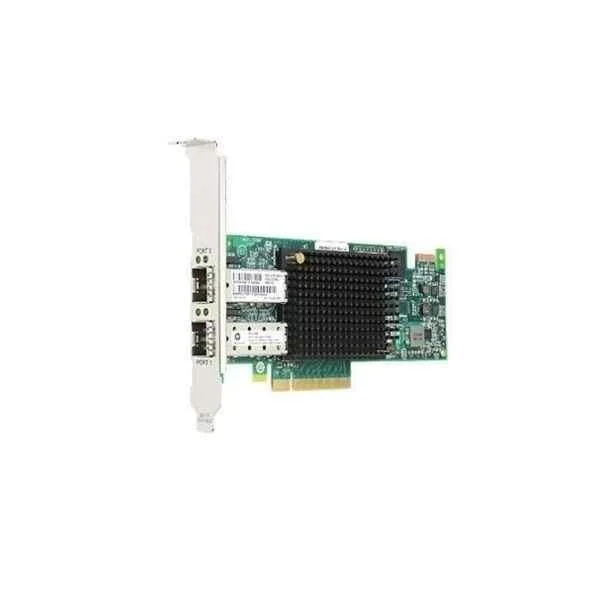
Lenovo 01CV840 Fibre Channel Card (Lenovo Emulex 16Gb FC Dual-port PCI-E HBA)
0 (0)- Expansion Card
- Lenovo
- Storage Controller
- PCIe x8
- PCIe 3.0
- Emulex 16Gb FC HBA
- SFP+
Est Value In stockFirst-Time Buyer Discount – Get up to 2% additional off on your first order
ORM Rewards Earn $50 in Rewards + Free Expedited Delivery – Join Now!
Use eCoupon ORMSAVE10
eCoupon limited to 5 units
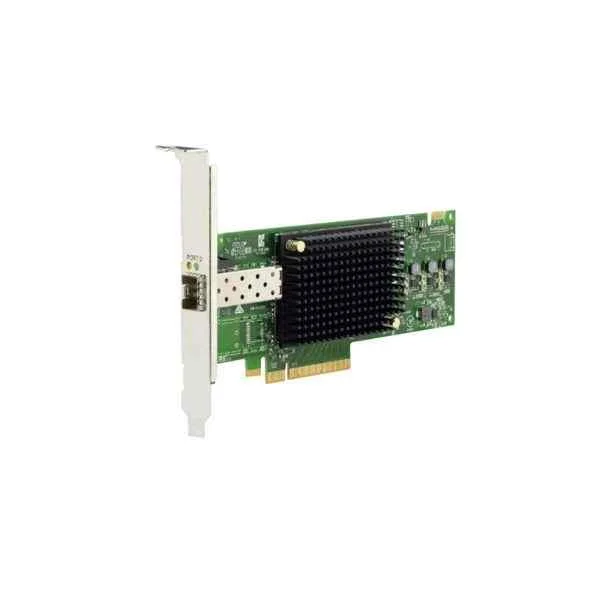
Lenovo 01CV830 Fibre Channel Card (Lenovo Emulex 16GB FC Single-Port PCI-E HBA)
0 (0)- Expansion Card
- Lenovo
- Storage Controller
- PCIe x8
- PCIe 3.0
- Emulex
Est Value In stockFirst-Time Buyer Discount – Get up to 2% additional off on your first order
ORM Rewards Earn $50 in Rewards + Free Expedited Delivery – Join Now!
Use eCoupon ORMSAVE10
eCoupon limited to 5 units

ORM Sales Advisors
Buying for your business? Get a personalised quote in under 2 hours. Talk to an expert
LEARNFilters (3) 
Questions & Answers
What is a Lenovo Server HBA Card?
A Lenovo Server HBA (Host Bus Adapter) card is a dedicated expansion card that connects a server’s PCIe bus to storage devices over SAS, SATA, or Fibre Channel interfaces.
What are the primary benefits of using a Lenovo Server HBA Card?
Key benefits include scalable connectivity, high throughput (up to 16 Gbps FC or 12 Gbps SAS), low latency, and offload features for optimized I/O performance.
How does an HBA card differ from a RAID controller?
Unlike a RAID controller, an HBA provides direct device access without hardware-managed RAID, enabling host-based or software-defined storage solutions.
Which Lenovo Server HBA Card models are available?
Models include the ThinkSystem 940-8i 12 Gb SAS HBA, 940-16i 16 Gb Fibre Channel HBA, and expansion variants with different PCIe slot types and port counts.
How do I install a Lenovo Server HBA Card?
Power down the server, insert the HBA into an appropriate PCIe slot, secure the bracket, connect SAS/FC cables, then power on and verify detection in BIOS or OS.
How do I update the firmware on a Lenovo Server HBA Card?
Use Lenovo XClarity Controller or the firmware update ISO: select the target card, upload the firmware package, apply the update, and reboot as prompted.
Which operating systems are supported by Lenovo Server HBA Cards?
Lenovo HBAs support Windows Server, RHEL, SLES, Ubuntu, VMware ESXi, and Citrix XenServer, with drivers available via Lenovo Support.
What performance can I expect from a Lenovo Server HBA Card?
12 Gbps SAS HBAs deliver up to 1.2 GB/s per lane, while 16 Gbps Fibre Channel HBAs reach 1.6 GB/s per port with sub-5 µs latency.
How many drives can a single Lenovo Server HBA Card support?
A 4-port 12 Gb SAS HBA can address up to 256 SAS/SATA devices via expanders; Fibre Channel HBAs support up to 126 devices per fabric link.
Do Lenovo Server HBA Cards support hot-swapping?
Yes; Lenovo HBAs support SAS and FC hot-swapping, allowing drive replacement without shutting down the server.
What warranty and support options are available for Lenovo Server HBA Cards?
All Lenovo HBAs include a 1-year limited warranty, extendable to 3 or 5 years with Lenovo Premier Support for on-site hardware replacement.
How do I troubleshoot connectivity issues with a Lenovo Server HBA Card?
Check firmware versions, verify cable integrity, review system logs, confirm driver installation, and use Lenovo Diagnostic Tools to isolate errors.
How do I choose the right Lenovo Server HBA Card for my server?
Select based on interface (SAS, SATA, FC), required port count, bandwidth needs, server compatibility, and features like NVMe support or SAN boot capability.
Can I boot from a SAN using a Lenovo Server HBA Card?
Yes; configure boot targets in the HBA BIOS/UEFI, ensure SAN zoning on the switch, and set the server’s boot order to the HBA device.
What security features do Lenovo Server HBA Cards include?
Lenovo HBAs offer secure firmware authentication, NPIV zoning support, Fibre Channel port binding, and advanced error-recovery protocols to protect data integrity.