 United States
Switches Cisco Catalyst 2960
Designed for secure, reliable, and cost-efficient connectivity, Cisco Catalyst 2960 switches power small to medium business networks with simplicity and stability. Enhance performance with intuitive management and enterprise-grade reliability.
Talk to an expert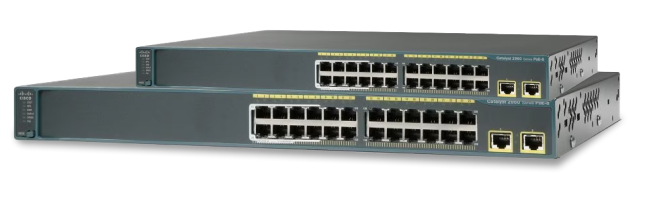
Cisco 2960X Catalyst Switches
(18)Catalyst 2960-X switches for branch campus access stacks using FlexStack-Plus, Gigabit Ethernet, PoE+, and 10GbE uplink module choices
Cisco 2960C Catalyst Switches
(6)Catalyst 2960-C switches for retail counters and classrooms needing compact Gigabit Ethernet, PoE pass-through, and silent branch operation
Cisco 2960 Plus Catalyst Switches
(10)Catalyst 2960-Plus switches for legacy access refresh projects using Fast Ethernet edge ports, Gigabit uplinks, and basic VLAN segmentation
Catalyst 2960-Xr
(10)Catalyst 2960-XR switches for routed access closets needing Layer 3 static routing, PoE+, redundant power, and Gigabit Ethernet stacks
Cisco 2960L Catalyst Switches
(11)Catalyst 2960-L switches for lean branch access deployments using Gigabit Ethernet, PoE+, fanless models, and simple Layer 2 VLANs
68 Matching results
- BEST SELLING
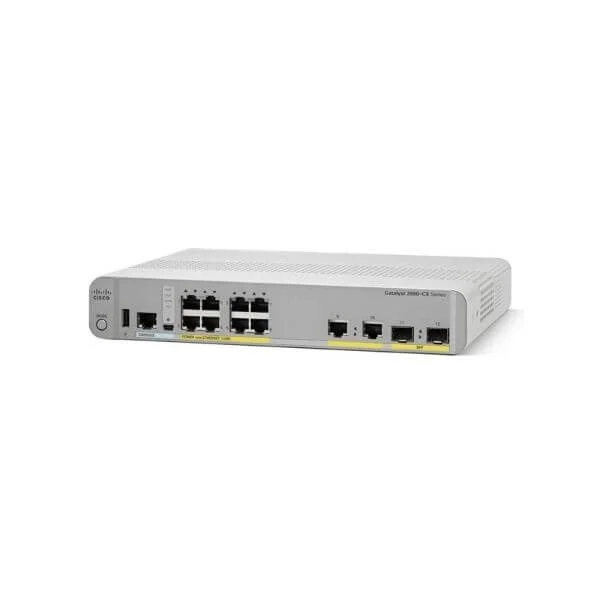
WS-C2960CX-8PC-L (Cisco WS-C2960CX-8PC-L Catalyst 2960-CX 8-Port Gigabit PoE+ Desktop Switch, 2x1G SFP and 2x1G Copper Uplinks, LAN Base)
4.7 (6)- WS-C2960CX-8PC-L
- Cisco
- Catalyst 2960-CX
- Branch Office
- Managed
- LAN Base
- Layer 2
Est Value $1,154.00
$173.25
85% offIn stockNewRefurbishedFirst-Time Buyer Discount – Get up to 2% additional off on your first order
ORM Rewards Earn $50 in Rewards + Free Expedited Delivery – Join Now!
Use eCoupon ORMSAVE10
eCoupon limited to 5 units
- BEST SELLING
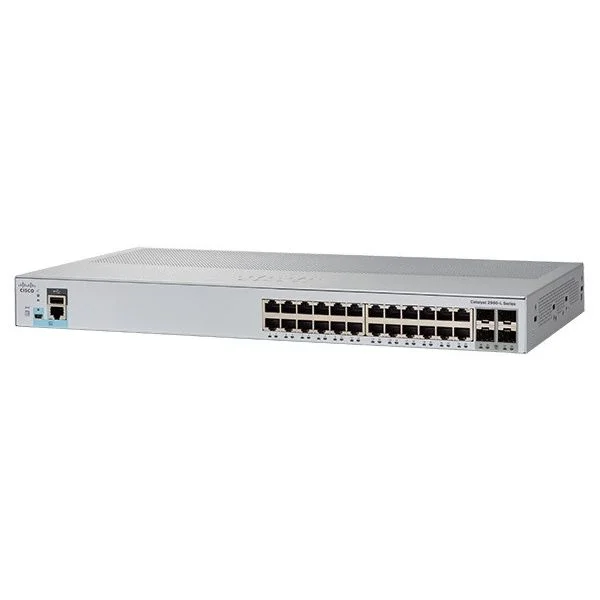
WS-C2960L-24TS-LL (Cisco WS-C2960L-24TS-LL Catalyst 2960-L 24-Port Gigabit Switch, 4x1G Uplinks, LAN Lite)
4.8 (5)- WS-C2960L-24TS-LL
- Cisco
- Catalyst 2960-L
- Branch Office
- Managed
- LAN Lite
- Layer 2+
Est Value $1,981.00$341.25
82.8% offIn stockNewRefurbishedFirst-Time Buyer Discount – Get up to 2% additional off on your first order
ORM Rewards Earn $50 in Rewards + Free Expedited Delivery – Join Now!
Use eCoupon ORMSAVE10
eCoupon limited to 5 units
- BEST SELLING
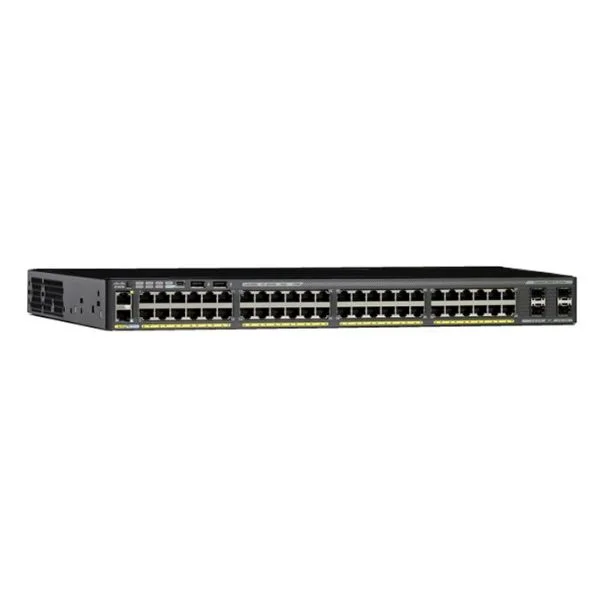
WS-C2960X-48FPD-L (Cisco WS-C2960X-48FPD-L Catalyst 2960-X 48-Port Gigabit PoE+ Switch, 2x10G Uplinks, LAN Base)
4.8 (5)- WS-C2960X-48FPD-L
- Cisco
- Catalyst 2960-X
- Enterprise Access
- Managed
- LAN Base
- Layer 3
Est Value $1,084.00$162.75
85% offIn stockNewRefurbishedFirst-Time Buyer Discount – Get up to 2% additional off on your first order
ORM Rewards Earn $50 in Rewards + Free Expedited Delivery – Join Now!
Use eCoupon ORMSAVE10
eCoupon limited to 5 units
- BEST SELLING
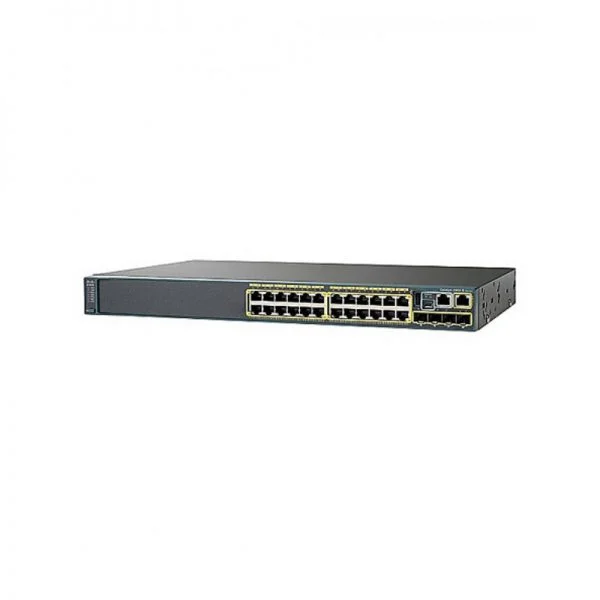
WS-C2960X-24PD-L (Cisco WS-C2960X-24PD-L Catalyst 2960-X 24-Port Gigabit PoE+ Switch, 2x10G Uplinks, LAN Base)
4.4 (5)- WS-C2960X-24PD-L
- Cisco
- Catalyst 2960-X
- Enterprise Access
- Managed
- LAN Base
- Layer 3
Est Value $1,364.00$204.75
85% offIn stockNewRefurbishedFirst-Time Buyer Discount – Get up to 2% additional off on your first order
ORM Rewards Earn $50 in Rewards + Free Expedited Delivery – Join Now!
Use eCoupon ORMSAVE10
eCoupon limited to 5 units
- BEST SELLING
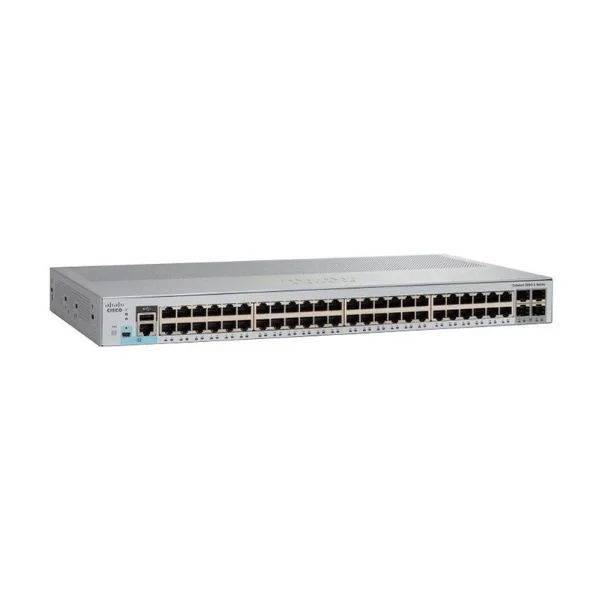
WS-C2960L-48TS-LL (Cisco WS-C2960L-48TS-LL Catalyst 2960-L 48-Port Gigabit Switch, 4x1G Uplinks, LAN Lite)
4.8 (5)- WS-C2960L-48TS-LL
- Cisco
- Catalyst 2960-L
- Branch Office
- Managed
- LAN Lite
- Layer 2+
Est Value $1,224.00$183.75
85% offIn stockNewRefurbishedFirst-Time Buyer Discount – Get up to 2% additional off on your first order
ORM Rewards Earn $50 in Rewards + Free Expedited Delivery – Join Now!
Use eCoupon ORMSAVE10
eCoupon limited to 5 units
- BEST SELLING
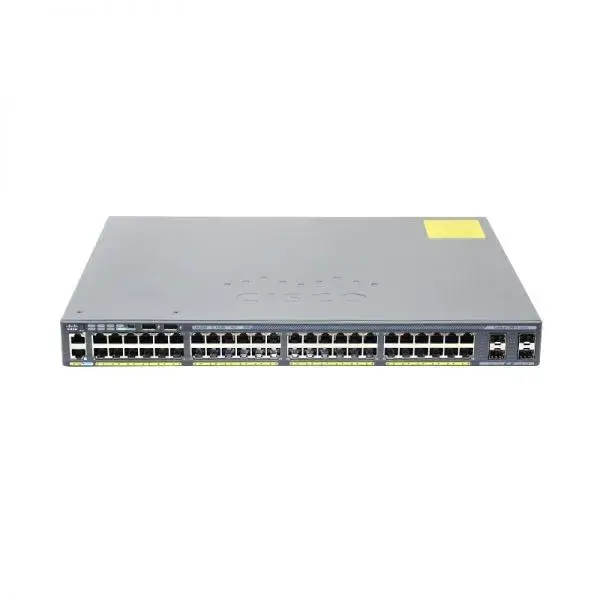
WS-C2960X-48LPD-L (Cisco WS-C2960X-48LPD-L Catalyst 2960-X 48-Port Gigabit PoE+ Switch, 2x10G Uplinks, LAN Base)
4.6 (5)- WS-C2960X-48LPD-L
- Cisco
- Catalyst 2960-X
- Enterprise Access
- Managed
- LAN Base
- Layer 3
Est Value $1,364.00$204.75
85% offIn stockNewRefurbishedFirst-Time Buyer Discount – Get up to 2% additional off on your first order
ORM Rewards Earn $50 in Rewards + Free Expedited Delivery – Join Now!
Use eCoupon ORMSAVE10
eCoupon limited to 5 units
- FEARURED
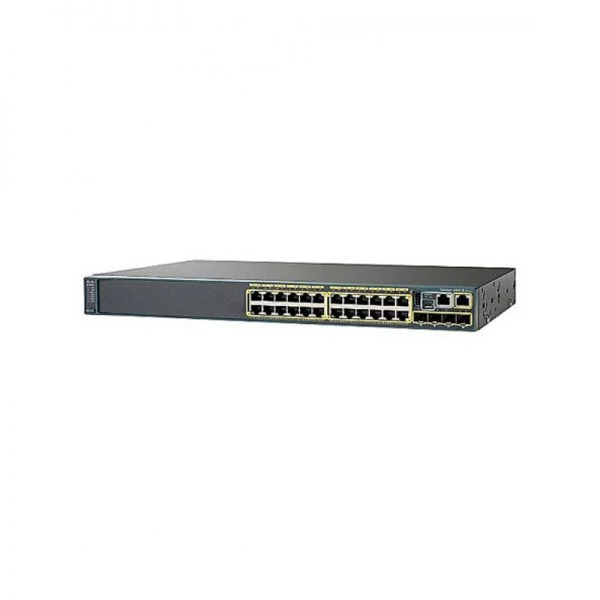
WS-C2960X-24TD-L (Cisco WS-C2960X-24TD-L Catalyst 2960-X 24-Port Gigabit Switch, 2x10G Uplinks, LAN Base)
5 (5)- WS-C2960X-24TD-L
- Cisco
- Catalyst 2960-X
- Enterprise Access
- Managed
- LAN Base
- Layer 3
Est Value $825.00$123.90
85% offIn stockNewRefurbishedFirst-Time Buyer Discount – Get up to 2% additional off on your first order
ORM Rewards Earn $50 in Rewards + Free Expedited Delivery – Join Now!
Use eCoupon ORMSAVE10
eCoupon limited to 5 units
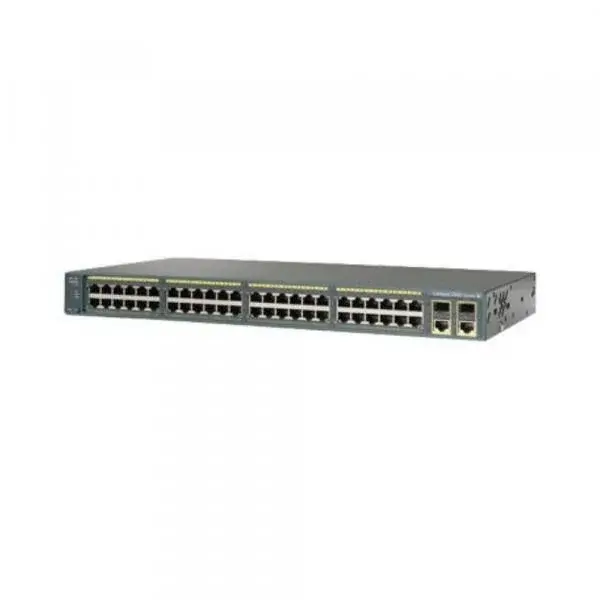
WS-C2960-48TC-S (Cisco WS-C2960-48TC-S Catalyst 2960 48-Port Fast Ethernet Switch, 2x1G Combo Uplinks, LAN Lite)
4.6 (5)- WS-C2960-48TC-S
- Cisco
- Catalyst 2960
- Enterprise Access
- Managed
- LAN Lite
- Layer 2
Est Value $786.00$117.98
85% offIn stockRefurbishedFirst-Time Buyer Discount – Get up to 2% additional off on your first order
ORM Rewards Earn $50 in Rewards + Free Expedited Delivery – Join Now!
Use eCoupon ORMSAVE10
eCoupon limited to 5 units
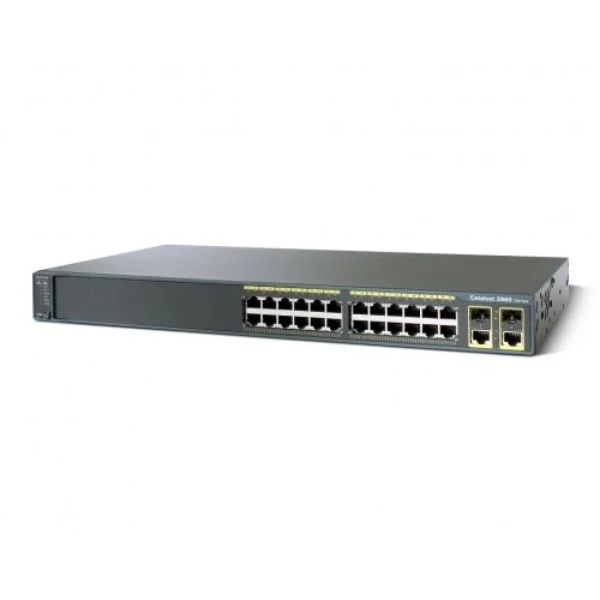
WS-C2960-24TT-L (Cisco WS-C2960-24TT-L Catalyst 2960 24-Port Fast Ethernet Switch, 2x1G Copper Uplinks, LAN Base)
4.2 (5)- WS-C2960-24TT-L
- Cisco
- Catalyst 2960
- SMB
- Managed
- LAN Base
- Layer 2
Est Value $772.00$115.92
85% offIn stockNewRefurbishedFirst-Time Buyer Discount – Get up to 2% additional off on your first order
ORM Rewards Earn $50 in Rewards + Free Expedited Delivery – Join Now!
Use eCoupon ORMSAVE10
eCoupon limited to 5 units
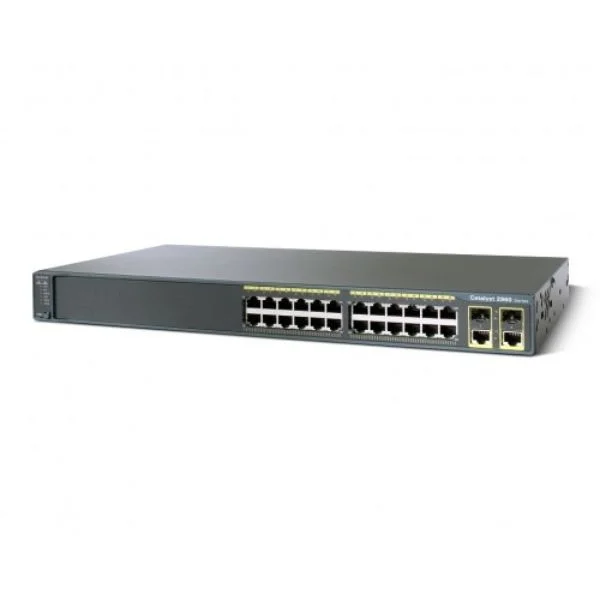
WS-C2960-24TC-S (Catalyst 2960 24 10/100 + 2 T/SFP LAN Lite Image)
5 (5)- Switch
- Cisco
- AC Power Supply
- Rack-mount
- 24 Ports
- Managed
- No
Est Value $808.00$121.28
85% offIn stockNewRefurbishedFirst-Time Buyer Discount – Get up to 2% additional off on your first order
ORM Rewards Earn $50 in Rewards + Free Expedited Delivery – Join Now!
Use eCoupon ORMSAVE10
eCoupon limited to 5 units
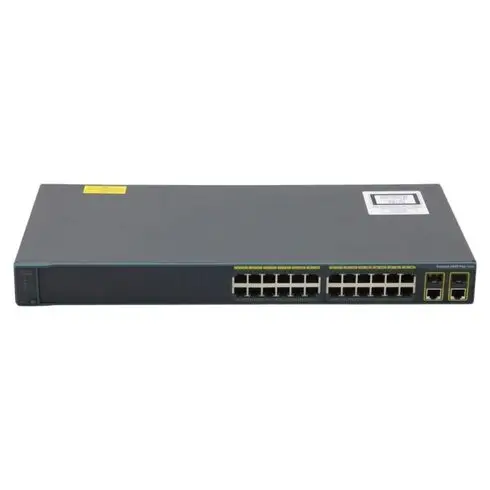
WS-C2960+24TC-L (Cisco WS-C2960+24TC-L Catalyst 2960-Plus 24-Port Fast Ethernet Switch, 2x1G Combo Uplinks, LAN Base)
4.6 (5)- WS-C2960+24TC-L
- Cisco
- Catalyst 2960-Plus
- Enterprise Access
- Managed
- LAN Base
- Layer 2
Est Value $1,014.00$152.25
85% offIn stockNewRefurbishedFirst-Time Buyer Discount – Get up to 2% additional off on your first order
ORM Rewards Earn $50 in Rewards + Free Expedited Delivery – Join Now!
Use eCoupon ORMSAVE10
eCoupon limited to 5 units
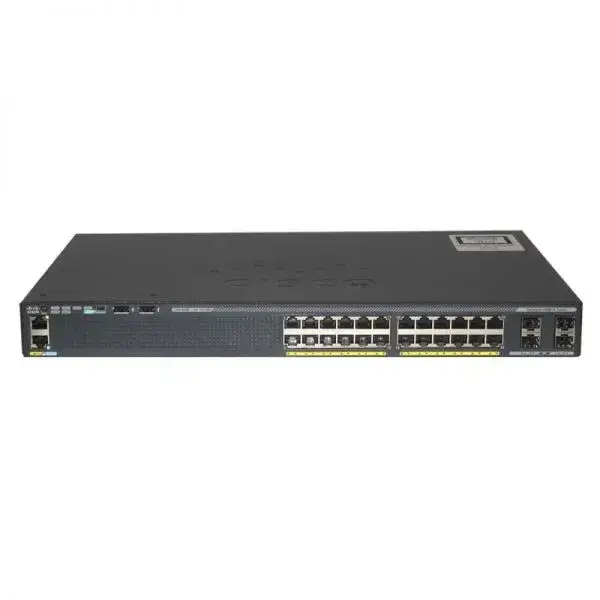
WS-C2960X-24TS-L (Cisco WS-C2960X-24TS-L Catalyst 2960-X 24-Port Gigabit Switch, 4x1G Uplinks, LAN Base)
4.6 (5)- WS-C2960X-24TS-L
- Cisco
- Catalyst 2960-X
- Enterprise Access
- Managed
- LAN Base
- Layer 3
Est Value $1,364.00$204.75
85% offIn stockNewRefurbishedFirst-Time Buyer Discount – Get up to 2% additional off on your first order
ORM Rewards Earn $50 in Rewards + Free Expedited Delivery – Join Now!
Use eCoupon ORMSAVE10
eCoupon limited to 5 units
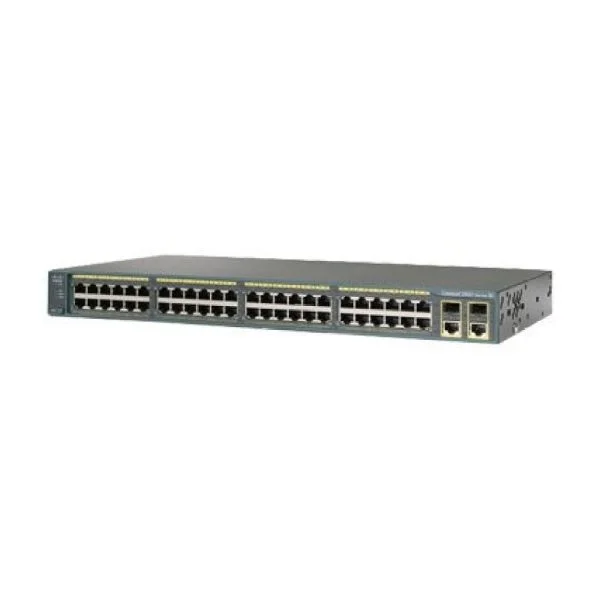
WS-C2960-48TC-L (Cisco WS-C2960-48TC-L Catalyst 2960 48-Port Fast Ethernet Switch, 2x1G Combo Uplinks, LAN Base)
4.8 (5)- WS-C2960-48TC-L
- Cisco
- Catalyst 2960
- SMB
- Managed
- LAN Base
- Layer 2+
Est Value $940.00$141.12
85% offIn stockNewRefurbishedFirst-Time Buyer Discount – Get up to 2% additional off on your first order
ORM Rewards Earn $50 in Rewards + Free Expedited Delivery – Join Now!
Use eCoupon ORMSAVE10
eCoupon limited to 5 units
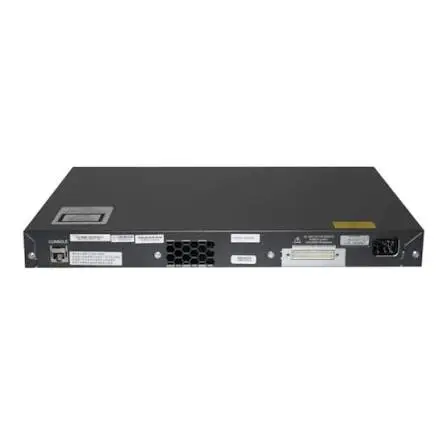
WS-C2960+24PC-L (Cisco WS-C2960+24PC-L Catalyst 2960-Plus 24-Port Fast Ethernet PoE Switch, 2x1G Combo Uplinks, LAN Base)
4.6 (5)- WS-C2960+24PC-L
- Cisco
- Catalyst 2960-Plus
- Branch Office
- Managed
- LAN Base
- Layer 2
Est Value $944.00$141.75
85% offIn stockNewRefurbishedFirst-Time Buyer Discount – Get up to 2% additional off on your first order
ORM Rewards Earn $50 in Rewards + Free Expedited Delivery – Join Now!
Use eCoupon ORMSAVE10
eCoupon limited to 5 units
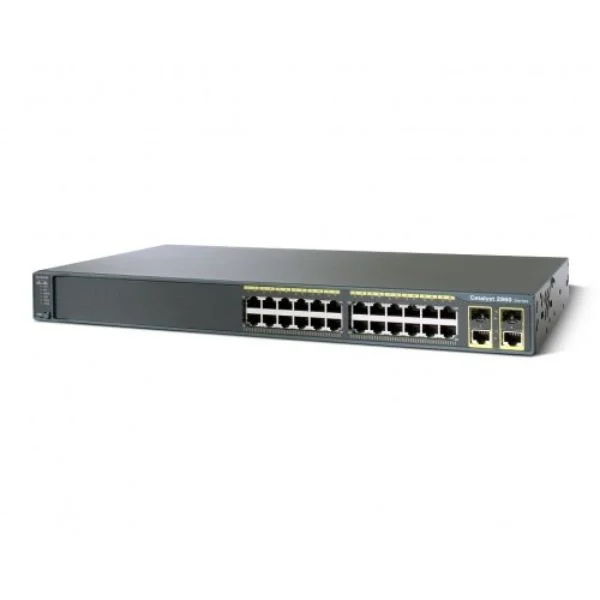
WS-C2960-24PC-S (Catalyst 2960 24 10/100 PoE + 2 T/SFP LAN Lite Image)
4.4 (5)- Switch
- Cisco
- AC Power Supply
- Rack-mount
- Managed
- No
- 1G
Est Value $622.00$93.45
85% offIn stockNewRefurbishedFirst-Time Buyer Discount – Get up to 2% additional off on your first order
ORM Rewards Earn $50 in Rewards + Free Expedited Delivery – Join Now!
Use eCoupon ORMSAVE10
eCoupon limited to 5 units
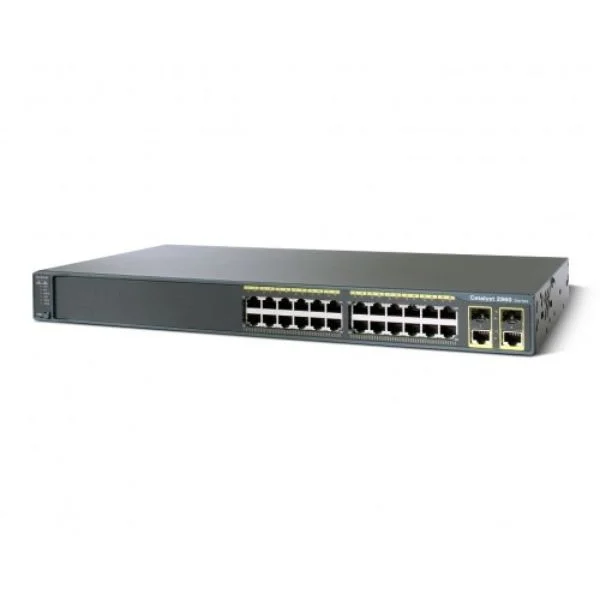
WS-C2960-24LC-S (Catalyst 2960 24 10/100 (8 PoE) + 2 T/SFP LAN Lite Image)
4.6 (5)- Switch
- Cisco
- AC Power Supply
- Rack-mount
- 24 Ports
- Managed
- Twisted Pair
Est Value $692.00$103.95
85% offIn stockNewRefurbishedFirst-Time Buyer Discount – Get up to 2% additional off on your first order
ORM Rewards Earn $50 in Rewards + Free Expedited Delivery – Join Now!
Use eCoupon ORMSAVE10
eCoupon limited to 5 units
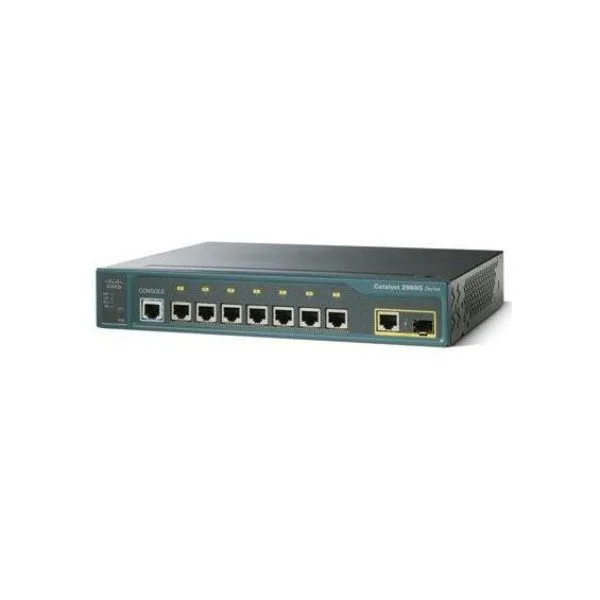
WS-C2960PD-8TT-L-M (Catalyst 2960PD Multipack (6))
4.8 (5)- Switch
- Cisco
- AC Power Supply
- Rack-mount
- Managed
- Twisted Pair
- No
Est Value $664.00$99.75
85% offIn stockNewRefurbishedFirst-Time Buyer Discount – Get up to 2% additional off on your first order
ORM Rewards Earn $50 in Rewards + Free Expedited Delivery – Join Now!
Use eCoupon ORMSAVE10
eCoupon limited to 5 units
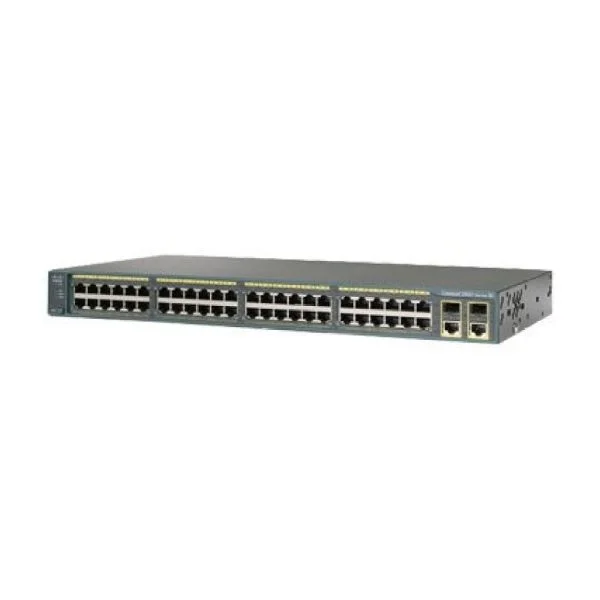
WS-C2960-48PST-L-M (Catalyst 2960 48 10/100 PoE + 2 SFP + 2 1000BT LB 3-pack)
4.2 (5)- Switch
- Cisco
- AC Power Supply
- Rack-mount
- 24–48 Ports
- Managed
- 10/100/1000
Est Value $664.00$99.75
85% offIn stockNewRefurbishedFirst-Time Buyer Discount – Get up to 2% additional off on your first order
ORM Rewards Earn $50 in Rewards + Free Expedited Delivery – Join Now!
Use eCoupon ORMSAVE10
eCoupon limited to 5 units
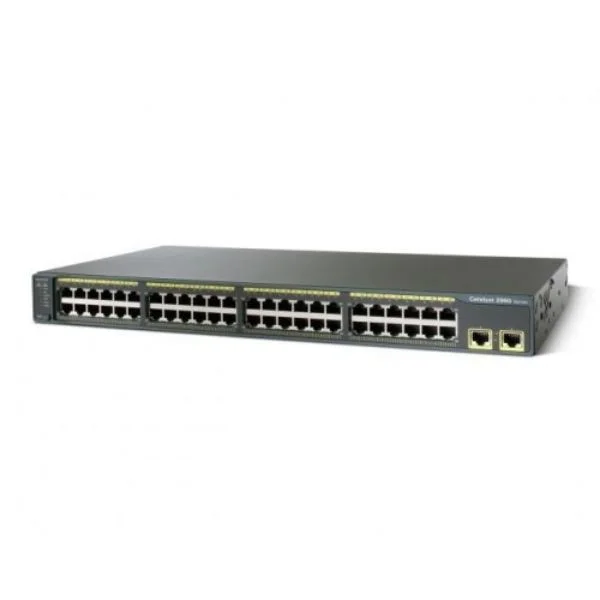
WS-C2960-48TT-L (Cisco WS-C2960-48TT-L Catalyst 2960 48-Port Fast Ethernet Switch, 2x1G Copper Uplinks, LAN Base)
4.4 (5)- WS-C2960-48TT-L
- Cisco
- Catalyst 2960
- SMB
- Managed
- LAN Base
- Layer 2
Est Value $739.00$110.88
85% offIn stockNewRefurbishedFirst-Time Buyer Discount – Get up to 2% additional off on your first order
ORM Rewards Earn $50 in Rewards + Free Expedited Delivery – Join Now!
Use eCoupon ORMSAVE10
eCoupon limited to 5 units
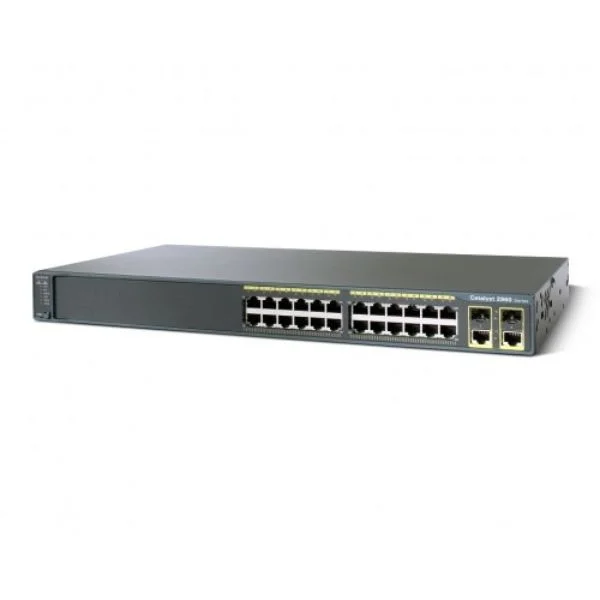
WS-C2960-24PC-L (Cisco WS-C2960-24PC-L Catalyst 2960 24-Port Fast Ethernet PoE Switch, 2x1G Combo Uplinks, LAN Base)
4.4 (5)- WS-C2960-24PC-L
- Cisco
- Catalyst 2960
- SMB
- Managed
- LAN Base
- Layer 2+
Est Value $722.25$110.88
84.6% offIn stockNewRefurbishedFirst-Time Buyer Discount – Get up to 2% additional off on your first order
ORM Rewards Earn $50 in Rewards + Free Expedited Delivery – Join Now!
Use eCoupon ORMSAVE10
eCoupon limited to 5 units

ORM Sales Advisors
Buying for your business? Get a personalised quote in under 2 hours. Talk to an expert
LEARNFilters (68) 
Questions & Answers
What are Cisco Catalyst 2960 Switches used for?
Cisco Catalyst 2960 Switches deliver reliable, fixed-configuration Layer 2 connectivity for enterprise access networks, enabling efficient traffic handling and simplified administration.
What is the difference between Catalyst 2960-S and Catalyst 2960-X models?
The 2960-S series offers Fast Ethernet and Gigabit downlinks, while the 2960-X series adds enhanced stacking, higher performance, and optional Power over Ethernet Plus (PoE+).
Do Catalyst 2960 Switches support Power over Ethernet (PoE)?
Yes, select Catalyst 2960-X and 2960-XR models support PoE and PoE+ to power IP phones, wireless access points, and other endpoints on the same Ethernet cable.
How do I stack Cisco Catalyst 2960 Switches?
Use Cisco FlexStack modules and stacking cables on supported 2960-X/2960-XR models to create a single logical switch with up to 8 units and 320 Gbps stacking bandwidth.
Are Catalyst 2960 Switches Layer 2 or Layer 3 devices?
Catalyst 2960 Switches are primarily Layer 2 devices supporting VLANs, Spanning Tree Protocol, and basic static routing (limited Layer 3 Lite on 2960-X/2960-XR).
What is the maximum switching capacity of a Catalyst 2960 Switch?
Depending on the model, Catalyst 2960 Switches offer up to 176 Gbps of switching capacity and up to 88 Mpps forwarding rate for wire-speed performance.
How many Ethernet ports do Catalyst 2960 models provide?
Catalyst 2960 Switches are available in 8, 12, 24, and 48 port configurations, with optional 10 Gigabit uplinks on selected 2960-X/2960-XR models.
Which software license is required for advanced features on Catalyst 2960?
Catalyst 2960-X and 2960-XR use LAN Base or LAN Lite Cisco IOS Software licenses; LAN Base unlocks advanced QoS, security, and simple IPv6 routing.
How do I configure VLANs on a Catalyst 2960 Switch?
Enter global configuration mode, use the 'vlan [vlan-id]' command to create a VLAN, then assign ports with 'interface range', 'switchport mode access', and 'switchport access vlan'.
What is the typical power consumption of a Catalyst 2960 Switch?
Power consumption varies by model; a 48-port Gigabit PoE+ 2960-X consumes up to 370 W under full load, while non-PoE models typically draw less than 50 W.
Are Catalyst 2960 Switches compatible with Cisco DNA Center?
Yes, Catalyst 2960-X and 2960-XR switch models integrate with Cisco DNA Center for network automation, assurance, and policy-based management.
What warranty covers Cisco Catalyst 2960 Switches?
Cisco provides a Limited Lifetime Hardware Warranty for Catalyst 2960 Switches, including next-business-day replacement for eligible devices.
How can I upgrade the IOS image on a Catalyst 2960 Switch?
Transfer the new IOS image to the switch via TFTP or USB, update the boot variable in configuration mode, and reload the switch to apply the new image.
What is the end-of-life (EoL) status for Catalyst 2960 Switches?
Cisco announced EoL for legacy 2960 models with support through 2025; 2960-X/2960-XR will be supported until 2027, after which migration to newer series is recommended.
Can I replace a Catalyst 2960 with a Catalyst 9200 series switch?
Yes, Cisco Catalyst 9200 series switches offer a direct upgrade path with enhanced performance, security, and full Cisco DNA capabilities for 2960 deployments.
What security features do Catalyst 2960 Switches offer?
Catalyst 2960 Switches support 802.1X port-based authentication, dynamic ARP inspection, DHCP snooping, port security, and Access Control Lists (ACLs) for robust network protection.