 United States
Core Switches by D-Link
D-Link Core Switches deliver unmatched performance and reliability for high-demand enterprise networks. Engineered for scalability, security, and advanced management, they ensure robust connectivity and optimized business operations.
Talk to an expert
19 Matching results
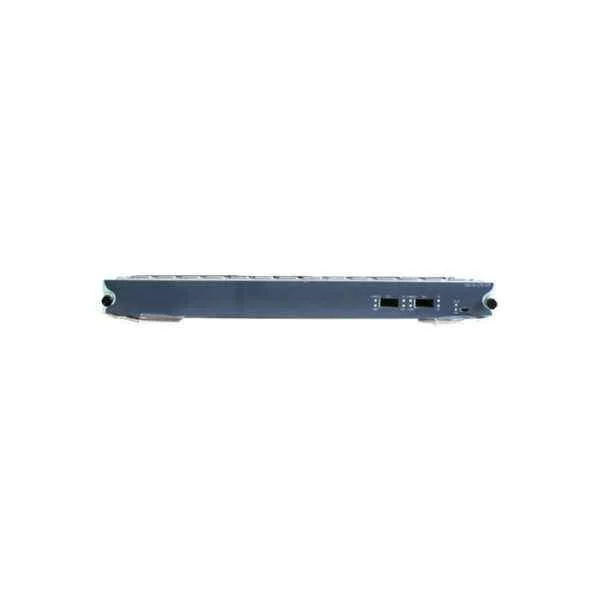
DES-85-2TE-SFP+E (D-Link 2-port 10 Gigabit optical service board (SFP+), enhanced board)
4.6 (5)- Switch
- D-Link
- AC Power Supply
- Layer 2
- Rack-mount
- 32 W
- 12–24 Ports
Est Value In stock
First-Time Buyer Discount – Get up to 2% additional off on your first order
ORM Rewards Earn $50 in Rewards + Free Expedited Delivery – Join Now!
Use eCoupon ORMSAVE10
eCoupon limited to 5 units
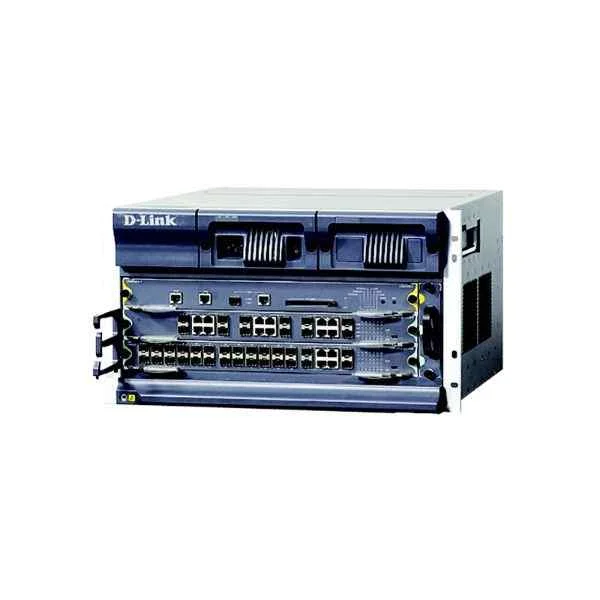
DES-8503 (D-Link DES-8503 final assembly chassis (including 1 fan tray, 2 power supply slots, standard configuration without power supply, 1 main control slot, 2 business slots))
4.2 (5)- Switch
- D-Link
- AC Power Supply
- Layer 2 / Layer 3
- Rack-mount
- 75W
- 24–48 Ports
Est Value In stockFirst-Time Buyer Discount – Get up to 2% additional off on your first order
ORM Rewards Earn $50 in Rewards + Free Expedited Delivery – Join Now!
Use eCoupon ORMSAVE10
eCoupon limited to 5 units
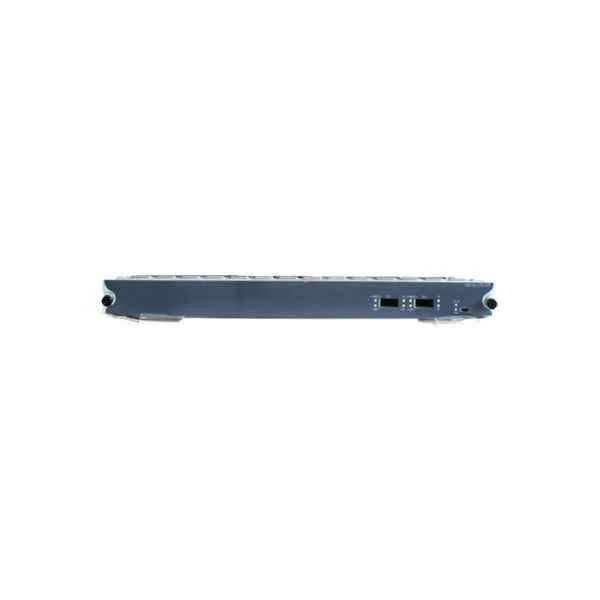
DES-85-2TE-SFP+ (D-Link 2-port 10 Gigabit optical service board (SFP+))
4.4 (5)- Switch
- D-Link
- AC Power Supply / Redundant Power Supply
- Layer 2 / Layer 3
- Rack-mount
- 85W
- Under 12 Ports
Est Value In stockFirst-Time Buyer Discount – Get up to 2% additional off on your first order
ORM Rewards Earn $50 in Rewards + Free Expedited Delivery – Join Now!
Use eCoupon ORMSAVE10
eCoupon limited to 5 units

DES-85-48GE-SFP-MPLSE (D-Link 48-port Gigabit Optical Service Board (SFP), enhanced board)
4.8 (5)- Switch
- D-Link
- Redundant Power Supply / AC Power Supply
- Layer 2 / Layer 3
- Rack-mount
- 24–48 Ports
Est Value In stockFirst-Time Buyer Discount – Get up to 2% additional off on your first order
ORM Rewards Earn $50 in Rewards + Free Expedited Delivery – Join Now!
Use eCoupon ORMSAVE10
eCoupon limited to 5 units

DES-85-48GE-SFP-MPLS-L (D-Link 48-port Gigabit Optical Service Board (SFP))
4.2 (5)- Switch
- D-Link
- AC Power Supply/Redundant Power Supply
- Layer 3
- Rack-mount
- 24–48 Ports
Est Value In stockFirst-Time Buyer Discount – Get up to 2% additional off on your first order
ORM Rewards Earn $50 in Rewards + Free Expedited Delivery – Join Now!
Use eCoupon ORMSAVE10
eCoupon limited to 5 units
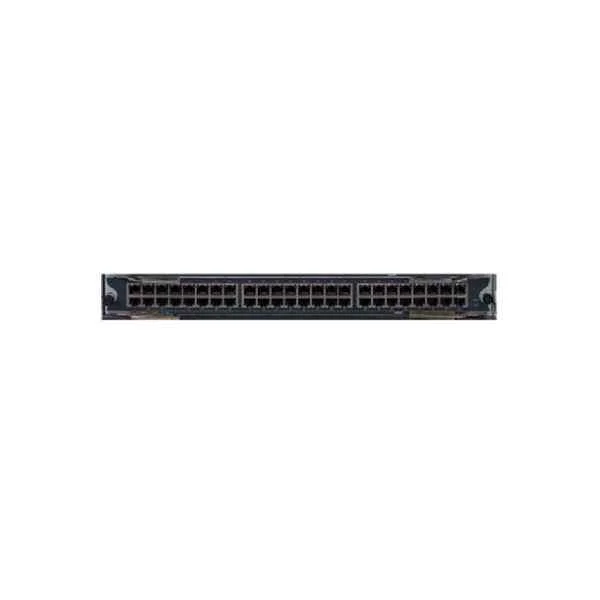
DES-85-48GE-TX-MPLSE (D-Link 48-port gigabit electrical service board (RJ45), enhanced board)
4.6 (5)- Switch
- D-Link
- AC Power Supply
- Layer 2
- Rack-mount
- 24–48 Ports
Est Value In stockFirst-Time Buyer Discount – Get up to 2% additional off on your first order
ORM Rewards Earn $50 in Rewards + Free Expedited Delivery – Join Now!
Use eCoupon ORMSAVE10
eCoupon limited to 5 units
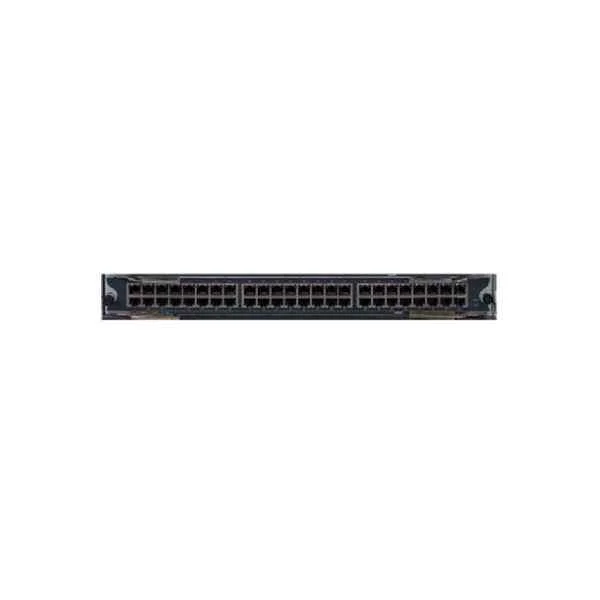
DES-85-48GE-TX-MPLS-L (D-Link 48-port gigabit electrical service board (RJ45))
4.6 (5)- Switch
- D-Link
- AC Power Supply
- Layer 3
- Rack-mount
- 24–48 Ports
Est Value In stockFirst-Time Buyer Discount – Get up to 2% additional off on your first order
ORM Rewards Earn $50 in Rewards + Free Expedited Delivery – Join Now!
Use eCoupon ORMSAVE10
eCoupon limited to 5 units
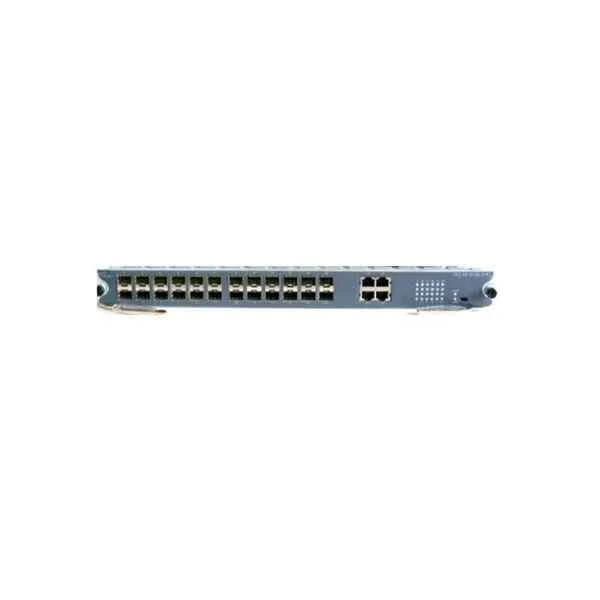
DES-85-24GE-SFPE (D-Link 24-port Gigabit optical (SFP), 4-port multiplexing Gigabit electrical service board (RJ45), enhanced board)
4.4 (5)- Switch
- D-Link
- AC Power Supply
- Layer 2
- Rack-mount
- 48 W
- 12–24 Ports
Est Value In stockFirst-Time Buyer Discount – Get up to 2% additional off on your first order
ORM Rewards Earn $50 in Rewards + Free Expedited Delivery – Join Now!
Use eCoupon ORMSAVE10
eCoupon limited to 5 units
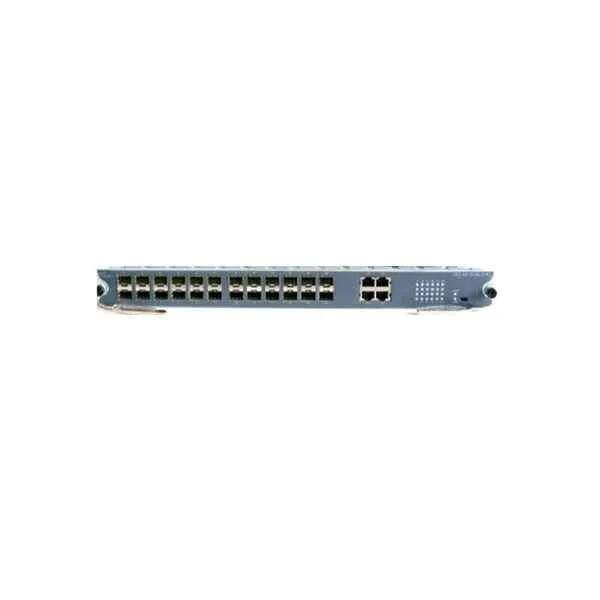
DES-85-24GE-SFP (D-Link 24-port gigabit optical (SFP), 4-port multiplexing gigabit electrical service board (RJ45))
4.4 (5)- Switch
- D-Link
- AC Power Supply
- Layer 2
- Rack-mount
- 33 W
- 12–24 Ports
Est Value In stockFirst-Time Buyer Discount – Get up to 2% additional off on your first order
ORM Rewards Earn $50 in Rewards + Free Expedited Delivery – Join Now!
Use eCoupon ORMSAVE10
eCoupon limited to 5 units
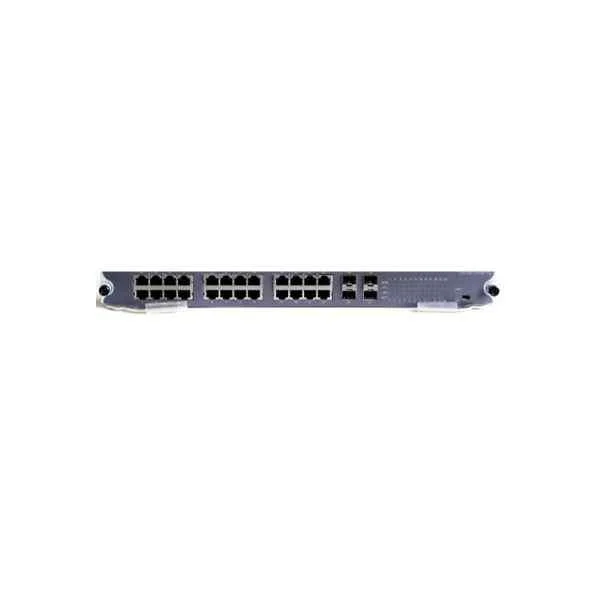
DES-85-24GE-TXE (D-Link 24-port gigabit electrical (RJ45), 4-port multiplexed gigabit optical service board (SFP), enhanced board)
4.6 (5)- Switch
- D-Link
- AC Power Supply
- Layer 2
- Rack-mount
- 50 W
- 12–24 Ports
Est Value In stockFirst-Time Buyer Discount – Get up to 2% additional off on your first order
ORM Rewards Earn $50 in Rewards + Free Expedited Delivery – Join Now!
Use eCoupon ORMSAVE10
eCoupon limited to 5 units
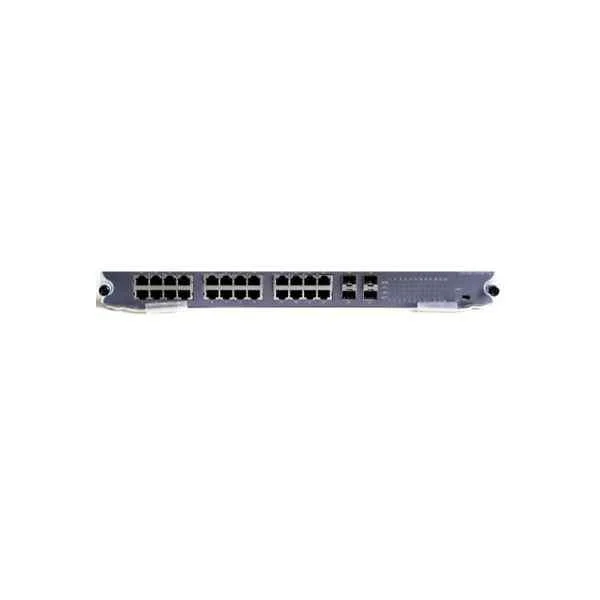
DES-85-24GE-TX (D-Link 24-port gigabit electrical (RJ45), 4-port multiplexed gigabit optical service board (SFP))
4.4 (5)- Switch
- D-Link
- AC Power Supply
- Layer 2
- Rack-mount
- 35 W
- 12–24 Ports
Est Value In stockFirst-Time Buyer Discount – Get up to 2% additional off on your first order
ORM Rewards Earn $50 in Rewards + Free Expedited Delivery – Join Now!
Use eCoupon ORMSAVE10
eCoupon limited to 5 units
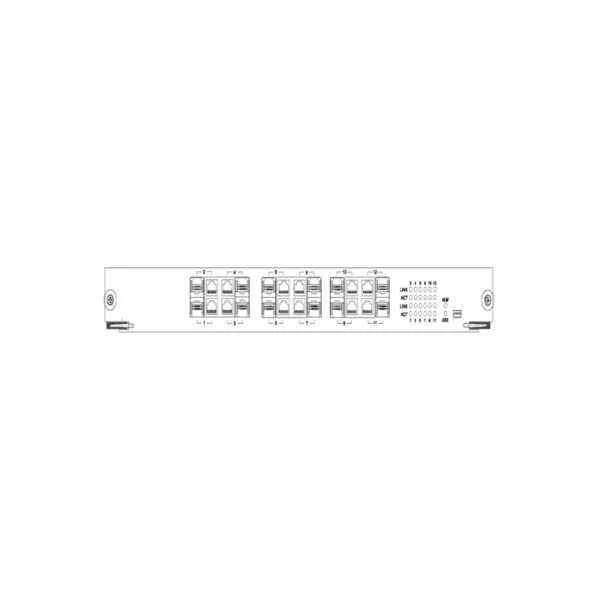
DES-85-12GE-TX/SFP (D-Link 12-port Gigabit Combo service board (RJ45, SFP))
4.6 (5)- Switch
- D-Link
- Redundant Power Supply
- Layer 2
- Rack-mount
- 35 W
- 12–24 Ports
Est Value In stockFirst-Time Buyer Discount – Get up to 2% additional off on your first order
ORM Rewards Earn $50 in Rewards + Free Expedited Delivery – Join Now!
Use eCoupon ORMSAVE10
eCoupon limited to 5 units
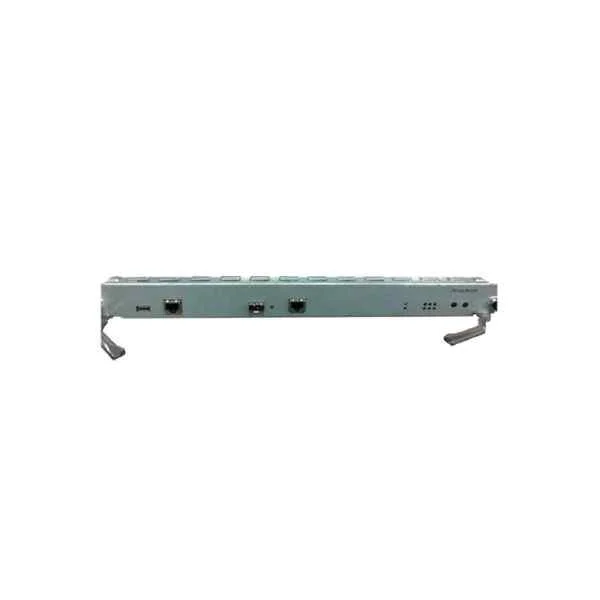
DES-85-MSU-VI (D-Link DES-8500 series main control board VI type)
4.4 (5)- Switch
- D-Link
- AC Power Supply
- Layer 3
- Rack-mount
- 85W
- 24–48 Ports
Est Value In stockFirst-Time Buyer Discount – Get up to 2% additional off on your first order
ORM Rewards Earn $50 in Rewards + Free Expedited Delivery – Join Now!
Use eCoupon ORMSAVE10
eCoupon limited to 5 units
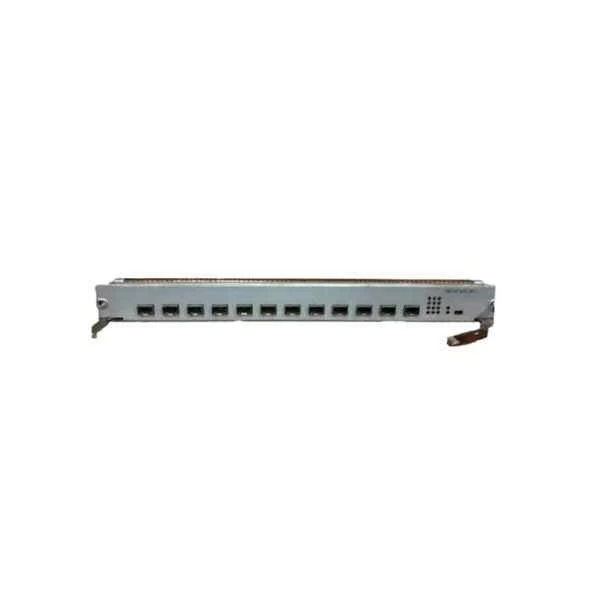
DES-85-12TE-SFP+-MPLSE (D-Link 12-port 10G optical service board (SFP+), enhanced board)
4.4 (5)- Switch
- D-Link
- AC Power Supply
- Layer 2
- Rack-mount
- 85 W
- 12–24 Ports
Est Value In stockFirst-Time Buyer Discount – Get up to 2% additional off on your first order
ORM Rewards Earn $50 in Rewards + Free Expedited Delivery – Join Now!
Use eCoupon ORMSAVE10
eCoupon limited to 5 units
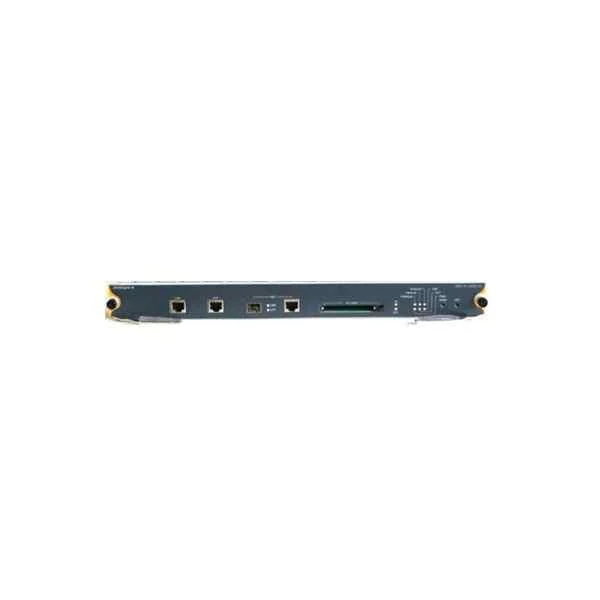
DES-85-MSU-III (D-Link DES-8500 series main control board III type)
4.8 (5)- Switch
- D-Link
- Redundant Power Supply / AC Power Supply
- Layer 2 / Layer 3
- Rack-mount
- 150W
- 24–48 Ports
Est Value In stockFirst-Time Buyer Discount – Get up to 2% additional off on your first order
ORM Rewards Earn $50 in Rewards + Free Expedited Delivery – Join Now!
Use eCoupon ORMSAVE10
eCoupon limited to 5 units
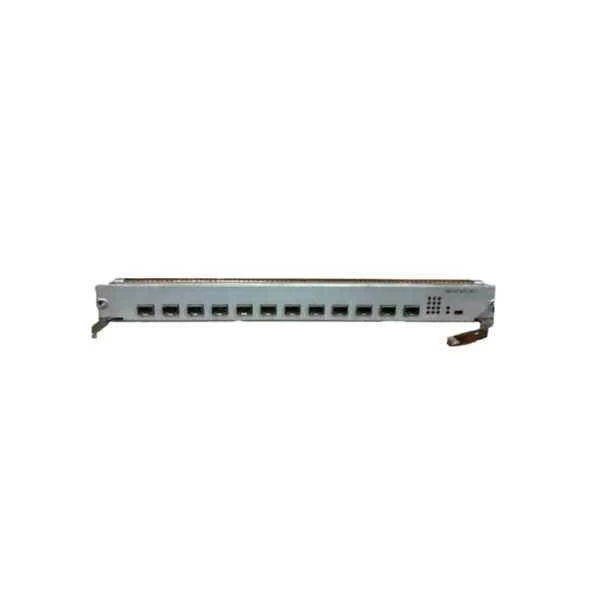
DES-85-12TE-SFP+-MPLS (D-Link 12-port 10G optical service board (SFP+))
5 (5)- Switch
- D-Link
- AC Power Supply
- Layer 3
- Rack-mount
- 85 W
- 12–24 Ports
Est Value In stockFirst-Time Buyer Discount – Get up to 2% additional off on your first order
ORM Rewards Earn $50 in Rewards + Free Expedited Delivery – Join Now!
Use eCoupon ORMSAVE10
eCoupon limited to 5 units
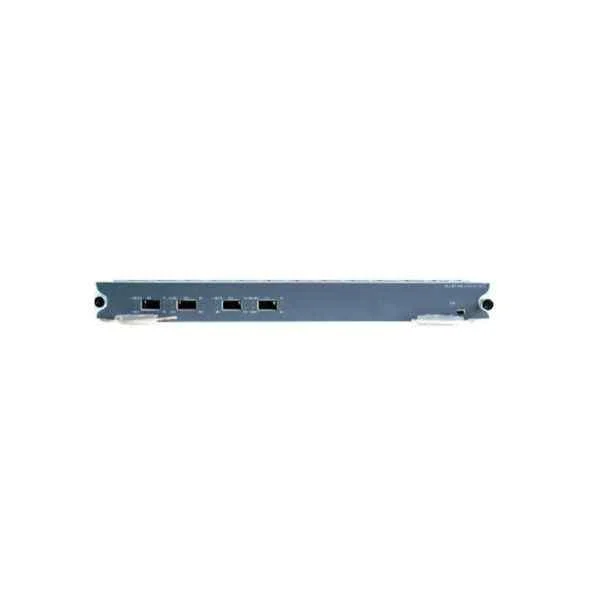
DES-85-4TE-SFP+-MPLSE (D-Link 4-port 10 Gigabit optical service board (SFP+), enhanced board)
4.8 (5)- Switch
- D-Link
- AC Power Supply
- Layer 2 / Layer 3
- Rack-mount
- 55W
- Under 12 Ports
Est Value In stockFirst-Time Buyer Discount – Get up to 2% additional off on your first order
ORM Rewards Earn $50 in Rewards + Free Expedited Delivery – Join Now!
Use eCoupon ORMSAVE10
eCoupon limited to 5 units
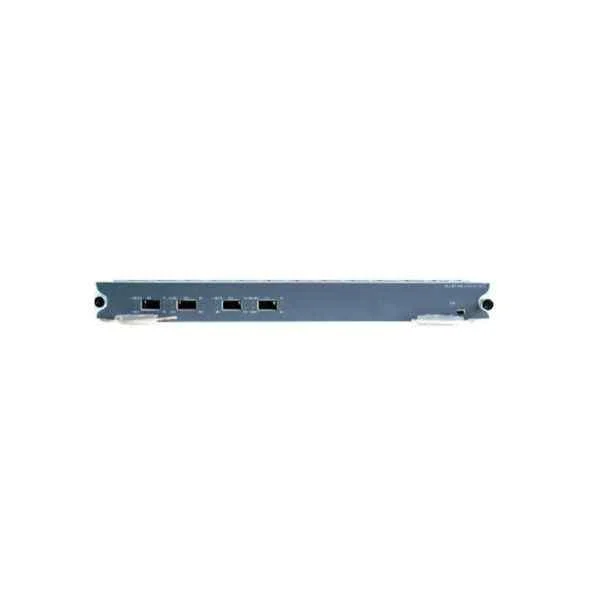
DES-85-4TE-SFP+-MPLS-L (D-Link 4-port 10 Gigabit optical service board (SFP+))
4.8 (5)- Switch
- D-Link
- AC Power Supply
- Layer 3
- Rack-mount
- 50W
- Under 12 Ports
Est Value In stockFirst-Time Buyer Discount – Get up to 2% additional off on your first order
ORM Rewards Earn $50 in Rewards + Free Expedited Delivery – Join Now!
Use eCoupon ORMSAVE10
eCoupon limited to 5 units
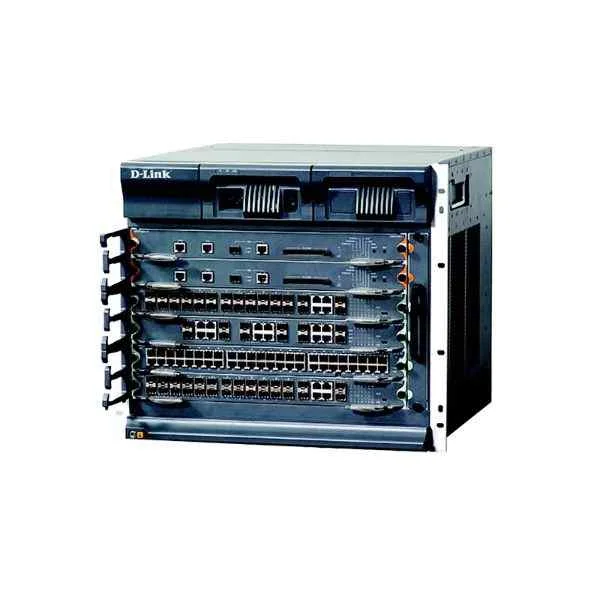
DES-8506 (D-Link DES-8506 final assembly chassis (including 1 fan tray, 2 power supply slots, standard configuration without power supply, 2 main control slots, 4 business slots))
4.2 (5)- Switch
- D-Link
- Redundant Power Supply / AC Power Supply
- Layer 2 / Layer 3
- Rack-mount
- 150 W
- 24–48 Ports
Est Value In stockFirst-Time Buyer Discount – Get up to 2% additional off on your first order
ORM Rewards Earn $50 in Rewards + Free Expedited Delivery – Join Now!
Use eCoupon ORMSAVE10
eCoupon limited to 5 units

ORM Sales Advisors
Buying for your business? Get a personalised quote in under 2 hours. Talk to an expert
LEARNFilters (19) 
Questions & Answers
What is a D-Link Core Switch?
A D-Link Core Switch is a high-performance, enterprise-grade network switch designed to serve as the backbone of campus and data-center networks, delivering low latency, high throughput, and advanced management features.
What are the key features of D-Link Core Switches?
Key features include non-blocking switching architecture, 10/25/40/100 GbE uplinks, comprehensive VLAN support, QoS, advanced security policies, and modular redundancy for maximum uptime.
How do D-Link Core Switches support network scalability?
D-Link Core Switches support scalability through stacking, modular uplink slots, and high-density port configurations, allowing seamless expansion without sacrificing performance.
What performance benefits do D-Link Core Switches offer?
They provide wire-speed forwarding, ultra-low latency, and hardware-based traffic optimization to handle large east-west and north-south traffic flows in demanding environments.
Are D-Link Core Switches suitable for small businesses?
Yes. While optimized for enterprise cores, select D-Link models scale down to SMB deployments, offering simplified management and enterprise-class reliability at an SMB-friendly price point.
How does VLAN support work on D-Link Core Switches?
They support up to 4,000 VLANs, 802.1Q tagging, private VLANs, and advanced inter-VLAN routing, enabling granular traffic segmentation and secure network separation.
What management interfaces are available on D-Link Core Switches?
Management options include a Web GUI, CLI (SSH/telnet), SNMP, RMON, and D-Link’s centralized Network Assistant for automated discovery and configuration.
How do D-Link Core Switches enhance network security?
They integrate 802.1X port authentication, ACLs, DHCP snooping, ARP inspection, and DoS protection to safeguard against unauthorized access and network attacks.
What is the energy efficiency of D-Link Core Switches?
D-Link Core Switches incorporate IEEE 802.3az Energy-Efficient Ethernet, intelligent fan control, and power-saver modes to minimize power consumption without compromising performance.
How do I set up a D-Link Core Switch?
Plug in the switch, connect to its default management IP via Web GUI or CLI, run the Quick Setup wizard to define VLANs, uplinks, and security policies, and monitor via SNMP.
What warranty and support options are available?
D-Link offers limited lifetime warranties on core switch hardware, with optional 24/7 premium support, on-site repair, and firmware update services to maximize network uptime.
How do D-Link Core Switches integrate with existing networks?
They support industry-standard protocols (OSPF, BGP, MPLS, 802.1Q), multi-layer routing, and seamless interoperability with third-party switches for gradual network upgrades.
What is the maximum throughput of D-Link Core Switches?
Throughput ranges from 200 Gbps to over 3.6 Tbps per chassis, depending on the model and port configuration, ensuring exceptional bandwidth for large-scale deployments.
Do D-Link Core Switches support Power over Ethernet (PoE)?
Select models offer PoE/PoE+ (IEEE 802.3af/at) on aggregation ports, while most core switches rely on dedicated PoE switches at the access layer for higher power requirements.
Can D-Link Core Switches be stacked?
Yes. Many D-Link Core Switch models support high-speed stacking ports or virtual chassis technology to unify multiple units into a single logical switch for simplified management.
How do I update the firmware on a D-Link Core Switch?
Download the latest firmware from the D-Link support portal, access the switch’s Web GUI or CLI, upload the firmware file, and follow the on-screen prompts to reboot and verify the new version.
What are common use cases for D-Link Core Switches?
They are ideal for data-center spine/leaf architectures, campus core layers, ISP aggregation, and high-availability enterprise backbones requiring low latency and robust feature sets.