 United States
D-Link Switches Superior Network Performance
Discover D-Link Switches engineered for robust, secure, and scalable connectivity. Optimize network infrastructure with high-performance solutions designed to support mission-critical environments and empower seamless, global communications.
Talk to an expert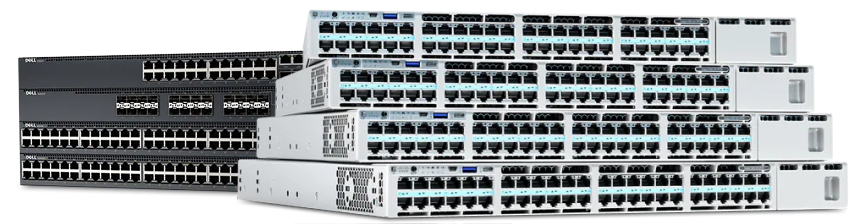
D-Link Data Center Switches
(2)D-Link data center switches for server aggregation rows using 10GbE, 40GbE uplinks, redundant power, and Layer 3 forwarding
D-Link Core Switches
(19)D-Link core switches for campus core backbone rooms using 10GbE aggregation, routing protocols, VLANs, and redundant uplink designs
D-Link Aggregation Switches
(11)D-Link aggregation switches for building distribution aggregation closets using Gigabit Ethernet downlinks, SFP+ uplinks, LACP, and inter-VLAN routing
D-Link Unmanaged Switches
(22)D-Link unmanaged switches for small office desks and wiring shelves needing plug-and-play Fast Ethernet or Gigabit Ethernet access
D-Link Access Switches
(0)D-Link access switches for floor wiring closets using PoE, VLANs, Gigabit Ethernet edge ports, and SFP uplinks for aggregation
D-Link Industrial Switches
(1)D-Link industrial switches for outdoor cabinets and factory lines using DIN-rail mounting, wide-temperature Ethernet, and redundant ring protocols
D-Link Switch Accessories
(3)D-Link switch accessories for rack installations and uplink expansion using SFP transceivers, mounting kits, power supplies, and stacking cables
D-Link Intelligent Network Management Switches
(3)D-Link intelligent network switches for monitored branch LANs using SNMP, VLANs, QoS, and Gigabit Ethernet access port monitoring
D-Link Smart Switches
(5)D-Link smart switches for SMB access closets using web configuration, VLANs, QoS, PoE options, and Gigabit Ethernet uplinks
D-Link Add Points Switches
(1)D-Link Add Points switches for distributed wireless edge drops using PoE, Gigabit Ethernet, VLAN tagging, and compact mounting
D-Link Fully Managed Switches
(0)D-Link fully managed switches for campus distribution closets using Layer 3 routing, 10GbE uplinks, ACLs, and redundant power
67 Matching results
- BEST SELLING
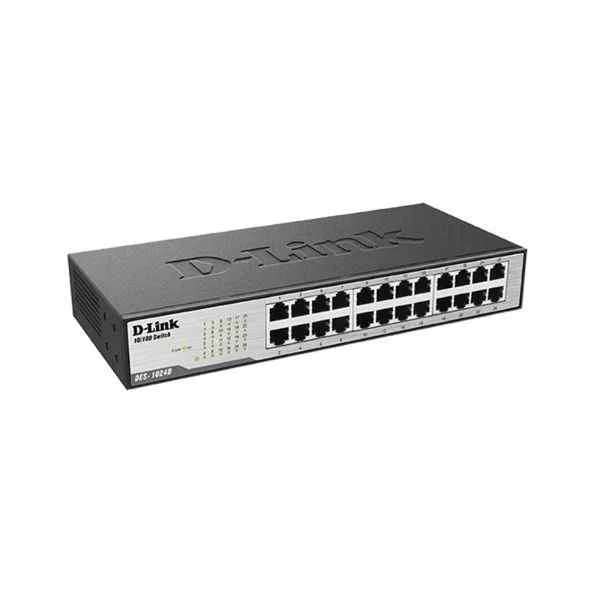
DES-1024D (D-Link Ports: 24 100M electrical ports, backplane bandwidth: 4.8G, packet forwarding rate: 3.57M, size: 280x126x44mm (11 inches, iron case), power supply: AC 100-240V built-in power supply, rackable, non-network management switch)
4.6 (5)- Switch
- D-Link
- AC Power Supply
- Layer 2
- Desktop
- 33 W
- 12–24 Ports
Est Value $276.68
$138.34
50% offIn stockRefurbishedFirst-Time Buyer Discount – Get up to 2% additional off on your first order
ORM Rewards Earn $50 in Rewards + Free Expedited Delivery – Join Now!
Use eCoupon ORMSAVE10
eCoupon limited to 5 units
- BEST SELLING
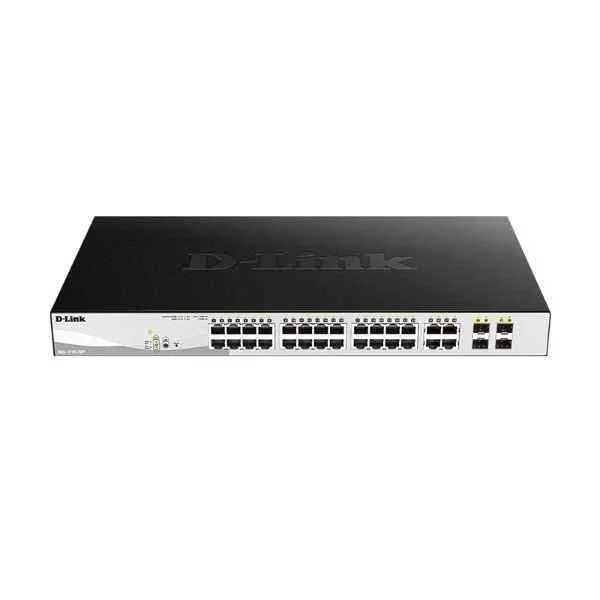
DGS-1210-28MP (24PORT GIGABIT SMART MANAGED POE SWITCH + 4PORT COMBO)
4.2 (5)- Switch
- D-Link
- AC Power Supply
- Layer 2
- Desktop / Rack-mount
- 48.4W
- 24–48 Ports
Est Value $1,089.74$544.87
50% offIn stockNewRefurbishedFirst-Time Buyer Discount – Get up to 2% additional off on your first order
ORM Rewards Earn $50 in Rewards + Free Expedited Delivery – Join Now!
Use eCoupon ORMSAVE10
eCoupon limited to 5 units
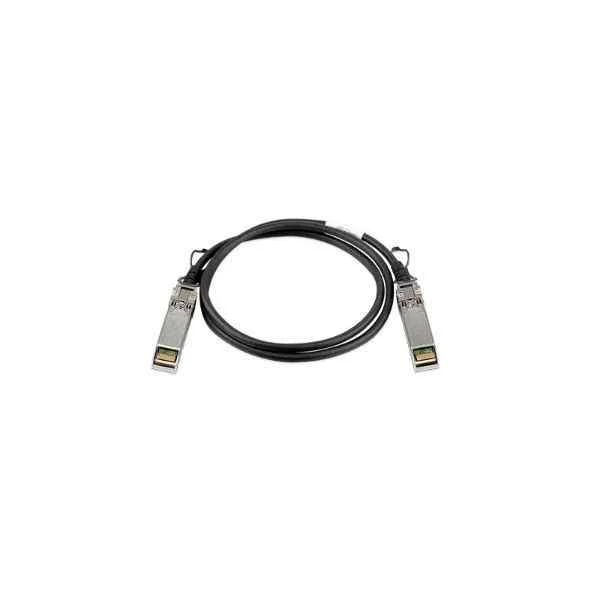
DEM-CB100S (D-Link 10G SFP+ direct connection, 1 meter)
4.6 (5)- Switch
- D-Link
- AC Power Supply
- Layer 2
- Rack-mount
- 50 W
- 24–48 Ports
Est Value $237.30$202.58
14.6% offIn stockNewRefurbishedFirst-Time Buyer Discount – Get up to 2% additional off on your first order
ORM Rewards Earn $50 in Rewards + Free Expedited Delivery – Join Now!
Use eCoupon ORMSAVE10
eCoupon limited to 5 units
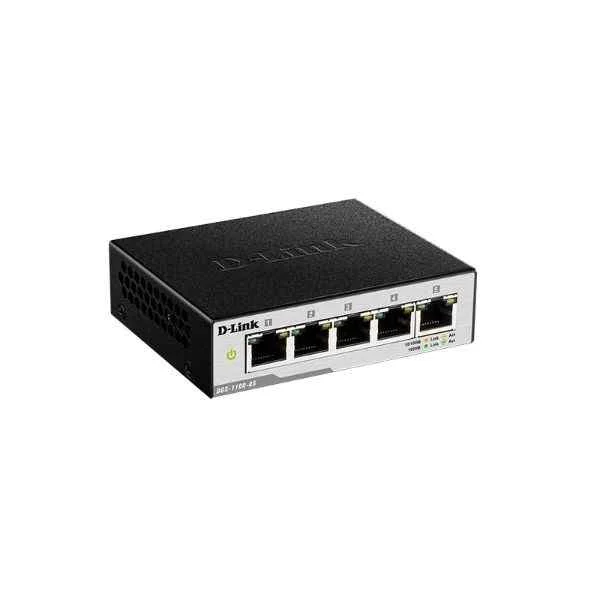
DGS-1100-05 (D-Link 5 Gigabit electrical ports, switching capacity: 68G, packet forwarding rate: 7.5M, intelligent network management switch, support Vlan, multicast, loop detection, port speed limit, Web management, iron shell, 100.5*82*28)
4.6 (5)- Switch
- D-Link
- AC Power Supply
- Layer 2
- Desktop
- 2.3W
- Under 12 Ports
Est Value $239.16$119.58
50% offIn stockRefurbishedFirst-Time Buyer Discount – Get up to 2% additional off on your first order
ORM Rewards Earn $50 in Rewards + Free Expedited Delivery – Join Now!
Use eCoupon ORMSAVE10
eCoupon limited to 5 units
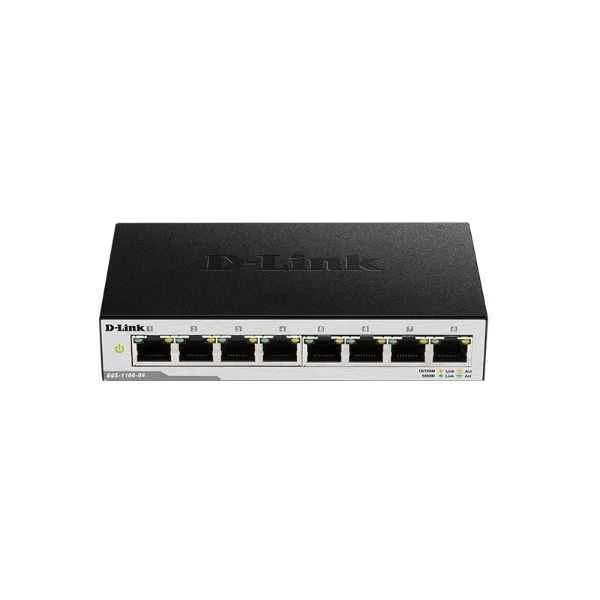
DGS-1100-08 (D-Link 8 Gigabit electrical ports, switching capacity: 68G, packet forwarding rate: 12M, intelligent network management switch, support Vlan, multicast, loop detection, port speed limit, Web management, iron shell, 145x82x28mm)
4.6 (5)- Switch
- D-Link
- AC Power Supply
- Layer 2
- Desktop
- Under 12 Ports
Est Value $155.55$132.78
14.6% offIn stockRefurbishedFirst-Time Buyer Discount – Get up to 2% additional off on your first order
ORM Rewards Earn $50 in Rewards + Free Expedited Delivery – Join Now!
Use eCoupon ORMSAVE10
eCoupon limited to 5 units
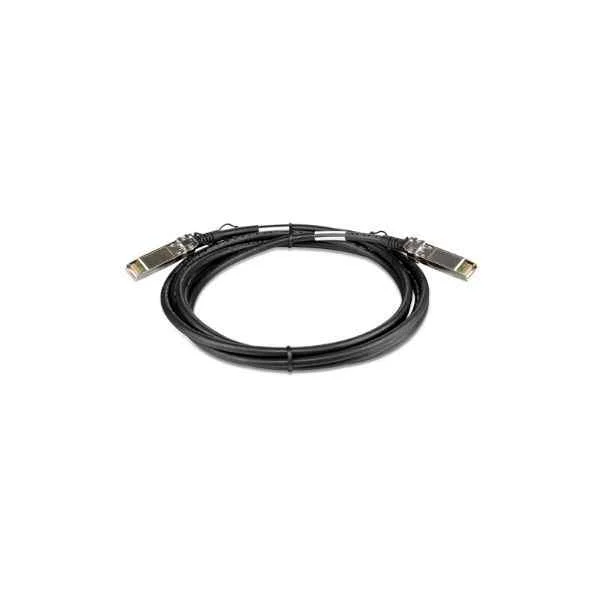
DEM-CB300S (D-Link 10G SFP+ direct connection, 3 meters)
4.4 (5)- Switch
- D-Link
- AC Power Supply
- Layer 2
- Rack-mount
- 24–48 Ports
Est Value $286.24$143.12
50% offIn stockNewFirst-Time Buyer Discount – Get up to 2% additional off on your first order
ORM Rewards Earn $50 in Rewards + Free Expedited Delivery – Join Now!
Use eCoupon ORMSAVE10
eCoupon limited to 5 units
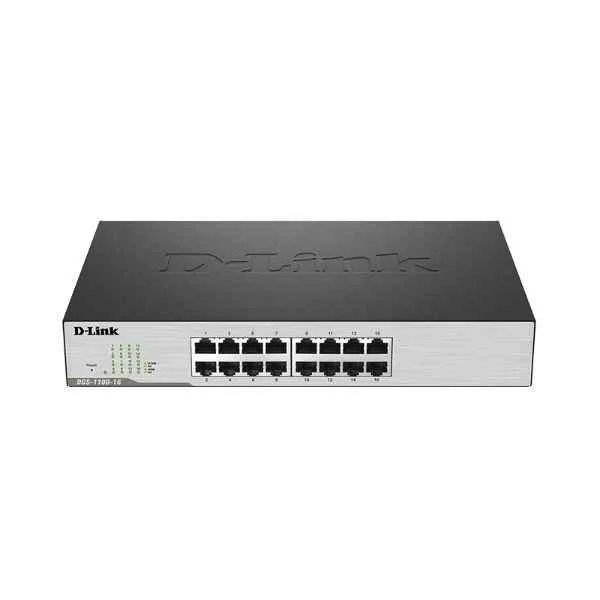
DGS-1100-16 (D-Link 16 Gigabit electrical ports, switching capacity: 68G, packet forwarding rate: 24M, Smart switch, desktop type can be installed on the rack, support Web management)
4.2 (5)- Switch
- D-Link
- AC Power Supply
- Layer 2
- Desktop / Rack-mount
- ≤7W
- 12–24 Ports
Est Value $302.54$151.27
50% offIn stockRefurbishedFirst-Time Buyer Discount – Get up to 2% additional off on your first order
ORM Rewards Earn $50 in Rewards + Free Expedited Delivery – Join Now!
Use eCoupon ORMSAVE10
eCoupon limited to 5 units
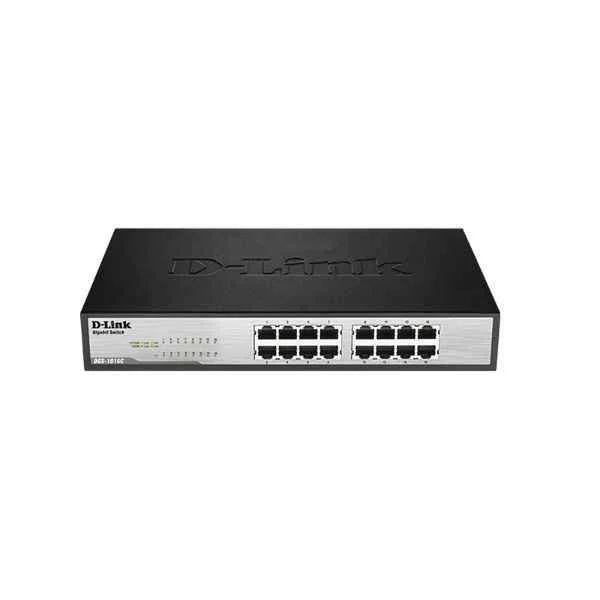
DGS-1016C (D-Link Ports: 16 Gigabit electrical ports, backplane bandwidth: 32G, packet forwarding rate: 23.8M, size: 440x200x44mm (iron case), power supply: AC 100-240V built-in power supply, standard rack type, non-network management switch)
4.4 (5)- Switch
- D-Link
- AC Power Supply
- Layer 2
- Desktop
- 12–24 Ports
Est Value $313.98$156.99
50% offIn stockRefurbishedFirst-Time Buyer Discount – Get up to 2% additional off on your first order
ORM Rewards Earn $50 in Rewards + Free Expedited Delivery – Join Now!
Use eCoupon ORMSAVE10
eCoupon limited to 5 units
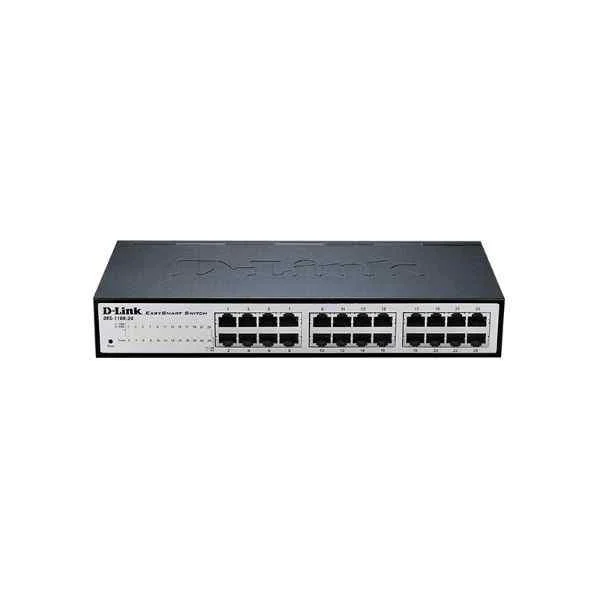
DES-1100-24 (D-Link 24 100M electrical ports; Smart switch, desktop type can be installed on the rack, support Web management)
4.8 (5)- Switch
- D-Link
- AC Power Supply
- Layer 2
- Desktop / Rack-mount
- 25 W
- 12–24 Ports
Est Value $184.32$157.35
14.6% offIn stockRefurbishedFirst-Time Buyer Discount – Get up to 2% additional off on your first order
ORM Rewards Earn $50 in Rewards + Free Expedited Delivery – Join Now!
Use eCoupon ORMSAVE10
eCoupon limited to 5 units
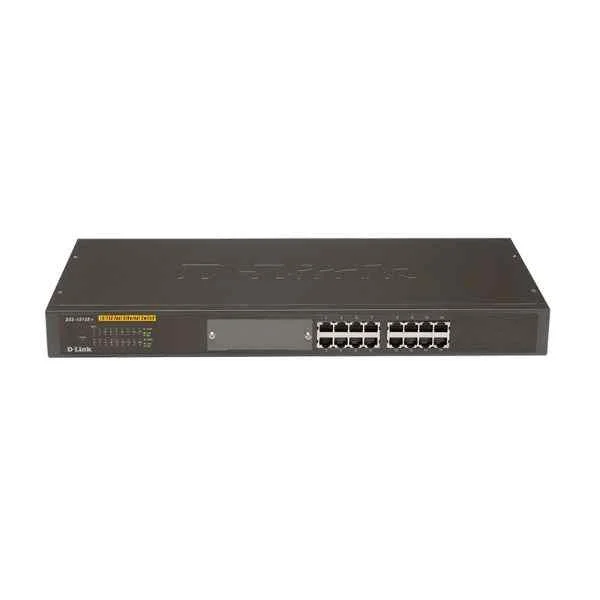
DES-1016R (D-Link Ports: 16 100M electrical ports, backplane bandwidth: 3.2G, packet forwarding rate 2.4M, size: 440x140x44mm (iron case), standard rack type, power supply: AC 100-240V built-in power supply, non-network management switch)
4.6 (5)- Switch
- D-Link
- AC Power Supply
- Layer 2
- Rack-mount
- 30 W
- 12–24 Ports
Est Value $482.08$241.04
50% offIn stockRefurbishedFirst-Time Buyer Discount – Get up to 2% additional off on your first order
ORM Rewards Earn $50 in Rewards + Free Expedited Delivery – Join Now!
Use eCoupon ORMSAVE10
eCoupon limited to 5 units
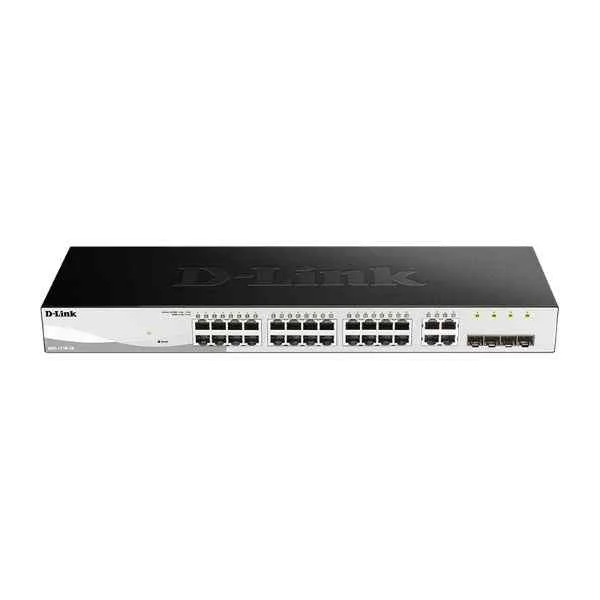
DGS-1210-28 (24PORT GIGABIT WEBSMART SWITCH WITH 4 SFP)
4.8 (5)- Switch
- D-Link
- AC Power Supply
- Layer 2
- Desktop / Rack-mount
- 29.5 W
- 24–48 Ports
Est Value $590.42$295.21
50% offIn stockNewRefurbishedFirst-Time Buyer Discount – Get up to 2% additional off on your first order
ORM Rewards Earn $50 in Rewards + Free Expedited Delivery – Join Now!
Use eCoupon ORMSAVE10
eCoupon limited to 5 units
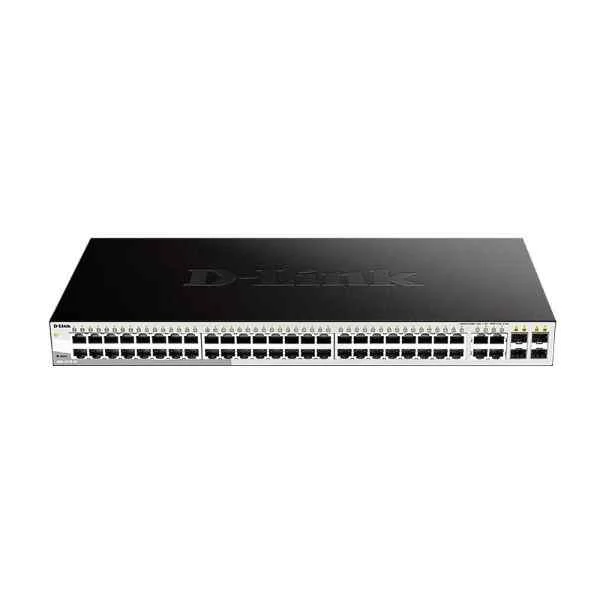
DES-1210-52 (D-Link 48 100M electrical ports + 2 Gigabit electrical ports + 2 Gigabit photoelectric combined ports, switching capacity: 128G, packet forwarding rate: 13.1M, Smart switch, rack type, iron shell, support Web, SNMP management)
4.6 (5)- Switch
- D-Link
- AC Power Supply
- Layer 2
- Rack-mount
- Over 48 Ports
Est Value $343.34$293.10
14.6% offIn stockRefurbishedFirst-Time Buyer Discount – Get up to 2% additional off on your first order
ORM Rewards Earn $50 in Rewards + Free Expedited Delivery – Join Now!
Use eCoupon ORMSAVE10
eCoupon limited to 5 units
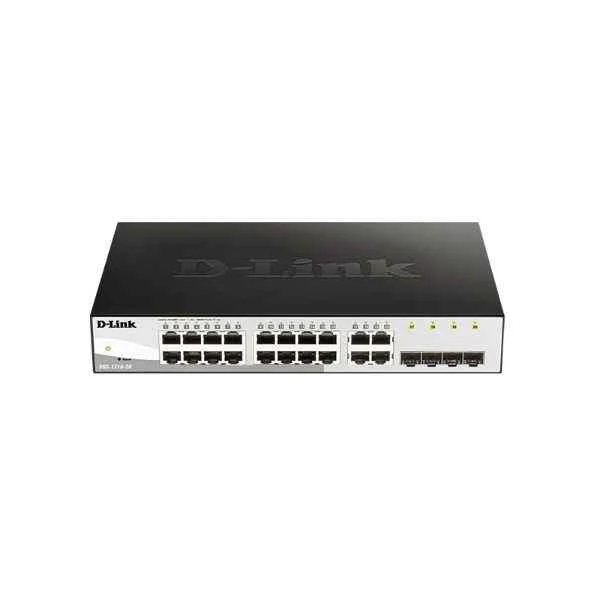
DGS-1210-20 (D-Link 16 Gigabit electrical ports + 4 Gigabit SFP ports, switching capacity: 256G, packet forwarding rate: 30M, Smart switch, desktop type (with long ears can be mounted on the rack), iron shell)
5 (5)- Switch
- D-Link
- AC Power Supply
- Layer 2
- Desktop / Rack-mount
- 12–24 Ports
Est Value $301.47$257.36
14.6% offIn stockNewRefurbishedFirst-Time Buyer Discount – Get up to 2% additional off on your first order
ORM Rewards Earn $50 in Rewards + Free Expedited Delivery – Join Now!
Use eCoupon ORMSAVE10
eCoupon limited to 5 units
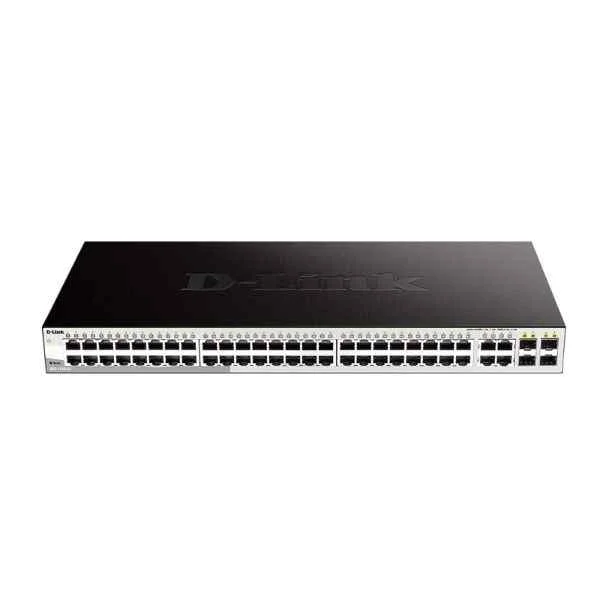
DGS-1210-52 (48PORT GIGABIT WEBSMART SWITCH WITH 4 SFP)
4.4 (5)- Switch
- D-Link
- AC Power Supply
- Layer 2
- Rack-mount
- 39.24 W
- Over 48 Ports
Est Value $708.59$604.89
14.6% offIn stockNewRefurbishedFirst-Time Buyer Discount – Get up to 2% additional off on your first order
ORM Rewards Earn $50 in Rewards + Free Expedited Delivery – Join Now!
Use eCoupon ORMSAVE10
eCoupon limited to 5 units
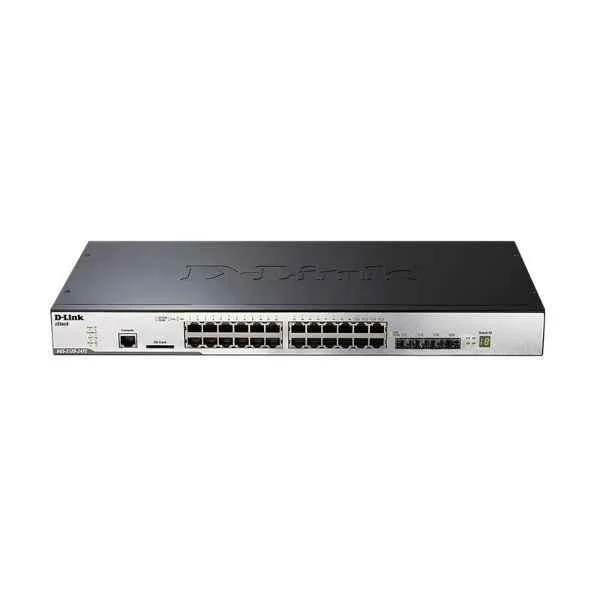
DGS-3120-24TC (D-Link 20 Gigabit electrical ports + 4 Gigabit optical multiplexing ports, switching capacity: 336G/3.36T, packet forwarding rate: 96Mpps/126Mpps, pure three-layer network management switch, support DHCP server, rack type )
5 (5)- Switch
- D-Link
- AC Power Supply
- Layer 2
- Desktop / Rack-mount
- 28 W
- 12–24 Ports
Est Value $1,008.00$504.00
50% offIn stockRefurbishedFirst-Time Buyer Discount – Get up to 2% additional off on your first order
ORM Rewards Earn $50 in Rewards + Free Expedited Delivery – Join Now!
Use eCoupon ORMSAVE10
eCoupon limited to 5 units
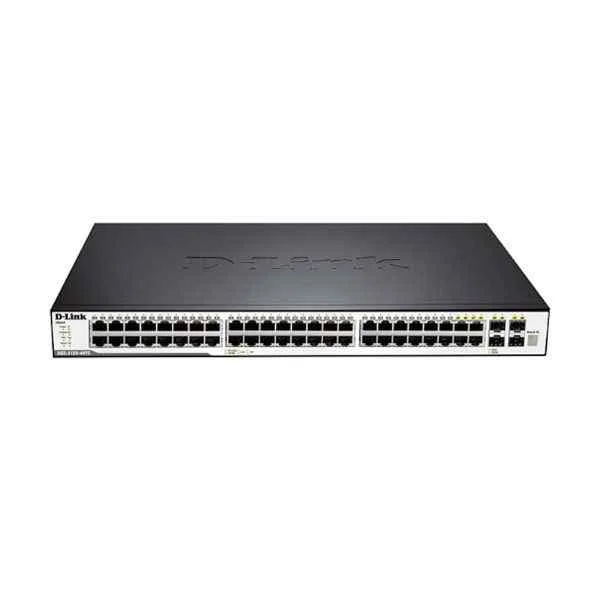
DGS-3120-48TC (D-Link 44 Gigabit electrical ports + 4 Gigabit optical multiplexing ports, switching capacity: 336G/3.36T, packet forwarding rate: 132Mpps/166Mpps, pure three-layer network management switch, support DHCP server, rack type )
4.8 (5)- Switch
- D-Link
- AC Power Supply
- Layer 2
- Rack-mount
- 40W
- 24–48 Ports
Est Value $1,597.10$798.55
50% offIn stockRefurbishedFirst-Time Buyer Discount – Get up to 2% additional off on your first order
ORM Rewards Earn $50 in Rewards + Free Expedited Delivery – Join Now!
Use eCoupon ORMSAVE10
eCoupon limited to 5 units
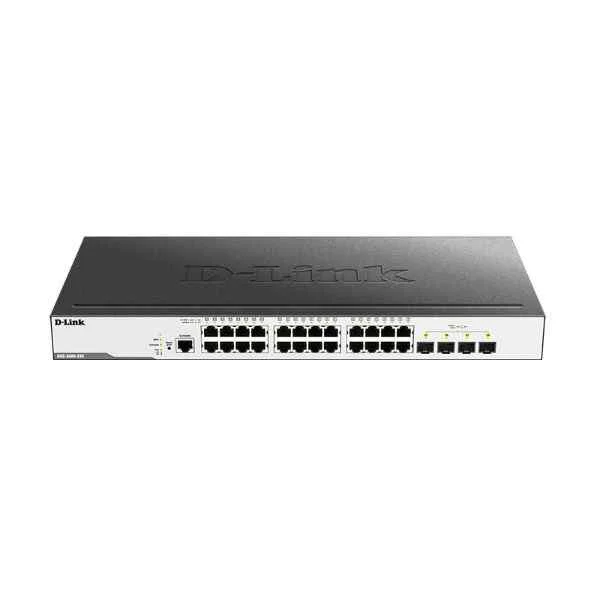
DGS-3000-28X (D-Link 24 Gigabit electrical ports + 4 10 Gigabit optical ports, switching capacity: 336G/3.36T, packet forwarding rate: 108Mpps/126Mpps, managed switch, support DHCP server, rack type)
4.4 (5)- Switch
- D-Link
- AC Power Supply
- Layer 2
- Rack-mount
- 27W
- 24–48 Ports
Est Value $2,382.56$1,191.28
50% offIn stockRefurbishedFirst-Time Buyer Discount – Get up to 2% additional off on your first order
ORM Rewards Earn $50 in Rewards + Free Expedited Delivery – Join Now!
Use eCoupon ORMSAVE10
eCoupon limited to 5 units
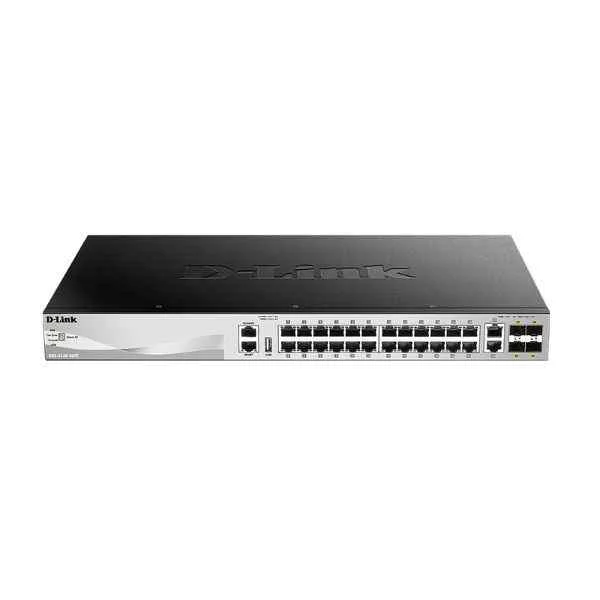
DGS-3130-30TS (DGS-3130 SERIES 30PORT L2+ FULLY MANAGED GIGABIT SWITCH)
4.6 (5)- Switch
- D-Link
- AC Power Supply
- Layer 2
- Rack-mount
- 24–48 Ports
Est Value $3,429.82$1,714.91
50% offIn stockRefurbishedFirst-Time Buyer Discount – Get up to 2% additional off on your first order
ORM Rewards Earn $50 in Rewards + Free Expedited Delivery – Join Now!
Use eCoupon ORMSAVE10
eCoupon limited to 5 units
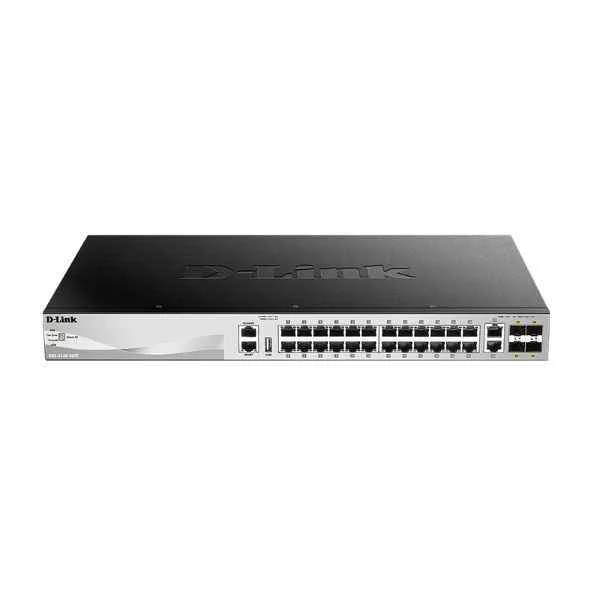
DGS-3130-30S (DGS-3130 SERIES 30-PORT L2+ FULLY)
4.6 (5)- Switch
- D-Link
- AC Power Supply
- Layer 2
- Rack-mount
- 25 W
- 24–48 Ports
Est Value $4,215.26$2,107.63
50% offIn stockRefurbishedFirst-Time Buyer Discount – Get up to 2% additional off on your first order
ORM Rewards Earn $50 in Rewards + Free Expedited Delivery – Join Now!
Use eCoupon ORMSAVE10
eCoupon limited to 5 units
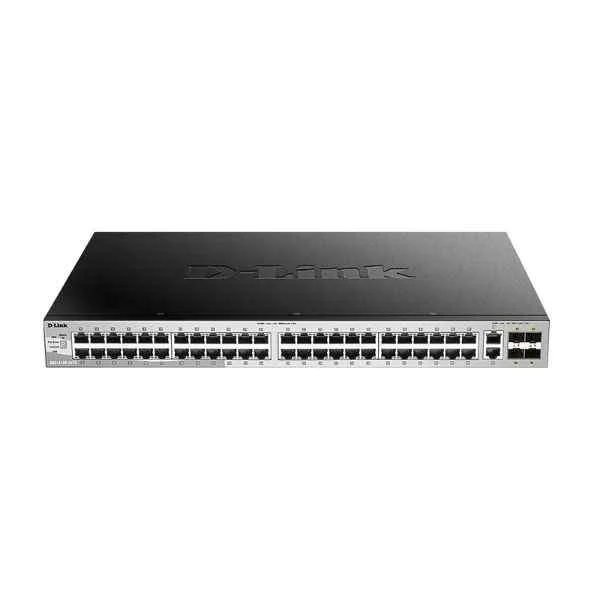
DGS-3130-54TS (DGS-3130 SERIES 54PORT L2+ FULLY MANAGED GIGABIT SWITCH)
4.8 (5)- Switch
- D-Link
- AC Power Supply
- Layer 2
- Rack-mount
- 59.3W
- Over 48 Ports
Est Value $5,786.18$2,893.09
50% offIn stockRefurbishedFirst-Time Buyer Discount – Get up to 2% additional off on your first order
ORM Rewards Earn $50 in Rewards + Free Expedited Delivery – Join Now!
Use eCoupon ORMSAVE10
eCoupon limited to 5 units

ORM Sales Advisors
Buying for your business? Get a personalised quote in under 2 hours. Talk to an expert
LEARNFilters (67) 
Questions & Answers
What is a D-Link network switch?
A D-Link network switch is a hardware device that connects multiple Ethernet devices, intelligently forwarding data based on MAC addresses to optimize local network performance and reduce congestion.
What’s the difference between unmanaged and managed D-Link switches?
Unmanaged D-Link switches offer plug-and-play connectivity with no configuration, while managed switches provide VLANs, QoS, traffic monitoring, and advanced security controls for granular network management.
How do I set up VLANs on a managed D-Link switch?
Log into the D-Link switch’s web interface, navigate to VLAN Settings, define VLAN IDs and associated ports, then apply and save the configuration to segment network traffic securely.
Can D-Link switches deliver Power over Ethernet (PoE)?
Yes, select D-Link switches feature PoE or PoE+ ports that supply up to 30 W per port to power IP cameras, phones, and wireless access points without separate power adapters.
How do I update firmware on my D-Link switch?
Download the latest firmware from D-Link’s support site, access the switch’s web interface, choose Firmware Upgrade, upload the file, and reboot to apply updates safely.
What security features do D-Link switches offer?
D-Link switches include 802.1X authentication, Access Control Lists (ACLs), port security, and DHCP snooping to protect against unauthorized access and network threats.
How do I monitor traffic on a D-Link managed switch?
Use the switch’s built-in SNMP agent or web-based Traffic Statistics dashboard to view port utilization, bandwidth usage, and real-time performance graphs.
Do D-Link switches support link aggregation?
Yes, many D-Link models support IEEE 802.3ad Link Aggregation Control Protocol (LACP) to combine multiple ports for higher bandwidth and redundancy.
What warranty and support does D-Link provide?
D-Link offers a limited lifetime warranty on most switches, plus 24/7 online technical support, firmware updates, and access to knowledge-base resources.
Which D-Link switch is best for a small office?
For small offices, consider the DGS-1210-10 or DGS-1100-08P—compact managed models with VLAN, QoS, and PoE options to support IP phones and wireless APs.
How do I stack D-Link switches?
Use dedicated stacking ports and cables on stackable D-Link models, then configure the unit as a single logical switch via the web interface or CLI for unified management.
Can D-Link switches integrate with cloud management?
Yes, D-Link’s Nuclias Cloud platform supports select switches for remote provisioning, monitoring, and firmware updates through a secure web portal or mobile app.
What PoE budget do D-Link switches offer?
PoE budgets vary by model—for example, the DGS-1510-30MP delivers up to 370 W total, while the DGS-1100-08P provides up to 62 W for powering multiple devices.
How do I enable Quality of Service (QoS) on a D-Link switch?
Access the QoS menu in the switch’s management interface, define traffic classes or priority queues, map port or DSCP values, and apply rules to ensure critical application performance.
Are D-Link switches compatible with other brands?
Yes, D-Link switches adhere to standard Ethernet protocols (IEEE 802.3), ensuring interoperability with switches and routers from Cisco, Netgear, HP, and other vendors.
What speeds do D-Link switches support?
D-Link offers Gigabit and 10-Gigabit switches, with models supporting 100 Mbps, 1 Gbps, 2.5 Gbps, 10 Gbps, and multi-gig uplinks for high-performance networks.