 United States
Smart Switches D-Link Network Innovation
Experience unparalleled network reliability and advanced features with D-Link Smart Switches, engineered for seamless connectivity, optimal performance, and robust security to elevate your IT infrastructure.
Talk to an expert
D-Link 100M Smart Switches
(1)D-Link 100M smart switches for low-bandwidth office access using Fast Ethernet access ports, VLANs, QoS, and web-based configuration
D-Link Gigabit Smart Switches
(4)D-Link Gigabit smart switches for growing branch networks using 1000BASE-T ports, SFP uplinks, VLANs, and LACP link aggregation
5 Matching results
- BEST SELLING
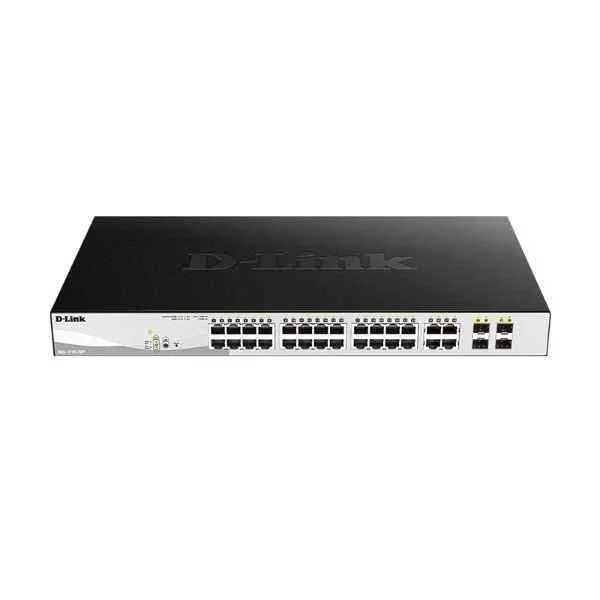
DGS-1210-28MP (24PORT GIGABIT SMART MANAGED POE SWITCH + 4PORT COMBO)
4.2 (5)- Switch
- D-Link
- AC Power Supply
- Layer 2
- Desktop / Rack-mount
- 48.4W
- 24–48 Ports
Est Value $1,089.74
$544.87
50% offIn stockNewRefurbishedFirst-Time Buyer Discount – Get up to 2% additional off on your first order
ORM Rewards Earn $50 in Rewards + Free Expedited Delivery – Join Now!
Use eCoupon ORMSAVE10
eCoupon limited to 5 units
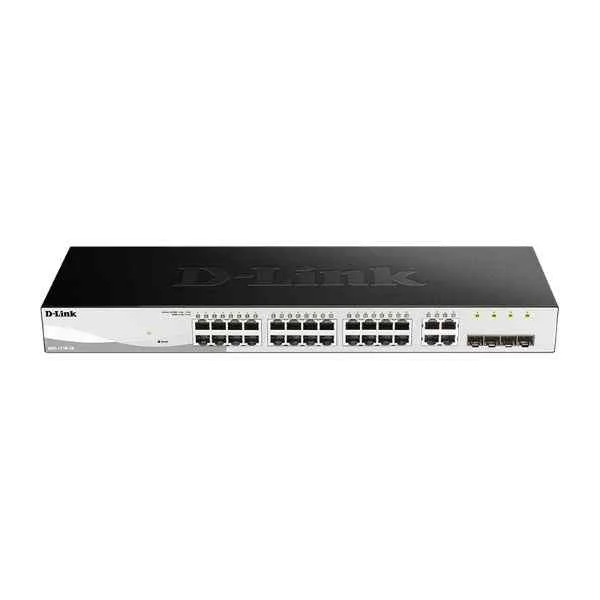
DGS-1210-28 (24PORT GIGABIT WEBSMART SWITCH WITH 4 SFP)
4.8 (5)- Switch
- D-Link
- AC Power Supply
- Layer 2
- Desktop / Rack-mount
- 29.5 W
- 24–48 Ports
Est Value $590.42$295.21
50% offIn stockNewRefurbishedFirst-Time Buyer Discount – Get up to 2% additional off on your first order
ORM Rewards Earn $50 in Rewards + Free Expedited Delivery – Join Now!
Use eCoupon ORMSAVE10
eCoupon limited to 5 units
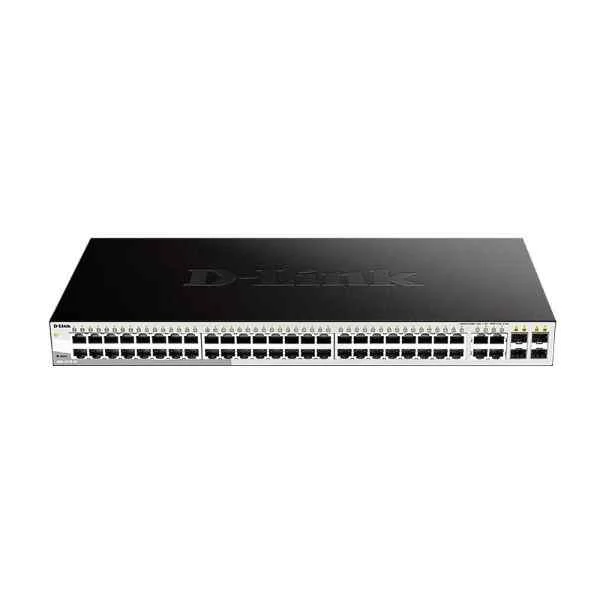
DES-1210-52 (D-Link 48 100M electrical ports + 2 Gigabit electrical ports + 2 Gigabit photoelectric combined ports, switching capacity: 128G, packet forwarding rate: 13.1M, Smart switch, rack type, iron shell, support Web, SNMP management)
4.6 (5)- Switch
- D-Link
- AC Power Supply
- Layer 2
- Rack-mount
- Over 48 Ports
Est Value $343.34$293.10
14.6% offIn stockRefurbishedFirst-Time Buyer Discount – Get up to 2% additional off on your first order
ORM Rewards Earn $50 in Rewards + Free Expedited Delivery – Join Now!
Use eCoupon ORMSAVE10
eCoupon limited to 5 units
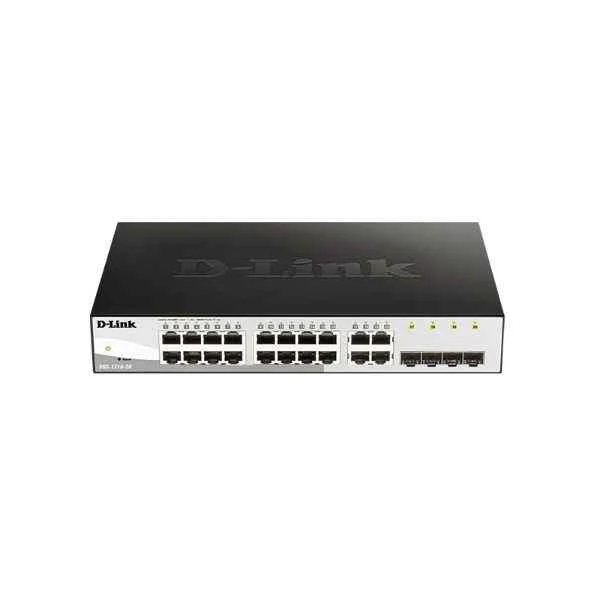
DGS-1210-20 (D-Link 16 Gigabit electrical ports + 4 Gigabit SFP ports, switching capacity: 256G, packet forwarding rate: 30M, Smart switch, desktop type (with long ears can be mounted on the rack), iron shell)
5 (5)- Switch
- D-Link
- AC Power Supply
- Layer 2
- Desktop / Rack-mount
- 12–24 Ports
Est Value $301.47$257.36
14.6% offIn stockNewRefurbishedFirst-Time Buyer Discount – Get up to 2% additional off on your first order
ORM Rewards Earn $50 in Rewards + Free Expedited Delivery – Join Now!
Use eCoupon ORMSAVE10
eCoupon limited to 5 units
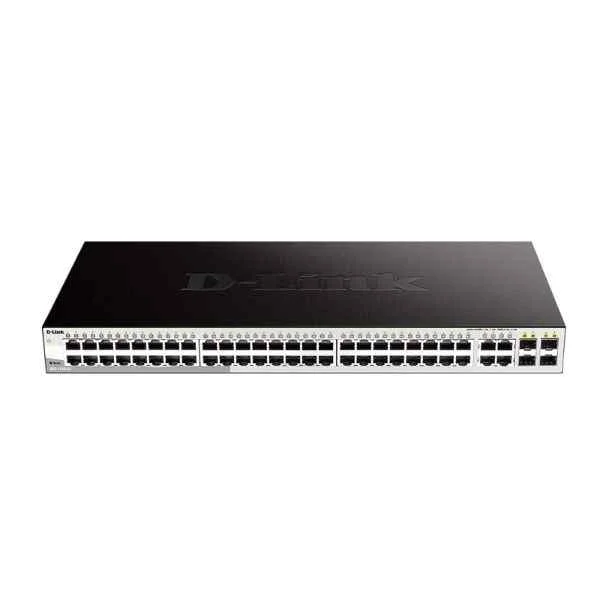
DGS-1210-52 (48PORT GIGABIT WEBSMART SWITCH WITH 4 SFP)
4.4 (5)- Switch
- D-Link
- AC Power Supply
- Layer 2
- Rack-mount
- 39.24 W
- Over 48 Ports
Est Value $708.59$604.89
14.6% offIn stockNewRefurbishedFirst-Time Buyer Discount – Get up to 2% additional off on your first order
ORM Rewards Earn $50 in Rewards + Free Expedited Delivery – Join Now!
Use eCoupon ORMSAVE10
eCoupon limited to 5 units

ORM Sales Advisors
Buying for your business? Get a personalised quote in under 2 hours. Talk to an expert
LEARNFilters (5) 
Questions & Answers
What is a D-Link Smart Switch?
A D-Link Smart Switch is a managed Layer 2 Ethernet switch that delivers advanced features such as VLAN, QoS, link aggregation, SNMP and web-based management for small to medium-sized networks.
How do I configure VLANs on my D-Link Smart Switch?
Log into the web GUI, navigate to VLAN > 802.1Q VLAN, create a VLAN ID, assign member ports as tagged or untagged, and click Apply to enable segmented traffic.
How can I update the firmware on a D-Link Smart Switch?
Download the latest firmware from the D-Link support site, log into the switch’s web interface, go to System > Firmware Upgrade, upload the new file and reboot to complete the update.
Which management interfaces does a D-Link Smart Switch support?
D-Link Smart Switches support management via a web GUI, CLI (console/SSH), SNMP v1/v2c/v3, RMON, and D-Link D-View 7 for centralized monitoring.
Does a D-Link Smart Switch support Power over Ethernet (PoE)?
Many D-Link Smart Switch models support IEEE 802.3af/at PoE, offering up to 30 W per port with configurable power budgets and scheduling options.
How do I set up link aggregation (LACP) on a D-Link Smart Switch?
Access the web GUI, go to LAG > LACP, select the ports to aggregate, enable LACP, assign a LAG ID and mode, then apply the settings to establish the trunk.
What Quality of Service (QoS) features are available on a D-Link Smart Switch?
D-Link Smart Switches offer 802.1p and DSCP-based priority queuing, port-based bandwidth control, traffic shaping, and per-port rate limiting to ensure predictable performance.
How can I monitor network traffic on a D-Link Smart Switch?
Enable port mirroring in the web GUI under Monitoring > Port Mirroring or use SNMP to collect MIB data, allowing you to analyze traffic with external monitoring tools.
How do I reset a D-Link Smart Switch to factory default settings?
Press and hold the reset button on the rear panel for 5–10 seconds, or log into the web GUI and select System > Maintenance > Restore Factory Defaults.
Does a D-Link Smart Switch support IPv6 for management?
Yes, D-Link Smart Switches support IPv6 addressing for web GUI access, SNMP v3 and CLI over SSH, enabling secure next-generation network management.
How do I secure my D-Link Smart Switch against unauthorized access?
Change default credentials, enable HTTPS and SSH for management, disable unused ports, implement 802.1X port authentication and configure ACLs to restrict network access.
Can I manage D-Link Smart Switches via the cloud?
Standard D-Link Smart Switches support only local management; for cloud-based control, use D-Link Nuclias Cloud-Managed Switches that integrate with the Nuclias Cloud portal.
How do I perform diagnostics and troubleshoot connectivity on a D-Link Smart Switch?
Use the built-in cable diagnostics tool, review port and PoE status LEDs, check system logs under Monitoring > Logs and run ping/traceroute tests from the GUI.
Can I stack D-Link Smart Switches for simplified management?
No, D-Link Smart Switches do not support hardware stacking; to deploy stackable switches, choose D-Link Stackable Managed Switches such as the DGS-3120 series.
What is the difference between D-Link Smart Switches and unmanaged switches?
Smart Switches provide configurable features like VLAN, QoS, SNMP and link aggregation, whereas unmanaged switches offer basic plug-and-play connectivity without any management capabilities.
What is the maximum throughput of a D-Link Smart Switch?
Throughput varies by model; for example, the DGS-1210 series offers up to 106 Gbps switching capacity—refer to your switch’s datasheet for exact specifications.