 United States
Networking D-Link Gigabit Smart Switches
Experience superior connectivity and guaranteed reliability with D-Link Gigabit Smart Switches, engineered to optimize network performance, streamline traffic management, and deliver robust security for enterprise environments.
Talk to an expert
4 Matching results
- BEST SELLING
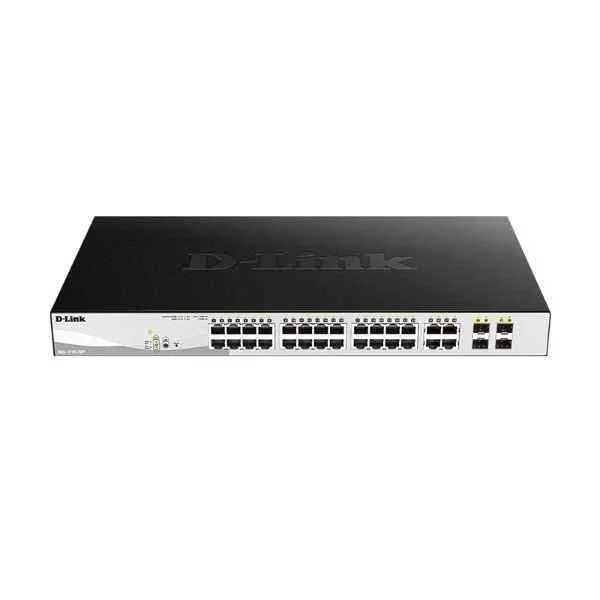
DGS-1210-28MP (24PORT GIGABIT SMART MANAGED POE SWITCH + 4PORT COMBO)
4.2 (5)- Switch
- D-Link
- AC Power Supply
- Layer 2
- Desktop / Rack-mount
- 48.4W
- 24–48 Ports
Est Value $1,089.74
$544.87
50% offIn stockNewRefurbishedFirst-Time Buyer Discount – Get up to 2% additional off on your first order
ORM Rewards Earn $50 in Rewards + Free Expedited Delivery – Join Now!
Use eCoupon ORMSAVE10
eCoupon limited to 5 units
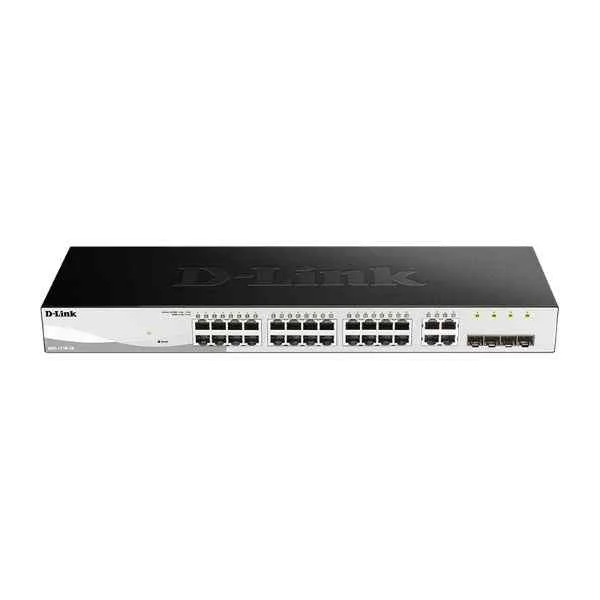
DGS-1210-28 (24PORT GIGABIT WEBSMART SWITCH WITH 4 SFP)
4.8 (5)- Switch
- D-Link
- AC Power Supply
- Layer 2
- Desktop / Rack-mount
- 29.5 W
- 24–48 Ports
Est Value $590.42$295.21
50% offIn stockNewRefurbishedFirst-Time Buyer Discount – Get up to 2% additional off on your first order
ORM Rewards Earn $50 in Rewards + Free Expedited Delivery – Join Now!
Use eCoupon ORMSAVE10
eCoupon limited to 5 units
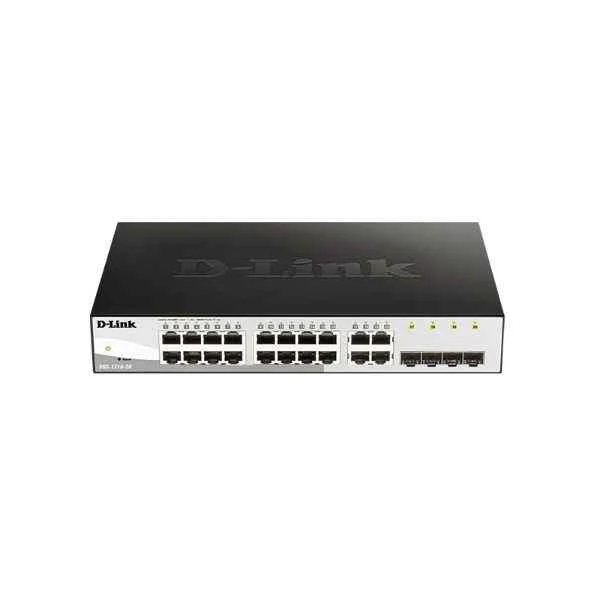
DGS-1210-20 (D-Link 16 Gigabit electrical ports + 4 Gigabit SFP ports, switching capacity: 256G, packet forwarding rate: 30M, Smart switch, desktop type (with long ears can be mounted on the rack), iron shell)
5 (5)- Switch
- D-Link
- AC Power Supply
- Layer 2
- Desktop / Rack-mount
- 12–24 Ports
Est Value $301.47$257.36
14.6% offIn stockNewRefurbishedFirst-Time Buyer Discount – Get up to 2% additional off on your first order
ORM Rewards Earn $50 in Rewards + Free Expedited Delivery – Join Now!
Use eCoupon ORMSAVE10
eCoupon limited to 5 units
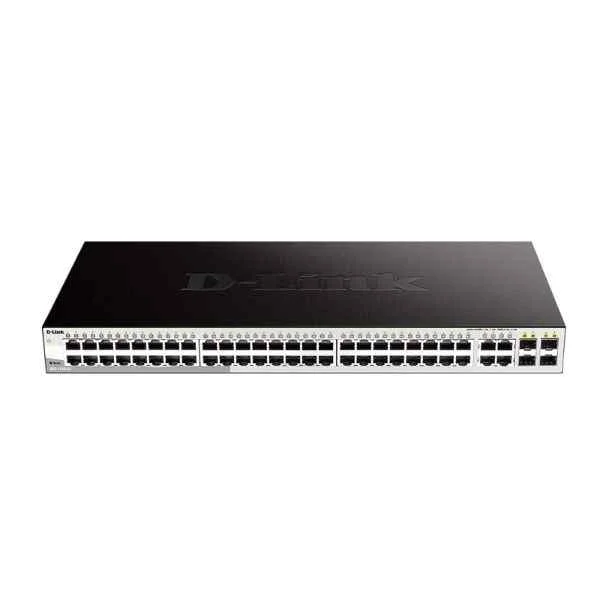
DGS-1210-52 (48PORT GIGABIT WEBSMART SWITCH WITH 4 SFP)
4.4 (5)- Switch
- D-Link
- AC Power Supply
- Layer 2
- Rack-mount
- 39.24 W
- Over 48 Ports
Est Value $708.59$604.89
14.6% offIn stockNewRefurbishedFirst-Time Buyer Discount – Get up to 2% additional off on your first order
ORM Rewards Earn $50 in Rewards + Free Expedited Delivery – Join Now!
Use eCoupon ORMSAVE10
eCoupon limited to 5 units

ORM Sales Advisors
Buying for your business? Get a personalised quote in under 2 hours. Talk to an expert
LEARNFilters (4) 
Questions & Answers
What is a D-Link Gigabit Smart Switch?
A D-Link Gigabit Smart Switch is a managed Layer 2 Ethernet switch offering advanced features such as VLANs, QoS, and SNMP-based monitoring, while maintaining plug-and-play simplicity.
What are the key benefits of using a D-Link Gigabit Smart Switch?
Benefits include high-speed gigabit connectivity, traffic prioritization via QoS, network segmentation through VLANs, PoE support (on select models), and web/SNMP management for easy monitoring and control.
How do I set up a D-Link Gigabit Smart Switch?
To set up, connect the switch to your router via Ethernet, power it on, access its web GUI at the default IP (usually 192.168.0.1), log in with the default credentials, and follow the Quick Start wizard to configure ports, VLANs, and QoS.
Does a D-Link Gigabit Smart Switch support VLAN configuration?
Yes, it supports IEEE 802.1Q VLAN tagging, allowing up to 256 VLANs to segment network traffic and improve security and performance.
Can I manage a D-Link Gigabit Smart Switch remotely?
Yes, remote management is available via the web GUI over HTTPS, SNMP v1/2c/3, and optional D-View network management software for centralized control.
Which PoE standards do D-Link Gigabit Smart Switches support?
Select models support IEEE 802.3af (PoE) and 802.3at (PoE+) with power budgets up to 370 W, enabling deployment of IP phones, wireless APs, and cameras without separate power supplies.
How do I update the firmware on my D-Link Gigabit Smart Switch?
Download the latest firmware from the D-Link support site, log in to the switch’s web GUI, navigate to Maintenance > Firmware Update, upload the file, and reboot when prompted.
What link aggregation options are available on a D-Link Gigabit Smart Switch?
Link aggregation is supported via IEEE 802.3ad LACP, allowing you to combine up to 8 ports per trunk for increased bandwidth and redundancy.
How does QoS work on a D-Link Gigabit Smart Switch?
QoS on D-Link Gigabit Smart Switches uses 802.1p class-of-service (CoS) and DSCP prioritization, as well as port-based and 4-queue scheduling, to ensure latency-sensitive traffic is delivered first.
How many VLANs can I configure on a D-Link Gigabit Smart Switch?
You can configure up to 256 VLANs, each with independent tagging, isolation, and port assignments to optimize security and traffic flow.
Are D-Link Gigabit Smart Switches fanless?
Many desktop models are fanless for silent operation, while rack-mount variants may include smart fans that adjust speed based on temperature to minimize noise.
What warranty does D-Link offer on Gigabit Smart Switches?
D-Link provides a limited lifetime warranty on most Gigabit Smart Switch models, including free technical support and hardware replacement for the warranty period.
What is the difference between the DGS-1100 and DGS-1210 series?
The DGS-1100 is a Web Smart series offering basic L2 features via a simplified GUI, while the DGS-1210 adds more advanced L2+ features, higher PoE budgets, and IPv6 support.
How energy efficient are D-Link Gigabit Smart Switches?
They implement D-Link Green technology and IEEE 802.3az Energy Efficient Ethernet, automatically reducing power consumption on unused ports and during low-traffic periods.
How can I troubleshoot port connectivity issues on a D-Link Gigabit Smart Switch?
Check the port LED for link/activity status, verify cable integrity, ensure correct speed/duplex settings in the CLI or web GUI, and update firmware if needed.
Can I stack multiple D-Link Gigabit Smart Switches?
Certain models support physical stacking via dedicated SFP+ or stacking modules, or virtual stacking through D-View software, enabling unified management and higher throughput.