 United States
D-Link Unmanaged Network Switches
Experience the reliability and efficiency of D-Link unmanaged network switches. Designed for seamless connectivity, outstanding performance, and simplified network management, our switches enhance network reliability and ease deployment.
Talk to an expert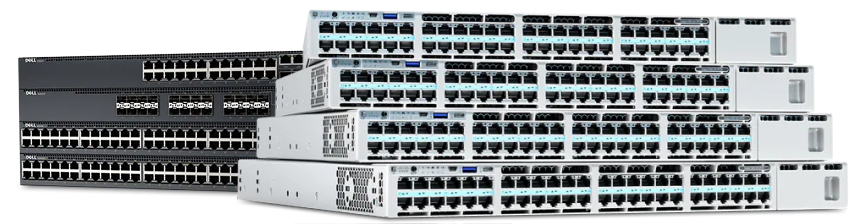
D-Link Gigabit Unmanaged Switches
(22)D-Link Gigabit unmanaged switches for simple office workstation clusters using 1000BASE-T ports, auto-negotiation, and fanless desktop access switching
22 Matching results
- BEST SELLING
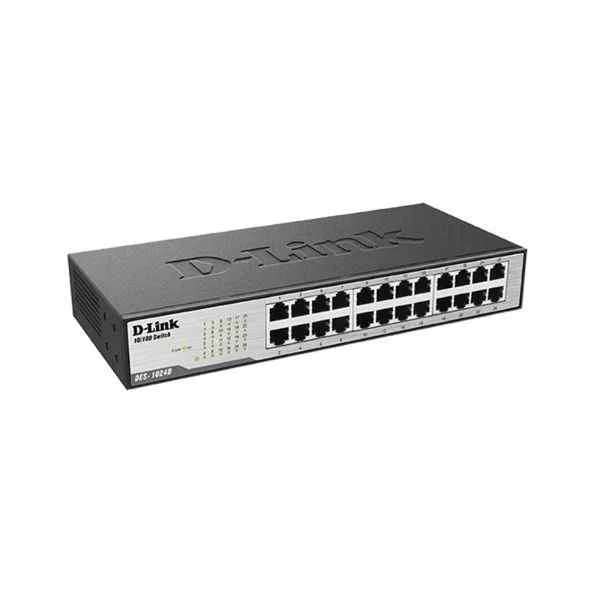
DES-1024D (D-Link Ports: 24 100M electrical ports, backplane bandwidth: 4.8G, packet forwarding rate: 3.57M, size: 280x126x44mm (11 inches, iron case), power supply: AC 100-240V built-in power supply, rackable, non-network management switch)
4.6 (5)- Switch
- D-Link
- AC Power Supply
- Layer 2
- Desktop
- 33 W
- 12–24 Ports
Est Value $276.68
$138.34
50% offIn stockRefurbishedFirst-Time Buyer Discount – Get up to 2% additional off on your first order
ORM Rewards Earn $50 in Rewards + Free Expedited Delivery – Join Now!
Use eCoupon ORMSAVE10
eCoupon limited to 5 units
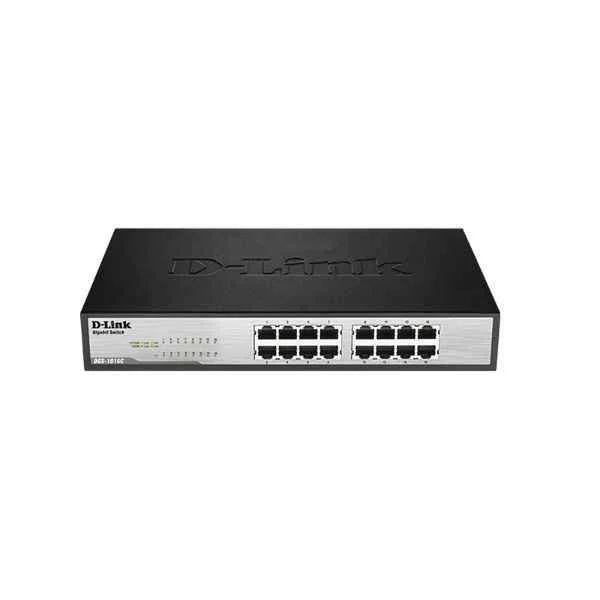
DGS-1016C (D-Link Ports: 16 Gigabit electrical ports, backplane bandwidth: 32G, packet forwarding rate: 23.8M, size: 440x200x44mm (iron case), power supply: AC 100-240V built-in power supply, standard rack type, non-network management switch)
4.4 (5)- Switch
- D-Link
- AC Power Supply
- Layer 2
- Desktop
- 12–24 Ports
Est Value $313.98$156.99
50% offIn stockRefurbishedFirst-Time Buyer Discount – Get up to 2% additional off on your first order
ORM Rewards Earn $50 in Rewards + Free Expedited Delivery – Join Now!
Use eCoupon ORMSAVE10
eCoupon limited to 5 units
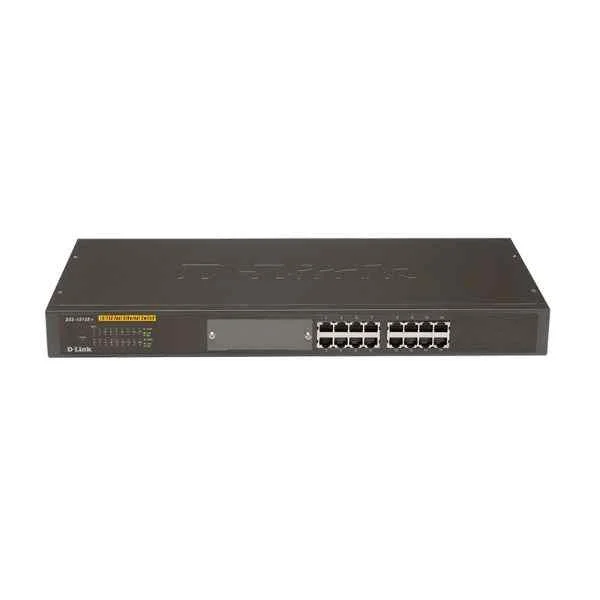
DES-1016R (D-Link Ports: 16 100M electrical ports, backplane bandwidth: 3.2G, packet forwarding rate 2.4M, size: 440x140x44mm (iron case), standard rack type, power supply: AC 100-240V built-in power supply, non-network management switch)
4.6 (5)- Switch
- D-Link
- AC Power Supply
- Layer 2
- Rack-mount
- 30 W
- 12–24 Ports
Est Value $482.08$241.04
50% offIn stockRefurbishedFirst-Time Buyer Discount – Get up to 2% additional off on your first order
ORM Rewards Earn $50 in Rewards + Free Expedited Delivery – Join Now!
Use eCoupon ORMSAVE10
eCoupon limited to 5 units
- BEST SELLING
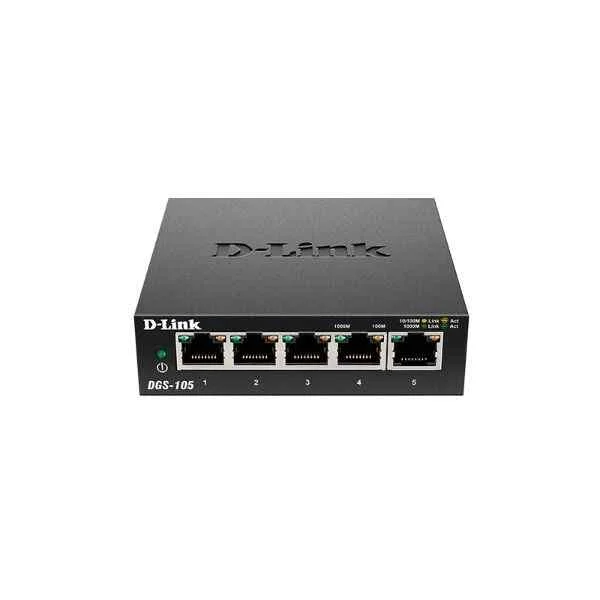
DGS-105 (D-Link Ports: 5 Gigabit electrical ports, backplane bandwidth: 10G, packet forwarding rate: 7.4M, size: 100x98x28mm (3.9 inches, iron case), desktop type can be wall-mounted, power supply: DC 5V/1A external power supply, non-network management switch)
4.6 (5)- Switch
- D-Link
- AC Power Supply
- Layer 2
- Desktop
- 6.4W
- Under 12 Ports
Est Value $84.12$80.64
4.1% offIn stockNewRefurbishedFirst-Time Buyer Discount – Get up to 2% additional off on your first order
ORM Rewards Earn $50 in Rewards + Free Expedited Delivery – Join Now!
Use eCoupon ORMSAVE10
eCoupon limited to 5 units
- BEST SELLING
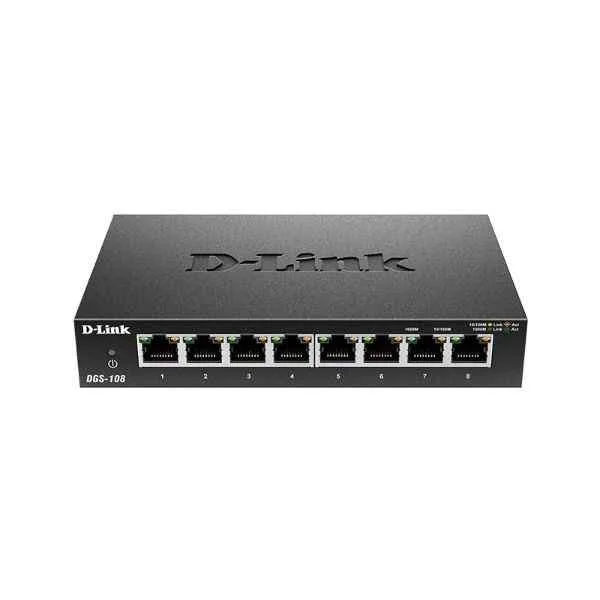
DGS-108 (D-Link Ports: 8 Gigabit electrical ports, backplane bandwidth: 16G, packet forwarding rate: 11.9M, size: 162x102x28mm (6.4 inches, iron case), desktop type can be wall-mounted, power supply: DC 5V/1A external power supply, non-network management switch)
5 (5)- Switch
- D-Link
- AC Power Supply
- Layer 2
- Desktop
- Under 12 Ports
Est Value $127.75$74.59
41.6% offIn stockRefurbishedFirst-Time Buyer Discount – Get up to 2% additional off on your first order
ORM Rewards Earn $50 in Rewards + Free Expedited Delivery – Join Now!
Use eCoupon ORMSAVE10
eCoupon limited to 5 units
- BEST SELLING
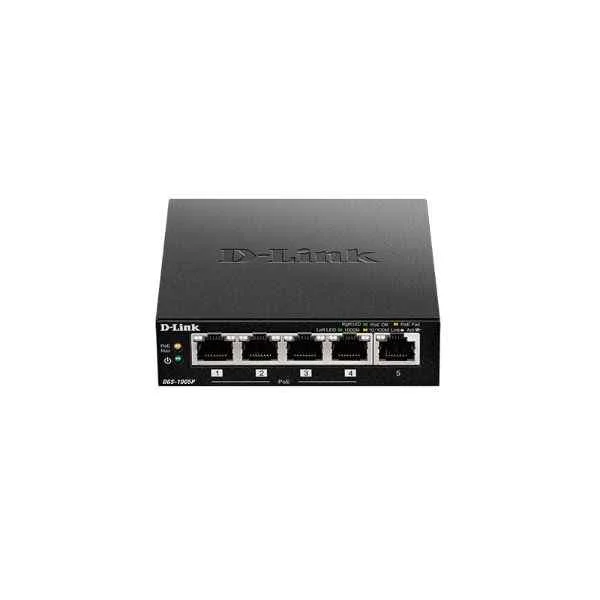
DGS-1005P (5PORT GIGABIT UNMANAGED DESKTOP SWITCH WITH 4PORT POE)
4.4 (5)- Switch
- D-Link
- AC Power Supply
- Layer 2
- Desktop
- 6.7 W
- Under 12 Ports
Est Value $234.00$117.00
50% offIn stockNewRefurbishedFirst-Time Buyer Discount – Get up to 2% additional off on your first order
ORM Rewards Earn $50 in Rewards + Free Expedited Delivery – Join Now!
Use eCoupon ORMSAVE10
eCoupon limited to 5 units
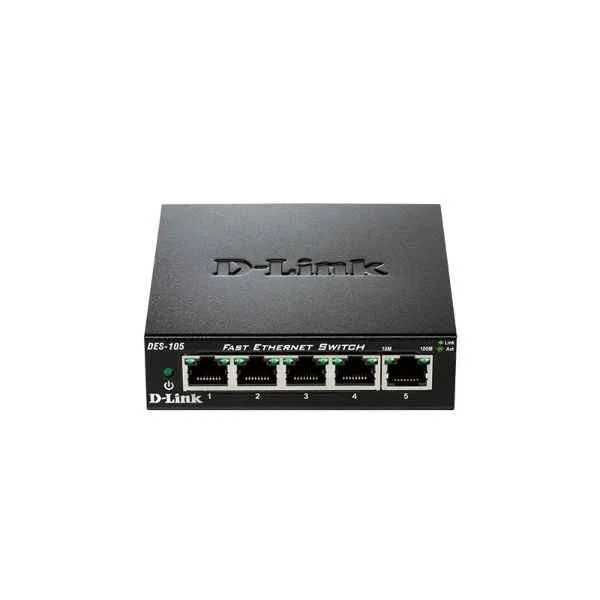
DES-105 (D-Link Ports: 5 100M electrical ports, backplane bandwidth: 1G, packet forwarding rate: 0.74M, size: 100x98x28mm (3.9 inches, iron case), power supply: DC 5V/0.55A external power supply, wall-mounted, non-network management switch)
5 (5)- Switch
- D-Link
- AC Power Supply
- Layer 2
- Rack-mount
- 65 W
- 24–48 Ports
Est Value $150.12$75.06
50% offIn stockRefurbishedFirst-Time Buyer Discount – Get up to 2% additional off on your first order
ORM Rewards Earn $50 in Rewards + Free Expedited Delivery – Join Now!
Use eCoupon ORMSAVE10
eCoupon limited to 5 units
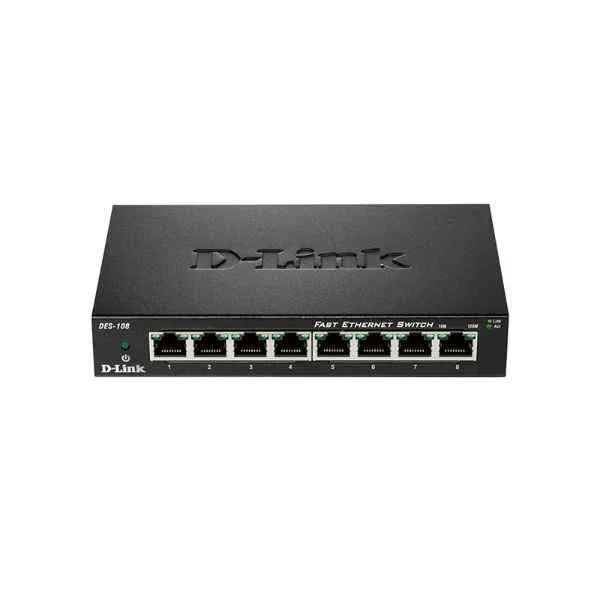
DES-108 (D-Link Ports: 8 100M electrical ports, backplane bandwidth: 1.6G, packet forwarding rate: 1.2M, size: 162x102x28mm (6.4 inches, iron case), power supply: DC 5V/0.55A external power supply, wall-mounted, non-network management switch)
4.8 (5)- Switch
- D-Link
- AC Power Supply
- Layer 2
- Rack-mount
- 35 W
- Under 12 Ports
Est Value $174.46$87.23
50% offIn stockRefurbishedFirst-Time Buyer Discount – Get up to 2% additional off on your first order
ORM Rewards Earn $50 in Rewards + Free Expedited Delivery – Join Now!
Use eCoupon ORMSAVE10
eCoupon limited to 5 units
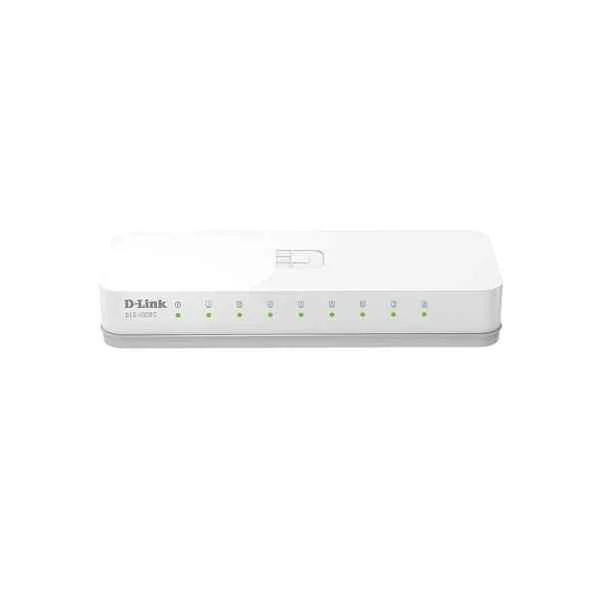
DES-1008C-CN (D-Link Ports: 8 100M electrical ports, switching capacity: 1.6G, packet forwarding rate: 1.19M, size: 128x71x27mm plastic case, power supply: 5V/0.6A external power supply, non-network management switch)
4.6 (5)- Switch
- D-Link
- AC Power Supply
- Layer 2
- Desktop
- Under 12 Ports
Est Value In stockFirst-Time Buyer Discount – Get up to 2% additional off on your first order
ORM Rewards Earn $50 in Rewards + Free Expedited Delivery – Join Now!
Use eCoupon ORMSAVE10
eCoupon limited to 5 units
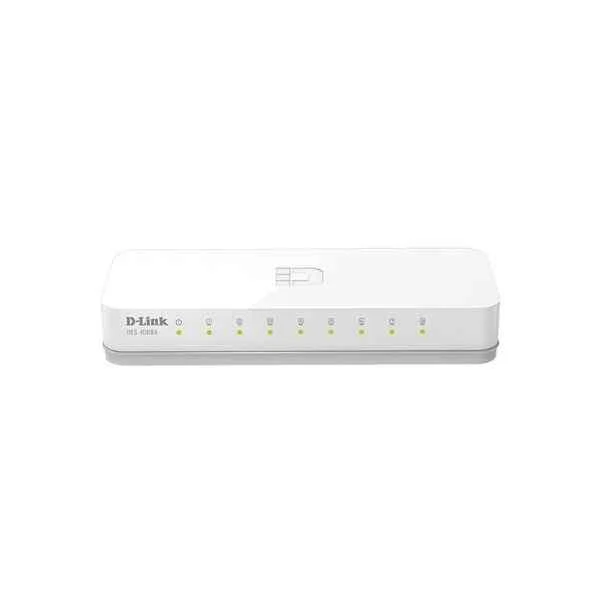
DES-1008A (D-Link Ports: 8 100M electrical ports, backplane bandwidth: 1.6G, packet forwarding rate: 1.2M, size: 142x79x24mm (5.6 inches, plastic case), power supply: DC 5V/0.55A external power supply, non-network management switch)
4.6 (5)- Switch
- D-Link
- AC Power Supply
- Layer 2
- Rack-mount
- Under 12 Ports
Est Value In stockFirst-Time Buyer Discount – Get up to 2% additional off on your first order
ORM Rewards Earn $50 in Rewards + Free Expedited Delivery – Join Now!
Use eCoupon ORMSAVE10
eCoupon limited to 5 units
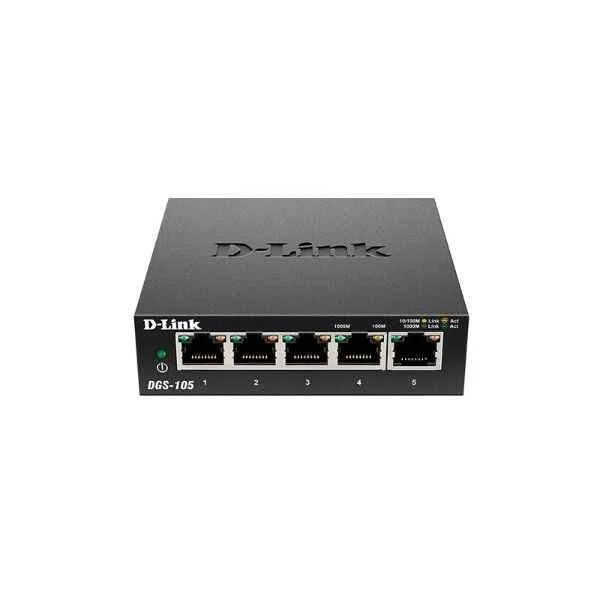
DGS-105-CN (D-Link Ports: 5 thousand electrical ports, switching capacity: 10G, packet forwarding rate: 7.44M, size: 100x64x25mm iron case, power supply: 5V/0.6A external power supply, non-network management switch )
4.4 (5)- Switch
- D-Link
- AC Power Supply
- Layer 2
- Desktop
- 6.5W
- Under 12 Ports
Est Value In stockFirst-Time Buyer Discount – Get up to 2% additional off on your first order
ORM Rewards Earn $50 in Rewards + Free Expedited Delivery – Join Now!
Use eCoupon ORMSAVE10
eCoupon limited to 5 units
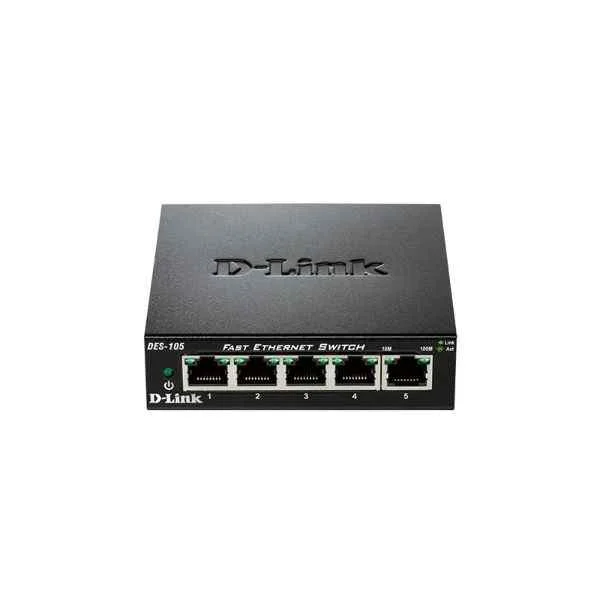
DES-105-CN (D-Link Ports: 5 100M electrical ports, switching capacity: 1G, packet forwarding rate: 0.744M, size: 100x64x25mm iron case, power supply: 5V/0.6A external power supply, non-network management switch)
5 (5)- Switch
- D-Link
- AC Power Supply
- Layer 2
- Desktop
- 30W
- Under 12 Ports
Est Value In stockFirst-Time Buyer Discount – Get up to 2% additional off on your first order
ORM Rewards Earn $50 in Rewards + Free Expedited Delivery – Join Now!
Use eCoupon ORMSAVE10
eCoupon limited to 5 units
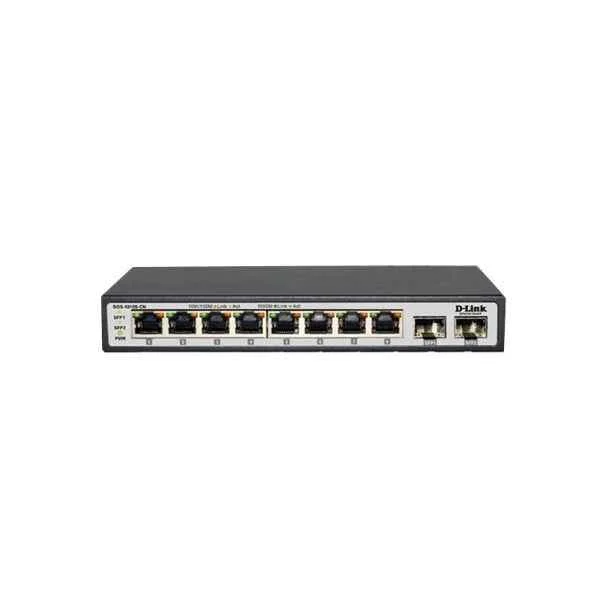
DGS-1010S-CN (D-Link Ports: 8 Gigabit electrical ports + 2 Gigabit SFP optical ports, backplane bandwidth: 20G, packet forwarding rate: 14.9M, size: 190x100x28mm, power supply: 12V/1A external power supply, non-managed switch)
4.6 (5)- Switch
- D-Link
- AC Power Supply
- Layer 2
- Desktop
- 8 W
- Under 12 Ports
Est Value In stockFirst-Time Buyer Discount – Get up to 2% additional off on your first order
ORM Rewards Earn $50 in Rewards + Free Expedited Delivery – Join Now!
Use eCoupon ORMSAVE10
eCoupon limited to 5 units
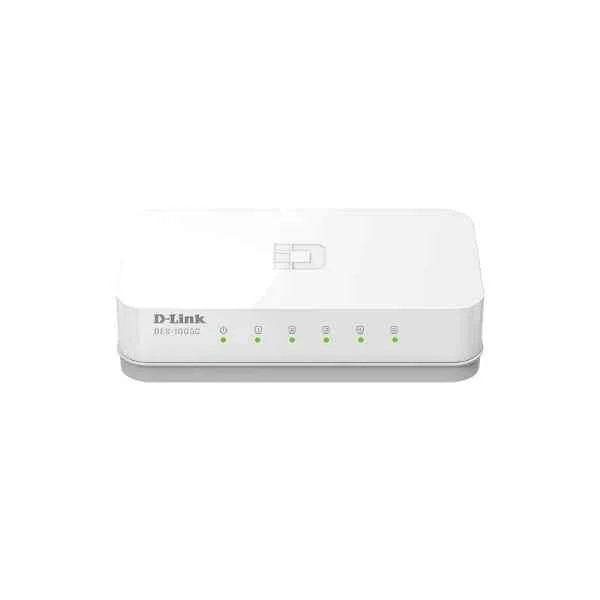
DES-1005C-CN (D-Link Ports: 5 100M electrical ports, switching capacity: 1G, packet forwarding rate: 0.744M, size: 100x71x27mm plastic case, power supply: 5V/0.6A external power supply, non-network management switch)
4.6 (5)- Switch
- D-Link
- AC Power Supply
- Layer 2
- Desktop / Rack-mount
- 8 W
- Under 12 Ports
Est Value In stockFirst-Time Buyer Discount – Get up to 2% additional off on your first order
ORM Rewards Earn $50 in Rewards + Free Expedited Delivery – Join Now!
Use eCoupon ORMSAVE10
eCoupon limited to 5 units
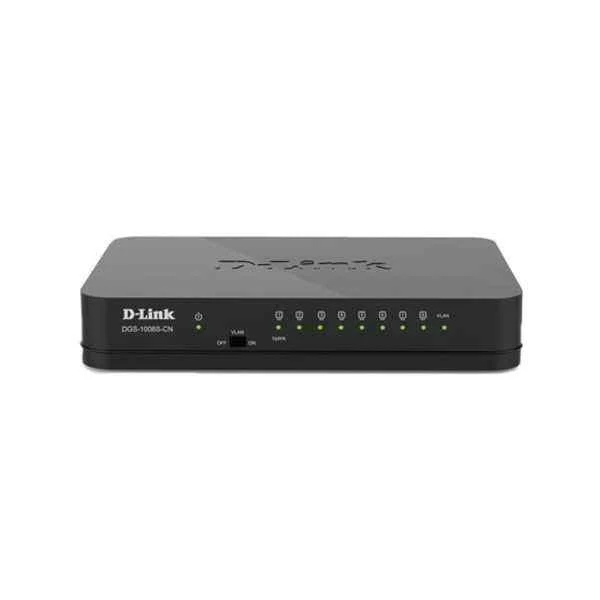
DGS-1008S-CN (D-Link Ports: 8 Gigabit electrical ports, backplane bandwidth: 16G, packet forwarding rate: 11.9M, size: 131x82x22mm (5.2 inches, plastic case), power supply: DC 12V/0.5A external power supply, non-network management switch, support one Key Vlan)
4.6 (5)- Switch
- D-Link
- AC Power Supply
- Layer 2
- Desktop
- 7.8 W
- Under 12 Ports
Est Value In stockFirst-Time Buyer Discount – Get up to 2% additional off on your first order
ORM Rewards Earn $50 in Rewards + Free Expedited Delivery – Join Now!
Use eCoupon ORMSAVE10
eCoupon limited to 5 units
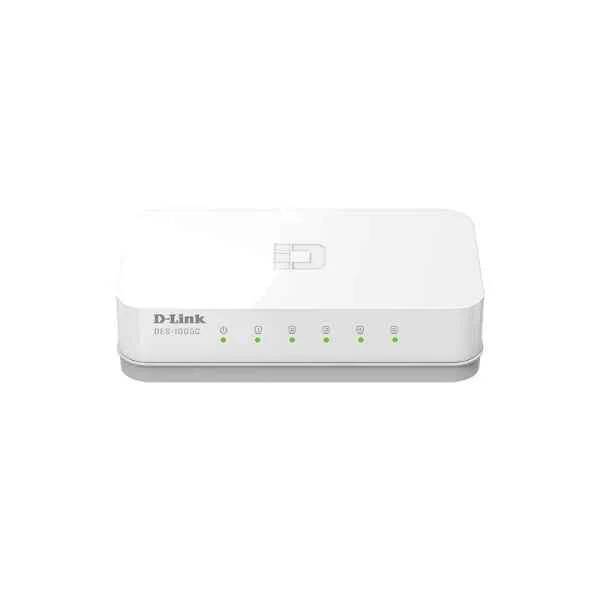
DES-1005C (D-Link Ports: 5 100M electrical ports, backplane bandwidth: 1G, packet forwarding rate: 0.74M, size: 104x57x27mm (4 inches, plastic case), power supply: DC 5V/0.55A mini USB interface external power supply, non-network management switch)
4.6 (5)- Switch
- D-Link
- AC Power Supply
- Layer 2
- Desktop
- 5 W
- Under 12 Ports
Est Value In stockFirst-Time Buyer Discount – Get up to 2% additional off on your first order
ORM Rewards Earn $50 in Rewards + Free Expedited Delivery – Join Now!
Use eCoupon ORMSAVE10
eCoupon limited to 5 units
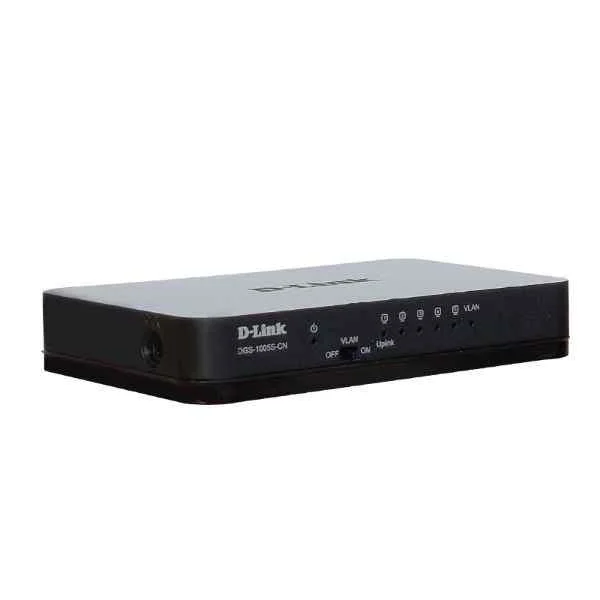
DGS-1005S-CN (D-Link Ports: 5 Gigabit electrical ports, backplane bandwidth: 10G, packet forwarding rate: 7.4M, size: 131x82x22mm (5.2 inches, plastic case), power supply: DC 5V/0.6A external power supply, non-network management switch, support one Key Vlan)
5 (5)- Switch
- D-Link
- AC Power Supply
- Layer 2
- Desktop
- Under 12 Ports
Est Value In stockFirst-Time Buyer Discount – Get up to 2% additional off on your first order
ORM Rewards Earn $50 in Rewards + Free Expedited Delivery – Join Now!
Use eCoupon ORMSAVE10
eCoupon limited to 5 units
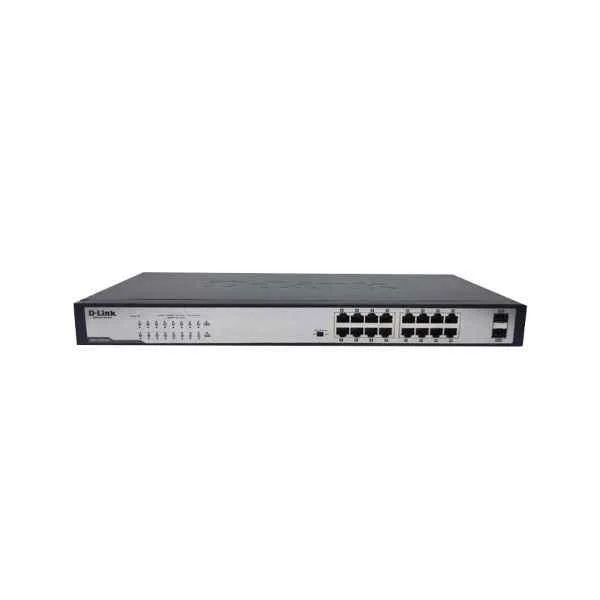
DGS-1018TP-CN (D-Link 16 Gigabit PoE electrical ports + 2 Gigabit optical ports, backplane bandwidth: 36G, packet forwarding rate: 27M, single port maximum 30W/ machine maximum power 240W, built-in power supply, 440x208x44mm (iron case), rack type Unmanaged PoE Switch)
4.4 (5)- Switch
- D-Link
- AC Power Supply
- Layer 2
- Desktop
- 12–24 Ports
Est Value In stockFirst-Time Buyer Discount – Get up to 2% additional off on your first order
ORM Rewards Earn $50 in Rewards + Free Expedited Delivery – Join Now!
Use eCoupon ORMSAVE10
eCoupon limited to 5 units
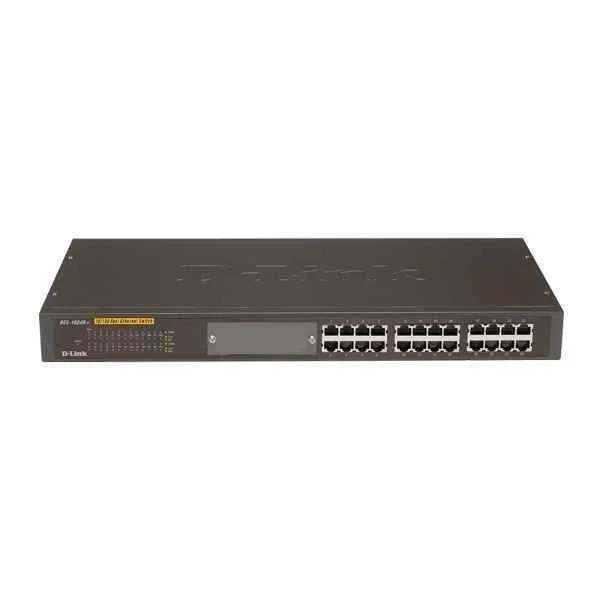
DES-1024R (D-Link Ports: 24 100M electrical ports, backplane bandwidth: 4.8G, packet forwarding rate: 3.6M, size: 440x140x44mm (iron case), standard rack type, power supply: AC 100-240V built-in power supply, non-network management switch)
4.2 (5)- Switch
- D-Link
- AC Power Supply with Redundant Option
- Layer 2 / Layer 3
- Rack-mount
- 120 W
- 24–48 Ports
Est Value In stockFirst-Time Buyer Discount – Get up to 2% additional off on your first order
ORM Rewards Earn $50 in Rewards + Free Expedited Delivery – Join Now!
Use eCoupon ORMSAVE10
eCoupon limited to 5 units
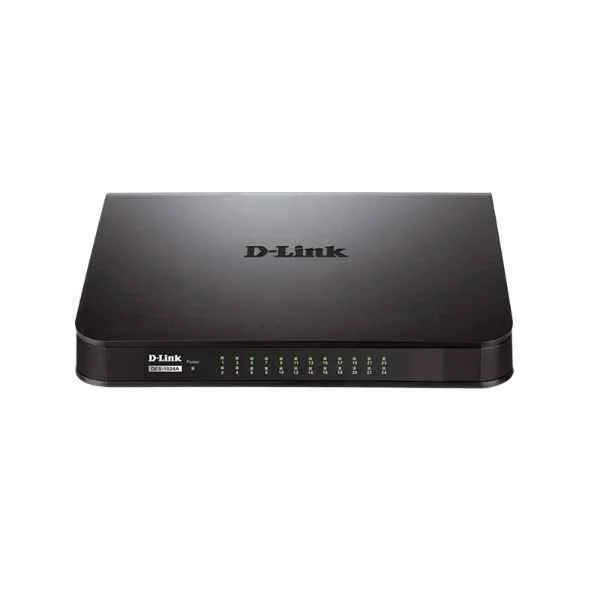
DES-1024A (D-Link Ports: 24 100M electrical ports, backplane bandwidth: 4.8G, packet forwarding rate: 3.6M, size: 282x178x44mm (11 inches, iron case), power supply: AC 100-240V built-in power supply, rackable, non-network management switch)
4.4 (5)- Switch
- D-Link
- AC Power Supply
- Layer 2
- Rack-mount
- 120 W
- 24–48 Ports
Est Value In stockFirst-Time Buyer Discount – Get up to 2% additional off on your first order
ORM Rewards Earn $50 in Rewards + Free Expedited Delivery – Join Now!
Use eCoupon ORMSAVE10
eCoupon limited to 5 units

ORM Sales Advisors
Buying for your business? Get a personalised quote in under 2 hours. Talk to an expert
LEARNFilters (22) 
Questions & Answers
What is a D-Link Unmanaged Switch?
A D-Link Unmanaged Switch is a plug-and-play Ethernet device that expands network port density without requiring configuration or management.
How does an unmanaged switch differ from a managed switch?
An unmanaged switch provides basic connectivity with no configuration, monitoring, VLANs, or QoS controls, whereas a managed switch offers advanced traffic management and security features.
Are D-Link Unmanaged Switches plug-and-play?
Yes. They operate out of the box—simply connect power and Ethernet cables and the switch automatically negotiates speed and duplex settings.
What port counts and speeds are available?
Models range from 5 to 48 ports with 10/100/1000 Mbps support, and select versions offer 10 Gigabit uplinks for high-performance backbone connections.
Do any models support Power over Ethernet (PoE)?
Yes, certain D-Link Unmanaged Switches deliver PoE/PoE+ with up to 30 W per port to power IP cameras, VoIP phones, and wireless access points.
Can I use these switches in a home or small office network?
Absolutely. They are designed for home and small office environments, offering reliable, low-latency connectivity without complex setup.
How do I install a D-Link Unmanaged Switch?
Mount or place the switch, connect the AC adapter, plug in Ethernet cables, and verify LEDs for link/activity and power status.
What do the LED indicators mean?
Port LEDs indicate link/activity and speed; the power LED confirms operational status. Refer to the model’s user guide for specific color codes and blink patterns.
Do these switches support jumbo frames?
Yes. Many models support jumbo frames up to 9,000 bytes to optimize performance for large data transfers.
Is any configuration or firmware update required?
No. Unmanaged switches require no manual configuration or firmware updates—the device auto-negotiates settings with connected endpoints.
What basic security features are included?
They provide MAC-based filtering and loop detection for simple network protection but do not include advanced firewall or access control features.
How energy-efficient are D-Link Unmanaged Switches?
D-Link green technology adjusts power consumption based on link status and cable length, reducing energy usage in low-traffic scenarios.
Are these switches compatible with other brands?
Yes. They adhere to IEEE 802.3 Ethernet standards, ensuring seamless interoperability with equipment from other manufacturers.
What warranty and support options are available?
D-Link Unmanaged Switches include a 2–5 year limited warranty and 24/7 technical support via phone, web chat, and online resources.
How do I troubleshoot common connectivity issues?
Verify power and cable connections, check LED indicators for link/activity, restart the switch, and confirm device compatibility; contact support if issues persist.
Can I mount D-Link Unmanaged Switches in a rack or on a wall?
Many models include rack-mount kits and wall-mount brackets; consult the product datasheet for specific mounting options and installation guidelines.