 United States
D-Link Gigabit Unmanaged Switches
Experience reliable, high-speed connectivity with D-Link Gigabit Unmanaged Switches. Optimized for simplicity and efficiency, these devices deliver secure performance for small to medium-scale networks with superior power management.
Talk to an expert
22 Matching results
- BEST SELLING
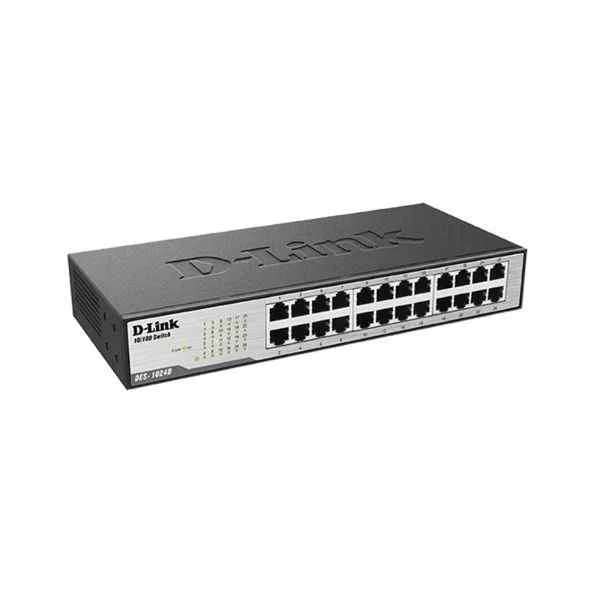
DES-1024D (D-Link Ports: 24 100M electrical ports, backplane bandwidth: 4.8G, packet forwarding rate: 3.57M, size: 280x126x44mm (11 inches, iron case), power supply: AC 100-240V built-in power supply, rackable, non-network management switch)
4.6 (5)- Switch
- D-Link
- AC Power Supply
- Layer 2
- Desktop
- 33 W
- 12–24 Ports
Est Value $276.68
$138.34
50% offIn stockRefurbishedFirst-Time Buyer Discount – Get up to 2% additional off on your first order
ORM Rewards Earn $50 in Rewards + Free Expedited Delivery – Join Now!
Use eCoupon ORMSAVE10
eCoupon limited to 5 units
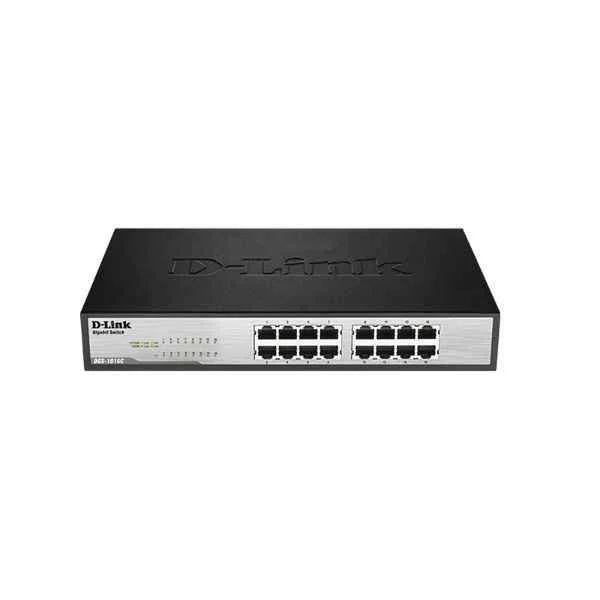
DGS-1016C (D-Link Ports: 16 Gigabit electrical ports, backplane bandwidth: 32G, packet forwarding rate: 23.8M, size: 440x200x44mm (iron case), power supply: AC 100-240V built-in power supply, standard rack type, non-network management switch)
4.4 (5)- Switch
- D-Link
- AC Power Supply
- Layer 2
- Desktop
- 12–24 Ports
Est Value $313.98$156.99
50% offIn stockRefurbishedFirst-Time Buyer Discount – Get up to 2% additional off on your first order
ORM Rewards Earn $50 in Rewards + Free Expedited Delivery – Join Now!
Use eCoupon ORMSAVE10
eCoupon limited to 5 units
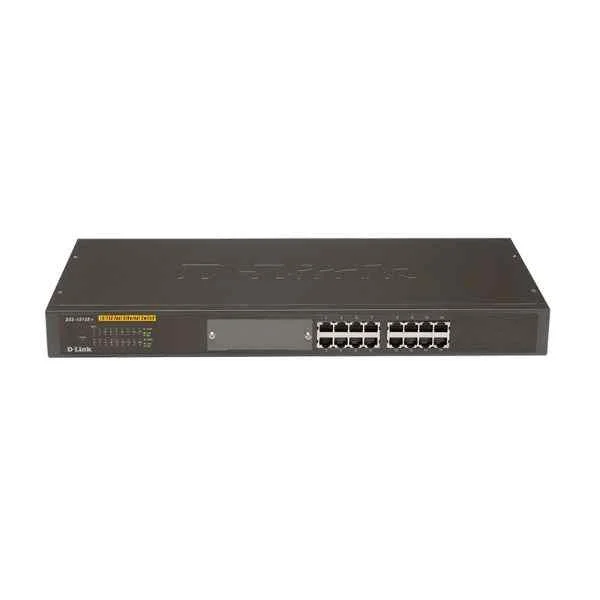
DES-1016R (D-Link Ports: 16 100M electrical ports, backplane bandwidth: 3.2G, packet forwarding rate 2.4M, size: 440x140x44mm (iron case), standard rack type, power supply: AC 100-240V built-in power supply, non-network management switch)
4.6 (5)- Switch
- D-Link
- AC Power Supply
- Layer 2
- Rack-mount
- 30 W
- 12–24 Ports
Est Value $482.08$241.04
50% offIn stockRefurbishedFirst-Time Buyer Discount – Get up to 2% additional off on your first order
ORM Rewards Earn $50 in Rewards + Free Expedited Delivery – Join Now!
Use eCoupon ORMSAVE10
eCoupon limited to 5 units
- BEST SELLING
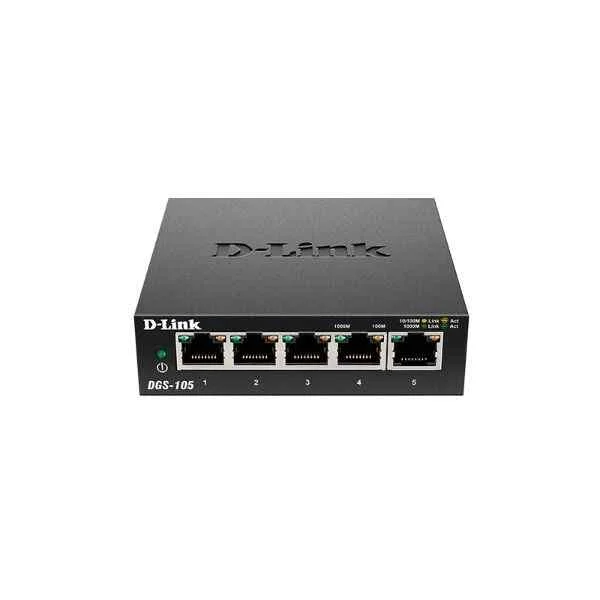
DGS-105 (D-Link Ports: 5 Gigabit electrical ports, backplane bandwidth: 10G, packet forwarding rate: 7.4M, size: 100x98x28mm (3.9 inches, iron case), desktop type can be wall-mounted, power supply: DC 5V/1A external power supply, non-network management switch)
4.6 (5)- Switch
- D-Link
- AC Power Supply
- Layer 2
- Desktop
- 6.4W
- Under 12 Ports
Est Value $84.12$80.64
4.1% offIn stockNewRefurbishedFirst-Time Buyer Discount – Get up to 2% additional off on your first order
ORM Rewards Earn $50 in Rewards + Free Expedited Delivery – Join Now!
Use eCoupon ORMSAVE10
eCoupon limited to 5 units
- BEST SELLING
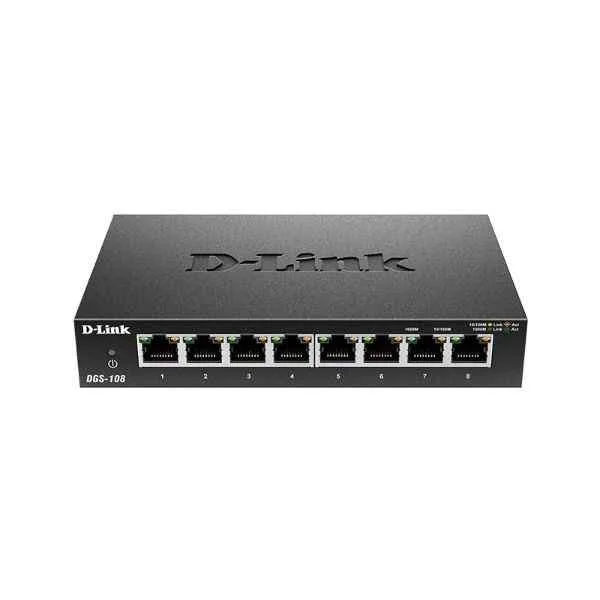
DGS-108 (D-Link Ports: 8 Gigabit electrical ports, backplane bandwidth: 16G, packet forwarding rate: 11.9M, size: 162x102x28mm (6.4 inches, iron case), desktop type can be wall-mounted, power supply: DC 5V/1A external power supply, non-network management switch)
5 (5)- Switch
- D-Link
- AC Power Supply
- Layer 2
- Desktop
- Under 12 Ports
Est Value $127.75$74.59
41.6% offIn stockRefurbishedFirst-Time Buyer Discount – Get up to 2% additional off on your first order
ORM Rewards Earn $50 in Rewards + Free Expedited Delivery – Join Now!
Use eCoupon ORMSAVE10
eCoupon limited to 5 units
- BEST SELLING
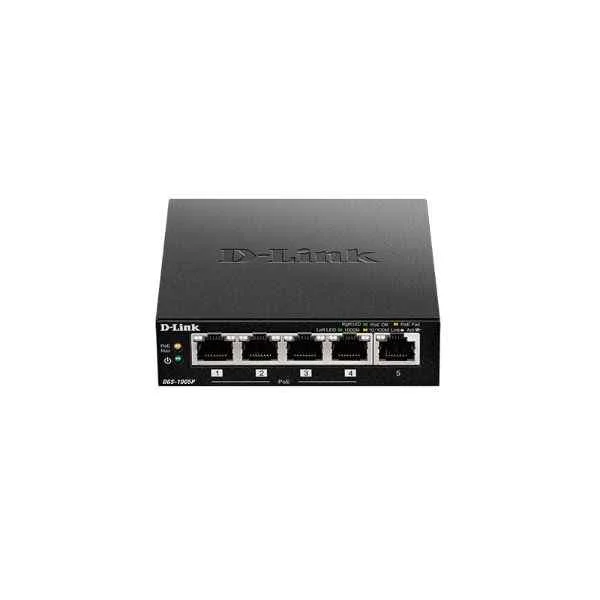
DGS-1005P (5PORT GIGABIT UNMANAGED DESKTOP SWITCH WITH 4PORT POE)
4.4 (5)- Switch
- D-Link
- AC Power Supply
- Layer 2
- Desktop
- 6.7 W
- Under 12 Ports
Est Value $234.00$117.00
50% offIn stockNewRefurbishedFirst-Time Buyer Discount – Get up to 2% additional off on your first order
ORM Rewards Earn $50 in Rewards + Free Expedited Delivery – Join Now!
Use eCoupon ORMSAVE10
eCoupon limited to 5 units
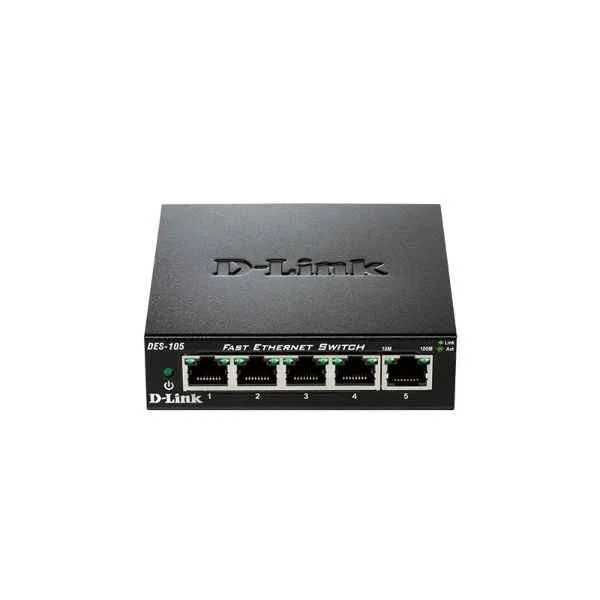
DES-105 (D-Link Ports: 5 100M electrical ports, backplane bandwidth: 1G, packet forwarding rate: 0.74M, size: 100x98x28mm (3.9 inches, iron case), power supply: DC 5V/0.55A external power supply, wall-mounted, non-network management switch)
5 (5)- Switch
- D-Link
- AC Power Supply
- Layer 2
- Rack-mount
- 65 W
- 24–48 Ports
Est Value $150.12$75.06
50% offIn stockRefurbishedFirst-Time Buyer Discount – Get up to 2% additional off on your first order
ORM Rewards Earn $50 in Rewards + Free Expedited Delivery – Join Now!
Use eCoupon ORMSAVE10
eCoupon limited to 5 units
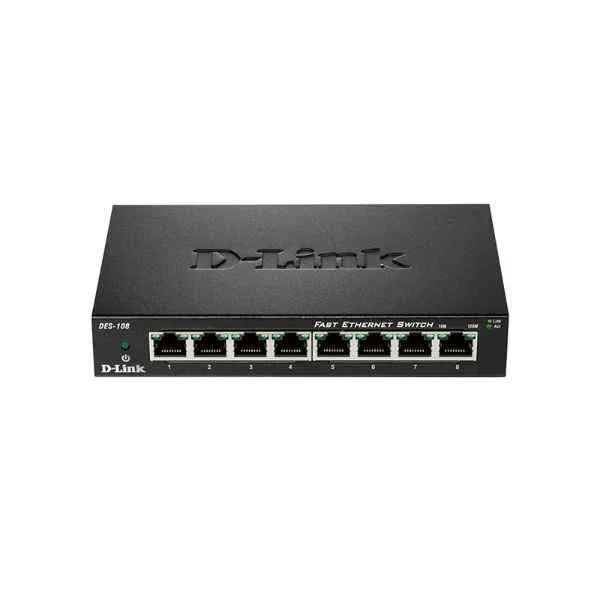
DES-108 (D-Link Ports: 8 100M electrical ports, backplane bandwidth: 1.6G, packet forwarding rate: 1.2M, size: 162x102x28mm (6.4 inches, iron case), power supply: DC 5V/0.55A external power supply, wall-mounted, non-network management switch)
4.8 (5)- Switch
- D-Link
- AC Power Supply
- Layer 2
- Rack-mount
- 35 W
- Under 12 Ports
Est Value $174.46$87.23
50% offIn stockRefurbishedFirst-Time Buyer Discount – Get up to 2% additional off on your first order
ORM Rewards Earn $50 in Rewards + Free Expedited Delivery – Join Now!
Use eCoupon ORMSAVE10
eCoupon limited to 5 units
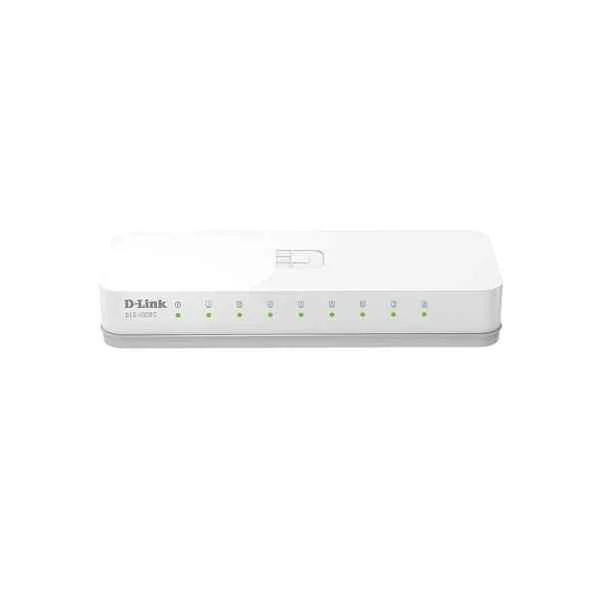
DES-1008C-CN (D-Link Ports: 8 100M electrical ports, switching capacity: 1.6G, packet forwarding rate: 1.19M, size: 128x71x27mm plastic case, power supply: 5V/0.6A external power supply, non-network management switch)
4.6 (5)- Switch
- D-Link
- AC Power Supply
- Layer 2
- Desktop
- Under 12 Ports
Est Value In stockFirst-Time Buyer Discount – Get up to 2% additional off on your first order
ORM Rewards Earn $50 in Rewards + Free Expedited Delivery – Join Now!
Use eCoupon ORMSAVE10
eCoupon limited to 5 units
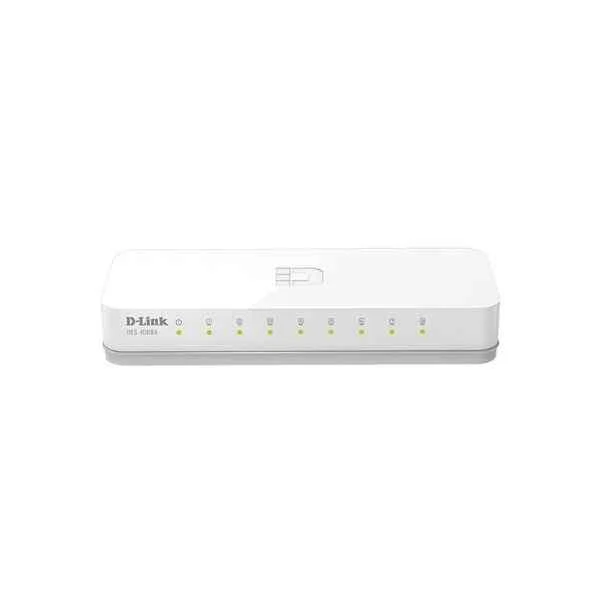
DES-1008A (D-Link Ports: 8 100M electrical ports, backplane bandwidth: 1.6G, packet forwarding rate: 1.2M, size: 142x79x24mm (5.6 inches, plastic case), power supply: DC 5V/0.55A external power supply, non-network management switch)
4.6 (5)- Switch
- D-Link
- AC Power Supply
- Layer 2
- Rack-mount
- Under 12 Ports
Est Value In stockFirst-Time Buyer Discount – Get up to 2% additional off on your first order
ORM Rewards Earn $50 in Rewards + Free Expedited Delivery – Join Now!
Use eCoupon ORMSAVE10
eCoupon limited to 5 units
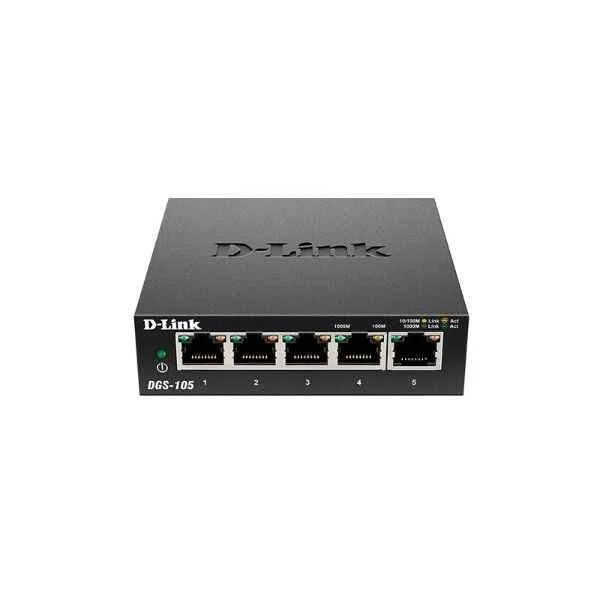
DGS-105-CN (D-Link Ports: 5 thousand electrical ports, switching capacity: 10G, packet forwarding rate: 7.44M, size: 100x64x25mm iron case, power supply: 5V/0.6A external power supply, non-network management switch )
4.4 (5)- Switch
- D-Link
- AC Power Supply
- Layer 2
- Desktop
- 6.5W
- Under 12 Ports
Est Value In stockFirst-Time Buyer Discount – Get up to 2% additional off on your first order
ORM Rewards Earn $50 in Rewards + Free Expedited Delivery – Join Now!
Use eCoupon ORMSAVE10
eCoupon limited to 5 units
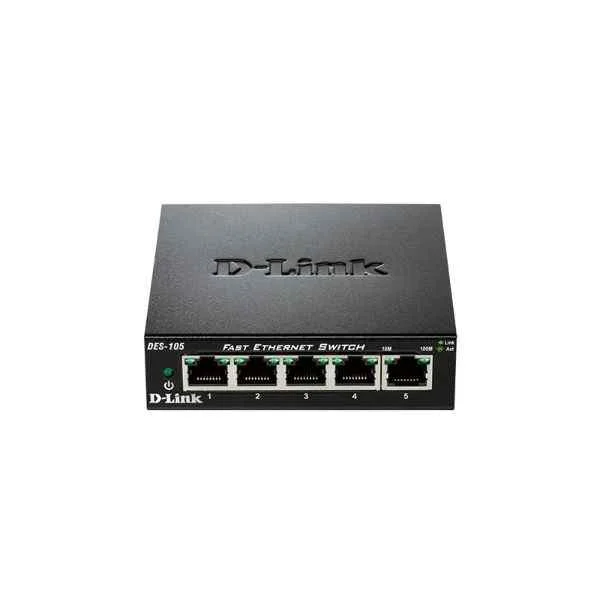
DES-105-CN (D-Link Ports: 5 100M electrical ports, switching capacity: 1G, packet forwarding rate: 0.744M, size: 100x64x25mm iron case, power supply: 5V/0.6A external power supply, non-network management switch)
5 (5)- Switch
- D-Link
- AC Power Supply
- Layer 2
- Desktop
- 30W
- Under 12 Ports
Est Value In stockFirst-Time Buyer Discount – Get up to 2% additional off on your first order
ORM Rewards Earn $50 in Rewards + Free Expedited Delivery – Join Now!
Use eCoupon ORMSAVE10
eCoupon limited to 5 units
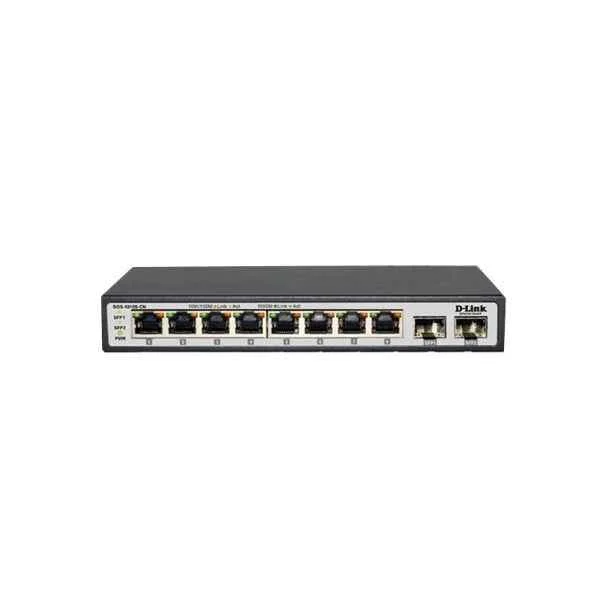
DGS-1010S-CN (D-Link Ports: 8 Gigabit electrical ports + 2 Gigabit SFP optical ports, backplane bandwidth: 20G, packet forwarding rate: 14.9M, size: 190x100x28mm, power supply: 12V/1A external power supply, non-managed switch)
4.6 (5)- Switch
- D-Link
- AC Power Supply
- Layer 2
- Desktop
- 8 W
- Under 12 Ports
Est Value In stockFirst-Time Buyer Discount – Get up to 2% additional off on your first order
ORM Rewards Earn $50 in Rewards + Free Expedited Delivery – Join Now!
Use eCoupon ORMSAVE10
eCoupon limited to 5 units
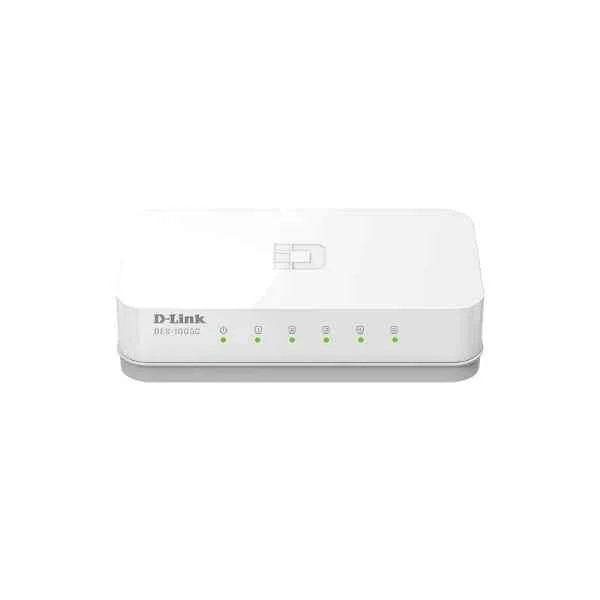
DES-1005C-CN (D-Link Ports: 5 100M electrical ports, switching capacity: 1G, packet forwarding rate: 0.744M, size: 100x71x27mm plastic case, power supply: 5V/0.6A external power supply, non-network management switch)
4.6 (5)- Switch
- D-Link
- AC Power Supply
- Layer 2
- Desktop / Rack-mount
- 8 W
- Under 12 Ports
Est Value In stockFirst-Time Buyer Discount – Get up to 2% additional off on your first order
ORM Rewards Earn $50 in Rewards + Free Expedited Delivery – Join Now!
Use eCoupon ORMSAVE10
eCoupon limited to 5 units
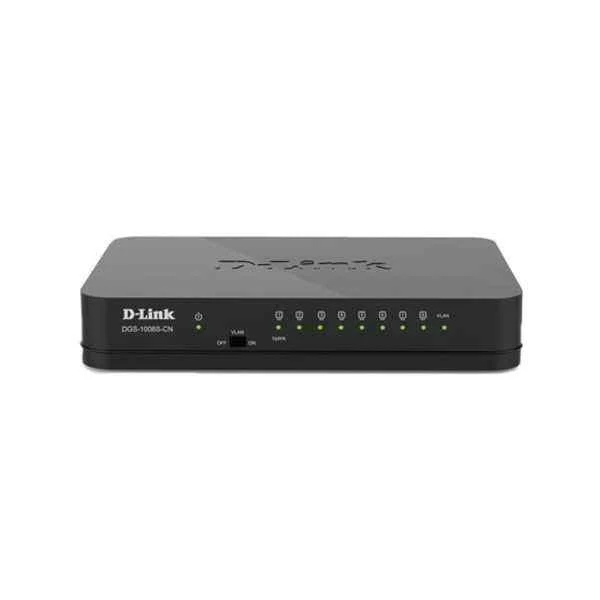
DGS-1008S-CN (D-Link Ports: 8 Gigabit electrical ports, backplane bandwidth: 16G, packet forwarding rate: 11.9M, size: 131x82x22mm (5.2 inches, plastic case), power supply: DC 12V/0.5A external power supply, non-network management switch, support one Key Vlan)
4.6 (5)- Switch
- D-Link
- AC Power Supply
- Layer 2
- Desktop
- 7.8 W
- Under 12 Ports
Est Value In stockFirst-Time Buyer Discount – Get up to 2% additional off on your first order
ORM Rewards Earn $50 in Rewards + Free Expedited Delivery – Join Now!
Use eCoupon ORMSAVE10
eCoupon limited to 5 units
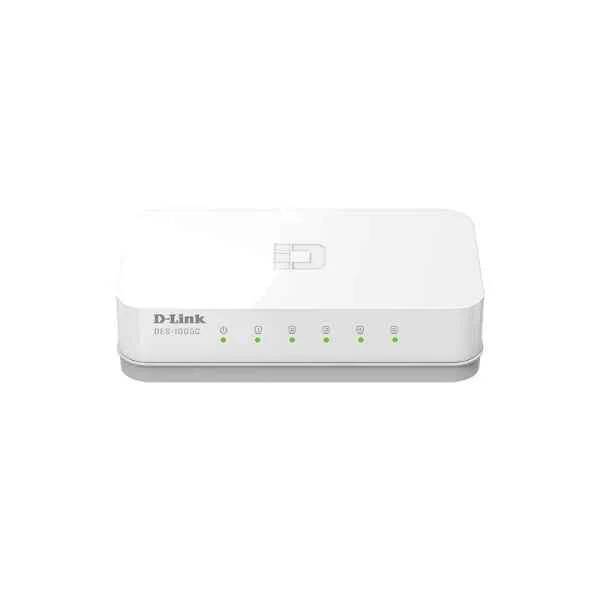
DES-1005C (D-Link Ports: 5 100M electrical ports, backplane bandwidth: 1G, packet forwarding rate: 0.74M, size: 104x57x27mm (4 inches, plastic case), power supply: DC 5V/0.55A mini USB interface external power supply, non-network management switch)
4.6 (5)- Switch
- D-Link
- AC Power Supply
- Layer 2
- Desktop
- 5 W
- Under 12 Ports
Est Value In stockFirst-Time Buyer Discount – Get up to 2% additional off on your first order
ORM Rewards Earn $50 in Rewards + Free Expedited Delivery – Join Now!
Use eCoupon ORMSAVE10
eCoupon limited to 5 units
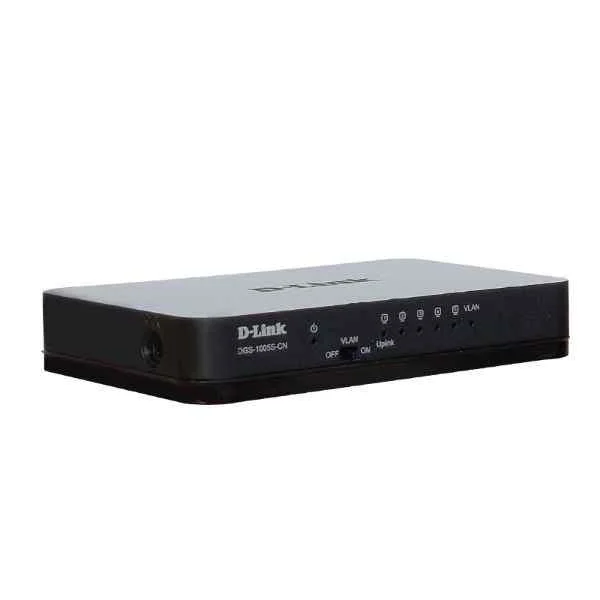
DGS-1005S-CN (D-Link Ports: 5 Gigabit electrical ports, backplane bandwidth: 10G, packet forwarding rate: 7.4M, size: 131x82x22mm (5.2 inches, plastic case), power supply: DC 5V/0.6A external power supply, non-network management switch, support one Key Vlan)
5 (5)- Switch
- D-Link
- AC Power Supply
- Layer 2
- Desktop
- Under 12 Ports
Est Value In stockFirst-Time Buyer Discount – Get up to 2% additional off on your first order
ORM Rewards Earn $50 in Rewards + Free Expedited Delivery – Join Now!
Use eCoupon ORMSAVE10
eCoupon limited to 5 units
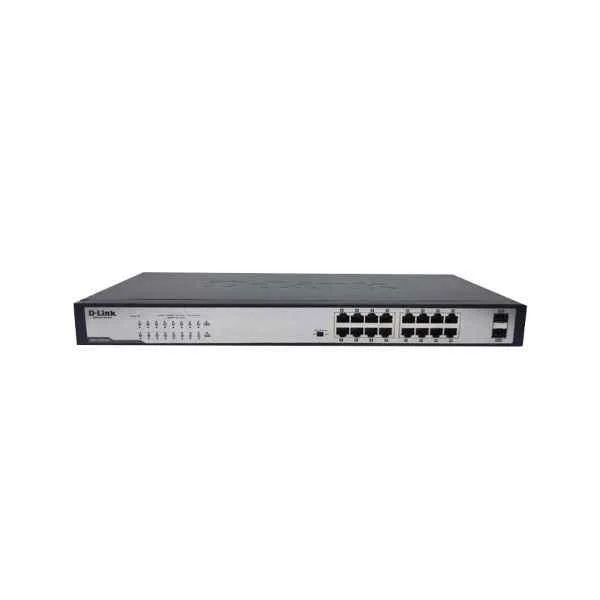
DGS-1018TP-CN (D-Link 16 Gigabit PoE electrical ports + 2 Gigabit optical ports, backplane bandwidth: 36G, packet forwarding rate: 27M, single port maximum 30W/ machine maximum power 240W, built-in power supply, 440x208x44mm (iron case), rack type Unmanaged PoE Switch)
4.4 (5)- Switch
- D-Link
- AC Power Supply
- Layer 2
- Desktop
- 12–24 Ports
Est Value In stockFirst-Time Buyer Discount – Get up to 2% additional off on your first order
ORM Rewards Earn $50 in Rewards + Free Expedited Delivery – Join Now!
Use eCoupon ORMSAVE10
eCoupon limited to 5 units
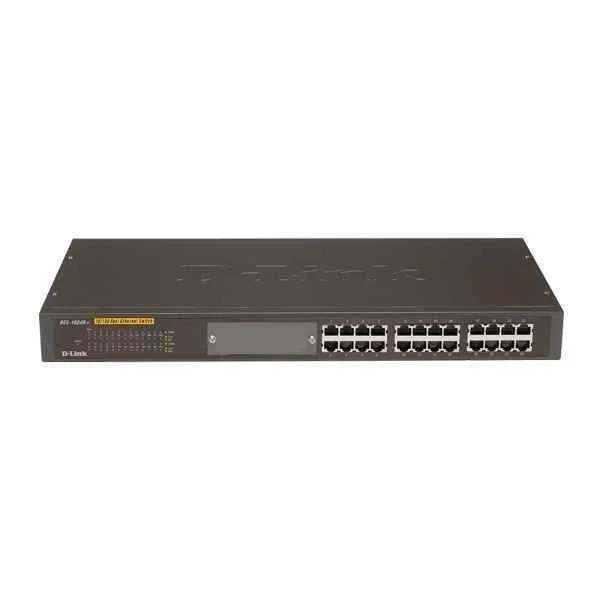
DES-1024R (D-Link Ports: 24 100M electrical ports, backplane bandwidth: 4.8G, packet forwarding rate: 3.6M, size: 440x140x44mm (iron case), standard rack type, power supply: AC 100-240V built-in power supply, non-network management switch)
4.2 (5)- Switch
- D-Link
- AC Power Supply with Redundant Option
- Layer 2 / Layer 3
- Rack-mount
- 120 W
- 24–48 Ports
Est Value In stockFirst-Time Buyer Discount – Get up to 2% additional off on your first order
ORM Rewards Earn $50 in Rewards + Free Expedited Delivery – Join Now!
Use eCoupon ORMSAVE10
eCoupon limited to 5 units
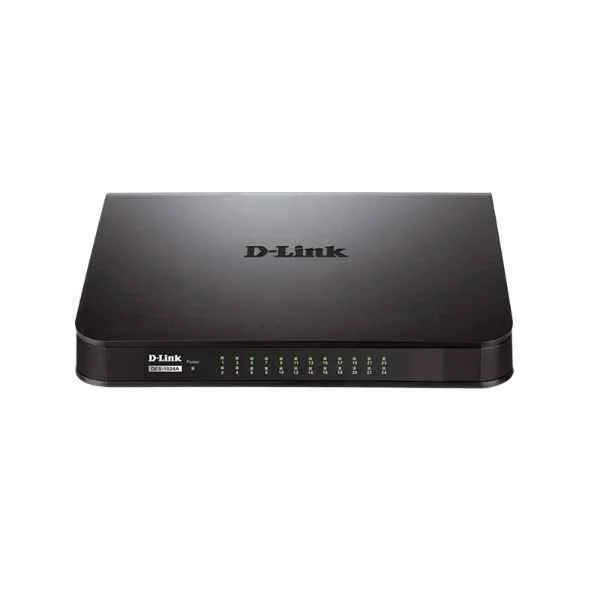
DES-1024A (D-Link Ports: 24 100M electrical ports, backplane bandwidth: 4.8G, packet forwarding rate: 3.6M, size: 282x178x44mm (11 inches, iron case), power supply: AC 100-240V built-in power supply, rackable, non-network management switch)
4.4 (5)- Switch
- D-Link
- AC Power Supply
- Layer 2
- Rack-mount
- 120 W
- 24–48 Ports
Est Value In stockFirst-Time Buyer Discount – Get up to 2% additional off on your first order
ORM Rewards Earn $50 in Rewards + Free Expedited Delivery – Join Now!
Use eCoupon ORMSAVE10
eCoupon limited to 5 units

ORM Sales Advisors
Buying for your business? Get a personalised quote in under 2 hours. Talk to an expert
LEARNFilters (22) 
Questions & Answers
What is a D-Link Gigabit Unmanaged Switch?
A D-Link Gigabit Unmanaged Switch is a plug-and-play network device with multiple 10/100/1000 Mbps ports that delivers immediate high-speed Ethernet connectivity without requiring any software configuration.
How does a Gigabit Unmanaged Switch differ from a managed switch?
A Gigabit Unmanaged Switch offers fixed configurations and auto-negotiation for plug-and-play simplicity, whereas a managed switch provides advanced features like VLANs, QoS, SNMP and remote administration.
What are the benefits of using D-Link Gigabit Unmanaged Switches?
D-Link Gigabit Unmanaged Switches deliver reliable wire-speed performance, low latency, Energy Efficient Ethernet and effortless scalability for small to medium-sized networks.
How many devices can I connect to a D-Link Gigabit Unmanaged Switch?
You can connect up to the number of available ports on your model—commonly ranging from 5 to 48 gigabit Ethernet devices—directly to a single D-Link Gigabit Unmanaged Switch.
Do D-Link Gigabit Unmanaged Switches require software configuration?
No, D-Link Gigabit Unmanaged Switches are fully plug-and-play and require no software installation or manual configuration to operate.
Are D-Link Gigabit Unmanaged Switches energy efficient?
Yes, they implement IEEE 802.3az Energy Efficient Ethernet and idle-port shutdown to minimize power consumption during periods of low network activity.
Can I stack or cascade D-Link Gigabit Unmanaged Switches?
While they don’t support formal stacking protocols, you can cascade multiple D-Link Gigabit Unmanaged Switches by linking ports to expand overall port density.
What warranty and support options are available for D-Link Gigabit Unmanaged Switches?
D-Link offers a limited lifetime warranty on hardware and provides technical support via phone, online chat and a comprehensive online knowledge base.
Are D-Link Gigabit Unmanaged Switches plug-and-play?
Yes, all D-Link Gigabit Unmanaged Switch models are plug-and-play, automatically detecting link speed and duplex settings for instant network connectivity.
What port speeds and types are available on D-Link Gigabit Unmanaged Switches?
They feature fixed 10/100/1000 Mbps RJ-45 Ethernet ports, and select models include SFP uplink slots for optional fiber connectivity.
How do I set up a D-Link Gigabit Unmanaged Switch?
Connect the power adapter, plug your Ethernet cables into the switch ports, and the device will auto-negotiate link speeds and begin forwarding traffic immediately.
Are D-Link Gigabit Unmanaged Switches suitable for Power over Ethernet (PoE)?
Standard D-Link Gigabit Unmanaged Switches do not support PoE; to power devices over Ethernet, choose one of D-Link’s PoE-enabled unmanaged switch models.
What is the typical power consumption of a D-Link Gigabit Unmanaged Switch?
Power usage varies by model; a 5-port switch typically consumes around 2 W, while a 24-port model may draw up to 15 W under full load.
Can I use D-Link Gigabit Unmanaged Switches in a home network?
Absolutely; D-Link Gigabit Unmanaged Switches are ideal for home networks, providing stable high-speed connections for PCs, media servers and streaming devices.
In which environments are D-Link Gigabit Unmanaged Switches most effective?
They excel in small to medium-sized offices, retail locations, labs and home networks where unmanaged, high-speed Ethernet is required.
How do I troubleshoot connectivity issues with a D-Link Gigabit Unmanaged Switch?
Verify power and cable connections, check the link/activity LED indicators, replace any faulty cables and confirm that connected devices are powered on to resolve most issues.