 United States
Networking Dell S4048-On Switches
Empower your network infrastructure with advanced management and resilient performance. Dell Networking S4048-On Switches deliver reliable connectivity, scalable design, and enhanced security for optimal data center operations.
Talk to an expert
4 Matching results
- BEST SELLING
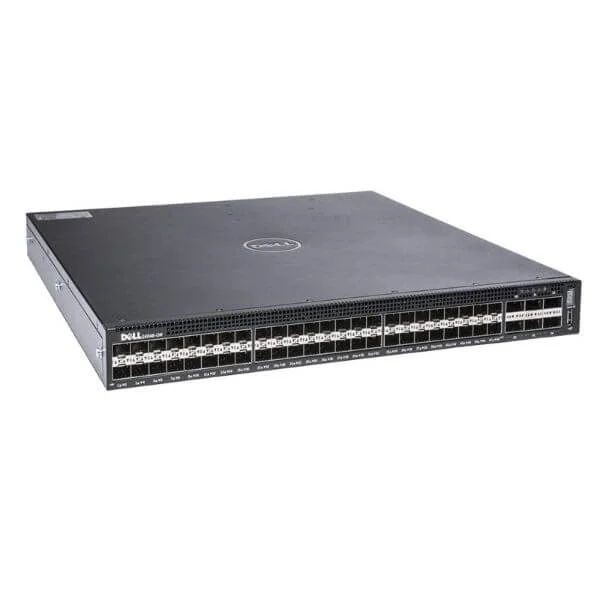
S4048-ON (48x 10GbE SFP+ and 6x 40GbE QSFP+ ports, IO to PSU, 1x AC PSUs)
4.6 (5)- Switch
- Dell
- AC Power Supply
- Layer 2 / Layer 3
- Rack-mount
- 24–48 Ports
Est Value $680.19
$282.45
58.5% offIn stockNewRefurbishedFirst-Time Buyer Discount – Get up to 2% additional off on your first order
ORM Rewards Earn $50 in Rewards + Free Expedited Delivery – Join Now!
Use eCoupon ORMSAVE10
eCoupon limited to 5 units
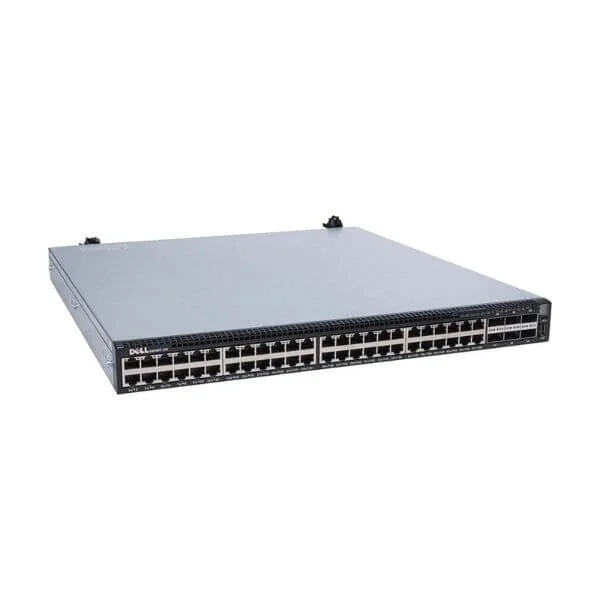
S4048T-ON (Dell Networking S4048T-ON, 48x 10GBASE-T and 6x 40GbE QSFP + ports, airflow from IO to PSU, 2x AC PSU, OS9)
4.6 (5)- Switch
- Dell
- AC Power Supply
- Layer 2 / Layer 3
- Rack-mount
- 24–48 Ports
Est Value $4,619.00$692.98
85% offIn stockNewRefurbishedFirst-Time Buyer Discount – Get up to 2% additional off on your first order
ORM Rewards Earn $50 in Rewards + Free Expedited Delivery – Join Now!
Use eCoupon ORMSAVE10
eCoupon limited to 5 units
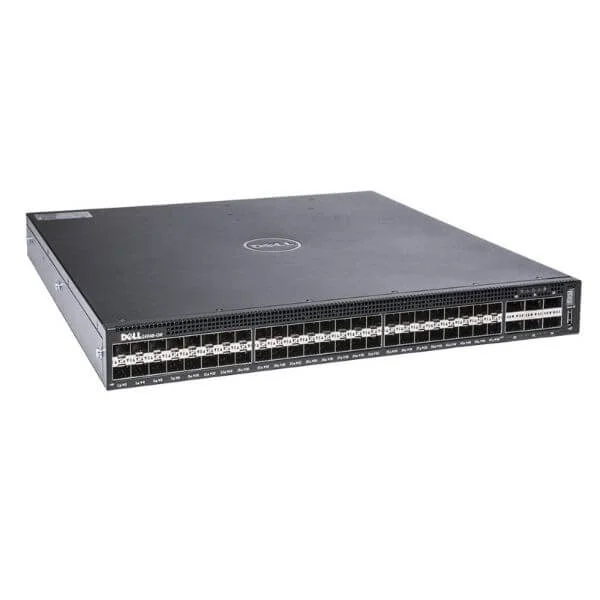
S4048 3 Years * 4h (Dell Networking S4048-ON, 48x 10GbE SFP+ , 6x 40GbE QSFP+ , I/O Panel to PSU Airflow, 1x AC PSUs, DNOS9,3 years and 4 hours)
4.8 (5)- Switch
- Dell
- AC Power Supply
- Layer 2 / Layer 3
- Rack-mount
- 24–48 Ports
Est Value In stockFirst-Time Buyer Discount – Get up to 2% additional off on your first order
ORM Rewards Earn $50 in Rewards + Free Expedited Delivery – Join Now!
Use eCoupon ORMSAVE10
eCoupon limited to 5 units
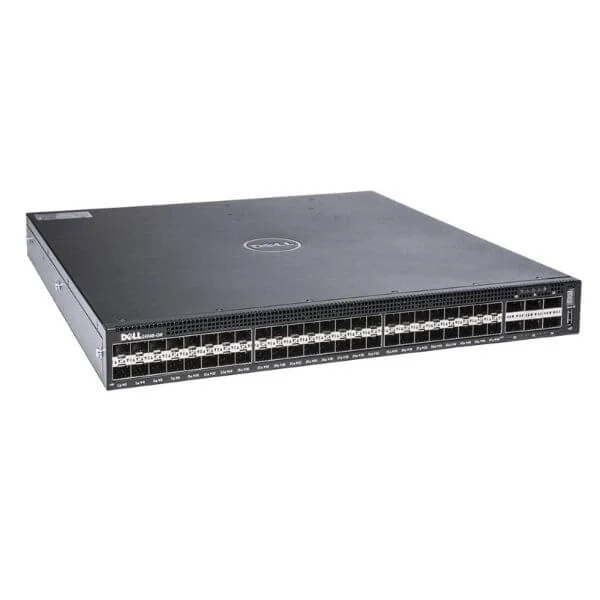
S4048 1 Year NBD (Dell Networking S4048-ON, 48x 10GbE SFP+ , 6x 40GbE QSFP+ , I/O Panel to PSU Airflow, 1x AC PSUs, DNOS9,1 year NBD)
4.8 (5)- Switch
- Dell
- Redundant Power Supply / AC Power Supply
- Layer 2
- Rack-mount
- 150 W
- 24–48 Ports
Est Value In stockFirst-Time Buyer Discount – Get up to 2% additional off on your first order
ORM Rewards Earn $50 in Rewards + Free Expedited Delivery – Join Now!
Use eCoupon ORMSAVE10
eCoupon limited to 5 units

ORM Sales Advisors
Buying for your business? Get a personalised quote in under 2 hours. Talk to an expert
LEARNFilters (4) 
Questions & Answers
What is the Dell Networking S4048-ON switch?
The Dell Networking S4048-ON is a fixed-configuration, top-of-rack data center switch featuring 48 10GbE SFP+ ports and 6 40GbE QSFP+ uplinks, designed for high-density, low-latency environments.
What port configurations are available on the S4048-ON?
The S4048-ON offers 48 line-rate 10G SFP+ ports and six 40G QSFP+ uplinks, each convertible to four 10G ports via breakout cables for a total of up to 72 10GbE interfaces.
What is the switching capacity and throughput of the S4048-ON?
It delivers 1.44 Tbps of non-blocking switching capacity and up to 1,074 Mpps forwarding rate, ensuring wire-speed performance for demanding data center workloads.
Which operating systems and network OS options does the S4048-ON support?
The S4048-ON supports Dell OS10 Enterprise Edition, Dell Networking OS6, and third-party OS options including Cumulus Linux and VMware ESXi for open networking flexibility.
Does the S4048-ON support software-defined networking (SDN)?
Yes, the S4048-ON is SDN-ready with support for OpenFlow, VM-FEX, and automation frameworks like Ansible and Chef via the Dell OS10 modular architecture.
What virtualization features are available on the S4048-ON?
It supports VXLAN, NVGRE, GENEVE, EVPN, and VMware NSX integration to enable scalable overlay networks and microsegmentation in multi-tenant environments.
How does high availability and link resilience work on the S4048-ON?
The S4048-ON provides MLAG for active-active link aggregation, Virtual Link Trunking for failover, non-disruptive firmware upgrades, and redundant power and fans to maximize network availability.
What power supply and redundancy options does the S4048-ON offer?
The switch supports dual hot-swappable AC power supplies and redundant fan modules, with front-to-back or back-to-front airflow options for optimal cooling and uptime.
What management and monitoring tools are available for the S4048-ON?
Management is via CLI, REST API, SNMP, Telnet/SSH, and integrated Dell OpenManage Network Manager, with support for syslog, sFlow, and LLDP for comprehensive monitoring.
What security features are included in the S4048-ON?
It offers 802.1x port-based authentication, ACLs, DHCP snooping, ARP inspection, IP source guard, and RADIUS/TACACS+ integration to secure access and data traffic.
Is the S4048-ON energy efficient?
Yes, it features low-power DC-DC converters, variable-speed fans, and Energy Efficient Ethernet (EEE) to reduce power consumption up to 40% compared to previous generations.
What are the typical use cases for the S4048-ON?
Ideal for data center leaf-spine architectures, HPC clusters, storage networks, and cloud-scale deployments requiring high-port density and low latency.
How does the S4048-ON support cloud and multi-tenant environments?
Through hardware-accelerated VXLAN, EVPN, VRF-lite, and API-driven automation, the S4048-ON simplifies overlay network deployment and tenant isolation in cloud infrastructures.
What warranty and support options are available for the S4048-ON?
It comes with a Limited Lifetime Warranty, Next Business Day on-site hardware replacement, and ProSupport with optional 24x7 remote incident support and firmware upgrades.
How can I upgrade firmware on the Dell S4048-ON?
Firmware upgrades are performed via CLI or Dell Repository Manager using the 'software install' command on OS10 or 'run firmware install' on OS6 for seamless updates.
What QoS and traffic management features does the S4048-ON support?
The switch supports eight hardware queues per port, hierarchical QoS policies, class-based shaping, traffic policing, WRED, and DiffServ for granular traffic control.
How scalable is the S4048-ON in large-scale deployments?
With support for up to 64 MLAG peers, EVPN multi-tenancy, and automated orchestration via Ansible and Terraform, it scales seamlessly in leaf-spine fabrics exceeding thousands of ports.