 United States
Ce8800 Series High-Performance Instruments
Engineered for precision and efficiency, the Ce8800 Series delivers unparalleled reliability and advanced performance, meeting rigorous industry standards while surpassing expectations. Experience next-level innovation today.
Talk to an expert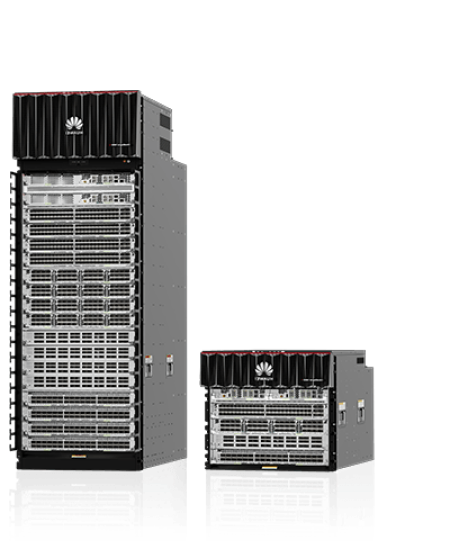
9 Matching results
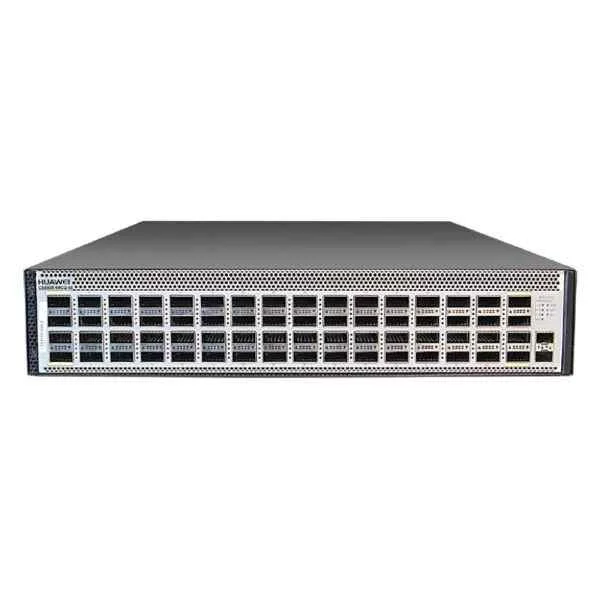
CE8850-64CQ-EI (CE8850-64CQ-EI Switch(64-Port 100GE QSFP28,Without Fan and Power Module))
4.7 (6)- Switch
- Huawei
- Redundant Power Supply / AC Power Supply
- Layer 2 / Layer 3
- Rack-mount
- Over 48 Ports
Est Value $42,610.65
$18,343.88
57% offIn stockNewFirst-Time Buyer Discount – Get up to 2% additional off on your first order
ORM Rewards Earn $50 in Rewards + Free Expedited Delivery – Join Now!
Use eCoupon ORMSAVE10
eCoupon limited to 5 units
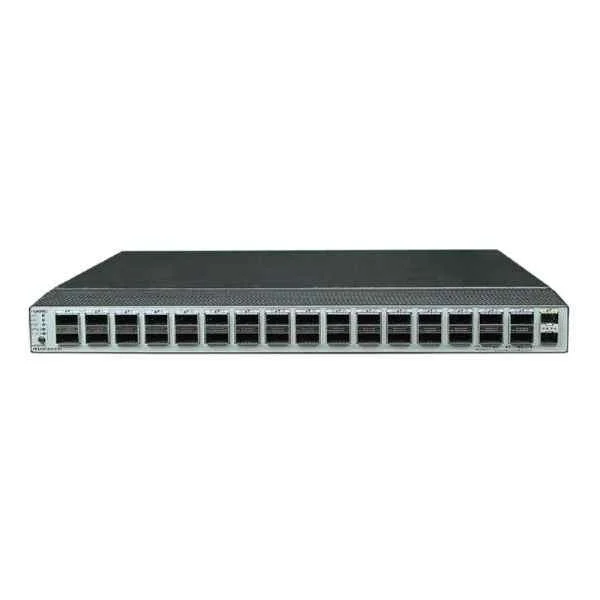
CE8850-32CQ-EI (CE8850-32CQ-EI Switch(32-Port 100GE QSFP28,2-Port 10GE SFP+,Without Fan and Power Module))
4.8 (6)- Switch
- Huawei
- Redundant Power Supply
- Layer 2 / Layer 3
- Rack-mount
- 150 W
- 24–48 Ports
Est Value $28,042.91$22,083.79
21.3% offIn stockNewFirst-Time Buyer Discount – Get up to 2% additional off on your first order
ORM Rewards Earn $50 in Rewards + Free Expedited Delivery – Join Now!
Use eCoupon ORMSAVE10
eCoupon limited to 5 units
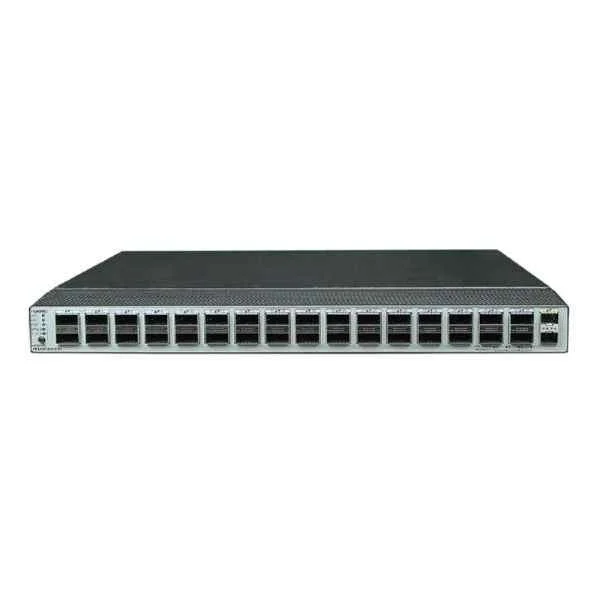
CE8850-EI-B-B0A (CE8850-32CQ-EI Switch(32-Port 100GE QSFP28,2-Port 10GE SFP+,2*AC Power Module,2*FAN Box,Port-side Intake))
4.7 (6)- Switch
- Huawei
- Redundant Power Supply
- Layer 2 / Layer 3
- Rack-mount
- 250W
- 24–48 Ports
Est Value In stockFirst-Time Buyer Discount – Get up to 2% additional off on your first order
ORM Rewards Earn $50 in Rewards + Free Expedited Delivery – Join Now!
Use eCoupon ORMSAVE10
eCoupon limited to 5 units
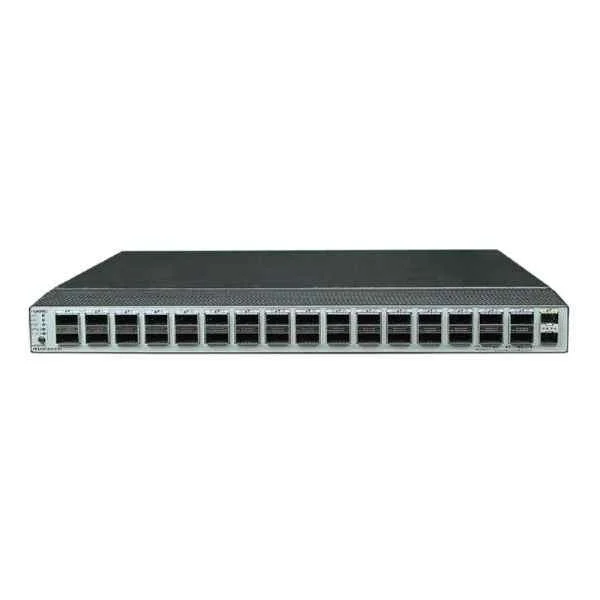
CE8850-EI-F-B0A (CE8850-32CQ-EI Switch(32-Port 100GE QSFP28,2-Port 10GE SFP+,2*AC Power Module,2*FAN Box,Port-side Exhaust))
4.8 (6)- Switch
- Huawei
- AC Power Supply
- Layer 2 / Layer 3
- Rack-mount
- 24–48 Ports
Est Value In stockFirst-Time Buyer Discount – Get up to 2% additional off on your first order
ORM Rewards Earn $50 in Rewards + Free Expedited Delivery – Join Now!
Use eCoupon ORMSAVE10
eCoupon limited to 5 units
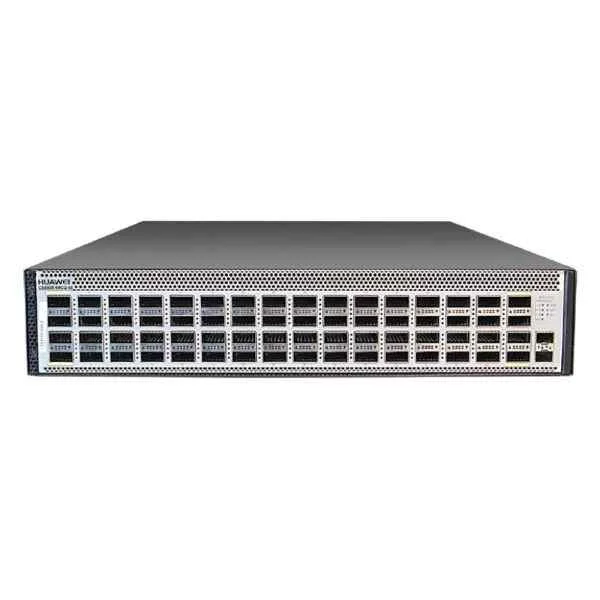
CE8850-EI-B-B0B (CE8850-64CQ-EI Switch(64-Port 100GE QSFP28,2*AC Power Module,3*FAN Box,Port-side Intake))
4.7 (6)- Switch
- Huawei
- Redundant Power Supply / AC Power Supply
- Layer 2 / Layer 3
- Rack-mount
- 24–48 Ports
Est Value In stockFirst-Time Buyer Discount – Get up to 2% additional off on your first order
ORM Rewards Earn $50 in Rewards + Free Expedited Delivery – Join Now!
Use eCoupon ORMSAVE10
eCoupon limited to 5 units
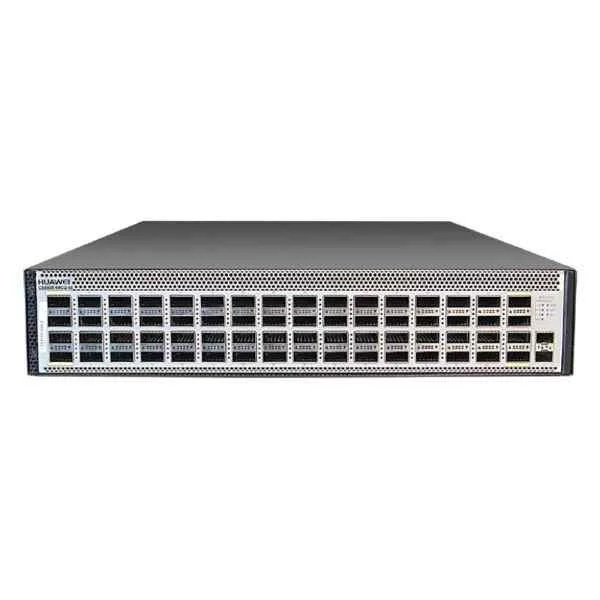
CE8850-EI-F-B0B (CE8850-64CQ-EI Switch(64-Port 100GE QSFP28,2*AC Power Module,3*FAN Box,Port-side Exhaust))
4.7 (6)- Switch
- Huawei
- AC Power Supply
- Layer 3
- Rack-mount
- 150W
- 24–48 Ports
Est Value In stockFirst-Time Buyer Discount – Get up to 2% additional off on your first order
ORM Rewards Earn $50 in Rewards + Free Expedited Delivery – Join Now!
Use eCoupon ORMSAVE10
eCoupon limited to 5 units
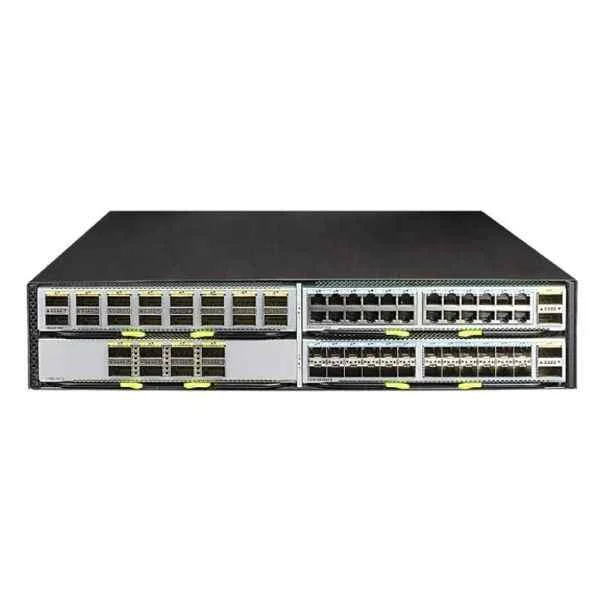
CE8861-4C-EI (CE8861-4C-EI Mainframe(With 4 Subcard Slots,Without FAN Box,Without Power Module))
4.8 (6)- Switch
- Huawei
- AC Power Supply
- Layer 2 / Layer 3
- Rack-mount
- 75 W
- Under 12 Ports
Est Value In stockFirst-Time Buyer Discount – Get up to 2% additional off on your first order
ORM Rewards Earn $50 in Rewards + Free Expedited Delivery – Join Now!
Use eCoupon ORMSAVE10
eCoupon limited to 5 units
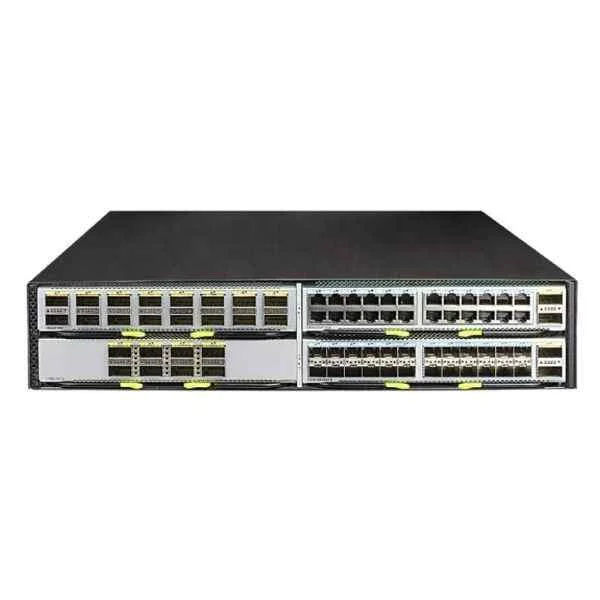
CE8861-4C-EI-F (CE8861-4C-EI Mainframe(With 4 Subcard Slots,2*AC Power Module,2*FAN Box,Port-side Exhaust))
4.8 (6)- Switch
- Huawei
- AC Power Supply
- Layer 2 / Layer 3
- Rack-mount
- 50W
- Under 12 Ports
Est Value In stockFirst-Time Buyer Discount – Get up to 2% additional off on your first order
ORM Rewards Earn $50 in Rewards + Free Expedited Delivery – Join Now!
Use eCoupon ORMSAVE10
eCoupon limited to 5 units
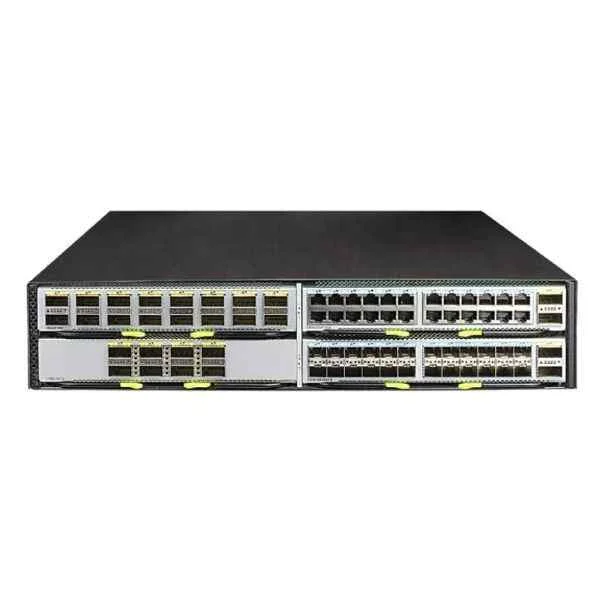
CE8861-4C-EI-B (CE8861-4C-EI Mainframe(With 4 Subcard Slots,2*AC Power Module,2*FAN Box,Port-side Intake))
4.8 (6)- Switch
- Huawei
- AC Power Supply
- Layer 3
- Rack-mount
- 120W
- 24–48 Ports
Est Value In stockFirst-Time Buyer Discount – Get up to 2% additional off on your first order
ORM Rewards Earn $50 in Rewards + Free Expedited Delivery – Join Now!
Use eCoupon ORMSAVE10
eCoupon limited to 5 units

ORM Sales Advisors
Buying for your business? Get a personalised quote in under 2 hours. Talk to an expert
LEARNFilters (9) 
Questions & Answers
What is the Ce8800 Series?
The Ce8800 Series is an industrial-grade thermal label printer line designed for high-speed, high-resolution barcode and label production in manufacturing, logistics, and retail environments.
What are the key features of the Ce8800 Series?
The Ce8800 Series features high-speed printing up to 12 ips, 203/300 dpi resolution, industrial metal frame, USB/Ethernet/serial interfaces, a color LCD touchscreen, and optional peel-and-present or cutter modules.
What printing speeds does the Ce8800 Series support?
Depending on model and resolution, the Ce8800 Series prints at up to 12 inches per second (ips) at 203 dpi and up to 8 ips at 300 dpi, ensuring rapid label throughput.
Which media types are compatible with the Ce8800 Series?
The Ce8800 Series supports direct thermal and thermal transfer media, including paper, polyester, polypropylene, and specialty label stocks in roll widths from 1\
What connectivity options does the Ce8800 Series offer?
Standard connectivity includes USB 2.0, 10/100 Mbps Ethernet, RS-232 serial, and optional Bluetooth or Wi-Fi modules for flexible network integration.
How do I install drivers for the Ce8800 Series?
Download the latest Windows and macOS drivers from our website, run the installer, connect the printer via USB or network, then follow the on-screen wizard to complete setup.
Does the Ce8800 Series support network printing?
Yes. The Ce8800 Series supports TCP/IP printing over 10/100 Mbps Ethernet and can be configured for static IP or DHCP to integrate with corporate networks.
How do I perform routine maintenance on the Ce8800 Series?
Clean the printhead with isopropyl alcohol swabs weekly, remove dust from rollers, inspect platen rollers for wear, and replace consumables as indicated by the LCD status menu.
What consumables are required for the Ce8800 Series?
You need thermal transfer ribbons and label rolls sized for your application. Use only certified ribbons and media for optimal print quality and hardware longevity.
How do I troubleshoot paper jams in the Ce8800 Series?
Power off, open the media cover, gently remove jammed labels or ribbon, inspect the path for debris, then reload media following the on-screen alignment guide before resuming.
Is the Ce8800 Series compatible with Windows and macOS?
Yes. Official drivers and software utilities are provided for Windows 10/11 and macOS 10.14 or later, ensuring seamless integration and print management.
What is the warranty period for the Ce8800 Series?
The Ce8800 Series includes a one-year limited warranty covering defects in materials and workmanship, with optional extended service plans available for up to three years.
How can I update the firmware on the Ce8800 Series?
Download the latest firmware file from our support portal, connect the printer via USB or network, launch the firmware updater utility, select the device, and follow the prompts.
Where can I get technical support for the Ce8800 Series?
Access 24/7 support through our online helpdesk, live chat, or phone line. Comprehensive user manuals, FAQs, and firmware downloads are available on our website’s support section.
Does the Ce8800 Series support automatic duplex printing?
No. The Ce8800 Series is optimized for single-sided label and barcode printing. For duplex requirements, please consult our complementary duplex labeling solutions.