 United States
Switches TP-Link Enterprise Grade
Experience reliable network performance with TP-Link switches engineered for robust enterprise connectivity and efficient data flow. Deploy advanced features ensuring streamlined network management for businesses of any scale.
Talk to an expert
79 Matching results
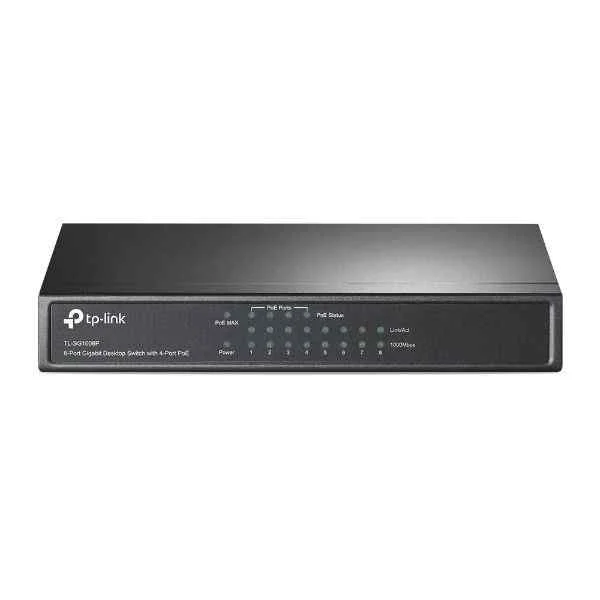
TL-SG1008P (8PORT GIGABIT POE SWITCH DESKTOP POE SWITCH STEEL CASE)
4.8 (6)- Switch
- Tp-Link
- AC Power Supply
- Layer 2
- Desktop
- 14.6W
- Under 12 Ports
Est Value $178.05
$152.00
14.6% offIn stockNewRefurbishedFirst-Time Buyer Discount – Get up to 2% additional off on your first order
ORM Rewards Earn $50 in Rewards + Free Expedited Delivery – Join Now!
Use eCoupon ORMSAVE10
eCoupon limited to 5 units
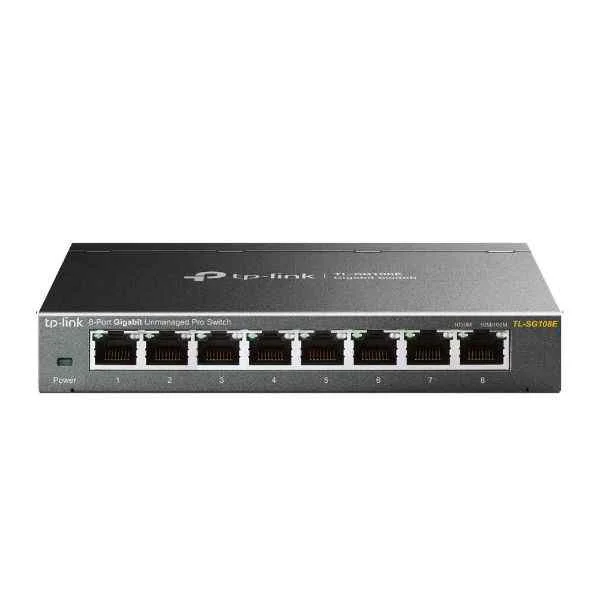
TL-SG108E (8PORT GIGABIT EASY SMART SWITCH)
4.8 (6)- Switch
- Tp-Link
- AC Power Supply
- Layer 2
- Desktop
- 8 W
- Under 12 Ports
Est Value $119.10$101.67
14.6% offIn stockRefurbishedFirst-Time Buyer Discount – Get up to 2% additional off on your first order
ORM Rewards Earn $50 in Rewards + Free Expedited Delivery – Join Now!
Use eCoupon ORMSAVE10
eCoupon limited to 5 units
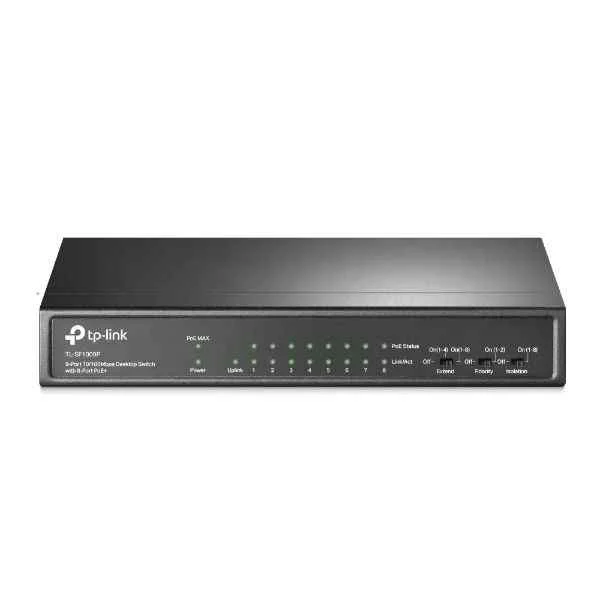
TL-SF1009P (9PORT 10/100MBPS DESKTOP SWITCH WITH 8PORT POE+)
4.7 (7)- Switch
- Tp-Link
- AC Power Supply
- Layer 2
- Desktop
- 6.5 W
- Under 12 Ports
Est Value $182.74$156.00
14.6% offIn stockNewRefurbishedFirst-Time Buyer Discount – Get up to 2% additional off on your first order
ORM Rewards Earn $50 in Rewards + Free Expedited Delivery – Join Now!
Use eCoupon ORMSAVE10
eCoupon limited to 5 units
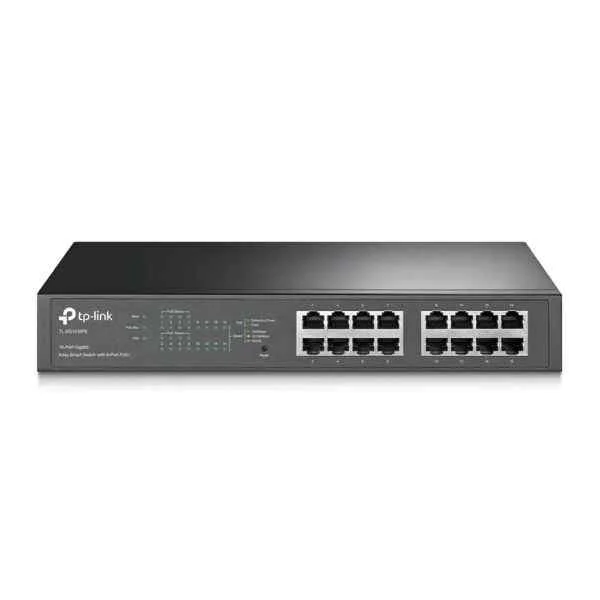
TL-SG1016PE (16PORT GIGABITSWITCH/8PORT POE+ EASY SMART SWITCH W/ 8PORT POE+)
4.8 (6)- Switch
- Tp-Link
- AC Power Supply
- Layer 2
- Desktop / Rack-mount
- 130W
- 12–24 Ports
Est Value $207.90$103.95
50% offIn stockRefurbishedFirst-Time Buyer Discount – Get up to 2% additional off on your first order
ORM Rewards Earn $50 in Rewards + Free Expedited Delivery – Join Now!
Use eCoupon ORMSAVE10
eCoupon limited to 5 units
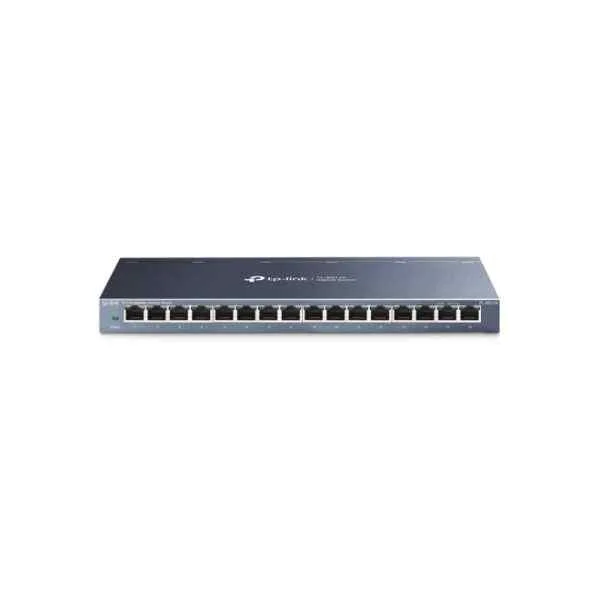
TL-SG116 (TP-LINKTL-SG116-Unmanaged-L2-GigabitEthernet(10/100/1000)-Fullduplex-Wallmountable(TL-SG116))
4.8 (6)- Switch
- Tp-Link
- AC Power Supply
- Layer 2
- Desktop
- 12W
- 12–24 Ports
Est Value $208.85$178.29
14.6% offIn stockNewRefurbishedFirst-Time Buyer Discount – Get up to 2% additional off on your first order
ORM Rewards Earn $50 in Rewards + Free Expedited Delivery – Join Now!
Use eCoupon ORMSAVE10
eCoupon limited to 5 units
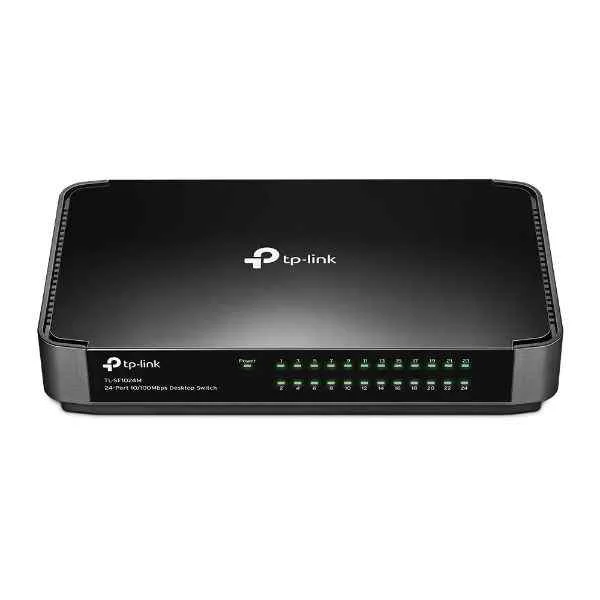
TL-SF1024 (TL-SF1024-Unmanaged-FastEthernet(10/100)-Fullduplex)
4.7 (7)- Switch
- Tp-Link
- Redundant Power Supply / AC Power Supply / N/A
- Layer 2 / Layer 3
- Rack-mount
- 24–48 Ports
Est Value $150.68$119.58
20.6% offIn stockRefurbishedFirst-Time Buyer Discount – Get up to 2% additional off on your first order
ORM Rewards Earn $50 in Rewards + Free Expedited Delivery – Join Now!
Use eCoupon ORMSAVE10
eCoupon limited to 5 units
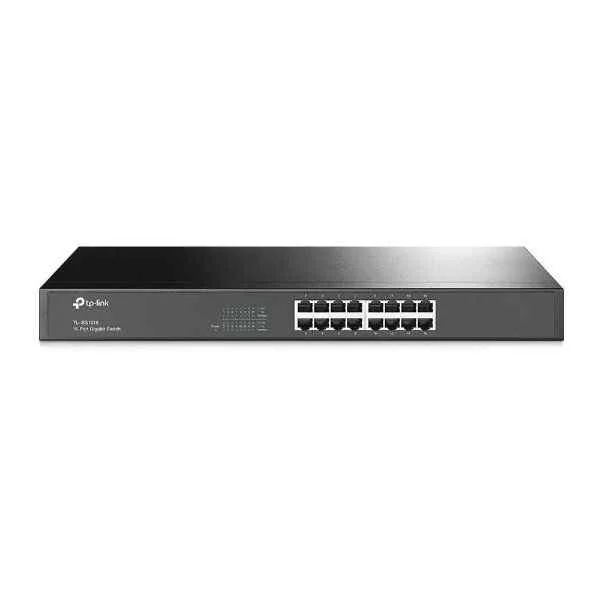
TL-SG1016 (16-PortGigabitSwitch-Unmanaged-Fullduplex)
4.2 (6)- Switch
- Tp-Link
- AC Power Supply
- Layer 2
- Desktop / Rack-mount
- ≤ 17W
- 12–24 Ports
Est Value $316.72$158.36
50% offIn stockNewRefurbishedFirst-Time Buyer Discount – Get up to 2% additional off on your first order
ORM Rewards Earn $50 in Rewards + Free Expedited Delivery – Join Now!
Use eCoupon ORMSAVE10
eCoupon limited to 5 units
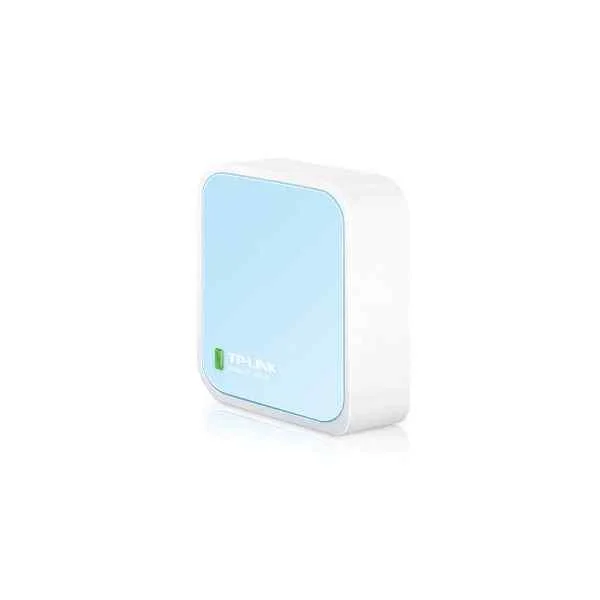
TL-WR940N (TP-LINK TL-WR940N - Wi-Fi 4 (802.11n) - Single-band (2.4 GHz) - Ethernet LAN - Black - Tabletop router (TL-WR940N))
4.7 (6)- Wireless Router
- Tp-Link
- 12V DC Adapter
- Layer 3
- Desktop
- Under 12 Ports
Est Value $144.60$123.44
14.6% offIn stockRefurbishedFirst-Time Buyer Discount – Get up to 2% additional off on your first order
ORM Rewards Earn $50 in Rewards + Free Expedited Delivery – Join Now!
Use eCoupon ORMSAVE10
eCoupon limited to 5 units
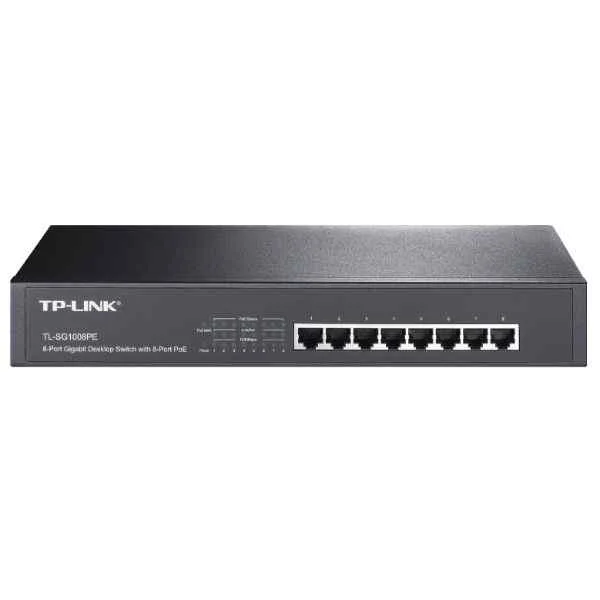
TL-SG1008PE (TL-SG1008PE-Unmanaged-L2-GigabitEthernet(10/100/1000)-Fullduplex-PoweroverEthernet(PoE)-Rackmounting)
4.7 (6)- Switch
- Tp-Link
- AC Power Supply
- Layer 2
- Desktop
- Under 12 Ports
Est Value $256.28$128.14
50% offIn stockRefurbishedFirst-Time Buyer Discount – Get up to 2% additional off on your first order
ORM Rewards Earn $50 in Rewards + Free Expedited Delivery – Join Now!
Use eCoupon ORMSAVE10
eCoupon limited to 5 units
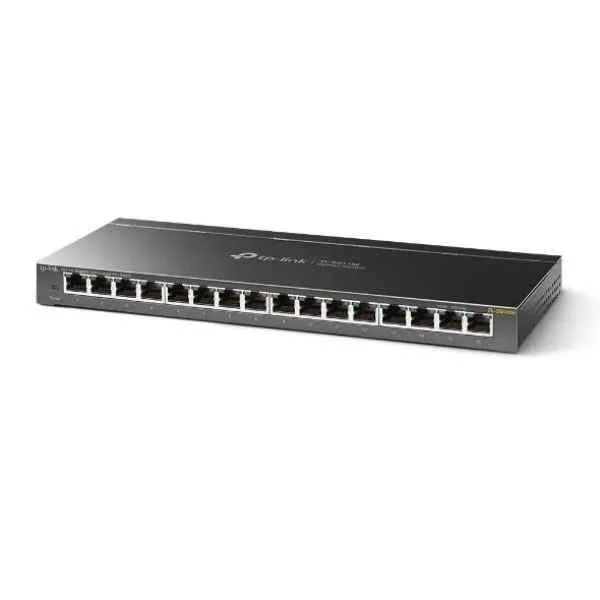
TL-SG116E (16PORT GIGABIT UNMANAGED PRO SWITCH)
4.8 (6)- Switch
- Tp-Link
- AC Power Supply
- Layer 2
- Desktop
- 12–24 Ports
Est Value $239.64$204.57
14.6% offIn stockNewRefurbishedFirst-Time Buyer Discount – Get up to 2% additional off on your first order
ORM Rewards Earn $50 in Rewards + Free Expedited Delivery – Join Now!
Use eCoupon ORMSAVE10
eCoupon limited to 5 units
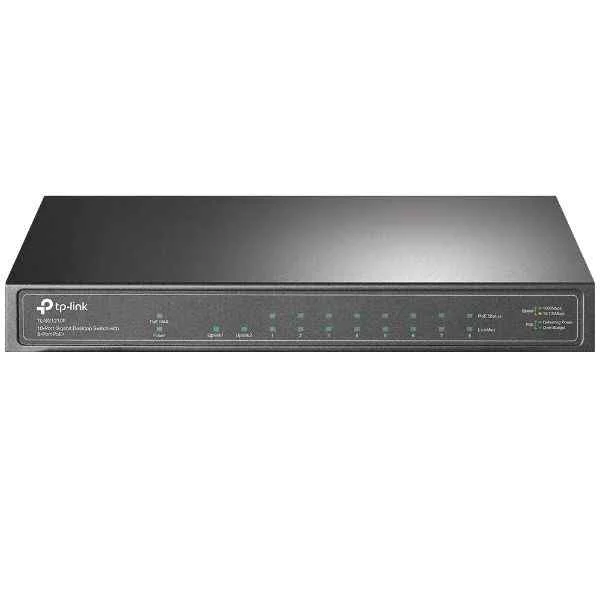
TL-SG1210P (10PORT GIGABIT DESKTOP SWITCH WITH 8PORT POE)
4.8 (6)- Switch
- Tp-Link
- AC Power Supply
- Layer 2
- Desktop
- 12–24 Ports
Est Value $200.06$189.00
5.5% offIn stockNewRefurbishedFirst-Time Buyer Discount – Get up to 2% additional off on your first order
ORM Rewards Earn $50 in Rewards + Free Expedited Delivery – Join Now!
Use eCoupon ORMSAVE10
eCoupon limited to 5 units
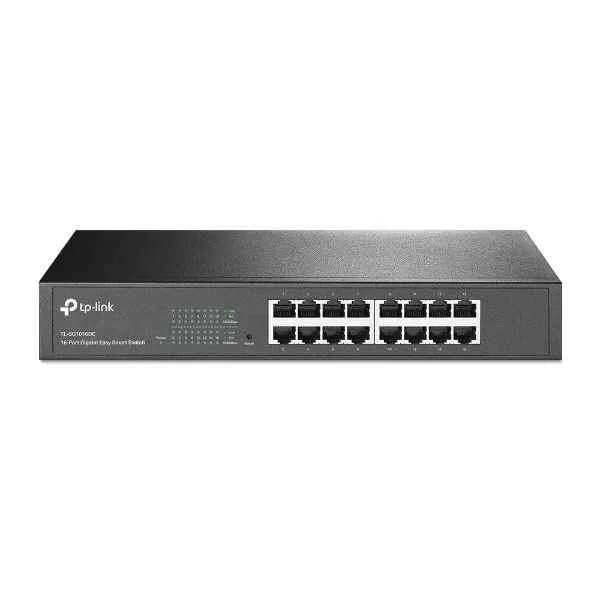
TL-SG1016DE (16PORT GIGABIT EASY SMART SWITCH)
4.7 (7)- Switch
- Tp-Link
- AC Power Supply
- Layer 2
- Desktop
- 15W
- 12–24 Ports
Est Value $357.86$178.93
50% offIn stockNewRefurbishedFirst-Time Buyer Discount – Get up to 2% additional off on your first order
ORM Rewards Earn $50 in Rewards + Free Expedited Delivery – Join Now!
Use eCoupon ORMSAVE10
eCoupon limited to 5 units
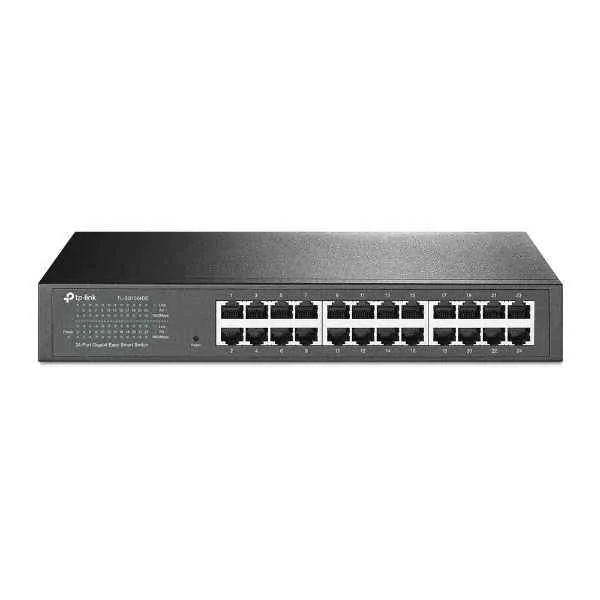
TL-SG1024 (TL-SG1024 24PORT 10/100/1000 24PORT STACKABLE RJ45 W/ STEEL CASE)
4.5 (6)- Switch
- Tp-Link
- AC Power Supply
- Layer 2
- Rack-mount
- 33 W
- 24–48 Ports
Est Value $263.31$224.77
14.6% offIn stockNewRefurbishedFirst-Time Buyer Discount – Get up to 2% additional off on your first order
ORM Rewards Earn $50 in Rewards + Free Expedited Delivery – Join Now!
Use eCoupon ORMSAVE10
eCoupon limited to 5 units
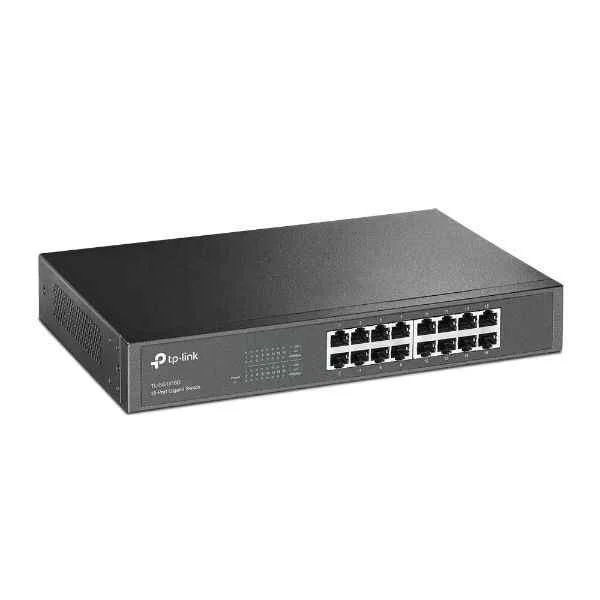
TL-SG1016D (GIGABIT DESKTOP SWITCH 16PORT 16/10/100/1000M METAL CASE)
4.6 (7)- Switch
- Tp-Link
- AC Power Supply
- Layer 2
- Desktop
- 15 W
- 12–24 Ports
Est Value $239.64$204.57
14.6% offIn stockNewRefurbishedFirst-Time Buyer Discount – Get up to 2% additional off on your first order
ORM Rewards Earn $50 in Rewards + Free Expedited Delivery – Join Now!
Use eCoupon ORMSAVE10
eCoupon limited to 5 units
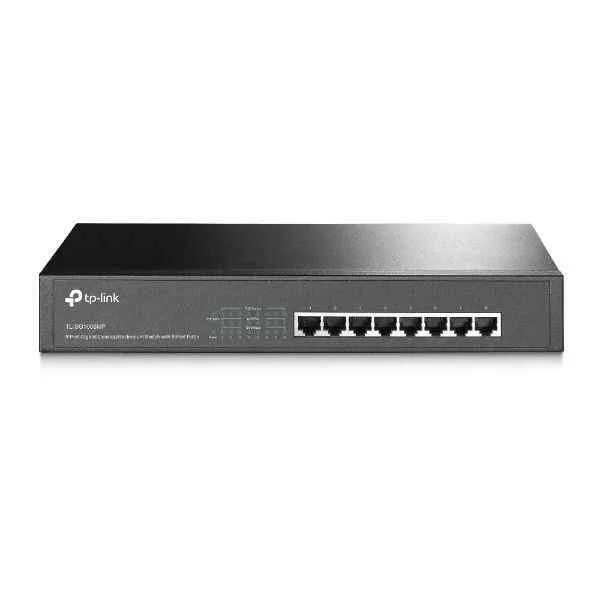
TL-SG1008MP (8PORT GIGABIT DESKTOP)
4.9 (7)- Switch
- Tp-Link
- AC Power Supply
- Layer 2
- Desktop
- Under 12 Ports
Est Value $397.08$198.54
50% offIn stockNewRefurbishedFirst-Time Buyer Discount – Get up to 2% additional off on your first order
ORM Rewards Earn $50 in Rewards + Free Expedited Delivery – Join Now!
Use eCoupon ORMSAVE10
eCoupon limited to 5 units
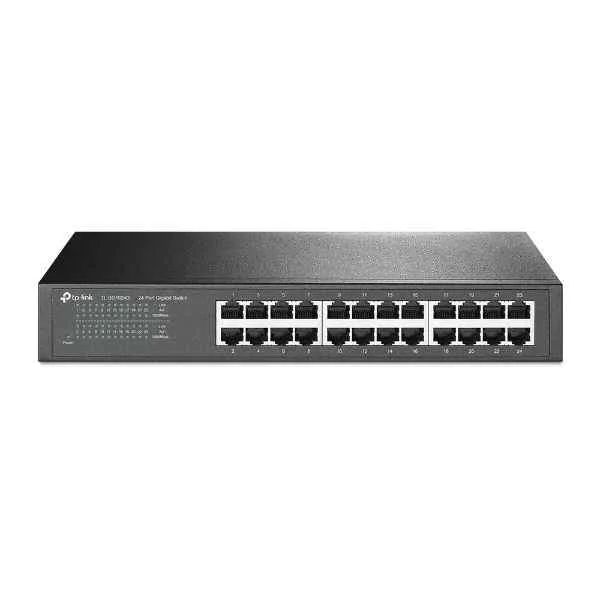
TL-SG1024D (GIGABIT DESKTOP SWITCH 24PORT 24/10/100/1000M METAL CASE)
4.9 (7)- Switch
- Tp-Link
- AC Power Supply
- Layer 2
- Desktop
- 12–24 Ports
Est Value $378.00$189.00
50% offIn stockNewRefurbishedFirst-Time Buyer Discount – Get up to 2% additional off on your first order
ORM Rewards Earn $50 in Rewards + Free Expedited Delivery – Join Now!
Use eCoupon ORMSAVE10
eCoupon limited to 5 units
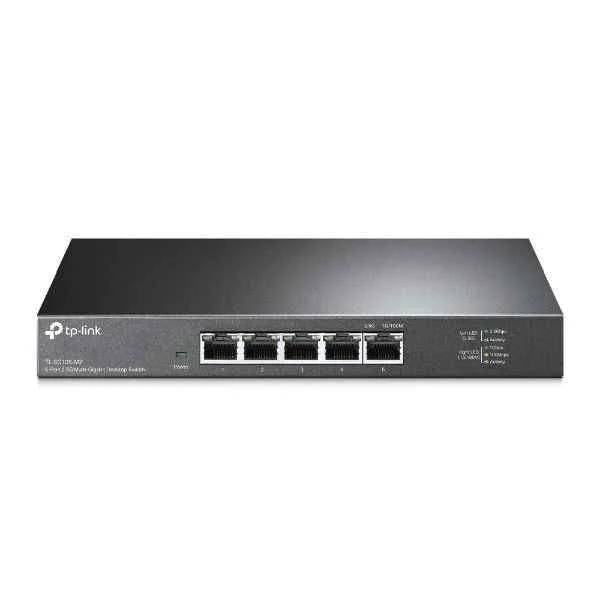
TL-SG105-M2 (5PORT 2.5G MULTI-GIGABIT DESKTOP SWITCH)
4.7 (7)- Switch
- Tp-Link
- AC Power Supply
- Layer 2
- Desktop
- 6.3 W
- Under 12 Ports
Est Value $299.52$149.76
50% offIn stockRefurbishedFirst-Time Buyer Discount – Get up to 2% additional off on your first order
ORM Rewards Earn $50 in Rewards + Free Expedited Delivery – Join Now!
Use eCoupon ORMSAVE10
eCoupon limited to 5 units
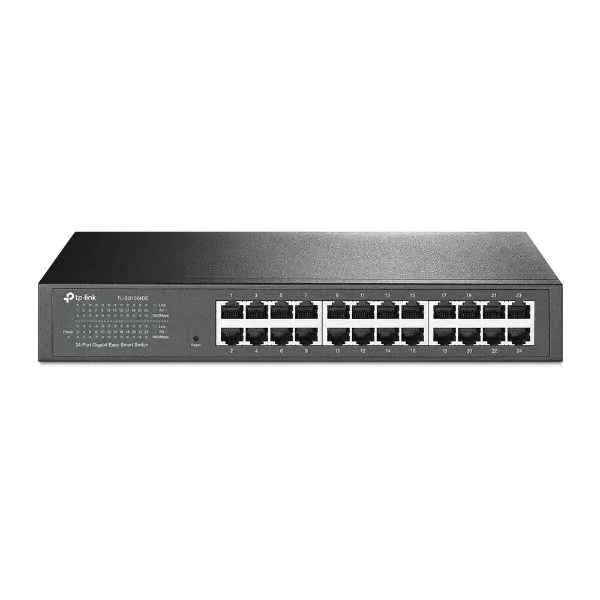
TL-SG1024DE (24PORT 10/100/1000 GIGABIT EASY SMART SWITCH)
4.7 (6)- Switch
- Tp-Link
- AC Power Supply
- Layer 2
- Desktop / Rack-mount
- 20.6W
- 24–48 Ports
Est Value $406.06$203.03
50% offIn stockNewRefurbishedFirst-Time Buyer Discount – Get up to 2% additional off on your first order
ORM Rewards Earn $50 in Rewards + Free Expedited Delivery – Join Now!
Use eCoupon ORMSAVE10
eCoupon limited to 5 units
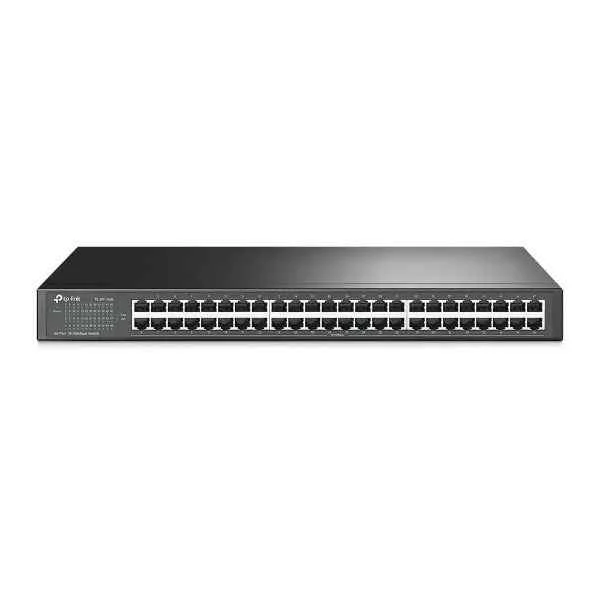
TL-SF1048 (TL-SF1048-Unmanaged-FastEthernet(10/100)-Rackmounting)
4.9 (7)- Switch
- Tp-Link
- AC Power Supply
- Layer 2 / Layer 3
- Rack-mount
- 24–48 Ports
Est Value $312.35$190.31
39.1% offIn stockRefurbishedFirst-Time Buyer Discount – Get up to 2% additional off on your first order
ORM Rewards Earn $50 in Rewards + Free Expedited Delivery – Join Now!
Use eCoupon ORMSAVE10
eCoupon limited to 5 units
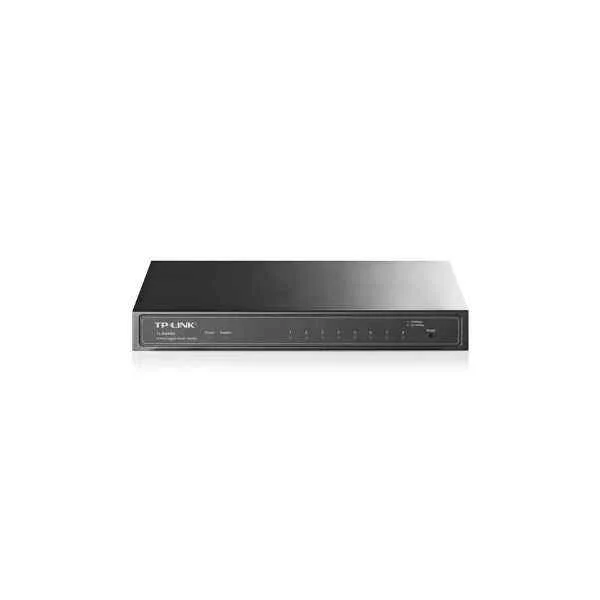
TL-SG2008 (JETSTREAM 8-PORT GIGABIT SMART SWITCH)
4.7 (7)- Switch
- Tp-Link
- AC Power Supply
- Layer 2
- Desktop
- 15W
- Under 12 Ports
Est Value $228.39$194.96
14.6% offIn stockRefurbishedFirst-Time Buyer Discount – Get up to 2% additional off on your first order
ORM Rewards Earn $50 in Rewards + Free Expedited Delivery – Join Now!
Use eCoupon ORMSAVE10
eCoupon limited to 5 units

ORM Sales Advisors
Buying for your business? Get a personalised quote in under 2 hours. Talk to an expert
LEARNFilters (79) 
Questions & Answers
What is a TP-Link switch and how does it work?
A TP-Link switch is a network device that connects multiple Ethernet devices and forwards data frames at wire speed. It inspects MAC addresses in incoming frames and forwards traffic only to the designated port, improving network efficiency and reducing collisions.
How do I set up a TP-Link switch for the first time?
Connect your switch to power and your router via Ethernet, then link your PC to any switch port. Access the web management interface at http://192.168.0.1 (or as labeled) with the default credentials. Follow the Quick Setup wizard to assign an IP address and configure basic settings.
What is the difference between managed and unmanaged TP-Link switches?
Unmanaged switches offer plug-and-play connectivity with no configuration options. Managed switches provide advanced features—VLANs, QoS, link aggregation and SNMP—for greater network control and monitoring.
How can I configure VLANs on a TP-Link managed switch?
Log into the switch GUI, navigate to the VLAN > 802.1Q page, enable VLAN mode, create VLAN IDs, assign ports as tagged/untagged members, and click Save. Your ports will now isolate or segregate traffic according to VLAN rules.
What is PoE on TP-Link switches and how do I enable it?
Power over Ethernet (PoE) delivers DC power to devices via Ethernet cables. In the switch GUI, go to PoE > PoE Settings, enable PoE on desired ports, set power priority if needed, and apply changes. Connected PoE cameras or phones will power up automatically.
Can I stack TP-Link switches for larger networks?
Yes, selected TP-Link Stackable Managed Switches support physical stacking via dedicated stack ports. Use the stacking cables to connect switches, enable Stack mode in the management interface, and they will operate as a single logical switch.
How do I update firmware on my TP-Link switch?
Download the latest firmware from TP-Link’s official website for your switch model. In the switch GUI, go to System > Firmware Upgrade, browse and upload the file, then reboot. Always back up your config before upgrading.
What should I do if one or more ports on my TP-Link switch stop working?
First, test with a known working cable and device. If the port still fails, try rebooting the switch. If the issue persists, reset the switch to factory settings or update its firmware. Persistent hardware faults may require an RMA service.
How do I reset my TP-Link switch to factory defaults?
Locate the Reset pinhole on the switch, press and hold it for 8–10 seconds until lights blink, then release. The switch will reboot with default IP, username, and password as specified in the quick install guide.
Are TP-Link switches compatible with other network brands?
Yes, TP-Link switches adhere to IEEE Ethernet standards (802.3, 802.3u, 802.3ab, etc.) and interoperate seamlessly with other certified network equipment from Cisco, Netgear, Ubiquiti, and more.
How do I optimize QoS settings on a TP-Link switch?
Access QoS > 802.1P in the web GUI, enable 802.1P priority, map traffic types to priority queues, and assign bandwidth limits per port or queue. Apply changes to prioritize voice, video or critical data effectively.
What is link aggregation and how do I configure it?
Link aggregation combines multiple ports for higher throughput and redundancy. In the switch GUI, go to LACP (Link Aggregation Control Protocol), create a new LAG (Link Aggregation Group), add member ports, and apply. Ensure the connected device supports LACP.
Which TP-Link switch model is best for a small business?
For small businesses, the TP-Link JetStream T1500-28P offers 24 PoE+ ports, Layer 2+ features, VLAN/QoS, and a user-friendly web interface, delivering reliable performance and scalability for typical office environments.
How can I monitor network traffic on a TP-Link managed switch?
Enable SNMP under System > SNMP, configure a community string, and integrate with your network management software (e.g., PRTG, SolarWinds). You can also view port statistics and real‐time flow data via the switch’s built-in traffic monitor.
What warranty and support options are available for TP-Link switches?
TP-Link offers a limited lifetime warranty on most switches and a 2-year warranty on select models. You can access technical support, firmware downloads, and documentation through the TP-Link support portal.
How do I secure my TP-Link switch from unauthorized access?
Change default admin credentials, disable unused ports, enable HTTPS/SSH for management, configure access control lists (ACLs) under Security > ACL, and keep firmware updated to mitigate vulnerabilities.
About TP-Link Switches
TP-Link switches are designed to deliver reliable and high-speed networking solutions for homes, businesses, and enterprises. Whether you need TP-Link Omada switches for cloud-based management or TP-Link network switches for seamless connectivity, TP-Link provides a wide range of networking devices tailored to different user needs.
With advanced features like VLAN support, Layer 2 and Layer 3 capabilities, and PoE support, TP-Link switches ensure efficient data transfer and network scalability. TP-Link managed switches offer enhanced network control, while TP-Link unmanaged switches provide plug-and-play functionality for easy setup.
TP-Link is also known for its smart home solutions, including smart light switches. These devices allow users to automate and control their home lighting with voice commands and mobile apps. For those wondering, "Are TP-Link switches safe?" They come equipped with enterprise-grade security protocols to protect against cyber threats and ensure secure network communication.
Buy TP-Link Switches from ORM Systems
Are you looking to buy TP-Link switches for your home or business network? ORM Systems offers a curated selection of TP-Link network switches designed to deliver high-speed connectivity, secure data transfer, and advanced network management features. Whether you're upgrading an office setup or enhancing your smart home network, we have the right solution to meet your needs.
Our lineup includes TP-Link PoE (Power over Ethernet) switches, which simplify power and data transmission for devices like IP cameras, VoIP phones, and wireless access points. These switches allow you to power devices directly through the Ethernet cable, reducing the need for additional power outlets and making installation easier.
For smart homes, we offer TP-Link Kasa switches that integrate seamlessly with your home automation systems. These switches enable convenient remote control and automation of home lighting and other devices, helping you build a smarter, more efficient home network.
Whether you need a high-speed Ethernet switch for your office, a cost-effective unmanaged switch for smaller setups, or a cloud-managed Omada switch for advanced network control, ORM Systems has you covered. We provide expert support to help you choose the best TP-Link switch for your network, along with fast shipping to ensure a smooth and timely delivery.
Explore our selection of TP-Link switches today and experience top-tier networking with cutting-edge features, designed to meet the demands of modern businesses and smart home environments.
Discover the Best TP-Link Switches for Your Business
TP-Link switches are designed to deliver reliable and high-speed networking solutions for homes, businesses, and enterprises. Whether you need TP-Link Omada switches for cloud-based management or TP-Link network switches for seamless connectivity, TP-Link provides a wide range of networking devices tailored to different user needs.
With advanced features like VLAN support, Layer 2 and Layer 3 capabilities, and PoE support, TP-Link switches ensure efficient data transfer and network scalability. TP-Link managed switches offer enhanced network control, while TP-Link unmanaged switches provide plug-and-play functionality for easy setup.
TP-Link is also known for its smart home solutions, including smart lights and switches. These devices allow users to automate and control their home lighting with voice commands and mobile apps. For those wondering, "Are TP-Link switches safe?" They come equipped with enterprise-grade security protocols to protect against cyber threats and ensure secure network communication.
TP-Link Omada Switches: Cloud-Managed Networking
TP-Link Omada switches offer advanced cloud-based network management, enabling businesses and IT professionals to monitor and control their networks remotely. With seamless integration into Omada’s Software Defined Networking (SDN) platform, these switches provide businesses with powerful tools for managing traffic, optimizing performance, and ensuring scalability.
These switches are designed to meet the needs of enterprise and business environments. They support both Layer 2 and Layer 3 networking, offering VLAN segmentation, QoS prioritization, and robust security protocols, ensuring efficient and secure data flow across the network. This makes them ideal for a wide range of applications, including office networks, hotels, and retail businesses.
Omada switches offer features like zero-touch provisioning and centralized cloud control, simplifying setup and management while enabling quick, hassle-free deployment. With cloud-based management, IT teams can easily access and manage network configurations from anywhere, improving operational efficiency and reducing downtime.
TP-Link Unmanaged Switches: Simple Plug-and-Play Connectivity
For users looking for an easy-to-use, cost-effective networking solution, TP-Link unmanaged switches provide plug-and-play connectivity with no configuration required. Ideal for home networks, small businesses, and quick installations, these switches offer auto-negotiation, auto-MDI/MDIX, and energy-efficient technology for optimal performance.
Key Benefits:
- No setup is required. Just plug in your Ethernet cables and get started.
- Energy-efficient technology – Reduces power consumption based on link status and cable length.
- Multiple port options – Available in 5-port, 8-port, 16-port, and 24-port
TP-Link Managed Switches: Advanced Control for Business Networks
TP-Link managedswitches provide Layer 2 and Layer 3 capabilities, VLAN support, traffic prioritization, and enterprise-grade security protocols for IT administrators who need high-level network control and security. These switches also offer web-based management, SNMP monitoring, and QoS optimization, ensuring critical applications receive the necessary bandwidth.
Best suited for:
- Businesses with complex networking needs
- Data centers and enterprises
- Network environments requiring high security and control
TP-Link PoE Switches: Simplified Power and Data Transmission
TP-Link PoE switches (Power over Ethernet) are designed to power devices such as IP cameras, VoIP phones, and wireless access points without additional power cables. With high power budgets, intelligent power management, and multiple PoE+ ports, these switches enhance network deployment flexibility.
Advantages of TP-Link PoE Switches:
- Reduces cable clutter – Power and data over a single Ethernet cable.
- Supports PoE and PoE+ standards – Ensures compatibility with various PoE-enabled devices.
- Remote power management – Enables control of overpowered devices via network interfaces.
TP-Link Kasa Switches: Smart Home Lighting Control
For smart home enthusiasts, TP-Link Kasa switches provide convenient Wi-Fi-enabled lighting control, making it easy to automate and manage your home lighting system. These smart light switches integrate seamlessly with popular platforms like Amazon Alexa, Google Assistant, and Apple HomeKit, allowing users to control their lights with voice commands or through the Kasa Smart app from anywhere.
Why Choose TP-Link Kasa Switches?
- Remote and Voice Control: Adjust your lighting settings using voice commands with Alexa, Google Assistant, or directly through the Kasa Smart app on your smartphone. This makes controlling your lights easier and more convenient, whether you’re at home or on the go.
- Easy Setup and Installation: TP-Link Kasa switches are designed to be compatible with most standard home wiring systems, ensuring quick and easy installation without the need for a professional.
- Customizable Schedules: Set automated on/off schedules for your lights to enhance energy efficiency and convenience. Whether you want lights to turn on when you arrive home or off at bedtime, you can create a personalized lighting routine to fit your lifestyle.
With TP-Link Kasa switches, you can enjoy the convenience of smart home technology, providing effortless control and automation for a more efficient and comfortable living environment.
Are TP-Link Switches Safe?
One of the users' most common concerns is "Are TP-Link switches safe?" TP-Link ensures high-level security standards across its networking products, implementing advanced encryption, firewall protection, and network security protocols to safeguard users against cyber threats.
For business and enterprise users, TP-Link Omada and managed switches provide built-in security features such as Access Control Lists (ACLs), VLAN segmentation, and storm control to enhance network protection. TP-Link continuously releases firmware updates to address security vulnerabilities, ensuring a safe and reliable networking experience.
For home users, TP-Link smart switches and Kasa smart light switches include multi-layer encryption, secure cloud connections, and two-factor authentication (2FA) to protect against unauthorized access.
TP-Link switches are trusted by millions worldwide because they are strongly committed to network security and privacy. They provide users with safe, efficient, and high-performing networking solutions.
Why You Must Get Your Hands on TP-Link Switches
Businesses and IT professionals trust TP-Link switches for their reliability, security, and performance. Whether you need basic networking for home use or enterprise-grade solutions, TP-Link provides cost-effective options tailored to diverse networking requirements.
With advanced networking capabilities, TP-Link switches support Gigabit Ethernet, Power over Ethernet (PoE), and VLAN configurations, ensuring businesses can optimize traffic flow, improve security, and enhance connectivity. These switches provide seamless data transfer, low latency, and intelligent management features to meet the needs of modern network infrastructures.
Future-proof networking is essential. TP-Link switches come with firmware updates, cloud-based management through Omada SDN, and AI-driven networking features that help IT professionals monitor, troubleshoot, and scale their networks efficiently. Whether setting up a small office network or managing a large-scale enterprise infrastructure, TP-Link switches offer scalability and flexibility to keep up with expanding network demands.