 United States
Ubiquiti Transceivers Advanced Network Solutions
Experience unparalleled network efficiency with Ubiquiti Transceivers engineered for optimum data transfer, enhanced connectivity, and unmatched reliability. Ideal for professional applications seeking superior communication performance.
Talk to an expert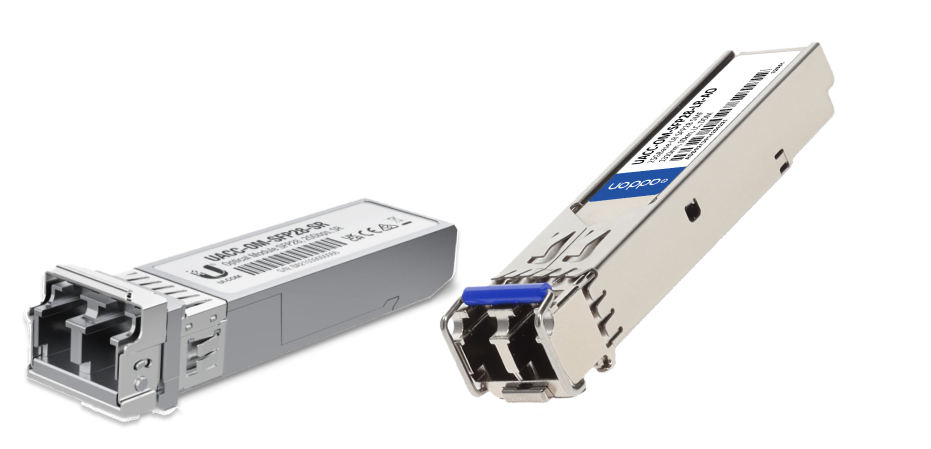
Ubiquiti Sfp Modules
(2)Ubiquiti SFP modules provide 1 Gigabit Ethernet fiber interfaces for UniFi access switches and sub-50 user remote sites
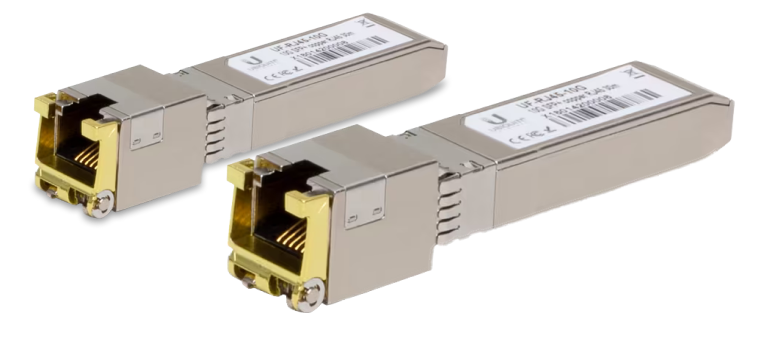
Ubiquiti Fiber Modules
(4)Ubiquiti fiber modules support SFP and SFP+ optical links for wireless backhaul cabinets and multi-building LAN extension projects
6 Matching results
- BEST SELLING
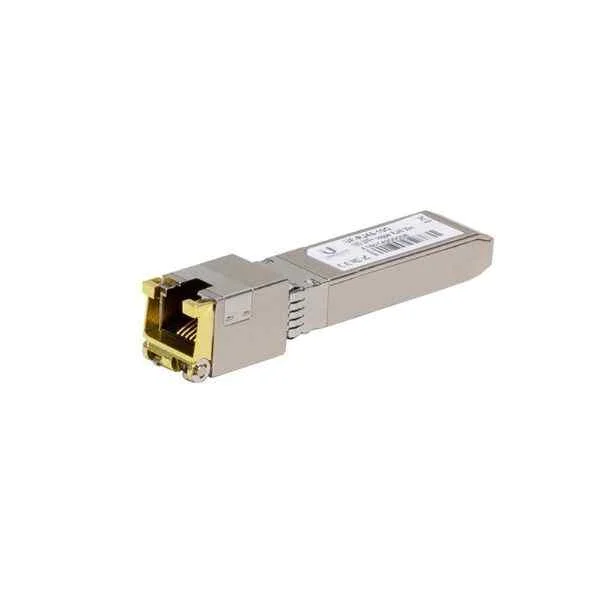
UF-RJ45-1G (UBNT UF-RJ45-1G Copper Ethernet to SFP port connector)
4.8 (5)- Transceiver
- Ubiquiti
- SFP
- 1G
- RJ45
- Short-Range
Est Value $144.60
$123.44
14.6% offIn stockRefurbishedFirst-Time Buyer Discount – Get up to 2% additional off on your first order
ORM Rewards Earn $50 in Rewards + Free Expedited Delivery – Join Now!
Use eCoupon ORMSAVE10
eCoupon limited to 5 units
- BEST SELLING
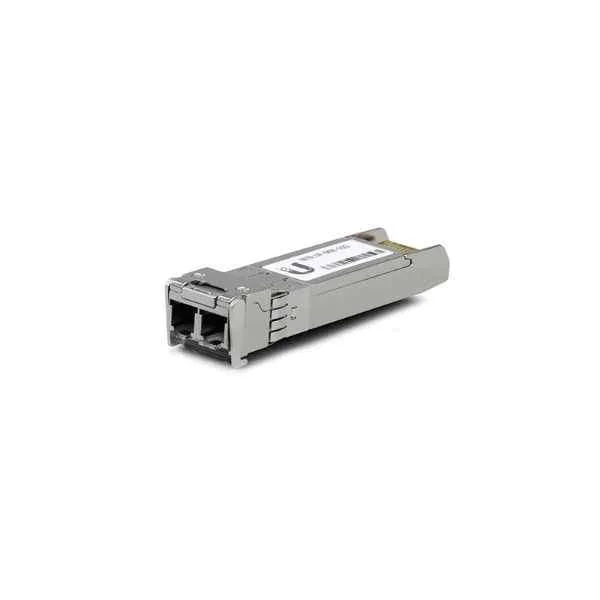
UF-MM-10G (UBNT UF-MM-10G 850nm LC SFP+ Multi-Mode Fiber Module (2-Pack))
4.8 (5)- Transceiver
- Ubiquiti
- SFP+
- 10G
- LC
- 850 nm
- Short-Range
Est Value $234.81$151.27
35.6% offIn stockRefurbishedFirst-Time Buyer Discount – Get up to 2% additional off on your first order
ORM Rewards Earn $50 in Rewards + Free Expedited Delivery – Join Now!
Use eCoupon ORMSAVE10
eCoupon limited to 5 units
- BEST SELLING
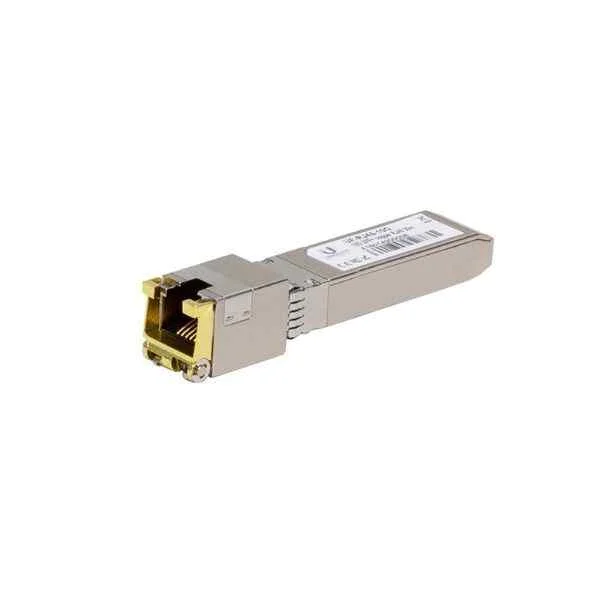
UF-RJ45-10G (UBNT UF-RJ45-10G 10Gbps SFP+ to RJ45 Transceiver Module)
4.6 (5)- Transceiver
- Ubiquiti
- SFP+
- 10G
- RJ45
- Short-Range
Est Value $306.60$105.00
65.8% offIn stockNewRefurbishedFirst-Time Buyer Discount – Get up to 2% additional off on your first order
ORM Rewards Earn $50 in Rewards + Free Expedited Delivery – Join Now!
Use eCoupon ORMSAVE10
eCoupon limited to 5 units
- BEST SELLING
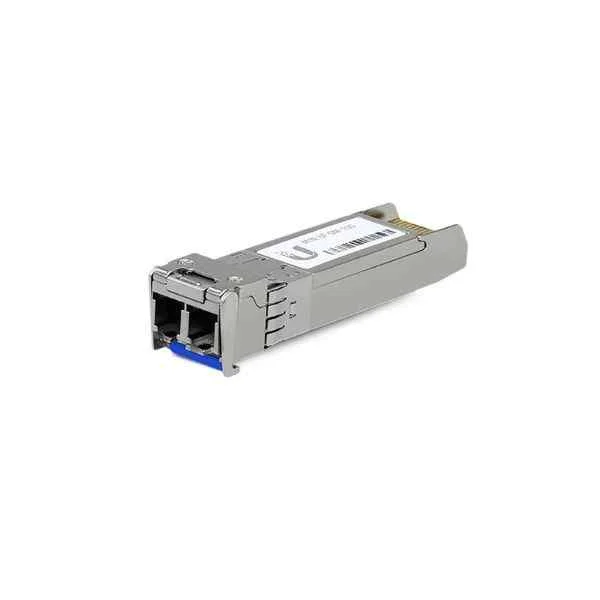
UF-SM-10G (UBNT SM-10G SFP+ Single-Mode Fiber Module (2-Pack), 1310nm, 10G )
4.4 (5)- Transceiver
- Ubiquiti
- SFP+
- 10G
- LC
- 1310 nm
- Long-Range
Est Value $311.60$219.12
29.7% offIn stockRefurbishedFirst-Time Buyer Discount – Get up to 2% additional off on your first order
ORM Rewards Earn $50 in Rewards + Free Expedited Delivery – Join Now!
Use eCoupon ORMSAVE10
eCoupon limited to 5 units
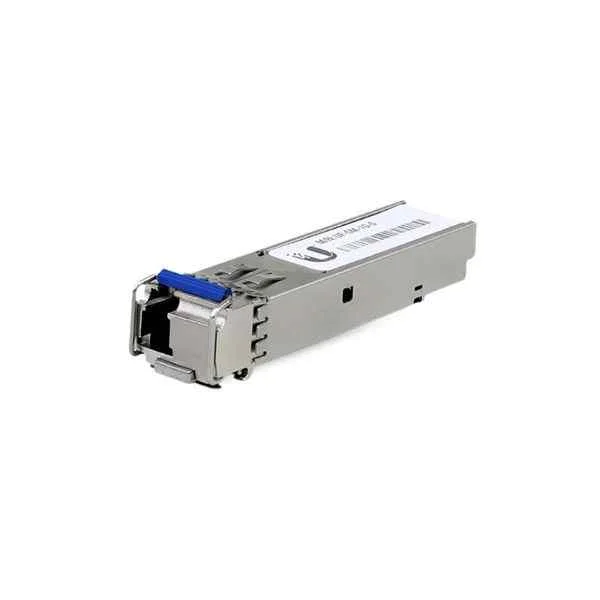
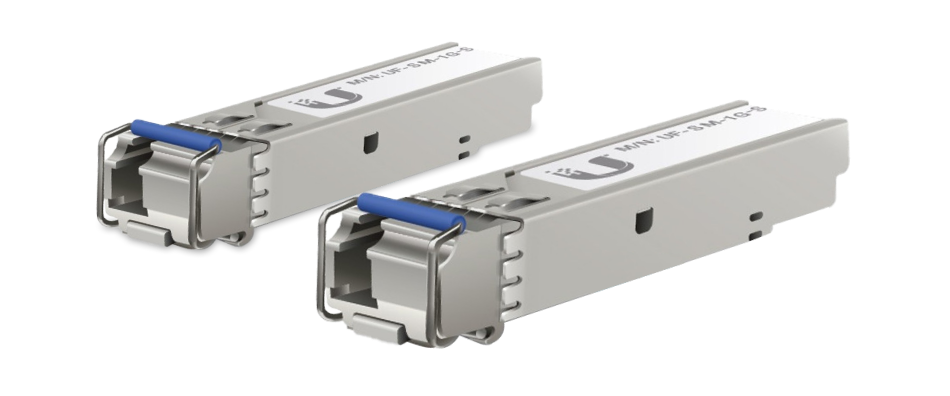
UF-SM-1G-S (UBNT Networks U Fiber Single-Mode - SFP (mini-GBIC) transceiver module - Gigabit Ethernet - BiDi ( pack of 2 ) -3km)
4.4 (5)- Transceiver
- Ubiquiti
- SFP
- 1G
- LC
- 1310nm
- Long-Range
Est Value $179.25$153.02
14.6% offIn stockRefurbishedFirst-Time Buyer Discount – Get up to 2% additional off on your first order
ORM Rewards Earn $50 in Rewards + Free Expedited Delivery – Join Now!
Use eCoupon ORMSAVE10
eCoupon limited to 5 units
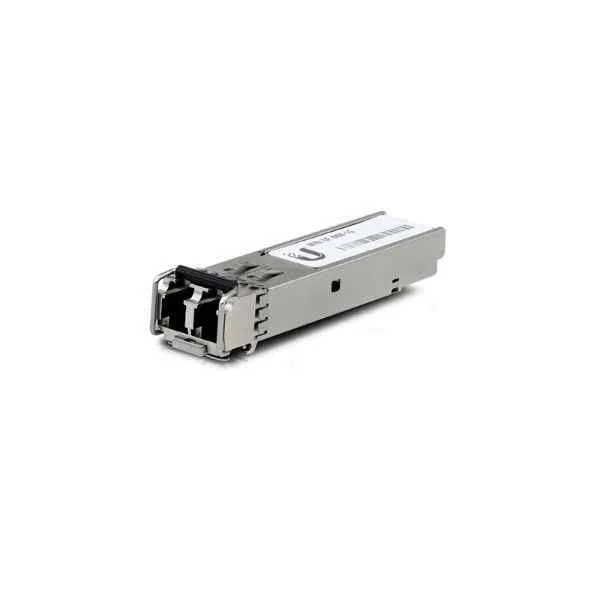
UF-MM-1G (UBNT UF-MM-10G 2 LC SFP+ Multi-Mode 1Gbps Fiber Module (2-Pack))
4.6 (5)- Transceiver
- Ubiquiti
- SFP
- 1G
- LC
- 850 nm
- Short-Range
Est Value $174.46$87.23
50% offIn stockRefurbishedFirst-Time Buyer Discount – Get up to 2% additional off on your first order
ORM Rewards Earn $50 in Rewards + Free Expedited Delivery – Join Now!
Use eCoupon ORMSAVE10
eCoupon limited to 5 units

ORM Sales Advisors
Buying for your business? Get a personalised quote in under 2 hours. Talk to an expert
LEARNFilters (6) 
Questions & Answers
What is a Ubiquiti transceiver?
A Ubiquiti transceiver is a hot-pluggable SFP/SFP+/SFP28 or QSFP module that enables optical or copper connectivity between network switches and fiber or Ethernet cabling.
Which Ubiquiti transceiver models support 10Gbps?
Ubiquiti’s UF-SPOE-10G, UF-SQ-10G and UF-SQ-10G-20KM SFP+ modules deliver reliable 10Gbps connectivity over multimode or single-mode fiber up to 20 km.
How do I install a Ubiquiti transceiver?
Power down the switch port (if required), insert the transceiver firmly into the SFP/SFP+ slot until it clicks, then connect the fiber or copper cable and power on the device.
Are Ubiquiti transceivers compatible with third-party switches?
Yes, Ubiquiti transceivers adhere to MSA standards, ensuring compatibility with most third-party switches that support SFP/SFP+ modules.
What is the maximum range of Ubiquiti single-mode transceivers?
Ubiquiti single-mode SFP+ transceivers such as UF-SQ-10G-20KM deliver up to 20 km of optical reach over single-mode fiber.
What’s the difference between SFP and SFP+ transceivers?
SFP transceivers support up to 1Gbps, while SFP+ modules offer up to 10Gbps, making SFP+ ideal for high-performance uplinks.
Can I hot-swap Ubiquiti transceivers?
Yes, Ubiquiti transceivers support hot-swapping, allowing you to add or replace modules without powering down the switch.
Which fiber cable types work with Ubiquiti transceivers?
Use OM3/OM4 multimode fiber with multimode SFP/SFP+ modules and OS2 single-mode fiber with single-mode transceivers for optimal performance.
How do I verify my Ubiquiti transceiver is functioning?
Check the switch port LED status, use the UniFi or EdgeOS GUI to view link statistics, and run a fiber light test for continuity.
What are the benefits of single-mode vs. multimode transceivers?
Single-mode transceivers offer longer reach (up to 20 km+) with lower attenuation, while multimode modules provide cost-effective short-range connectivity (up to 550 m).
Do Ubiquiti transceivers require firmware updates?
Ubiquiti transceivers do not have standalone firmware; however, ensure your switch firmware is up to date to maintain compatibility and performance.
How do I choose the right Ubiquiti transceiver for my network?
Determine your required data rate (1G vs 10G), link distance, and fiber type (single-mode vs multimode), then select the matching Ubiquiti SFP/SFP+ module.
Where can I buy genuine Ubiquiti transceivers?
Purchase from authorized Ubiquiti distributors, official Ubiquiti online store or certified resellers to guarantee authenticity and warranty coverage.
What warranty covers Ubiquiti transceivers?
Ubiquiti offers a limited lifetime warranty on most transceivers, covering manufacturing defects under normal use conditions.
How can I troubleshoot link-down issues with Ubiquiti transceivers?
Verify fiber polarity, clean all connectors, confirm module compatibility, check switch port settings, and inspect link LEDs for error indicators.
Can I mix different wavelengths on Ubiquiti transceiver modules?
Yes, but ensure you use matching wavelength pairs (e.g., 1310 nm TX and 1550 nm RX) or duplex LC cables rated for the specific wavelengths.
How do Ubiquiti transceivers optimize network performance?
By providing low-latency, industry-standard optical/copper connectivity, Ubiquiti transceivers minimize signal loss and support high-speed data transmission.