 United States
Video Conferencing Empower Global Connections
Experience our secure and innovative video conferencing platform designed for seamless remote collaboration. Enhance communication, empower teams, and boost productivity with advanced features and scalable integration for unparalleled virtual engagement.
Talk to an expert
59 Matching results

DEC6001-E (Huawei Monitor - 21.3 inch 3MP medical grayscale display -2048*1536/Display Port/DC12V - Chinese and English data)
4.8 (6)- Display-Integrated System
- Huawei
- Display-Integrated System
Est Value $1,367.24
$416.34
69.5% offIn stockNewFirst-Time Buyer Discount – Get up to 2% additional off on your first order
ORM Rewards Earn $50 in Rewards + Free Expedited Delivery – Join Now!
Use eCoupon ORMSAVE10
eCoupon limited to 5 units

VC8MVP220M03 (Huawei Crystal Head-8PIN-8bit-Shielding-Plug-24~26AWG-CAT 6/25050064)
4.7 (6)- Video Conferencing Solution
- Huawei
- Room Kit
- Boardroom
- 1080p
- 30 FPS
- 90°
Est Value $825.00$569.10
31% offIn stockNewFirst-Time Buyer Discount – Get up to 2% additional off on your first order
ORM Rewards Earn $50 in Rewards + Free Expedited Delivery – Join Now!
Use eCoupon ORMSAVE10
eCoupon limited to 5 units
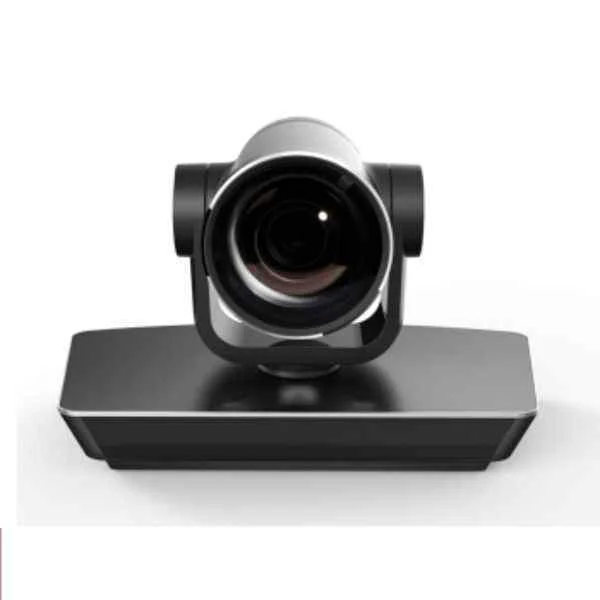
NREAMXM01 (Huawei VC9M321VCT01 ViewPoint 9039S HD codec,VPC620 HD camera(12x),VPM210 microphone,France Telecom customized version.)
4.7 (6)- Video Conferencing Solution
- Huawei
- Room Kit
- Boardroom
- 1080p
- 30 FPS
Est Value $1,391.01$1,358.32
2.4% offIn stockNewFirst-Time Buyer Discount – Get up to 2% additional off on your first order
ORM Rewards Earn $50 in Rewards + Free Expedited Delivery – Join Now!
Use eCoupon ORMSAVE10
eCoupon limited to 5 units
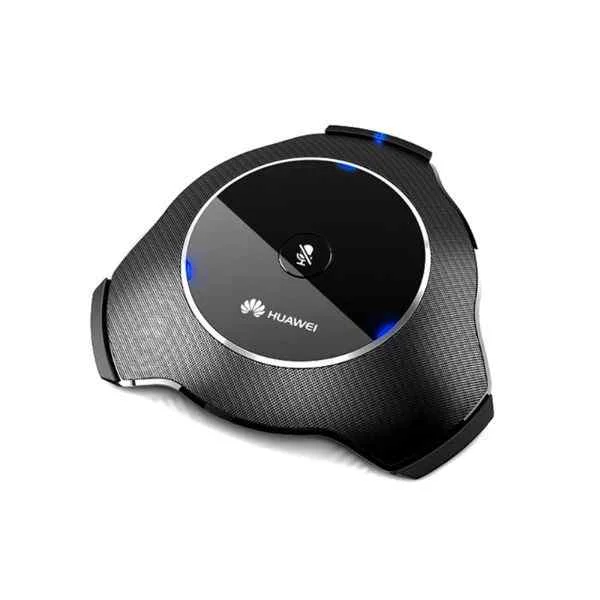
VC9SUPGMOD01 (Huawei VC6SVIDADA02 ViewPoint 8660 Video Adaptation,4 Port CIF)
4.7 (6)- Video Conferencing Solution
- Huawei
- All-in-One Video Bar
- Boardroom
- 1080p
- 30 FPS
- 90°
Est Value $2,630.28$2,568.48
2.3% offIn stockNewFirst-Time Buyer Discount – Get up to 2% additional off on your first order
ORM Rewards Earn $50 in Rewards + Free Expedited Delivery – Join Now!
Use eCoupon ORMSAVE10
eCoupon limited to 5 units
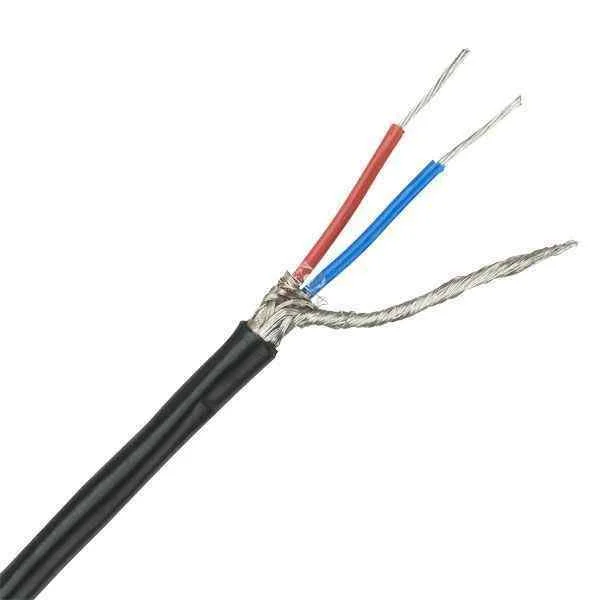
VC9M321VCT04 (Huawei Signal Cable - Shielded Straight Through Cable - 5.00m-(Network Port 8-Position-IV)-(CC4P0.5P430U(S))-(Network Port 8-Position-IV)-LSZH)
4.8 (6)- Huawei
Est Value $6,473.54$5,573.72
13.9% offIn stockNewFirst-Time Buyer Discount – Get up to 2% additional off on your first order
ORM Rewards Earn $50 in Rewards + Free Expedited Delivery – Join Now!
Use eCoupon ORMSAVE10
eCoupon limited to 5 units

VC9M321VCT03 (Huawei MAX PRESENCE Immersive Telepresence System MAX-00)
4.8 (6)- Video Conferencing Solution
- Huawei
- Room Kit
- Boardroom / Hybrid Office / Classroom
- 4K
- 30 FPS
- 120°
Est Value $9,710.82$7,443.35
23.3% offIn stockNewFirst-Time Buyer Discount – Get up to 2% additional off on your first order
ORM Rewards Earn $50 in Rewards + Free Expedited Delivery – Join Now!
Use eCoupon ORMSAVE10
eCoupon limited to 5 units
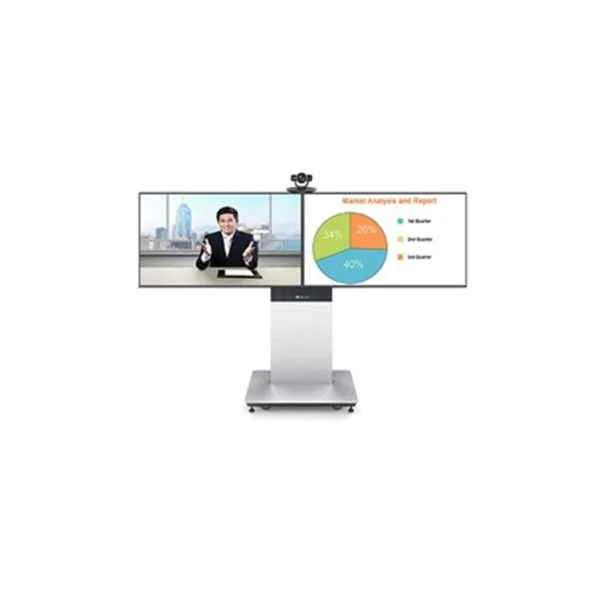
VC9M321VCT02 (Huawei TP3106-70-00 Telepresence Solution)
4.8 (6)- Video Conferencing Solution
- Huawei
- Room Kit
- Boardroom
- 1080p
- 30 FPS
- 90°
Est Value $12,644.60$9,692.08
23.4% offIn stockNewFirst-Time Buyer Discount – Get up to 2% additional off on your first order
ORM Rewards Earn $50 in Rewards + Free Expedited Delivery – Join Now!
Use eCoupon ORMSAVE10
eCoupon limited to 5 units
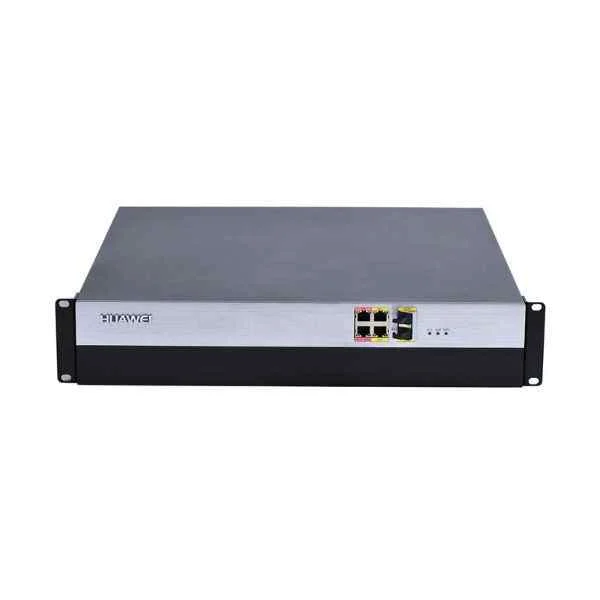
RSEM4RECOR01 (Huawei VC6M1CUBA VP96 series VP9650-8-AC, which include frame,AC power,fan,one Media Processing Module(hardware resource for 24* 1080p30 ports/12*1080p60 ports), 8*1080p30/4*1080p60 ports and software upgradeable)
4.5 (6)- Video Conferencing Solution
- Huawei
- Video Conferencing Endpoints
- Huddle Room / Boardroom / Hybrid Office / Classroom
- 1080p
- 30 FPS / 60 FPS
Est Value $24,127.83$12,413.77
48.5% offIn stockNewFirst-Time Buyer Discount – Get up to 2% additional off on your first order
ORM Rewards Earn $50 in Rewards + Free Expedited Delivery – Join Now!
Use eCoupon ORMSAVE10
eCoupon limited to 5 units
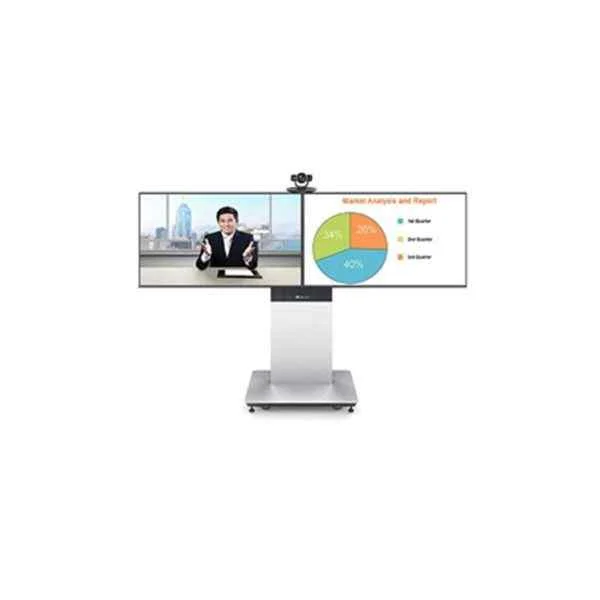
VC9M321VCT01 (Huawei TP3206-55-02 Telepresence Solution)
4.8 (6)- Video Conferencing Solution
- Huawei
- Room Kit
- Boardroom
- 1080p
- 30 FPS
- 90°
Est Value $17,601.68$13,491.69
23.3% offIn stockNewFirst-Time Buyer Discount – Get up to 2% additional off on your first order
ORM Rewards Earn $50 in Rewards + Free Expedited Delivery – Join Now!
Use eCoupon ORMSAVE10
eCoupon limited to 5 units

RSE6500-M-4-AC (Huawei NREAMXM01 ViewPoint 8660 Reach meeting recording extend module license)
4.5 (6)- Video Conferencing Solution
- Huawei
- Conference Room Kit
- Boardroom
- 1080p
- 30 FPS
- 90°
Est Value $18,209.68$14,913.73
18.1% offIn stockNewFirst-Time Buyer Discount – Get up to 2% additional off on your first order
ORM Rewards Earn $50 in Rewards + Free Expedited Delivery – Join Now!
Use eCoupon ORMSAVE10
eCoupon limited to 5 units
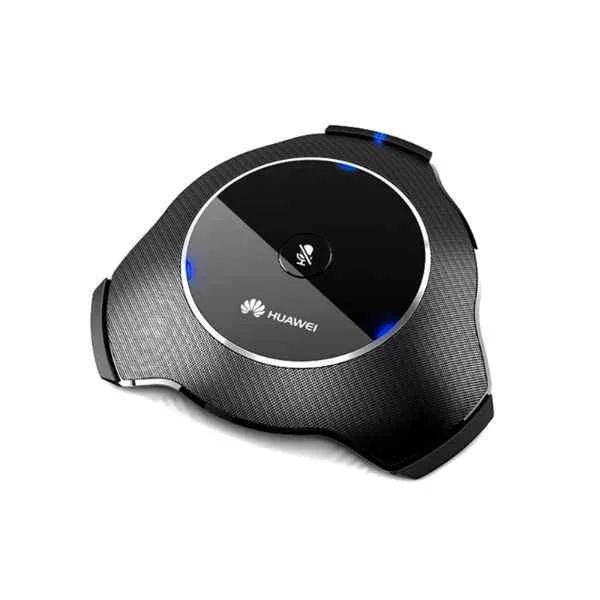
VC6M1ECCB (Huawei VC6SMP16SP01 ViewPoint 8660 Multi-Picture process module-16 Sub-Picture)
4.5 (6)- Video Conferencing Solution
- Huawei
- Room Kit
- Boardroom
- 1080p
- 30 FPS
- 120°
Est Value $58,711.05$24,658.64
58% offIn stockNewFirst-Time Buyer Discount – Get up to 2% additional off on your first order
ORM Rewards Earn $50 in Rewards + Free Expedited Delivery – Join Now!
Use eCoupon ORMSAVE10
eCoupon limited to 5 units
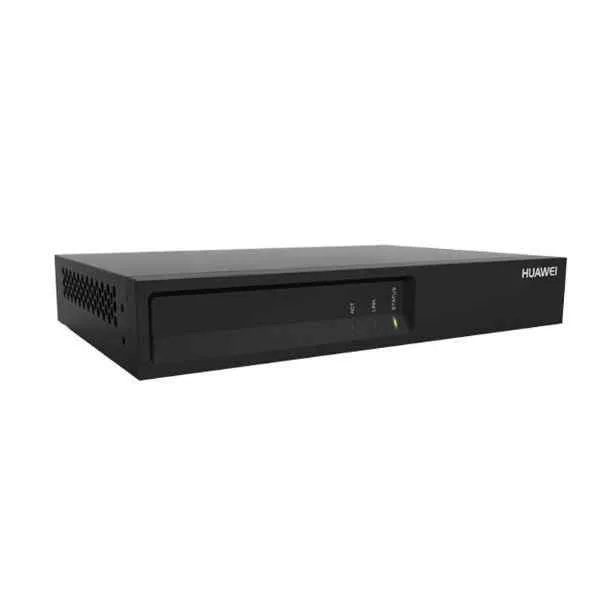
VC6M1CUAA (Huawei eSpace DEC6001-E 1-channel 1080P@60fps High Definition Decoder)
4.5 (6)- Video Conferencing Solution
- Huawei
- Video Conferencing Endpoints
- Boardroom / Hybrid Office / Classroom
- 1080p
- 60 FPS
Est Value $123,856.18$27,310.28
78% offIn stockNewFirst-Time Buyer Discount – Get up to 2% additional off on your first order
ORM Rewards Earn $50 in Rewards + Free Expedited Delivery – Join Now!
Use eCoupon ORMSAVE10
eCoupon limited to 5 units
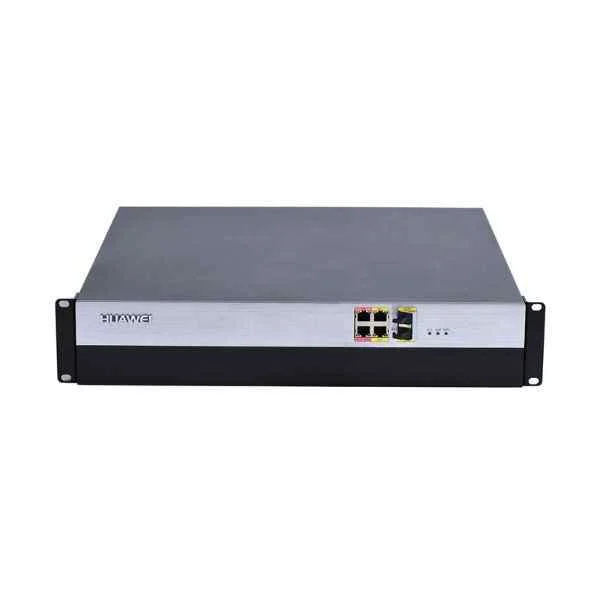
VC6M1MEDIA (Huawei VC6M1CUCA VP96 series VP9660-8-AC,which include frame,AC power,fan,one Media Processing Module(hardware resource for 24* 1080p30/12*1080p60 ports),8*1080p30/4*1080p60 ports and software upgradeable)
4.7 (6)- Video Conferencing Solution
- Huawei
- All-in-One Video Bar
- Huddle Room / Boardroom / Hybrid Office / Classroom
- 1080p
- 30 FPS / 60 FPS
Est Value $58,711.05$30,206.83
48.6% offIn stockNewFirst-Time Buyer Discount – Get up to 2% additional off on your first order
ORM Rewards Earn $50 in Rewards + Free Expedited Delivery – Join Now!
Use eCoupon ORMSAVE10
eCoupon limited to 5 units
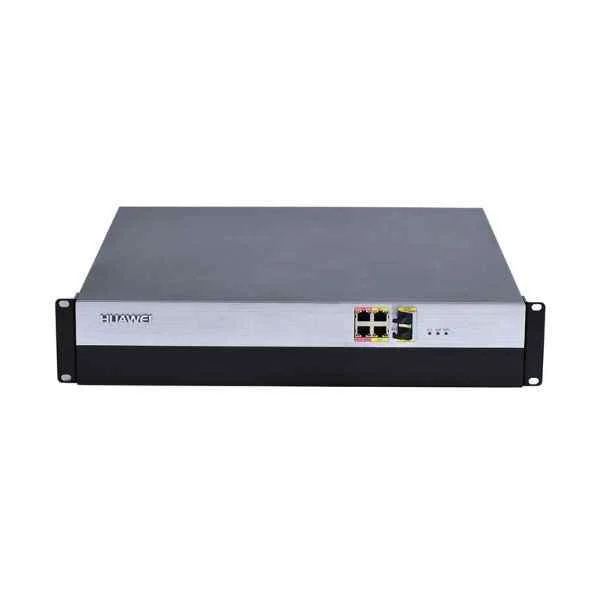
VC6M1CUBD (Huawei VC6M1ISDN VP96 series ISDN Gateway Module-balance,support 256*ISDN/64*PRI ports)
4.7 (6)- ISDN Gateway Module
- Huawei
- Gateway Module
- Boardroom / Hybrid Office / Conference Room
Est Value $139,137.14$70,125.12
49.6% offIn stockNewFirst-Time Buyer Discount – Get up to 2% additional off on your first order
ORM Rewards Earn $50 in Rewards + Free Expedited Delivery – Join Now!
Use eCoupon ORMSAVE10
eCoupon limited to 5 units
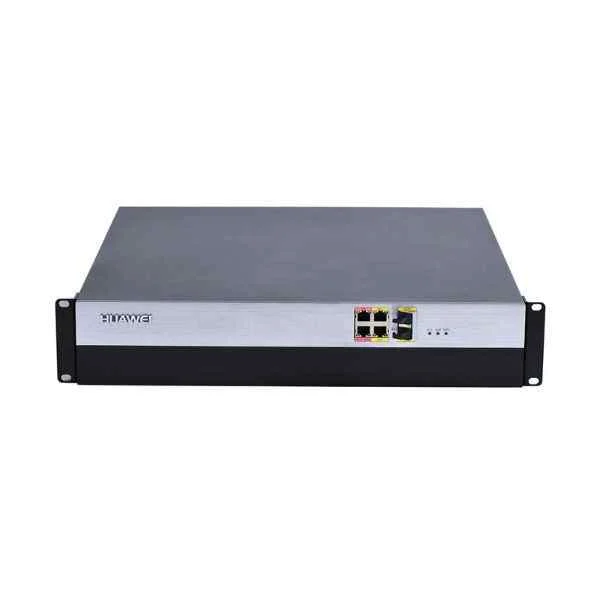
VC6M1CUBA (Huawei VC6M1CUCD VP96 series VP9660-8-DC, which include frame,DC power,fan,one Media Processing Module(hardware resource for 24* 1080p30/12*1080p60 ports),8*1080p30/4*1080p60 ports and software upgradeable)
4.7 (6)- Video Conferencing Solution
- Huawei
- Video Conferencing Endpoints
- Huddle Room / Boardroom / Hybrid Office
- 1080p
- 30 FPS
Est Value $139,137.14$83,273.58
40.1% offIn stockNewFirst-Time Buyer Discount – Get up to 2% additional off on your first order
ORM Rewards Earn $50 in Rewards + Free Expedited Delivery – Join Now!
Use eCoupon ORMSAVE10
eCoupon limited to 5 units
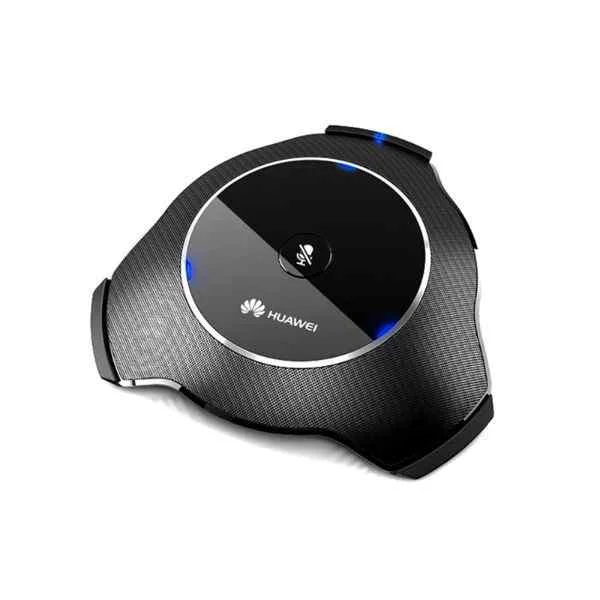
VC6M1CUCD (Huawei VC6SAACLD101 ViewPoint 8660 AAC-LD process module-1 Port with single track)
4.7 (6)- Video Conferencing Solution
- Huawei
- Conference Room Kit
- Boardroom
- 1080p
- 30 FPS
- 90°
Est Value $225,193.06$113,497.30
49.6% offIn stockNewFirst-Time Buyer Discount – Get up to 2% additional off on your first order
ORM Rewards Earn $50 in Rewards + Free Expedited Delivery – Join Now!
Use eCoupon ORMSAVE10
eCoupon limited to 5 units
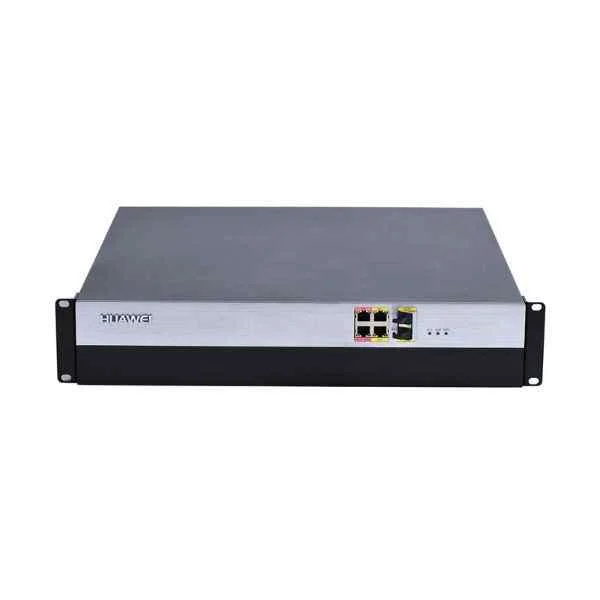
VC6M1CUCA (Huawei VC6M1MEDIA VP96 series Media Processing Module,include hardware resource of 12*1080p60/24*1080p30/48*720p30/96*SD(4CIF) ports)
4.5 (6)- Media Processing Module
- Huawei
- Media Processing Module
- Huddle Room / Boardroom / Hybrid Office / Classroom
- 1080p
- 60 FPS
Est Value $225,193.06$113,497.30
49.6% offIn stockNewFirst-Time Buyer Discount – Get up to 2% additional off on your first order
ORM Rewards Earn $50 in Rewards + Free Expedited Delivery – Join Now!
Use eCoupon ORMSAVE10
eCoupon limited to 5 units
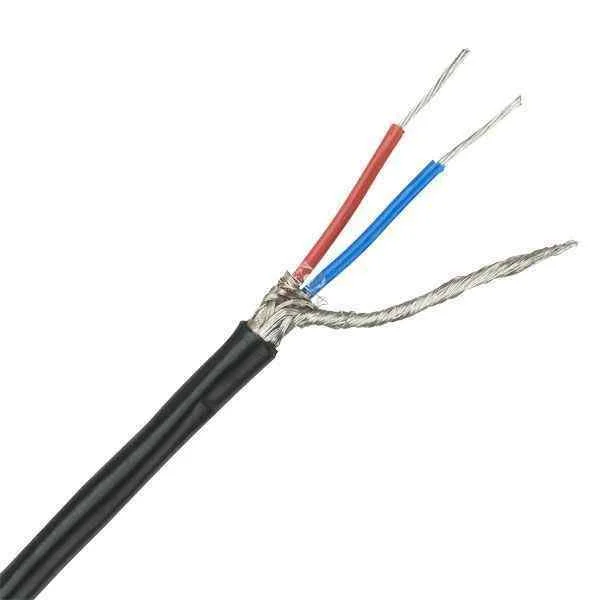
TP3106-70-00 (Huawei Symmetric Twisted Pair Cable - 100ohm - Shield Enhanced Type 5 CAT5E SFTP - 0.51mm - 24AWG - 8-PANTONE 430U - With Plug 14080114)
4.7 (6)- Huawei
Est Value $317,414.99$229,967.17
27.5% offIn stockNewFirst-Time Buyer Discount – Get up to 2% additional off on your first order
ORM Rewards Earn $50 in Rewards + Free Expedited Delivery – Join Now!
Use eCoupon ORMSAVE10
eCoupon limited to 5 units
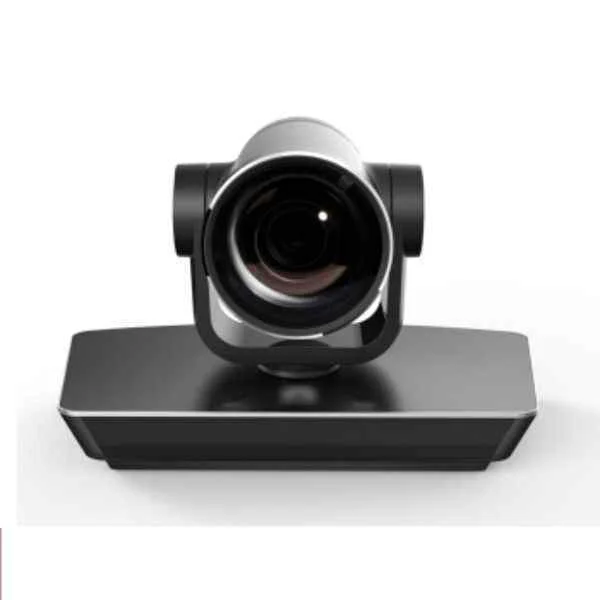
MAX-00 (Huawei VC9M321VCT04 ViewPoint 9030 HD codec(1080P),VPC600 HD camera(12x),VPM210 microphone,France Telecom customized version.)
4.8 (6)- Video Conferencing Solution
- Huawei
- Room Kit
- Huddle Room / Boardroom / Hybrid Office / Classroom
- 1080p
- 30 FPS
Est Value $425,722.12$330,786.09
22.3% offIn stockNewFirst-Time Buyer Discount – Get up to 2% additional off on your first order
ORM Rewards Earn $50 in Rewards + Free Expedited Delivery – Join Now!
Use eCoupon ORMSAVE10
eCoupon limited to 5 units
- BEST SELLING
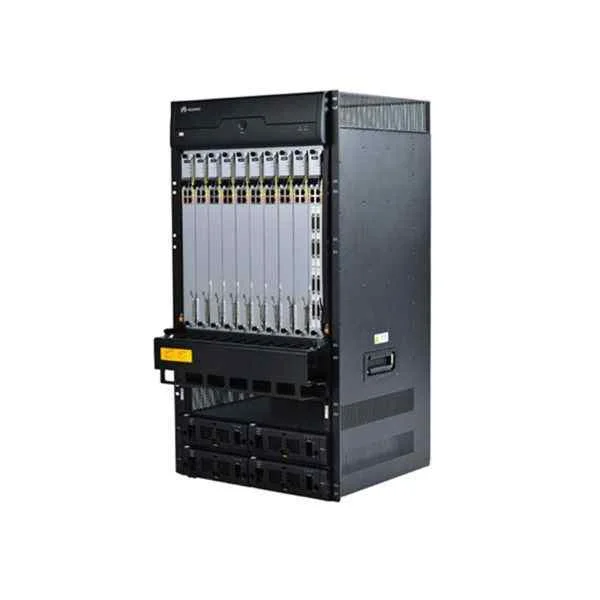
VC9MTCSC1000 (VP9660 switch complete machine, including: chassis, AC power, fan, a media board)
4.5 (6)- Video Conferencing Solution
- Huawei
- All-in-One Video Bar / Conference Room Kit
- Huddle Room / Boardroom / Hybrid Office / Classroom
- 1080p
- 30 FPS
- 90°
Est Value In stockFirst-Time Buyer Discount – Get up to 2% additional off on your first order
ORM Rewards Earn $50 in Rewards + Free Expedited Delivery – Join Now!
Use eCoupon ORMSAVE10
eCoupon limited to 5 units

ORM Sales Advisors
Buying for your business? Get a personalised quote in under 2 hours. Talk to an expert
LEARNFilters (59) 
Questions & Answers
What is a video conferencing services platform?
A video conferencing services platform is a cloud-based solution that enables real-time audio, HD video, screen sharing, and collaboration tools across devices for virtual meetings, webinars, and remote teamwork.
How do video conferencing platforms work?
Video conferencing platforms connect participants via the internet, compress and transmit audio/video streams in real time, and use servers to manage bandwidth, security, and features like screen sharing and chat.
What key features should I look for in a video conferencing services platform?
Look for HD video and audio, screen and file sharing, meeting recording and transcription, chat, virtual backgrounds, integration APIs, end-to-end encryption, and scalability to fit your team size.
How secure is a video conferencing services platform?
Leading platforms use end-to-end encryption, TLS/SSL for data in transit, AES-256 for data at rest, password-protected meetings, waiting rooms, and SOC 2/GDPR/HIPAA compliance to ensure security.
Can I integrate my video conferencing platform with other business tools?
Yes. Most platforms offer native integrations and open APIs for calendar apps (Google Workspace, Microsoft 365), CRM systems (Salesforce, HubSpot), project management tools, and learning management systems.
What are the pricing plans for video conferencing services platforms?
Pricing typically includes a free tier with basic features, and paid plans billed monthly or annually. Paid tiers add larger participant limits, longer meeting durations, cloud recording, advanced security, and priority support.
What internet bandwidth is required for high-quality video conferencing?
For HD video, allocate at least 1.5 Mbps upload and download per participant. For group meetings, 3–4 Mbps per user ensures stable 1080p video and clear audio without lag.
Can video conferencing platforms support large meetings and webinars?
Yes. Enterprise-grade platforms can host hundreds to thousands of attendees with features like webinar registration, attendee polling, Q&A moderation, breakout rooms, and live streaming.
How do I record and store my video conferences?
Most platforms offer one-click local or cloud recording. Recordings can be automatically transcribed, stored securely in the cloud, and accessed or shared via a web portal or direct download link.
Which devices and operating systems are supported?
Modern platforms support Windows, macOS, Linux, iOS, and Android via native apps or web browsers (Chrome, Firefox, Edge). No special hardware is required beyond a camera, microphone, and stable internet.
How do I schedule and host virtual meetings?
Use built-in scheduling tools or calendar integrations to set date, time, and participants. Hosts start meetings via desktop or mobile apps and manage settings like waiting rooms, participant roles, and recording.
Does the platform support screen sharing and collaboration?
Yes. Screen sharing, whiteboarding, file annotation, and co-editing features allow real-time collaboration on documents, presentations, and designs directly within the conference interface.
Can I customize meeting rooms and branding?
Enterprise plans often allow custom meeting URLs, branded waiting rooms, company logos, color themes, and personalized email invitations to reinforce your corporate identity.
What customer support options are available?
Support options typically include 24/7 email and chat support, phone assistance for paid tiers, knowledge base articles, video tutorials, and a dedicated customer success manager for enterprise accounts.
How do I troubleshoot common video conferencing issues?
Ensure a stable internet connection, update your app and drivers, close bandwidth-heavy applications, test audio/video in advance, and consult the platform’s support resources for error-code guidance.