 United States
Access Points 3700 Series
Engineered for unmatched connectivity and seamless performance, our groundbreaking 3700 Series Access Points deliver enterprise-grade wireless solutions designed for scalability, robust security, and consistent network reliability.
Talk to an expert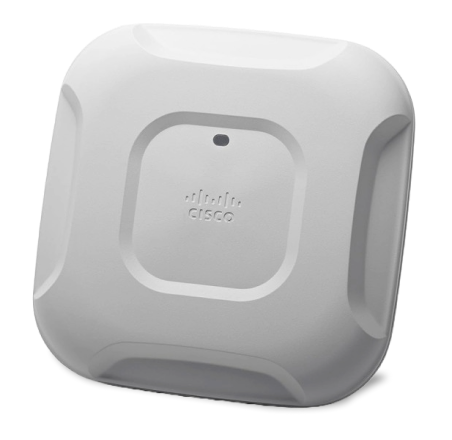
15 Matching results
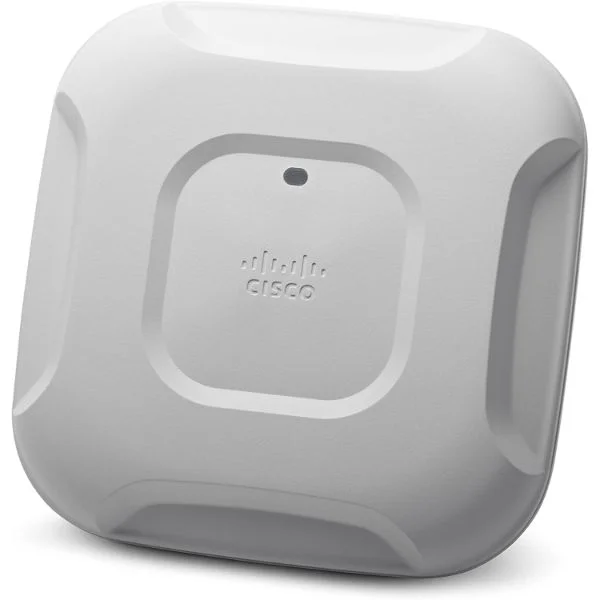
AIR-CAP3702P-E-K9 (802.11AC CTRLR AP 4X4:3SS W/CLEANAIR PRO-INSTALL E REG DOM)
5 (5)- Wireless Access Point
- Cisco
- Access Point
- Wi-Fi 5 (802.11ac Wave 2)
- 2.4GHz, 5GHz
- 1.3Gbps
Est Value $272.80
$136.40
50% offIn stockRefurbishedFirst-Time Buyer Discount – Get up to 2% additional off on your first order
ORM Rewards Earn $50 in Rewards + Free Expedited Delivery – Join Now!
Use eCoupon ORMSAVE10
eCoupon limited to 5 units
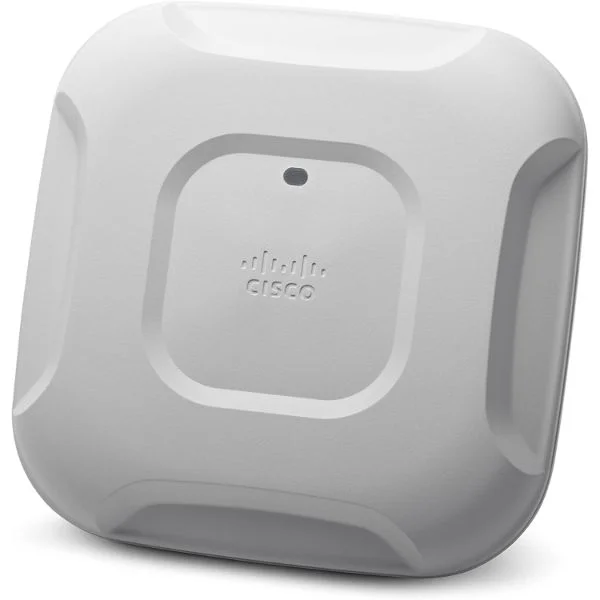
AIR-AP3702I-UXK9 (802.11AC AP 4X4:3SS W/ CLEANAIR INT ANT UNIVERSAL)
4.6 (5)- Wireless Access Point
- Cisco
- Access Point
- Wi-Fi 6 (802.11ax)
- 2.4GHz / 5GHz
- Up to 5.4Gbps
Est Value $882.00$168.05
80.9% offIn stockNewRefurbishedFirst-Time Buyer Discount – Get up to 2% additional off on your first order
ORM Rewards Earn $50 in Rewards + Free Expedited Delivery – Join Now!
Use eCoupon ORMSAVE10
eCoupon limited to 5 units
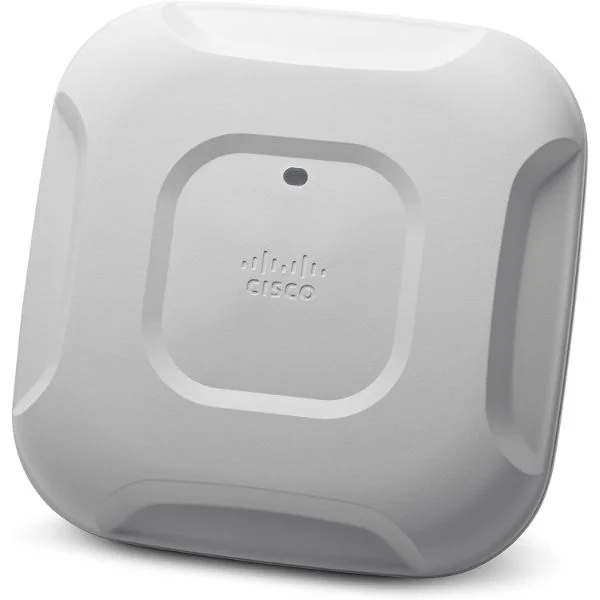
AIR-CAP3702I-E-K9 (802.11AC CTRLR AP 4X4:3SS INT W/CLEANAIR ANT E REG DOMAIN)
4.8 (5)- Wireless Access Point
- Cisco
- Access Point
- 802.11a/b/g/n
- 2.4GHz / 5GHz
- 450 Mbps (2.4GHz) / 1300 Mbps (5GHz)
Est Value $931.50$183.75
80.3% offIn stockNewRefurbishedFirst-Time Buyer Discount – Get up to 2% additional off on your first order
ORM Rewards Earn $50 in Rewards + Free Expedited Delivery – Join Now!
Use eCoupon ORMSAVE10
eCoupon limited to 5 units
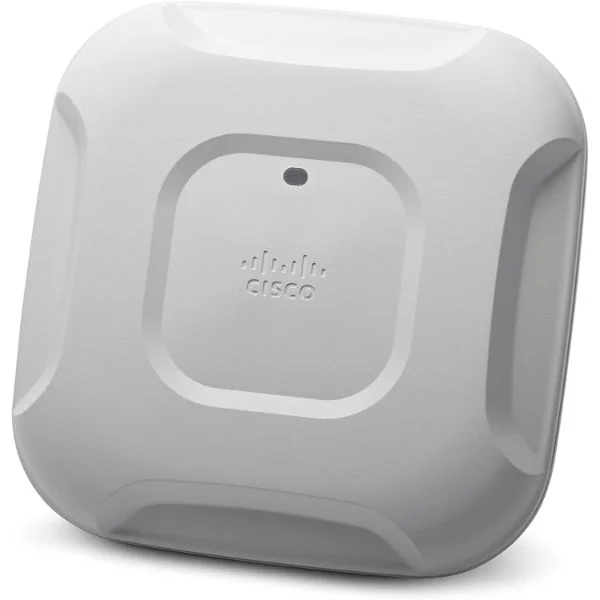
AIR-AP3702I-UXK9C (802.11AC AP 4X4:3SS W/ CLEANAIR INT ANT UNIVERSAL CONFIG)
4.4 (5)- Wireless Access Point
- Cisco
- Access Point
- Wi-Fi 5 (802.11ac Wave 2)
- 2.4GHz / 5GHz
- 1Gbps
Est Value $1,661.00$830.50
50% offIn stockRefurbishedFirst-Time Buyer Discount – Get up to 2% additional off on your first order
ORM Rewards Earn $50 in Rewards + Free Expedited Delivery – Join Now!
Use eCoupon ORMSAVE10
eCoupon limited to 5 units
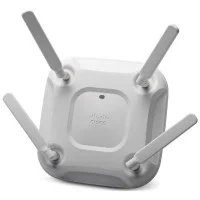
AIR-AP3702E-UXK9C (CONFIG 802.11AC AP 4X4:3SS W/CLEANAIR EXT ANT UNIVERSAL)
4.6 (5)- Wireless Access Point
- Cisco
- Access Point
- Wi-Fi 5
- 2.4GHz / 5GHz
- 1.3Gbps
Est Value $1,233.19$1,052.72
14.6% offIn stockRefurbishedFirst-Time Buyer Discount – Get up to 2% additional off on your first order
ORM Rewards Earn $50 in Rewards + Free Expedited Delivery – Join Now!
Use eCoupon ORMSAVE10
eCoupon limited to 5 units
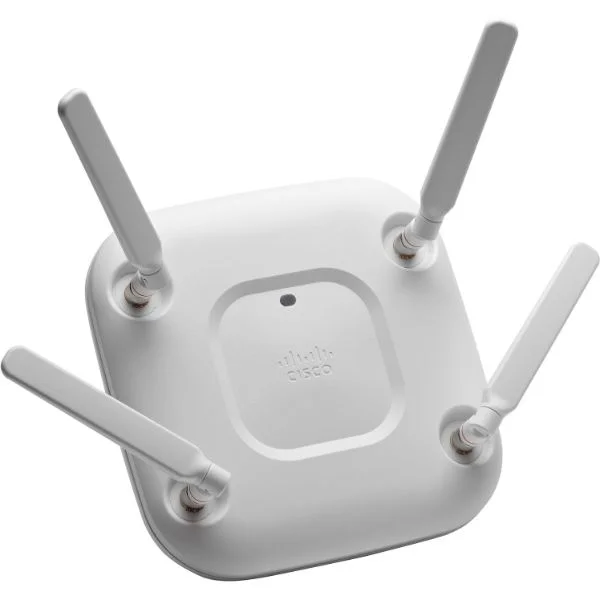
AIR-AP3702E-UXK9 (802.11ac AP 4x4:3SS w/CleanAir; Ext Ant; Universal )
4.4 (5)- Wireless Access Point
- Cisco
- Access Point
- Wi-Fi 6
- 2.4GHz, 5GHz
- Up to 5.4Gbps
Est Value $1,431.00$308.54
78.4% offIn stockNewRefurbishedFirst-Time Buyer Discount – Get up to 2% additional off on your first order
ORM Rewards Earn $50 in Rewards + Free Expedited Delivery – Join Now!
Use eCoupon ORMSAVE10
eCoupon limited to 5 units
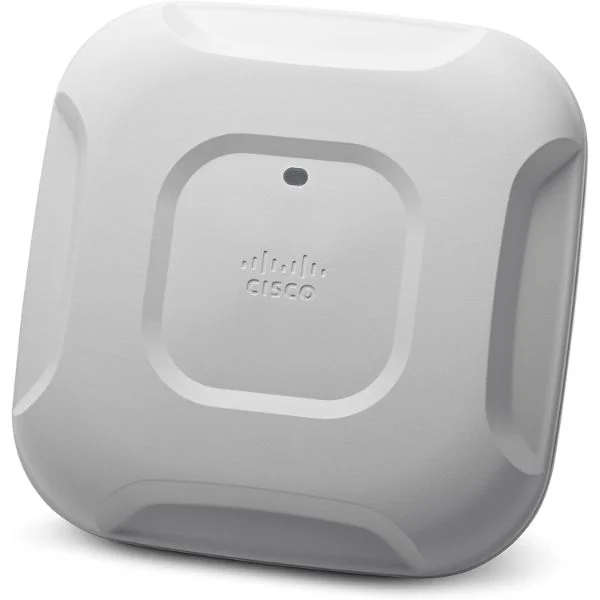
AIR-AP3702I-UXK910 (802.11AC 10AP 4X4:3SS W/ CLEAN AIR INT ANT UNIVERSAL)
4.6 (5)- Wireless Product
- Cisco
- Access Point
- Wi-Fi 6
- 2.4GHz / 5GHz
- 5Gbps
- 80 meters
Est Value $5,524.36$2,762.18
50% offIn stockRefurbishedFirst-Time Buyer Discount – Get up to 2% additional off on your first order
ORM Rewards Earn $50 in Rewards + Free Expedited Delivery – Join Now!
Use eCoupon ORMSAVE10
eCoupon limited to 5 units
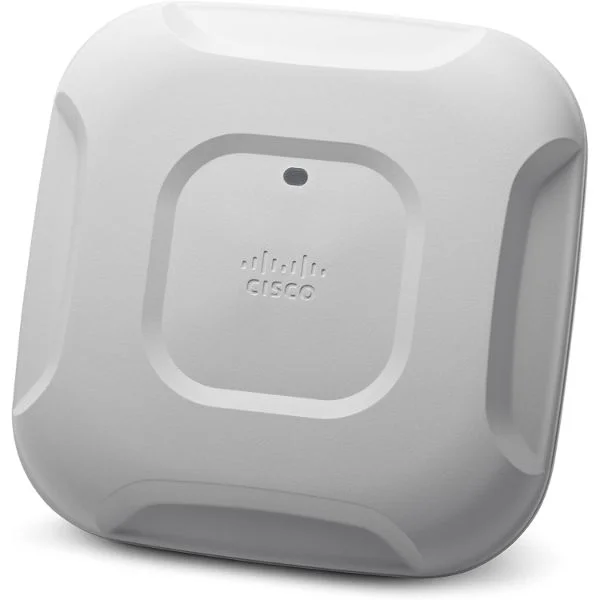
AIRAP3702I-UXK910C (802.11ac 10 AP 4x4:3SS w/CleanAir; Int Ant; Universal (Conf) )
4.6 (5)- Wireless Product
- Cisco
- Access Point
- Wi-Fi 6
- 2.4GHz / 5GHz
- 2.5Gbps
- 100 meters
Est Value $7,749.82$3,874.91
50% offIn stockRefurbishedFirst-Time Buyer Discount – Get up to 2% additional off on your first order
ORM Rewards Earn $50 in Rewards + Free Expedited Delivery – Join Now!
Use eCoupon ORMSAVE10
eCoupon limited to 5 units
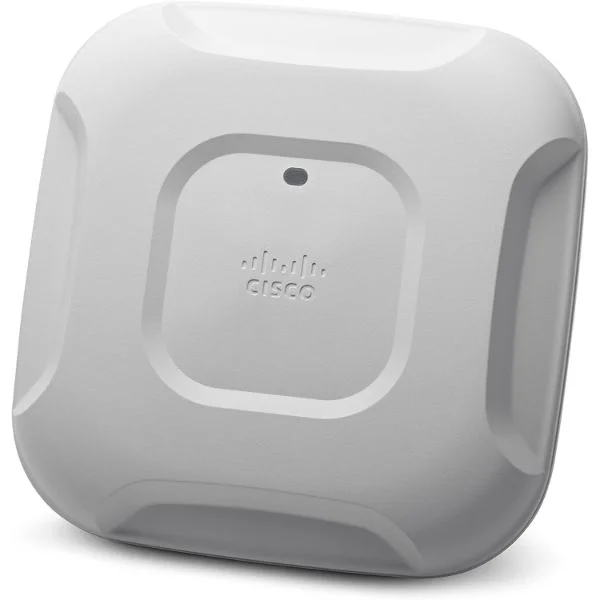
AIR-CAP3702I-EK910 (802.11AC CTRLR 10APS 4X4:3SS W/CLEANAIR INT E REG DOMAIN)
4.6 (5)- Wireless Product
- Cisco
- Access Point
- Wi-Fi 5
- 2.4GHz / 5GHz
- 1Gbps
Est Value $10,237.08$5,118.54
50% offIn stockRefurbishedFirst-Time Buyer Discount – Get up to 2% additional off on your first order
ORM Rewards Earn $50 in Rewards + Free Expedited Delivery – Join Now!
Use eCoupon ORMSAVE10
eCoupon limited to 5 units
AIR-AP3702E-UXK910 (802.11AC 10AP 4X4:3SS WITH CLEANAIR EXT ANT UNIVERSAL)
4.6 (5)- Wireless Access Point
- Cisco
- Access Point
- Wi‑Fi 6
- 2.4GHz / 5GHz
- Up to 5Gbps
Est Value $18,913.94$9,456.97
50% offIn stockRefurbishedFirst-Time Buyer Discount – Get up to 2% additional off on your first order
ORM Rewards Earn $50 in Rewards + Free Expedited Delivery – Join Now!
Use eCoupon ORMSAVE10
eCoupon limited to 5 units
AIRAP3702E-UXK910C (802.11AC 10AP 4X4:3SS W/ CLEANAIR EXT ANT UNIVERSAL CONF)
4.6 (5)- Wireless Product
- Cisco
- Access Point
- Wi-Fi 6
- 2.4GHz / 5GHz
- 2.5Gbps
- 100 meters
Est Value $19,603.42$9,801.71
50% offIn stockRefurbishedFirst-Time Buyer Discount – Get up to 2% additional off on your first order
ORM Rewards Earn $50 in Rewards + Free Expedited Delivery – Join Now!
Use eCoupon ORMSAVE10
eCoupon limited to 5 units
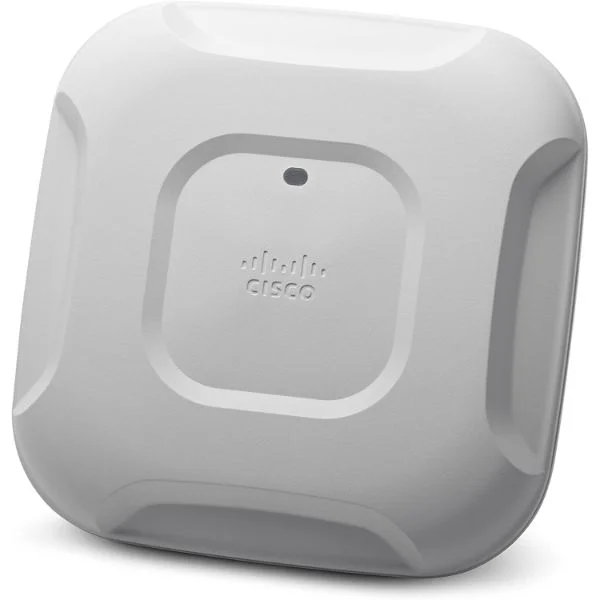
AIR-CAP3702E-EK910 (802.11AC CTRLR 10APS 4X4:3SS W/ CLEANAIR EXT E REG DOMAIN)
4.6 (5)- Wireless Product
- Cisco
- Access Point
- Wi-Fi 6
- 2.4GHz / 5GHz
- 1Gbps
- 100 meters
Est Value $29,020.06$14,510.03
50% offIn stockRefurbishedFirst-Time Buyer Discount – Get up to 2% additional off on your first order
ORM Rewards Earn $50 in Rewards + Free Expedited Delivery – Join Now!
Use eCoupon ORMSAVE10
eCoupon limited to 5 units
AIR-CAP37IBO-E-K9 (802.11ac Ctrlr AP 4x4:3SS w/CleanAir; Int Ant; E Reg Domain)
4.2 (5)- Wireless Access Point
- Cisco
- Access Point
- Wi-Fi 5
- 2.4GHz / 5GHz
- 1.3Gbps
Est Value In stockFirst-Time Buyer Discount – Get up to 2% additional off on your first order
ORM Rewards Earn $50 in Rewards + Free Expedited Delivery – Join Now!
Use eCoupon ORMSAVE10
eCoupon limited to 5 units
AIR-CAP37IBO-EK910 (802.11ac Ctrlr 10APs 4x4:3SS w/CleanAir; Int; E Reg Domain )
4.4 (5)- Wireless Access Point
- Cisco
- Access Point
- Wi-Fi 6
- 2.4GHz / 5GHz
- 2.5Gbps
- 100 meters
Est Value In stockFirst-Time Buyer Discount – Get up to 2% additional off on your first order
ORM Rewards Earn $50 in Rewards + Free Expedited Delivery – Join Now!
Use eCoupon ORMSAVE10
eCoupon limited to 5 units
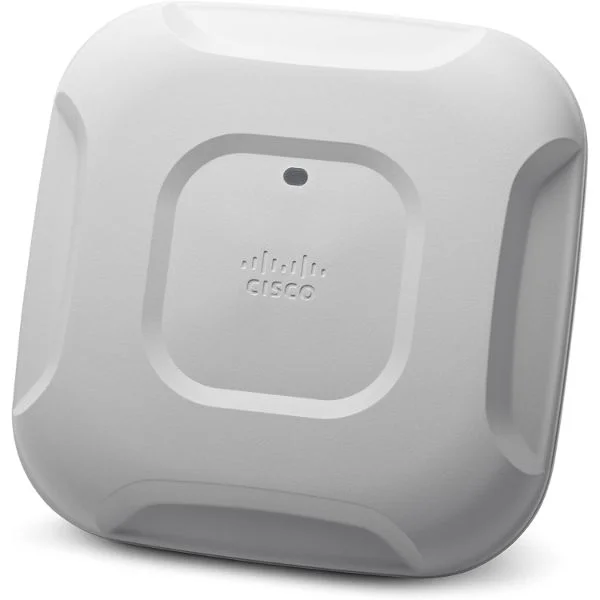
AIR-CAP3702P-EK910 (802.11ac Ctrlr 10APs 4x4:3SS w/CleanAir;Pro-instl;E Reg Dom.)
4.6 (5)- Wireless Access Point
- Cisco
- Access Point
- Wi-Fi 5
- 2.4GHz / 5GHz
- 1Gbps
Est Value In stockFirst-Time Buyer Discount – Get up to 2% additional off on your first order
ORM Rewards Earn $50 in Rewards + Free Expedited Delivery – Join Now!
Use eCoupon ORMSAVE10
eCoupon limited to 5 units

ORM Sales Advisors
Buying for your business? Get a personalised quote in under 2 hours. Talk to an expert
LEARNFilters (15) 
Questions & Answers
What are the key features of the Cisco 3700 Series Access Points?
The Cisco 3700 Series delivers dual-band 802.11ac Wave 2 radios, 4×4:4 MU-MIMO, integrated security, IoT sensor support, flexible PoE options, and scalable mounting for high-density enterprise environments.
Which wireless standard does the 3700 Series support?
The 3700 Series supports the IEEE 802.11ac Wave 2 standard, enabling higher data rates, improved capacity, and MU-MIMO for simultaneous multi-client transmissions.
How does MU-MIMO enhance performance on 3700 Series Access Points?
MU-MIMO allows the 3700 Series to communicate with multiple devices simultaneously, increasing overall network throughput and reducing latency in high-density deployments.
What is the maximum data throughput of a 3700 Series Access Point?
Each Cisco 3700 Access Point delivers up to 1.7 Gbps on the 5 GHz band and 800 Mbps on the 2.4 GHz band, totaling 2.5 Gbps aggregate throughput.
What Power over Ethernet (PoE) options are supported by the 3700 Series?
The 3700 Series supports 802.3at (PoE+) and 802.3bt (UPoE) for simplified deployment and flexible power sourcing.
How many spatial streams do the 3700 Series radios support?
Each radio in the 3700 Series supports four spatial streams (4×4:4), maximizing data rates and RF efficiency.
What built-in security features does the 3700 Series offer?
The 3700 Series integrates WPA3, Cisco’s CleanAir spectrum analysis, rogue AP detection, and AES encryption for robust enterprise-grade security.
How can I optimize access point placement for the 3700 Series?
Use site surveys and RF planning tools to ensure line-of-sight coverage, minimize interference, and maintain recommended 30-meter spacing between 3700 Series units.
What mounting options are available for the 3700 Series Access Points?
The 3700 Series offers ceiling tile, flush-mount, wall, and conduit box installations to suit diverse indoor environments.
Are 3700 Series Access Points suitable for high-density environments?
Yes. With 4×4 MU-MIMO, beamforming, and CleanAir, the 3700 Series optimizes performance in auditoriums, lecture halls, and stadiums.
How do I upgrade the firmware on a 3700 Series Access Point?
Use Cisco DNA Center or the Mobility Express GUI to schedule and deploy over-the-air firmware updates with zero-touch provisioning.
What warranty coverage is provided for the 3700 Series?
Cisco offers a limited lifetime warranty on the 3700 Series hardware and next-business-day replacement when registered via the Cisco SMARTnet service.
Do I need additional licenses for advanced features on the 3700 Series?
Advanced software features like Cisco DNA Essentials or Advantage require separate subscriptions; basic connectivity and security are included out of the box.
Can the 3700 Series integrate with IoT devices?
Yes. The built-in BLE and Zigbee radios allow the 3700 Series to connect, manage, and secure IoT sensors and beacons natively.
Which management platforms support the 3700 Series Access Points?
Cisco DNA Center, Cisco Catalyst 9000 controllers, and Mobility Express natively manage, monitor, and troubleshoot the 3700 Series.
What is the end-of-life (EOL) statement for the 3700 Series?
Cisco announced the 3700 Series EOL for December 2025; customers should migrate to the Catalyst 9100 Series before end of support.