 United States
Access Point Cisco 1240 Series
Experience exceptional wireless connectivity with the Cisco 1240 Access Point, engineered for robust performance and secure network environments. Enhance scalability, reliability, and efficiency within your enterprise infrastructure.
Talk to an expert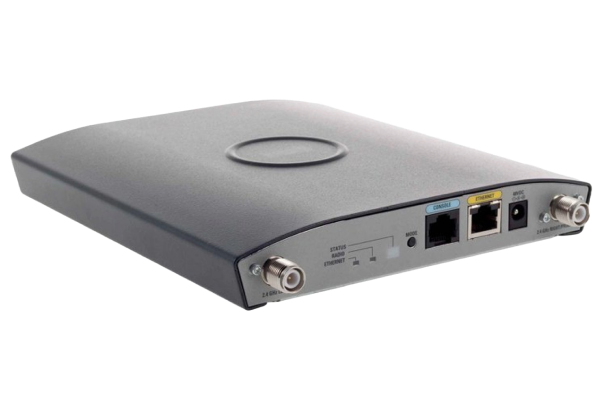
31 Matching results
- BEST SELLING
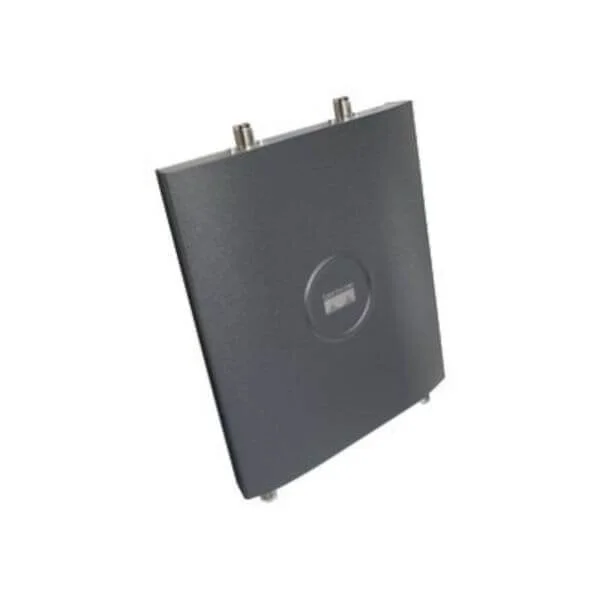
AIR-AP1242AG-N-K9 (802.11a/g Non-modular IOS AP; RP-TNC; Non-FCC Cnfg 1240AG Series Access Points)
4.7 (7)- Wireless Product
- Cisco
- Access Point
- 802.11a/b/g/n
- 2.4GHz / 5GHz
- Up to 300Mbps
Est Value $339.16
$169.58
50% offIn stockRefurbishedFirst-Time Buyer Discount – Get up to 2% additional off on your first order
ORM Rewards Earn $50 in Rewards + Free Expedited Delivery – Join Now!
Use eCoupon ORMSAVE10
eCoupon limited to 5 units
- BEST SELLING
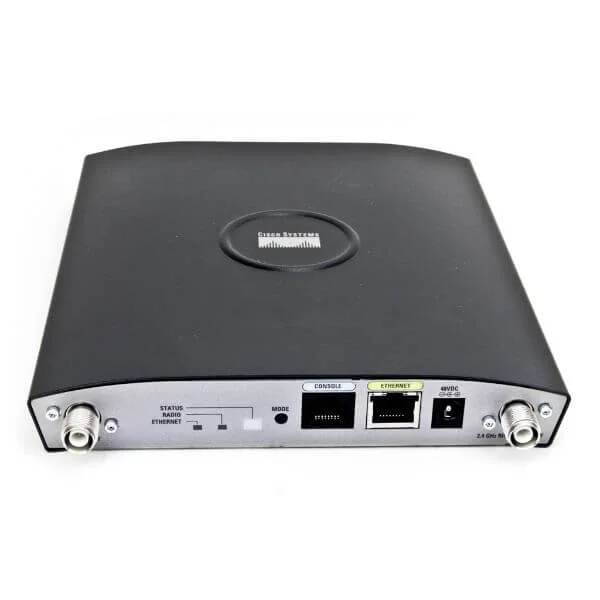
AIR-AP1242AG-P-K9 (802.11a/g Non-modular IOS AP; RP-TNC; Japan2 Cnfg 1240AG Series Access Points)
4.7 (7)- Wireless Access Point
- Cisco
- Access Point
- 802.11a/g
- 2.4GHz and 5GHz
- 54Mbps
Est Value $1,793.50$896.75
50% offIn stockRefurbishedFirst-Time Buyer Discount – Get up to 2% additional off on your first order
ORM Rewards Earn $50 in Rewards + Free Expedited Delivery – Join Now!
Use eCoupon ORMSAVE10
eCoupon limited to 5 units
- BEST SELLING
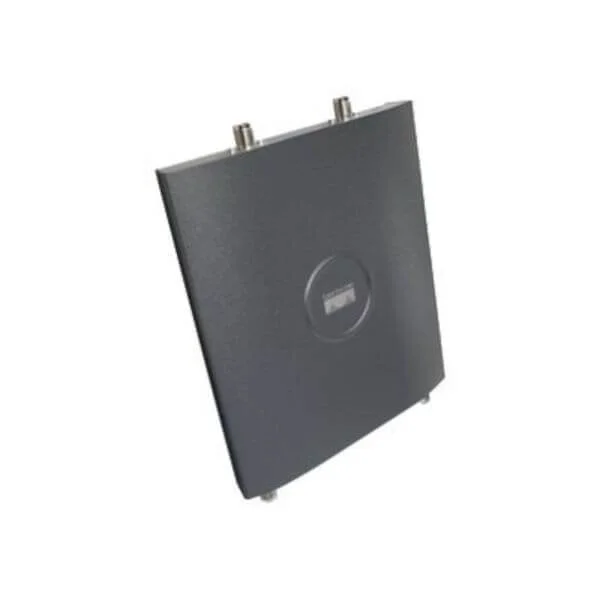
AIR-AP1242AG-S-K9 (802.11a/g Non-modular IOS AP; RP-TNC; Singapore Cnfg 1240AG Series Access Points)
4.6 (7)- Wireless Access Point
- Cisco
- Access Point
- 802.11a/g
- 2.4GHz / 5GHz
- 54Mbps
Est Value $1,793.50$896.75
50% offIn stockRefurbishedFirst-Time Buyer Discount – Get up to 2% additional off on your first order
ORM Rewards Earn $50 in Rewards + Free Expedited Delivery – Join Now!
Use eCoupon ORMSAVE10
eCoupon limited to 5 units
- FEARURED
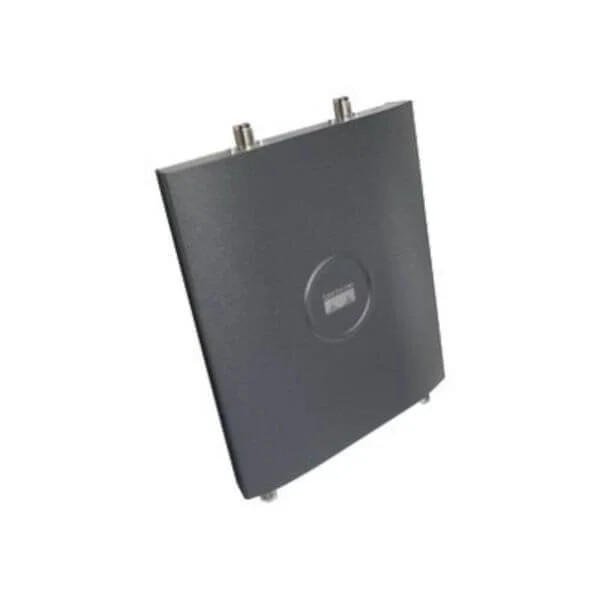
AIR-AP1242AG-C-K9 (802.11a/g Non-modular IOS AP; RP-TNC; China Cnfg 1240AG Series Access Points)
4.6 (7)- Wireless Access Point
- Cisco
- Access Point
- 802.11a/b/g
- 2.4GHz / 5GHz
- 54Mbps
Est Value $999.00$142.64
85.7% offIn stockRefurbishedFirst-Time Buyer Discount – Get up to 2% additional off on your first order
ORM Rewards Earn $50 in Rewards + Free Expedited Delivery – Join Now!
Use eCoupon ORMSAVE10
eCoupon limited to 5 units
- FEARURED
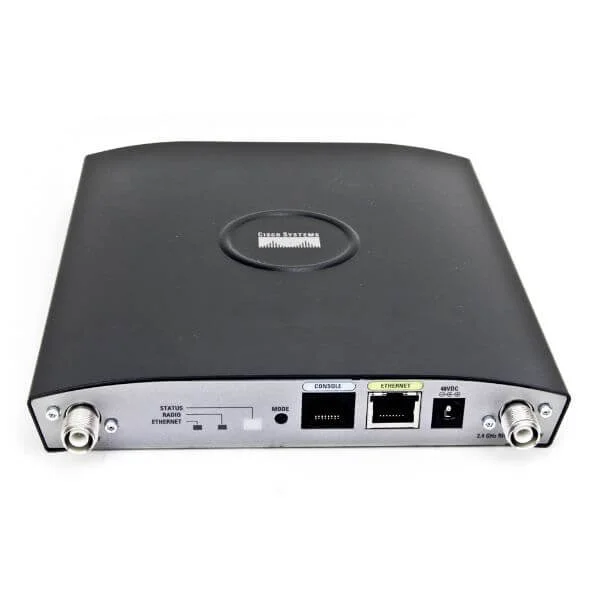
AIR-LAP1242AG-A-K9 (802.11ag LWAPP AP Dual 2.4,5GHz RP-TNC FCC Cnfg 1240AG Series Access Points)
4.6 (7)- Wireless Access Point
- Cisco
- Access Point
- 802.11a/b/g
- 2.4GHz / 5GHz
- 54Mbps
Est Value $535.50$89.25
83.3% offIn stockNewRefurbishedFirst-Time Buyer Discount – Get up to 2% additional off on your first order
ORM Rewards Earn $50 in Rewards + Free Expedited Delivery – Join Now!
Use eCoupon ORMSAVE10
eCoupon limited to 5 units
- FEARURED
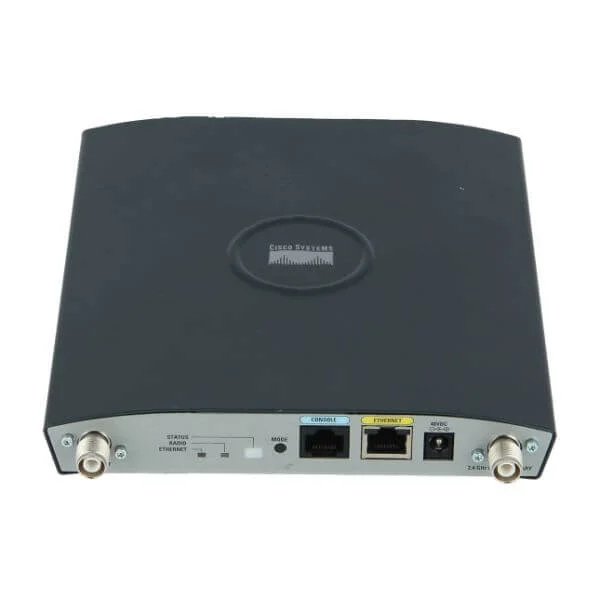
AIR-LAP1242AG-C-K9 (802.11ag LWAPP AP Dual 2.4,5GHz RP-TNC China Cnfg 1240AG Series Access Points)
4.9 (7)- Wireless Access Point
- Cisco
- Access Point
- 802.11a/g
- 2.4GHz / 5GHz
- 54 Mbps per band
Est Value $1,993.00$996.50
50% offIn stockRefurbishedFirst-Time Buyer Discount – Get up to 2% additional off on your first order
ORM Rewards Earn $50 in Rewards + Free Expedited Delivery – Join Now!
Use eCoupon ORMSAVE10
eCoupon limited to 5 units
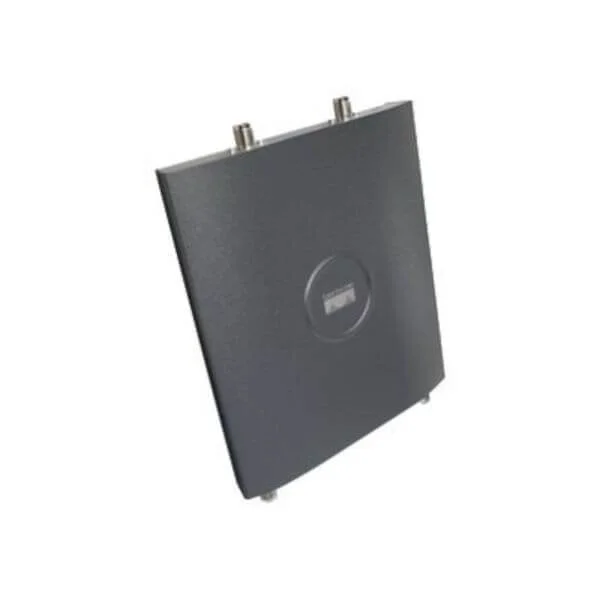
AIR-LAP1242AG-N-K9 (802.11ag LWAPP AP Dual 2.4,5GHz RP-TNC Non-FCC Cnfg 1240AG Series Access Points)
4.9 (7)- Wireless Access Point
- Cisco
- Access Point
- 802.11a/b/g
- 2.4GHz, 5GHz
- Up to 54Mbps
Est Value $899.00$173.18
80.7% offIn stockRefurbishedFirst-Time Buyer Discount – Get up to 2% additional off on your first order
ORM Rewards Earn $50 in Rewards + Free Expedited Delivery – Join Now!
Use eCoupon ORMSAVE10
eCoupon limited to 5 units
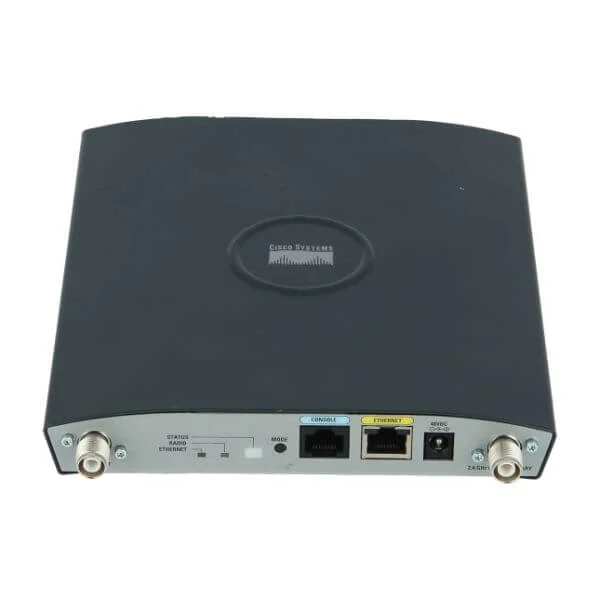
AIR-LAP1242AG-E-K9 (802.11ag LWAPP AP Dual 2.4,5GHz RP-TNC ETSI Cnfg 1240AG Series Access Points)
4.6 (7)- Wireless Access Point
- Cisco
- Access Point
- 802.11a/b/g
- 2.4GHz / 5GHz
- Up to 54Mbps
- Approx. 100 meters indoor
Est Value $899.00$266.44
70.4% offIn stockRefurbishedFirst-Time Buyer Discount – Get up to 2% additional off on your first order
ORM Rewards Earn $50 in Rewards + Free Expedited Delivery – Join Now!
Use eCoupon ORMSAVE10
eCoupon limited to 5 units
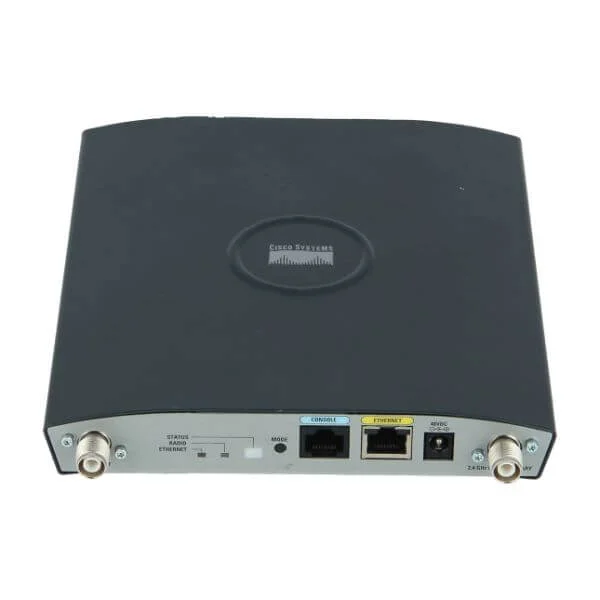
AIR-LAP1242AG-T-K9 (802.11ag LWAPP AP Dual 2.4,5GHz RP-TNC Taiwan Cnfg 1240AG Series Access Points)
4.9 (7)- Wireless Access Point
- Cisco
- Access Point
- 802.11a/b/g/n
- 2.4GHz, 5GHz
- 300Mbps
Est Value $899.00$402.56
55.2% offIn stockRefurbishedFirst-Time Buyer Discount – Get up to 2% additional off on your first order
ORM Rewards Earn $50 in Rewards + Free Expedited Delivery – Join Now!
Use eCoupon ORMSAVE10
eCoupon limited to 5 units
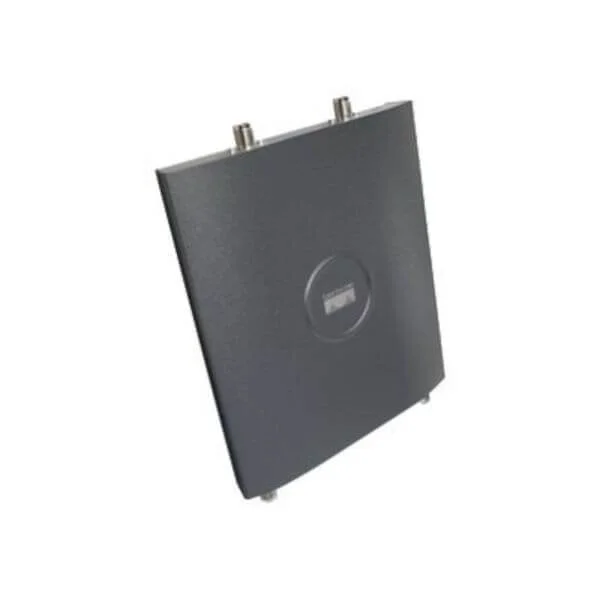
AIR-LAP1242G-P-K9 (802.11g only Unified AP; RP-TNC; Japan2 Cnfg 1242G Series Access Points)
4.9 (7)- Wireless Product
- Cisco
- Access Point
- 802.11a/b/g/n
- 2.4GHz and 5GHz
- 300Mbps
Est Value $1,394.50$697.25
50% offIn stockRefurbishedFirst-Time Buyer Discount – Get up to 2% additional off on your first order
ORM Rewards Earn $50 in Rewards + Free Expedited Delivery – Join Now!
Use eCoupon ORMSAVE10
eCoupon limited to 5 units
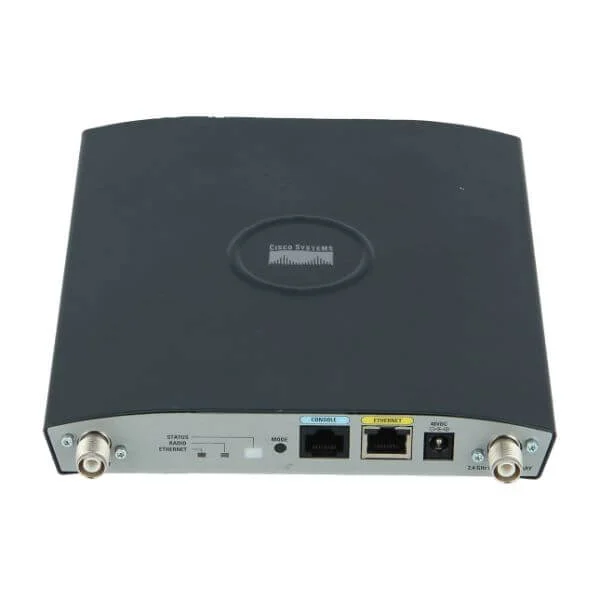
AIR-AP1242G-P-K9 (802.11g Integrated Auto AP; RP-TNC; Japan2 Cnfg 1242G Series Access Points)
4.6 (7)- Wireless Access Point
- Cisco
- Access Point
- 802.11g
- 2.4GHz
- 54Mbps
Est Value $1,394.50$697.25
50% offIn stockRefurbishedFirst-Time Buyer Discount – Get up to 2% additional off on your first order
ORM Rewards Earn $50 in Rewards + Free Expedited Delivery – Join Now!
Use eCoupon ORMSAVE10
eCoupon limited to 5 units
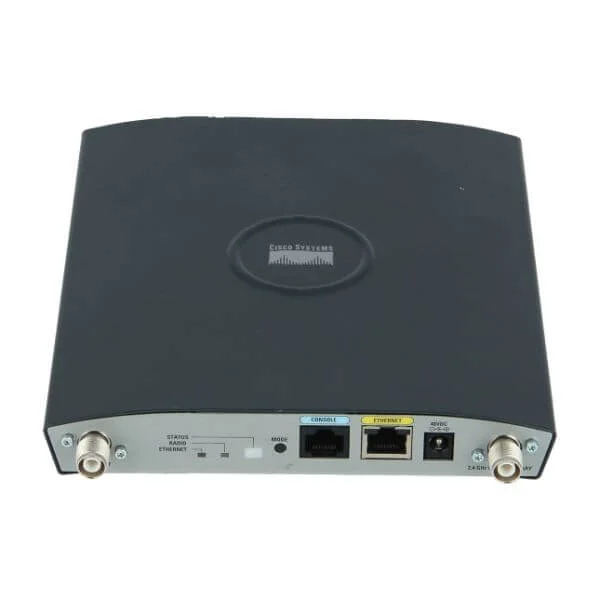
AIR-AP1242AG-Q-K9 (802.11ag Non-modular IOS AP; RP-TNC; Japan3 Cnfg 1240AG Series Access Points)
4.4 (7)- Wireless Product
- Cisco
- Access Point
- 802.11a/b/g
- 2.4GHz / 5GHz
- 54Mbps
Est Value $1,793.50$896.75
50% offIn stockRefurbishedFirst-Time Buyer Discount – Get up to 2% additional off on your first order
ORM Rewards Earn $50 in Rewards + Free Expedited Delivery – Join Now!
Use eCoupon ORMSAVE10
eCoupon limited to 5 units
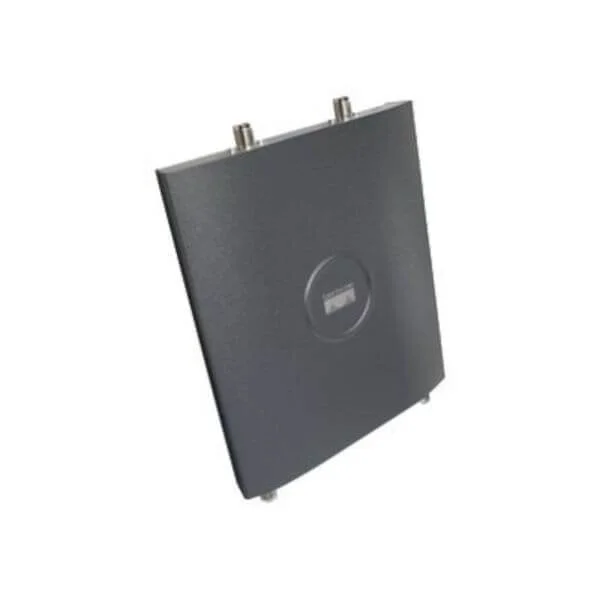
AIR-LAP1242AG-I-K9 (802.11ag LWAPP AP Dual 2.4,5GHz RP-TNC EU2 Cnfg 1240AG Series Access Points)
4.9 (7)- Wireless Product
- Cisco
- Access Point
- 802.11a/b/g
- 2.4GHz / 5GHz
- 54Mbps
- 300 feet
Est Value $1,793.50$896.75
50% offIn stockRefurbishedFirst-Time Buyer Discount – Get up to 2% additional off on your first order
ORM Rewards Earn $50 in Rewards + Free Expedited Delivery – Join Now!
Use eCoupon ORMSAVE10
eCoupon limited to 5 units
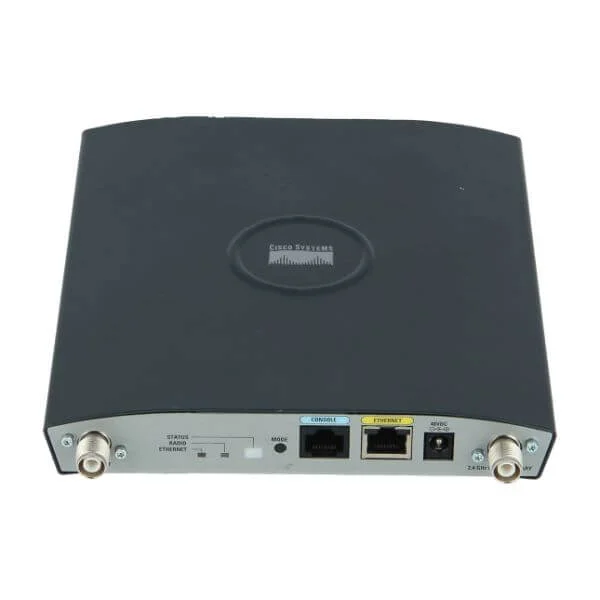
AIR-LAP1242AG-K-K9 (802.11ag LWAPP AP Dual 2.4,5GHz RP-TNC Korea Cnfg 1240AG Series Access Points)
4.6 (7)- Wireless Access Point
- Cisco
- Access Point
- 802.11a/b/g/n
- 2.4GHz / 5GHz
- 300Mbps
Est Value $1,793.50$896.75
50% offIn stockRefurbishedFirst-Time Buyer Discount – Get up to 2% additional off on your first order
ORM Rewards Earn $50 in Rewards + Free Expedited Delivery – Join Now!
Use eCoupon ORMSAVE10
eCoupon limited to 5 units
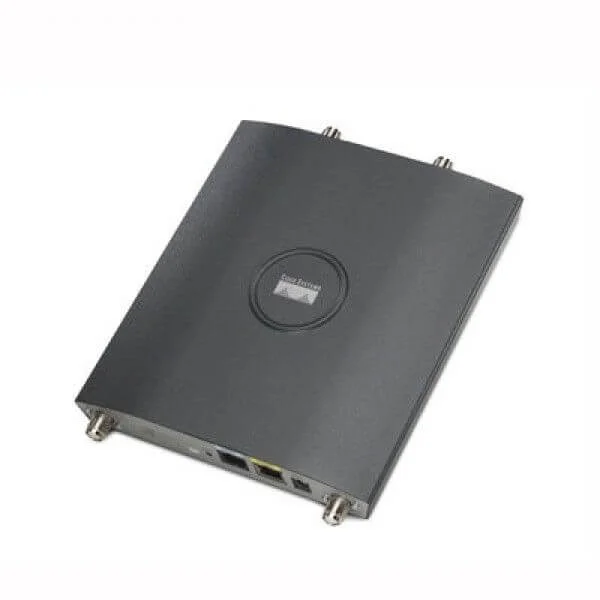
AIR-AP1242AG-T-K9 (802.11a/g Non-modular IOS AP; RP-TNC; Taiwan Cnfg 1240AG Series Access Points)
4.7 (7)- Wireless Product
- Cisco
- Access Point
- 802.11a/b/g
- 2.4GHz / 5GHz
- 54Mbps
Est Value $1,793.50$896.75
50% offIn stockRefurbishedFirst-Time Buyer Discount – Get up to 2% additional off on your first order
ORM Rewards Earn $50 in Rewards + Free Expedited Delivery – Join Now!
Use eCoupon ORMSAVE10
eCoupon limited to 5 units
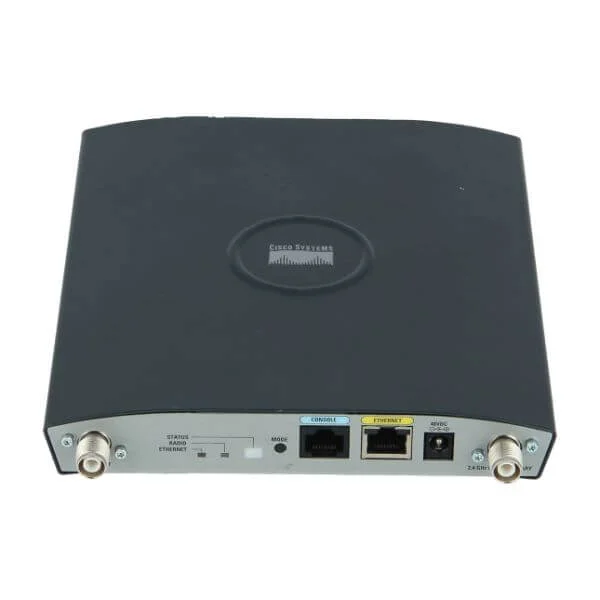
AIR-LAP1242AG-Q-K9 (802.11ag LWAPP AP Dual 2.4,5GHz RP-TNC Japan3 Cnfg 1240AG Series Access Points)
4.9 (7)- Wireless Access Point
- Cisco
- Access Point
- 802.11a/b/g
- 2.4GHz / 5GHz
- 54Mbps
Est Value $1,793.50$896.75
50% offIn stockRefurbishedFirst-Time Buyer Discount – Get up to 2% additional off on your first order
ORM Rewards Earn $50 in Rewards + Free Expedited Delivery – Join Now!
Use eCoupon ORMSAVE10
eCoupon limited to 5 units
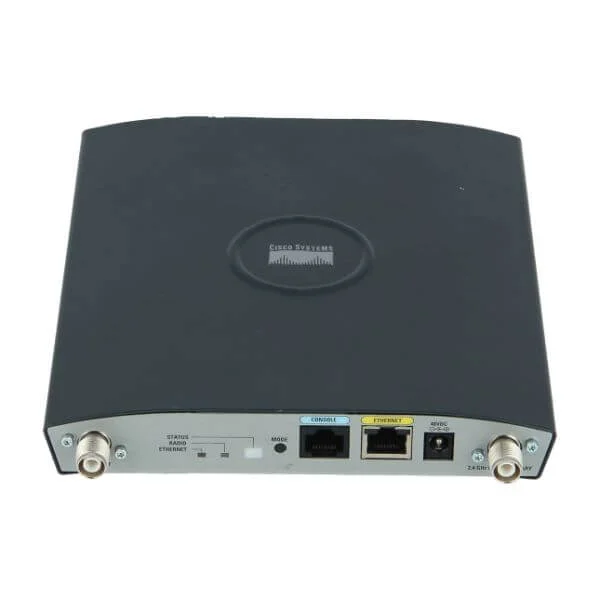
AIR-AP1242AG-I-K9 (802.11a/g Non-modular IOS AP; RP-TNC; EU2 Cnfg 1240AG Series Access Points)
4.9 (7)- Access Point
- Cisco
- Access Point
- 802.11a/b/g/n
- 2.4GHz, 5GHz
- Up to 54 Mbps
Est Value $1,793.50$896.75
50% offIn stockRefurbishedFirst-Time Buyer Discount – Get up to 2% additional off on your first order
ORM Rewards Earn $50 in Rewards + Free Expedited Delivery – Join Now!
Use eCoupon ORMSAVE10
eCoupon limited to 5 units
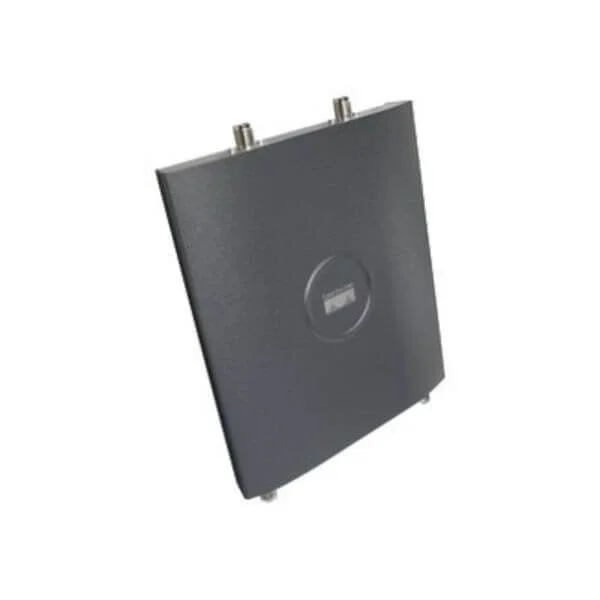
AIR-AP1242AG-J-K9 (802.11a/g Non-modular IOS AP; RP-TNC; Japan Cnfg 1240AG Series Access Points)
4.9 (7)- Wireless Product
- Cisco
- Access Point
- 802.11a/b/g
- 2.4GHz / 5GHz
- 54Mbps
Est Value $1,793.50$896.75
50% offIn stockRefurbishedFirst-Time Buyer Discount – Get up to 2% additional off on your first order
ORM Rewards Earn $50 in Rewards + Free Expedited Delivery – Join Now!
Use eCoupon ORMSAVE10
eCoupon limited to 5 units
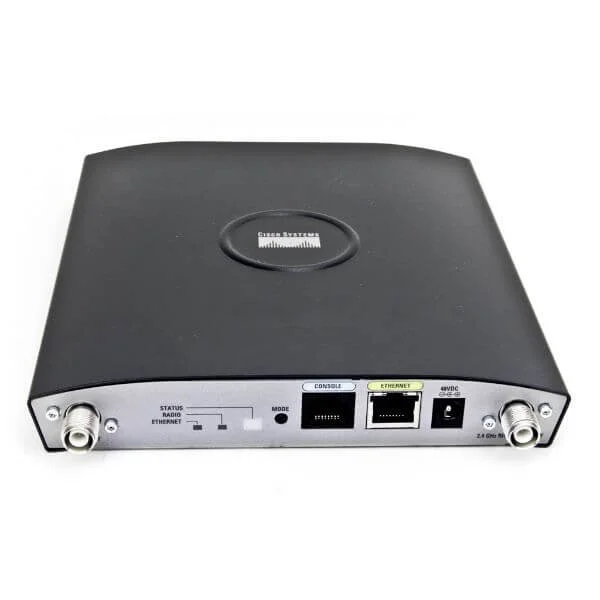
AIR-AP1242AG-K-K9 (802.11a/g Non-modular IOS AP; RP-RNC; Korea Cnfg 1240AG Series Access Points)
4.9 (7)- Wireless Access Point
- Cisco
- Access Point
- 802.11a/g
- 2.4GHz, 5GHz
- 54Mbps
Est Value $1,793.50$896.75
50% offIn stockRefurbishedFirst-Time Buyer Discount – Get up to 2% additional off on your first order
ORM Rewards Earn $50 in Rewards + Free Expedited Delivery – Join Now!
Use eCoupon ORMSAVE10
eCoupon limited to 5 units
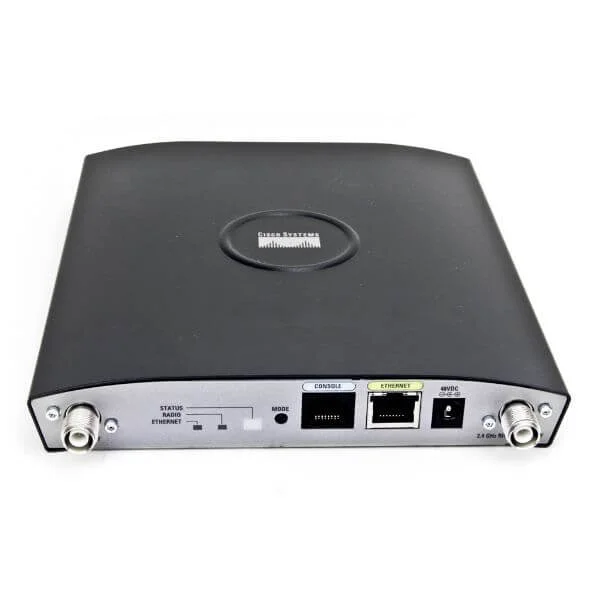
AIR-LAP1242-AK9-10 (802.11ag LWAPP AP Dual 2.4,5GHz RP-TNC FCC Cnfg,10 APs 1242 Access Point Series Bulk Packs)
4.7 (7)- Wireless Access Point
- Cisco
- Access Point
- Wi-Fi 6
- 2.4GHz / 5GHz
- 2.5Gbps
- 120 meters
Est Value $19,868.10$9,934.05
50% offIn stockRefurbishedFirst-Time Buyer Discount – Get up to 2% additional off on your first order
ORM Rewards Earn $50 in Rewards + Free Expedited Delivery – Join Now!
Use eCoupon ORMSAVE10
eCoupon limited to 5 units

ORM Sales Advisors
Buying for your business? Get a personalised quote in under 2 hours. Talk to an expert
LEARNFilters (31) 
Questions & Answers
What is the Cisco 1240 Access Point?
The Cisco 1240 Access Point is a controller-based, dual-band (802.11a/g) enterprise AP delivering up to 54 Mbps per band with integrated antennas, QoS and advanced security.
Which wireless standards does the Cisco 1240 support?
The Cisco 1240 supports IEEE 802.11a and 802.11g, providing dual-band operation in the 5 GHz and 2.4 GHz ranges with data rates up to 54 Mbps per band.
How is the Cisco 1240 powered?
The Cisco 1240 can be powered via 802.3af PoE (Power over Ethernet) or an optional 48 VDC power supply, simplifying deployment without dedicated AC outlets.
What antenna options are available for the Cisco 1240?
The Cisco 1240 features integrated omni-directional antennas and supports optional external antennas via RP-TNC connectors for customized coverage patterns.
How many concurrent clients can the Cisco 1240 support?
Each Cisco 1240 can reliably serve up to 25 active clients with optimal performance, subject to RF environment and traffic patterns.
Which Cisco Wireless LAN Controllers (WLCs) are compatible?
The Cisco 1240 is compatible with Cisco WLC series including 2500, 5500, 7500, 8500, and virtual controllers running IOS versions 7.0 or later.
What security features are supported on the Cisco 1240?
It supports WPA2-Enterprise, 802.1X with EAP, Cisco CleanAir™, rogue detection/prevention and secure management via SSH, SNMPv3 and HTTPS.
How do I perform a factory reset on the Cisco 1240?
Press and hold the MODE button for 20 seconds until the status LED flashes amber, then release. The AP will reboot to factory default settings.
How do I upgrade the firmware on the Cisco 1240?
Download the latest Cisco IOS image from the Cisco Software Download portal and use the WLC or CLI TFTP/FTP to push the image to the AP.
What mounting options are available for the Cisco 1240?
The Cisco 1240 supports ceiling tile brackets, wall mounts and side-of-pole mounts for indoor use in offices, schools and light industrial environments.
Is the Cisco 1240 still supported by Cisco?
The Cisco 1240 has reached end-of-sale and end-of-support. Cisco recommends migrating to the Catalyst 9100 series for ongoing software updates and support.
What is the recommended operating temperature range?
The Cisco 1240 operates reliably in temperatures from 0 °C to 40 °C (32 °F to 104 °F) with relative humidity up to 95% non-condensing.
Does the Cisco 1240 require a software license?
No separate license is required on the AP. Licensing is handled on the WLC, and with Cisco IOS 7.x the AP count license includes all attached Cisco 1240 units.
How do I optimize RF coverage with the Cisco 1240?
Use Cisco Prime Infrastructure or third-party site survey tools to design channel plans, adjust power levels and validate coverage before deployment.
What throughput can I expect from the Cisco 1240?
In real-world conditions, expect up to 30 Mbps TCP throughput per band under mixed client loads, depending on RF interference and configuration.
What are the ideal use cases for the Cisco 1240?
The Cisco 1240 is suited for small offices, classrooms and light industrial sites requiring secure, centrally managed dual-band Wi-Fi with moderate client density.