 United States
Access Point Cisco 1810W
Experience robust and reliable connectivity with Cisco’s 1810W Access Point, engineered for secure, high-performance operations, exceptional coverage, and seamless integration within modern enterprise networks.
Talk to an expert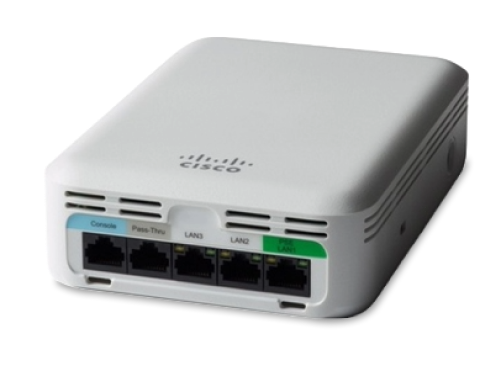
15 Matching results
- BEST SELLING
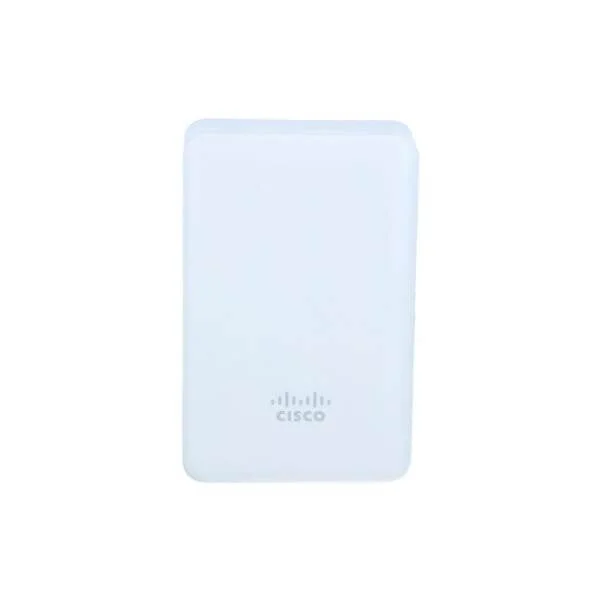
AIR-AP1810W-B-K9 (802.11AC WAVE 2 1810W 2X2:2 3 GBE B DOMAIN FOR US)
4.9 (7)- Wireless Access Point
- Cisco
- Access Point
- 802.11ac
- 2.4GHz / 5GHz
- 1.3Gbps
- 150 meters
Est Value $645.00
$179.55
72.2% offIn stockNewRefurbishedFirst-Time Buyer Discount – Get up to 2% additional off on your first order
ORM Rewards Earn $50 in Rewards + Free Expedited Delivery – Join Now!
Use eCoupon ORMSAVE10
eCoupon limited to 5 units
- BEST SELLING
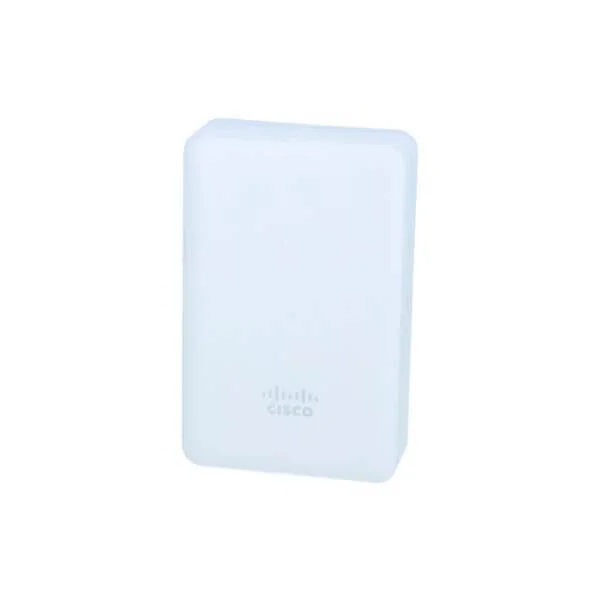
AIR-AP1810W-Q-K9 (802.11ac Wave 2 Access Point, 2x2:2, 3 GbE, Q Regulatory Domain)
4.9 (7)- Wireless Access Point
- Cisco
- Access Point
- Wi-Fi 5 (802.11ac)
- 2.4GHz, 5GHz
- Up to 1.3Gbps
Est Value $645.00$404.62
37.3% offIn stockNewRefurbishedFirst-Time Buyer Discount – Get up to 2% additional off on your first order
ORM Rewards Earn $50 in Rewards + Free Expedited Delivery – Join Now!
Use eCoupon ORMSAVE10
eCoupon limited to 5 units
- BEST SELLING
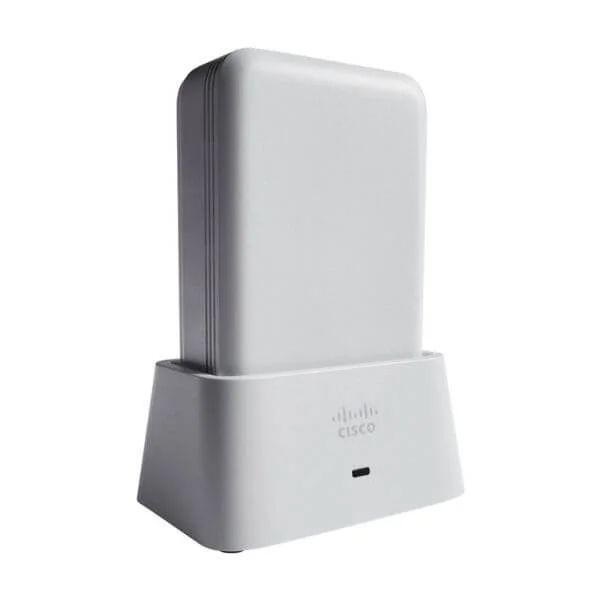
AIR-AP1810W-T-K9 (802.11ac Wave 2 Access Point, 2x2:2, 3 GbE, T Regulatory Domain)
4.7 (7)- Wireless Product
- Cisco
- Access Point
- 802.11ac
- 2.4GHz / 5GHz
- Up to 1.166Gbps
Est Value $645.00$404.62
37.3% offIn stockNewRefurbishedFirst-Time Buyer Discount – Get up to 2% additional off on your first order
ORM Rewards Earn $50 in Rewards + Free Expedited Delivery – Join Now!
Use eCoupon ORMSAVE10
eCoupon limited to 5 units
- BEST SELLING
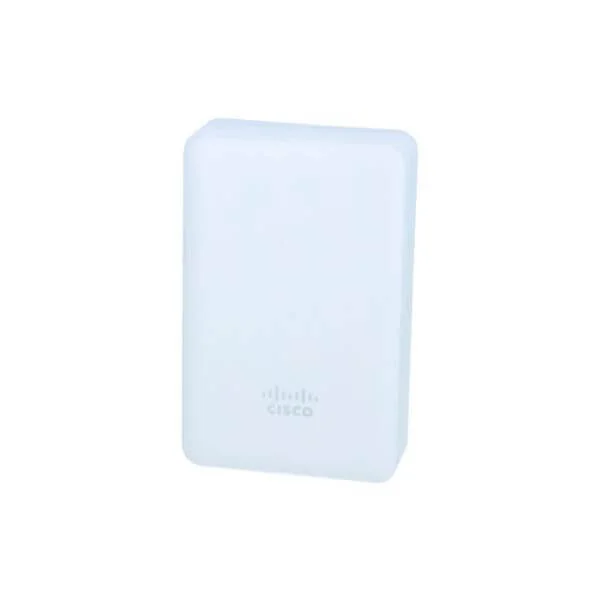
AIR-AP1810W-N-K9 (802.11ac Wave 2 Access Point, 2x2:2, 3 GbE, N Regulatory Domain)
4.6 (7)- Wireless Access Point
- Cisco
- Access Point
- 802.11n
- 2.4GHz / 5GHz
- 300Mbps
Est Value $1,421.70$544.32
61.7% offIn stockNewRefurbishedFirst-Time Buyer Discount – Get up to 2% additional off on your first order
ORM Rewards Earn $50 in Rewards + Free Expedited Delivery – Join Now!
Use eCoupon ORMSAVE10
eCoupon limited to 5 units
- BEST SELLING
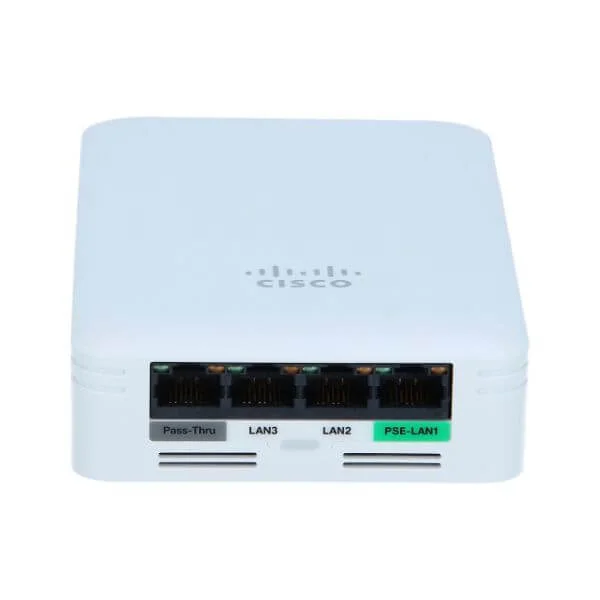
AIR-AP1810W-S-K9 (802.11ac Wave 2 Access Point, 2x2:2, 3 GbE, S Regulatory Domain)
4.7 (7)- Wireless Product
- Cisco
- Access Point
- Wi-Fi 5
- 2.4GHz / 5GHz
- 1Gbps
Est Value $1,421.70$544.32
61.7% offIn stockNewRefurbishedFirst-Time Buyer Discount – Get up to 2% additional off on your first order
ORM Rewards Earn $50 in Rewards + Free Expedited Delivery – Join Now!
Use eCoupon ORMSAVE10
eCoupon limited to 5 units
- FEARURED
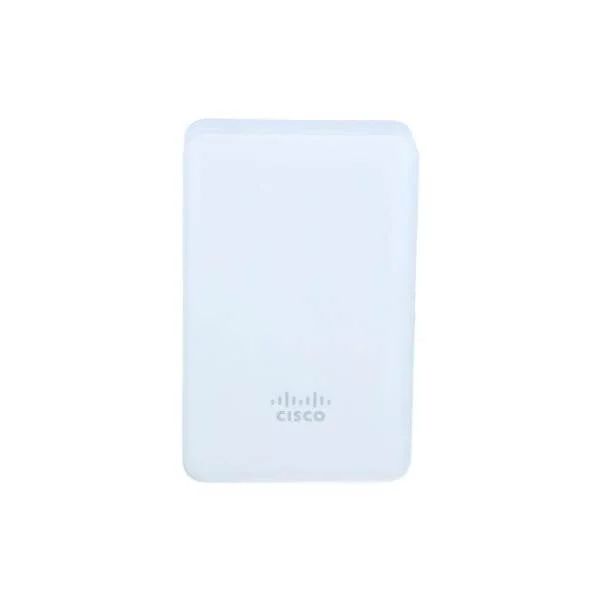
AIR-AP1810W-H-K9 (802.11ac Wave 2 Access Point, 2x2:2, 3 GbE, H Regulatory Domain)
4.9 (7)- Wireless Access Point
- Cisco
- Access Point
- Wi-Fi 6
- 2.4GHz / 5GHz
- 2.5Gbps
- 100 meters
Est Value $645.00$404.62
37.3% offIn stockNewRefurbishedFirst-Time Buyer Discount – Get up to 2% additional off on your first order
ORM Rewards Earn $50 in Rewards + Free Expedited Delivery – Join Now!
Use eCoupon ORMSAVE10
eCoupon limited to 5 units
- FEARURED
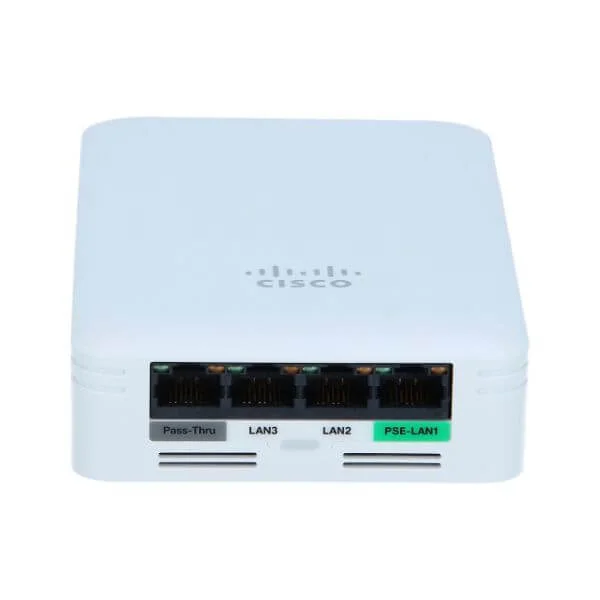
AIR-AP1810W-G-K9 (802.11ac Wave 2 Access Point, 2x2:2, 3 GbE, G Regulatory Domain)
4.7 (7)- Wireless Product
- Cisco
- Access Point
- Wi-Fi 5
- 2.4GHz, 5GHz
- Up to 1.3Gbps
Est Value $645.00$404.62
37.3% offIn stockNewRefurbishedFirst-Time Buyer Discount – Get up to 2% additional off on your first order
ORM Rewards Earn $50 in Rewards + Free Expedited Delivery – Join Now!
Use eCoupon ORMSAVE10
eCoupon limited to 5 units
- FEARURED
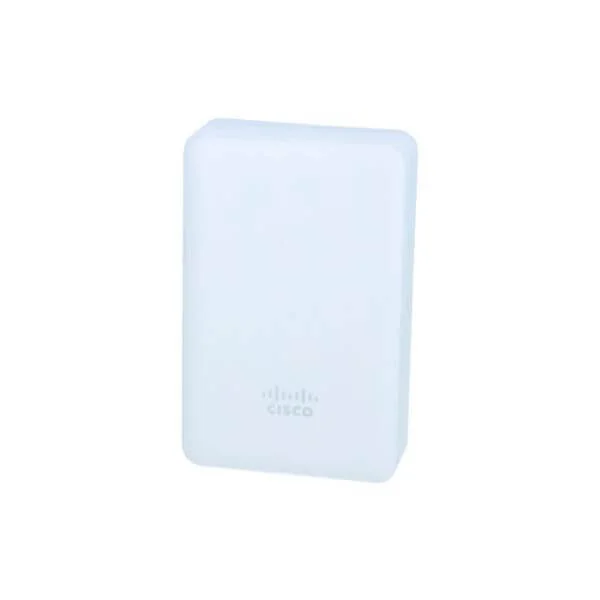
AIR-AP1810W-I-K9 (802.11ac Wave 2 Access Point, 2x2:2, 3 GbE, I Regulatory Domain)
4.9 (7)- Wireless Product
- Cisco
- Access Point
- 802.11a/b/g/n
- 2.4GHz, 5GHz
- 300Mbps per radio
Est Value $645.00$404.62
37.3% offIn stockNewRefurbishedFirst-Time Buyer Discount – Get up to 2% additional off on your first order
ORM Rewards Earn $50 in Rewards + Free Expedited Delivery – Join Now!
Use eCoupon ORMSAVE10
eCoupon limited to 5 units
- FEARURED
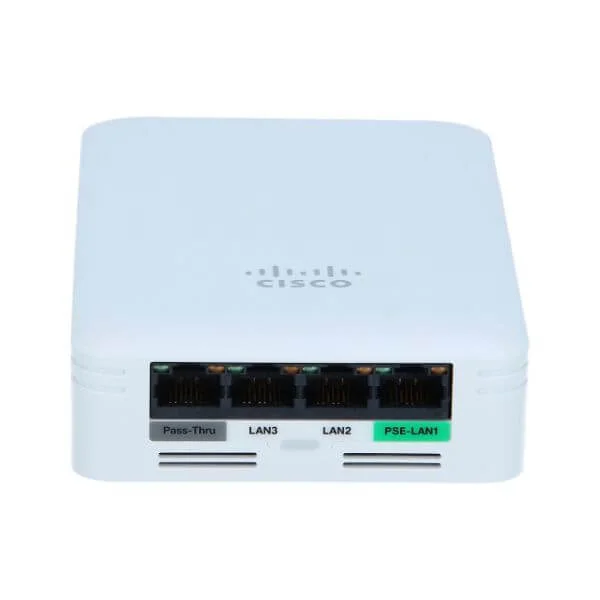
AIR-AP1810W-K-K9 (802.11ac Wave 2 Access Point, 2x2:2, 3 GbE, K Regulatory Domain)
4.7 (7)- Wireless Access Point
- Cisco
- Access Point
- 802.11a/b/g/n/ac
- 2.4GHz / 5GHz
- Up to 1.3Gbps
Est Value $645.00$443.52
31.2% offIn stockNewRefurbishedFirst-Time Buyer Discount – Get up to 2% additional off on your first order
ORM Rewards Earn $50 in Rewards + Free Expedited Delivery – Join Now!
Use eCoupon ORMSAVE10
eCoupon limited to 5 units
- FEARURED
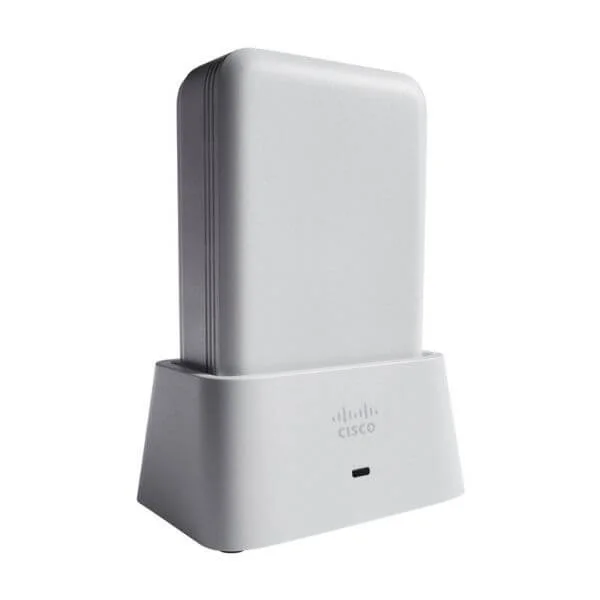
AIR-AP1810W-Z-K9 (802.11ac Wave 2 Access Point, 2x2:2, 3 GbE, Z Regulatory Domain)
4.4 (7)- Wireless Access Point
- Cisco
- Access Point
- 802.11ac Wave 2
- 2.4GHz / 5GHz
- Up to 1.3Gbps
Est Value $1,421.70$443.52
68.8% offIn stockNewRefurbishedFirst-Time Buyer Discount – Get up to 2% additional off on your first order
ORM Rewards Earn $50 in Rewards + Free Expedited Delivery – Join Now!
Use eCoupon ORMSAVE10
eCoupon limited to 5 units
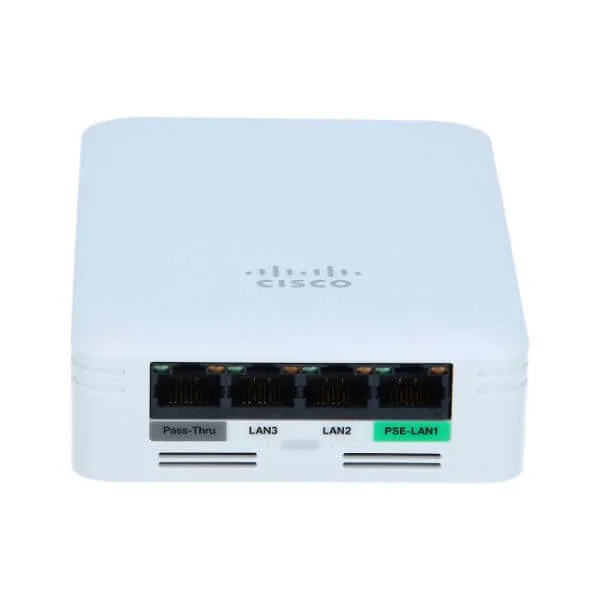
AIR-AP1810W-C-K9 (802.11ac Wave 2 Access Point, 2x2:2, 3 GbE, C Regulatory Domain)
4.7 (7)- Wireless Product
- Cisco
- Access Point
- 802.11a/b/g/n/ac
- 2.4GHz and 5GHz
- 1.3Gbps
Est Value $645.00$270.65
58% offIn stockNewRefurbishedFirst-Time Buyer Discount – Get up to 2% additional off on your first order
ORM Rewards Earn $50 in Rewards + Free Expedited Delivery – Join Now!
Use eCoupon ORMSAVE10
eCoupon limited to 5 units
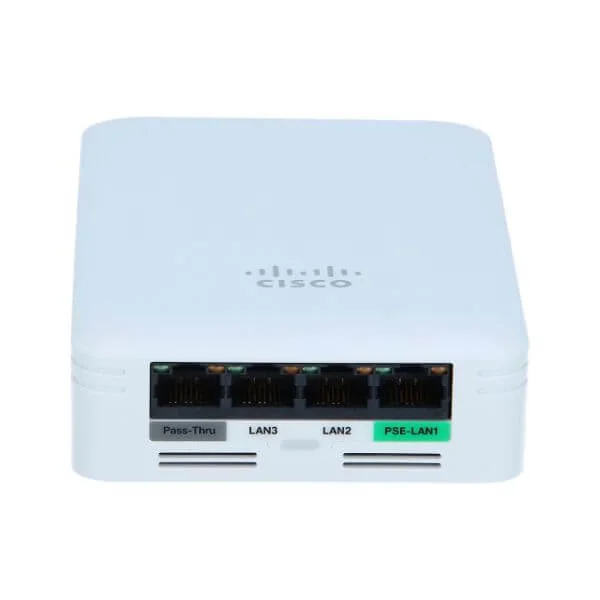
AIR-AP1810W-D-K9 (802.11ac Wave 2 Access Point, 2x2:2, 3 GbE, D Regulatory Domain)
4.7 (7)- Wireless Access Point
- Cisco
- Access Point
- 802.11ac
- 2.4GHz / 5GHz
- Up to 1.3Gbps
Est Value $645.00$404.62
37.3% offIn stockNewRefurbishedFirst-Time Buyer Discount – Get up to 2% additional off on your first order
ORM Rewards Earn $50 in Rewards + Free Expedited Delivery – Join Now!
Use eCoupon ORMSAVE10
eCoupon limited to 5 units
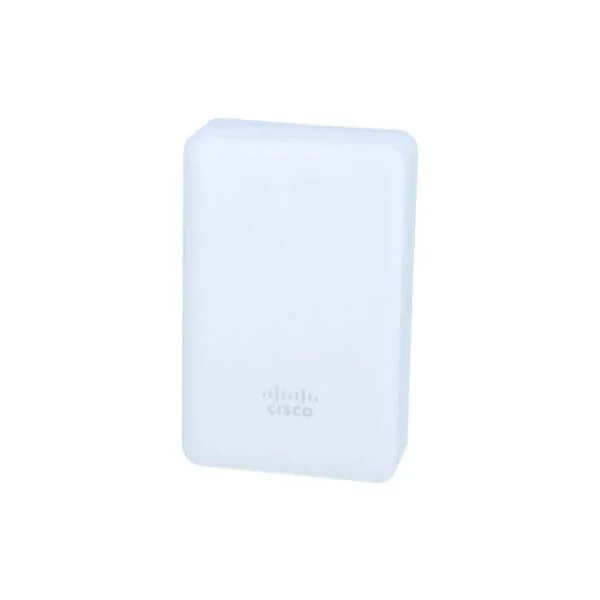
AIR-AP1810W-F-K9 (802.11ac Wave 2 Access Point, 2x2:2, 3 GbE, F Regulatory Domain)
4.9 (7)- Wireless Access Point
- Cisco
- Access Point
- 802.11b/g/n
- 2.4GHz
- 150Mbps
Est Value $645.00$581.64
9.8% offIn stockNewRefurbishedFirst-Time Buyer Discount – Get up to 2% additional off on your first order
ORM Rewards Earn $50 in Rewards + Free Expedited Delivery – Join Now!
Use eCoupon ORMSAVE10
eCoupon limited to 5 units
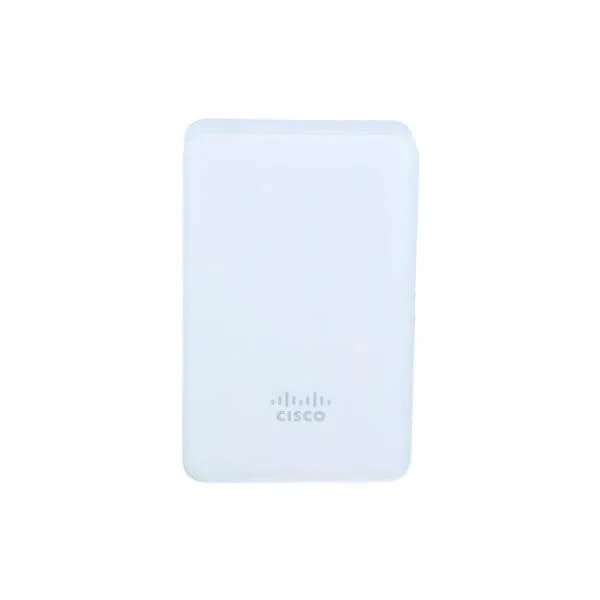
AIR-AP1810W-E-K9 (802.11ac Wave 2 Access Point, 2x2:2, 3 GbE, E Regulatory Domain)
4.6 (5)- Wireless Access Point
- Cisco
- Access Point
- Wi-Fi 5
- 2.4GHz / 5GHz
- 1Gbps
Est Value $1,421.70$643.39
54.7% offIn stockNewRefurbishedFirst-Time Buyer Discount – Get up to 2% additional off on your first order
ORM Rewards Earn $50 in Rewards + Free Expedited Delivery – Join Now!
Use eCoupon ORMSAVE10
eCoupon limited to 5 units
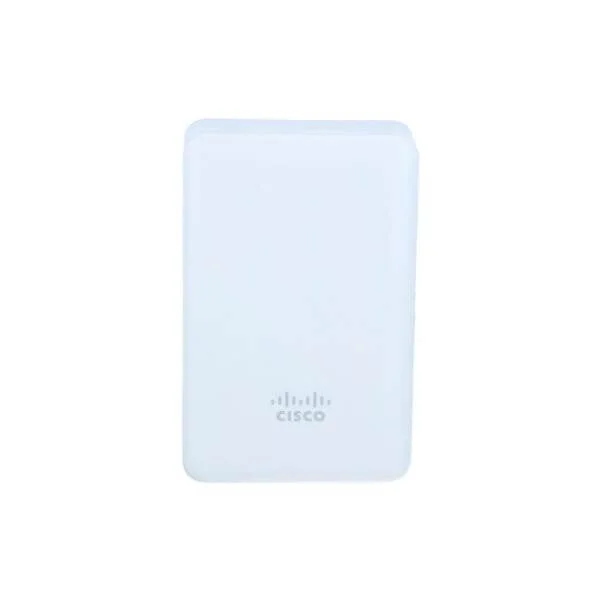
AIR-AP1810W-A-K9 (802.11ac Wave 2 Access Point, 2x2:2, 3 GbE, A Regulatory Domain (not for US))
4.7 (7)- Wireless Product
- Cisco
- Access Point
- Wi‑Fi 5
- 2.4GHz, 5GHz
- 1.3Gbps
Est Value $1,421.70$586.73
58.7% offIn stockNewRefurbishedFirst-Time Buyer Discount – Get up to 2% additional off on your first order
ORM Rewards Earn $50 in Rewards + Free Expedited Delivery – Join Now!
Use eCoupon ORMSAVE10
eCoupon limited to 5 units

ORM Sales Advisors
Buying for your business? Get a personalised quote in under 2 hours. Talk to an expert
LEARNFilters (15) 
Questions & Answers
What is the Cisco 1810W Access Point?
The Cisco 1810W is a wall-plate enterprise access point providing dual-band 802.11ac Wave 1 Wi-Fi, designed for small office and teleworker environments.
What are the key features of the Cisco 1810W Access Point?
Key features include dual-band 2.4/5 GHz operation, up to 867 Mbps on 5 GHz, integrated Gigabit Ethernet port with PoE, and support for Cisco Mobility Express.
What hardware specifications does the Cisco 1810W support?
It supports one 10/100/1000 Mbps Ethernet port, 2×2 MIMO radios, 512 MB flash, 256 MB RAM, and a maximum transmit power of 23 dBm.
How do I install the Cisco 1810W Access Point?
Mount the unit on a standard wall box, connect the Ethernet cable, and power it via Cisco PoE or external adapter before configuring through the web interface or Mobility Express.
Does the Cisco 1810W support Power over Ethernet (PoE)?
Yes, the Cisco 1810W supports 802.3at PoE++ and 802.3af PoE, eliminating the need for a separate power adapter when used with compatible switches.
What Wi-Fi speeds can I expect from the Cisco 1810W?
You can achieve up to 300 Mbps on the 2.4 GHz radio and up to 867 Mbps on the 5 GHz radio under ideal conditions.
How large an area does the Cisco 1810W cover?
Coverage typically spans 1,500 sq ft indoors, though actual range varies with building materials and interference.
How many client devices can connect to the Cisco 1810W?
It can support up to 200 concurrent client associations, making it suitable for teleworkers and small offices.
How is the Cisco 1810W managed?
You can manage it as a standalone unit via the web GUI, in Mobility Express mode with controller features, or through Cisco DNA Center.
What security features are available on the Cisco 1810W?
It offers WPA3 encryption, 802.1X authentication, rogue AP detection, and integrated firewall policies for enterprise-grade security.
Can the Cisco 1810W operate in a mesh network?
Yes, when deployed in Mobility Express mode, the 1810W supports Cisco Unified Mesh for flexible, cable-free extension.
How do I upgrade the firmware on the Cisco 1810W?
Download the latest IOS-XE image from Cisco.com and upload it via the web GUI or CLI, then reboot to complete the upgrade.
What is the power consumption of the Cisco 1810W?
Typical power draw is 6 W, with a maximum of 12 W when fully loaded with PoE passthrough enabled.
How do I reset the Cisco 1810W to factory defaults?
Press and hold the RESET button for 10 seconds while powered on, then release to restore factory settings.
What warranty and support options are available for the Cisco 1810W?
It comes with a limited lifetime warranty for hardware and 90 days of Cisco TAC support; extended support can be purchased via a Cisco SMARTnet contract.
What environments are best suited for the Cisco 1810W?
The 1810W excels in small offices, home offices, hotel rooms, and branch teleworker sites requiring reliable, high-performance Wi-Fi.