 United States
Access Points Cisco 1840 Series
Elevate enterprise connectivity with Cisco 1840 Access Points offering robust performance, secure communications, and scalable solutions. Experience seamless wireless integration and reliable operations for modern network demands.
Talk to an expert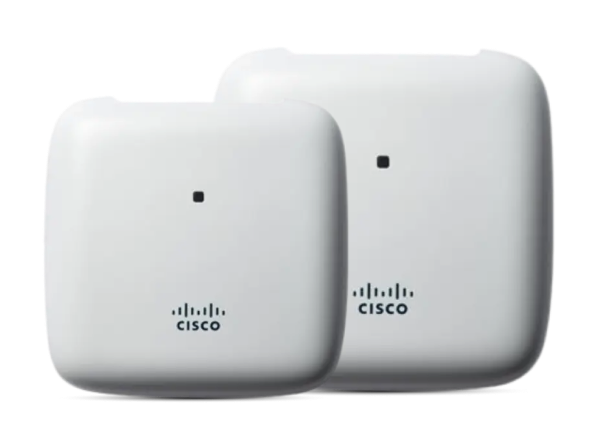
22 Matching results
- BEST SELLING
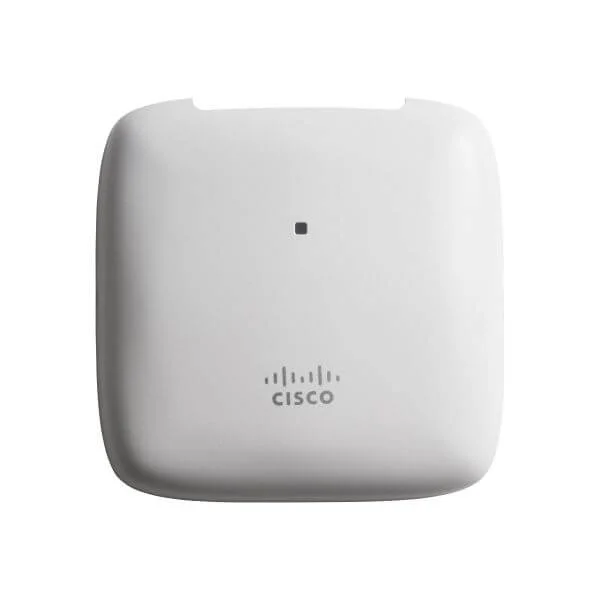
AIR-AP1840I-B-K9 (Cisco Aironet AP1840I Series access point - B domain)
4.9 (7)- Access Point
- Cisco
- Access Point
- Wi-Fi 5
- 2.4GHz / 5GHz
- 1.3Gbps
Est Value $1,497.00
$1,269.63
15.2% offIn stockNewRefurbishedFirst-Time Buyer Discount – Get up to 2% additional off on your first order
ORM Rewards Earn $50 in Rewards + Free Expedited Delivery – Join Now!
Use eCoupon ORMSAVE10
eCoupon limited to 5 units
- BEST SELLING
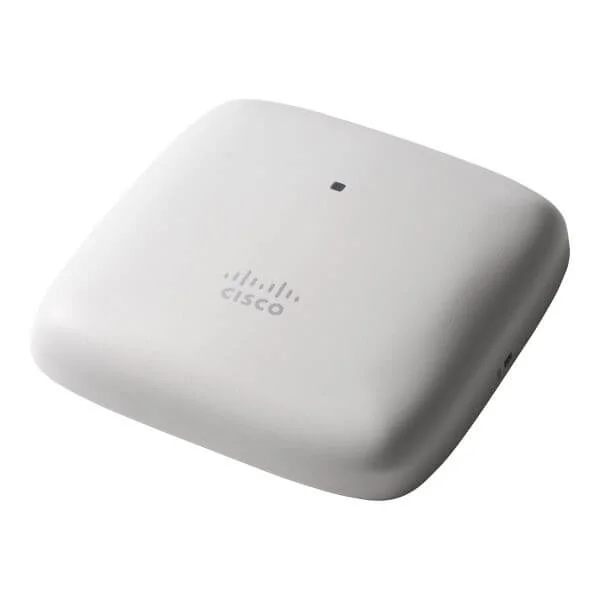
AIR-AP1840I-A-K9 (Cisco Aironet AP1840I Series access point - A domain)
4.9 (7)- Wireless Access Point
- Cisco
- Access Point
- 802.11a/b/g/n/ac
- 2.4GHz, 5GHz
- Up to 1.3Gbps
Est Value $1,396.00$1,183.46
15.2% offIn stockNewRefurbishedFirst-Time Buyer Discount – Get up to 2% additional off on your first order
ORM Rewards Earn $50 in Rewards + Free Expedited Delivery – Join Now!
Use eCoupon ORMSAVE10
eCoupon limited to 5 units
- BEST SELLING
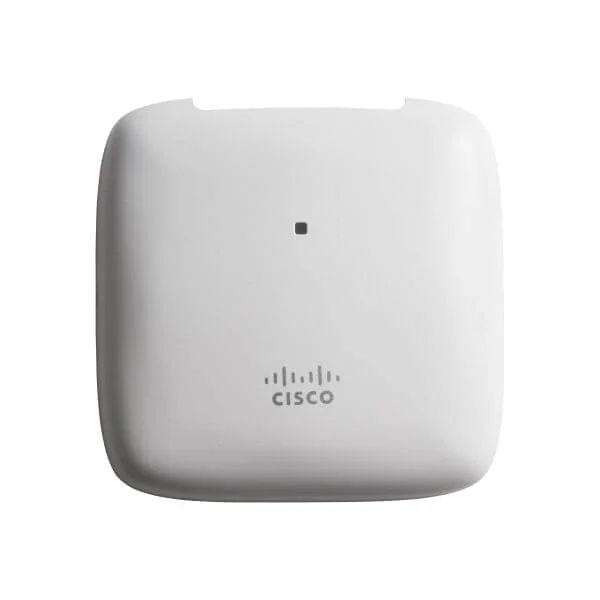
AIR-AP1840I-E-K9 (Cisco Aironet AP1840I Series access point - E domain)
4.4 (7)- Wireless Access Point
- Cisco
- Access Point
- Wi-Fi 5
- 2.4GHz / 5GHz
- 1Gbps
Est Value $3,080.70$597.60
80.6% offIn stockNewRefurbishedFirst-Time Buyer Discount – Get up to 2% additional off on your first order
ORM Rewards Earn $50 in Rewards + Free Expedited Delivery – Join Now!
Use eCoupon ORMSAVE10
eCoupon limited to 5 units
- BEST SELLING
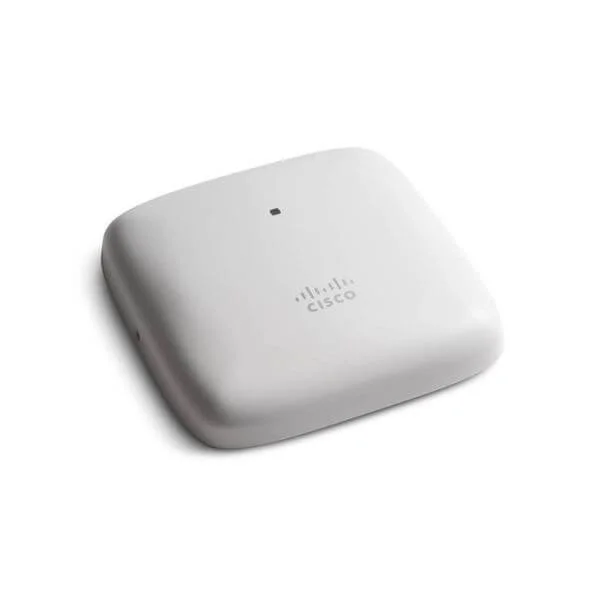
AIR-AP1840I-D-K9 (Cisco Aironet AP1840I Series access point - D domain)
4.9 (7)- Wireless Access Point
- Cisco
- Access Point
- Wi-Fi 5
- 2.4GHz / 5GHz
- 1Gbps
Est Value $3,080.70$917.28
70.2% offIn stockNewRefurbishedFirst-Time Buyer Discount – Get up to 2% additional off on your first order
ORM Rewards Earn $50 in Rewards + Free Expedited Delivery – Join Now!
Use eCoupon ORMSAVE10
eCoupon limited to 5 units
- BEST SELLING
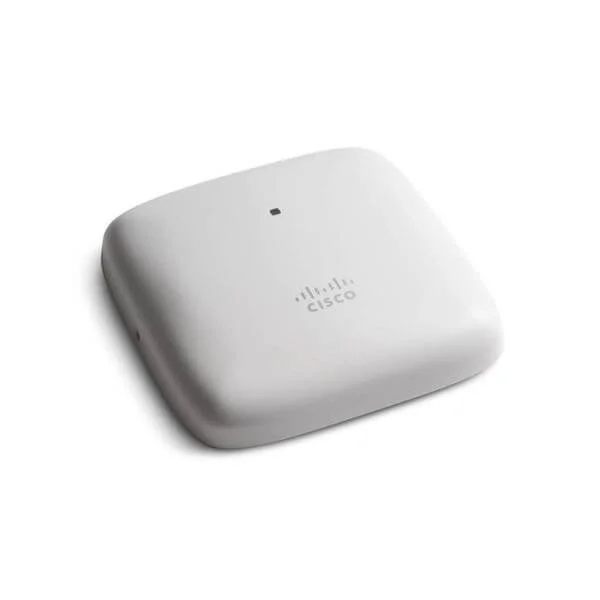
AIR-AP1840I-F-K9 (Cisco Aironet AP1840I Series access point - F domain)
4.9 (7)- Wireless Product
- Cisco
- Access Point
- Wi-Fi 5
- 2.4GHz / 5GHz
- 1.3Gbps
Est Value $3,080.70$917.28
70.2% offIn stockNewRefurbishedFirst-Time Buyer Discount – Get up to 2% additional off on your first order
ORM Rewards Earn $50 in Rewards + Free Expedited Delivery – Join Now!
Use eCoupon ORMSAVE10
eCoupon limited to 5 units
- FEARURED
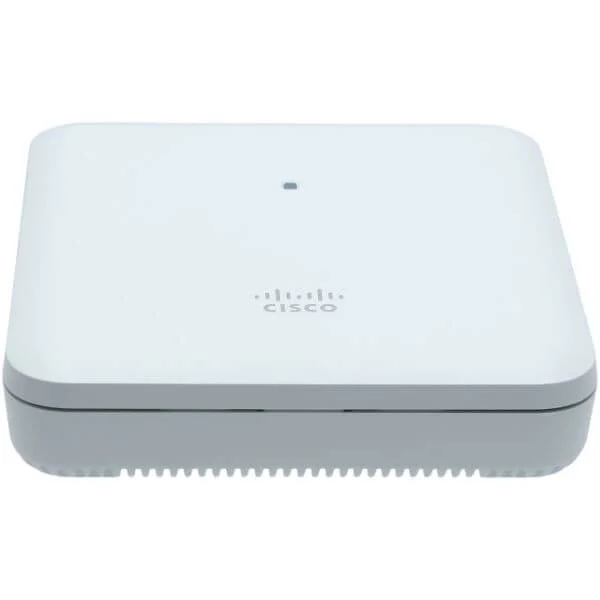
AIR-AP1840I-I-K9 (Cisco Aironet AP1840I Series access point - I domain)
4.6 (7)- Wireless Product
- Cisco
- Access Point
- Wi-Fi 5
- 2.4GHz / 5GHz
- Up to 1.3Gbps
Est Value $3,080.70$917.28
70.2% offIn stockNewRefurbishedFirst-Time Buyer Discount – Get up to 2% additional off on your first order
ORM Rewards Earn $50 in Rewards + Free Expedited Delivery – Join Now!
Use eCoupon ORMSAVE10
eCoupon limited to 5 units
- FEARURED
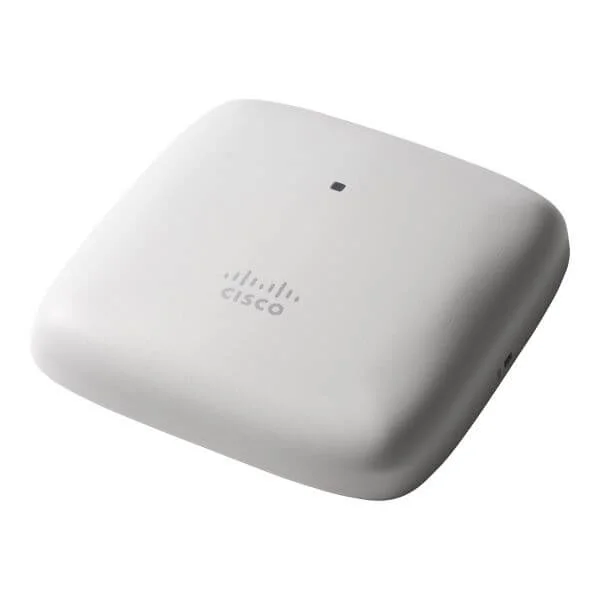
AIR-AP1840I-N-K9 (Cisco Aironet AP1840I Series access point - N domain)
4.6 (7)- Wireless Access Point
- Cisco
- Access Point
- 802.11n
- 2.4GHz / 5GHz
- 300Mbps
Est Value $3,080.70$917.28
70.2% offIn stockNewRefurbishedFirst-Time Buyer Discount – Get up to 2% additional off on your first order
ORM Rewards Earn $50 in Rewards + Free Expedited Delivery – Join Now!
Use eCoupon ORMSAVE10
eCoupon limited to 5 units
- FEARURED
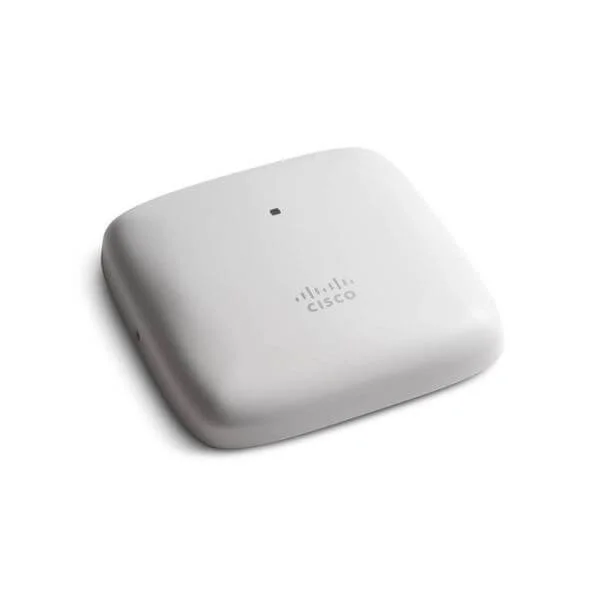
AIR-AP1840I-H-K9 (Cisco Aironet AP1840I Series access point - H domain)
4.9 (7)- Wireless Access Point
- Cisco
- Access Point
- 802.11ac
- 2.4GHz, 5GHz
- Up to 1.3Gbps
Est Value $3,080.70$917.28
70.2% offIn stockNewRefurbishedFirst-Time Buyer Discount – Get up to 2% additional off on your first order
ORM Rewards Earn $50 in Rewards + Free Expedited Delivery – Join Now!
Use eCoupon ORMSAVE10
eCoupon limited to 5 units
- FEARURED
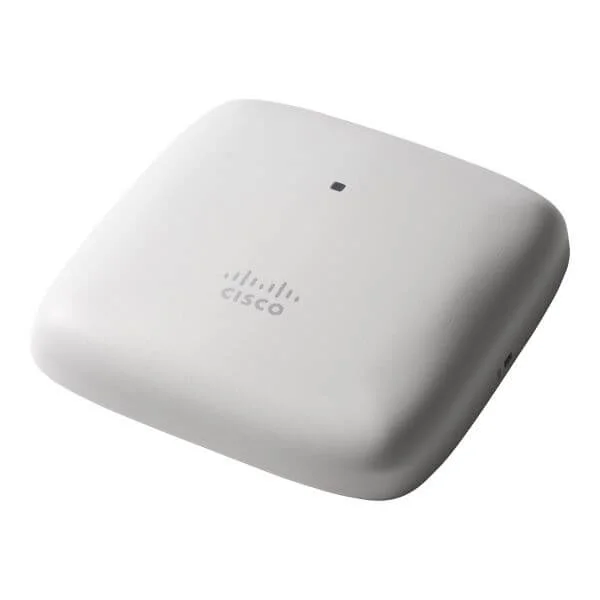
AIR-AP1840I-G-K9 (Cisco Aironet AP1840I Series access point - G domain)
4.7 (7)- Wireless Access Point
- Cisco
- Access Point
- Wi-Fi 5 (802.11ac Wave 2)
- 2.4GHz / 5GHz
- Up to 1.3Gbps
Est Value $3,080.70$917.28
70.2% offIn stockNewRefurbishedFirst-Time Buyer Discount – Get up to 2% additional off on your first order
ORM Rewards Earn $50 in Rewards + Free Expedited Delivery – Join Now!
Use eCoupon ORMSAVE10
eCoupon limited to 5 units
- FEARURED
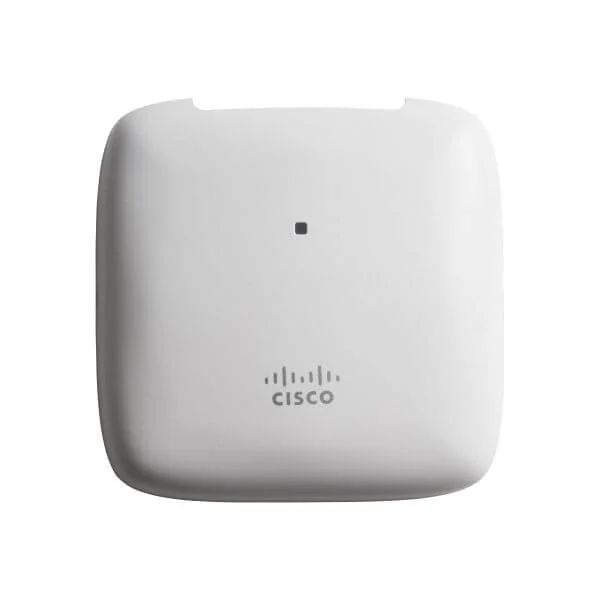
AIR-AP1840I-K-K9 (Cisco Aironet AP1840I Series access point - K domain)
4.6 (7)- Wireless Product
- Cisco
- Access Point
- Wi-Fi 5
- 2.4GHz / 5GHz
- 1Gbps
Est Value $3,080.70$917.28
70.2% offIn stockNewRefurbishedFirst-Time Buyer Discount – Get up to 2% additional off on your first order
ORM Rewards Earn $50 in Rewards + Free Expedited Delivery – Join Now!
Use eCoupon ORMSAVE10
eCoupon limited to 5 units
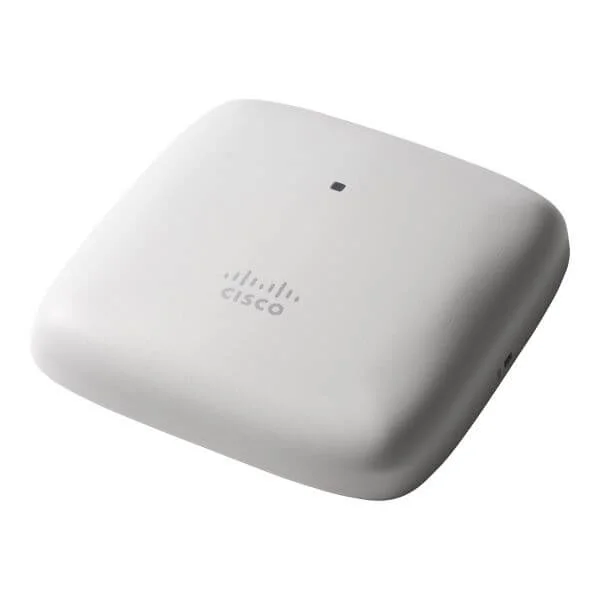
AIR-AP1840I-D-K9C (Cisco Aironet ME AP1840I Series access point - D domain)
4.9 (7)- Wireless Access Point
- Cisco
- Access Point
- 802.11a/b/g/n/ac
- 2.4GHz / 5GHz
- 1Gbps
Est Value $1,396.00$1,008.00
27.8% offIn stockNewRefurbishedFirst-Time Buyer Discount – Get up to 2% additional off on your first order
ORM Rewards Earn $50 in Rewards + Free Expedited Delivery – Join Now!
Use eCoupon ORMSAVE10
eCoupon limited to 5 units
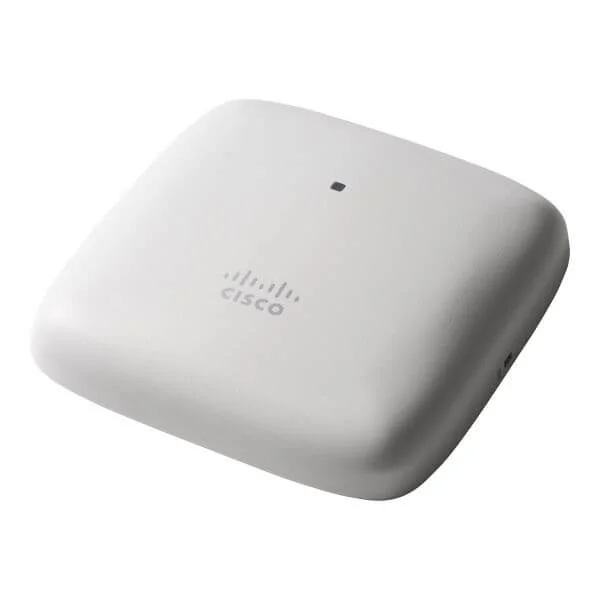
AIR-AP1840I-H-K9C (Cisco Aironet ME AP1840I Series access point - H domain)
4.4 (7)- Wireless Access Point
- Cisco
- Access Point
- Wi‑Fi 5
- 2.4GHz / 5GHz
- Up to 1.3Gbps
Est Value $1,396.00$1,008.00
27.8% offIn stockNewRefurbishedFirst-Time Buyer Discount – Get up to 2% additional off on your first order
ORM Rewards Earn $50 in Rewards + Free Expedited Delivery – Join Now!
Use eCoupon ORMSAVE10
eCoupon limited to 5 units
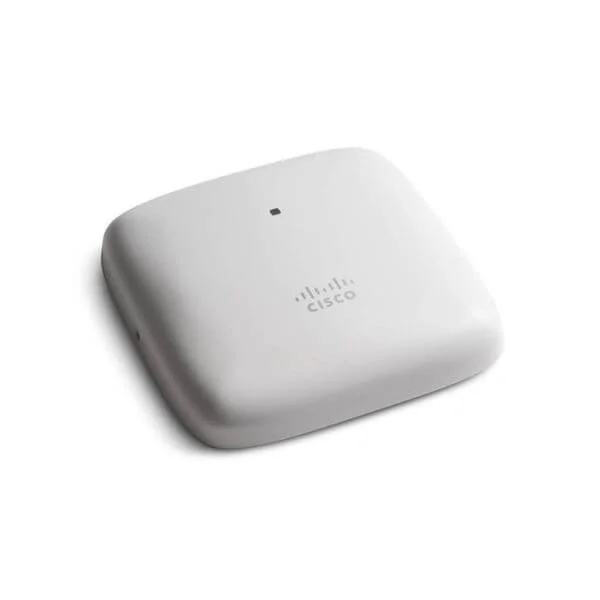
AIR-AP1840I-B-K9C (AIRONET ME AP1840I SERIES ACCESS POINT B DOMAIN)
4.6 (7)- Wireless Product
- Cisco
- Access Point
- Wi‑Fi 5
- 2.4GHz / 5GHz
- 1Gbps
- 100 meters
Est Value $1,396.00$1,183.46
15.2% offIn stockNewRefurbishedFirst-Time Buyer Discount – Get up to 2% additional off on your first order
ORM Rewards Earn $50 in Rewards + Free Expedited Delivery – Join Now!
Use eCoupon ORMSAVE10
eCoupon limited to 5 units
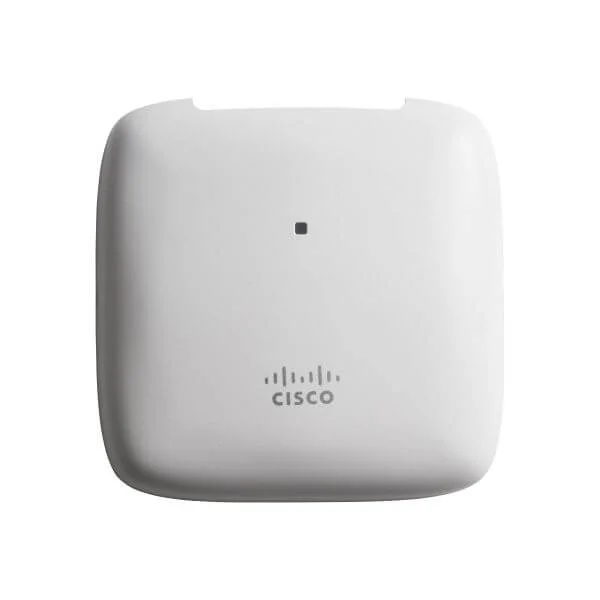
AIR-AP1840I-G-K9C (Cisco Aironet ME AP1840I Series access point - G domain)
4.7 (7)- Wireless Product
- Cisco
- Access Point
- Wi-Fi 5
- 2.4GHz / 5GHz
- 1.3Gbps
Est Value $3,080.70$1,008.00
67.3% offIn stockNewRefurbishedFirst-Time Buyer Discount – Get up to 2% additional off on your first order
ORM Rewards Earn $50 in Rewards + Free Expedited Delivery – Join Now!
Use eCoupon ORMSAVE10
eCoupon limited to 5 units
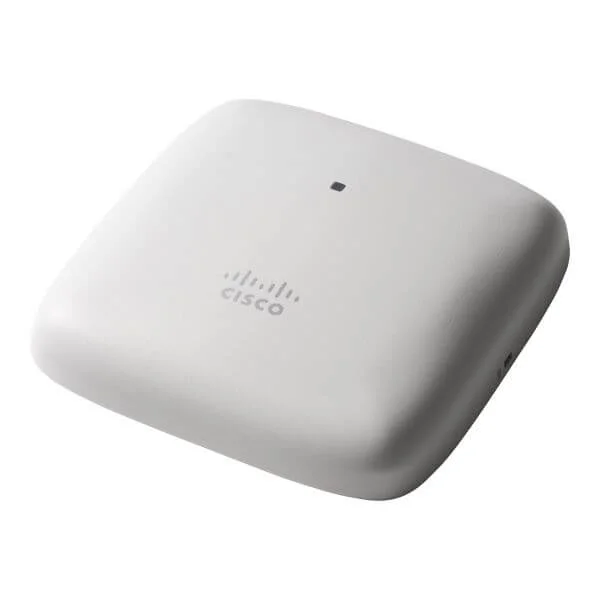
AIR-AP1840I-Z-K9 (Cisco Aironet AP1840I Series access point - Z domain)
4.7 (7)- Wireless Product
- Cisco
- Access Point
- Wi-Fi 5
- 2.4GHz / 5GHz
- 1.3Gbps
Est Value $3,080.70$1,392.51
54.8% offIn stockNewRefurbishedFirst-Time Buyer Discount – Get up to 2% additional off on your first order
ORM Rewards Earn $50 in Rewards + Free Expedited Delivery – Join Now!
Use eCoupon ORMSAVE10
eCoupon limited to 5 units
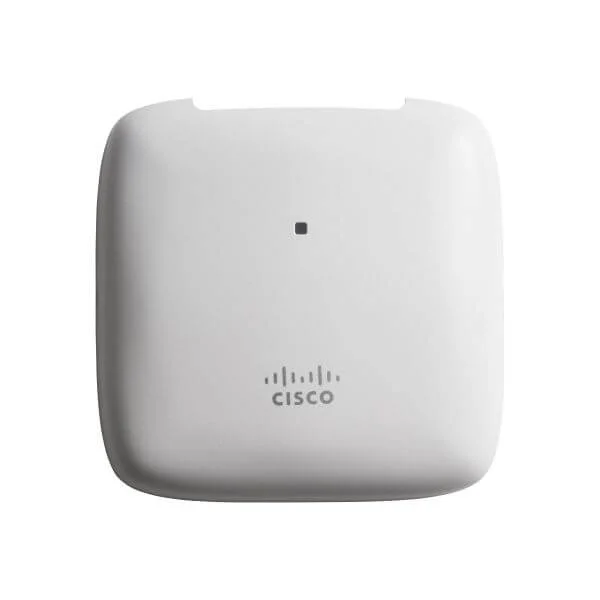
AIR-AP1840I-F-K9C (Cisco Aironet ME AP1840I Series access point - F domain)
4.7 (7)- Wireless Product
- Cisco
- Access Point
- Wi-Fi 5
- 2.4GHz / 5GHz
- Up to 1.3Gbps
Est Value $3,080.70$1,008.00
67.3% offIn stockNewRefurbishedFirst-Time Buyer Discount – Get up to 2% additional off on your first order
ORM Rewards Earn $50 in Rewards + Free Expedited Delivery – Join Now!
Use eCoupon ORMSAVE10
eCoupon limited to 5 units
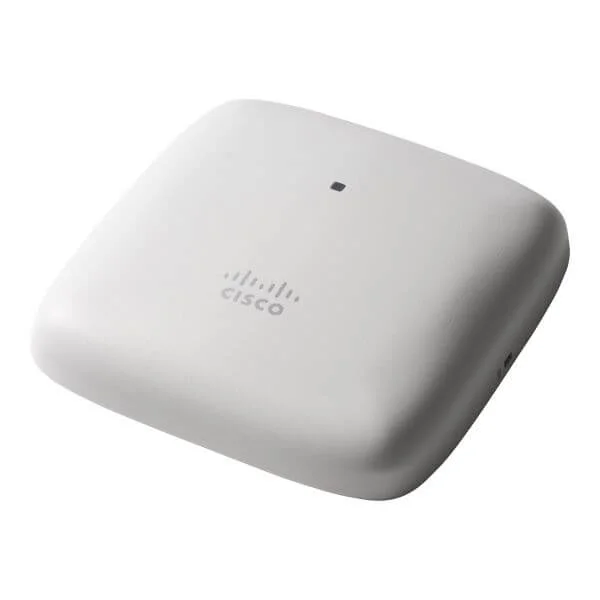
AIR-AP1840I-Z-K9C (Cisco Aironet ME AP1840I Series access point - Z domain)
4.6 (7)- Wireless Access Point
- Cisco
- Access Point
- Wi-Fi 5
- 2.4GHz / 5GHz
- 1.3Gbps
Est Value $3,080.70$917.28
70.2% offIn stockNewRefurbishedFirst-Time Buyer Discount – Get up to 2% additional off on your first order
ORM Rewards Earn $50 in Rewards + Free Expedited Delivery – Join Now!
Use eCoupon ORMSAVE10
eCoupon limited to 5 units
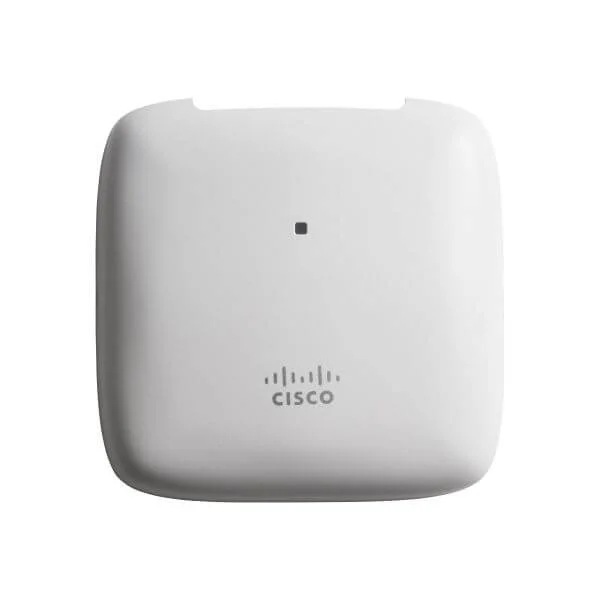
AIR-AP1840I-S-K9C (Cisco Aironet ME AP1840I Series access point - S domain)
4.9 (7)- Wireless Access Point
- Cisco
- Access Point
- Wi-Fi 5
- 2.4GHz / 5GHz
- 1.3Gbps
Est Value $3,080.70$1,008.00
67.3% offIn stockNewRefurbishedFirst-Time Buyer Discount – Get up to 2% additional off on your first order
ORM Rewards Earn $50 in Rewards + Free Expedited Delivery – Join Now!
Use eCoupon ORMSAVE10
eCoupon limited to 5 units
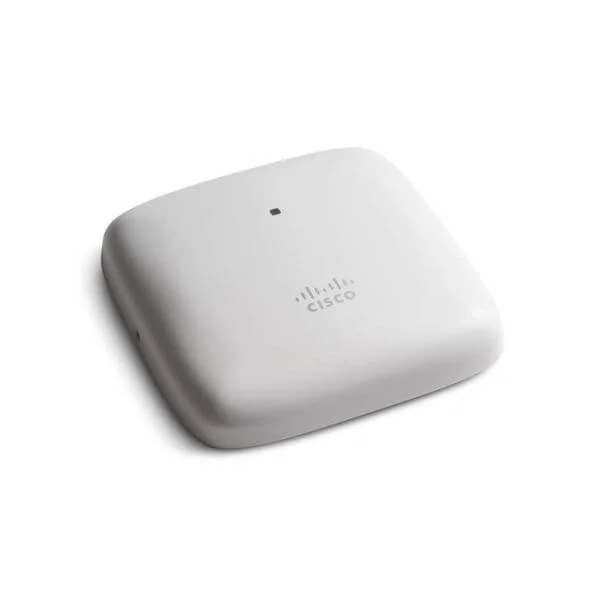
AIR-AP1840I-S-K9 (Cisco Aironet AP1840I Series access point - S domain)
4.4 (7)- Wireless Access Point
- Cisco
- Access Point
- Wi-Fi 5
- 2.4GHz / 5GHz
- 1.3Gbps
Est Value $3,080.70$917.28
70.2% offIn stockNewRefurbishedFirst-Time Buyer Discount – Get up to 2% additional off on your first order
ORM Rewards Earn $50 in Rewards + Free Expedited Delivery – Join Now!
Use eCoupon ORMSAVE10
eCoupon limited to 5 units
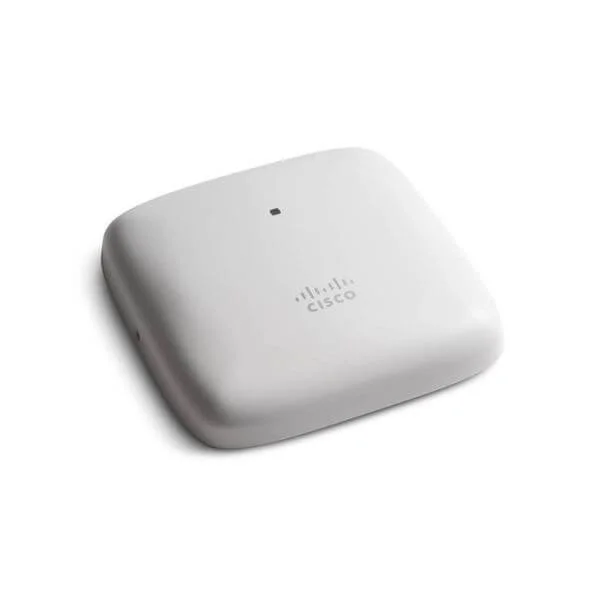
AIR-AP1840I-T-K9 (Cisco Aironet AP1840I Series access point - T domain)
4.9 (7)- Wireless Product
- Cisco
- Access Point
- Wi-Fi 5
- 2.4GHz / 5GHz
- 1.3Gbps
Est Value $3,080.70$917.28
70.2% offIn stockNewRefurbishedFirst-Time Buyer Discount – Get up to 2% additional off on your first order
ORM Rewards Earn $50 in Rewards + Free Expedited Delivery – Join Now!
Use eCoupon ORMSAVE10
eCoupon limited to 5 units

ORM Sales Advisors
Buying for your business? Get a personalised quote in under 2 hours. Talk to an expert
LEARNFilters (22) 
Questions & Answers
What is the Cisco 1840 Access Point?
The Cisco 1840 Access Point is a high-performance Wi-Fi 6 (802.11ax) indoor wireless device designed for secure, scalable enterprise deployments, delivering up to 5.4 Gbps aggregate throughput across dual-band radios.
Which Wi-Fi standards does the Cisco 1840 support?
The Cisco 1840 supports Wi-Fi 6 (802.11ax) with backward compatibility to 802.11a/b/g/n/ac, enabling faster speeds, improved capacity, and reduced latency in dense environments.
What is the maximum client capacity of the Cisco 1840 Access Point?
The Cisco 1840 can serve up to 200 concurrent clients per device, utilizing OFDMA and MU-MIMO technologies to optimize performance in high-density network scenarios.
What deployment modes are available for the Cisco 1840?
The Cisco 1840 supports both controller-based (lightweight) and standalone (autonomous) deployment modes, offering flexible management via Cisco DNA Center or integrated web GUI.
How do I power the Cisco 1840 Access Point?
You can power the Cisco 1840 using 802.3at PoE+ or an external 12-48 VDC power supply, providing installation flexibility and centralized power management.
Which antennas are compatible with the Cisco 1840?
The Cisco 1840 works with a range of optional internal and external dual-band omnidirectional and directional antennas to tailor coverage patterns and capacity to your site requirements.
What security features are built into the Cisco 1840?
The Cisco 1840 includes WPA3 encryption, Secure Boot, Trust Anchor module (TAm), rogue access point detection, and integrated firewall services for comprehensive threat mitigation.
How do I upgrade the firmware on a Cisco 1840 Access Point?
Firmware upgrades for the Cisco 1840 can be performed via Cisco DNA Center, Cisco Wireless LAN Controller GUI, or the device’s web interface by uploading the latest .tar image and following the upgrade wizard.
Is the Cisco 1840 compatible with Cisco Wireless LAN Controllers?
Yes, the Cisco 1840 is compatible with Cisco Catalyst 9800 Series and older 3504/5508/8510 controllers, supporting unified policy, RF management, and seamless roaming.
What throughput can I expect from the Cisco 1840 Access Point?
The Cisco 1840 delivers up to 5.4 Gbps aggregate throughput (4.8 Gbps in 5 GHz and 600 Mbps in 2.4 GHz) under optimal conditions with Wi-Fi 6 clients.
How do I reset the Cisco 1840 to factory defaults?
To reset, press and hold the reset button for 10 seconds until the status LED blinks amber, then release; the AP will reboot to factory settings.
What environmental conditions does the Cisco 1840 require?
The Cisco 1840 operates between 0°C to 40°C (32°F to 104°F) with 10%–90% non-condensing humidity and requires a maximum altitude of 5,000 ft (1,524 m).
Is the Cisco 1840 Access Point supported under Cisco’s warranty?
The Cisco 1840 is covered by Cisco’s limited lifetime hardware warranty and offers optional Smart Net Total Care support for advanced replacement and 24/7 TAC access.
What licensing is required for advanced features on the Cisco 1840?
Advanced features like Cisco DNA Essentials, Advantage, and Premier licenses unlock analytics, assurance, secure segmentation, and automation capabilities for Cisco 1840 deployments.
Can the Cisco 1840 be used in mesh network configurations?
Yes, the Cisco 1840 supports Cisco EasyMesh protocols and lightweight mesh services via Wireless LAN Controllers to extend coverage without additional cabling.
What are the key differences between Cisco 1840 and 2800 Access Points?
Compared to the 2800 series, the 1840 offers Wi-Fi 6 support, higher throughput, enhanced OFDMA/MU-MIMO performance, and a more compact form factor for modern enterprise needs.