 United States
SMB Wireless Network Excellence
Cisco SMB Wireless delivers advanced connectivity solutions designed exclusively for small and medium businesses, ensuring high-speed performance, robust security, and seamless management for modern enterprises.
Talk to an expert
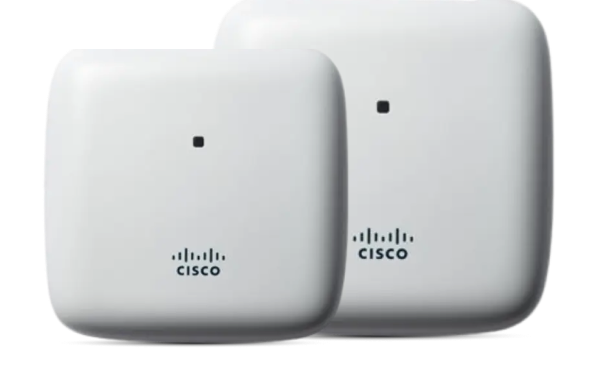
Cisco Business 100 Series Access Point
(4)Cisco Business 100 Series access points cover small retail interiors with 802.11ac, app-based setup, and Gigabit Ethernet uplinks
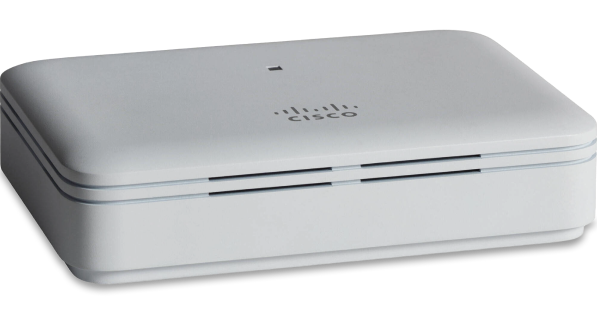
Cisco Business 100 Series Mesh Extenders
(3)Cisco Business 100 Series mesh extenders expand clinic waiting-area Wi-Fi with 802.11ac backhaul, plug-in wall placement, and staff devices
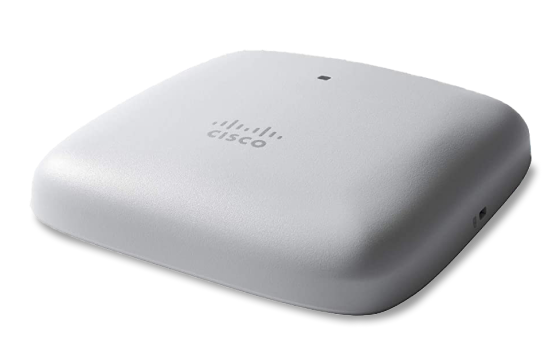
Cisco Business 200 Series Access Point
(3)Cisco Business 200 Series access points serve multiroom offices with Wi-Fi 6, WPA3, PoE-powered ceiling installation, and office roaming
10 Matching results
- BEST SELLING
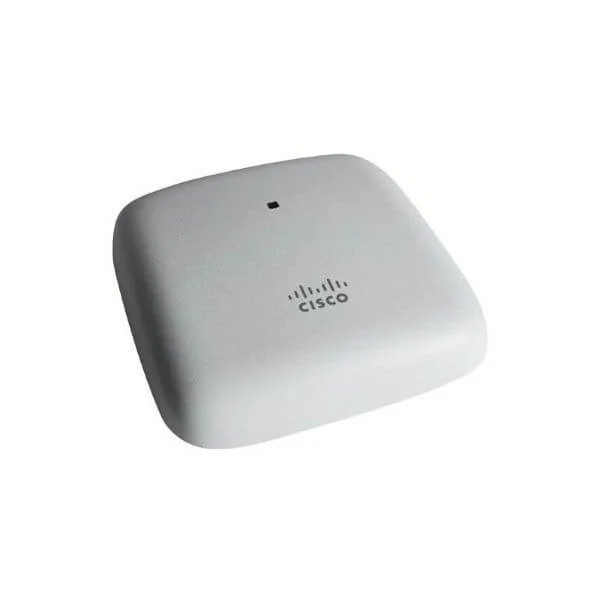
CBW140AC-x (802.11ac 2x2 Wave 2 Access Point Ceiling Mount)
4.7 (6)- Wireless Product
- Cisco
- Access Point
- Wi-Fi 5
- 2.4GHz / 5GHz
- 1Gbps
- 100 meters
Est Value In stock
First-Time Buyer Discount – Get up to 2% additional off on your first order
ORM Rewards Earn $50 in Rewards + Free Expedited Delivery – Join Now!
Use eCoupon ORMSAVE10
eCoupon limited to 5 units
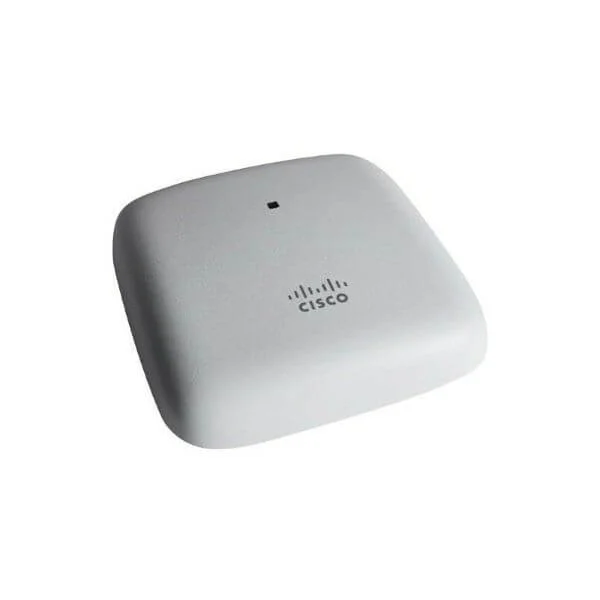
3-CBW140AC-x (802.11ac 2x2 Wave 2 Access Point Ceiling Mount - 3P)
4.7 (6)- Wireless Access Point
- Cisco
- Access Point
- Wi‑Fi 5 (802.11ac)
- 2.4GHz / 5GHz
- 1Gbps
- 100 meters
Est Value In stockFirst-Time Buyer Discount – Get up to 2% additional off on your first order
ORM Rewards Earn $50 in Rewards + Free Expedited Delivery – Join Now!
Use eCoupon ORMSAVE10
eCoupon limited to 5 units
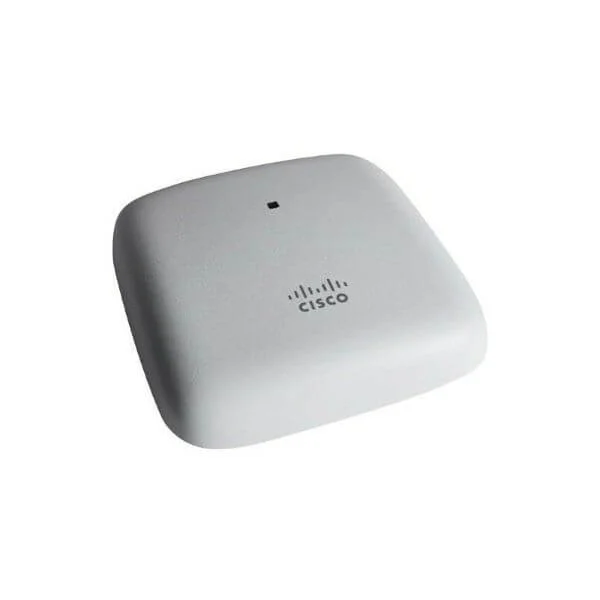
5-CBW140AC-x (802.11ac 2x2 Wave 2 Access Point Ceiling Mount - 5P)
4.5 (6)- Wireless Access Point
- Cisco
- Access Point
- Wi-Fi 5 (802.11ac)
- 2.4GHz / 5GHz
- 1Gbps
- 100 meters
Est Value In stockFirst-Time Buyer Discount – Get up to 2% additional off on your first order
ORM Rewards Earn $50 in Rewards + Free Expedited Delivery – Join Now!
Use eCoupon ORMSAVE10
eCoupon limited to 5 units
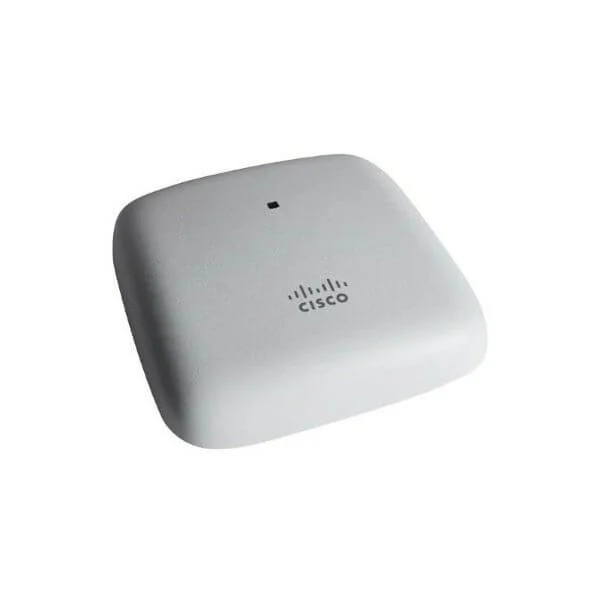
CBW145AC-x (802.11ac 2x2 Wave 2 Access Point Wall Plate)
4.5 (6)- Wireless Access Point
- Cisco
- Access Point
- Wi-Fi 5
- 2.4GHz / 5GHz
- 1Gbps
Est Value In stockFirst-Time Buyer Discount – Get up to 2% additional off on your first order
ORM Rewards Earn $50 in Rewards + Free Expedited Delivery – Join Now!
Use eCoupon ORMSAVE10
eCoupon limited to 5 units
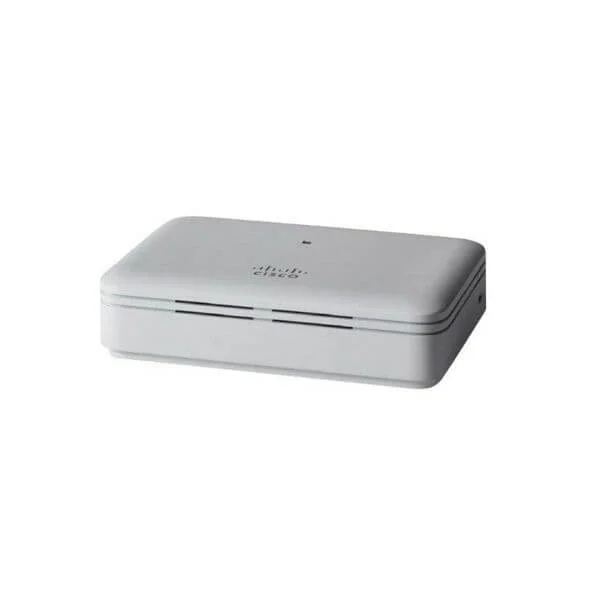
CBW141ACM-x-xx (802.11ac 2x2 Wave 2 Mesh Extender Desktop)
4.5 (6)- Wireless Product
- Cisco
- Access Point
- Wi-Fi 6
- 2.4GHz / 5GHz
- 2.5Gbps
- 100 meters
Est Value In stockFirst-Time Buyer Discount – Get up to 2% additional off on your first order
ORM Rewards Earn $50 in Rewards + Free Expedited Delivery – Join Now!
Use eCoupon ORMSAVE10
eCoupon limited to 5 units
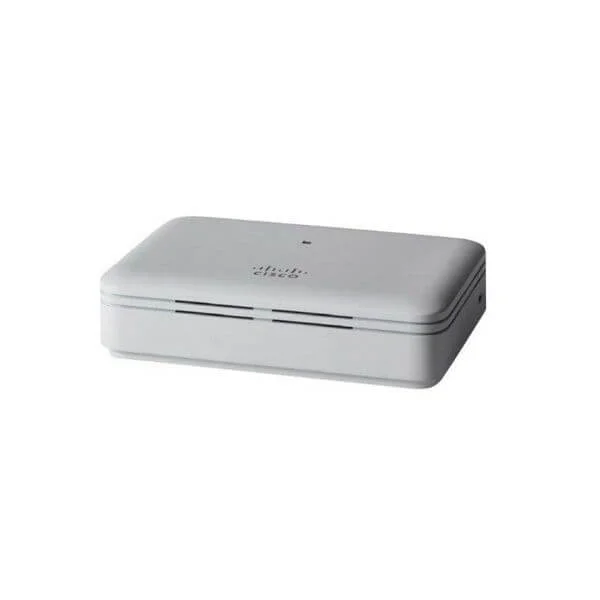
CBW142ACM-x-xx (802.11ac 2x2 Wave 2 Mesh Extender Wall Outlet)
4.7 (6)- Wireless Access Point
- Cisco
- Access Point
- Wi-Fi 6
- 2.4GHz / 5GHz
- 1Gbps
- 100 meters
Est Value In stockFirst-Time Buyer Discount – Get up to 2% additional off on your first order
ORM Rewards Earn $50 in Rewards + Free Expedited Delivery – Join Now!
Use eCoupon ORMSAVE10
eCoupon limited to 5 units
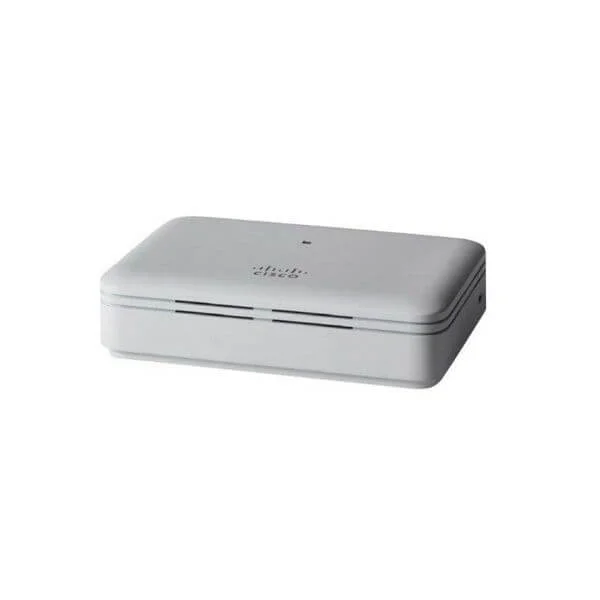
CBW143ACM-x-xx (802.11ac 2x2 Wave 2 Mesh Extender Wall Mount)
4.7 (6)- Wireless Access Point
- Cisco
- Access Point
- Wi-Fi 6
- 2.4GHz / 5GHz
- 2.5Gbps
- 150 meters
Est Value In stockFirst-Time Buyer Discount – Get up to 2% additional off on your first order
ORM Rewards Earn $50 in Rewards + Free Expedited Delivery – Join Now!
Use eCoupon ORMSAVE10
eCoupon limited to 5 units
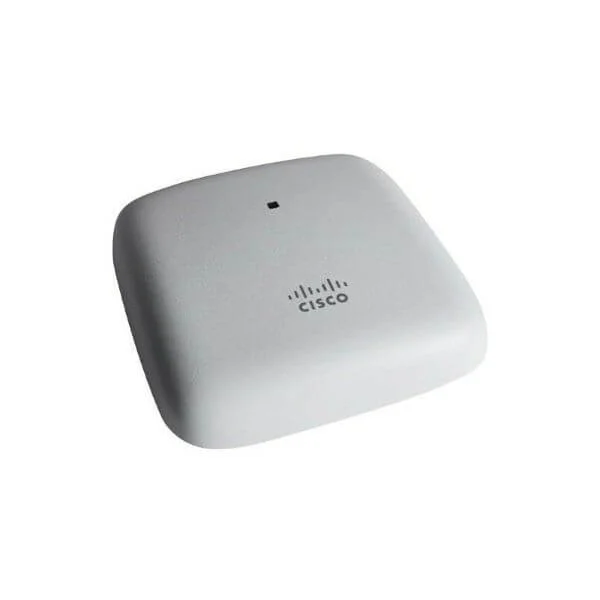
CBW240AC-x (802.11ac 4x4 Wave 2 Access Point Ceiling Mount)
4.8 (6)- Wireless Product
- Cisco
- Access Point
- Wi-Fi 5
- 2.4GHz / 5GHz
- 1Gbps
Est Value In stockFirst-Time Buyer Discount – Get up to 2% additional off on your first order
ORM Rewards Earn $50 in Rewards + Free Expedited Delivery – Join Now!
Use eCoupon ORMSAVE10
eCoupon limited to 5 units
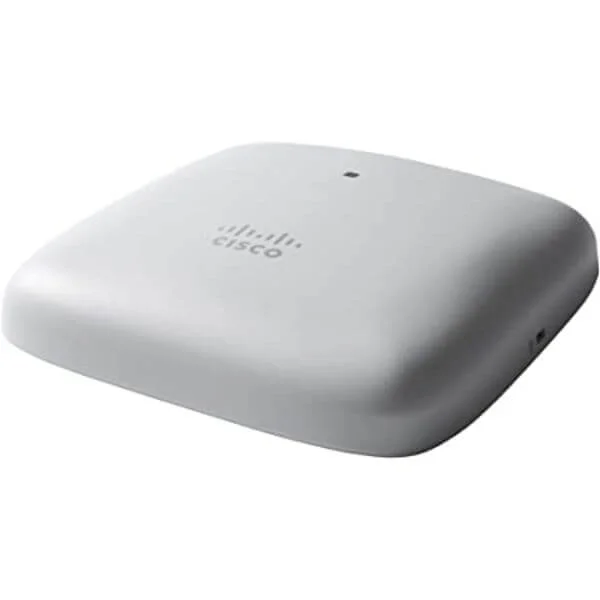
5-CBW240AC-x (802.11ac 4x4 Wave 2 Access Point Ceiling Mount 5 Pack)
4.7 (6)- Wireless Access Point
- Cisco
- Access Point
- Wi-Fi 5 (802.11ac)
- 2.4GHz / 5GHz / Dual-Band
- 1Gbps
- 120 meters
Est Value In stockFirst-Time Buyer Discount – Get up to 2% additional off on your first order
ORM Rewards Earn $50 in Rewards + Free Expedited Delivery – Join Now!
Use eCoupon ORMSAVE10
eCoupon limited to 5 units
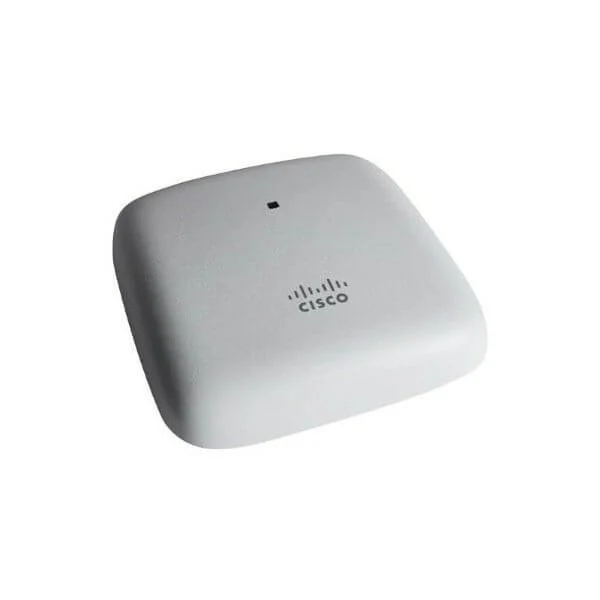
3-CBW240AC-x (802.11ac 4x4 Wave 2 Access Point Ceiling Mount 3 Pack)
4.7 (6)- Wireless Product
- Cisco
- Access Point
- Wi-Fi 5
- 2.4GHz / 5GHz
- 1Gbps
- 100 meters
Est Value In stockFirst-Time Buyer Discount – Get up to 2% additional off on your first order
ORM Rewards Earn $50 in Rewards + Free Expedited Delivery – Join Now!
Use eCoupon ORMSAVE10
eCoupon limited to 5 units

ORM Sales Advisors
Buying for your business? Get a personalised quote in under 2 hours. Talk to an expert
LEARNFilters (10) 
Questions & Answers
What is Cisco SMB Wireless?
Cisco SMB Wireless is a portfolio of enterprise-grade Wi-Fi solutions tailored for small and medium businesses, offering reliable connectivity, centralized management, and advanced security in cost-effective access points.
What are the key features of Cisco SMB Wireless solutions?
Key features include dual-band 802.11ac Wave 2 performance, cloud-based or on-premises management, integrated security, guest access, seamless roaming, and automated RF optimization for reliable coverage.
How does Cisco SMB Wireless ensure network security?
Cisco SMB Wireless enforces WPA3 encryption, rogue-AP detection, role-based access control, and integrated firewalls. Advanced threat analytics and automatic firmware updates help safeguard data and devices.
How do I set up Cisco SMB Wireless access points?
Setup involves mounting the AP, connecting to your LAN, powering via PoE, and running the Cisco Business Mobile app or web wizard. Follow on-screen prompts to configure SSIDs, passwords, and security policies.
Can I manage Cisco SMB Wireless through a cloud platform?
Yes. Cisco Business Cloud is a free, multi-tenant dashboard that lets you monitor and configure APs remotely, view real-time analytics, schedule updates, and automate alerts via web or mobile app.
What is the coverage range of Cisco SMB Wireless access points?
Coverage varies by model but typically spans up to 2,500 sq ft per AP indoors. Outdoor units can reach up to 300 ft in open environments. Site surveys help determine exact placement.
How many devices can a Cisco SMB Wireless access point support?
Most Cisco SMB Wireless APs handle 50–100 concurrent devices per unit, depending on traffic type and RF conditions. For higher density, deploy additional APs and enable load balancing.
What is the cost of Cisco SMB Wireless solutions?
Pricing depends on AP model, quantity, and licensing choice (cloud vs. on-premises). Entry-level indoor APs start around \$200, with management subscriptions from \$0 to \$50 per device annually.
Which Cisco SMB Wireless models are best for small offices?
For offices under 50 users, Cisco Business 100AX series (e.g., CBS110AX) offers dual-band AX performance and PoE in a compact form factor, ideal for simple deployments and low traffic environments.
Does Cisco SMB Wireless support guest networking?
Yes. You can create isolated guest SSIDs with captive portals, usage throttling, time-based access, and customizable landing pages, ensuring secure separation from your corporate LAN.
How can I optimize Wi-Fi performance on Cisco SMB Wireless?
Enable band steering, auto-RF adjustment, and airtime fairness. Position APs away from interference, update to the latest firmware, and use the Cisco Cloud dashboard’s analytics to identify coverage gaps.
What warranty and support options are available?
Cisco SMB Wireless APs include a limited lifetime hardware warranty. Optional SMARTnet or CloudCare subscriptions add 24/7 technical support, next-business-day RMA, and advanced replacement services.
How do I troubleshoot common Cisco SMB Wireless issues?
Use Cisco Business Cloud or the mobile app to view event logs, check AP health, and run connectivity tests. Verify cabling, PoE status, SSID settings, and firmware compatibility for rapid resolution.
Are Cisco SMB Wireless solutions scalable for growing businesses?
Yes. Cisco’s modular licensing and multi-tenant cloud management allow seamless addition of APs and SSIDs. As demand grows, you can expand coverage and capacity without replacing the core infrastructure.
Which security protocols does Cisco SMB Wireless support?
Cisco SMB APs support WPA2-PSK, WPA2-Enterprise (802.1X), WPA3, and mixed mode. They also integrate MAC filtering, VLAN tagging, and RADIUS authentication for robust network protection.
How do I integrate Cisco SMB Wireless with existing networks?
Connect APs to your LAN or PoE switch, assign management VLANs, and configure SSIDs to map to your network segments. Use DHCP or static IPs and coordinate with existing firewall/router policies.