 United States
Networking Cisco Mesh Extenders
Optimize your network with Cisco Business 100 Series Mesh Extenders, engineered for reliable connectivity, seamless scalability, and robust performance to empower modern business communications.
Talk to an expert
3 Matching results
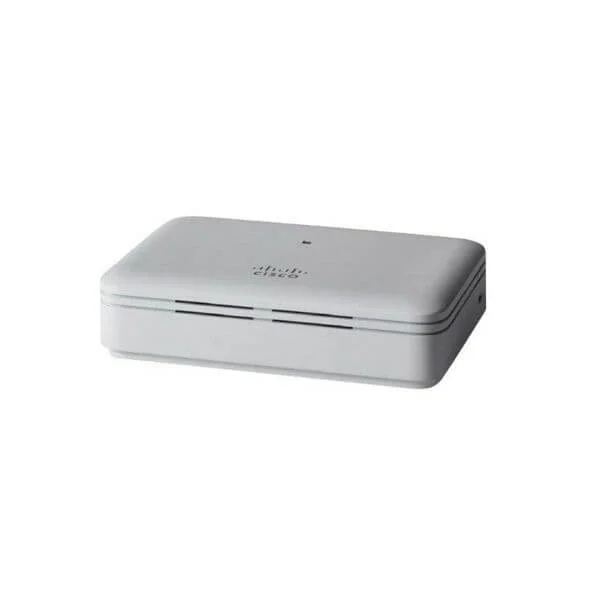
CBW141ACM-x-xx (802.11ac 2x2 Wave 2 Mesh Extender Desktop)
4.5 (6)- Wireless Product
- Cisco
- Access Point
- Wi-Fi 6
- 2.4GHz / 5GHz
- 2.5Gbps
- 100 meters
Est Value In stock
First-Time Buyer Discount – Get up to 2% additional off on your first order
ORM Rewards Earn $50 in Rewards + Free Expedited Delivery – Join Now!
Use eCoupon ORMSAVE10
eCoupon limited to 5 units
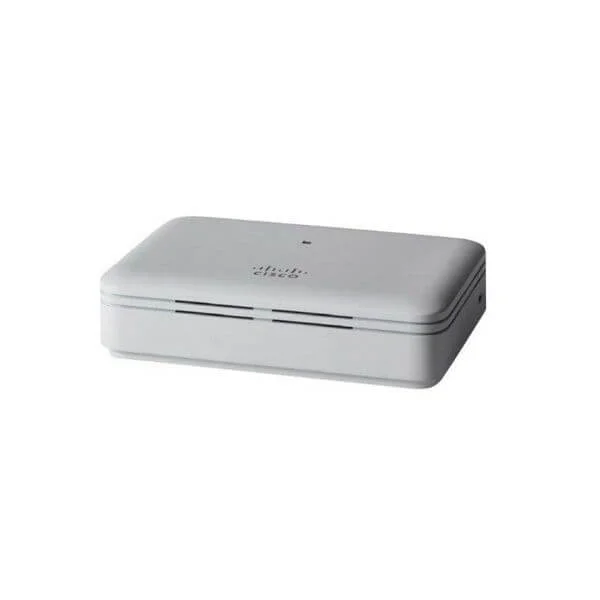
CBW142ACM-x-xx (802.11ac 2x2 Wave 2 Mesh Extender Wall Outlet)
4.7 (6)- Wireless Access Point
- Cisco
- Access Point
- Wi-Fi 6
- 2.4GHz / 5GHz
- 1Gbps
- 100 meters
Est Value In stockFirst-Time Buyer Discount – Get up to 2% additional off on your first order
ORM Rewards Earn $50 in Rewards + Free Expedited Delivery – Join Now!
Use eCoupon ORMSAVE10
eCoupon limited to 5 units
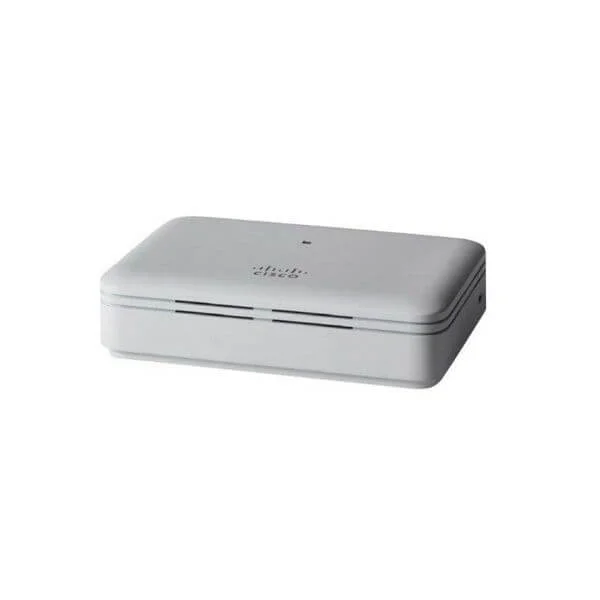
CBW143ACM-x-xx (802.11ac 2x2 Wave 2 Mesh Extender Wall Mount)
4.7 (6)- Wireless Access Point
- Cisco
- Access Point
- Wi-Fi 6
- 2.4GHz / 5GHz
- 2.5Gbps
- 150 meters
Est Value In stockFirst-Time Buyer Discount – Get up to 2% additional off on your first order
ORM Rewards Earn $50 in Rewards + Free Expedited Delivery – Join Now!
Use eCoupon ORMSAVE10
eCoupon limited to 5 units

ORM Sales Advisors
Buying for your business? Get a personalised quote in under 2 hours. Talk to an expert
LEARNFilters (3) 
Questions & Answers
What is the Cisco Business 100 Series Mesh Extender?
The Cisco Business 100 Series Mesh Extender is a small-business Wi-Fi solution that extends network coverage by creating a self-healing, secure mesh network with your existing Cisco Business access points.
How does the Cisco Business 100 Series Mesh Extender improve Wi-Fi coverage?
By forming a dynamic mesh topology, the extender automatically selects the strongest path for data, eliminates dead zones and ensures seamless roaming for all connected devices.
Which models are included in the Cisco Business 100 Series Mesh Extender lineup?
The series comprises two models: CBWEM120-K9 (dual-band) and CBWEM140-K9 (tri-band), each optimized for different performance and capacity requirements.
How do I set up a Cisco Business 100 Series Mesh Extender?
Log in to the Cisco Business Dashboard or the local GUI, select “Add Mesh Extender,” scan the device QR code, assign it to your network and follow the on-screen provisioning steps.
What network compatibility does the Cisco Business 100 Series Mesh Extender support?
It is fully compatible with Cisco Business 100 and 200 Series access points and controllers, and interoperates with standard IEEE 802.11a/b/g/n/ac/ax networks.
Can I manage the Cisco Business 100 Series Mesh Extender remotely?
Yes. You can configure, monitor and update extenders remotely via the Cisco Business Dashboard or the Cisco Business Mobile App for Android and iOS.
How secure is the Cisco Business 100 Series Mesh Extender?
It offers enterprise-grade WPA3 encryption, role-based access control, guest segmentation and secure automatic firmware updates to protect your network.
What throughput performance can I expect from the Cisco Business 100 Series Mesh Extender?
The CBWEM120-K9 delivers up to 1.2 Gbps aggregate throughput while the CBWEM140-K9 offers up to 3 Gbps with its dedicated backhaul radio.
How many client devices can a Cisco Business 100 Series Mesh Extender support?
Each extender can handle up to 200 concurrent clients, depending on device type and network traffic patterns.
Does the Cisco Business 100 Series Mesh Extender support Power over Ethernet (PoE)?
Yes. Both models support 802.3af PoE for flexible deployment without the need for local power outlets.
Where should I place my Cisco Business 100 Series Mesh Extender for optimal coverage?
Position the extender midway between your main access point and the coverage boundary, ensuring line-of-sight and minimizing physical obstructions for best performance.
How do I update the firmware on a Cisco Business 100 Series Mesh Extender?
Navigate to the Cisco Business Dashboard or local GUI Updates section, check for available firmware and apply the update with one click—devices reboot automatically when complete.
Can I use the Cisco Business 100 Series Mesh Extender with non-Cisco access points?
While interoperability with standard 802.11 networks is supported, full feature integration and automatic provisioning require Cisco Business access points or controllers.
What warranty and support options are available for the Cisco Business 100 Series Mesh Extender?
Cisco provides a limited lifetime hardware warranty, next-business-day hardware replacement and 24/7 software support with a valid Cisco Business Support contract.
Does the Cisco Business 100 Series Mesh Extender support guest network segmentation?
Yes. You can create and manage secure, isolated guest SSIDs via the Cisco Business Dashboard, with customizable captive portal and bandwidth limits.
How can I troubleshoot connectivity issues with my Cisco Business 100 Series Mesh Extender?
Use the Cisco Business Dashboard’s diagnostic tools to run health checks, view mesh topology, inspect link quality and reboot or re-provision devices as needed.
Where can I purchase the Cisco Business 100 Series Mesh Extender?
Authorized Cisco Business partners and resellers worldwide carry the 100 Series Mesh Extenders. Visit Cisco’s partner locator on cisco.com for local purchasing options.