 United States
Networking Cisco WLAN Controller Solutions
Deploy robust performance and security with Cisco WLAN Controller, engineered for seamless connectivity and scalable management. Enhance network efficiency and reliability for future-ready enterprise operations.
Talk to an expert
54 Matching results
- BEST SELLING
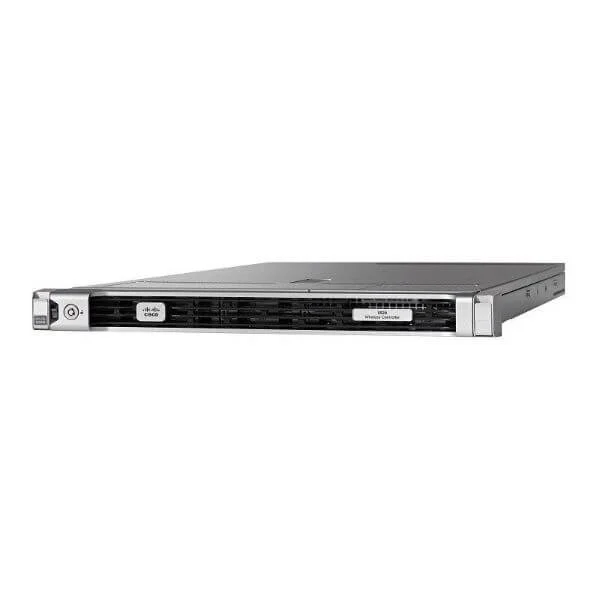
AIR-CT5520-K9 (Cisco 5520 Wireless LAN Controller, 1500 APs, 20000 Clients, 20Gbps, Rack-Mount Kit)
4.6 (5)- Wireless Controller
- Cisco 5520 Wireless Controller
- AIR-CT5520-K9
- Cisco
- Cisco 5520 Wireless Controller
- Wireless Controller
- Indoor
Est Value $27,332.00
$446.25
98.4% offIn stockNewRefurbishedFirst-Time Buyer Discount – Get up to 2% additional off on your first order
ORM Rewards Earn $50 in Rewards + Free Expedited Delivery – Join Now!
Use eCoupon ORMSAVE10
eCoupon limited to 5 units
- BEST SELLING
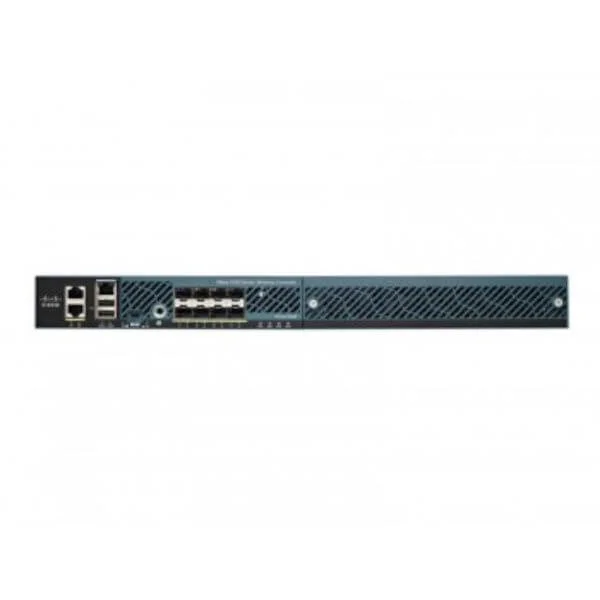
AIR-CT5508-25-K9 (CISCO 5508 SERIES WIRELESS CONTROLLER FOR UP TO 25 APS)
4.4 (5)- Wireless LAN Controller
- Cisco
Est Value $17,595.00$218.98
98.8% offIn stockNewRefurbishedFirst-Time Buyer Discount – Get up to 2% additional off on your first order
ORM Rewards Earn $50 in Rewards + Free Expedited Delivery – Join Now!
Use eCoupon ORMSAVE10
eCoupon limited to 5 units
- BEST SELLING
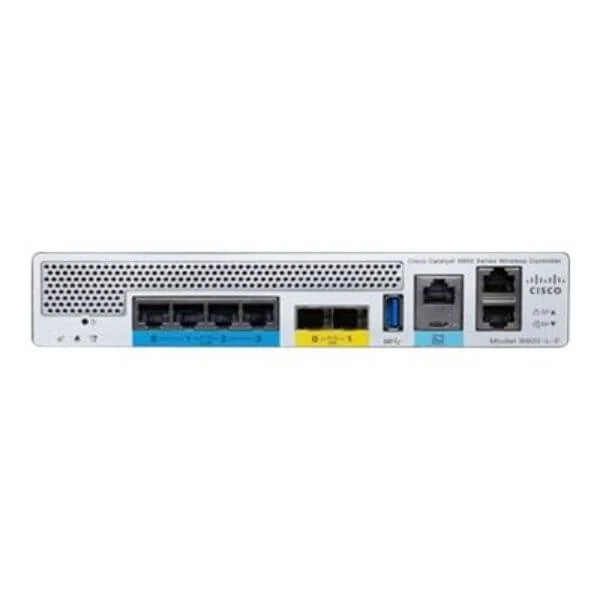
C9800-L-C-K9 (Cisco Catalyst 9800-L Wireless Controller, 2x 10G Copper Uplinks, 4x 2.5G/1G RJ-45 Ports)
4.9 (7)- Wireless Controller
- Cisco Catalyst 9800-L (Copper Uplink) Wireless Controller
- C9800-L-C-K9
- Cisco
- Cisco Catalyst 9800-L
- Wireless Controller
- Indoor
Est Value $11,798.00$2,829.75
76% offIn stockNewRefurbishedFirst-Time Buyer Discount – Get up to 2% additional off on your first order
ORM Rewards Earn $50 in Rewards + Free Expedited Delivery – Join Now!
Use eCoupon ORMSAVE10
eCoupon limited to 5 units
- BEST SELLING
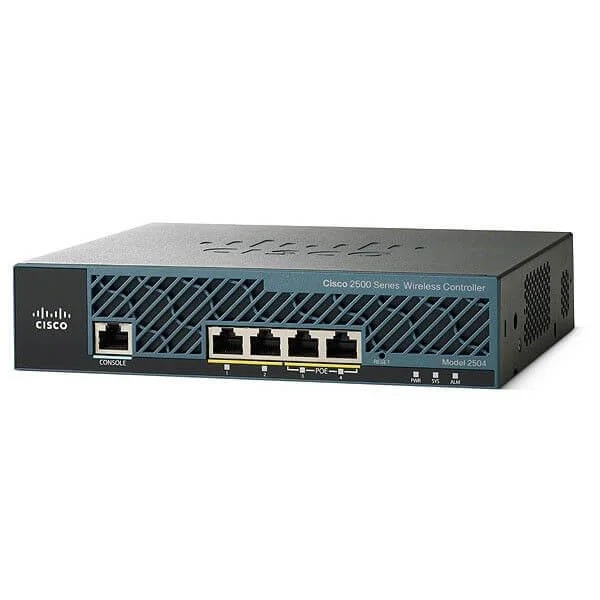
AIR-CT2504-50-K9 (2504 Wireless Controller with 50 AP Licenses)
4.6 (5)- Wireless LAN Controller
- Cisco
- Wireless LAN Controller
Est Value $12,995.00$628.95
95.2% offIn stockNewRefurbishedFirst-Time Buyer Discount – Get up to 2% additional off on your first order
ORM Rewards Earn $50 in Rewards + Free Expedited Delivery – Join Now!
Use eCoupon ORMSAVE10
eCoupon limited to 5 units
- FEARURED
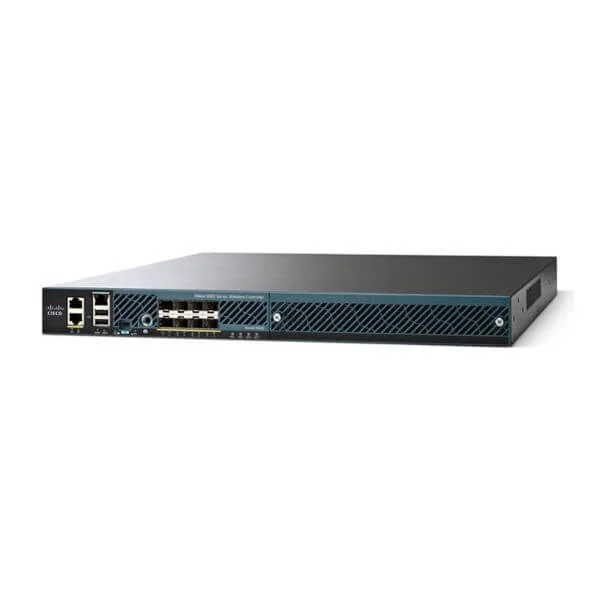
AIR-CT5508-100-K9 (5508 SERIES WIRELESS CONTROLLER FOR UP TO 100 APS)
4.8 (5)- Wireless Controller
- Cisco
Est Value $43,995.00$294.00
99.3% offIn stockNewRefurbishedFirst-Time Buyer Discount – Get up to 2% additional off on your first order
ORM Rewards Earn $50 in Rewards + Free Expedited Delivery – Join Now!
Use eCoupon ORMSAVE10
eCoupon limited to 5 units
- FEARURED
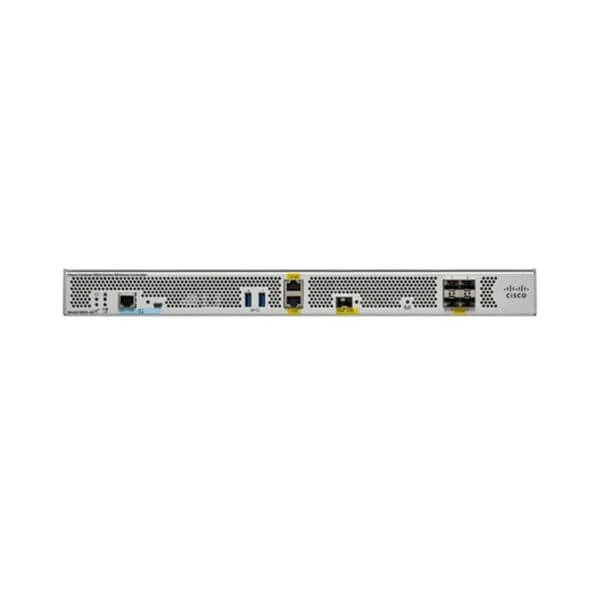
C9800-40-K9 (Cisco Catalyst 9800-40 Wireless Controller)
4.9 (7)- Wireless LAN Controller
- Cisco
- Controller
- 802.11a/b/g/n/ac/ax
Est Value $50,732.00$2,572.50
94.9% offIn stockNewRefurbishedFirst-Time Buyer Discount – Get up to 2% additional off on your first order
ORM Rewards Earn $50 in Rewards + Free Expedited Delivery – Join Now!
Use eCoupon ORMSAVE10
eCoupon limited to 5 units
- FEARURED
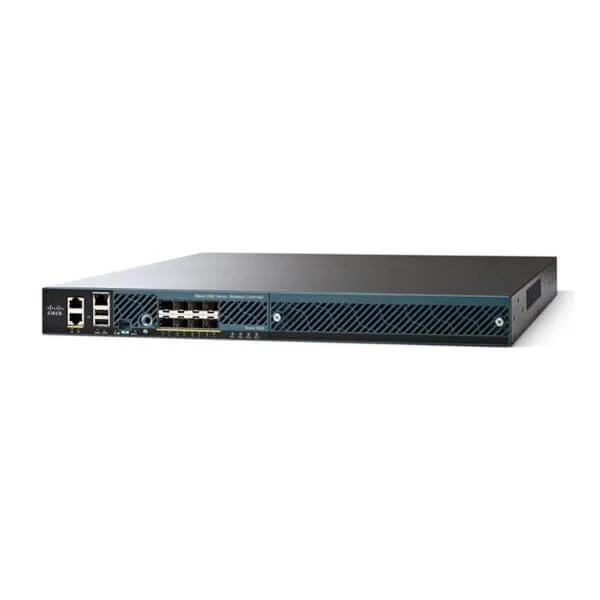
AIR-CT5508-250-K9 (CISCO 5508 SERIES WIRELESS CONTROLLER FOR UP TO 250 APS)
4.4 (5)- Wireless Product
- Cisco
- Access Point
- Wi-Fi 5
- 2.4GHz / 5GHz
- 250Mbps
Est Value $71,495.00$766.50
98.9% offIn stockNewRefurbishedFirst-Time Buyer Discount – Get up to 2% additional off on your first order
ORM Rewards Earn $50 in Rewards + Free Expedited Delivery – Join Now!
Use eCoupon ORMSAVE10
eCoupon limited to 5 units
- FEARURED
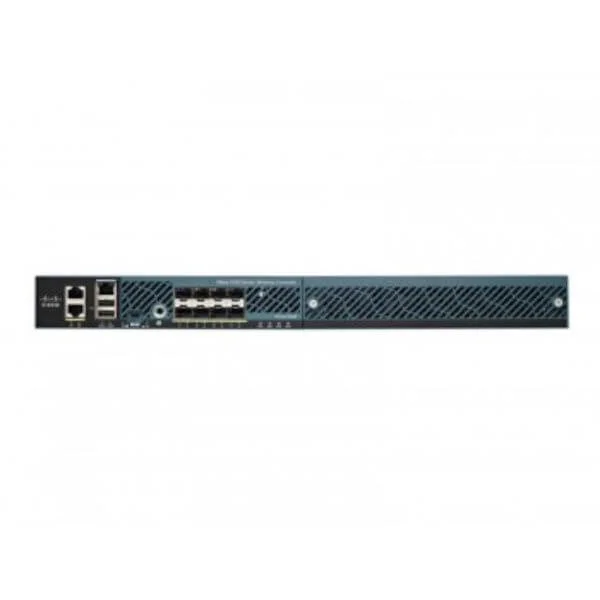
AIR-CT5508-500-K9 (CISCO 5508 SERIES WIRELESS CONTROLLER FOR UP TO 500 APS)
4.4 (5)- Wireless Access Point
- Cisco
- Access Point
- Wi-Fi 5
- 2.4GHz / 5GHz
- 500Mbps
Est Value $115,495.00$546.00
99.5% offIn stockNewRefurbishedFirst-Time Buyer Discount – Get up to 2% additional off on your first order
ORM Rewards Earn $50 in Rewards + Free Expedited Delivery – Join Now!
Use eCoupon ORMSAVE10
eCoupon limited to 5 units
- FEARURED
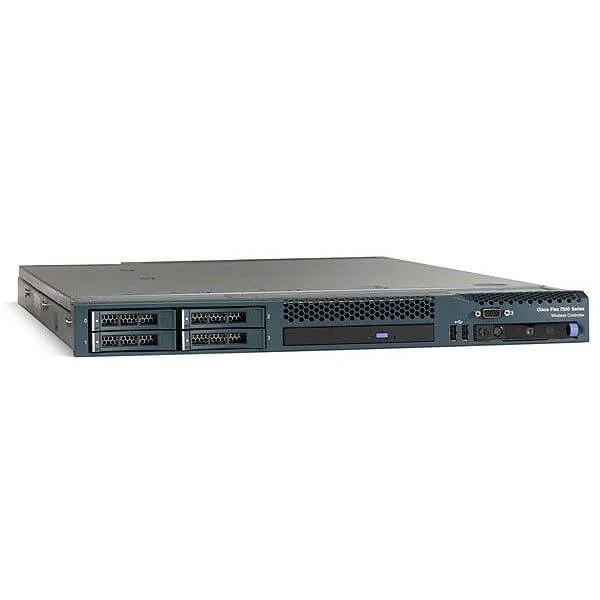
C1-AIR-CT7510-K9 (ONE 7500 SERIES WLAN CONTROLLER W/ 0 AP LICS)
4.7 (7)- Wireless Access Point
- Cisco
- Access Point
- Wi-Fi 5
- 2.4GHz / 5GHz
- 1Gbps
Est Value $132,627.60$27,192.22
79.5% offIn stockNewRefurbishedFirst-Time Buyer Discount – Get up to 2% additional off on your first order
ORM Rewards Earn $50 in Rewards + Free Expedited Delivery – Join Now!
Use eCoupon ORMSAVE10
eCoupon limited to 5 units
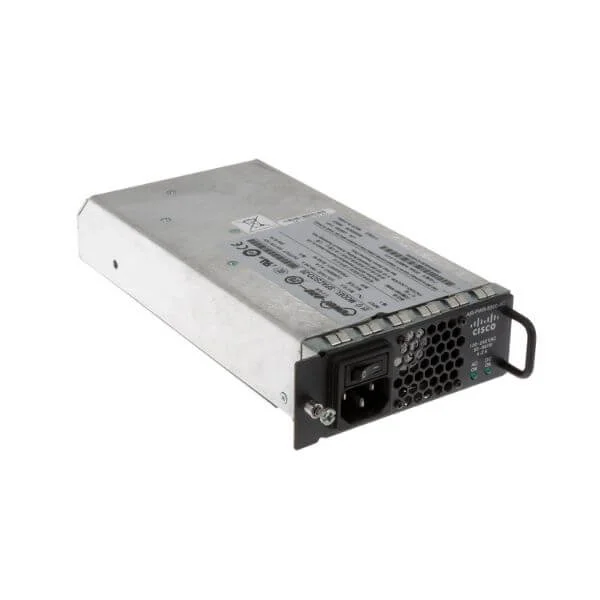
AIR-PWR-5500-AC (5500 SERIES WIRELESS CONTROLLER REDUNDANT POWER SUPPLY)
4.6 (5)- Wireless Product
- Cisco
- Access Point
- Wi-Fi 5
- 2.4GHz / 5GHz
- 1Gbps
- 150 feet
Est Value $1,799.00$84.00
95.3% offIn stockNewRefurbishedFirst-Time Buyer Discount – Get up to 2% additional off on your first order
ORM Rewards Earn $50 in Rewards + Free Expedited Delivery – Join Now!
Use eCoupon ORMSAVE10
eCoupon limited to 5 units
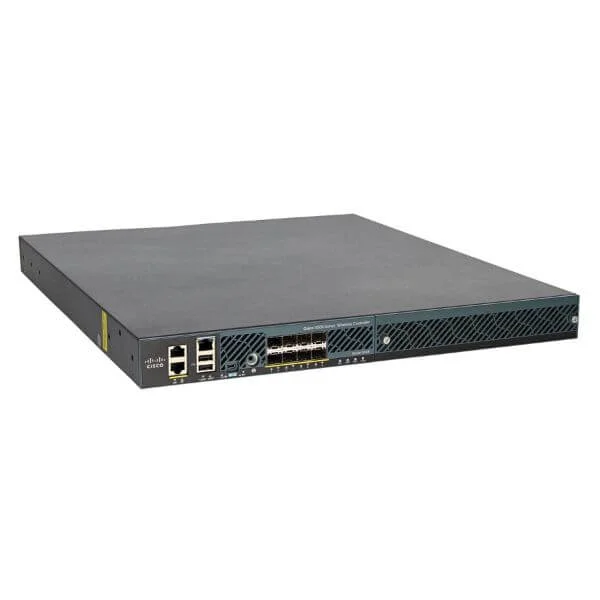
AIR-CT5508-12-K9 (Cisco 5508 Series Wireless Controller for up to 12 APs)
4.2 (5)- Wireless LAN Controller
- Cisco
- Wireless LAN Controller
Est Value $12,095.00$156.43
98.7% offIn stockNewRefurbishedFirst-Time Buyer Discount – Get up to 2% additional off on your first order
ORM Rewards Earn $50 in Rewards + Free Expedited Delivery – Join Now!
Use eCoupon ORMSAVE10
eCoupon limited to 5 units
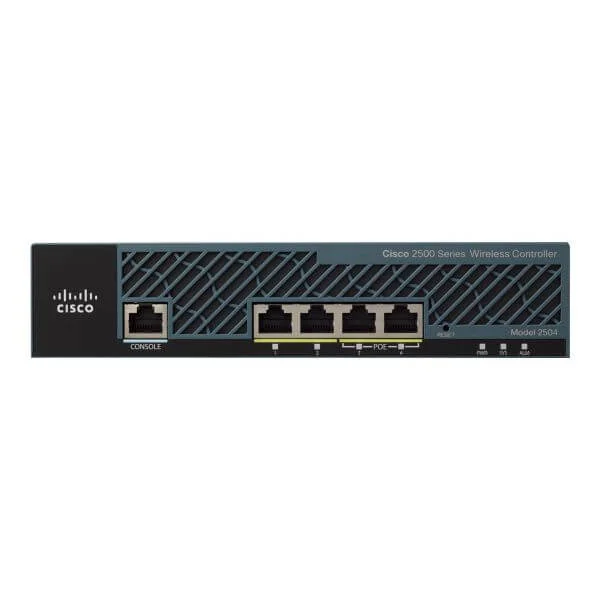
AIR-CT2504-5-K9 (2504 WRLS CTLR WITH 5AP LICS)
4.4 (5)- Wireless LAN Controller
- Cisco
- 802.11a/b/g/n/ac
Est Value $1,295.00$249.90
80.7% offIn stockNewRefurbishedFirst-Time Buyer Discount – Get up to 2% additional off on your first order
ORM Rewards Earn $50 in Rewards + Free Expedited Delivery – Join Now!
Use eCoupon ORMSAVE10
eCoupon limited to 5 units
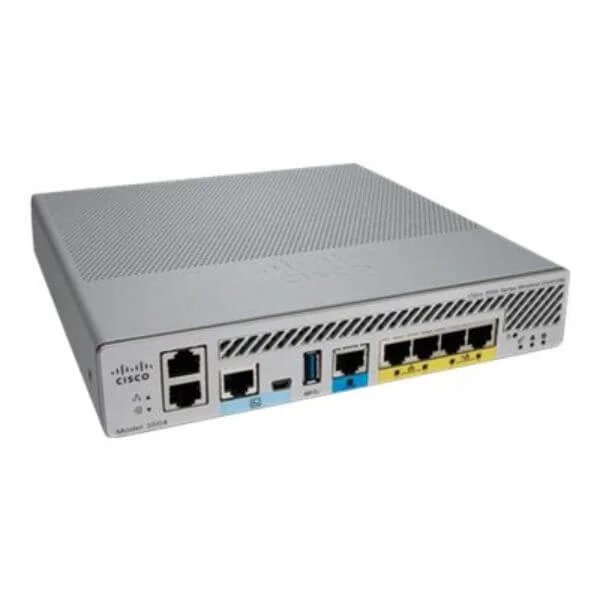
AIR-CT3504-K9 (Cisco 3504 Wireless Controller)
4.6 (5)- Wireless LAN Controller
- Cisco
Est Value $742.50$266.69
64.1% offIn stockNewRefurbishedFirst-Time Buyer Discount – Get up to 2% additional off on your first order
ORM Rewards Earn $50 in Rewards + Free Expedited Delivery – Join Now!
Use eCoupon ORMSAVE10
eCoupon limited to 5 units
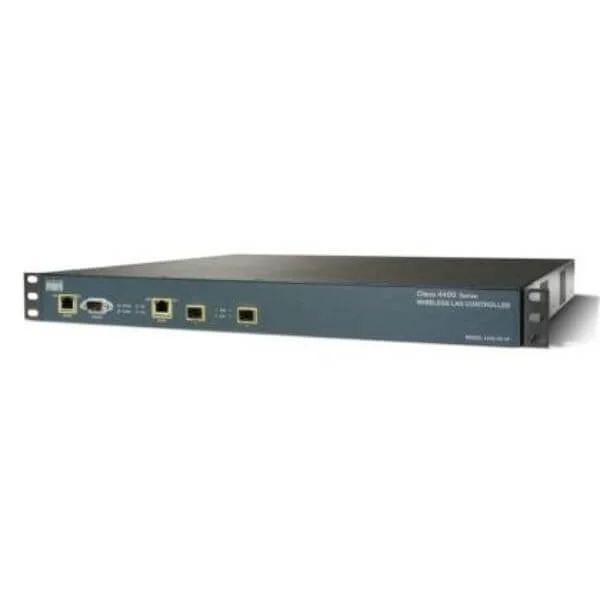
AIR-WLC4402-12-K9 (Cisco 4402 Series Wireless Controller for up to 12 APs)
4.8 (6)- Wireless LAN Controller
- Cisco
Est Value $9,995.00$194.25
98.1% offIn stockNewRefurbishedFirst-Time Buyer Discount – Get up to 2% additional off on your first order
ORM Rewards Earn $50 in Rewards + Free Expedited Delivery – Join Now!
Use eCoupon ORMSAVE10
eCoupon limited to 5 units
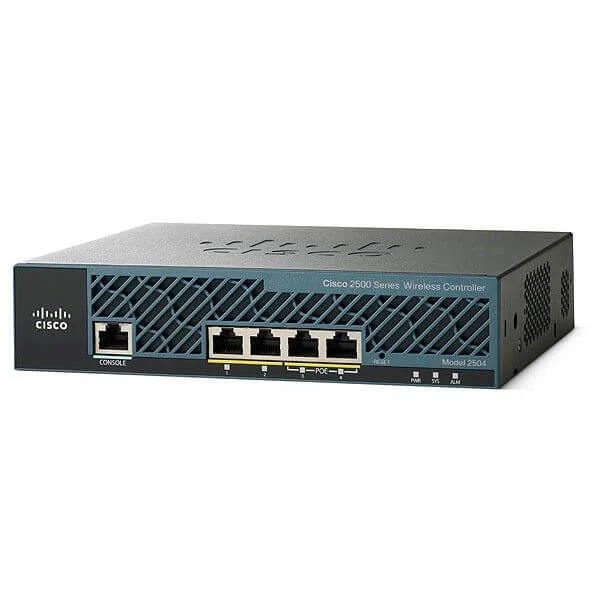
AIR-CT2504-15-K9 (2504 Wireless Controller with 15 AP Licenses for Cisco 2500)
4.2 (5)- Wireless LAN Controller
- Cisco
- Controller
Est Value $1,674.00$241.50
85.6% offIn stockNewRefurbishedFirst-Time Buyer Discount – Get up to 2% additional off on your first order
ORM Rewards Earn $50 in Rewards + Free Expedited Delivery – Join Now!
Use eCoupon ORMSAVE10
eCoupon limited to 5 units
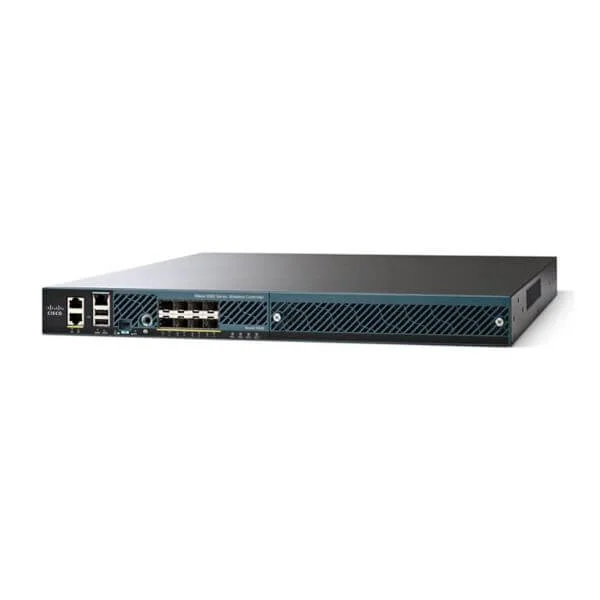
AIR-CT5508-50-K9 (5508 Series Controller for up to 50 APs)
4.8 (5)- Wireless Controller
- Cisco
- 802.11a/b/g/n/ac
- 2.4GHz / 5GHz
Est Value $24,745.00$218.98
99.1% offIn stockNewRefurbishedFirst-Time Buyer Discount – Get up to 2% additional off on your first order
ORM Rewards Earn $50 in Rewards + Free Expedited Delivery – Join Now!
Use eCoupon ORMSAVE10
eCoupon limited to 5 units
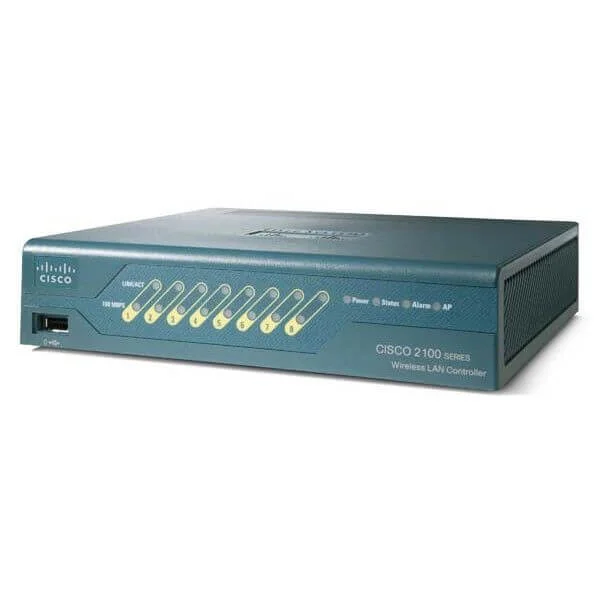
AIR-WLC2106-K9 (2100 Series WLAN Controller for up to 6 Lightweight APs)
4.5 (6)- Wireless LAN Controller
- Cisco
Est Value $2,495.00$105.88
95.8% offIn stockNewRefurbishedFirst-Time Buyer Discount – Get up to 2% additional off on your first order
ORM Rewards Earn $50 in Rewards + Free Expedited Delivery – Join Now!
Use eCoupon ORMSAVE10
eCoupon limited to 5 units
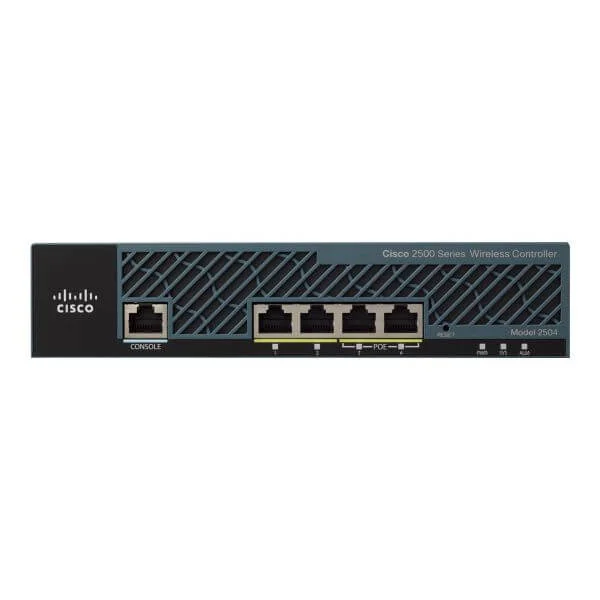
AIR-CT2504-25-K9 (2504 Wireless Controller with 25 AP Licenses)
5 (5)- Wireless LAN Controller
- Cisco
Est Value $6,495.00$457.91
92.9% offIn stockNewRefurbishedFirst-Time Buyer Discount – Get up to 2% additional off on your first order
ORM Rewards Earn $50 in Rewards + Free Expedited Delivery – Join Now!
Use eCoupon ORMSAVE10
eCoupon limited to 5 units
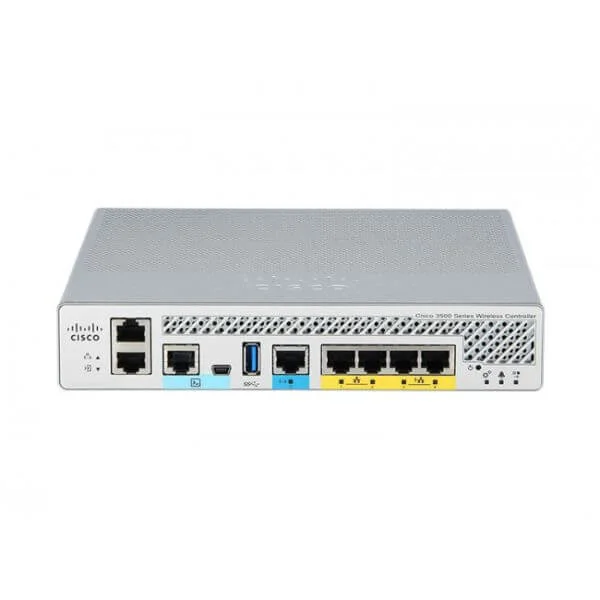
WCS-WLSE-APB-50 (WLSE Conversion WCS 50 AP. License And CD.)
4.8 (6)- Wireless Product
- Cisco
- Access Point
- Wi-Fi 6
- 2.4GHz / 5GHz
- 5Gbps
- 150 meters
Est Value $3,196.00$1,446.90
54.7% offIn stockNewFirst-Time Buyer Discount – Get up to 2% additional off on your first order
ORM Rewards Earn $50 in Rewards + Free Expedited Delivery – Join Now!
Use eCoupon ORMSAVE10
eCoupon limited to 5 units
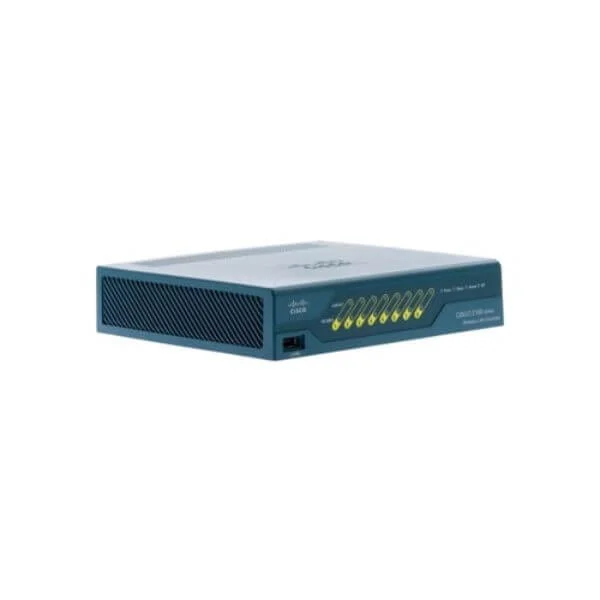
AIR-WLC2112-K9 (2100 Series WLAN Controller for up to 12 Lightweight APs)
4.5 (6)- Wireless Controller
- Cisco
Est Value $4,795.00$207.90
95.7% offIn stockNewRefurbishedFirst-Time Buyer Discount – Get up to 2% additional off on your first order
ORM Rewards Earn $50 in Rewards + Free Expedited Delivery – Join Now!
Use eCoupon ORMSAVE10
eCoupon limited to 5 units

ORM Sales Advisors
Buying for your business? Get a personalised quote in under 2 hours. Talk to an expert
LEARNFilters (54) 
Questions & Answers
What is a Cisco Wireless LAN Controller (WLC)?
A Cisco Wireless LAN Controller (WLC) is a centralized device that automates configuration, management, and security for multiple Cisco access points, ensuring seamless wireless connectivity and policy enforcement across enterprise networks.
How does Cisco WLC improve network performance?
Cisco WLC optimizes network performance by dynamically allocating RF channels, balancing client loads across access points, and minimizing interference to maximize throughput and user experience.
What are the key features of Cisco WLC?
Key features include centralized management, RF optimization, seamless roaming, built-in firewall, guest access, VLAN segmentation, and support for advanced security protocols like 802.1X and WPA3.
Which deployment options are available for Cisco WLC?
Cisco WLC can be deployed as a physical appliance, a virtual machine (vWLC), or in the cloud via Cisco Meraki, allowing flexible scalability to match on-premise, hybrid, or fully cloud-based architectures.
How do I license Cisco WLC features?
Cisco WLC uses feature-based licensing: AP count, RF management, and advanced security bundles. Licenses are applied through Cisco Smart Licensing, which automates compliance tracking and feature activation.
Can Cisco WLC support high availability?
Yes. Cisco WLC supports high availability through N+1 redundancy, Stateful Switch Over (SSO) and Nonstop Forwarding (NSF), ensuring uninterrupted service during hardware or software failures.
How do I add and manage access points on Cisco WLC?
To add APs, power them via PoE, ensure IP connectivity to the WLC, and use the web GUI or CLI to authorize, configure SSIDs, and assign RF profiles for centralized management.
What security features does Cisco WLC provide?
Cisco WLC offers enterprise-grade security including WPA3-Enterprise, 802.1X authentication, rogue AP detection, spectrum analysis, client isolation, and integrated posture assessment for guest and BYOD policies.
How do I integrate Cisco WLC with Cisco DNA Center?
Integrate via REST API or SNMP by registering the WLC in Cisco DNA Center Inventory, enabling policy-based automation, analytics, and zero-touch provisioning across your wireless network.
Which access point models are compatible with Cisco WLC?
Compatible models include Cisco Catalyst 9100, 9800 Series APs, Aironet 2800/3800, and Meraki MR Series connectors, all validated for seamless operation with Cisco WLC feature sets.
How can I monitor and troubleshoot a Cisco WLC?
Use the WLC GUI dashboard, real-time RF heat maps, event logs, SNMP traps, and Cisco Prime Infrastructure for comprehensive monitoring, alerts, and root-cause analysis.
How do I upgrade the software on Cisco WLC?
Download the desired IOS image from Cisco.com, upload via GUI or TFTP, set the new firmware as primary, and reboot. The controller will preserve configurations during upgrade.
What are best practices for deploying Cisco WLC?
Follow best practices: conduct a site survey, plan channel and power settings, enable redundant WLC pairs, segment SSIDs with VLANs, enforce strong security policies, and schedule firmware updates.
How does Cisco WLC handle RF management and load balancing?
Cisco WLC continuously monitors RF conditions, adjusts channels and power levels, and uses Client Load Balancing and CleanAir technology to distribute clients and mitigate interference.
What hardware controllers does Cisco WLC support?
Supported hardware includes Cisco 3504, 5520, and 8540 Wireless Controllers, each designed for different scale requirements, from small branch offices to large campus and data center deployments.
How does Cisco WLC integrate with external authentication services?
Cisco WLC integrates with RADIUS, TACACS+, LDAP, and Active Directory via policy servers, enabling centralized user authentication, authorization, and accounting for secure network access.