 United States
Wireless Access Ruckus Indoor AP
Engineered for enterprise performance, the Ruckus Indoor AP delivers robust wireless connectivity, seamless network integration, and stringent security compliance for modern organizations seeking reliable, high-speed communications solutions.
Talk to an expert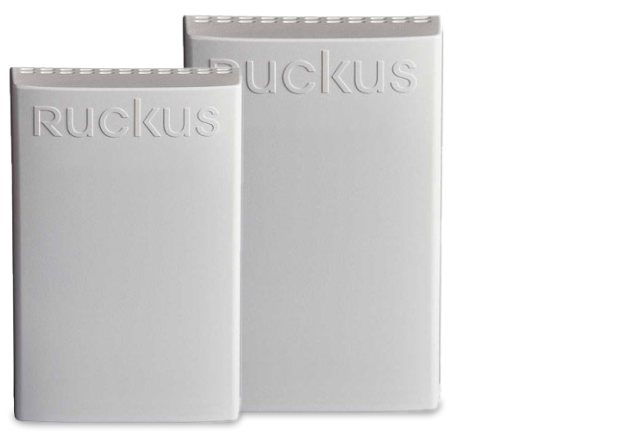
5 Matching results
- BEST SELLING
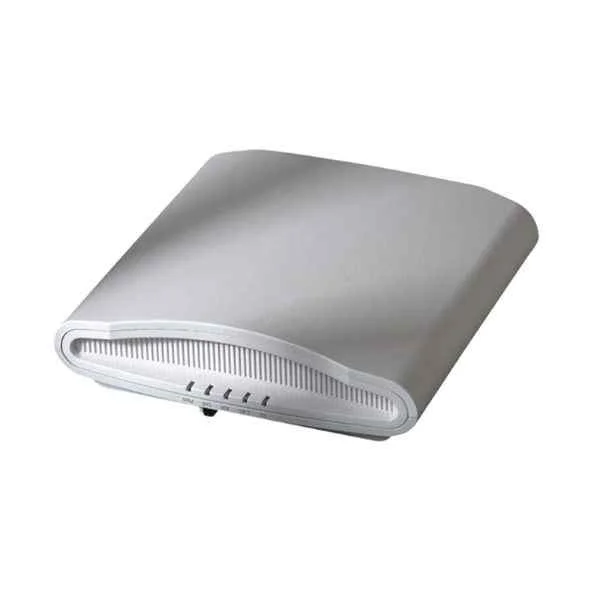
901-R710-WW00 (ZoneFlex R710 802.11AC indoor AP, supporting 2.4GHz and 5GHz dual-band, 4X4:4, MU-MIMO, 2x10/100/1000Mbps Ethernet port, 802.3af/at POE, excluding power adapter and POE module)
5 (5)- Wireless Product
- Ruckus
- Access Point
- Wi-Fi 6
- 2.4GHz / 5GHz
- 2.5Gbps
- 200 feet
Est Value $780.84
$390.42
50% offIn stockRefurbishedFirst-Time Buyer Discount – Get up to 2% additional off on your first order
ORM Rewards Earn $50 in Rewards + Free Expedited Delivery – Join Now!
Use eCoupon ORMSAVE10
eCoupon limited to 5 units
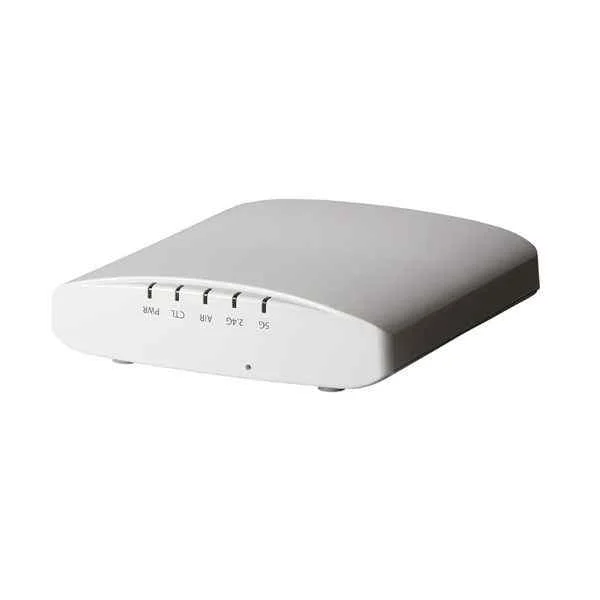
901-R320-WW02 (ZoneFlex R320 802.11AC Wave2 MU-MIMO indoor AP, 2*2:2, supports 2.4GHz and 5GHz dual carrier frequency, 1 Ethernet port, 802.3af/at POE power input and 12VDC power supply. Without 12VDC power module.)
4.2 (5)- Wireless Product
- Ruckus
- Access Point
- Wi-Fi 6
- 2.4GHz / 5GHz
- 2.5Gbps
- 100 meters
Est Value $486.94$243.47
50% offIn stockNewRefurbishedFirst-Time Buyer Discount – Get up to 2% additional off on your first order
ORM Rewards Earn $50 in Rewards + Free Expedited Delivery – Join Now!
Use eCoupon ORMSAVE10
eCoupon limited to 5 units
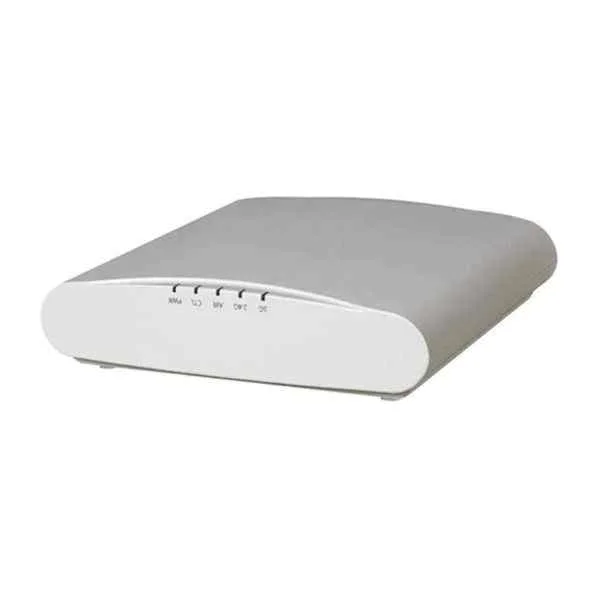
901-R510-WW00 (ZoneFlex R510. 802.11AC Wave2 MU-MIMO indoor AP, supporting 2.4GHz and 5GHz dual carrier frequency, 2 Ethernet ports, 802.3af/at POE power input and 12VDC power supply, 2*2: 2,1200Mbps. Without 12VDC power module. Support up to 500 users)
4.4 (5)- Wireless Product
- Ruckus
- Access Point
- Wi-Fi 6
- 2.4GHz / 5GHz
- 2.5Gbps
- 100 meters
Est Value $630.00$315.00
50% offIn stockRefurbishedFirst-Time Buyer Discount – Get up to 2% additional off on your first order
ORM Rewards Earn $50 in Rewards + Free Expedited Delivery – Join Now!
Use eCoupon ORMSAVE10
eCoupon limited to 5 units
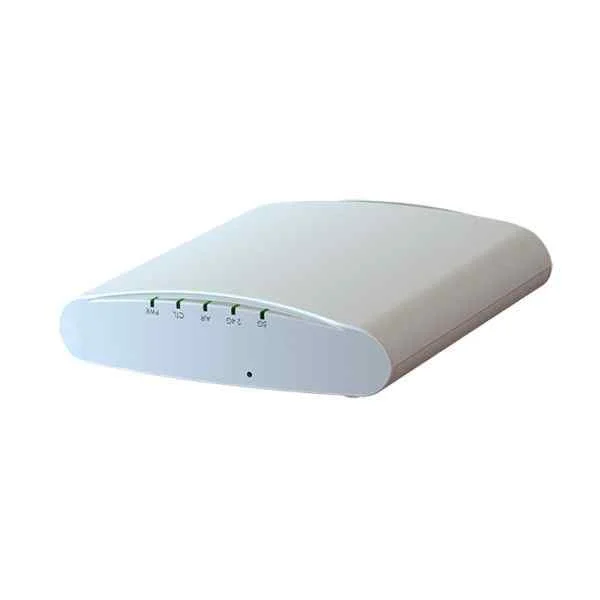
901-R310-WW02 (ZoneFlex R310 802.11ac indoor AP, support 2.4GHz and 5GHz dual carrier frequency, 1x10/100/1000Mbps Ethernet port, 802.3af POE, 2*2:2, up to 867Mbps+300Mbps, BeamFlex. Without 12VDC power supply and POE module.)
5 (5)- Wireless Product
- Ruckus
- Access Point
- Wi-Fi 6
- 2.4GHz / 5GHz
- 1Gbps
- 100 meters
Est Value $1,178.18$589.09
50% offIn stockRefurbishedFirst-Time Buyer Discount – Get up to 2% additional off on your first order
ORM Rewards Earn $50 in Rewards + Free Expedited Delivery – Join Now!
Use eCoupon ORMSAVE10
eCoupon limited to 5 units
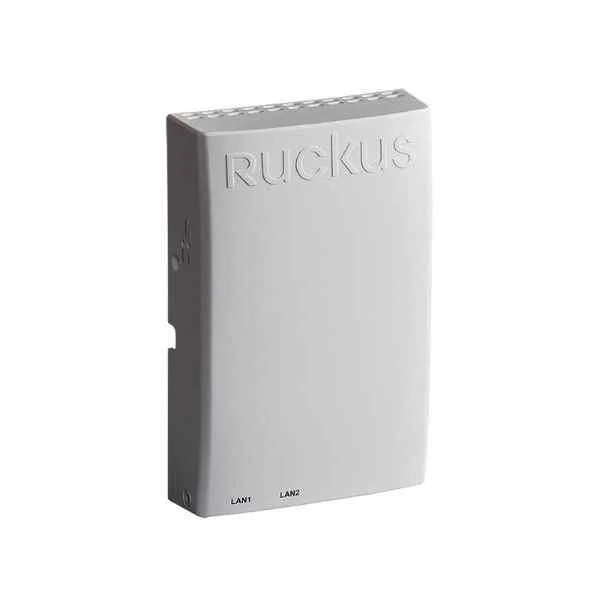
901-H320-WW00 (ZoneFlex 802.11ac Wave 2 multi-user MU-MIMO, supports dual-band 2.4 GHz (1x1:1) & 5 GHz (2x2:2), built-in BeamFlex+ world, 1 uplink 10/100/1000 interface and 2 10/100 Ethernet access interface, POE Gigabit input. Power adapter not included.)
5 (5)- Wireless Product
- Ruckus
- Access Point
- Wi-Fi 6
- 2.4GHz/5GHz
- 2.5Gbps
- 100 meters
Est Value $1,110.08$947.63
14.6% offIn stockRefurbishedFirst-Time Buyer Discount – Get up to 2% additional off on your first order
ORM Rewards Earn $50 in Rewards + Free Expedited Delivery – Join Now!
Use eCoupon ORMSAVE10
eCoupon limited to 5 units

ORM Sales Advisors
Buying for your business? Get a personalised quote in under 2 hours. Talk to an expert
LEARNFilters (5) 
Questions & Answers
What is a Ruckus Indoor AP?
A Ruckus Indoor AP is a high-performance wireless access point designed for indoor deployments. It leverages BeamFlex+ adaptive antennas and SmartMesh technology to deliver reliable, high-capacity Wi-Fi coverage.
How does Ruckus Indoor AP improve wireless coverage?
Ruckus Indoor AP improves coverage using BeamFlex+ adaptive antenna patterns that dynamically steer signals toward clients. SmartMesh networking further extends reach by creating self-healing wireless backhaul links.
What are the key features of Ruckus Indoor AP?
Key features include dual-band 802.11ac/ax support, BeamFlex+ adaptive antennas, SmartMesh wireless meshing, integrated security, and cloud or controller-based management for scalable deployment.
What is the maximum client capacity of a Ruckus Indoor AP?
A Ruckus Indoor AP can support up to 512 concurrent client associations per radio. Actual capacity varies based on traffic patterns, application mix, and environmental factors.
How do I install a Ruckus Indoor Access Point?
Mount the Ruckus Indoor AP on a ceiling or wall using the included bracket, connect it to PoE or a power adapter, and adopt it into your Ruckus controller or cloud management platform for provisioning.
What power options are available for Ruckus Indoor AP?
Ruckus Indoor AP supports IEEE 802.3af/at PoE and a 12V DC input. PoE simplifies installation by delivering power and data over a single Ethernet cable.
Can Ruckus Indoor AP support mesh networking?
Yes. Ruckus Indoor AP uses SmartMesh technology to form a self-organizing, self-healing wireless mesh. This eliminates the need for Ethernet backhaul in hard-to-wire areas.
How do I manage and configure a Ruckus Indoor AP?
You can manage Ruckus Indoor AP via on-premise controllers, SmartZone, or the Ruckus Cloud interface. Each platform offers zero-touch provisioning, centralized monitoring, and firmware updates.
Is Ruckus Indoor AP compatible with IoT devices?
Yes. Ruckus Indoor AP supports 2.4GHz and 5GHz IoT profiles and can segment IoT traffic with built-in VLAN tagging and policy enforcement for secure device onboarding.
What security features are included in Ruckus Indoor AP?
Ruckus Indoor AP offers WPA3 encryption, Dynamic PSK, rogue AP detection, IDS/IPS, and guest access management. Advanced firewalls and role-based access control protect network integrity.
How does Ruckus Indoor AP handle RF interference?
Ruckus Indoor AP uses ChannelFly for dynamic channel selection and BeamFlex+ to pattern-shape signals, reducing co-channel and adjacent-channel interference for optimal throughput.
What throughput speeds can I expect from a Ruckus Indoor AP?
Depending on the model, you can achieve up to 1.7Gbps aggregate throughput on 802.11ac APs and up to 3.6Gbps on 802.11ax APs under ideal conditions.
How do I update the firmware on a Ruckus Indoor AP?
Use the Ruckus controller or Ruckus Cloud portal to schedule and apply firmware updates. The platform automatically distributes the new image to all registered APs without manual intervention.
What warranty and support options are available for Ruckus Indoor AP?
Ruckus Indoor APs come with a one-year limited hardware warranty. Optional extended warranties, software updates, and 24×7 support are available through Ruckus Care service contracts.
How is the pricing structured for Ruckus Indoor Access Points?
Pricing depends on model, licensing tier, and support package. Entry-level indoor APs start around $350, while high-capacity or Wi-Fi 6 models range up to $800 per unit.
Where can I buy an authentic Ruckus Indoor Access Point?
You can purchase authentic Ruckus Indoor APs through authorized Ruckus partners, resellers, or the official Ruckus Networks online store. Verify certifications to ensure genuine hardware.