 United States
Wireless Bridges by Ubiquiti
Experience superior connectivity and scalable performance with Ubiquiti Wireless Bridges. Our state-of-the-art technology delivers robust, high-speed network solutions optimized for enterprise and industrial applications.
Talk to an expert
16 Matching results
- BEST SELLING
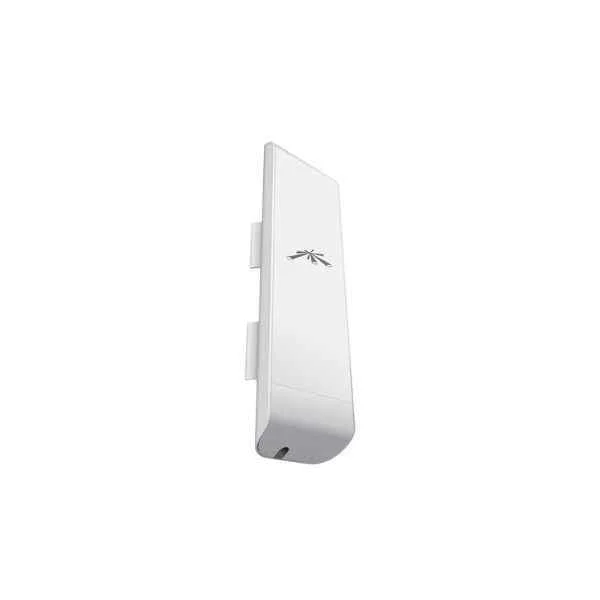
NSM5 (UBNT 5.8G Broad Band Outdoor Wireless, CPE 5 km, Panel NSM5 )
4.6 (5)- Wireless Access Point
- Ubiquiti
- Access Point
- Wi-Fi 6
- 2.4GHz / 5GHz
- 2.5Gbps
- 100 meters
Est Value $303.81
$259.35
14.6% offIn stockRefurbishedFirst-Time Buyer Discount – Get up to 2% additional off on your first order
ORM Rewards Earn $50 in Rewards + Free Expedited Delivery – Join Now!
Use eCoupon ORMSAVE10
eCoupon limited to 5 units
- BEST SELLING
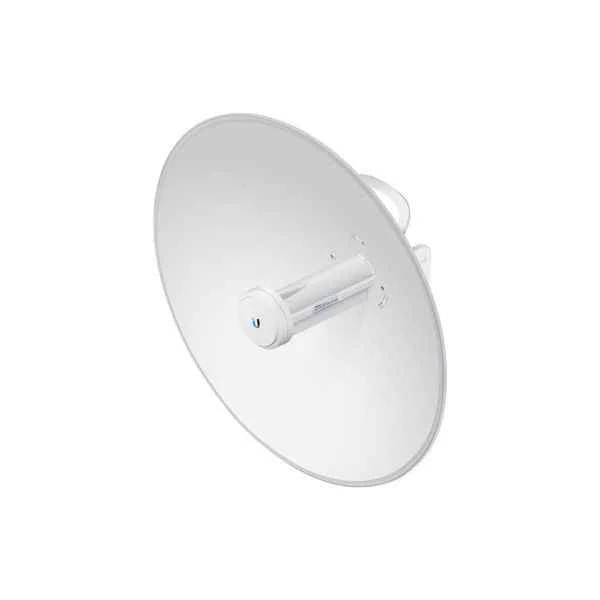
PBE-M5-400 (UBNT PBE-M5-400 UBNT 5.8G Outdoor Wireless Access Point, 1 Gigabit Ethernet, CPE 10km)
5 (5)- Wireless Bridge
- Ubiquiti
- Bridge
- 802.11a/n
- 5GHz
- 400Mbps
- 15km
Est Value $334.56$285.60
14.6% offIn stockRefurbishedFirst-Time Buyer Discount – Get up to 2% additional off on your first order
ORM Rewards Earn $50 in Rewards + Free Expedited Delivery – Join Now!
Use eCoupon ORMSAVE10
eCoupon limited to 5 units
- BEST SELLING
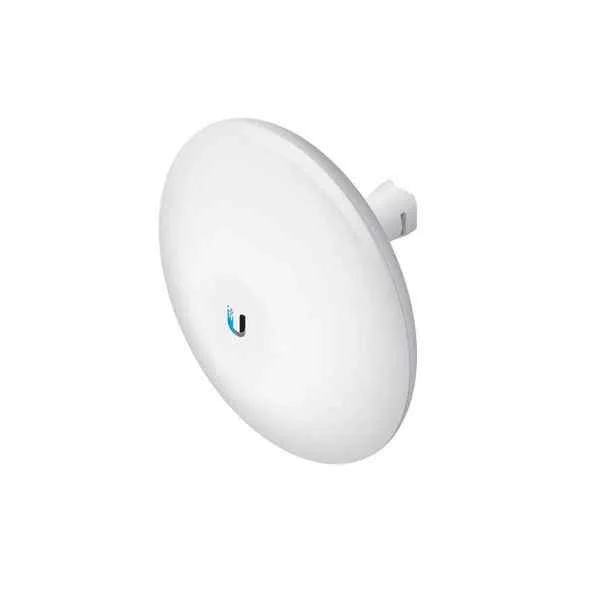
NBE-5AC-Gen2 (UBNT NBE-5AC-Gen2 802.11ac, Wireless Access Point, 1 Gigabit Ethernet, UNMS Management )
4.4 (5)- Wireless Access Point
- Ubiquiti
- Access Point
- Wi-Fi 5
- 2.4GHz / 5GHz
- 1Gbps
- 150 meters
Est Value $630.00$193.60
69.3% offIn stockNewRefurbishedFirst-Time Buyer Discount – Get up to 2% additional off on your first order
ORM Rewards Earn $50 in Rewards + Free Expedited Delivery – Join Now!
Use eCoupon ORMSAVE10
eCoupon limited to 5 units
- BEST SELLING
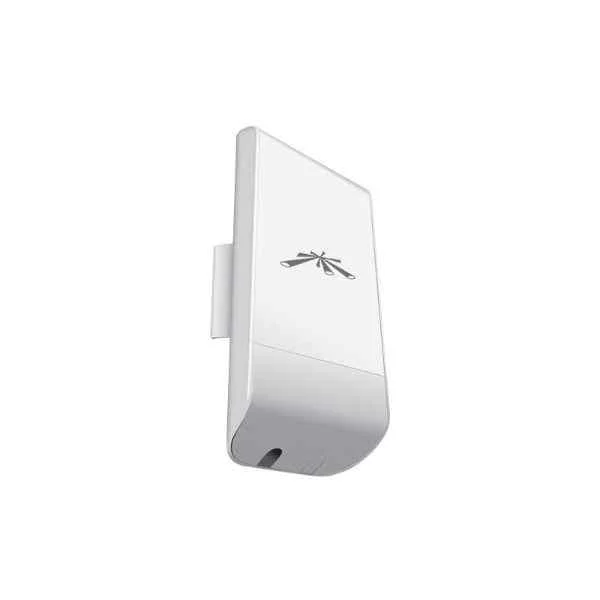
NSM2 (UBNT 2.4G Broad Band Outdoor Wireless, CPE Router 300m, Panel NSM5 )
4.6 (5)- Wireless Product
- Ubiquiti
- Access Point
- Wi-Fi 6
- 2.4GHz, 5GHz
- 2.5Gbps
- 100 meters
Est Value $630.00$315.00
50% offIn stockRefurbishedFirst-Time Buyer Discount – Get up to 2% additional off on your first order
ORM Rewards Earn $50 in Rewards + Free Expedited Delivery – Join Now!
Use eCoupon ORMSAVE10
eCoupon limited to 5 units
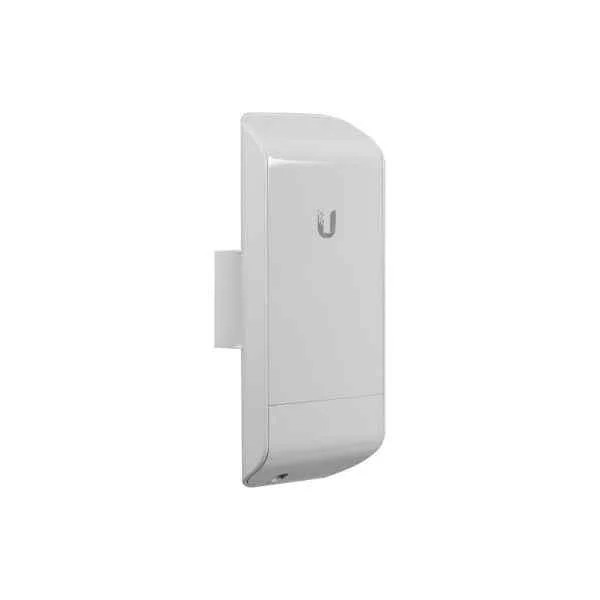
Locom5 (UBNT 5.8G Broad Band Outdoor Wireless, CPE Router 300m 3km, Panel NSM5 )
4.4 (5)- Wireless Product
- Ubiquiti
- Access Point
- Wi-Fi 6
- 2.4GHz / 5GHz
- 2.5Gbps
- 100 meters
Est Value $321.34$274.31
14.6% offIn stockNewRefurbishedFirst-Time Buyer Discount – Get up to 2% additional off on your first order
ORM Rewards Earn $50 in Rewards + Free Expedited Delivery – Join Now!
Use eCoupon ORMSAVE10
eCoupon limited to 5 units
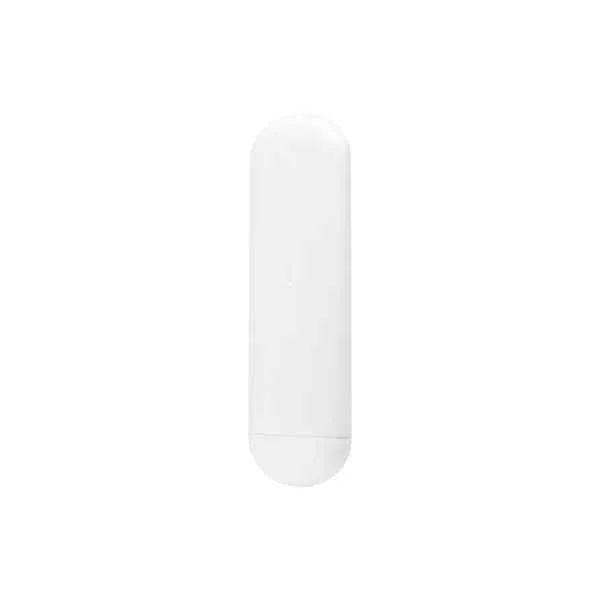
NS-5ACL (UBNT 5.8G Outdoor Wireless, CPE 3km)
4.4 (5)- Wireless Access Point
- Ubiquiti
- Access Point
- Wi-Fi 6
- 2.4GHz / 5GHz
- 2.5Gbps
- 150 meters
Est Value $248.62$212.24
14.6% offIn stockRefurbishedFirst-Time Buyer Discount – Get up to 2% additional off on your first order
ORM Rewards Earn $50 in Rewards + Free Expedited Delivery – Join Now!
Use eCoupon ORMSAVE10
eCoupon limited to 5 units
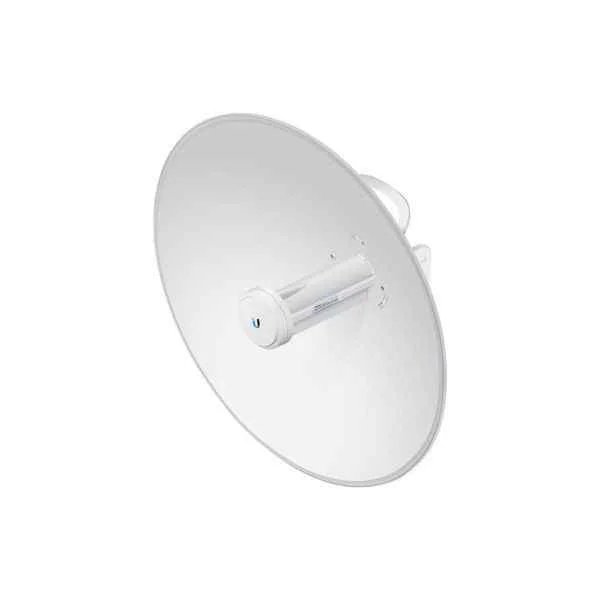
PBE-5AC-Gen2 (UBNT 5G Outdoor Wireless, High Performance AirMax ac Bridge, 802.11ac, CPE)
4.8 (5)- Wireless Bridge
- Ubiquiti
- Bridge
- Wi-Fi 5
- 5GHz
- 867Mbps
- 30km
Est Value $258.57$220.73
14.6% offIn stockRefurbishedFirst-Time Buyer Discount – Get up to 2% additional off on your first order
ORM Rewards Earn $50 in Rewards + Free Expedited Delivery – Join Now!
Use eCoupon ORMSAVE10
eCoupon limited to 5 units
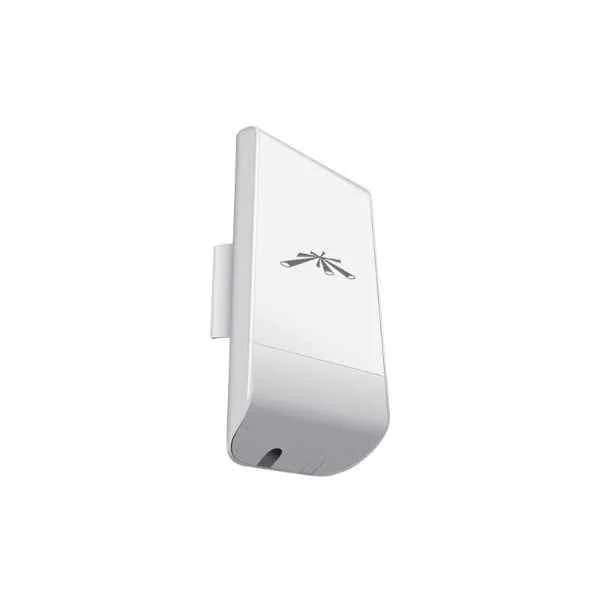
LocoM2 (UBNT 2.4G Broad Band Outdoor Wireless, CPE 150M)
5 (5)- Wireless Product
- Ubiquiti
- Access Point
- Wi-Fi 6
- 2.4GHz / 5GHz
- 2.5Gbps
- 50 meters
Est Value $261.04$222.84
14.6% offIn stockRefurbishedFirst-Time Buyer Discount – Get up to 2% additional off on your first order
ORM Rewards Earn $50 in Rewards + Free Expedited Delivery – Join Now!
Use eCoupon ORMSAVE10
eCoupon limited to 5 units
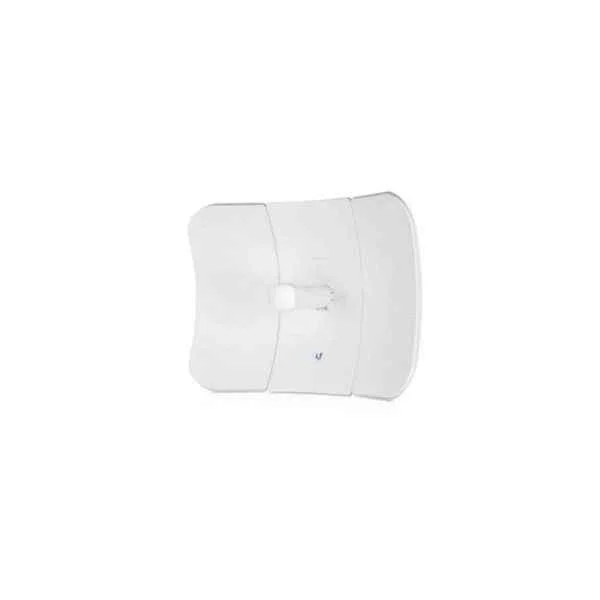
LTU-LR (UBNT 5GHz PTMP LTU Long Range Client Radio)
5 (5)- Wireless Access Point
- Ubiquiti
- Access Point
- Wi-Fi 6
- 2.4GHz / 5GHz
- 1Gbps
- 100 meters
Est Value $321.91$233.73
27.4% offIn stockRefurbishedFirst-Time Buyer Discount – Get up to 2% additional off on your first order
ORM Rewards Earn $50 in Rewards + Free Expedited Delivery – Join Now!
Use eCoupon ORMSAVE10
eCoupon limited to 5 units
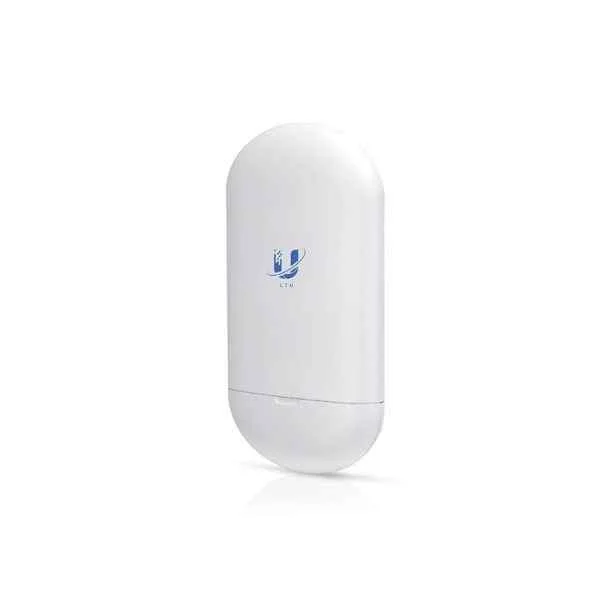
LTU-Lite (UBNT LTU Lite 5GHz PtMP CPE Radio with 13dBi Integrated Antenna )
4.6 (5)- Wireless Product
- Ubiquiti
- Access Point
- Wi-Fi 6
- 2.4GHz / 5GHz
- 2.5Gbps
- 100 meters
Est Value $486.94$243.47
50% offIn stockRefurbishedFirst-Time Buyer Discount – Get up to 2% additional off on your first order
ORM Rewards Earn $50 in Rewards + Free Expedited Delivery – Join Now!
Use eCoupon ORMSAVE10
eCoupon limited to 5 units
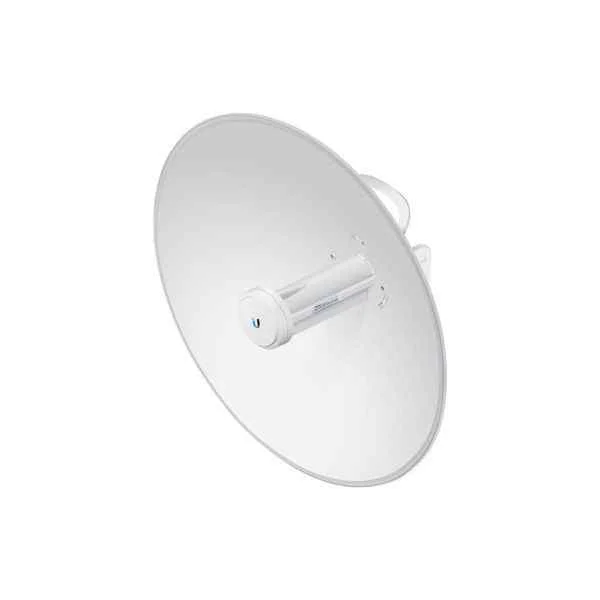
PBE-M5-300 (UBNT PBE-M5-300 5.8G Outdoor Wireless Access Point, 1 Gigabit Ethernet, CPE )
4.6 (5)- Wireless Bridge
- Ubiquiti
- Bridge
- Wi‑Fi 5 (802.11ac)
- 5GHz
- 300Mbps
- 300 meters
Est Value $496.70$248.35
50% offIn stockRefurbishedFirst-Time Buyer Discount – Get up to 2% additional off on your first order
ORM Rewards Earn $50 in Rewards + Free Expedited Delivery – Join Now!
Use eCoupon ORMSAVE10
eCoupon limited to 5 units
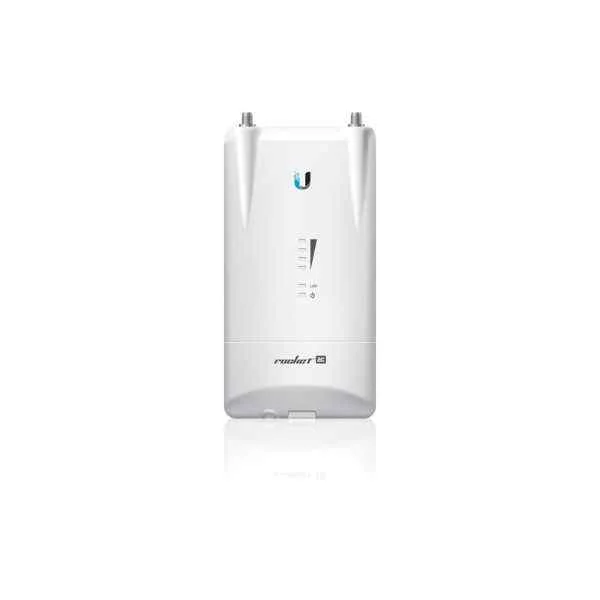
R5AC-Lite (UBNT Wieless 802.11ac Bridge, 1 Gigabit Ethernet, Wifi Coverage)
4.2 (5)- Access Point
- Ubiquiti
- Access Point
- Wi-Fi 5
- 2.4GHz / 5GHz
- 1Gbps
Est Value $396.45$384.51
3% offIn stockNewRefurbishedFirst-Time Buyer Discount – Get up to 2% additional off on your first order
ORM Rewards Earn $50 in Rewards + Free Expedited Delivery – Join Now!
Use eCoupon ORMSAVE10
eCoupon limited to 5 units
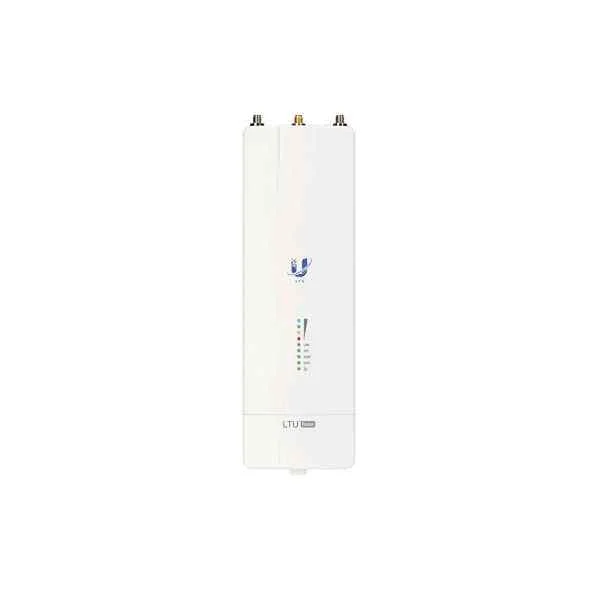
LTU-Rocket (UBNT LTU Rocket 5GHz PtMP BaseStation Radio, 550+Mpbs )
4.6 (5)- Wireless Access Point
- Ubiquiti
- Access Point
- Wi-Fi 6
- 2.4GHz / 5GHz
- 2.5Gbps
- 150 meters
Est Value $697.59$595.51
14.6% offIn stockRefurbishedFirst-Time Buyer Discount – Get up to 2% additional off on your first order
ORM Rewards Earn $50 in Rewards + Free Expedited Delivery – Join Now!
Use eCoupon ORMSAVE10
eCoupon limited to 5 units
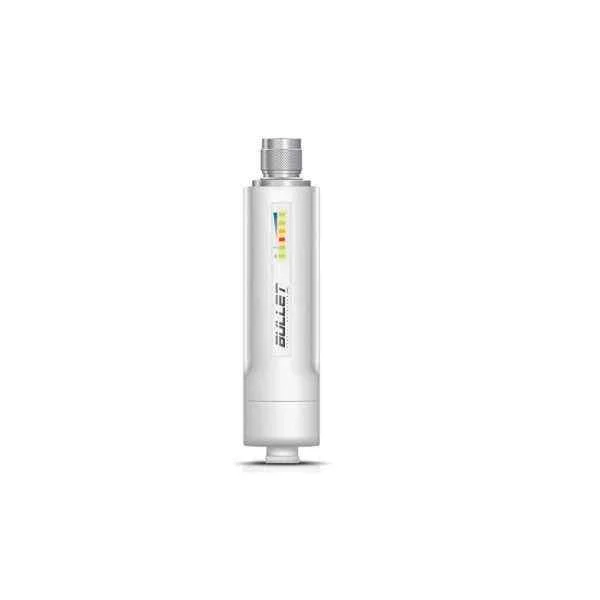
BM2-HP (UBNT 2.4GHz airMAX Integrated Radio Indoor/Outdoor Wireless )
5 (5)- Wireless Access Point
- Ubiquiti
- Access Point
- Wi-Fi 6
- 2.4GHz / 5GHz
- 1 Gbps
- 100 meters
Est Value In stockFirst-Time Buyer Discount – Get up to 2% additional off on your first order
ORM Rewards Earn $50 in Rewards + Free Expedited Delivery – Join Now!
Use eCoupon ORMSAVE10
eCoupon limited to 5 units
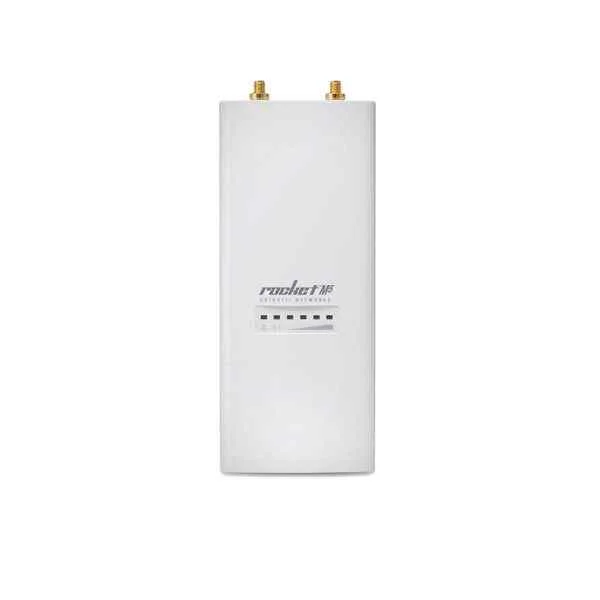
Rocket M5 (UBNT RocketM5 5.8G AP Outdoor Wireless )
4.6 (5)- Wireless Product
- Ubiquiti
- Access Point
- Wi-Fi 5
- 5GHz
- 150Mbps
Est Value In stockFirst-Time Buyer Discount – Get up to 2% additional off on your first order
ORM Rewards Earn $50 in Rewards + Free Expedited Delivery – Join Now!
Use eCoupon ORMSAVE10
eCoupon limited to 5 units
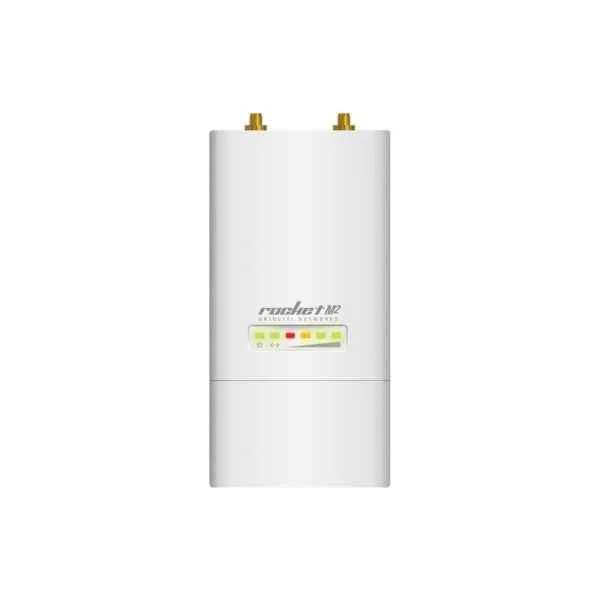
Rocket M2 (UBNT airMAX BaseStation Point-to-Point (PtP) bridging or Point-to-MultiPoint (PtMP), RocketM2, AP Coverage)
4.2 (5)- Wireless Product
- Ubiquiti
- Access Point
- 802.11b/g/n
- 2.4GHz
- 150Mbps
- 15 km (line-of-sight)
Est Value In stockFirst-Time Buyer Discount – Get up to 2% additional off on your first order
ORM Rewards Earn $50 in Rewards + Free Expedited Delivery – Join Now!
Use eCoupon ORMSAVE10
eCoupon limited to 5 units

ORM Sales Advisors
Buying for your business? Get a personalised quote in under 2 hours. Talk to an expert
LEARNFilters (16) 
Questions & Answers
What is a Ubiquiti Wireless Bridge?
A Ubiquiti Wireless Bridge is a point-to-point or point-to-multipoint outdoor networking solution that delivers high-speed data connectivity over long distances without the need for fiber or cabling.
How does a Ubiquiti Wireless Bridge work?
A Ubiquiti Wireless Bridge uses directional antennas and proprietary TDMA technology to establish a secure, low-latency wireless link between two or more sites, extending LAN connectivity over miles.
What maximum range can I achieve with a Ubiquiti Wireless Bridge?
Depending on the model and line-of-sight conditions, Ubiquiti Wireless Bridges can span distances from 5 kilometers up to 200+ kilometers with high-gain antenna options.
What throughput speeds do Ubiquiti Wireless Bridges support?
Ubiquiti Wireless Bridges deliver up to 450+ Mbps real-world throughput on 5 GHz links and up to 150+ Mbps on 2.4 GHz links, depending on signal quality and channel bandwidth.
Which Ubiquiti Wireless Bridge models are available?
Popular Ubiquiti Wireless Bridge models include NanoBeam, PowerBeam, airFiber, and LiteBeam, each optimized for specific distance, throughput, and deployment scenarios.
What are the line-of-sight requirements for a Ubiquiti Wireless Bridge?
A clear line of sight between directional antennas is required to minimize interference and achieve optimal performance; even minor obstructions can degrade signal quality.
How do I install a Ubiquiti Wireless Bridge?
Mount the bridge antennas on stable poles or towers, connect PoE injectors to each unit, configure IP settings via the UniFi or airOS interface, and align antennas for maximum link quality.
Do Ubiquiti Wireless Bridges require Power over Ethernet (PoE)?
Yes, all Ubiquiti Wireless Bridges use passive or 802.3af/at PoE injectors for power, simplifying cabling and ensuring a clean outdoor installation.
Are Ubiquiti Wireless Bridges weatherproof?
Ubiquiti Wireless Bridge devices feature IP55 to IP67-rated enclosures, providing corrosion resistance and reliable operation in rain, wind, and extreme temperatures.
Can I integrate a Ubiquiti Wireless Bridge with other vendors’ equipment?
While Ubiquiti Bridges can interoperate on standard 802.11 protocols, optimal performance and advanced features are achieved when both endpoints use Ubiquiti hardware.
How do I manage and monitor a Ubiquiti Wireless Bridge?
Use Ubiquiti’s UniFi Controller or airOS web interface to configure settings, view real-time link statistics, set alerts, and deploy firmware updates centrally.
What best practices optimize Ubiquiti Wireless Bridge performance?
Ensure proper antenna alignment, select clean frequency channels, enable output power control, apply GPS sync on multipoint links, and maintain updated firmware.
What are common sources of interference for Ubiquiti Wireless Bridges?
Sources include nearby Wi-Fi networks, microwave links, heavy foliage, and weather phenomena; performing a site survey and spectrum analysis helps mitigate interference.
How do I update firmware on a Ubiquiti Wireless Bridge?
Download the latest firmware from the Ubiquiti Support Portal and upload it via the UniFi Controller or airOS web UI; scheduled maintenance windows minimize downtime.
What security features do Ubiquiti Wireless Bridges offer?
Ubiquiti Bridges support WPA2-Enterprise encryption, MAC address filtering, VLAN tagging, and optional VPN tunneling to ensure data confidentiality and network segmentation.
What are typical use cases for Ubiquiti Wireless Bridges?
Common applications include campus connectivity, remote CCTV backhaul, rural broadband, temporary event networks, and linking isolated buildings without fiber.