 United States
Trusted by the Highest-Stakes Buyers
Federal agencies and Fortune 500 operations source through ORM Systems.
US Government & Defense
Enterprise Clients

Featured Deal
Hand-picked by our procurement team for standout value. This unit is offered at our sharpest price on current stock, verified against live market rates.
Name:

Added to cart 28 times recently
Ready to Ship
Certified Refurbished
Professionally inspected, bench-tested, and firmware-verified, with configurations wiped. Restored to full working order and backed by our warranty.


3 Year Extended Warranty


Same-day Shipping

30-Day Money Back Guarantee
Shipping:
Payment:

3 Year Extended Warranty
Same-day Shipping
30-Day Money Back Guarantee
Need Additional Discount on Product?
Request a quote below - Get Exclusive Pricing and Support.
Shipping:
Payment:
3VL62AA#ABB
t430 - 1.1 GHz - Intel - N4000 - Intel® Celeron® - 2.6 GHz -...
Trusted by the Highest-Stakes Buyers
Federal agencies and Fortune 500 operations source through ORM Systems.
US Government & Defense




Enterprise Clients



Built Global. Stocked Local.
Regional teams and 25+ distribution partners keep stock near you and accountability in your time zone.
Buyer Protection on Every Order
Pay by PayPal or Revolut with full chargeback rights. Order on PO terms, Net-30 for government.
Verified By Federal Bodies
Every registration we claim is public record — check our federal contractor status yourself before you spend a dollar.



Since 2016, Enterprise-Trusted
Ten years serving buyers who audit their vendors. From federal agencies to 20,000+ enterprise clients worldwide.
3VL62AA#ABB is a high-performance workstation powered by Intel Xeon technology, featuring the Intel Xeon W-2295 processor from the Xeon 4th Gen family with 16 cores and 32 threads, designed to deliver exceptional processing speed. It is equipped with a dedicated NVIDIA RTX A4000 graphics card that supports multi-GPU configurations, ECC DDR4 memory totaling 128 GB across 8 slots, and a 1 TB NVMe storage option, all built on an Intel C246 chipset motherboard.
3VL62AA#ABB comes in a tower form factor with multiple expansion slots including PCIe x16, robust connectivity via USB 3.2, 1GbE LAN, and high-definition audio ports, while powered by a 600W power supply and advanced liquid cooling solutions. Pre-loaded with Windows 11 Pro, this workstation is optimized for workloads such as 3D modeling, video editing, simulations, and virtualization, making it the ideal choice for professionals demanding peak performance and reliability.
3VL62AA#ABB price is is available on request. Get immediate quote.
Request bulk order quote for 3VL62AA#ABB for additional pricing. Browse the full Thin Client series or explore all Hp products.
Mon–Fri: [09:00-16:00]
Avg. response under 30 mins

| 3VL62AA#ABB | 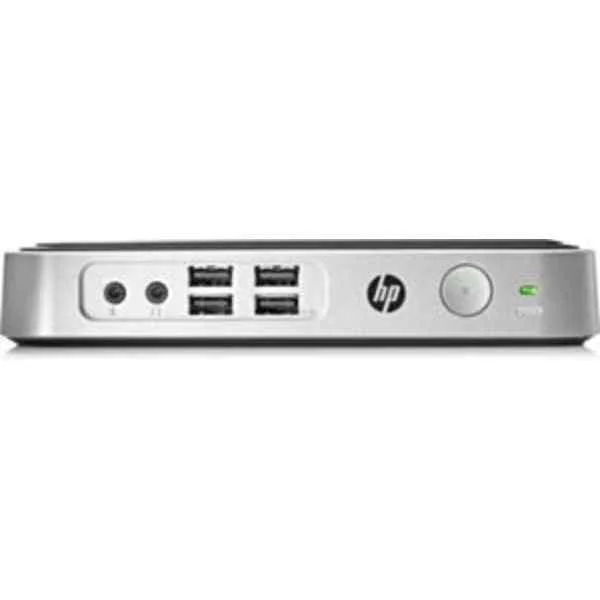 2EZ54AA#ABB 2EZ54AA#ABB | 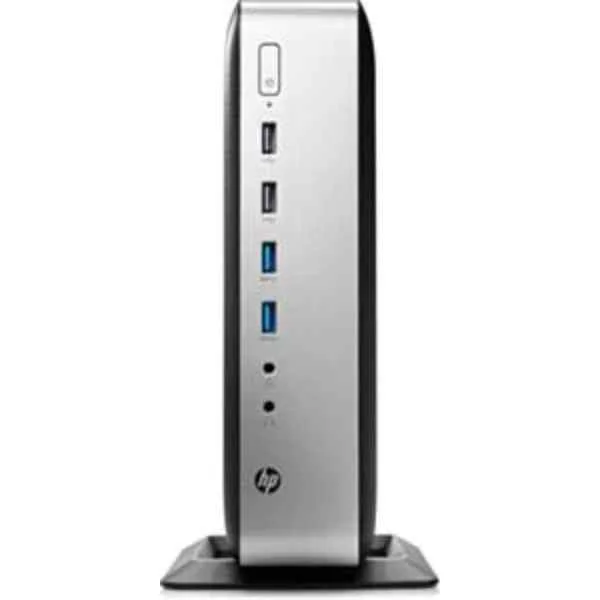 3JJ01EA 3JJ01EA | 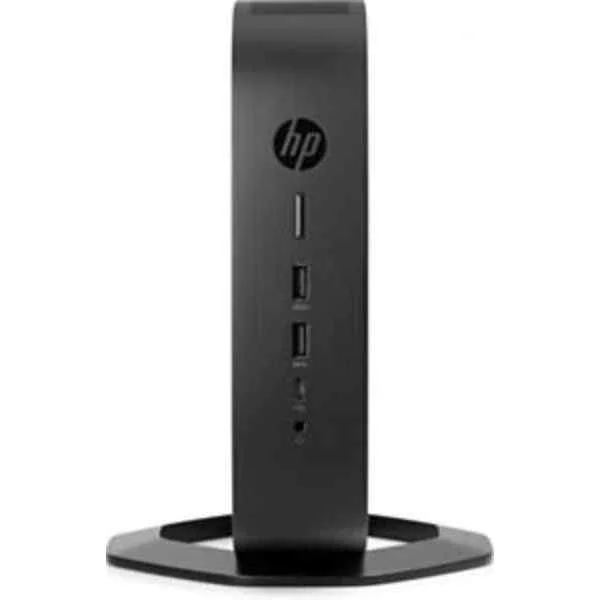 6TV54EA#ABB 6TV54EA#ABB |  2ZV00AA 2ZV00AA | |
|---|---|---|---|---|---|
| Product Type | Workstation | Workstation | Workstation | Workstation | Workstation |
| Form Factor | Tower | Tower | Tower | Tower | Tower |
| Processor Brand | Intel | Intel | Intel | Intel | Intel |
| Processor Series | Intel Xeon | Intel Core | Intel Xeon | Intel Xeon | Intel Xeon |
| Processor Generation | Xeon 4th Gen | Intel 13th Gen | Xeon 4th Gen | Xeon 4th Gen | Xeon 3rd Gen |
| CPU Model | Intel Xeon W-2295 | Intel Core i7-13700K | Intel Xeon W-2295 | Intel Xeon W-2295 | Intel Xeon W-2295 |
| Cores | 16 | 16 | 16 | 16 | 16 |
| Threads | 32 | 24 | 32 | 32 | 32 |
| Base Clock | 2.0 | 3.4 | 3.0 GHz | 3.0 GHz | 3.0 |
| Max Boost Clock | 4.0 | 5.4 | 4.6 GHz | 4.2 GHz | 4.6 |
| RAM Type | ECC DDR4 | DDR4 | ECC DDR4 | ECC DDR4 | ECC DDR4 |
| RAM Capacity | 128 GB | 64 GB | 128 GB | 256 GB | 128 GB |
| RAM Slots | 8 | 4 | 8 | 8 | 8 |
| ECC Memory Support | Yes | No | Yes | Yes | Yes |
| Graphics Type | Dedicated | Dedicated | Dedicated | Dedicated | Dedicated |
| Graphics Card Model | NVIDIA RTX A4000 | NVIDIA RTX A4000 | NVIDIA RTX A4000 | NVIDIA RTX A5000 | NVIDIA RTX A4000 |
| Multi-GPU Support | Yes | Yes | Yes | Yes | Yes |
| Storage Type | NVMe | NVMe | NVMe | NVMe | NVMe |
| Storage Capacity | 1 TB | 1 TB | 1 TB | 2 TB | 1 TB |
| M.2 NVMe Slots | 2 | 2 | 2 | 2 | 2 |
| RAID Support | RAID 0 | RAID 0 | RAID 10 | RAID 5 | RAID 0 |
| Operating System | Windows 11 Pro | Windows 11 Pro | Windows 11 Pro | Windows 11 Pro | Windows 11 Pro |
| Power Supply Wattage | 600W | 800W | 800W | 1000W | 800W |
| Cooling Type | Liquid | Liquid | Liquid | Liquid | Liquid |
| PCIe Slots | PCIe x16 | PCIe x16 | PCIe x16 | PCIe x16 | PCIe x16 |
| USB Ports | USB 3.2 | USB 3.2 | USB 3.2 | USB 3.2 | USB 3.2 |
| LAN Speed | 1GbE | 10GbE | 10GbE | 10GbE | 1GbE |
| Wi-Fi | WiFi 6 | WiFi 6 | WiFi 6 | WiFi 6 | WiFi 6 |
| Bluetooth | 5.0 | 5.2 | 5.2 | 5.2 | 5.0 |
| Keyboard & Mouse Included | Yes | Yes | No | Yes | No |
| Chassis Expansion Bays | 4 | 4 | 4 | 4 | 4 |
| Use Case | 3D Rendering / Virtualization / Video Editing | Video Editing | 3D Rendering | 3D Rendering / Engineering / Architecture / Virtualization / Video Editing / AI & ML / General Workstation | General Workstation |
| Product Name | 3VL62AA#ABB Workstation | 2EZ54AA#ABB | 3JJ01EA Pro Workstation | 6TV54EA#ABB Workstation | 2ZV00AA Workstation |
| Height | 18 inches | 18 inches | 18 inches | 18 inches | 17 inches |
| Width | 8 inches | 8 inches | 8 inches | 8 inches | 7 inches |
| Depth | 20 inches | 20 inches | 20 inches | 20 inches | 18 inches |
| Weight | 35 lbs | 35 lbs | 35 lbs | 45 lbs | 45 lbs |


Every unit is authentic, sourced through trusted and authorised channels, and serial-verified on request. Genuine networking and IT hardware, guaranteed, or your money back.

New products are backed by up to 3 years of extended warranty, and certified refurbished units by up to 3 months, for dependable protection on every order. Coverage is clear, honoured in full, and confirmed on each product page.

If a unit ever falls short, our streamlined RMA process gets a replacement to you fast, with advance replacement available to keep your network running. No jargon, no runaround.

Every device is inspected, bench-tested, and firmware-verified, with configurations wiped before dispatch. Additional testing can be arranged to confirm full working condition on request.

Our specialists assist with compatibility, configuration, licensing, and installation, before and after you buy. Real hardware expertise, whenever you need it.

dispatched quickly and shipped worldwide from regional hubs, fully tracked and insured.
Reviewed on the 15 October 2020

Compact thin client delivers reliable VDI performance for offices.
Reviewed on the 3 June 2022
Stable Celeron setup runs smoothly for daily remote sessions.
Reviewed on the 11 November 2024
Great for centralized deployments, minimal issues across endpoints.
Reviewed on the 7 February 2025
Consistent uptime and low maintenance for shared workspaces.
Reviewed on the 8 January 2022
Boots quickly and handles business apps without lag.
Reviewed on the 20 January 2019
Reliable device for secure access to virtual desktops.
Reviewed on the 31 October 2023
Excellent value thin client for scalable enterprise rollouts.
The HP t430 Thin Client (SKU 3VL62AA#ABB) is a compact, fanless endpoint device powered by an Intel® Celeron® N4000 processor (1.1 GHz base, up to 2.6 GHz burst) with 4 MB cache, designed for secure, high-performance virtual desktop deployments.
It uses an Intel® Celeron® N4000 dual-core processor clocked at 1.1 GHz (base) and up to 2.6 GHz (burst) with 4 MB cache for efficient multitasking.
The t430 includes 4 GB DDR4 memory (expandable to 8 GB) and 16 GB eMMC onboard flash storage for reliable performance and fast boot times.
It supports Windows 10 IoT Enterprise, HP ThinPro, and HP Smart Zero Core for flexible deployment across virtual desktop infrastructures.
It features two DisplayPort™, four USB 3.0 ports, two USB 2.0 ports, one RJ-45 Ethernet port, a headset jack, and an optional serial port for versatile peripheral connections.
Yes, the dual DisplayPort™ outputs support up to two independent 4K UHD displays for enhanced productivity.
Yes, its fanless design ensures silent operation and increases reliability by eliminating moving parts.
It supports Citrix HDX, VMware Horizon, Microsoft RDP, and HP RGS for seamless access to virtual desktops and applications.
Yes, you can upgrade the single SODIMM slot up to 8 GB DDR4 to boost performance for demanding workloads.
The t430 includes a VESA mount bracket that easily attaches to the back of most monitors or to a wall for space-saving deployment.
Access the HP Workspace Manager or ThinPro settings menu and select “Restore Default Firmware” to revert all configurations and applications to factory defaults.
Built-in security includes HP Sure Start BIOS protection, TPM 2.0, local lockdown, and network traffic encryption to safeguard data and firmware.
Typical power consumption is 10 W under normal workloads, with a maximum of 15 W, making it energy-efficient for 24/7 operation.
Download the latest firmware from the HP Support website and use HP Windows Update, HP Workspace Manager, or the bootable USB utility to apply updates.
HP provides a standard one-year limited hardware warranty with options to extend coverage and add on-site service plans.
Verify the Ethernet cable and switch connection, check IP settings in the network menu, and use the built-in diagnostics in HP Workspace Manager to identify and resolve issues.







