 United States
Trusted by the Highest-Stakes Buyers
Federal agencies and Fortune 500 operations source through ORM Systems.
US Government & Defense
Enterprise Clients

Featured Deal
Hand-picked by our procurement team for standout value. This unit is offered at our sharpest price on current stock, verified against live market rates.
Name:

Added to cart 28 times recently
Ready to Ship
Certified Refurbished
Professionally inspected, bench-tested, and firmware-verified, with configurations wiped. Restored to full working order and backed by our warranty.

$162.76
$81.3850% off
Quantity:


3 Year Extended Warranty


Same-day Shipping

30-Day Money Back Guarantee
Shipping:
Payment:
3 Year Extended Warranty
Same-day Shipping
30-Day Money Back Guarantee
Need Additional Discount on Product?
Request a quote below - Get Exclusive Pricing and Support.
Shipping:
Payment:
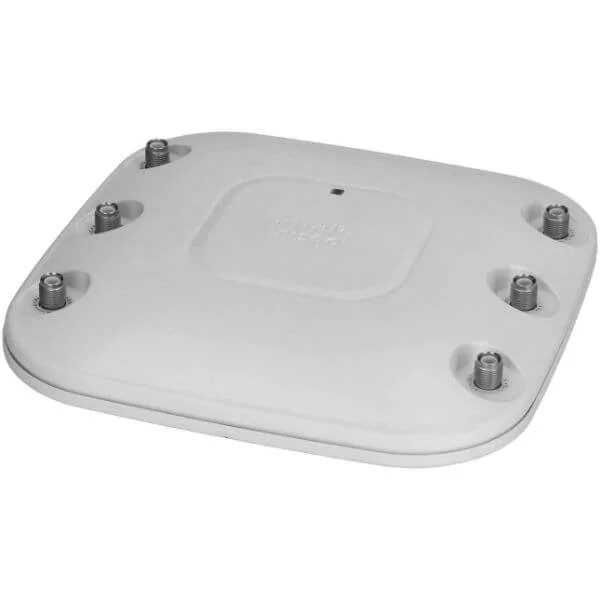
AIR-AP1262N-E-K9
1260 Series Access Points AP1261 Dual Band 802.11a/g/n Stand...
Trusted by the Highest-Stakes Buyers
Federal agencies and Fortune 500 operations source through ORM Systems.
US Government & Defense




Enterprise Clients



Built Global. Stocked Local.
Regional teams and 25+ distribution partners keep stock near you and accountability in your time zone.
Buyer Protection on Every Order
Pay by PayPal or Revolut with full chargeback rights. Order on PO terms, Net-30 for government.
Verified By Federal Bodies
Every registration we claim is public record — check our federal contractor status yourself before you spend a dollar.



Since 2016, Enterprise-Trusted
Ten years serving buyers who audit their vendors. From federal agencies to 20,000+ enterprise clients worldwide.
AIR-AP1262N-E-K9 is a high-performance indoor wireless access point designed for enterprise environments. Built to operate efficiently on both 2.4GHz and 5GHz frequency bands, this access point leverages the Wi-Fi 4 (802.11n) standard to deliver data rates of up to 300Mbps, ensuring reliable connectivity in offices, educational institutions, and other large spaces. Its design incorporates SU-MIMO technology and an integrated omnidirectional antenna to support robust wireless performance for users in challenging network conditions.
Engineered for versatile installation, the AIR-AP1262N-E-K9 supports ceiling mounting and provides streamlined deployment with a built-in Gigabit Ethernet port and Power over Ethernet (PoE) capability. It is ideally suited for secure indoor wireless networks, offering advanced management features along with enterprise-grade security protocols such as WPA2, WPA3, and 802.1X. This reliable access point reflects Cisco’s commitment to delivering dependable, high-performance networking solutions for modern business environments.
AIR-AP1262N-E-K9 price for new stock is is available on request. Get immediate quote. AIR-AP1262N-E-K9 refurb price is $81.38.
Request bulk order quote for AIR-AP1262N-E-K9 for additional pricing. Browse the full Cisco 1260 Access Point series or explore all Cisco products.
Mon–Fri: [09:00-16:00]
Avg. response under 30 mins

| AIR-AP1262N-E-K9 | 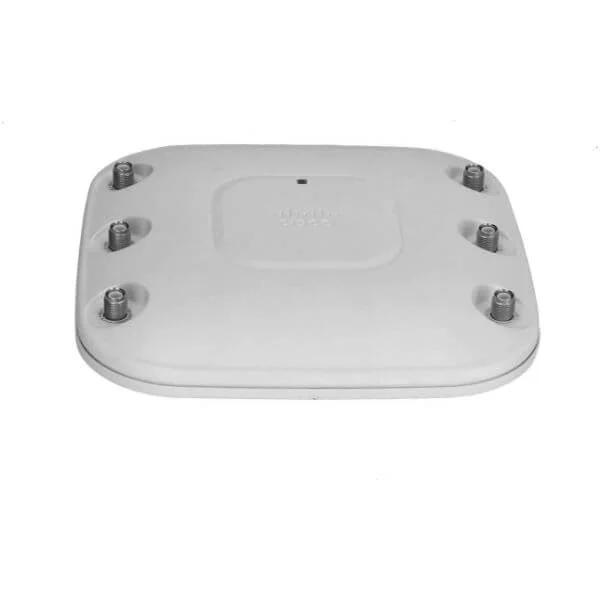 AIR-LAP1262N-K-K9 AIR-LAP1262N-K-K9 | 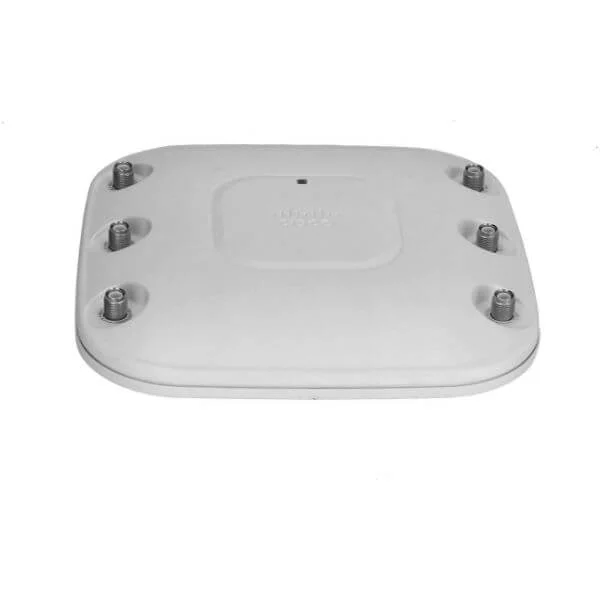 AIR-LAP1262N-N-K9 AIR-LAP1262N-N-K9 | 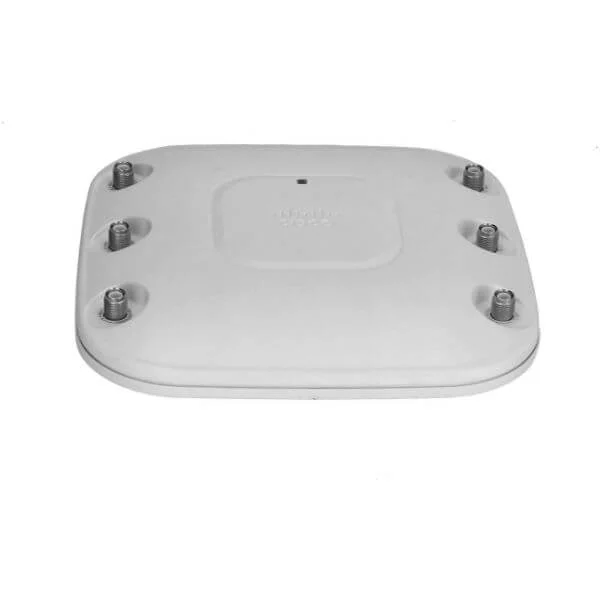 AIR-LAP1262N-A-K9 AIR-LAP1262N-A-K9 | 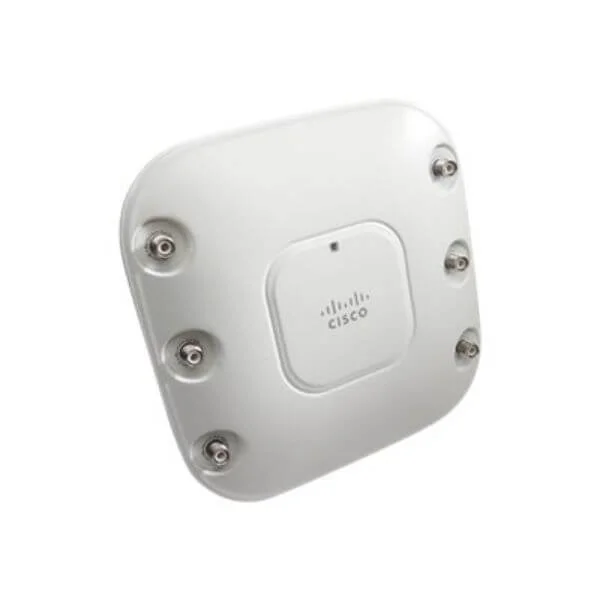 AIR-AP1261N-Q-K9 AIR-AP1261N-Q-K9 | |
|---|---|---|---|---|---|
| Product Type | Wireless Product | Wireless Access Point | Wireless Product | Wireless Product | Access Point |
| Wireless Type | Access Point | Access Point | Access Point | Access Point | Access Point |
| Frequency Bands | 2.4GHz / 5GHz | 2.4GHz | 2.4GHz / 5GHz | 2.4GHz / 5GHz | 2.4GHz |
| Data Rate | 300Mbps | 300Mbps | 600Mbps Aggregate | Up to 300Mbps per radio | 300Mbps |
| Antenna Type | Omnidirectional | Omnidirectional | Internal Omnidirectional | Omnidirectional | Omnidirectional |
| MIMO Technology | SU-MIMO | SU-MIMO | 2x2 MIMO | SU-MIMO | SU-MIMO |
| Mounting Options | Ceiling Mount | Ceiling Mount, Wall Mount | Ceiling Mount / Wall Mount | Ceiling Mount / Wall Mount | Ceiling Mount, Wall Mount |
| Power Supply | PoE | PoE | PoE | PoE | PoE |
| Mesh Networking | No | No | No | No | No |
| Ethernet Port | 1x Gigabit | 1x Gigabit | 1x Gigabit | 1x Gigabit | 1x Gigabit |
| Protocols Supported | 802.11a/b/g/n | 802.11n, Ethernet | 802.11n, Ethernet | 802.11a/b/g/n | 802.11a/b/g/n, Ethernet |
| Management Features | On-Premises | On-Premises, SNMP | On-Premises | On-Premises / SNMP | On-Premises |
| Security Features | WPA2 / WPA3 / 802.1X | WPA2, 802.1X | WPA2, 802.1X | WPA2 / 802.1X | WPA2 |
| Compliance | FCC / CE / RoHS | FCC, CE, RoHS | FCC / CE / RoHS | FCC / CE / RoHS | FCC, CE, RoHS |
| Outdoor Use | No | No | No | No | No |
| Product Name | AIR-AP1262N-E-K9 | AIR-LAP1262N-K-K9 | AIR-LAP1262N-N-K9 | AIR-LAP1262N-A-K9 | AIR-AP1261N-Q-K9 |


Every unit is authentic, sourced through trusted and authorised channels, and serial-verified on request. Genuine networking and IT hardware, guaranteed, or your money back.

New products are backed by up to 3 years of extended warranty, and certified refurbished units by up to 3 months, for dependable protection on every order. Coverage is clear, honoured in full, and confirmed on each product page.

If a unit ever falls short, our streamlined RMA process gets a replacement to you fast, with advance replacement available to keep your network running. No jargon, no runaround.

Every device is inspected, bench-tested, and firmware-verified, with configurations wiped before dispatch. Additional testing can be arranged to confirm full working condition on request.

Our specialists assist with compatibility, configuration, licensing, and installation, before and after you buy. Real hardware expertise, whenever you need it.

dispatched quickly and shipped worldwide from regional hubs, fully tracked and insured.
The Cisco AIR-AP1262N-E-K9 is a dual-band 802.11a/g/n standalone indoor access point from the 1260 Series, designed for high-performance, secure wireless LAN deployments in the European regulatory domain.
The AIR-AP1262N-E-K9 supports IEEE 802.11a/g/n on both 5 GHz and 2.4 GHz bands, delivering backward compatibility with legacy devices and high-speed N-rate performance.
It delivers up to 300 Mbps per radio (600 Mbps aggregate) using 2x2 MIMO technology on both the 2.4 GHz and 5 GHz bands.
This model uses external N-type connectors and requires Cisco-approved dipole or directional antennas rated for the E regulatory domain to ensure optimal coverage and compliance.
Yes. The AIR-AP1262N-E-K9 functions as a standalone access point without requiring an external wireless LAN controller, simplifying small-scale or branch deployments.
Power can be supplied via IEEE 802.3af PoE (48 V) or an optional 12 V DC power adapter, offering flexible installation choices.
The E regulatory domain indicates compliance with European ETSI regulations, defining allowed channels, power limits, and certification for operation in EU markets.
It supports up to 100 active client associations per access point, depending on traffic patterns and deployment density.
Built-in security includes WPA2-PSK, WPA2-Enterprise with 802.1X authentication, AES encryption, rogue AP detection, MAC filtering, and guest isolation.
Use the embedded web GUI or CLI to define SSIDs, assign them to VLAN IDs, configure security policies, and apply radio settings per your network design.
Yes. It supports 802.11e/WMM for traffic prioritization, enabling robust voice, video, and data performance under mixed-use scenarios.
The access point can be ceiling- or wall-mounted using Cisco-approved T-bar ceiling clips or wall-mount brackets, sold separately for flexible deployment.
Firmware upgrades are performed via the web interface or CLI using TFTP, FTP, or HTTP. Upload the new image and reboot to apply the update.
Cisco offers a one-year limited hardware warranty and optional SMARTnet Service contracts for extended coverage, software updates, and 24/7 technical support.
Press and hold the Mode button while rebooting for at least 20 seconds or issue the CLI command 'write erase' followed by 'reload' to restore factory settings.







