 United States
Trusted by the Highest-Stakes Buyers
Federal agencies and Fortune 500 operations source through ORM Systems.
US Government & Defense
Enterprise Clients

Featured Deal
Hand-picked by our procurement team for standout value. This unit is offered at our sharpest price on current stock, verified against live market rates.
Name:

Added to cart 28 times recently
Ready to Ship
Certified Refurbished
Professionally inspected, bench-tested, and firmware-verified, with configurations wiped. Restored to full working order and backed by our warranty.

$1,800.00
$689.8561.7% off
Quantity:


3 Year Extended Warranty


Same-day Shipping

30-Day Money Back Guarantee
Shipping:
Payment:
3 Year Extended Warranty
Same-day Shipping
30-Day Money Back Guarantee
Need Additional Discount on Product?
Request a quote below - Get Exclusive Pricing and Support.
Shipping:
Payment:
AR0MSDE12A00
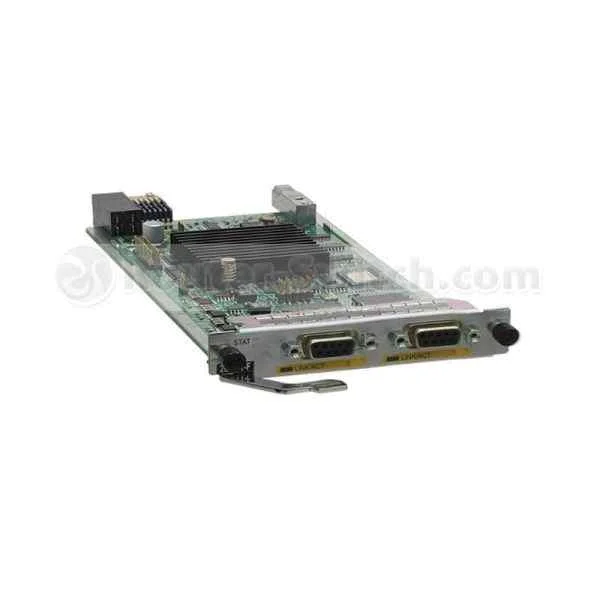
2-Port Fractional Channelized E1/T1 WAN Interface Card
Trusted by the Highest-Stakes Buyers
Federal agencies and Fortune 500 operations source through ORM Systems.
US Government & Defense




Enterprise Clients



Built Global. Stocked Local.
Regional teams and 25+ distribution partners keep stock near you and accountability in your time zone.
Buyer Protection on Every Order
Pay by PayPal or Revolut with full chargeback rights. Order on PO terms, Net-30 for government.
Verified By Federal Bodies
Every registration we claim is public record — check our federal contractor status yourself before you spend a dollar.



Since 2016, Enterprise-Trusted
Ten years serving buyers who audit their vendors. From federal agencies to 20,000+ enterprise clients worldwide.
AR0MSDE12A00 is a high-performance Ethernet module engineered to deliver 10Gbps data rates through its advanced SFP+ connector. Designed with modern data centers and enterprise networks in mind, this PCIe form factor module supports robust protocols such as TCP/IP and iSCSI, ensuring reliable and secure data transmission across routers, switches, and servers.
Optimized for upgrading network interfaces and expanding data center capacity, AR0MSDE12A00 offers essential features including auto-negotiation, wake-on-LAN, jumbo frames, and QoS. Its seamless installation and compatibility with leading vendors like Cisco, Juniper, Arista, Dell, and HP make it an ideal solution for high-speed network connectivity and high-performance computing environments.
AR0MSDE12A00 price is $689.85, a 61.7% saving from the Huawei list price of $1,800.00. AR0MSDE12A00 is in stock and available for next-day dispatch. (terms applied)
Request bulk order quote for AR0MSDE12A00 for additional pricing. Browse the full Ar Series Router Module/Ar Series Router Cards & Modules series or explore all Huawei products.
Mon–Fri: [09:00-16:00]
Avg. response under 30 mins

| AR0MSDE12A00 | 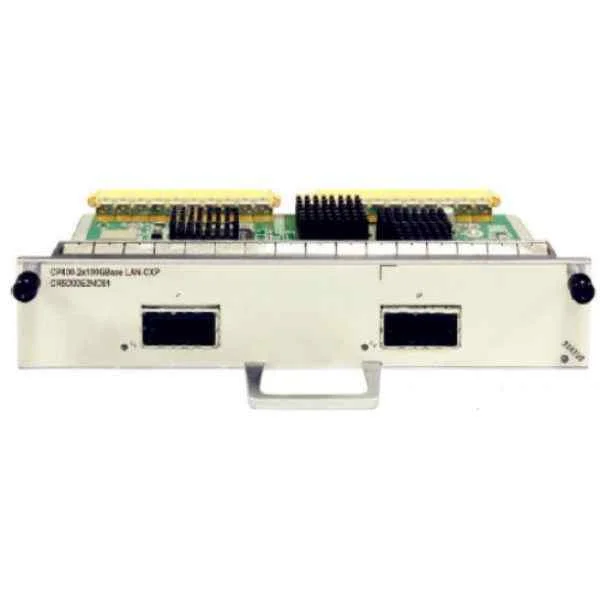 CR53-P10-4xPOS/STM4-SFP CR53-P10-4xPOS/STM4-SFP | 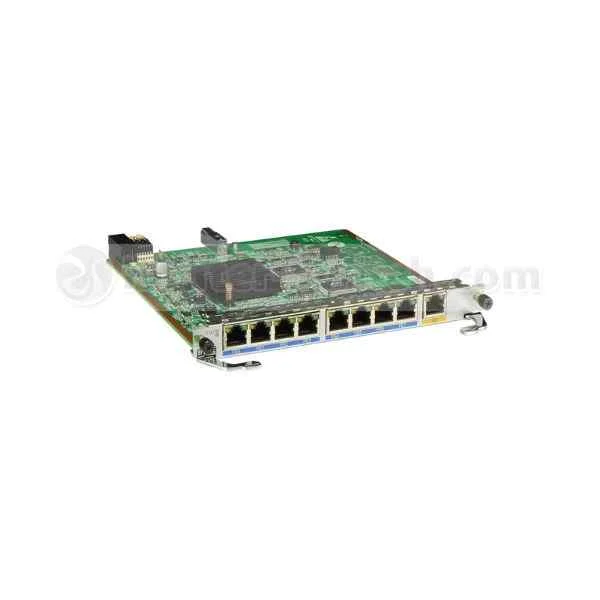 AR-9ES2-W AR-9ES2-W | 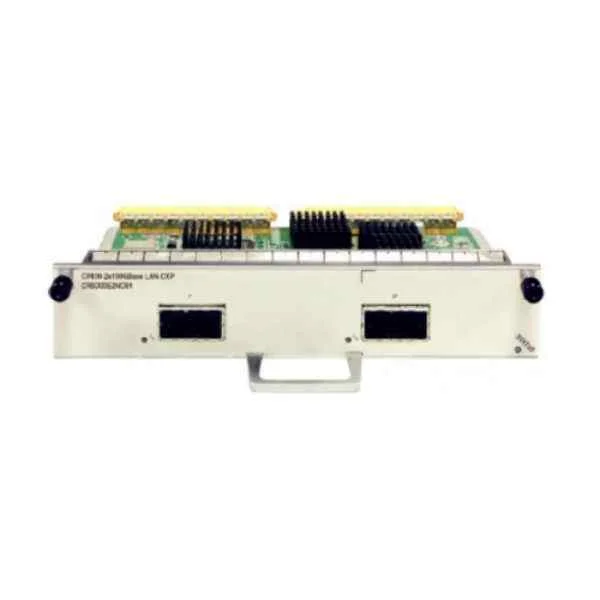 CR5D0L2XFH70 CR5D0L2XFH70 | 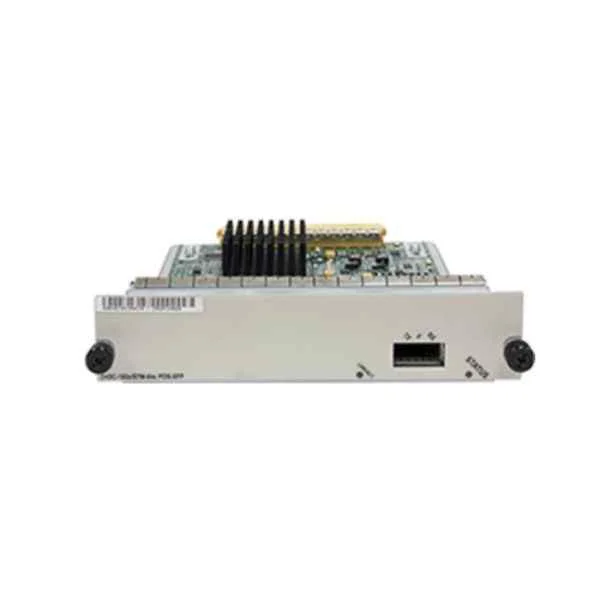 CR53-P10-1xPOS/STM64-XFP CR53-P10-1xPOS/STM64-XFP | |
|---|---|---|---|---|---|
| Connector Type | SFP+ | SFP | SFP+ | RJ-45 | XFP |
| Data Rate | 10G | STM-4 (622Mbps) | 10Gbps | 10Gbps | 10Gbps |
| Form Factor | PCIe | Modular | PCIe | PCIe | Modular |
| Input Voltage | 3.3V | 3.3V | 3.3V | 3.3V | 3.3V |
| Interface Ports | SFP+ | 4 x SFP | SFP+ | Ethernet | XFP |
| Max Speed | 10Gbps | STM-4 (622Mbps) | 10Gbps | 10Gbps | 10Gbps |
| Module Type | Ethernet | POS/STM4 SFP Module | Ethernet Module | Ethernet | SFP+ |
| Operating Temperature | 0 to 70°C | 0 to 70°C | 0 to 70°C | 0 to 70°C | 0 to 70°C |
| Product Name | AR0MSDE12A00 10Gbps SFP+ Ethernet Module | CR53-P10-4xPOS/STM4-SFP | AR-9ES2-W High-Speed Ethernet Module | CR5D0L2XFH70 Ethernet Network Interface Card | CR53-P10-1xPOS/STM64-XFP |
| Product Type | Network Module | Network Module / Network Card | Network Card | Network Card | Network Module |
| Storage Temperature | -40 to 85°C | -40 to 85°C | -40 to 85°C | -40 to 85°C | -40 to 85°C |
| Supported Protocols | TCP/IP, iSCSI | TCP/IP, POS | TCP/IP, iSCSI | TCP/IP, iSCSI | SONET/SDH, TCP/IP |


Every unit is authentic, sourced through trusted and authorised channels, and serial-verified on request. Genuine networking and IT hardware, guaranteed, or your money back.

New products are backed by up to 3 years of extended warranty, and certified refurbished units by up to 3 months, for dependable protection on every order. Coverage is clear, honoured in full, and confirmed on each product page.

If a unit ever falls short, our streamlined RMA process gets a replacement to you fast, with advance replacement available to keep your network running. No jargon, no runaround.

Every device is inspected, bench-tested, and firmware-verified, with configurations wiped before dispatch. Additional testing can be arranged to confirm full working condition on request.

Our specialists assist with compatibility, configuration, licensing, and installation, before and after you buy. Real hardware expertise, whenever you need it.

dispatched quickly and shipped worldwide from regional hubs, fully tracked and insured.
Reviewed on the 7 July 2025

Channelized E1/T1 card delivers stable links.
Reviewed on the 13 October 2019
Reliable WAN connectivity for legacy circuits.
Reviewed on the 6 November 2024
Consistent performance with no drops.
Reviewed on the 6 September 2019
Easy to deploy and manage.
Reviewed on the 21 September 2025
Works well in telecom environments.
Reviewed on the 3 January 2023
Dependable interface card.
The AR0MSDE12A00 is a Cisco-certified 2-port fractional channelized E1/T1 WAN interface card designed for enterprise routers. It delivers scalable, high-availability voice and data transport over digital circuits.
The AR0MSDE12A00 is compatible with Cisco Aggregation Services Routers (ASR) and Integrated Services Routers (ISR) G2 platforms. Check your router’s hardware installation guide for slot and firmware requirements.
Each of the two ports supports up to 30 fractional channels on a T1 (DS1) line or 15 channels on an E1 line. Channels can be dynamically allocated for data or voice.
The card supports fractional channel rates from 64 Kbps up to full T1 (1.544 Mbps) or full E1 (2.048 Mbps) per port. Aggregate bandwidth can reach 3.088 Mbps on two full T1 lines.
Installation involves inserting the card into an approved WAN interface module slot, securing it with included screws, and configuring the router IOS interface settings. No special tools are required.
It supports Frame Relay, PPP, HDLC, FRF.12, and G.703/G.704 for voice. Advanced features include Multilink PPP and channelized voice with CAC.
Yes, the card’s channelized E1/T1 interfaces support VoIP gateway functions when paired with the router’s voice DSP modules. It provides reliable voice transport over digital trunks.
Use IOS commands like ‘channel-group’ on the interface to map fractional timeslots. Cisco’s configuration guide offers sample scripts for common fractional scenarios.
The AR0MSDE12A00 consumes up to 15 W and operates between –5°C and 45°C with 10%–90% non-condensing humidity. It meets RoHS and WEEE compliance standards.
Yes, when installed in supported Cisco ASR or ISR platforms running compatible IOS XE releases, the card supports ISSU for minimal downtime during software updates.
Built-in smart T1/E1 diagnostics include BERT, BER statistics, loopbacks, and alarm reporting. Real-time performance counters are accessible via SNMP.
The card itself handles transport; security is enforced by the router’s IOS security features, including IPsec VPN, MACsec, and dynamic ACLs. Physical tampering is deterred by chassis locks.
No additional interface license is needed for basic operation. Advanced features like Multiservice and FNF may require corresponding IOS feature licenses.
In redundancy deployments, you can use HSRP/VRRP on channelized interfaces. The card’s hot-swap capability allows replacement without powering down the router.
Verify physical cable integrity, check alarm LEDs, run ‘show controllers t1’ or ‘show controllers e1’ for error counters, and confirm your configuration with ‘show run interface’. Replace the cable or module if tests fail.
Refer to the Cisco WAN Interface Card Hardware Installation Guide and the IOS Configuration Guides on the Cisco website for full specifications and configuration examples.







