 United States
Dell Memory Cards for Performance
Experience uncompromised reliability with Dell Memory Cards engineered for high-speed performance, seamless storage solutions, and enduring quality to meet the sophisticated demands of modern computing.
Talk to an expert
9 Matching results
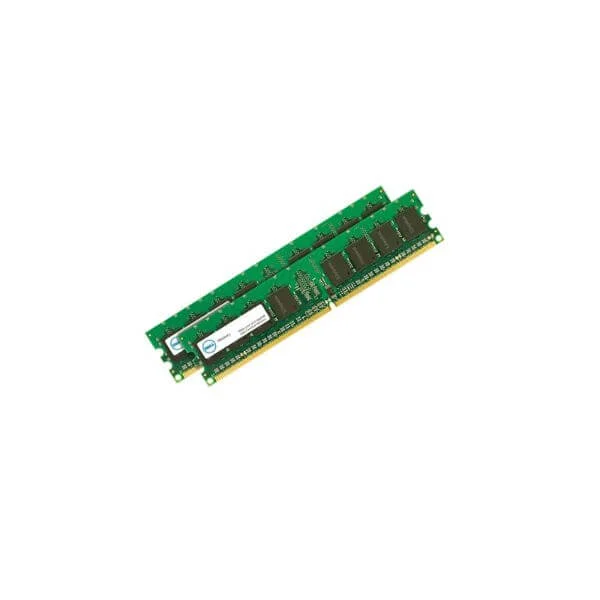
370-ADNI 8GB RDIMM 2666 (8GB RDIMM, 2666MT/s, Single)
4.8 (5)- Computer Memory
- Dell
- DDR4
- 8 GB
- Server
- Rack Server
- RDIMM
Est Value In stock
First-Time Buyer Discount – Get up to 2% additional off on your first order
ORM Rewards Earn $50 in Rewards + Free Expedited Delivery – Join Now!
Use eCoupon ORMSAVE10
eCoupon limited to 5 units
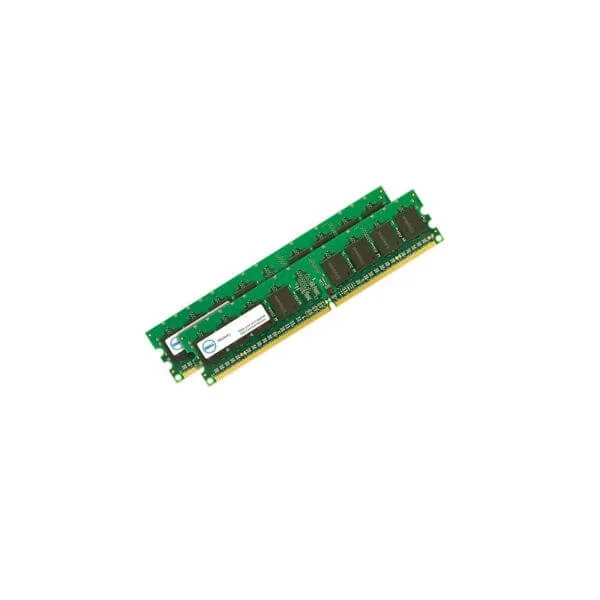
370-AEQF 16GB RDIMM 2933 (16GB RDIMM, 2933MT/s, Dual)
4.8 (5)- Computer Memory
- Dell
- DDR4
- 16 GB
- Server
- Rack Server / Tower Server
- RDIMM
Est Value In stockFirst-Time Buyer Discount – Get up to 2% additional off on your first order
ORM Rewards Earn $50 in Rewards + Free Expedited Delivery – Join Now!
Use eCoupon ORMSAVE10
eCoupon limited to 5 units
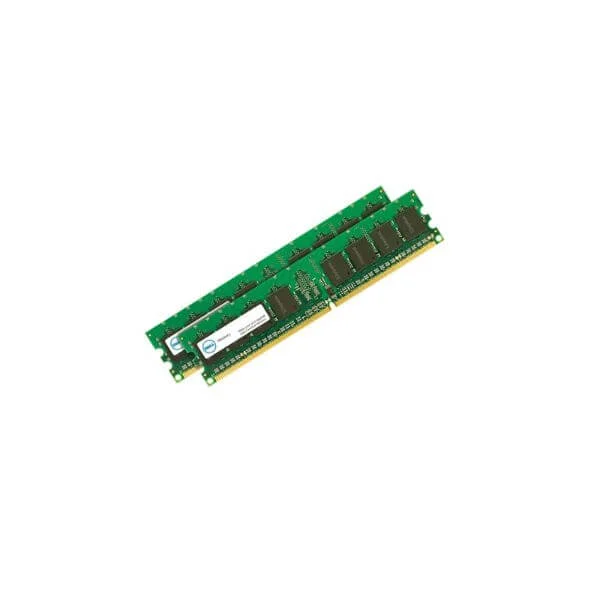
370-AEQH 32GB RDIMM 2933 (32GB RDIMM, 2933MT/s, Dual)
4.4 (5)- Computer Memory
- Dell
- DDR4
- 32 GB
- Server
- Rack Server
- RDIMM
Est Value In stockFirst-Time Buyer Discount – Get up to 2% additional off on your first order
ORM Rewards Earn $50 in Rewards + Free Expedited Delivery – Join Now!
Use eCoupon ORMSAVE10
eCoupon limited to 5 units
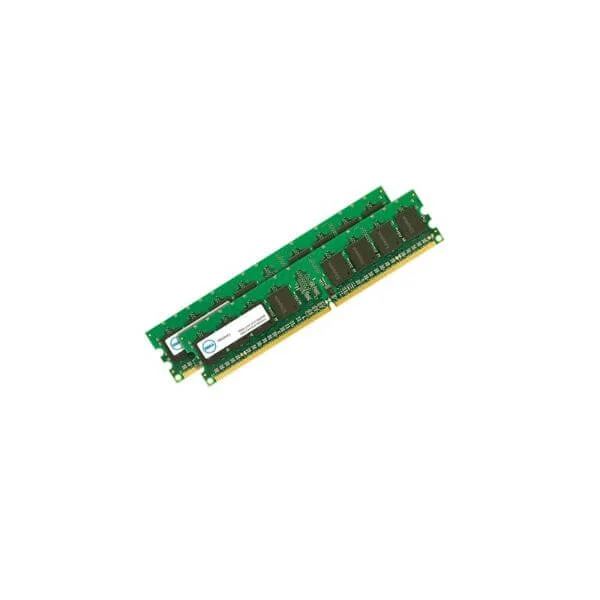
370-AEQD 64GB RDIMM 2933 (64GB RDIMM, 2933MT/s, Dual)
4.4 (5)- Computer Memory
- Dell
- DDR4
- 64 GB
- Server
- Rack Server
- RDIMM
Est Value In stockFirst-Time Buyer Discount – Get up to 2% additional off on your first order
ORM Rewards Earn $50 in Rewards + Free Expedited Delivery – Join Now!
Use eCoupon ORMSAVE10
eCoupon limited to 5 units
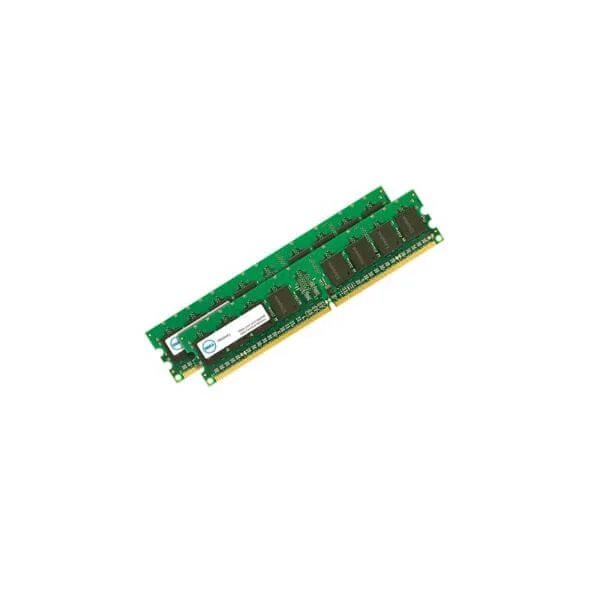
370-AEFY 4GB DDR4 2666 UECC (4GB DDR4 2666MHz Not ECC Memory)
4.4 (5)- Computer Memory
- Dell
- DDR4
- 4 GB
- Desktop / Server
- UDIMM
Est Value In stockFirst-Time Buyer Discount – Get up to 2% additional off on your first order
ORM Rewards Earn $50 in Rewards + Free Expedited Delivery – Join Now!
Use eCoupon ORMSAVE10
eCoupon limited to 5 units
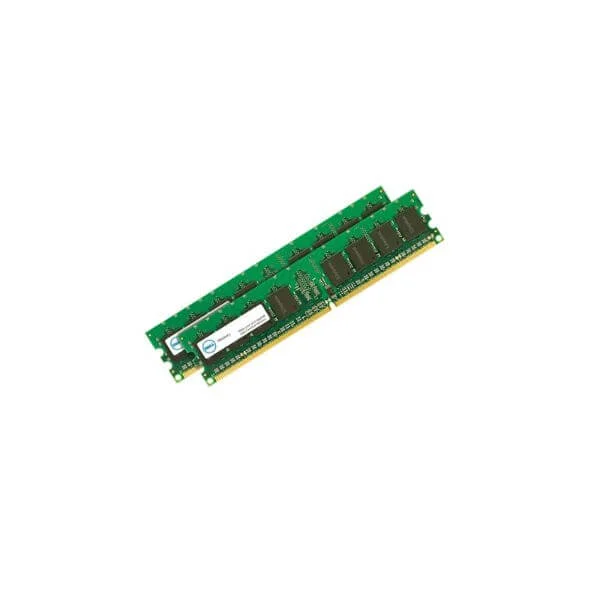
370-AEES 8GB DDR4 2666 UECC (8GB DDR4 2666MHz UDIMM Not ECC)
4.4 (5)- Computer Memory
- Dell
- DDR4
- 8 GB
- Server
- Rack Server
- UDIMM
Est Value In stockFirst-Time Buyer Discount – Get up to 2% additional off on your first order
ORM Rewards Earn $50 in Rewards + Free Expedited Delivery – Join Now!
Use eCoupon ORMSAVE10
eCoupon limited to 5 units
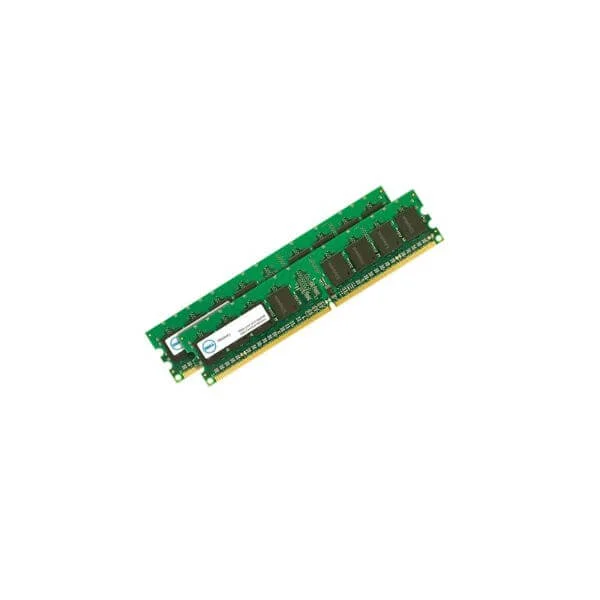
370-AEFW 16GB DDR4 2666 UECC (16GB DDR4 2666MHz UDIMM Not ECC)
4.6 (5)- Computer Memory
- Dell
- DDR4
- 16 GB
- Server
- UDIMM
Est Value In stockFirst-Time Buyer Discount – Get up to 2% additional off on your first order
ORM Rewards Earn $50 in Rewards + Free Expedited Delivery – Join Now!
Use eCoupon ORMSAVE10
eCoupon limited to 5 units
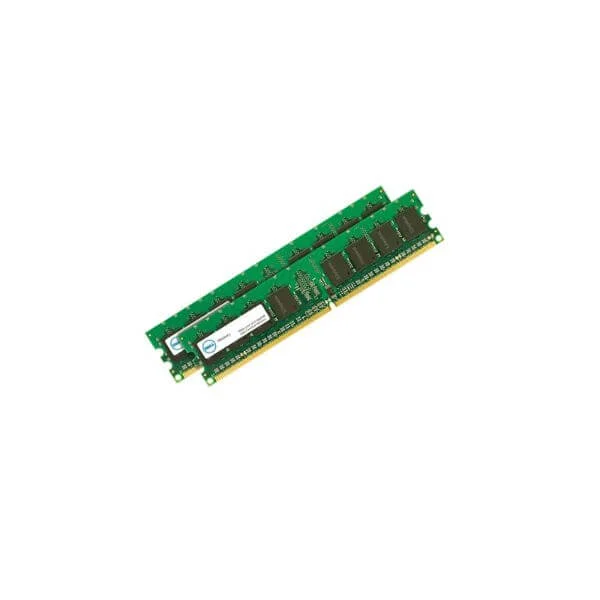
370-AEKN 8GB DDR4 2666 ECC (8GB 2666MT/s DDR4 ECC UDIMM)
4.6 (5)- Computer Memory
- Dell
- DDR4
- 8 GB
- Desktop / Server
- UDIMM
Est Value In stockFirst-Time Buyer Discount – Get up to 2% additional off on your first order
ORM Rewards Earn $50 in Rewards + Free Expedited Delivery – Join Now!
Use eCoupon ORMSAVE10
eCoupon limited to 5 units
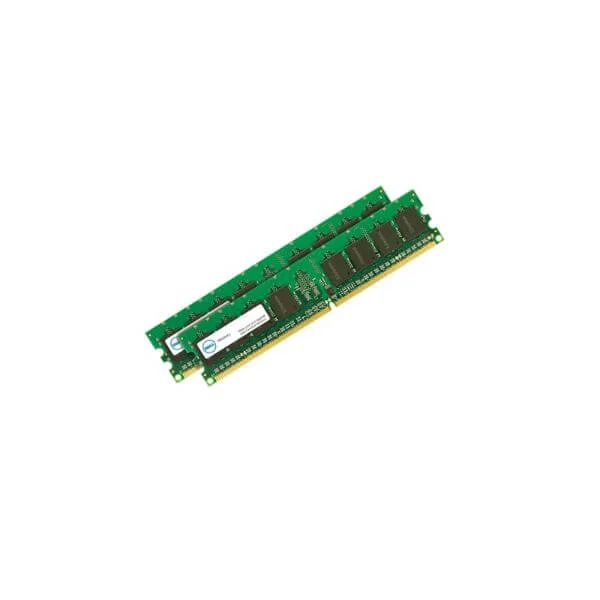
370-AEKL 16GB DDR4 2666 ECC (16GB 2666MT/s DDR4 ECC UDIMM)
4.2 (5)- Computer Memory
- Dell
- DDR4
- 16 GB
- Desktop / Laptop / Server
- Rack Server
- UDIMM
Est Value In stockFirst-Time Buyer Discount – Get up to 2% additional off on your first order
ORM Rewards Earn $50 in Rewards + Free Expedited Delivery – Join Now!
Use eCoupon ORMSAVE10
eCoupon limited to 5 units

ORM Sales Advisors
Buying for your business? Get a personalised quote in under 2 hours. Talk to an expert
LEARNFilters (9) 
Questions & Answers
What capacities are available for Dell memory cards?
Dell memory cards come in capacities ranging from 16GB to 512GB to suit various storage needs.
Are Dell memory cards compatible with all Dell laptops and desktops?
Yes, Dell memory cards are compatible with any Dell laptop or desktop featuring an SD card slot or via a USB card reader.
What read and write speeds do Dell memory cards support?
Dell memory cards offer read speeds up to 100 MB/s and write speeds up to 90 MB/s for efficient data transfers.
How do I install a Dell memory card in my device?
Insert the Dell memory card into your device’s SD slot until it clicks; the operating system will then detect and mount it automatically.
Can I use Dell memory cards for 4K video recording?
Yes, select Dell memory cards with UHS-I support sustained write speeds above 30 MB/s to record 4K video smoothly.
Do Dell memory cards use UHS-I or UHS-II technology?
Most Dell memory cards utilize UHS-I technology for a balance of performance and cost, with select models offering UHS-II speeds.
How do I format a Dell memory card for first use?
Open Disk Management on Windows or Disk Utility on macOS, select your Dell memory card, choose the desired file system, and click Format.
What warranty is included with Dell memory cards?
Dell memory cards include a two-year limited warranty covering manufacturing defects and offering replacement or repair.
Where can I purchase genuine Dell memory cards?
You can buy genuine Dell memory cards from Dell’s official online store, authorized Dell resellers, and select retail partners.
How do I troubleshoot a Dell memory card that isn’t recognized?
Reseat the Dell memory card, update your device drivers, try an alternate card reader, or test the card in another device.
Are Dell memory cards water, shock, and temperature resistant?
Dell memory cards are engineered to withstand water, shock, and extreme temperatures for reliable field use.
How do I back up data from my Dell memory card?
Connect the Dell memory card to your computer and use file-management or backup software to copy files to primary storage or the cloud.
Can Dell memory cards be used in cameras and smartphones?
Yes, Dell memory cards are compatible with most digital cameras, smartphones, and tablets that support SD or microSD formats.
Which file systems do Dell memory cards support?
Dell memory cards support FAT32 for up to 32 GB, exFAT for larger volumes, and NTFS on Windows environments.
How can I check the available storage on my Dell memory card?
View your Dell memory card’s free space by right-clicking it in File Explorer on Windows or selecting Get Info on macOS.
Can I use a microSD Dell memory card with an SD adapter?
Yes, you can pair a Dell microSD memory card with a standard SD adapter for devices equipped with full-size SD slots.