 United States
Dell Memory & RAM Excellence
Delivering optimized performance for professional computing demands, our Dell memory and RAM modules ensure high-speed operations, reliability, and enhanced system efficiency for robust, secure digital workflows.
Talk to an expert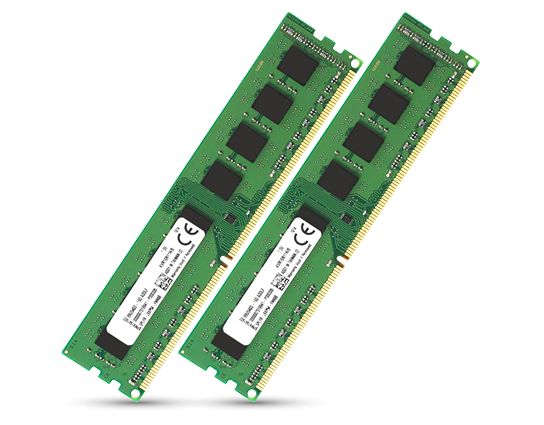
Dell Ram
(2)Dell RAM covers virtual desktop hosts in regional data centers with DDR4 UDIMM or RDIMM modules and ECC memory configurations
Dell Memory Cards
(9)Dell memory cards provide SD boot media for remote branch server maintenance, including card formats, write endurance, and keyed module handling
11 Matching results
SNP888JGC (Dell Memory Upgrade - 8GB - 1Rx8 DDR4 RDIMM 2400MHz)
4.2 (5)- Computer Memory
- Dell
- DDR4
- 16 GB
- Desktop / Laptop / Server
- Workstation
- UDIMM
Est Value $358.81
$306.31
14.6% offIn stockRefurbishedFirst-Time Buyer Discount – Get up to 2% additional off on your first order
ORM Rewards Earn $50 in Rewards + Free Expedited Delivery – Join Now!
Use eCoupon ORMSAVE10
eCoupon limited to 5 units
SNPCPC7GC/32G (Dell Memory Upgrade - 32GB - 2RX4 DDR4 RDIMM 2400MHz)
4.6 (5)- Computer Memory
- Dell
- DDR4
- 32 GB
- Desktop
- Workstation
- UDIMM
Est Value $418.50$267.75
36% offIn stockNewRefurbishedFirst-Time Buyer Discount – Get up to 2% additional off on your first order
ORM Rewards Earn $50 in Rewards + Free Expedited Delivery – Join Now!
Use eCoupon ORMSAVE10
eCoupon limited to 5 units
370-ADNI 8GB RDIMM 2666 (8GB RDIMM, 2666MT/s, Single)
4.8 (5)- Computer Memory
- Dell
- DDR4
- 8 GB
- Server
- Rack Server
- RDIMM
Est Value In stockFirst-Time Buyer Discount – Get up to 2% additional off on your first order
ORM Rewards Earn $50 in Rewards + Free Expedited Delivery – Join Now!
Use eCoupon ORMSAVE10
eCoupon limited to 5 units
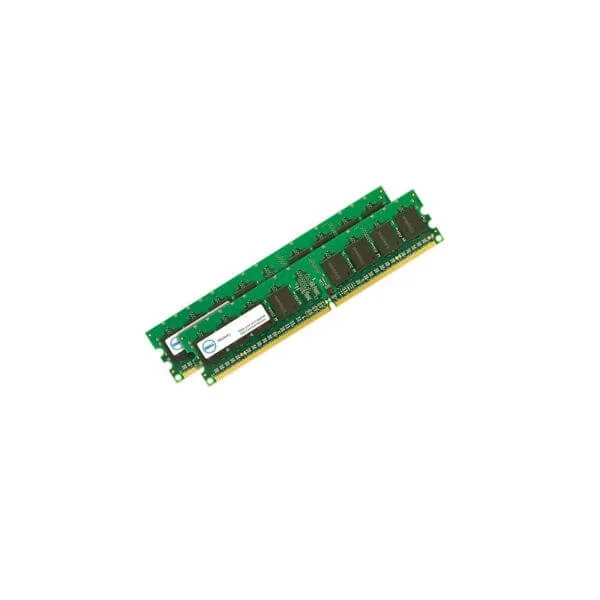
370-AEQF 16GB RDIMM 2933 (16GB RDIMM, 2933MT/s, Dual)
4.8 (5)- Computer Memory
- Dell
- DDR4
- 16 GB
- Server
- Rack Server / Tower Server
- RDIMM
Est Value In stockFirst-Time Buyer Discount – Get up to 2% additional off on your first order
ORM Rewards Earn $50 in Rewards + Free Expedited Delivery – Join Now!
Use eCoupon ORMSAVE10
eCoupon limited to 5 units
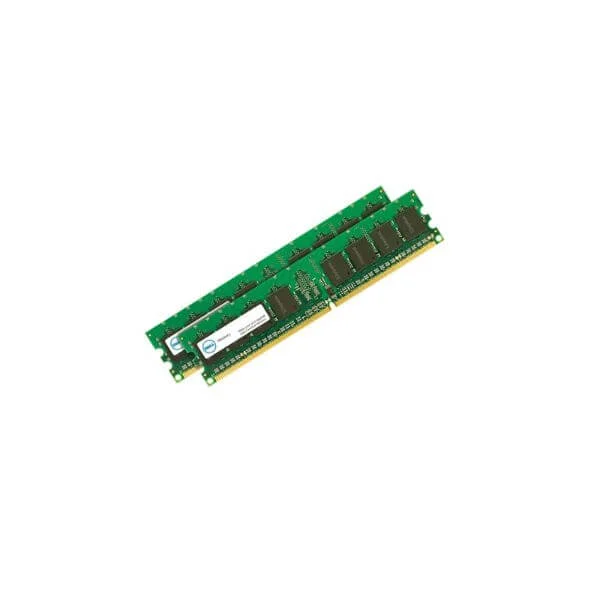
370-AEQH 32GB RDIMM 2933 (32GB RDIMM, 2933MT/s, Dual)
4.4 (5)- Computer Memory
- Dell
- DDR4
- 32 GB
- Server
- Rack Server
- RDIMM
Est Value In stockFirst-Time Buyer Discount – Get up to 2% additional off on your first order
ORM Rewards Earn $50 in Rewards + Free Expedited Delivery – Join Now!
Use eCoupon ORMSAVE10
eCoupon limited to 5 units
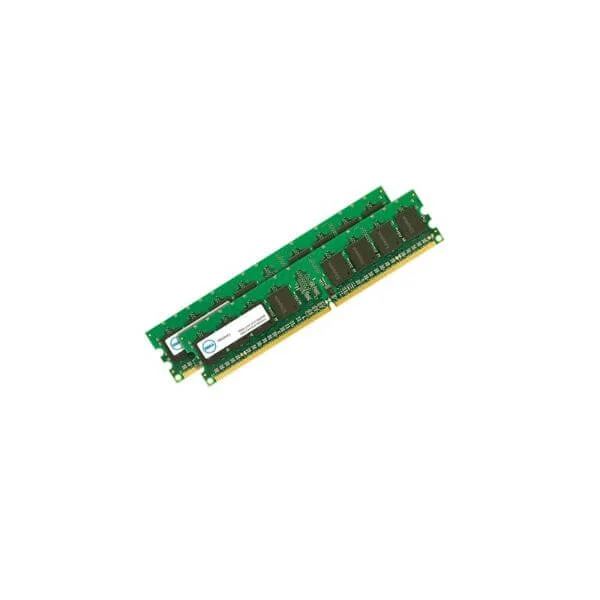
370-AEQD 64GB RDIMM 2933 (64GB RDIMM, 2933MT/s, Dual)
4.4 (5)- Computer Memory
- Dell
- DDR4
- 64 GB
- Server
- Rack Server
- RDIMM
Est Value In stockFirst-Time Buyer Discount – Get up to 2% additional off on your first order
ORM Rewards Earn $50 in Rewards + Free Expedited Delivery – Join Now!
Use eCoupon ORMSAVE10
eCoupon limited to 5 units
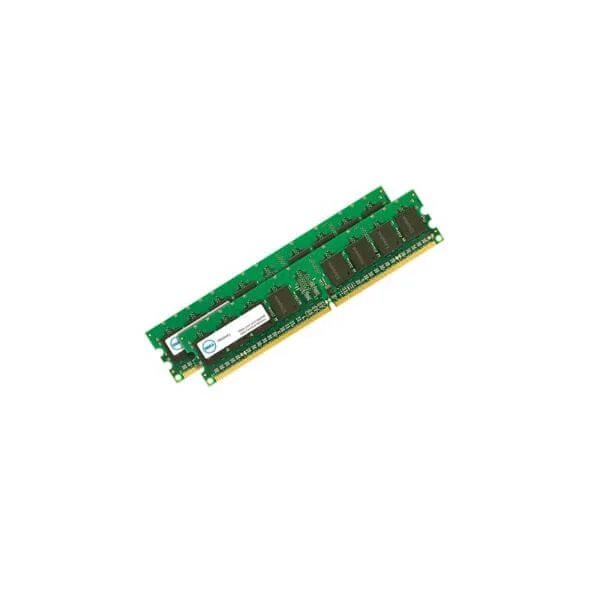
370-AEFY 4GB DDR4 2666 UECC (4GB DDR4 2666MHz Not ECC Memory)
4.4 (5)- Computer Memory
- Dell
- DDR4
- 4 GB
- Desktop / Server
- UDIMM
Est Value In stockFirst-Time Buyer Discount – Get up to 2% additional off on your first order
ORM Rewards Earn $50 in Rewards + Free Expedited Delivery – Join Now!
Use eCoupon ORMSAVE10
eCoupon limited to 5 units
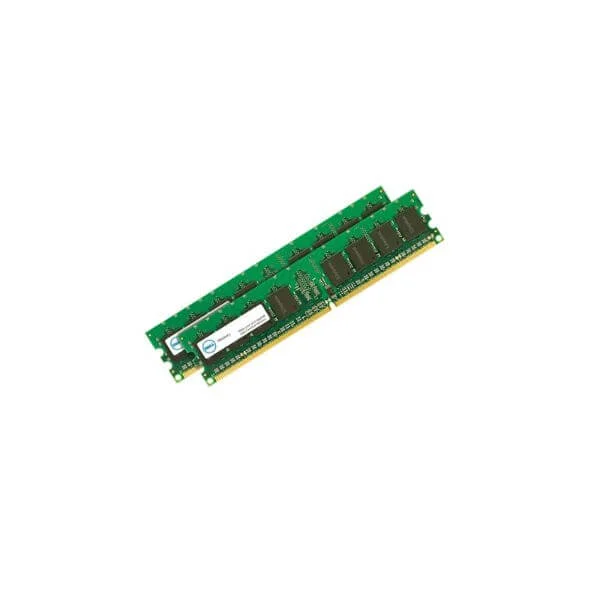
370-AEES 8GB DDR4 2666 UECC (8GB DDR4 2666MHz UDIMM Not ECC)
4.4 (5)- Computer Memory
- Dell
- DDR4
- 8 GB
- Server
- Rack Server
- UDIMM
Est Value In stockFirst-Time Buyer Discount – Get up to 2% additional off on your first order
ORM Rewards Earn $50 in Rewards + Free Expedited Delivery – Join Now!
Use eCoupon ORMSAVE10
eCoupon limited to 5 units
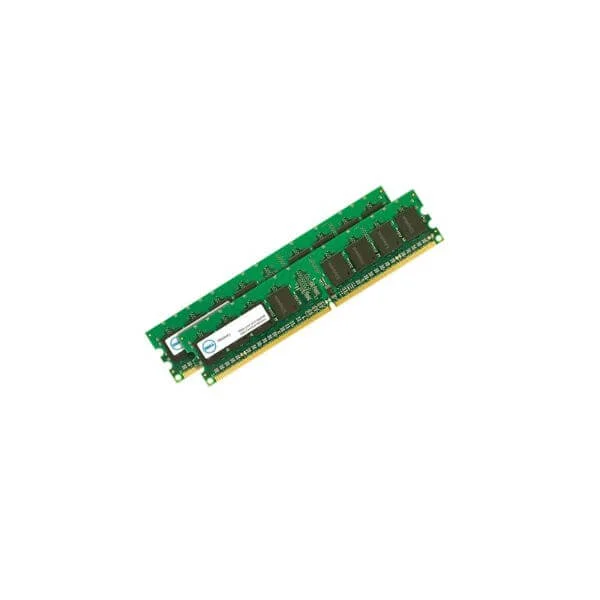
370-AEFW 16GB DDR4 2666 UECC (16GB DDR4 2666MHz UDIMM Not ECC)
4.6 (5)- Computer Memory
- Dell
- DDR4
- 16 GB
- Server
- UDIMM
Est Value In stockFirst-Time Buyer Discount – Get up to 2% additional off on your first order
ORM Rewards Earn $50 in Rewards + Free Expedited Delivery – Join Now!
Use eCoupon ORMSAVE10
eCoupon limited to 5 units
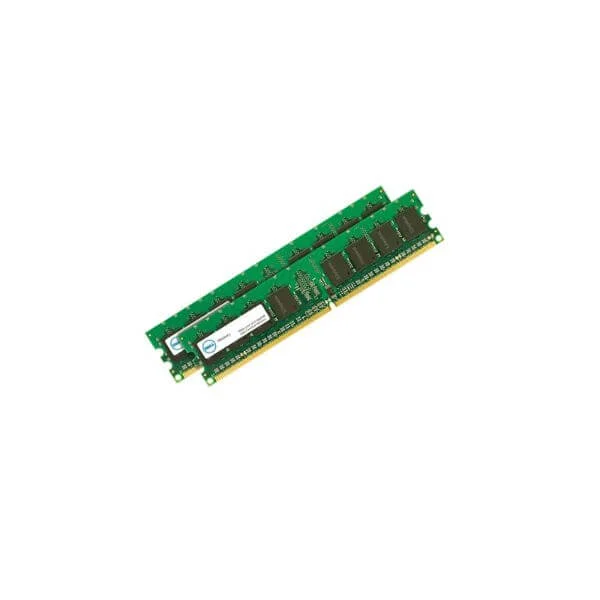
370-AEKN 8GB DDR4 2666 ECC (8GB 2666MT/s DDR4 ECC UDIMM)
4.6 (5)- Computer Memory
- Dell
- DDR4
- 8 GB
- Desktop / Server
- UDIMM
Est Value In stockFirst-Time Buyer Discount – Get up to 2% additional off on your first order
ORM Rewards Earn $50 in Rewards + Free Expedited Delivery – Join Now!
Use eCoupon ORMSAVE10
eCoupon limited to 5 units
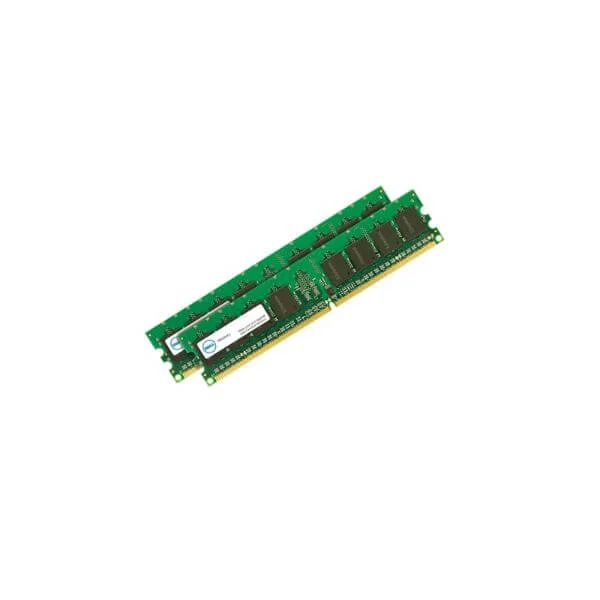
370-AEKL 16GB DDR4 2666 ECC (16GB 2666MT/s DDR4 ECC UDIMM)
4.2 (5)- Computer Memory
- Dell
- DDR4
- 16 GB
- Desktop / Laptop / Server
- Rack Server
- UDIMM
Est Value In stockFirst-Time Buyer Discount – Get up to 2% additional off on your first order
ORM Rewards Earn $50 in Rewards + Free Expedited Delivery – Join Now!
Use eCoupon ORMSAVE10
eCoupon limited to 5 units

ORM Sales Advisors
Buying for your business? Get a personalised quote in under 2 hours. Talk to an expert
LEARNFilters (11) 
Questions & Answers
What types of RAM does Dell support?
Dell supports DDR4 and DDR5 memory modules in UDIMM, SO-DIMM, ECC, and Registered configurations, depending on the system model.
How do I check if my Dell system supports a RAM upgrade?
Use your Dell Service Tag on Dell.com or enter BIOS setup to view supported memory types, speeds, slot availability, and maximum capacity.
How do I install Dell memory modules in my computer?
Power off and unplug your system, remove the access panel, align the module notch with the slot key, insert at a 45° angle, press down until it clicks, and replace the panel.
Can I mix different RAM capacities or speeds on a Dell system?
While mixing is technically possible, Dell recommends using identical capacity and speed modules to ensure optimal performance and stability.
What is ECC vs. non-ECC RAM and does Dell use ECC?
ECC RAM detects and corrects single-bit errors. Dell PowerEdge servers and Precision workstations support ECC, whereas consumer desktops use non-ECC modules.
How do I choose the right RAM for my Dell laptop or desktop?
Refer to your system's technical specifications or Dell Memory Configurator with your Service Tag to select compatible type, speed, and capacity.
How do I run a memory diagnostic on my Dell computer?
Reboot and press F12 at startup, select Diagnostics, choose the Memory Test, and follow on-screen prompts to identify errors.
Does Dell offer a warranty on memory modules?
Dell memory modules include a limited lifetime warranty against defects when installed in the original Dell system.
How much performance improvement can I expect by adding RAM to a Dell system?
Upgrading RAM reduces paging, improves multitasking, and accelerates load times. Actual gains vary based on applications and current memory usage.
What is the maximum RAM capacity supported by my Dell model?
Maximum capacity varies by model. Check Dell.com with your Service Tag or system manual to confirm the supported total memory.
How do I find the Dell memory part number for replacement?
Check the existing DIMM labels for Dell part and assembly numbers or enter your Service Tag on Dell.com to view original replacement parts.
Are Dell memory modules compatible with non-Dell systems?
Dell modules follow industry standards and may work in other systems if specs match, but Dell does not guarantee compatibility outside its certified platforms.
Can I upgrade Dell server memory online using Dell Memory Advisor?
Yes, the Dell Memory Configurator tool allows you to enter your server model or Service Tag and select certified memory upgrade options.
How do I troubleshoot memory errors on my Dell system?
Run Dell Diagnostics, reseat or swap modules between slots, test each module individually, and update the BIOS to the latest version.
What is the difference between Dell Standard and Dell Performance RAM?
Dell Standard RAM meets basic JEDEC specifications. Performance RAM offers higher speeds and lower latencies for intensive workloads.
Does Dell offer memory upgrade kits or bundles?
Dell provides factory-tested upgrade kits and bundles tailored for specific systems, including matched modules and installation guidelines.